
AI ad testing is the practice of using AI generation to run creative testing as a continuous, high-throughput workflow instead of an occasional one-off experiment. The idea is simple: the reason most accounts test slowly is that producing test creatives is expensive, so removing the production bottleneck lets you test far more concepts per week. With Pixair AI, you can produce 10 or more test variations from a single product photo in under an hour, launch them on the same cadence every week, and turn ad testing from a quarterly project into a running engine that keeps feeding your account fresh winners.
What Is AI Ad Testing?
AI ad testing is a workflow, not a single test. It uses AI image generation to produce the volume of creative a real testing program needs - dozens of fresh concepts a month - so testing becomes a repeatable weekly loop rather than something you do when the account stalls. The generation is the enabler; the discipline is the cadence.
This is distinct from the mechanics of any individual test. How you design one clean experiment - isolating a single variable, hitting enough impressions per cell to read significance - is covered in the ad creative A/B testing guide. This post is about the layer above that: how you run those tests back to back, week after week, at a volume manual production can never sustain. One is the science of a test; this is the operating system that keeps tests running.
Why Does Manual Creative Testing Stall at a Few Ads a Month?
The constraint on almost every testing program is not budget or analytics - it is creative supply. A designer produces a handful of polished ads per week, so the testing pipeline is throttled at the source, and three problems compound from there.
Production sets the testing ceiling
If your team can make six ads a month, you test six ads a month - no workflow, dashboard, or budget increase changes that number. The market moves faster than six concepts can keep up with, so accounts that test at manual speed slowly fall behind the ones that do not. The ceiling on learning is set by the slowest step, and that step is production.
Low volume makes every test high-stakes
When each ad costs days and hundreds of dollars to make, you cannot afford to test a concept that might lose. So teams only test safe, incremental ideas - and safe ideas rarely produce the outlier winners that actually move an account. High production cost quietly narrows the range of ideas you are willing to put in front of an audience.
Testing becomes a project, not a habit
Because a batch takes weeks to produce, testing happens in bursts: a big push, then a long gap while the winner is milked and the next batch is briefed. Creative fatigue sets in during the gap, CPMs climb, and the account is caught flat-footed. A testing engine that never stops is what prevents that cycle - and it only exists if producing the next batch is cheap and fast.


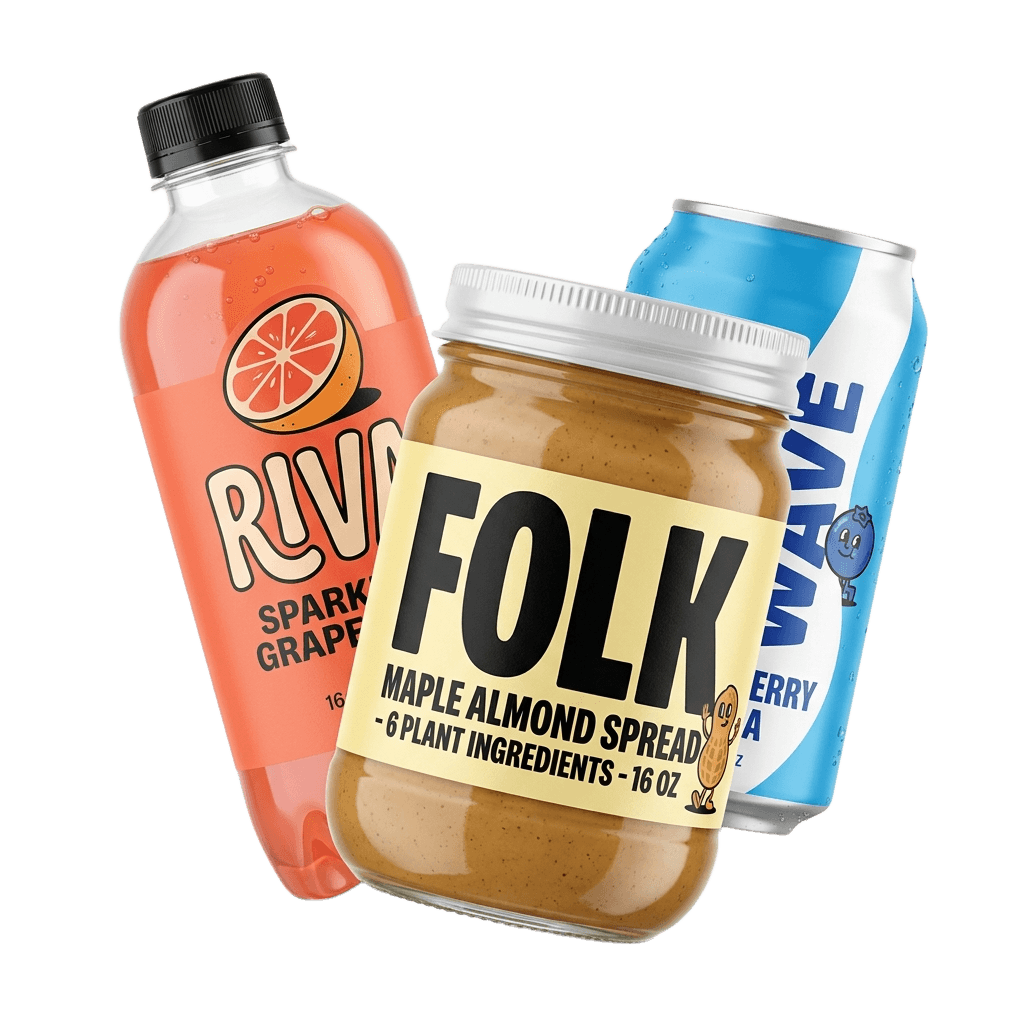
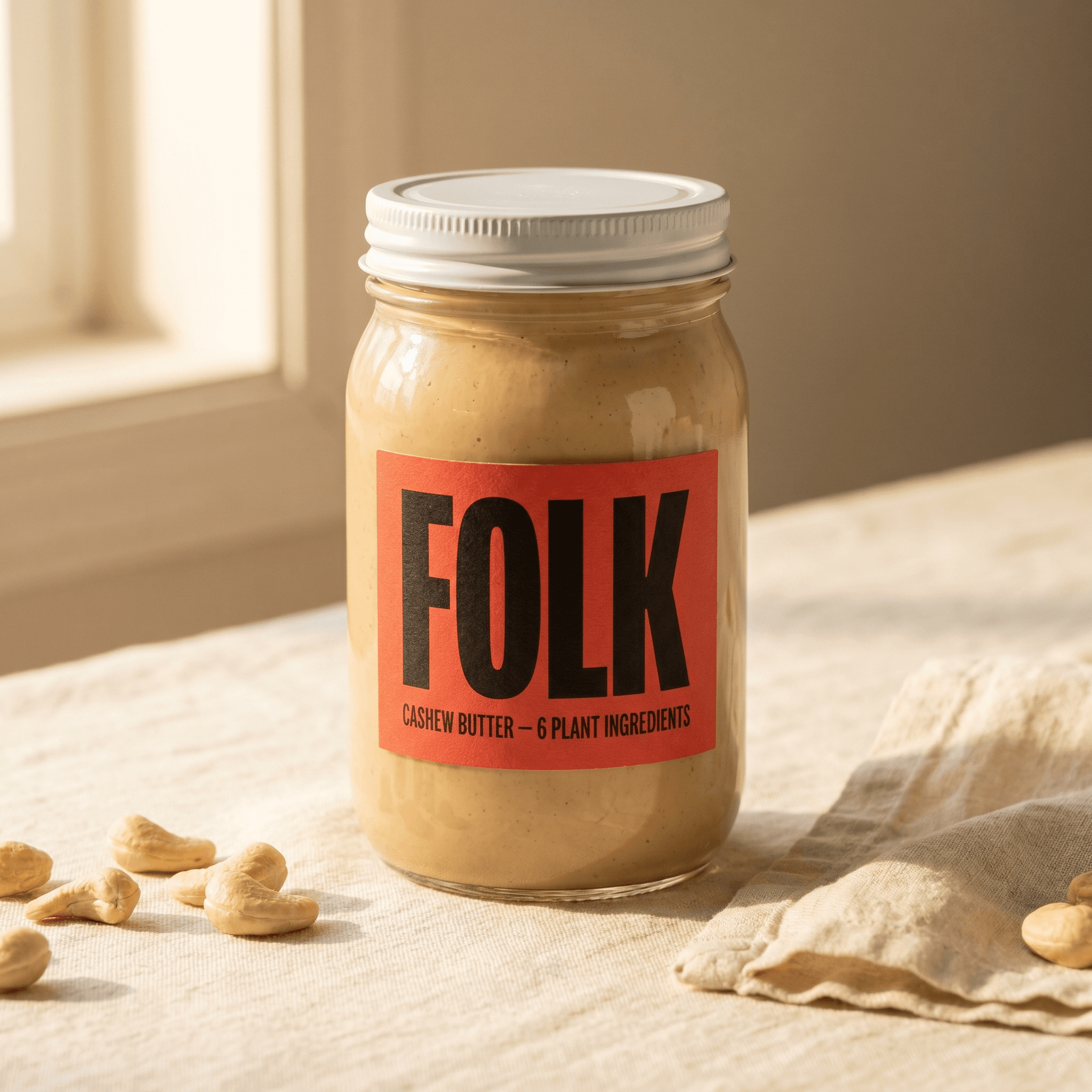
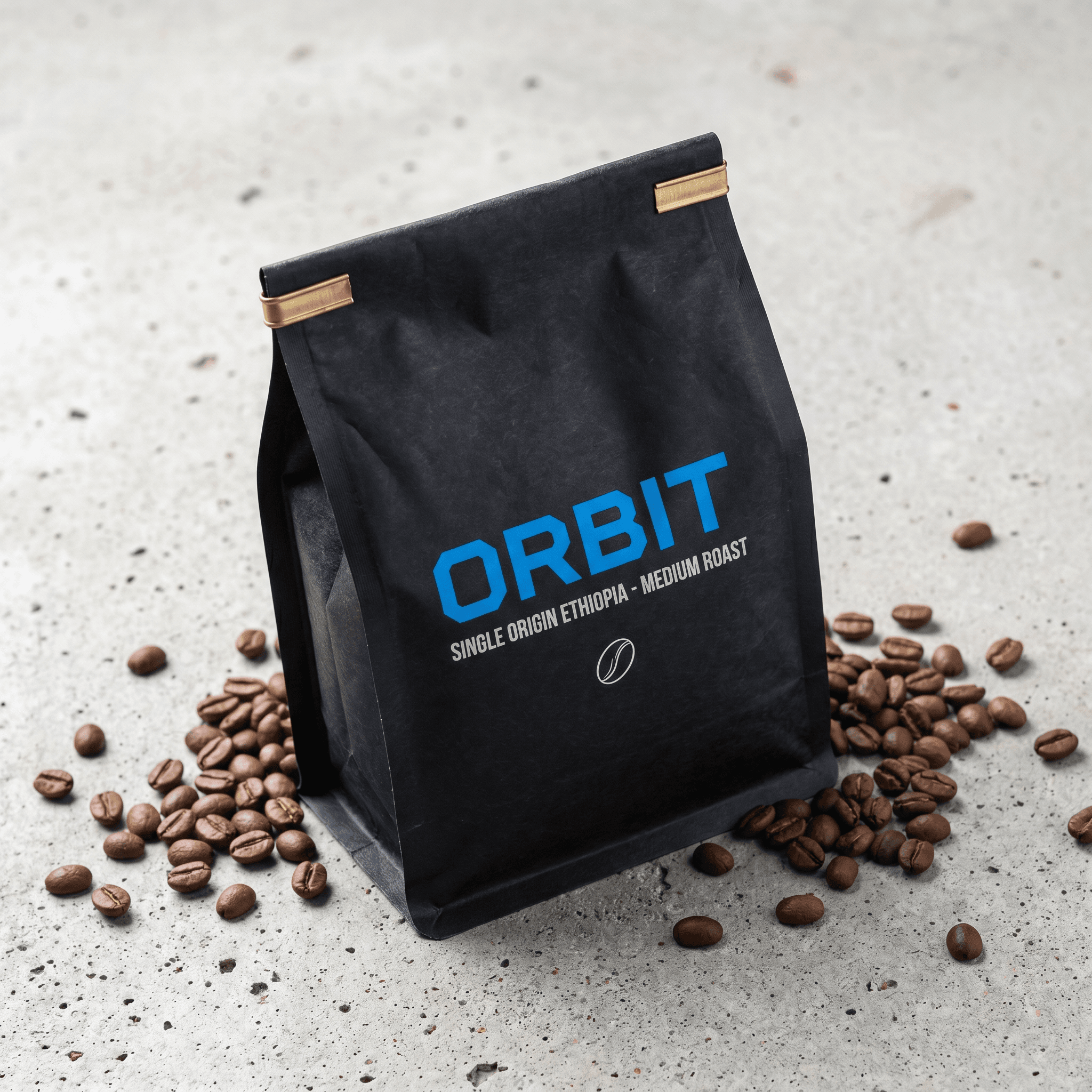
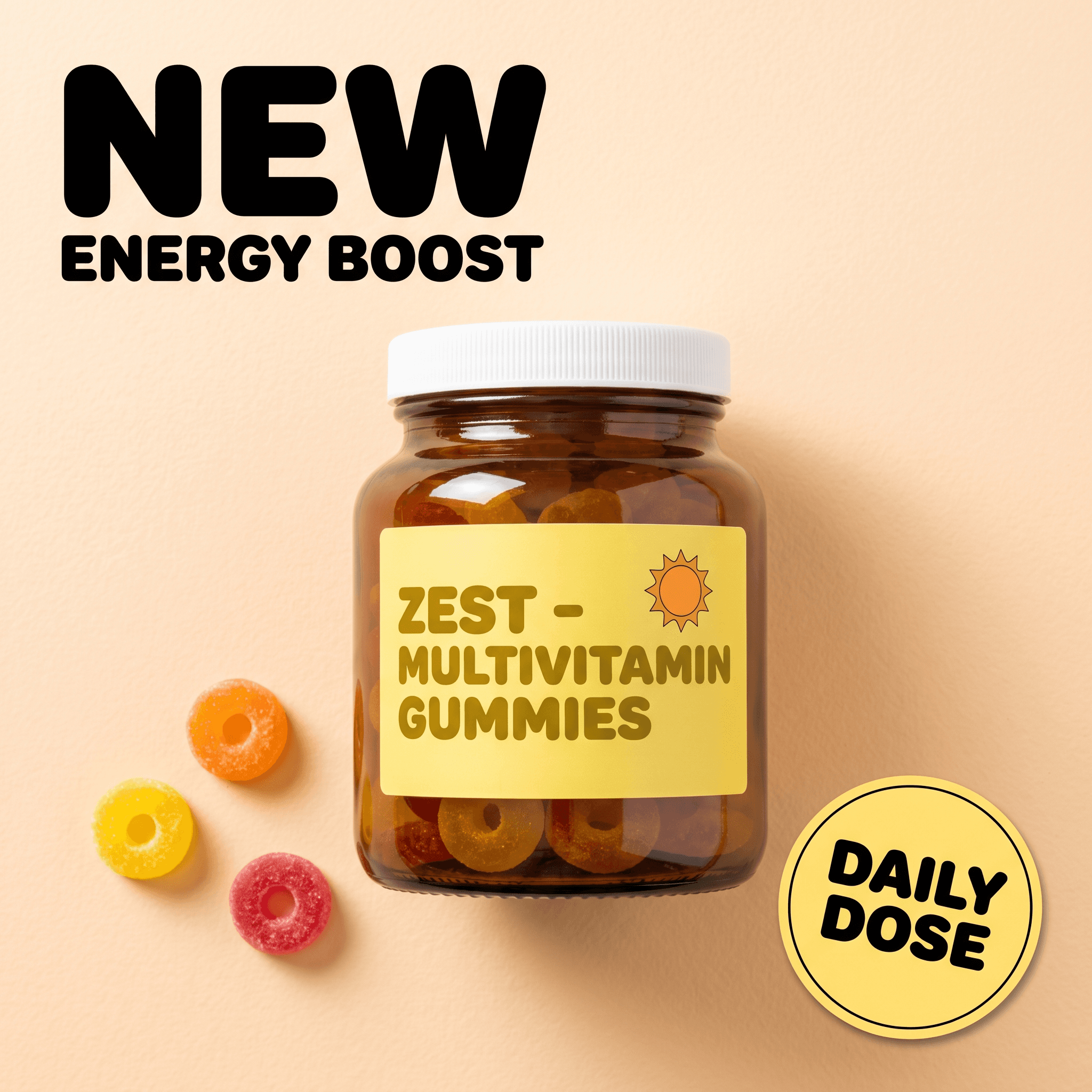
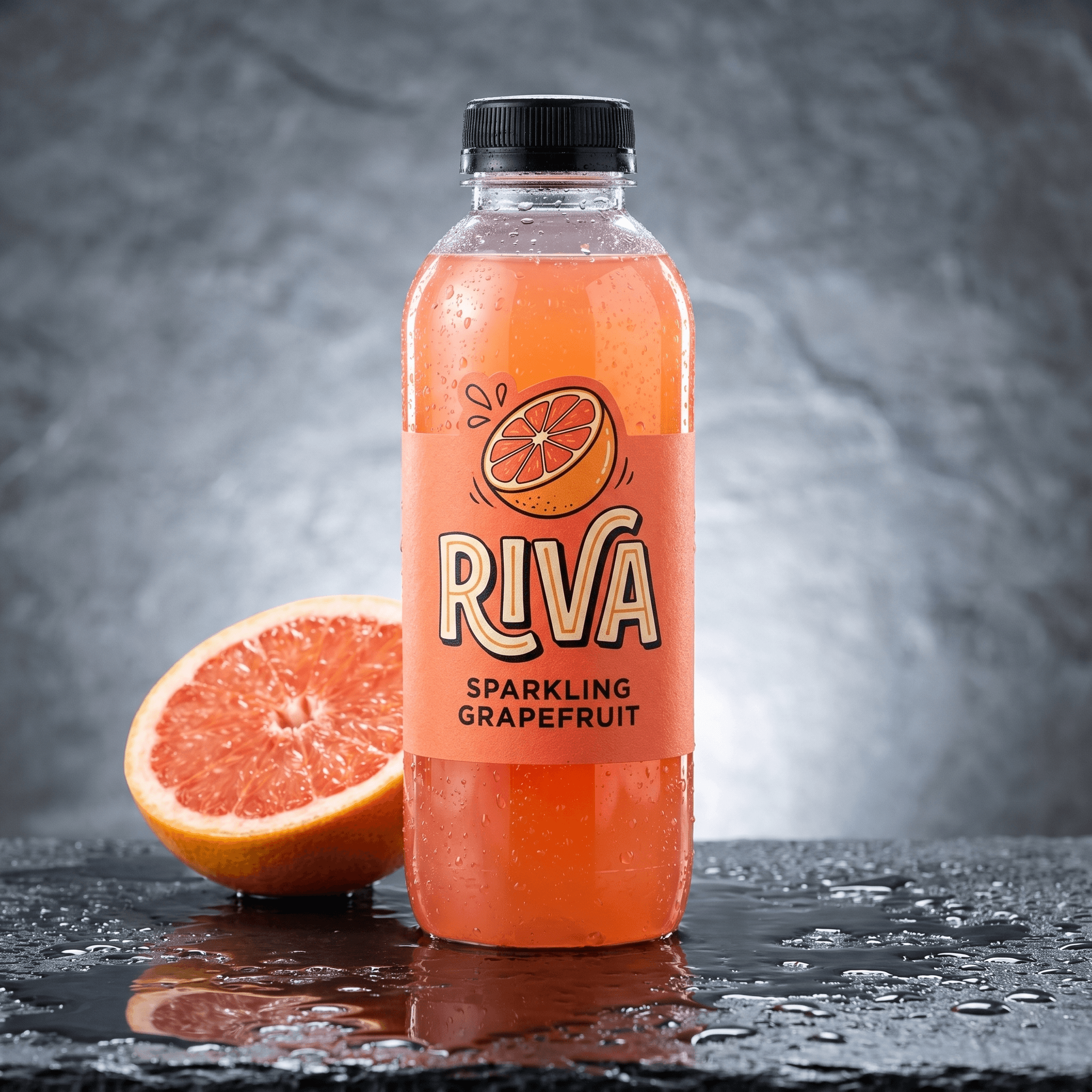
One week's test batch: eight different static-ad concepts - each a distinct hypothesis - generated around the same product in a single session, ready to launch as one testing round the next morning.
How Does an AI Ad Testing Workflow Work?
An AI ad testing workflow is a loop with four stages that repeats on a fixed cadence - most teams run it weekly. The point is to make each turn of the loop so cheap that skipping a week is the exception, not the norm.
Stage 1: Batch your hypotheses for the round
Before you generate anything, list the concepts you want to try this round - a new scene, a different hook, a fresh angle on the same benefit. Aim for five to eight distinct ideas per week. Keeping a running backlog of hypotheses means you never sit down to a blank page; the round is already scoped before you open the tool.
Stage 2: Generate the batch from one product photo
Upload the product photo once and render each concept as a finished static ad. Static ad presets each cost 4 credits, so a batch of ten test creatives is around 40 credits - roughly a dollar and change - and takes under an hour instead of the week a design round would. That single price change is the whole reason continuous testing becomes possible.
Stage 3: Save the workflow so next week is one click
Build the round once in Pixair's AI Canvas - product photo plus a reference image and a brief feeding pre-wired variation nodes - then save that graph. Next week you swap the brief or the reference and rerun the same workflow to get a fresh batch, so the setup cost is paid once and every future round is nearly free. This saved pipeline is what turns testing from a task into a standing process.
Stage 4: Launch, read, and feed winners forward
Push the batch live as one testing round, let it reach a readable sample, then retire the losers and hand each winner to your iteration pipeline to be scaled. The winners of one round become the reference inputs for the next round's hypotheses, so the engine compounds - every week you start from a slightly better baseline than the last.
Manual Ad Testing vs an AI Ad Testing Workflow
The difference between the two approaches is throughput, and throughput is what determines how fast you find winners. These numbers assume a single product line run by a small team.
Manual ad testing
Designer-led production

Pixair AI testing workflow
Manual ad testing
Designer-led production
Pixair AI testing workflow
Test creatives produced per month
4 - 8
40+
Concepts tested per quarter
10 - 20
100+
Time to produce a weekly batch
3 - 6 days
Under 1 hour
Cost per 10-creative batch
$400 - $1,500
Around 40 credits
Testing cadence
In bursts
Every week
Next batch after a read
Re-brief a designer
Rerun a saved workflow
Source material
New shoot or stock
One product photo
How Many Creatives Do You Need to Test to Find Winners?
Roughly 1 in 5 genuinely new concepts beats your current control - a 20% win rate is a reasonable planning number for cold-traffic creative. That single figure lets you work backward from a goal to the test volume it actually requires, and it is where the throughput gap stops being abstract. To find four new winners in a quarter, you have to test around twenty concepts, and at three variations per concept that is sixty creatives - a number manual production simply cannot reach.
| Winners you want per quarter | Concepts to test (at 20% win rate) | Creatives to produce (3 per concept) | Realistic to hit manually? |
|---|---|---|---|
| 2 | 10 | 30 | Tight |
| 4 | 20 | 60 | Rarely |
| 8 | 40 | 120 | No |
The table makes the real problem obvious: winner counts scale linearly with test volume, and test volume is capped by production. A team stuck at thirty creatives a quarter is structurally limited to about two winners in that window, no matter how sharp their targeting or analytics are. Lifting the production ceiling is the only lever that moves the winner count - which is exactly what AI generation does.
How Do You Keep an AI Ad Testing Workflow Running Every Week?
Volume is easy to generate and hard to sustain as a habit. These are the rules that keep a continuous testing engine from quietly dying after the third week.
- Fix the cadence, not the inspiration. Launch a batch on the same day every week whether or not you feel creatively fresh. A backlog of ordinary hypotheses shipped on schedule beats brilliant ideas that ship whenever someone gets around to it - consistency is what compounds, and AI generation removes the “we did not have time to produce it” excuse.
- Carve out a fixed testing budget. Ring-fence 15-25% of ad spend for the current test round and never let scaling winners eat it. Continuous testing only works if there is always live budget flowing to new concepts; the moment testing spend gets raided to feed a winner, the pipeline of future winners dries up.
- Kill losers on a schedule, not a feeling. Set a standing rule - a concept that has not beaten the control after its read window is retired, no debate. Without an automatic kill rule, mediocre ads linger, clog the account, and eat the budget the next round needs. The engine only stays fast if the exit is as automatic as the entry.
- Reuse saved workflows across products. Once a Canvas workflow produces good test variations for one SKU, clone it and swap in the next product photo. Your best testing setups become reusable templates, so launching a new product does not restart the testing program from zero - it inherits a proven pipeline on day one.
- Log every round with its outcome. Keep a simple record: round date, concepts tested, winner, lift. After a quarter of weekly rounds you can see which angles keep winning and stop testing settled questions. That accumulating map is the real asset - it makes each future round smarter, not just more frequent.
Want to run your first weekly test round tomorrow? Start free with Pixair AI - 30 credits is enough to generate your first batch of test creatives, no card required.


Frequently Asked Questions
AI ad testing is using AI image generation to run creative testing as a continuous, high-volume workflow rather than an occasional experiment. Because AI produces finished test creatives from one product photo in minutes, teams can test dozens of concepts a month instead of a handful, turning testing into a repeatable weekly loop. The AI handles production volume; the account owner sets the cadence and reads the results.
It runs as a four-stage loop on a fixed cadence: batch your hypotheses for the week, generate the creatives from one product photo, launch them as a single test round, then retire losers and feed winners into scaling. In Pixair AI you build the round once in the AI Canvas and save it, so future weeks are a one-click rerun with a new brief. Most teams run one round per week.
Plan around a 20% win rate for genuinely new concepts, meaning roughly 1 in 5 beats your control. To find four winners in a quarter you need to test about 20 concepts, which at three variations each is 60 creatives - a volume manual production rarely reaches. This is why lifting the production ceiling with AI is the single biggest lever on how many winners you find.
Yes. A/B testing is the science of one experiment - isolating a single variable and reaching enough impressions to read a significant result. AI ad testing is the operating system around it: producing enough creative to run those A/B tests continuously, week after week, at a volume manual design cannot sustain. You use both together, with AI generation feeding a steady supply of clean tests.
In Pixair AI each static ad preset costs 4 credits, so a batch of ten test creatives is around 40 credits - roughly a dollar and change - versus $400 to $1,500 for a manual design round of the same size. New accounts get 30 free credits, enough to generate a first test batch and run a round before paying anything.
Keep reading
Related articles

Ad Creative Testing Tools: How to Choose in 2026
Compare ad creative testing tools across four categories. See what a year of weekly testing costs on each - from $288 to $25,800 - and pick the right stack.
AI Ad Creative A/B Testing: How to Test Variations Fast
AI ad creative A/B testing framework for DTC: isolate one variable, hit 3,000 impressions per cell, and generate 8 clean test variations in under 30 minutes.
UGC Ad Creatives With AI: The Complete 2026 Guide
UGC ad creatives cost $4.41 per 10-second clip when AI renders them from your product photo, not $200 per creator video. Hooks, examples, full workflow.