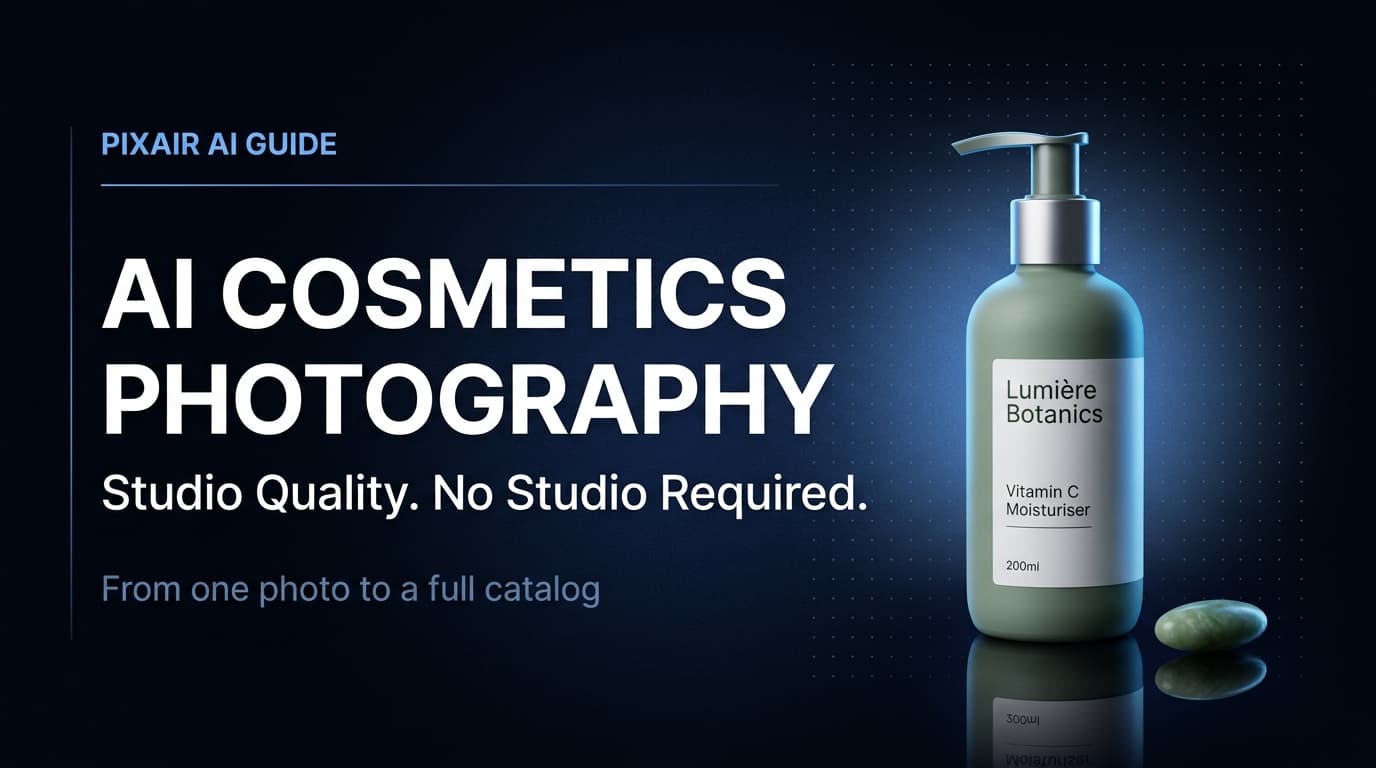
AI product photography for cosmetics solves a problem that has always been expensive: keeping a full product line visually consistent without rebooking a studio for every new SKU. A matte pump bottle photographs differently than a glossy serum vial, which photographs differently than a metallic compact - and every SKU in a cosmetics line has a different silhouette, finish, and color story. Producing a cohesive image library across a full range has historically meant multiple studio sessions or accepting inconsistency across the catalog.
AI product photography changes that production equation. The same scene description that generates a dark marble surface for your moisturiser generates an identical dark marble surface for your serum - same lighting, same atmosphere, same depth. One session covers your entire line.
Why Cosmetics Has Unique Photography Requirements
Most product categories have one or two packaging formats. Cosmetics lines have dozens - tubes, pumps, droppers, compacts, palettes, sticks, jars - often within the same brand. Three specific challenges make cosmetics photography harder than most ecommerce categories.
Finish variety across SKUs
A matte pump bottle, a frosted glass serum, and a high-gloss compact all require different lighting setups in a traditional studio. Matte finishes need diffused light to avoid flat results. Glass needs carefully positioned backlighting to show depth. Glossy surfaces need controlled specular highlights to avoid blown-out reflections. A single studio lighting rig rarely handles all three well - which is why catalog shoots for multi-SKU cosmetics lines take multiple setup changes and significant time per product.
Brand consistency across launches
Cosmetics brands release new products on a rolling schedule. A new serum added to the line six months after the original catalog shoot needs to match the existing library - same scene mood, same light direction, same surface. Rebooking a studio for every new SKU is expensive and scheduling-dependent. Without a repeatable process, the catalog accumulates images from multiple sessions that gradually diverge in look and feel.
Scene volume for multi-channel selling
Each product in a cosmetics line needs a minimum of three image types: a white background main image for marketplaces, a lifestyle scene for brand channels, and a bold creative for paid ads. For a 10-SKU line that is 30 images before variations. Traditional production at $150-350 per image puts that at $4,500-$10,500 before retouching - a budget that prices out most independent cosmetics brands.
What AI Product Photography Does for Cosmetics Brands
AI product photography generates a complete scene from a text description - surface material, lighting direction, atmosphere - without a studio, props, or lighting equipment. You describe the environment and the AI builds it around your product.
Pixair AI removes the background from your product photo and composites the isolated product into the generated scene with matched lighting, shadows, and surface reflections. The product itself is not regenerated - your label, packaging color, and printed text come directly from your original photo and stay pixel-accurate. The AI only generates what is behind and around the product.
Because every scene is generated from a prompt, the same description applied to ten different SKUs produces ten images with identical lighting, surface, and atmosphere. New products added months later get the same treatment - paste the same prompt, upload the new SKU, export. The catalog stays consistent without rebooking a studio.
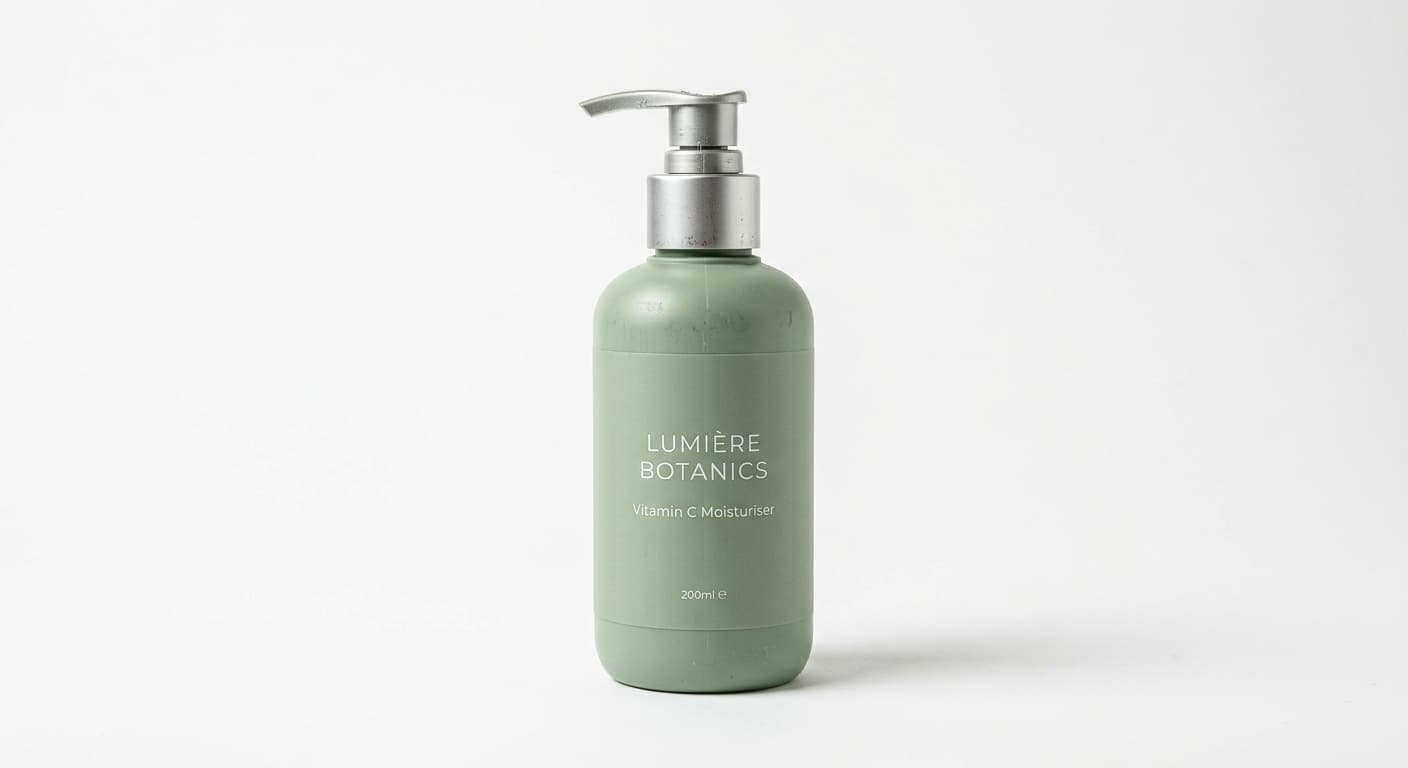
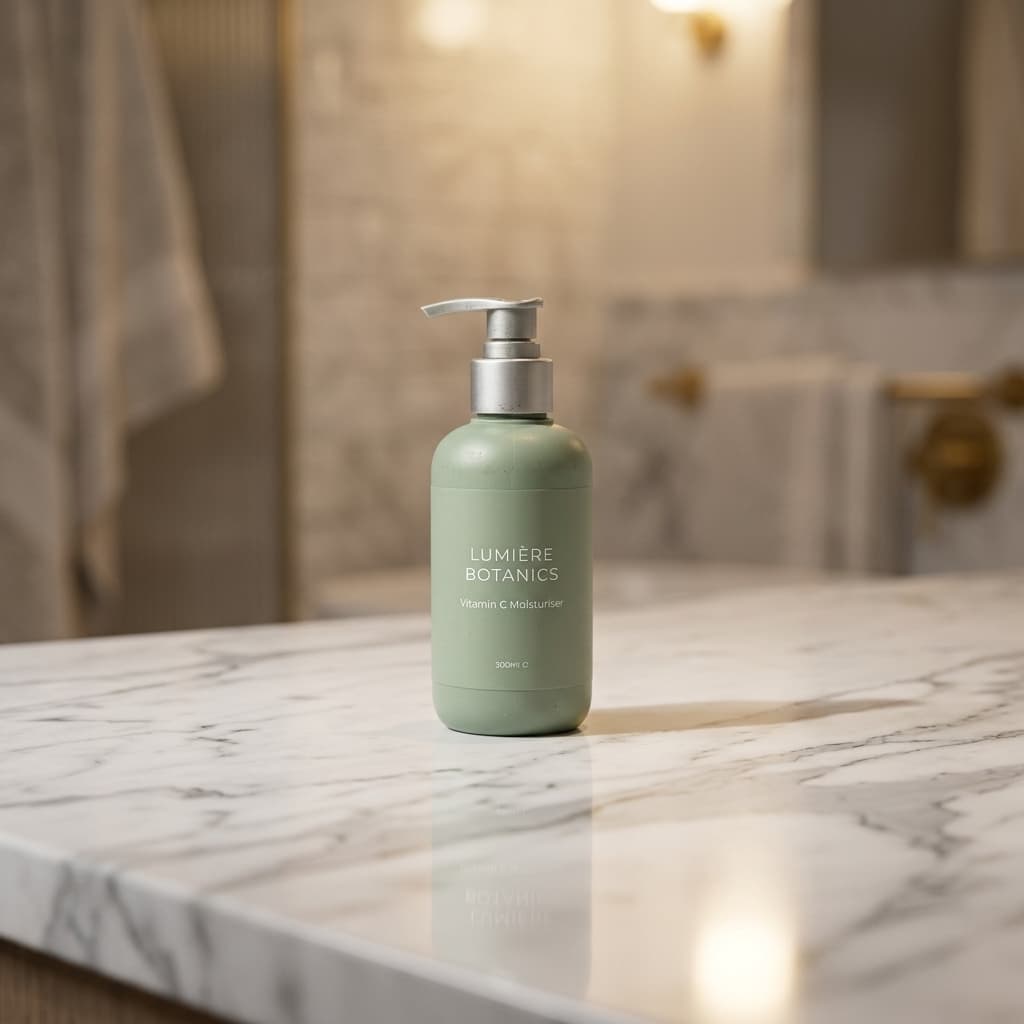
One product photo. AI-generated scene - marble countertop, warm ambient light. No studio, no props.
Step-by-Step: AI Product Photography Workflow for Cosmetics
This workflow takes a cosmetics brand from a single smartphone photo to a complete image set - white background, lifestyle scenes, and ad creatives - in a single session per SKU.
Photograph on a plain white surface
Place the product upright on a white or light grey surface near a large window with indirect natural light. Avoid direct sunlight - it creates harsh specular highlights on pump heads and metallic finishes that are difficult to isolate cleanly. Keep the label or front face of the product facing the camera. Ensure the full silhouette sits within the frame with a small margin. One clean front-facing shot per SKU is all you need.
Generate the white background version first
Upload to Pixair AI and run a pure white background generation first. This is your marketplace main image and your edge quality check. A clean white export confirms the background removal handled your product silhouette correctly before you build lifestyle scenes on top. For pump bottles, check the pump mechanism edges. For tubes, check the cap. Fix source photo issues at this step rather than after generating a full scene library.
Write your brand scene formula
Describe the environment in plain language - surface material, lighting direction, atmosphere. Strong cosmetics scene formulas: “dark wet slate surface, cool rim light from the upper left,” “white marble, soft diffused morning light from above,” “light oak wood surface, warm window light from the right.” Specify one surface and one light direction. Vague descriptions like “luxury background” produce inconsistent results - specific material and lighting constraints give the AI what it needs to generate a physically coherent scene.
Generate three scene types per product
Run three scene types per SKU: the white background for marketplace main images, one lifestyle scene matching your brand positioning, and one premium or editorial scene for ads and social. Generate two or three variations per scene prompt and keep the strongest. Three scene types with three variations takes under 20 minutes per SKU. Each generation takes under 30 seconds.
Copy the same prompt across every SKU in the line
Paste your exact scene formula for each subsequent product upload. The AI generates a new scene around each product using the same surface, lighting, and atmosphere - producing a catalog where every image looks like it was photographed in the same studio on the same day. New products added later get the same treatment: paste the same prompt, upload, export.
Generate ad creatives in the same session
After your scenes are done, run the Ad Campaign Generator before closing the session. The AI reads your product label from the uploaded photo, writes product-specific copy, and composes a marketing-ready layout - no brief, no design tool, no copywriting. Five ad format variations from one upload, ready for Meta, Instagram Stories, Google Shopping, and TikTok.
Source
One upload
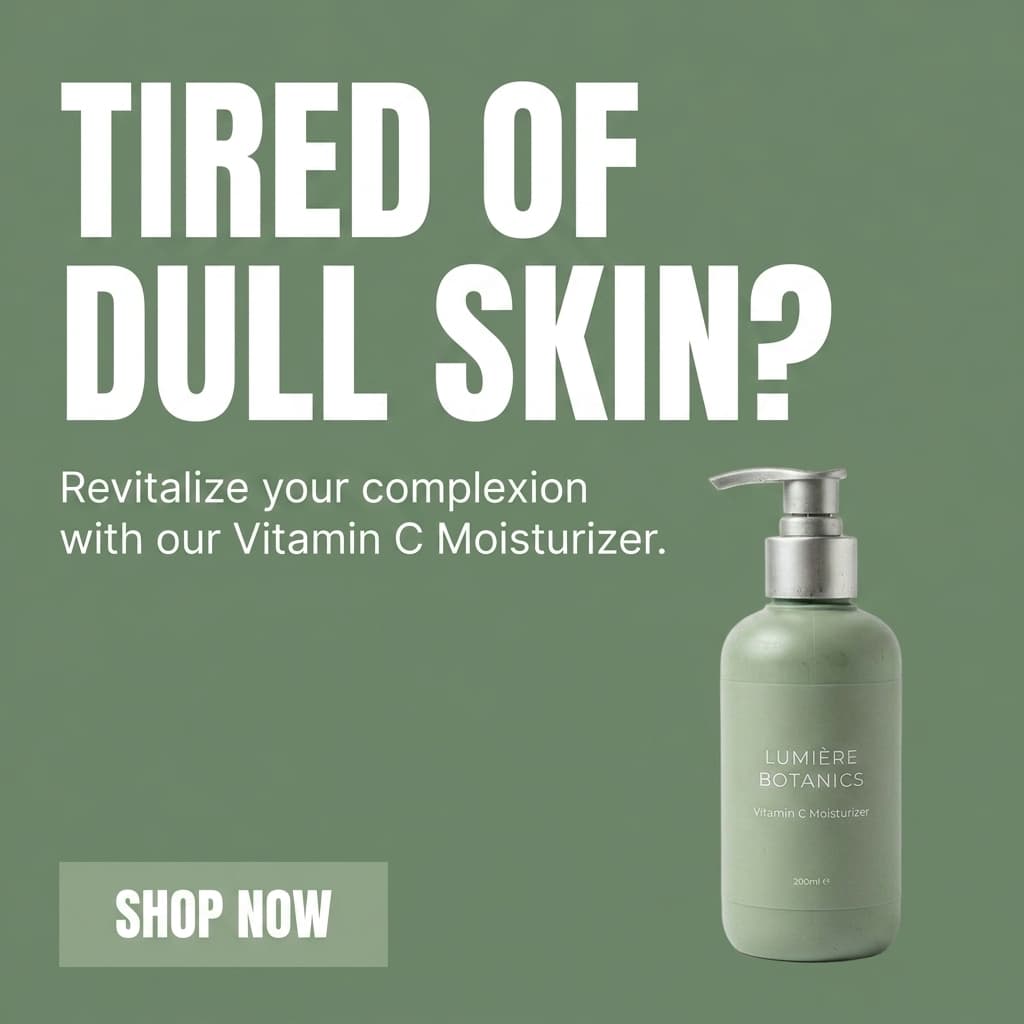
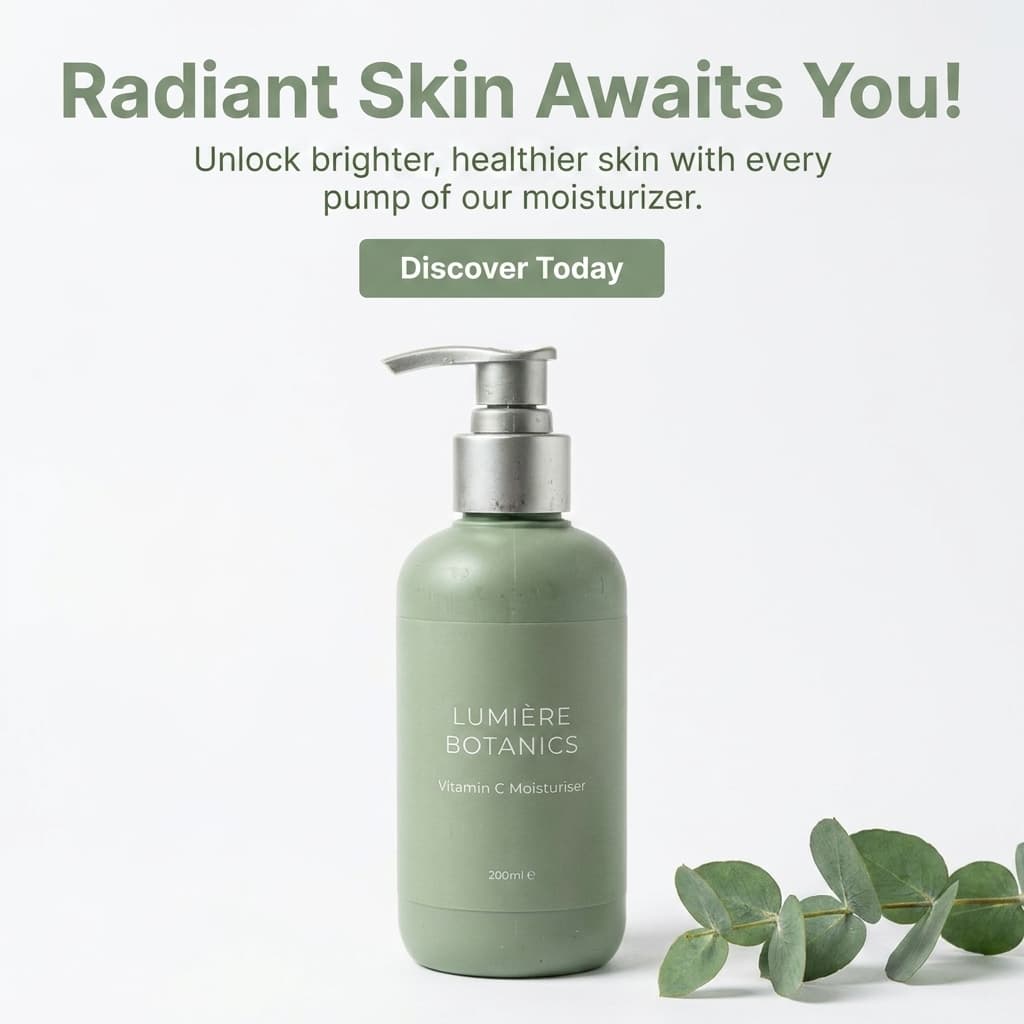
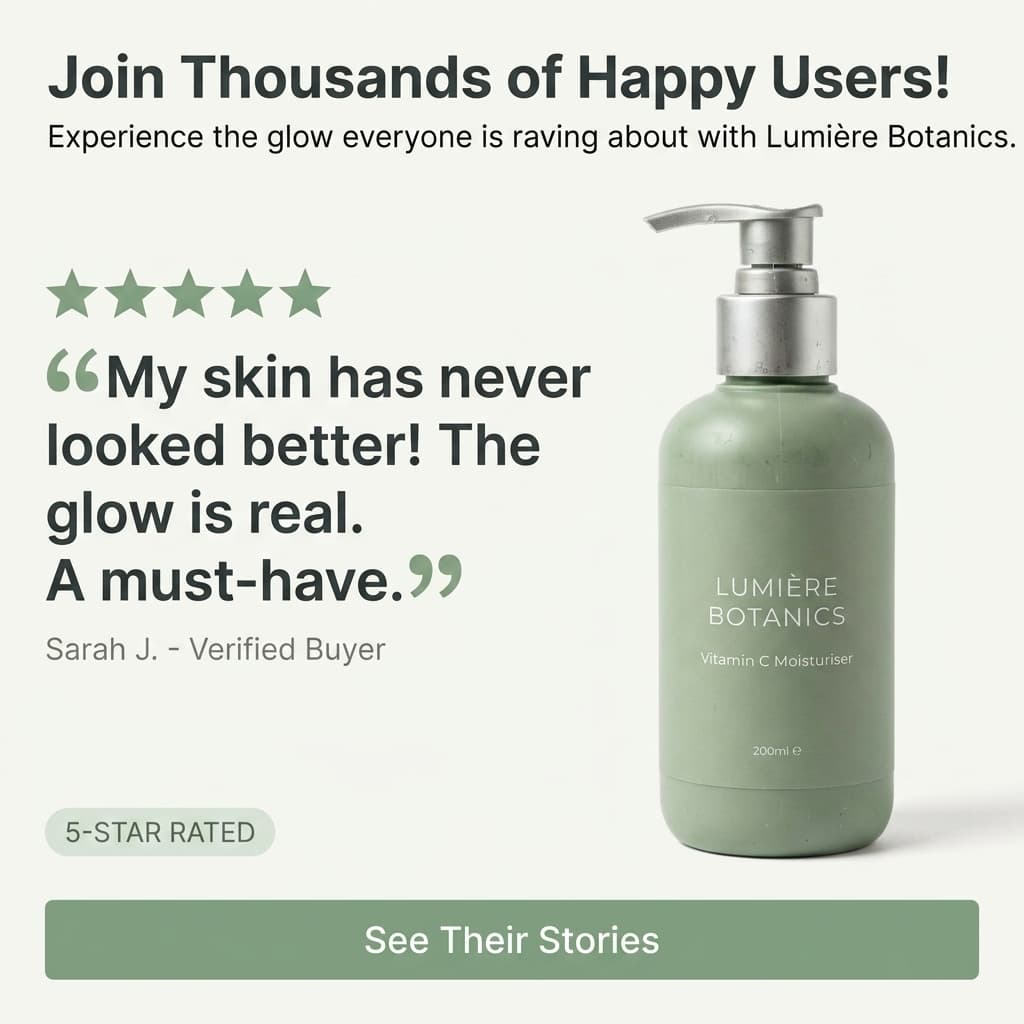
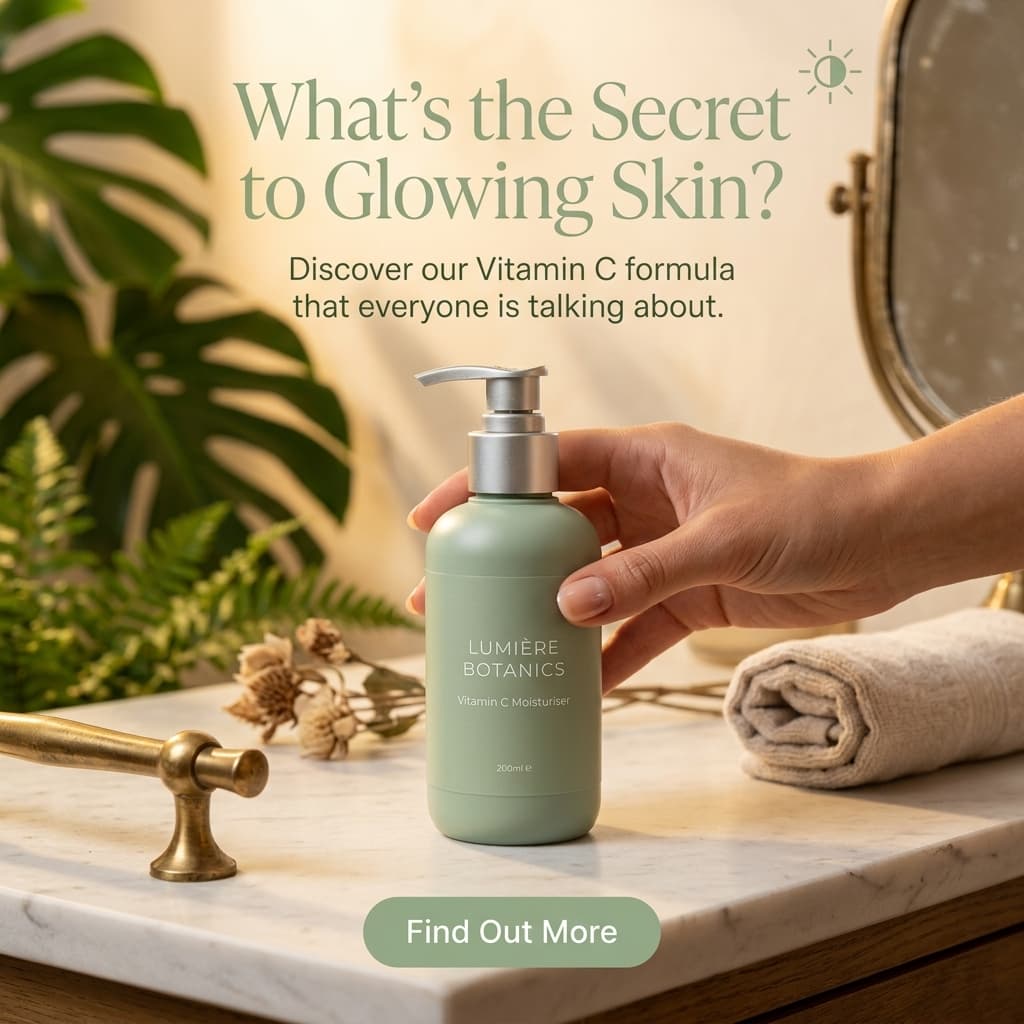
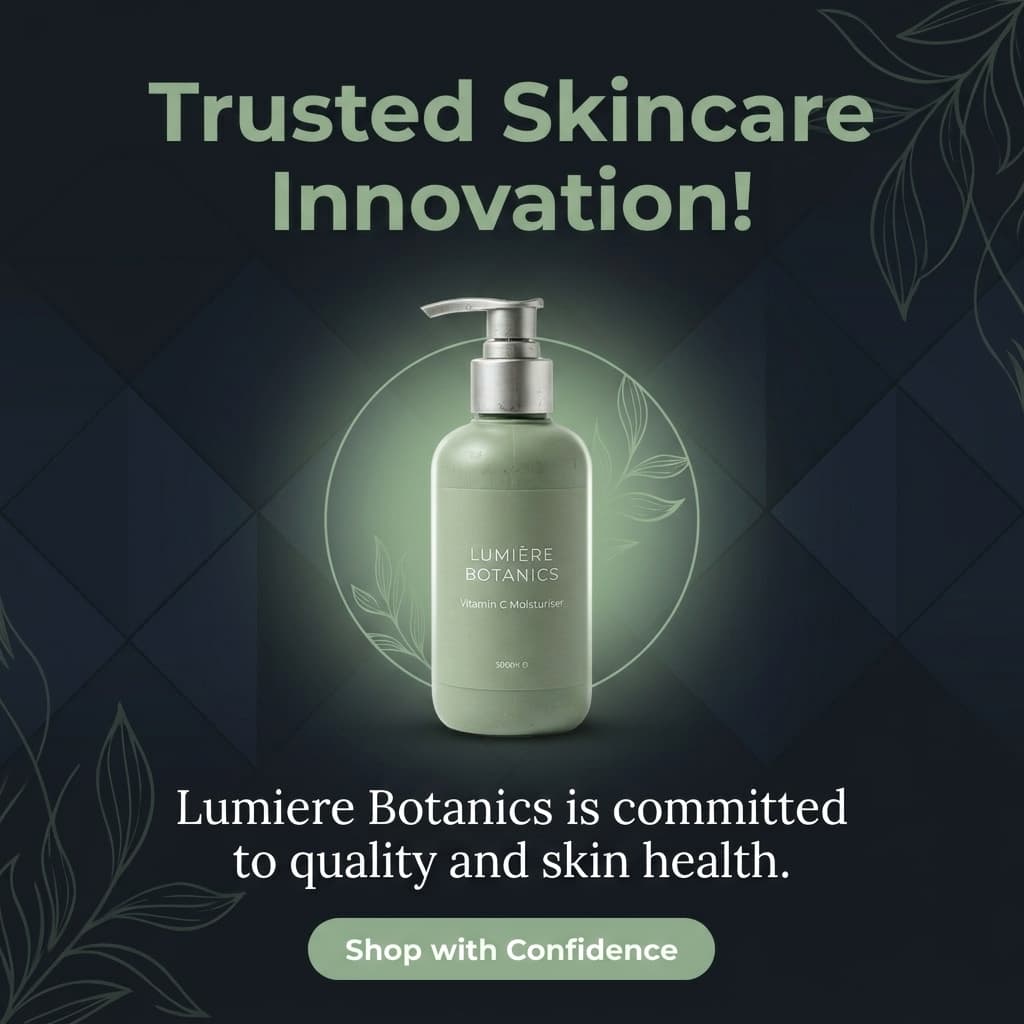
Five ad creatives from one product photo. Copy written by AI from the label - no brief required.
Traditional vs. AI Product Photography for Cosmetics
Traditional Studio
Photographer + studio booking

AI scene generation
Traditional Studio
Photographer + studio booking
AI scene generation
Cost per image
$150-350 per finished image, plus retouching
Under $0.10 per image on any paid plan
Turnaround time
5-10 business days from shoot to delivered files
Under 30 seconds per generation - full set in one session
Scene consistency across SKUs
Requires identical setup per product - difficult to replicate exactly
Copy the same prompt for every SKU - identical lighting and surface every time
New SKU added later
Rebook the studio, reshoot, retouch - full cost again
Paste the same prompt, upload the new product, done in one session
Scene variety
Limited by studio equipment, prop availability, and session time
Unlimited - describe any surface, lighting, or atmosphere in plain language
Label accuracy
100% - the real product is photographed
100% - product is isolated from source photo, not regenerated
Ad creative generation
Separate tool required - designer, copywriter, layout work
Built-in - reads label, writes copy, composes layout in one click
Physical setup required
Studio booking, lighting rigs, props, stylist, photographer
Smartphone photo near a window - no equipment needed
Image quality at full size
Highest possible - RAW files, professional retouching
Studio quality for most cosmetics formats - slight gap on complex glass or chrome
See Pixair AI pricing - all plans include AI scene generation, background removal, upscaling, and ad creation. Starts at $24/month. Selling serums or treatments specifically? The AI product photography guide for skincare brands covers dropper bottles, clinical scene styling, and texture shots in more depth.
5 Tips for Cosmetics AI Product Photography
Match scene mood to brand positioning
Scene aesthetics communicate price point before a buyer reads a word of copy. Dark stone surfaces with cool rim lighting signal premium or clinical positioning - appropriate for serums, treatments, and prestige skincare. Warm wood surfaces with soft natural light signal natural or organic brand values. White marble with diffused morning light signals clean beauty. Pick one mood that matches your brand tier and apply it consistently across every SKU. Inconsistent scene aesthetics across a product line undermine brand trust on listing pages.
Specify finish in your prompt for accurate lighting
Describe your packaging material in the scene prompt: “matte pump bottle,” “frosted glass dropper,” “glossy compact.” The AI uses these descriptors to match lighting behavior to the actual finish in your photo - generating softer specular highlights for matte surfaces and sharper reflections for glossy ones. A prompt that names the material produces more physically accurate results than a prompt that only describes the environment.
Use one prop maximum - describe it specifically
The most effective cosmetics scenes are minimal. A single jade stone, a small dried botanical, or a folded linen cloth beside the product adds context without competing with it. More than one prop pulls attention away from the product. If you want a prop, name it specifically in the prompt: “a single white jade stone to the left of the bottle.” Generic prop language like “with natural elements” produces unpredictable results.
Lock your scene prompt before shooting the full catalog
Test your scene formula on one or two SKUs before applying it across the entire product line. Run the prompt, check the result at full resolution, confirm the lighting and surface match your brand direction. Once you have a formula that works, save it exactly - every word, every descriptor. Paste that exact prompt for every remaining SKU. Changing even one variable (swapping “rim light” for “side light”) shifts the output enough to create visible inconsistency across the catalog.
Generate ad creatives in the same session as your scenes
The marginal cost of generating ad creatives while your product is already uploaded is near zero. After your three scene types are exported, run the Ad Campaign Generator before closing the session. The AI reads your product label, writes copy specific to your product, and produces six format variations. For brands running Meta or Google Shopping ads, having finished ad creatives ready the same session as the product photography eliminates the gap between photo production and ad launch.







Frequently Asked Questions
It works best with products that have a defined, opaque silhouette - pump bottles, tubes, jars, compacts, and lipstick cases all produce excellent results. The category where AI photography is most challenging is fully transparent or clear-glass packaging where the background is visible through the product itself. Frosted glass performs better than clear glass because the frosted surface provides edge definition for background removal. Highly polished chrome or mirror finishes are also more difficult because they reflect the environment around them.
Shoot on a white surface near a large window with indirect light - avoid direct sunlight, which creates harsh specular highlights that are difficult to isolate cleanly. Position the product label or front face toward the camera. If the product has a shiny metallic component like a pump head or cap, placing a small piece of white foam core just out of frame on the opposite side of the window can soften the reflection on that surface. One clean front-facing shot is enough - the AI handles lighting in the generated scene.
Yes. These platforms permit AI-generated product images as long as they accurately represent the physical product. Pixair AI preserves the original product packaging - it does not modify or regenerate the product. Only the background and environment are generated by AI. The white background preset produces a pure white RGB 255/255/255 output that meets Amazon main image requirements. For Sephora and Ulta, follow their individual seller portal guidelines, which generally require accurate product representation and clean backgrounds.
Save your scene prompt exactly - every word, every descriptor - and paste it unchanged for every new SKU upload. The AI generates a new scene around each product using the same surface material, lighting direction, and atmosphere. Products added months later get the same visual treatment as your original catalog if you use the same prompt. This is the main structural advantage over traditional studio photography, where reproducing an exact lighting setup after the original session is difficult and expensive.
The most effective cosmetics scenes are specific about surface and light. Strong formulas: "dark wet slate, cool rim light from the upper left" for premium or clinical brands; "white marble, soft diffused morning light from above" for clean beauty; "light oak wood surface, warm window light from the right" for natural or organic brands; "black acrylic surface, sharp cool backlight" for prestige or editorial. Avoid vague descriptions like "luxury background" or "natural setting" - the AI needs a specific surface material and a specific light direction to generate a physically coherent scene.
Keep reading
Related articles
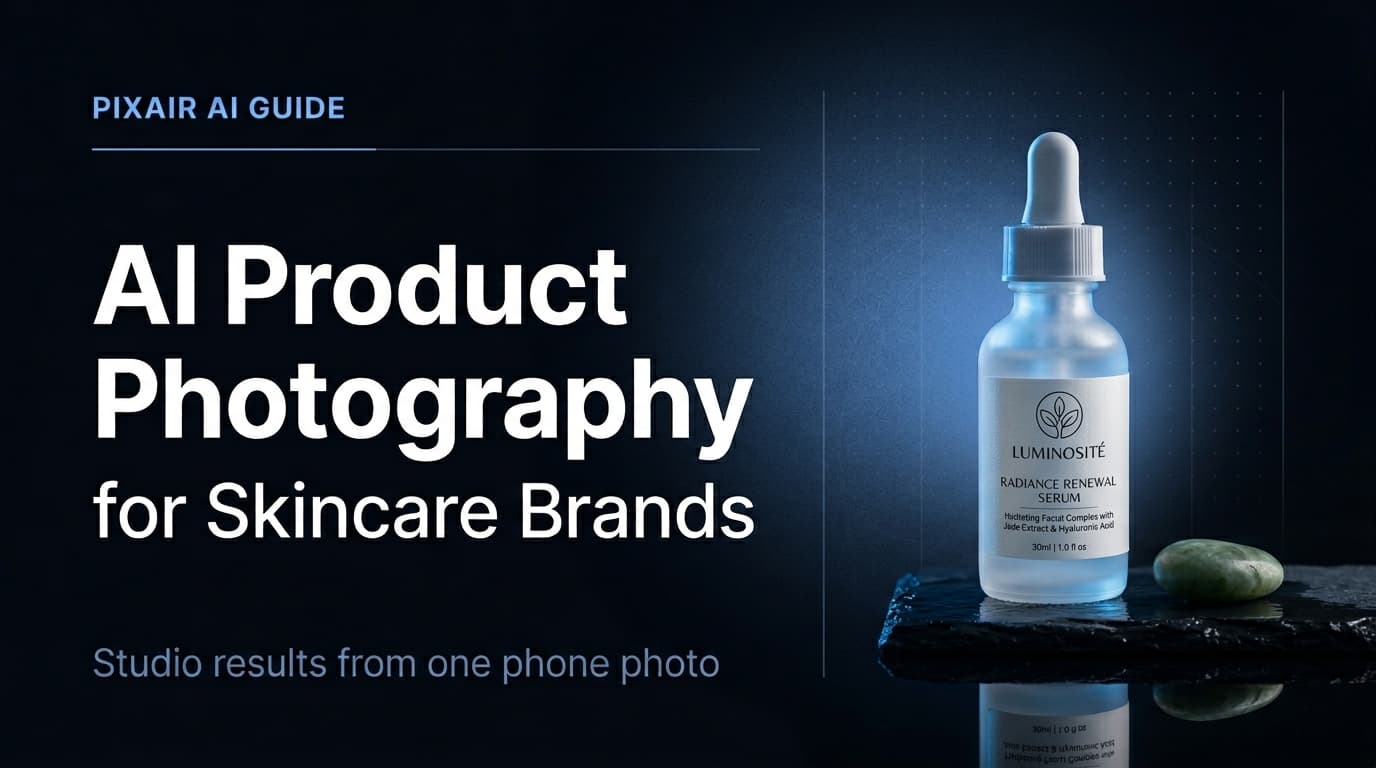
AI Product Photography for Skincare Brands - Under 30 Min Per SKU
Skincare packaging demands precise lighting and texture accuracy. AI product photography delivers studio-quality serum, moisturizer, and cleanser shots in under 30 minutes per SKU.
Compliant product images: lifestyle mockups that pass ad review
How to make AI product images and lifestyle mockups that meet Meta, Amazon and Google ad rules, with examples.
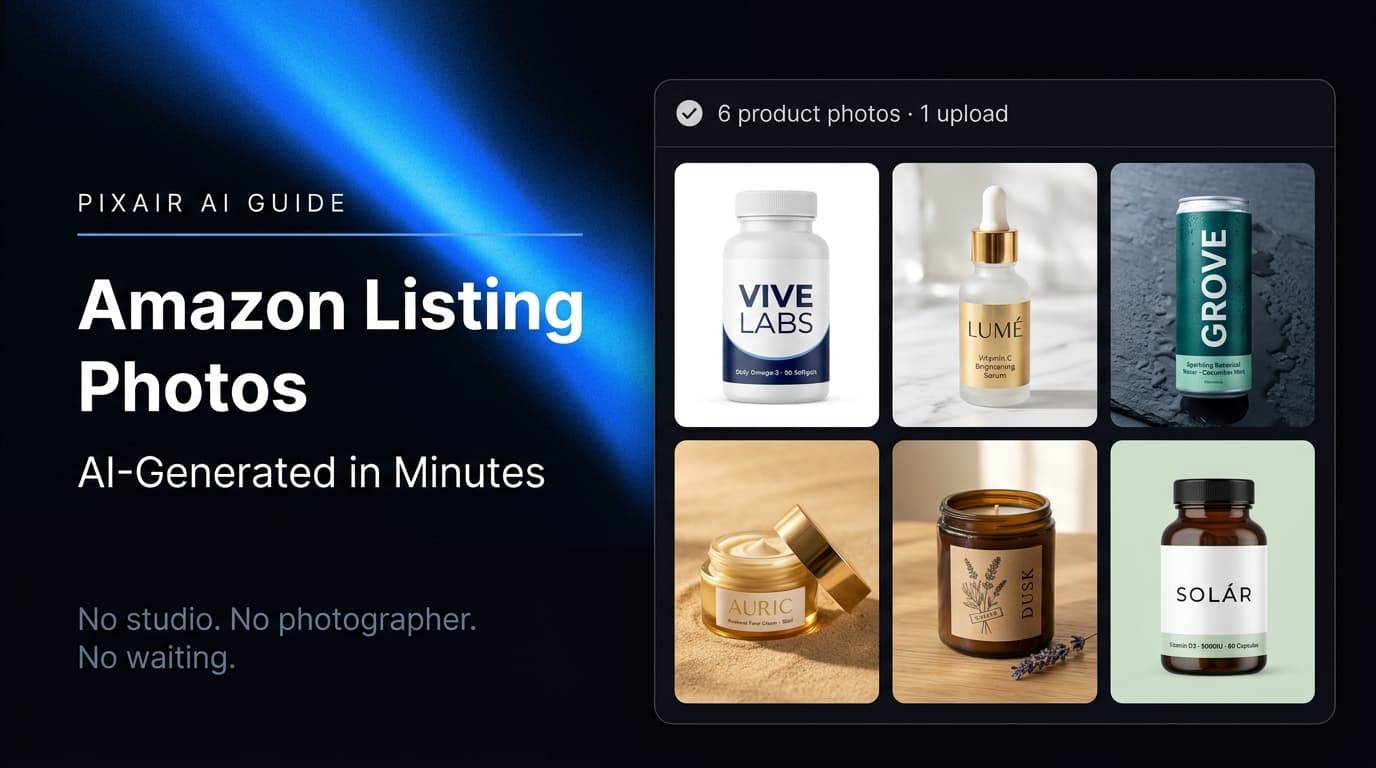
Amazon Product Image Generator: Compliant in 4 Steps (Free)
Turn one phone photo into an Amazon-compliant main image (RGB 255/255/255, 85% fill, 2,000 px) plus lifestyle images for all 9 slots. Free with 30 credits.