Zeely.ai built its product around running paid ad campaigns end to end - AI avatar UGC videos, templated static ads, and an automated Meta and Google buying engine that charges a percentage of your ad spend on top of the subscription. If what you actually need is a creative tool - static ads, matched campaign sets, UGC creator video and clean product photography, all exported to your own ad account on a flat monthly price - a campaign automator is the wrong shape. The best Zeely.ai alternative is a tool that stops at the creative and never touches your media budget.
What is the best Zeely AI alternative?
The best Zeely AI alternative is Pixair AI: it turns one product photo into static ads, full campaign sets, UGC creator videos and product scenes for a flat $7-$59/month with no percentage-of-ad-spend fee, versus Zeely's $29.95-$79.95/month plus 12% of the Meta budget you launch through Zeely. Pixair starts free with 30 credits and no card (about 7 static ads at 4 credits each), exports at every Meta, TikTok, Instagram and Google Display size, and you upload the finished ads to your own account. Unlike most alternatives, it covers both halves of the job - the product photograph and the ad built on top of it.
Why Does Zeely.ai Fall Short as an Ad Creative Tool?
Zeely is a strong ad campaign automator. Paste a product URL, pick a template, and the platform ships a Meta or TikTok campaign within minutes. That focus on full-funnel automation is also the reason it leaves three large gaps for brands whose real problem is creative supply.
A percentage of your ad spend, every month
Zeely's subscription is only part of the cost. If you launch Meta campaigns through Zeely, it also takes 12% of that ad budget (or 6% with the Booster add-on). Spend $3,000/month on Meta ads and you are paying $360/month on top of the subscription. Spend $10,000 and that fee is $1,200/month - roughly 15x the top subscription tier. A flat-priced creative tool removes a line item that scales linearly with your growth.
Your campaigns and audience data live in someone else's tool
Because Zeely buys the media, the ad-set structure, audience tests and pixel learnings sit partly inside its integration. Leaving later means re-learning audiences from zero. The alternative shape is simple: generate the creative, download the file, upload it in Ads Manager yourself. Slightly more clicks, and every lookalike, conversion event and campaign history stays yours.
A fixed library instead of a described scene
Zeely gives you 100+ templates and 30+ avatars to select from. That is fast on day one and limiting by month three, because every brand running Zeely draws from the same shelf. Prompt-driven generation inverts it: you describe the surface, the lighting direction and the mood in plain language, and the scene is built fresh around your product. It also means Zeely never produces the thing that sits underneath the ad - a clean studio photograph for your Amazon, Shopify or Etsy listing.
What Does Pixair AI Generate From One Product Photo?
One upload feeds four output types, all from the same product photo and all exported as files you own:
- Static ad creatives - 53 art-directed templates across product photoshoots, static ads, listing images and virtual try-on, each rendered fresh around your product at 4 credits per ad.
- Campaign sets - one preset produces a matched multi-ad set (hero, feed and story crops) that share a single art direction, at 3 credits per ad.
- UGC creator video - a real-looking creator holding and talking about your product, with burned-in captions.
- Product photography - photorealistic scenes and pure-white listing shots where the product is composited from your source photo, so label text, brand name and packaging colors stay pixel-accurate.
A Brand Kit imports your logo, colors, fonts and tone of voice from your own site and applies them across every creative, so a campaign set and a story crop read as the same brand rather than the same template.
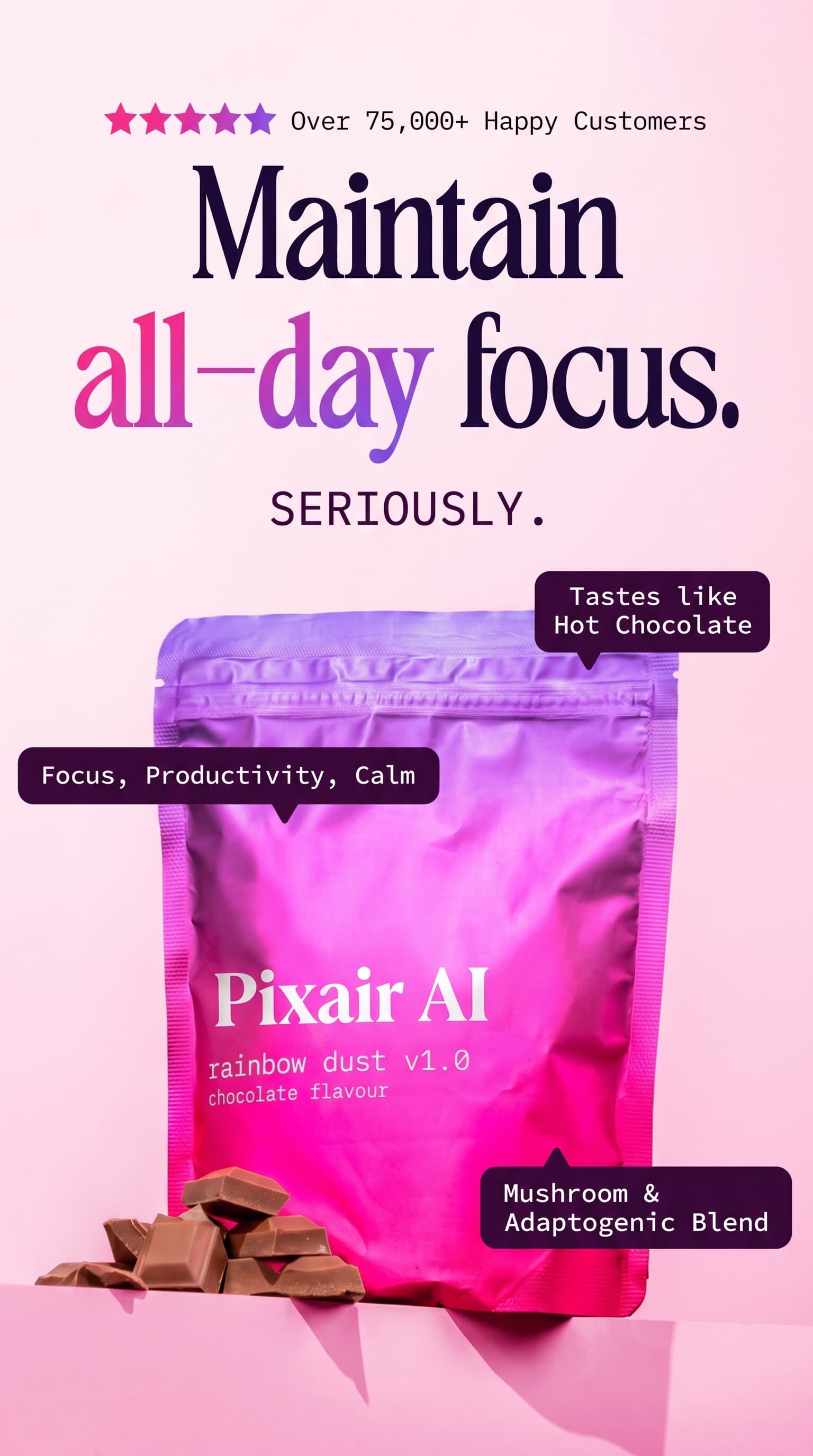
Instagram story ad
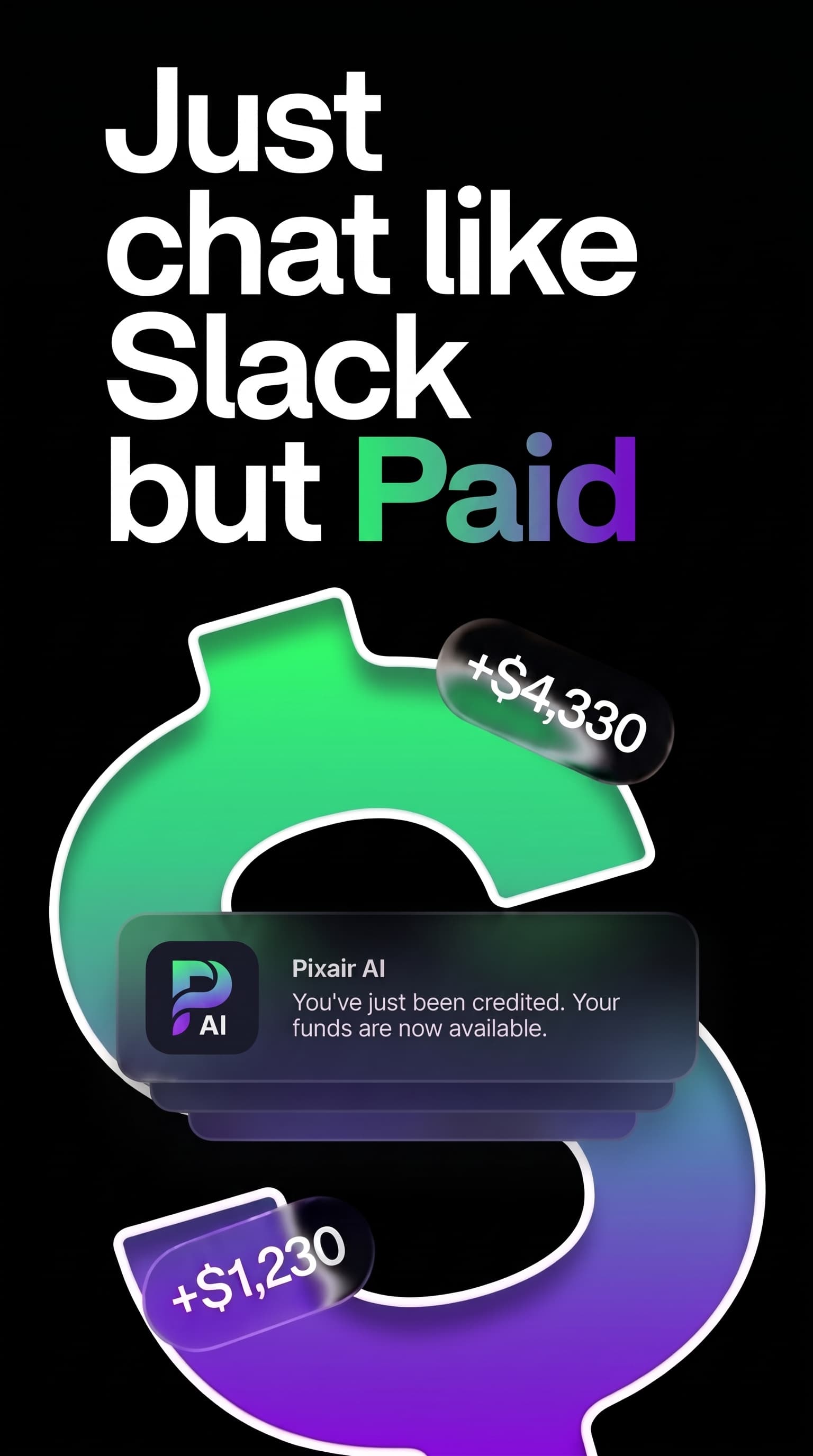
Reels ad
Two 1080x1920 creatives, headline and callouts included, exported straight to Ads Manager.

Campaign hero

Editorial with a model

Product scene
Campaign creatives and studio scenes from the same upload - no template library picked twice.
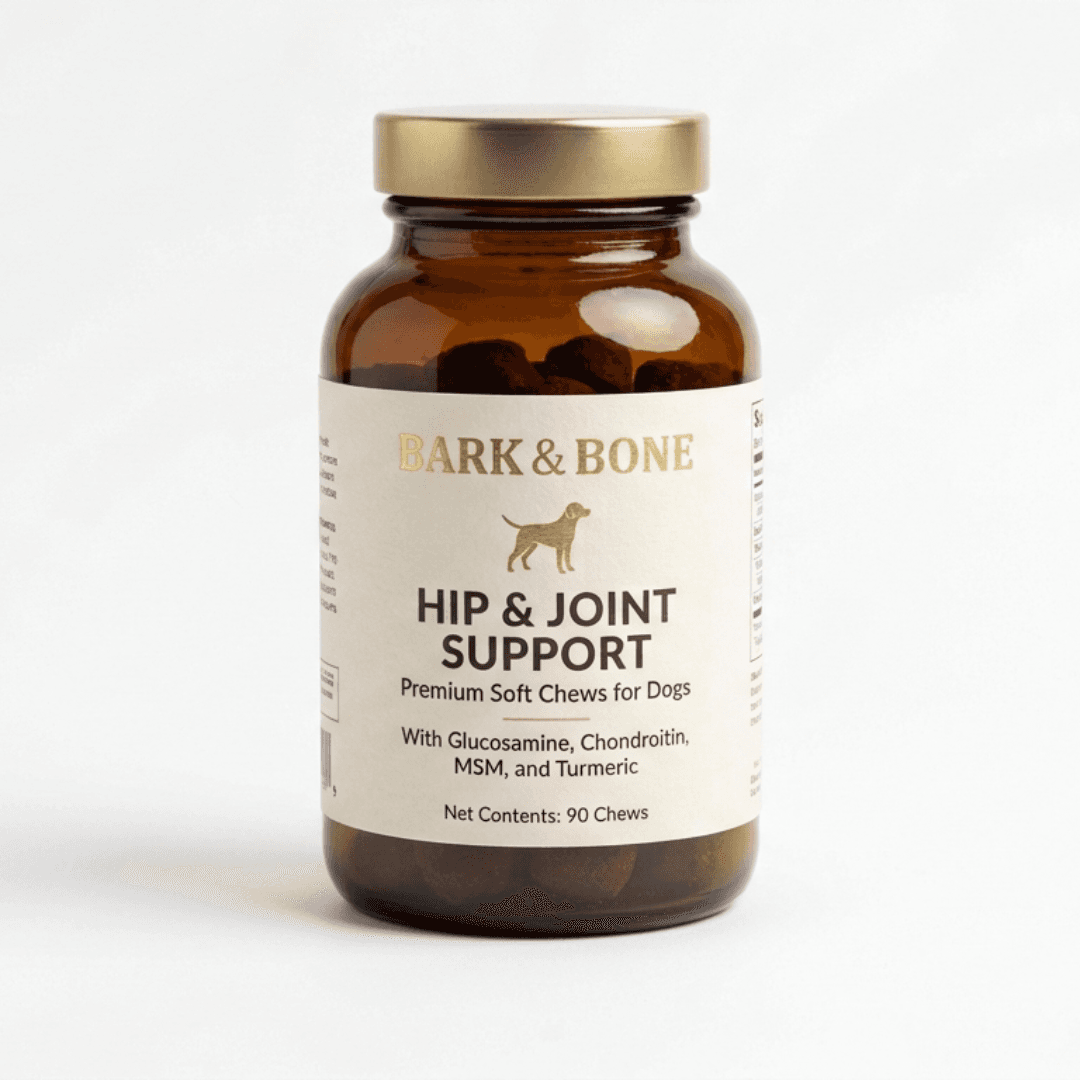
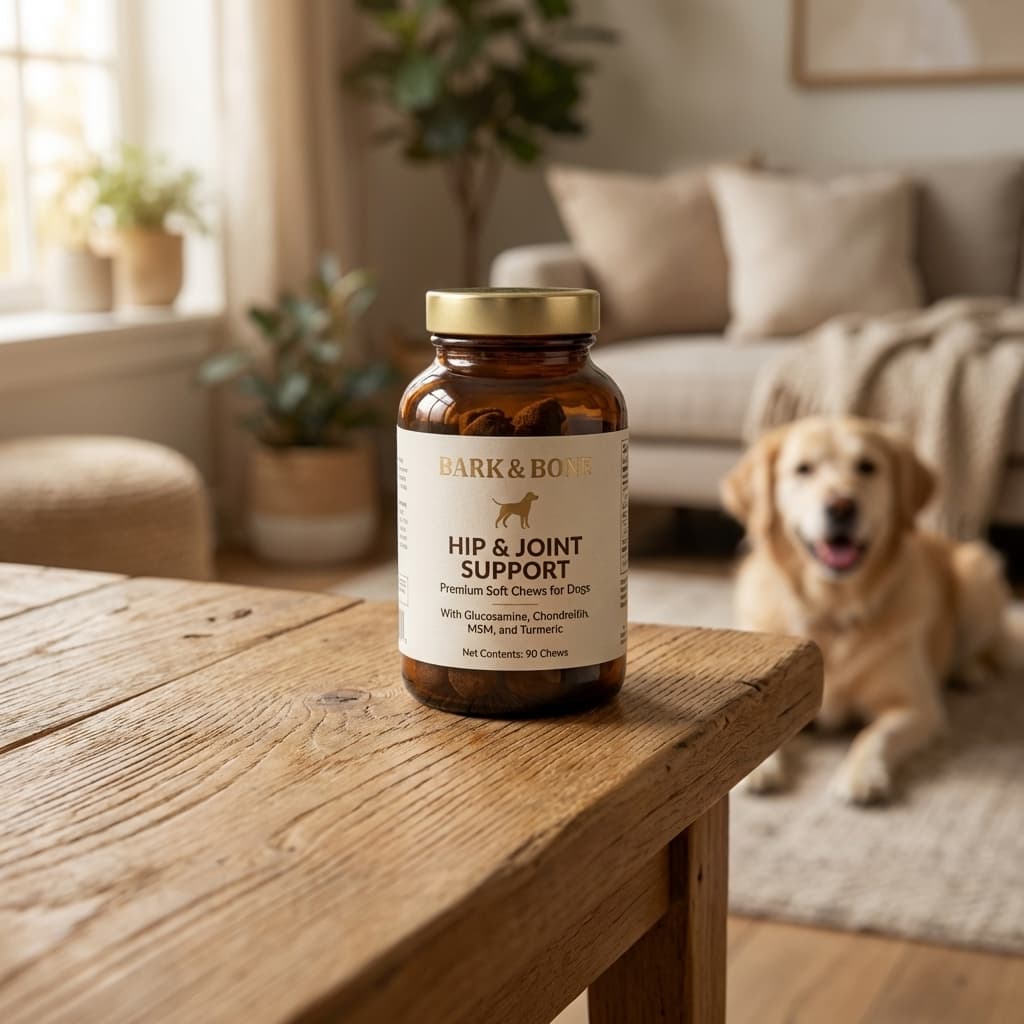
One phone photo. Photorealistic scene with correct lighting and surface shadow. Under 30 seconds.
Does Pixair AI Make UGC Video Ads Like Zeely?
Yes - and this used to be the one reason to stay on Zeely. Pixair AI films a creator ad from a single product photo: pick an avatar from 110+ templates spanning 15 niches (or generate a custom actor), write the line, and the creator says it on camera while holding your product. Clips run 4-30 seconds in 9:16 or 16:9, with styled or animated captions burned in and pre-written video hooks to open on. The product keeps its label - it is composited from your upload, not re-drawn.
Two things Zeely does not offer sit next to it. Ad Animator turns any static ad you already have into a 6-second motion clip for 42 credits, so a proven static earns the video placements without a reshoot. And Product Showcase Video renders a cinematic product clip with no creator in frame, for brands that do not want a face on the ad at all.
Creator review - avatar picked from the library, product from the upload
Animated captions burned in for sound-off feeds
Product showcase clip - cinematic motion, no creator in frame
One caveat worth stating plainly: consumer recognition of AI faces has climbed, so a creator-led clip is a format to test rather than a guaranteed winner. That is exactly why having statics, campaign sets, product video and creator video in one tool matters more than having the best avatar library. More on the format in our guide to AI UGC ad creatives and turning a product photo into a video ad.
What Does One Ad Actually Cost on Each Tool?
Zeely does not publish a per-asset price, because you are buying a campaign service rather than creatives. Pixair prices every render in credits, so the unit cost is derivable. Below is the $24/month Pro plan (400 credits, $0.06 per credit) and the same plan billed annually at $18/month ($0.045 per credit).
| Output | Credits | Pro monthly | Pro annual |
|---|---|---|---|
| Static ad creative | 4 | $0.24 | $0.18 |
| Campaign ad (matched set) | 3 | $0.18 | $0.14 |
| Product scene / listing image | 4 | $0.24 | $0.18 |
| Animated static ad (6s) | 42 | $2.52 | $1.89 |
| UGC creator video (10s, 360p draft) | 20 | $1.20 | $0.90 |
| UGC creator video (10s, 720p) | 70 | $4.20 | $3.15 |
| UGC creator video (10s, 1080p) | 105 | $6.30 | $4.73 |
| Burned-in captions (per minute) | 9 | $0.54 | $0.41 |
| Background removal | 1 | $0.06 | $0.05 |
| HD upscale | 2 | $0.12 | $0.09 |
Read the row that matters for your mix. A month of 400 Pro credits buys 100 static ads, or 133 campaign ads, or 5 ten-second creator videos at 720p, or any blend. Against that, Zeely with a $5,000 monthly Meta budget launched through it costs $630-$680 - the $29.95-$79.95 subscription plus $600 in percentage fee - before you have made a single extra creative. Full breakdown of the tiers, the fee and the auto-renewing trial in our Zeely AI pricing (Oct 2026).
Step-by-Step: Replace the Zeely Workflow and Keep Your Ad Account
The Zeely cycle - paste product URL, pick template, hand campaign management to the platform - gets replaced by a workflow that produces files you upload yourself.
Photograph the product, or paste your store link
Place the product on a white or light grey surface near a window and shoot one front-facing frame on a phone - generation quality is set by the model, not the source resolution. If your catalog is already online, skip it: paste a Shopify or WooCommerce product link and the agent pulls the photos and product details itself. This is the one step where Zeely's URL import has an equivalent.
Set up the Brand Kit once
Point the Brand Kit at your site and it imports your logo, color palette, fonts and tone of voice. Every creative generated afterwards inherits them, which is what keeps a static ad, a story crop and a UGC thumbnail looking like the same brand. Zeely applies its template styling instead; this is the difference between on-brand output and generic output.
Run a campaign preset for the matched set
Pick a campaign preset and it renders a full set of ads sharing one art direction - hero, feed and story crops - at 3 credits per ad instead of 4. Then describe variations in plain language: “dark marble counter, cool rim light from the upper left,” or “white linen surface, bright diffused morning light.” You are telling the model what environment to build, not picking a thumbnail.
Rebuild the ads that already work in AI Canvas
Found a competitor creative that is clearly winning? Drop it into AI Canvas as a reference alongside your product photo and a short brief. The node graph crafts the prompt, branches variations, and saves the whole chain so you can rerun it on the next SKU. Ad Cloner does the single-shot version of the same job. There is no equivalent in a template-library tool - you cannot ask a fixed library to imitate something outside it.
Export at platform size and upload yourself
Export at the exact sizes each placement wants - 1080x1080 and 1080x1350 for Instagram feed, 1080x1920 for Stories and Reels, 1200x630 for Facebook feed, 2048x2048 for Shopify product images - then upscale anything that needs more pixels. Upload the files in your own Ads Manager. The assets live in your storage and your ad account, not inside a platform that charges 12% on the Meta campaigns you launch through it.
AI Canvas
Recreate any winning ad with your own product
Zeely couples ad creation to its own buying engine - your campaigns run through the platform and a percentage of your spend gets clipped on the way through. AI Canvas is the opposite shape: a node board where a product photo, one or two reference images and a short brief feed a prompt-crafter node and pre-wired variation nodes. Below, one flatlay becomes a court campaign creative and a product-only cut from the same source, each driven by a one-line prompt. Save the graph and rerun it on every SKU.

Source flatlay

Campaign creative

Product-only cut
One upload, two prompts, two finished creatives. Exported to your own ad account.
Zeely.ai vs. Pixair AI - Full Feature and Pricing Comparison
Zeely.ai
AI ad campaign automator

AI ad creatives + photography
Zeely.ai
AI ad campaign automator
AI ad creatives + photography
Primary output
Avatar UGC videos and templated static ad creatives
Static ads, campaign sets, UGC creator video and product photography
Pricing model
$29.95-$79.95/month + 12% of Meta ad spend launched through Zeely (6% with Booster add-on)
Flat $7-$59/month - no fee on ad spend regardless of how much you scale
Cost at $5K/month ad budget run through Zeely
$630-$680/month total ($333-$383 with Booster)
$24/month on Pro - the subscription is the entire cost
Free tier
Paid trial only - $19.95-$49.95 upfront, then moves to Growth at $79.95/month
30 credits free, no card, no expiry - about 7 static ad creatives
UGC creator video
30+ avatars reading a generated script
110+ avatars across 15 niches plus custom actors, 4-30s, styled captions
Animating a proven static ad
Not offered - video is avatar-led only
Ad Animator turns any static into a 6-second motion clip for 42 credits
Cloning a competitor creative
Not possible - output is limited to the template library
AI Canvas and Ad Cloner rebuild any reference ad around your product
Marketplace listing images
Not produced - Zeely focuses on ad placements, not listing photography
Pure white RGB 255/255/255 outputs that meet Amazon, Walmart and Shopify rules
Scene customization
100+ templates and 30+ avatars - select from a fixed library
53 templates plus free-text prompting - describe any scene in plain language
Brand consistency
Template styling, applied per creative
Brand Kit imports your logo, colors, fonts and tone from your site
Ad account control
Campaigns run through Zeely's integration with your Meta or Google account
You upload creatives to your own ad account - Pixair never touches your campaigns
Product label accuracy
Templated layouts - product image is pulled from URL, label fidelity varies
Pixel-accurate - product is composited from your source photo, AI generates the scene
See Pixair AI pricing - every plan includes the full template library, Brand Kit, AI Canvas and MCP access, and paid plans add UGC video, Ad Cloner, Ad Animator and captions. Also comparing other tools? See Pixair AI as a Creatify alternative, an Arcads alternative, an OpenArt alternative, a Photoroom alternative, a Canva alternative, a Caspa AI alternative, and a Flair AI alternative.
5 Tips for Switching from Zeely.ai to Pixair AI
Run the ad spend math before renewing Zeely
The 12% fee on Meta spend launched through Zeely (6% with Booster) is the line item that grows with your budget. Pull last month's Meta invoice, multiply by 0.12, and add the Zeely subscription on top. Compare that total to $24/month plus running ads directly on your own account. For most brands spending over $2,000/month on Meta, the flat-rate workflow costs less than Zeely's cheapest subscription tier alone once the fee is included.
Build the photography library first, then the ads
Zeely starts at the ad. That order is backwards - a great creator video on top of a weak listing photo still loses the click. Generate the white-background main image, the lifestyle scene and the editorial scene for every SKU first. The ad creatives are faster to produce once that photography exists, and they inherit the same visual identity across every placement.
Describe lighting direction in every prompt
The biggest jump from template-driven to prompt-driven generation is lighting control. Instead of picking a scene visually, name the light source: “soft natural light from the upper left,” “hard studio strobe from the right with a fill card on the left,” or “cool blue rim light from above.” The model uses it to generate shadows and highlights that match the surrounding environment - a physical coherence templates cannot reproduce.
Spend credits on statics before video
A 10-second creator video at 720p is 70 credits; a static ad is 4. At about 17 statics per video clip, the cheap move is to find the winning angle, headline and offer in statics first, then put credits behind filming the two or three messages that already converted. Draft at 360p (20 credits) while you are iterating on the script and only re-render at 720p once the copy is settled. More on sequencing in our guide to ad creative A/B testing.
Export your audience data before you cancel
Running campaigns through a third-party automator means audience lists, pixel learnings and ad-set history sit partly inside that platform. Before you cancel Zeely, save your custom and lookalike audiences in Meta Ads Manager and note the ad sets that performed. Produce creatives in Pixair and upload them yourself, and from that point every audience, lookalike and conversion event stays under your own control - the assets you made this month work next month regardless of which tool made them.







Frequently Asked Questions
Yes. Pixair AI has a free tier with 30 credits, no credit card and no expiry - enough for about 7 static ad creatives at 4 credits each, with access to the full template library, Brand Kit and AI Canvas. Zeely has no free plan at all: its cheapest entry point is a paid trial from $19.95 that moves to the Growth plan at $79.95/month unless you cancel. Paid Pixair plans start at $7/month and never charge a percentage of your ad spend.
Yes. Pixair AI generates UGC creator video ads from a single product photo, with 110+ avatar templates across 15 niches or a custom actor you generate yourself. Clips run 4-30 seconds in 9:16 or 16:9, with styled burned-in captions and pre-written hooks. UGC video is included on every paid plan from $7/month; the free tier covers images only.
No. Pixair AI is a flat monthly subscription - $7 Starter, $24 Pro, $59 Business - with no fee on ad spend. You generate the creatives, then upload them to your own Meta Ads Manager, TikTok Ads or Google Ads account. Pixair never touches your campaigns and never takes a cut of your media budget. Spend $1,000/month or $100,000/month on ads and the subscription stays the same.
Yes. Every output - static ad creatives, campaign sets, UGC video clips and product scenes - is a downloadable file you upload to your own ad account. There is no integration between Pixair and your Meta or Google account, no campaign automation, and no shared audience data. You keep full control of targeting, budget, pixel history and conversion tracking.
Yes. All three platforms allow AI-generated product images as long as they accurately represent the physical product. Pixair AI does not modify the product itself - only the background and environment are generated, so label text, brand name and packaging colors stay pixel-accurate. The white background preset produces a pure white RGB 255/255/255 output that meets Amazon main image requirements.
On the $24/month Pro plan you get 400 credits, which is about 100 static ad creatives at 4 credits each - roughly $0.24 per creative, or $0.18 on an annual plan. A 10-second UGC creator video is 70 credits at 720p, about $4.20 (or 20 credits at 360p, about $1.20). Zeely has no published per-asset price: you pay $29.95-$79.95/month, plus 12% of the Meta spend you launch through Zeely, so at a $5,000 monthly budget run through Zeely your bill is $630-$680 regardless of how many ads you make.
Keep reading
Related articles

Zeely AI pricing 2026: plans, free trial and what it really costs
Zeely AI plans, trial renewal price and cost per ad, compared with a cheaper option for product photo ads.
Best OpenArt alternative for ad creatives in 2026
OpenArt needs the $34/mo Plus plan before you can run its images as ads. This OpenArt alternative makes ready-to-run ads from $7/mo, with 30 free credits.
How to Turn One Product Photo Into a UGC Video Ad (2026)
Turn a single product photo into a UGC-style video ad for Meta and TikTok in minutes. Step-by-step guide, costs from $0.70 per video, and examples.