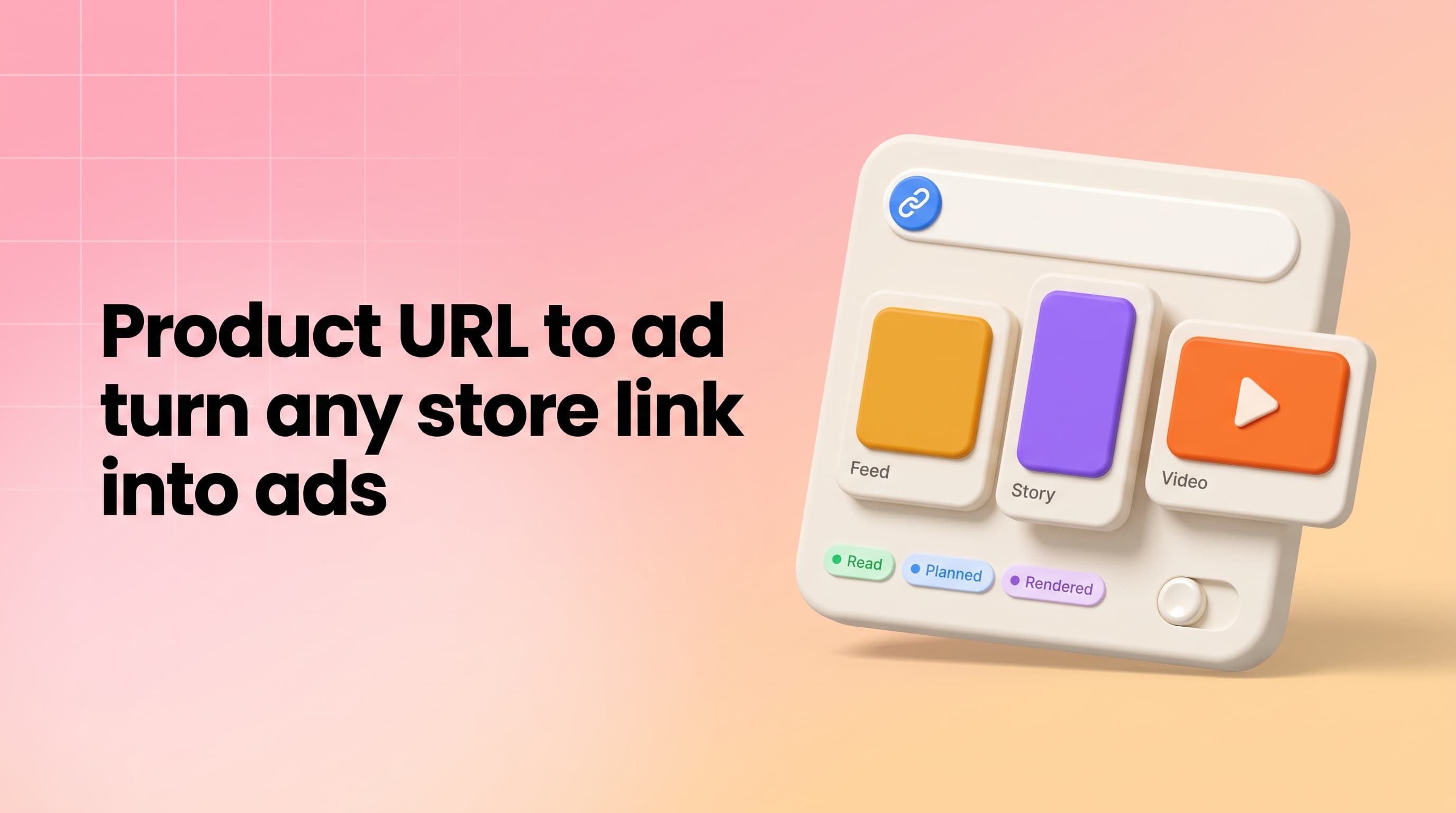
A product URL to ad generator turns the link to your product page into finished ad creatives: you paste the URL, the tool reads the photos, title, price, variants and description, and builds the ads from them. In Pixair AI this is called Product Link to Ads, and it runs inside the ad agent chat on every plan, including Free. One Shopify or WooCommerce link can become static ads for every placement, a UGC-style creator video and a product showcase film - planned in one message and priced before anything renders. This guide covers what the page read picks up, the four steps from link to finished creative, and the exact credit cost of a full ad set.
What Does a Product URL to Ad Generator Actually Read?
Most of what goes into an ad already exists on your product page. The read pulls it in one pass, so none of it has to be downloaded, cropped or retyped into a brief:
- Photos - the first three images in the product gallery. They appear in the chat tagged
@product,@product2and@product3, so you can point at one by name. - Title, brand and product type - the naming the ads build on.
- Price and stock status - including whether the listing shows the product as sold out.
- Variants - every size, colour or print the listing offers, up to 12.
- Store tags and the description - which become the only source of claims the ad copy may use.
Shopify pages give the most complete read, because Shopify publishes a full product record behind every product page: all variants, tags and the whole image set. WooCommerce and most other platforms publish standard product data for search engines, and the read uses that, then falls back to the preview a link shows when it is shared. When you paste the link, the chat box highlights it with the Shopify or WooCommerce mark, so you can see it registered before you send.
How Do You Turn a Product URL Into an Ad?
Paste the link and name the job
Open the agent chat on your dashboard, paste the product page URL and write what you need in plain words: “four ads for Meta - 1:1, 4:5, 9:16 and 16:9” or “a 10-second creator clip for TikTok”. The dashboard also has starter prompts written around a store link, such as Fix my listing gallery and Show every variant in one frame.
The agent reads the page and the photos
In the same turn it pulls the listing, shows the photos it found in the chat, and reads them the way it reads an uploaded photo: brand, product, category, every line of visible label text and the materials. When the listing has several variants, name the one to build on - or ask for all of them side by side.
Review the plan and the price
The reply is a plan: each asset, its aspect ratio and why it earns a place in the set, with a card underneath carrying the total in credits. Video plans start with a short set of questions - clip length, aspect ratio, creator and delivery tone - so nothing renders on a default you did not pick.
Approve, and the ads land in the chat
Approving queues every asset at once, and frames appear in the chat as they finish. A render that fails is refunded on its own, so a five-asset plan with one failure leaves the other four delivered and only those four charged.
One Link, a Whole Campaign: What It Can Produce
- Static ads for every placement - 1:1 and 4:5 feed, 9:16 stories and Reels, 16:9 banners, plus 4:3 and 3:4. Each size is laid out on its own rather than cropped from one design. For the feed format in depth, see static ad creatives for Facebook and the Instagram Story ads generator.
- Carousels with an argument - a hook frame, a proof frame and a close, not four versions of one frame.
- Listing galleries - a hero on white, a scale shot, a feature frame with callouts taken from the listing, a lifestyle frame and a what's-included frame.
- Try-on and lifestyle frames - for products that are worn, the clothing, shoes or accessories are rendered on a model rather than pasted onto a background.
- Variant grids - every colour or print from the listing in one frame, each rendered from its own photo.
- UGC-style creator videos - a 10-second clip with an AI creator who holds the product and talks about it, scripted from the listing. The UGC ad creatives guide covers casting and scripts.
- Product showcase films - no people, no voice, the product in motion. The same format from a single photo is covered in how to turn a product photo into a video ad.
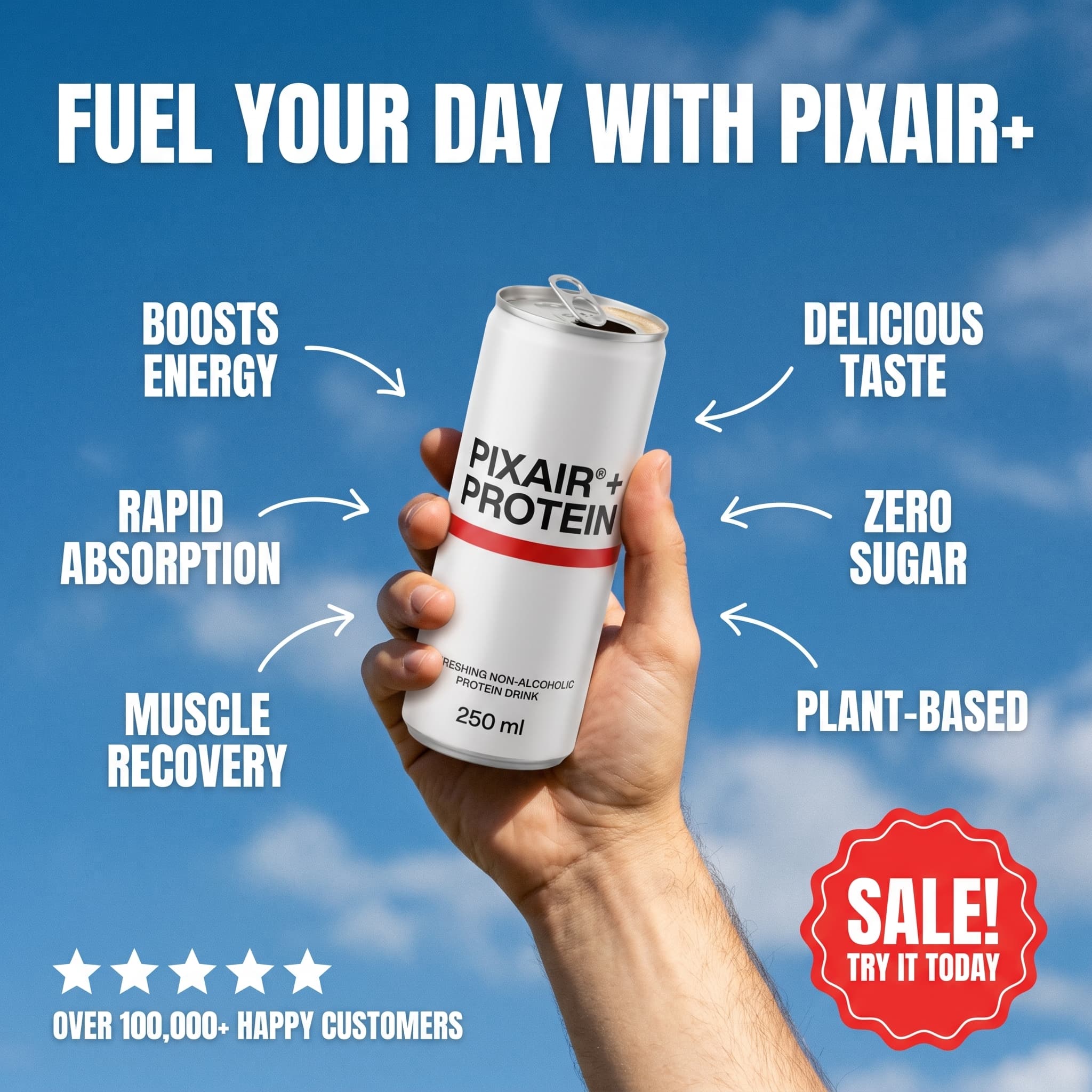
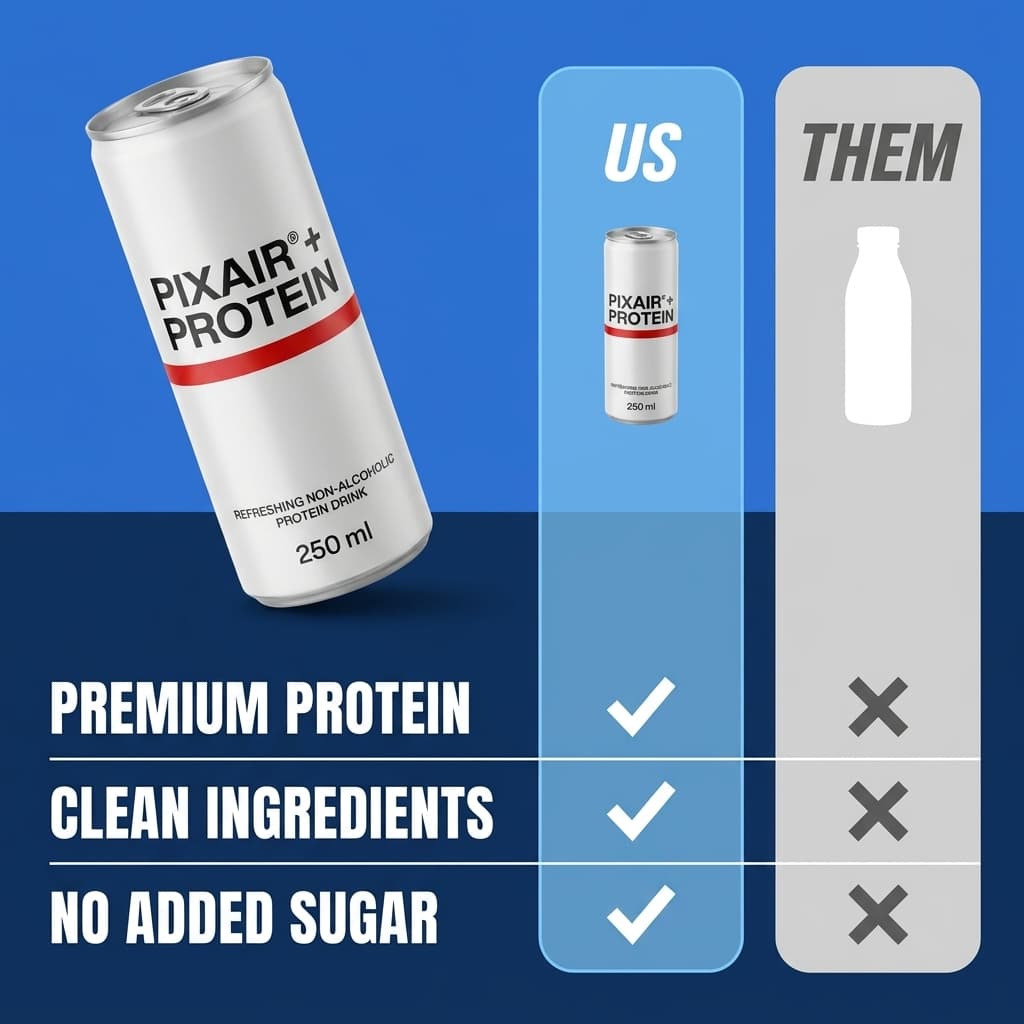
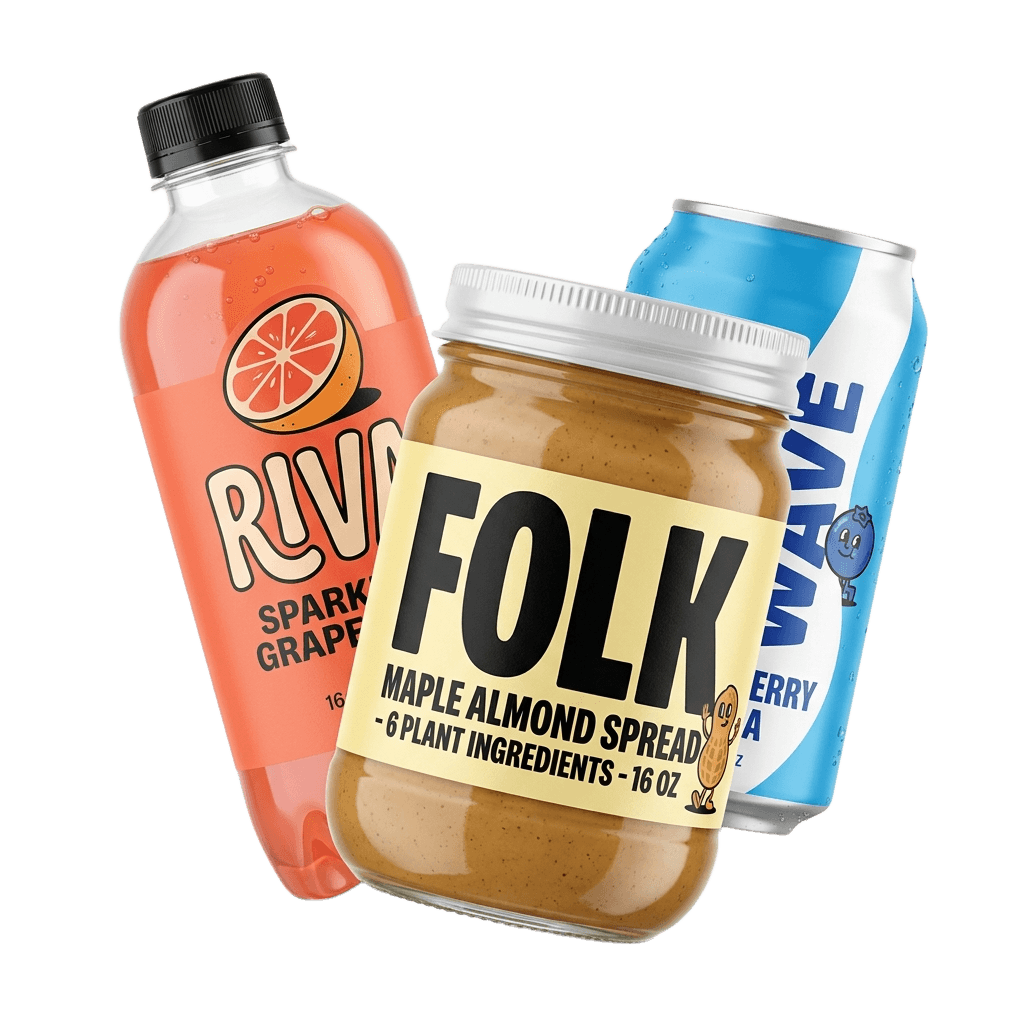
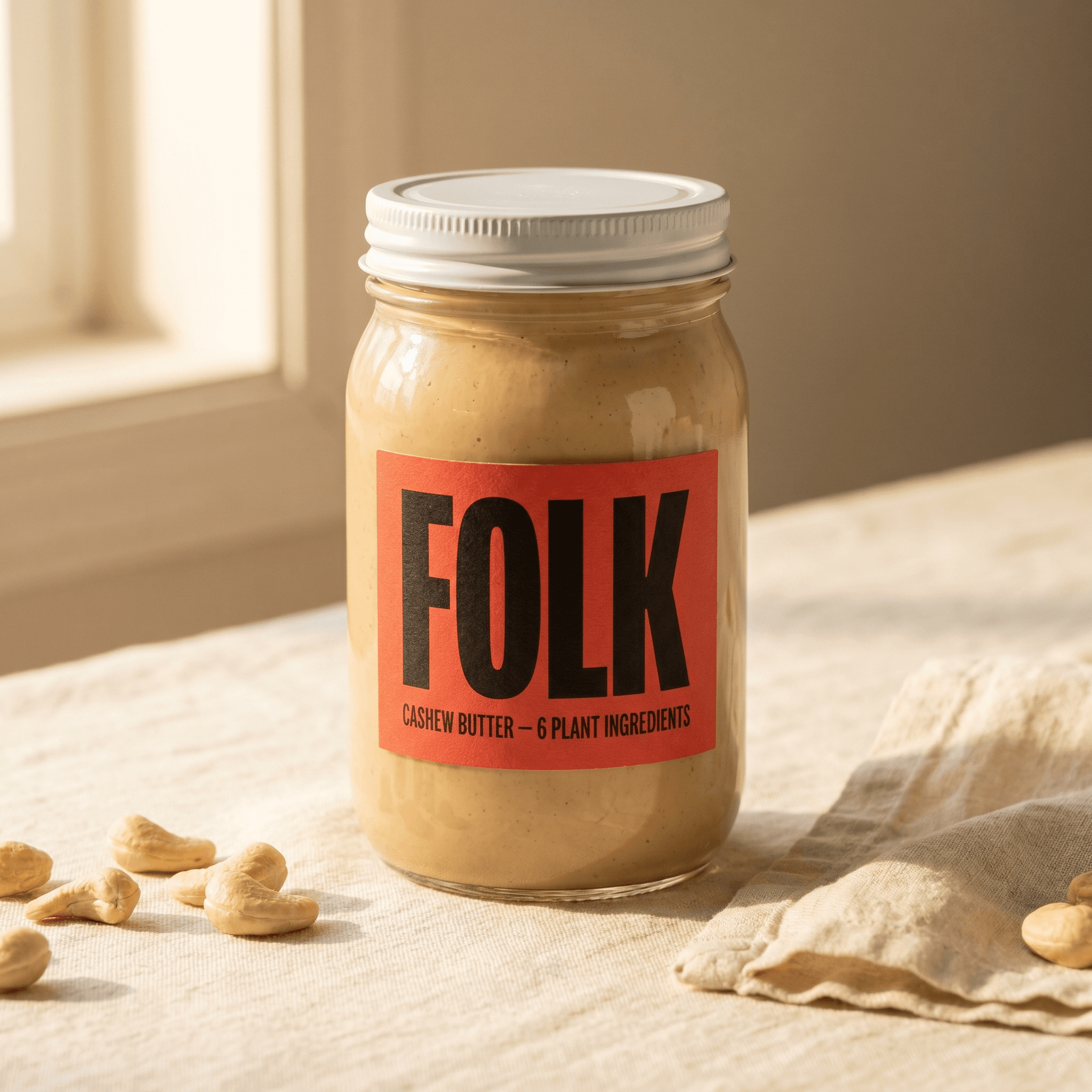
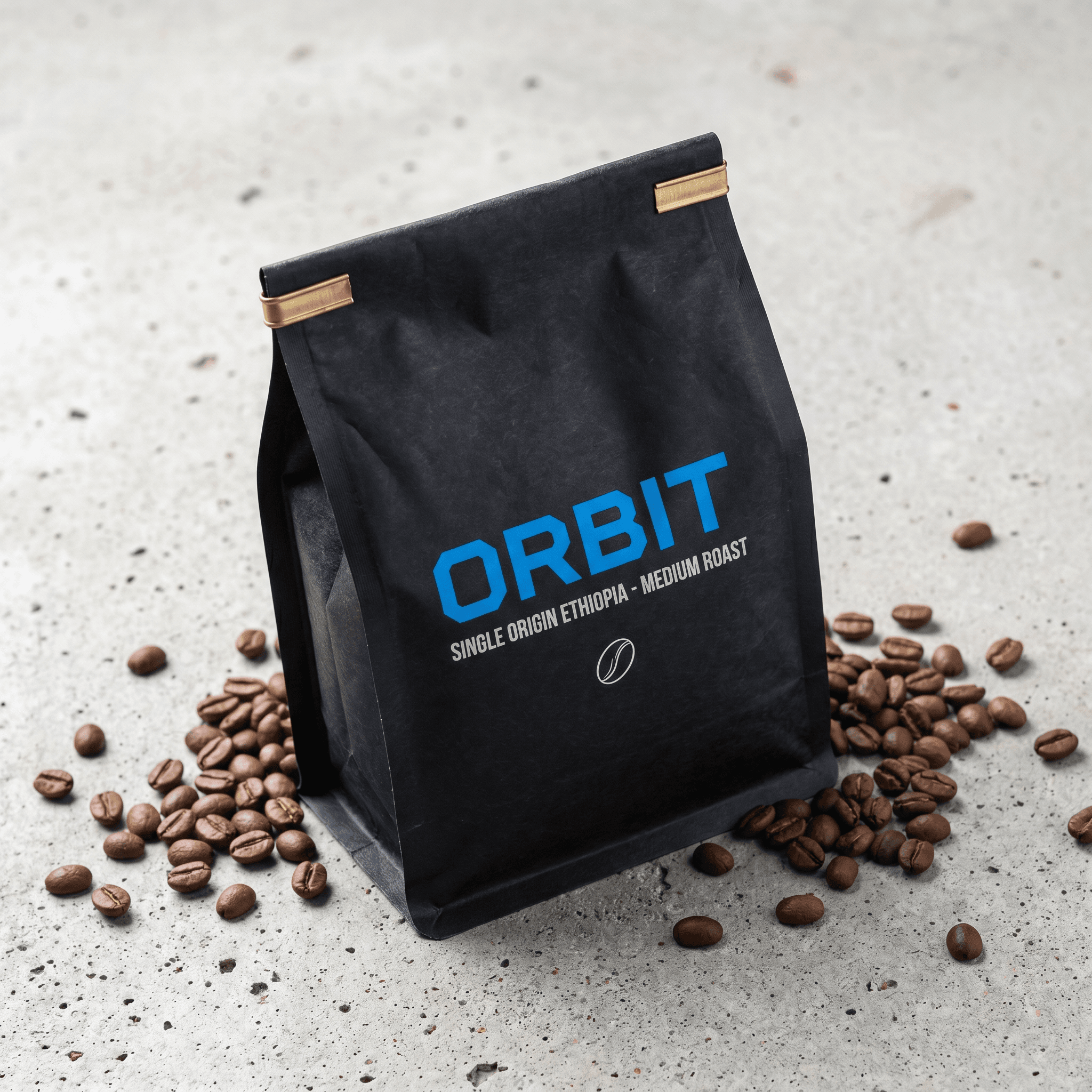
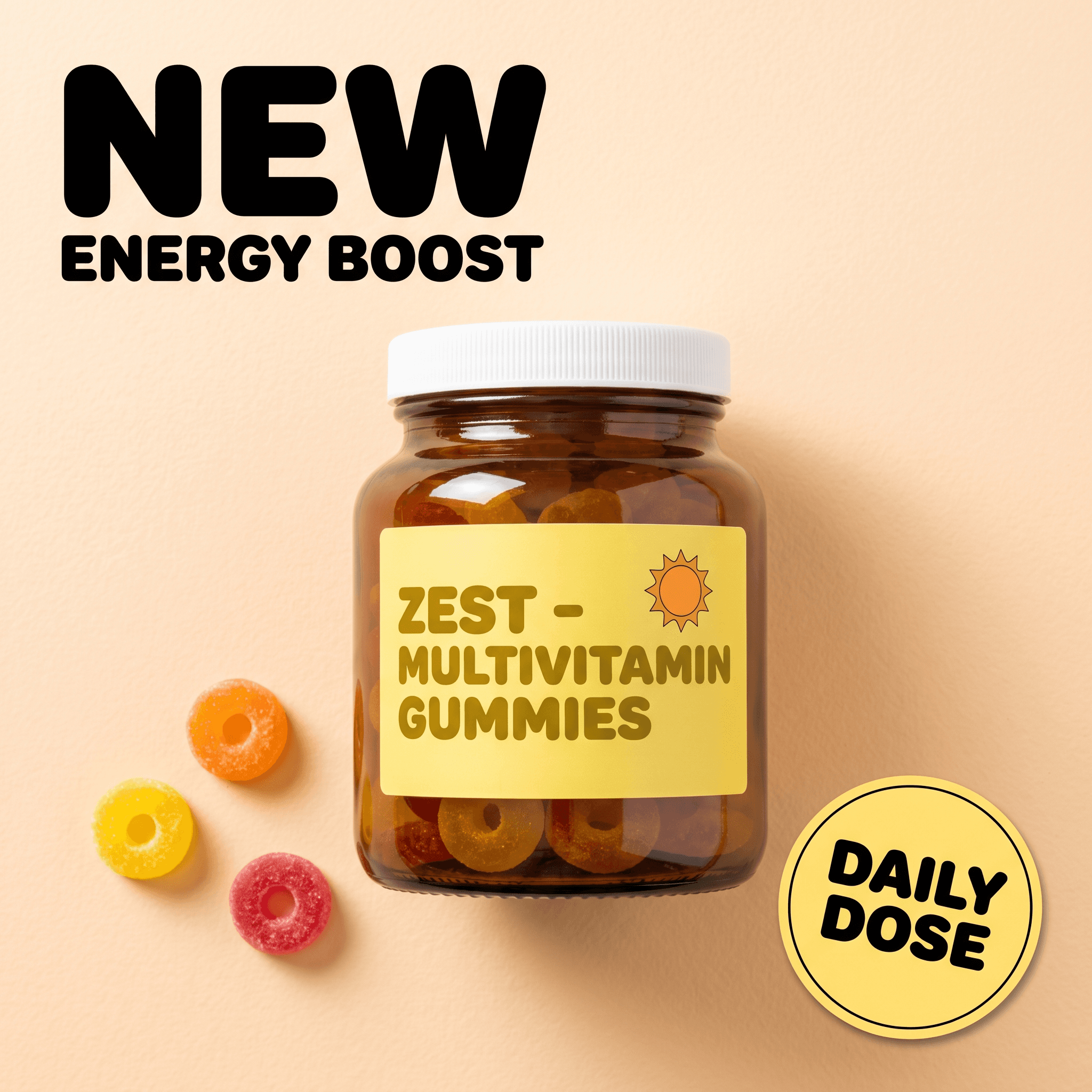
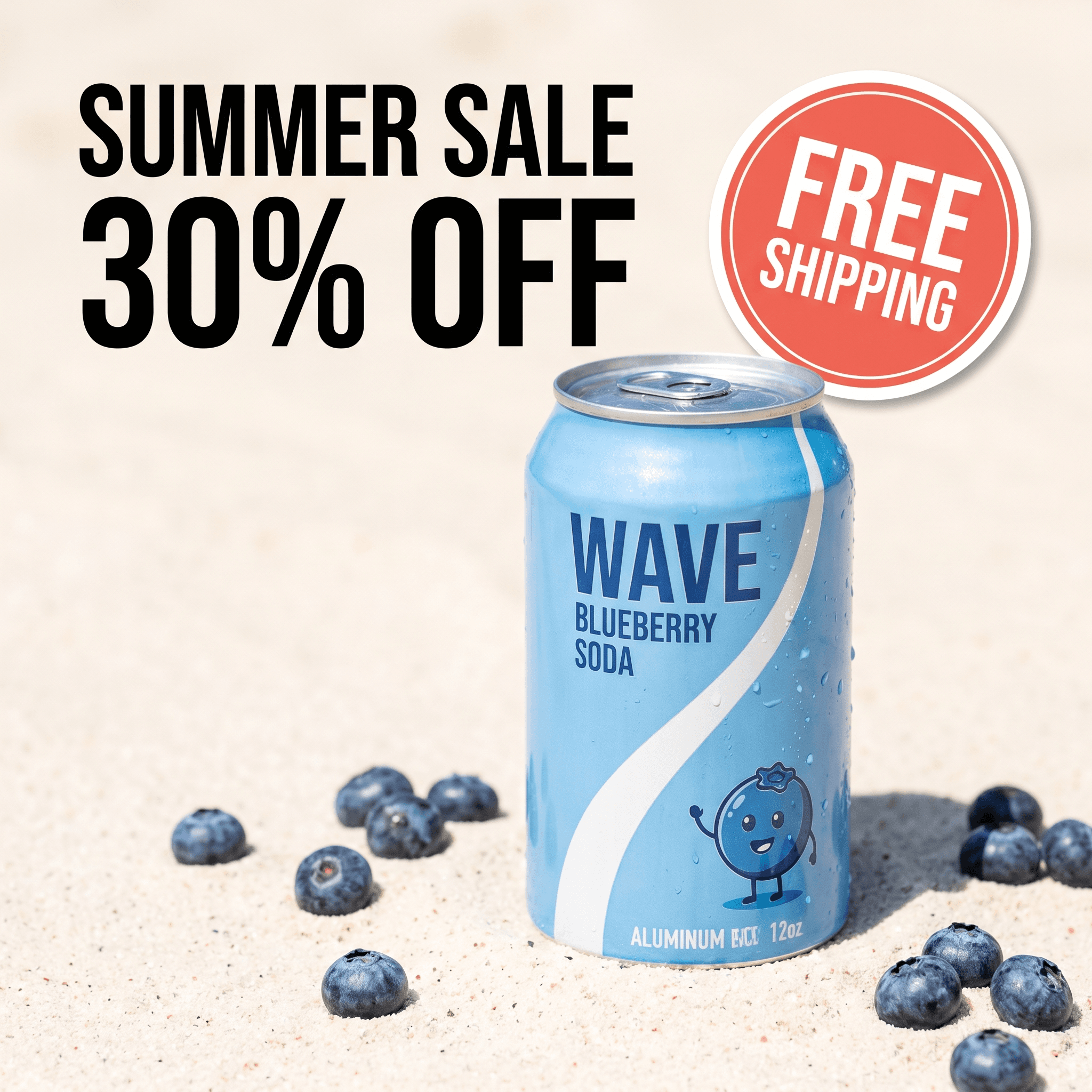
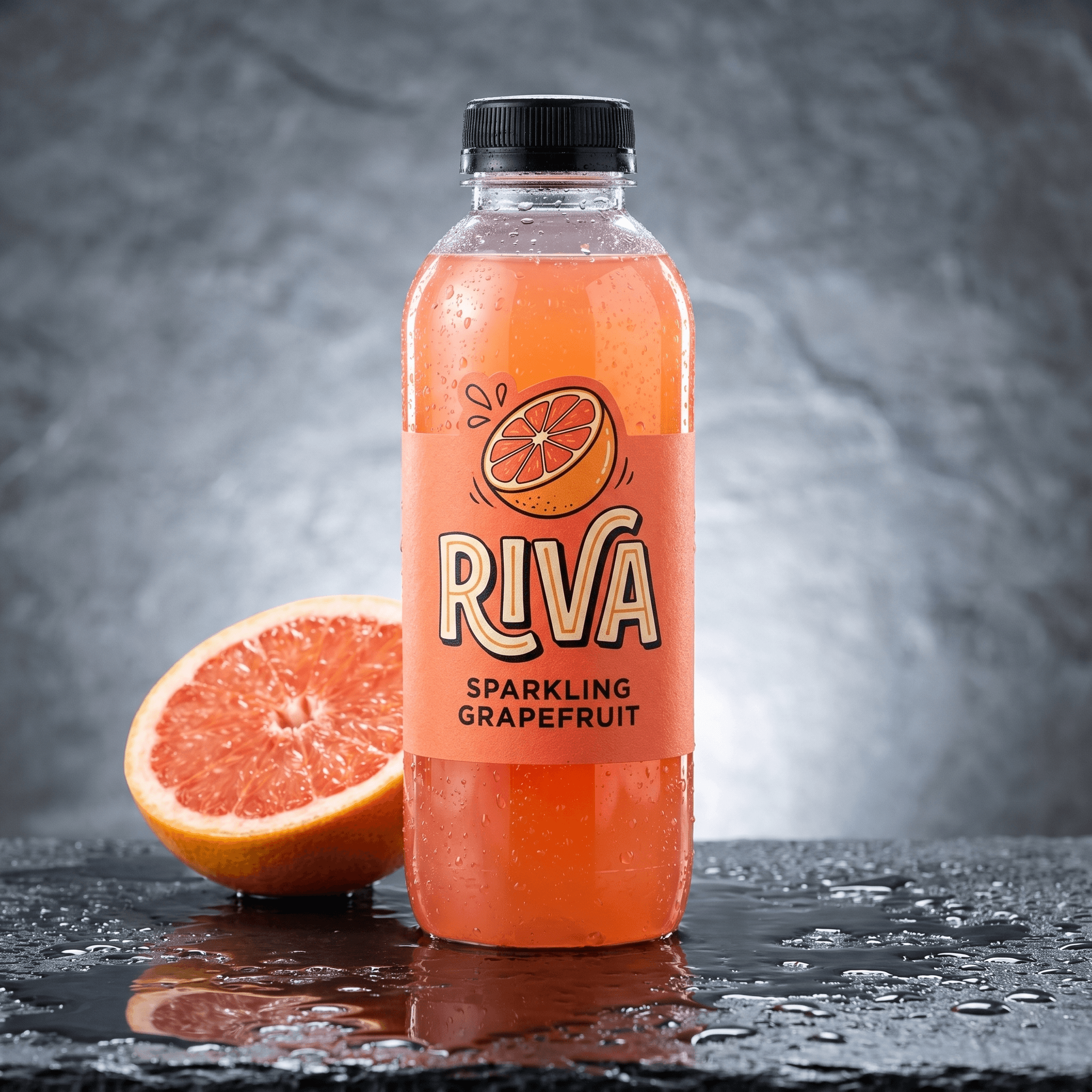
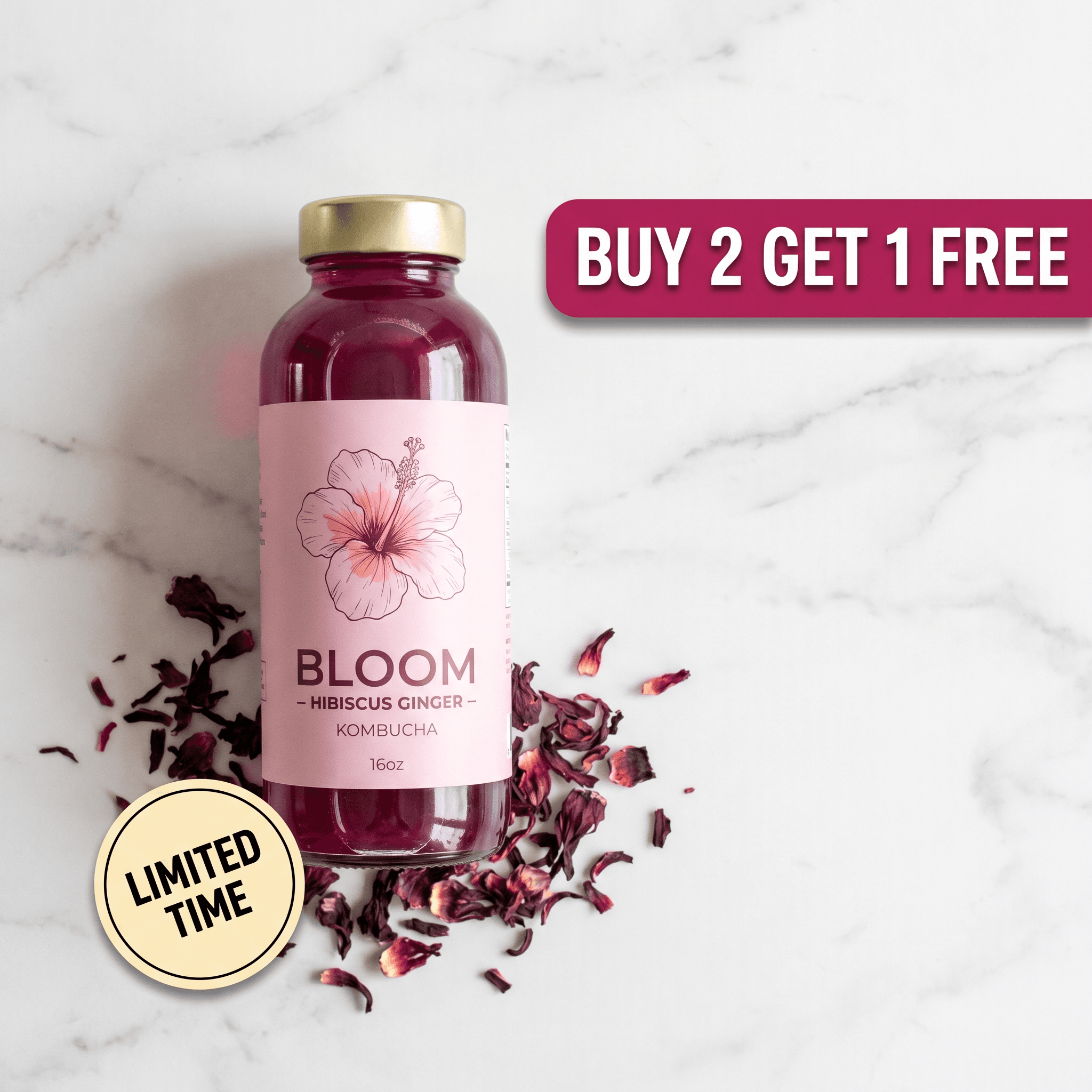
The examples below are Pixair AI output in the formats the agent plans from a link.
Static ads

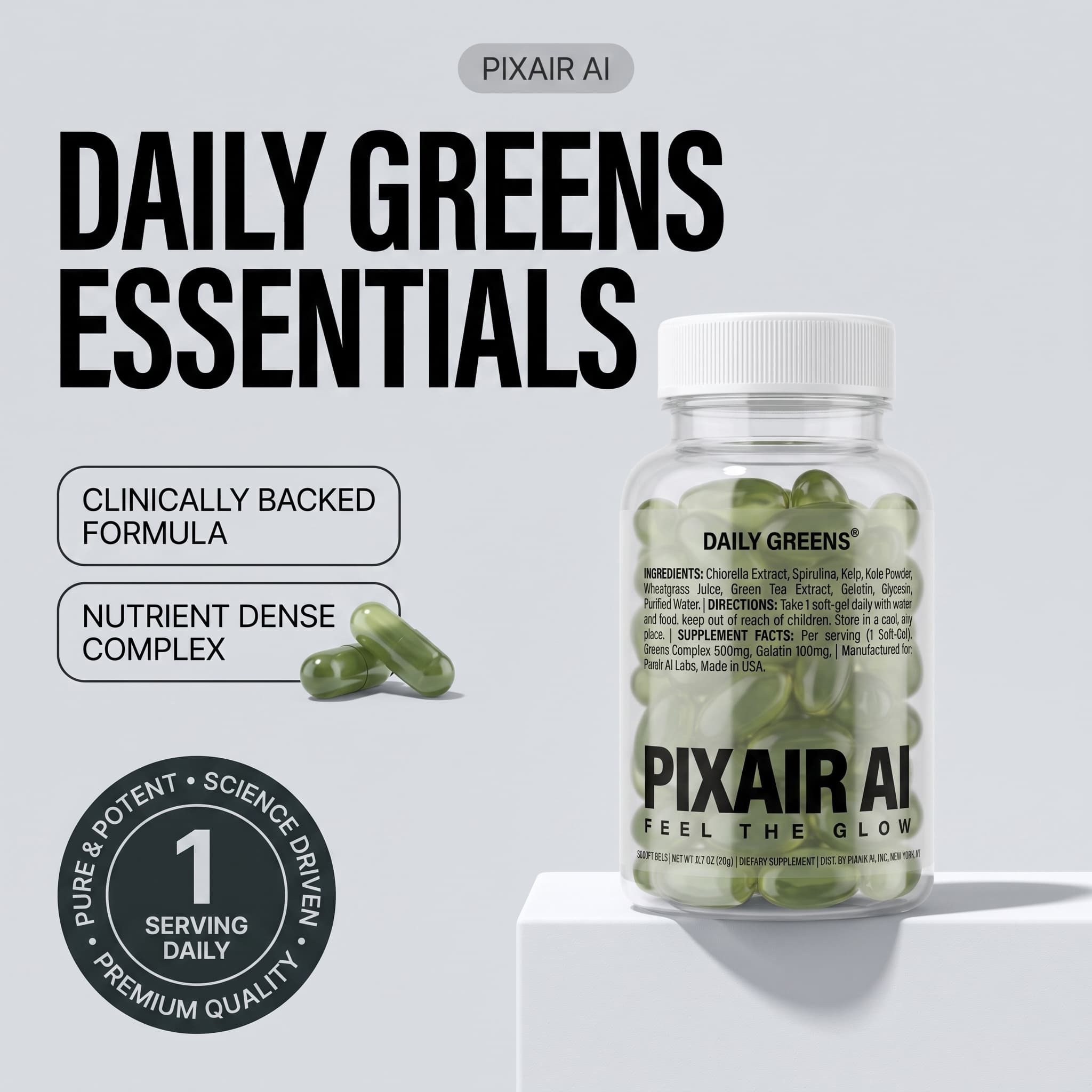
Try-on and lifestyle


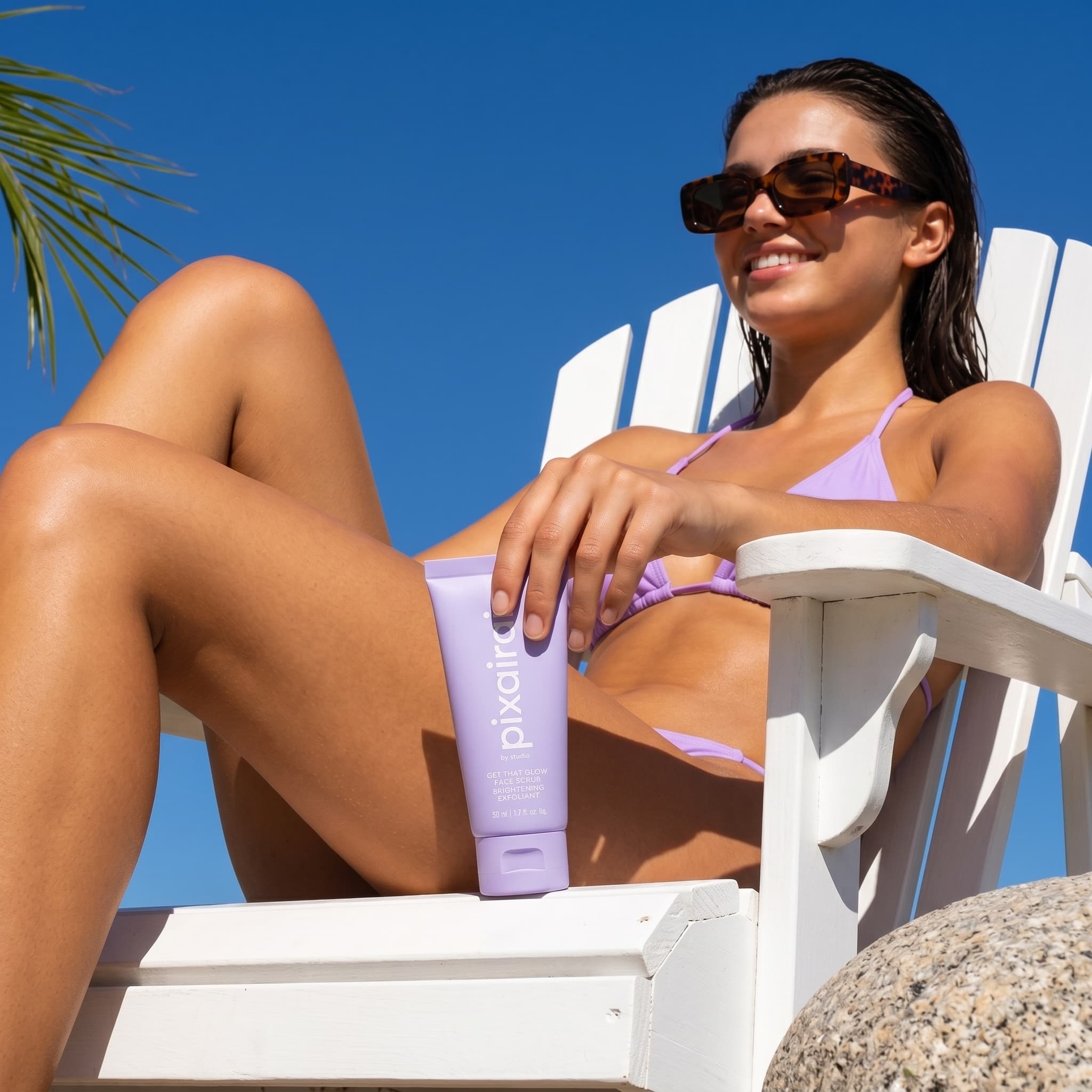

UGC-style creator video
For a store-wide view of which of these to run and when, the ad creatives for Shopify stores guide maps them to the funnel. If you would rather start from a fixed style than a chat, the preset-based ad creatives maker takes an uploaded photo instead of a link.
Why Paste a Link Instead of Uploading Photos?
Uploading photos still works, and it is the right path when a product is not live yet. For a product that already has a page, the link removes the prep work - and one real risk.
Photo upload
Save, upload, retype

Product Link to Ads
Photo upload
Save, upload, retype
Product Link to Ads
What you provide
Photos saved and uploaded one by one
One product page link
Product details
Retyped into the brief
Title, brand, price and variants read from the page
Claims in the copy
Whatever the brief says
Only what the listing or your message states
Variants
Uploaded and explained separately
Read from the listing, one per frame on request
Formats in one pass
One format per tool or preset
Static ads, creator video and showcase film
Cost before approval
Credits per render
Reading and planning are free
The risk is copy. A brief retyped from memory drifts: “hydrating” becomes “24-hour hydration”, and that line ends up on an ad that has to survive a platform review. With a link, the listing text arrives as the seller's own wording, which the agent may reuse but never extend.
How Much Does One Product Link Cost to Turn Into Ads?
Reading the page and planning cost nothing. Credits are spent only when you approve a plan: 9 per static ad, 84 per 10-second creator video and 84 per showcase film, with a 25-credit minimum per approved plan. The table converts common ad sets into what you actually pay on Pro - its price divided by its 400 credits, $0.06 a credit monthly or $0.045 billed annually.
| Ad set from one link | Credits | Pro monthly ($24) | Pro annual ($18/mo) | Sets per month on Pro |
|---|---|---|---|---|
| One static ad (plan minimum applies) | 25 | $1.50 | $1.13 | 16 |
| 3-frame carousel | 27 | $1.62 | $1.22 | 14 |
| 4 placements: 1:1, 4:5, 9:16, 16:9 | 36 | $2.16 | $1.62 | 11 |
| 5-frame listing gallery | 45 | $2.70 | $2.03 | 8 |
| 4 placements + 10-second creator video | 120 | $7.20 | $5.40 | 3 |
| 4 placements + creator video + showcase film | 204 | $12.24 | $9.18 | 1 |
Two things stand out. Statics are cheap enough that the plan minimum matters more than the per-ad price: a single ad costs 25 credits, nearly the same as a three-frame carousel, so ask for the whole placement set in one message. And video is where the budget goes - the two clips are 168 of the full set's 204 credits. On other plans, Starter at $7 for 100 credits covers two five-frame galleries a month, and the Free plan's 30 credits cover one plan of up to three static ads.
Will the Ads Say Things Your Listing Doesn't?
No, and that is deliberate. Only two sources can supply claims to the copy: what the page says and what you write in the chat. The listing text is handed to the agent as the seller's own words, with an instruction to reuse its claims and never extend them - no benefit, ingredient or certification that is not on the page. Every image prompt then goes through a separate editing pass that checks each line of copy against the product label and your brief, and replaces anything it cannot trace.
The flip side is that a thin listing gives the agent little to say. If your description is two lines, add the selling points to your message - “quick-dry, four-way stretch, zip pocket” - and they become fair game for the copy.
Tips for Better Ads From a Product Link
Put your best shots first in the store gallery
The read takes the first three photos in gallery order. A clean front shot of the product should be one of them; lifestyle and detail shots can sit further down.
Name the variant in your message
The link reads the whole product, not the variant selected in the URL, so say “build it on the Tropical print” rather than relying on a variant link to pick it for you.
Use a live, public page
A password-protected store, a draft product or a page behind a login cannot be read properly. Publish the product first, or upload photos instead while it is still in draft.
Check stock before you pay for renders
The page read includes stock status. An ad that sends clicks to a sold-out listing wastes the spend, so restock or pick another product before approving.
Ask for every placement at once
With a 25-credit minimum per approved plan, one four-placement request at 36 credits costs less than two single-ad plans at 50. Batch the sizes you need into a single message.
Product Link to Ads is on every plan. Create a free account and paste a product page - reading it and planning the set cost nothing.
Frequently Asked Questions
Paste the product page link into the Pixair AI agent chat and say what you want, for example a 4:5 Meta feed ad and a 9:16 story. The agent reads the page - photos, title, price, variants and description - and replies with a plan and a credit total. Nothing renders and no credits are spent until you approve that plan.
Yes. On Shopify the agent reads the full product record: title, brand, product type, price, every variant, store tags, the description and the first three photos. WooCommerce and most other stores are read from the standard product data they publish for search engines. If a page gives up nothing usable, the agent asks for a product photo instead of guessing.
Yes. One link can produce a 10-second UGC-style clip with an AI creator holding and talking about the product, or a product showcase film with no people and no voiceover, at 84 credits each. Before planning a video the agent asks for the clip length, aspect ratio and creator, so the render matches what you picked rather than a default.
Reading the page and planning are free - credits are only spent on approved renders. A static ad costs 9 credits, a 10-second creator video 84 and a showcase film 84, with a 25-credit minimum per approved plan. On Pro at $18 a month billed annually for 400 credits, four static placements cost 36 credits ($1.62) and a full set with both video types 204 credits ($9.18).
It is included on every plan, including Free. The Free plan gives 30 credits with no card and no expiry, which covers one plan of up to three static ads (27 credits). Videos cost 84 credits each, so they need the credits of a paid plan, starting with Starter at $7 a month for 100 credits.
Keep reading
Related articles
Arcads AI Pricing 2026: Complete Cost Per Video Guide
Arcads AI pricing is $110, $220 or $550 a month at 800 credits per actor-minute, with no public price page. See the real cost per video and cheaper options.
Best Creatify Alternative 2026: Free, No Watermark, From $7
Creatify starts at $39/month and watermarks every free video. This Creatify alternative gives 30 free credits with no watermark, then plans from $7/month.

Best MakeUGC Alternative 2026: UGC Ads Without the $1 Trial
MakeUGC costs $59-$149/month, the $1 trial auto-renews after 72 hours and unused credits expire monthly. This MakeUGC alternative makes UGC ads from $4.41.