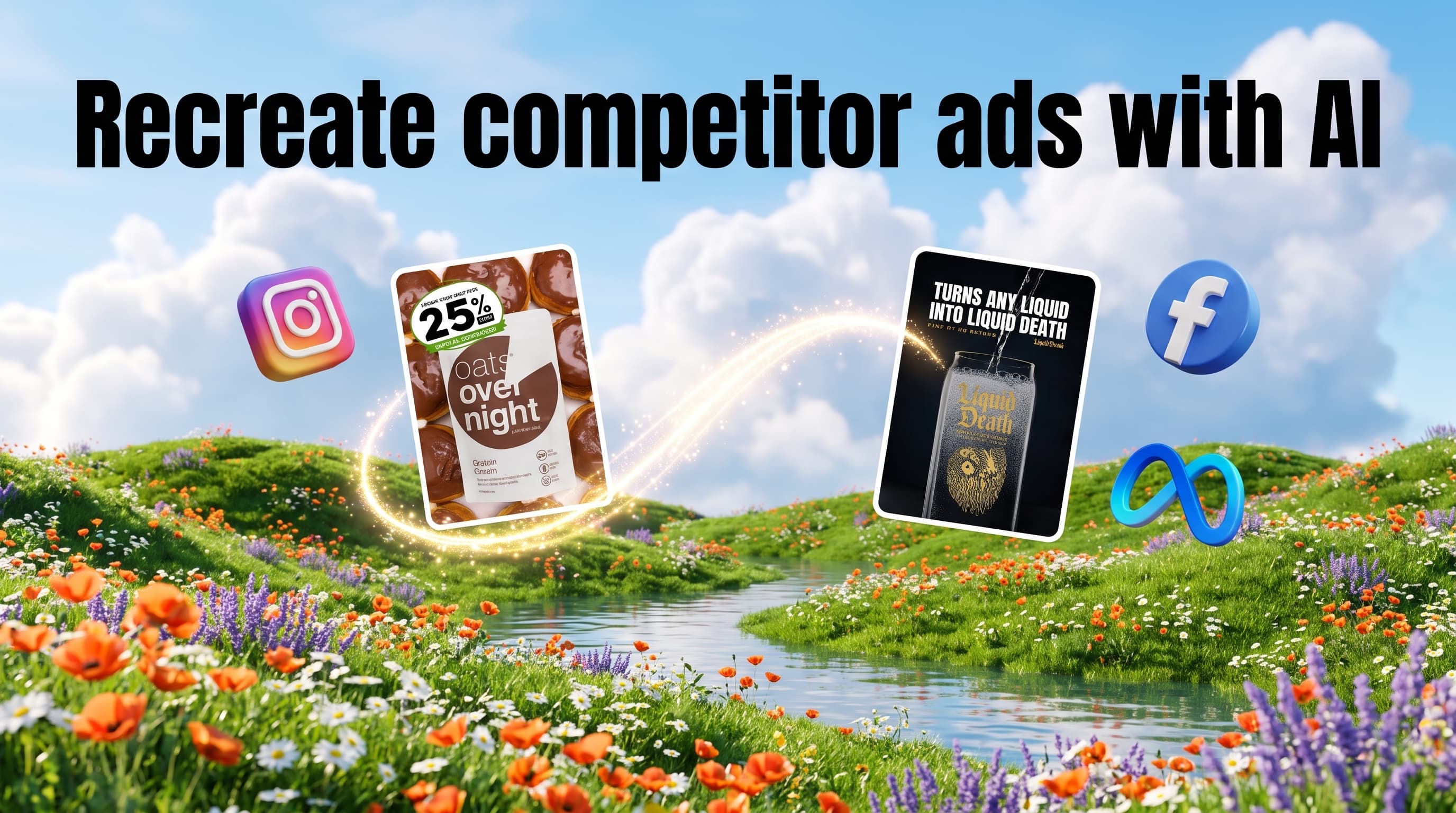
To recreate competitor ads with AI, find an ad a rival has kept running for weeks, then rebuild its hook, layout and offer structure around your own product, brand and words. In Pixair AI, Competitor Spy finds those long-running Facebook and Instagram ads, and the "Recreate for my product" button turns one into your own static ad from 4 credits in Studio, about $0.28 on the $7 Starter plan. Searching is free, and you only pay the normal generation price for what you recreate.
How do you recreate competitor ads with AI?
Import your Brand Kit in Pixair AI, open Competitor Spy, sort a rival's Facebook and Instagram ads by longest running, then click "Recreate for my product". Pixair keeps the winning structure and rebuilds it with your product, logo and colors. Searching costs no credits. In Studio, a recreated static ad starts at 4 credits, about $0.28 on the $7 Starter plan, and video is on every paid plan from $7 a month.
How much does it cost to recreate a competitor ad?
On Pixair AI, one recreated static ad in Studio costs $0.24 to $0.28 on monthly plans, and a 5-second video version costs $0.59 to $0.70. A 15-second 720p video needs 105 credits, so it starts on Pro at $6.30. Ad Agent campaigns use Agent prices: 9 credits per image, 84 credits per 10s 720p clip, and a 25-credit minimum per run.
How we worked it out: cost per credit = plan price / monthly credits (100 on Starter, 400 on Pro, 1,000 on Business), so $0.07, $0.06 and $0.059 a credit on monthly billing. Billed yearly, a credit drops to $0.05 on Starter and $0.045 on Pro and Business, which puts a recreated static in Studio at $0.20 or $0.18 and a 15-second 720p video at $4.73. Credit costs are from Pixair AI facts page, read on November 4, 2026. Images start at 3 credits, so check the cost Pixair shows before each run. The Free plan has 30 credits that never expire and covers images only.
Finding the ads costs nothing extra. Competitor Spy searches use no credits, so the only cost is the creative you render.
How many competitor ads can you recreate on a $7 plan?
One Starter month of 100 credits rebuilds two competitor winners as a small static-plus-video test, or 25 winners as static ads only. The table shows three common ways to spend a month on recreating competitor ads.
Cost per ad is the monthly plan price per credit times credits used, divided by the number of ads. The static-plus-hook test makes 8 ads for $3.15 on Starter. The full rebuild makes 9 ads for $12.60 on monthly Pro, and Pro's 400 credits leave 190 for a second round of statics and short hook tests. For a wider look at what other tools charge per finished ad, see our cheapest AI ad generator comparison.
Which AI ad clone tools recreate competitor ads?
Pixair AI, Creatify and Coinis all rebuild a competitor's ad around your product. Pixair AI is the cheapest way in at $7 a month with static ads from about $0.28 in Studio, Creatify puts Ad Clone on its $55 Pro plan, and Coinis charges 46 credits per image ad, about $0.46 on a $10 credit pack.
Sources, read on November 4, 2026: Creatify's Ad Clone page and pricing list Ad Clone, Ad Agent and the Competitor Ad Tracker on Pro at $55 a month or $38 billed yearly for 280 credits, which expire after 2 months. Creatify's clone page focuses on video ads and says its Free plan covers a first cloned video with a watermark. Coinis' Ad Clone page and pricing list 46 credits per image ad and 650 per premium UGC video, credit packs from $10 for 1,000 credits, and a Creator plan at $49 a month ($39 yearly) for 5,100 credits.
Creatify is the stronger pick if you want video clones in other languages, and Coinis if you want the tool to launch paid ads for you, which its paid plans include. Pixair AI fits sellers who want static and video recreations at the lowest monthly price and keep launching in their own Ads Manager.
Why do Shopify, Amazon and TikTok Shop sellers recreate winners instead of starting blank?
A competitor's long-running ad is a cheap signal about what your shared buyer responds to. Brands rarely keep paying for an ad that loses money, so an ad that stays live for 60 days or more has usually earned its budget.
Shopify stores running Meta ads need a steady flow of new angles to fight creative fatigue. Amazon sellers who drive outside traffic from Facebook and Instagram need lifestyle and benefit visuals beyond the white-background main image. TikTok Shop sellers can take a structure proven on Instagram Reels, render it vertical and test it on TikTok. In all three cases, starting from a proven structure means fewer blind tests and fewer wasted credits.
The slow part has always been the rebuild. Screenshots pile up in a swipe file, and each one needs a designer or editor to turn it into an ad for your product. Recreating with AI collapses that step into one click per ad.
Copying vs recreating: where the line sits
Recreating keeps the idea of a winning ad, while copying takes its assets. The structure of an ad, such as the hook type, layout, offer shape and pacing, is what you study and reuse. The competitor's logo, product shots, people, music and exact wording stay theirs.
Keep these out of every recreated ad:
- Logos and trademarks. Meta's ad standards on copyrights and trademarks bar ads that are likely to confuse people about the source, sponsorship or affiliation of a product.
- Faces and creators. Use your own creators or Pixair's AI avatars, never a person from the competitor's ad.
- Exact copy and claims. Write your own headline, and only make claims you can back for your product. A competitor's "clinically tested" line describes their product and their evidence.
- Their photos and footage. Every frame in your ad should show your product.
Pixair's recreate flow is built around this split: you supply the product and the Brand Kit, and the competitor ad serves as the reference for structure. This is general guidance and not legal advice, so check anything borderline with a lawyer in your market.
How to recreate a competitor ad in Pixair AI, step by step
Five steps take you from an empty account to recreated static and video ads ready for your ad account. Our Competitor Spy guide covers the search screen in more depth.
1. Import your Brand Kit
Paste your store link and Brand Kit imports your logo, colors, fonts and tone from your website. This matters for recreating because every ad you rebuild picks up your branding instead of the competitor's. Once the import finishes, Competitor Spy suggests competitors for your product with one click.
2. Find the winners in Competitor Spy
Open a suggested competitor or type a brand name, then set the country, active status and media type. Switch from All ads to the Winners tab and sort by Longest running. Ads with a "Proven winner" label and a high days-running count are the ones to recreate first. If you want to check the same ads by hand, our Facebook ad library guide shows how to read start dates.
3. Click "Recreate for my product"
Every ad card has a "Recreate for my product" button. Pixair rebuilds the ad's structure with your product and Brand Kit, at 4 credits per recreated static ad in Studio. For an ad you saved outside Competitor Spy, upload it to Ad Cloner and it gets reshot around your product. For more control, use AI Canvas: connect your product photo, the winning ad and a short brief, get new variations, and rerun the saved workflow on your next product.
4. Turn one winner into a campaign with the Ad Agent
A single recreated ad is one test. Ask the Ad Agent in chat for a set built on the same angle, for example: "Recreate this winner for our posture corrector as five statics, one pain point, two benefit and two social proof versions." Campaign mode returns a matched set in platform-correct sizes for each placement. Ad Agent images use Agent prices, not the 4-credit Studio price: 9 credits each (about $0.63 on Starter monthly, $0.54 on Pro, $0.53 on Business), with a 25-credit minimum per run (about $1.75 on Starter). Our AI ad agent for ecommerce guide shows what the Agent can plan from one brief.
5. Recreate the winner as a video
If the competitor's winner is a video, or you want a moving version of a static, render it as a UGC-style video ad with the product in hand or worn, up to 30 seconds. Start with 5-second hook tests at 360p for 10 credits each, and render the best one at 15 seconds and 720p once it earns it. Video is on every paid plan from $7 a month. Here is a UGC-style video ad example made in Pixair:
Download the files and upload them to Meta Ads Manager or TikTok Ads yourself. Pixair AI makes the creatives and does not publish ads or manage ad spend.
What does Competitor Spy cover, and what does it skip?
Competitor Spy covers Meta only. It shows ads running on Facebook and Instagram, pulled from Meta Ad Library data, and it does not show TikTok ads.
That shapes how you use it. If a competitor spends mostly on TikTok, you will not see those ads in Competitor Spy. You can still take a winner found on Facebook or Instagram, recreate it, and export a vertical version for TikTok or TikTok Shop. Meta's library also shows no sales or ROAS for normal commercial ads, so days running is a strong hint and never a guarantee.
Search limits depend on the plan. Free and Starter accounts get 2 Competitor Spy searches in total, and they never reset. Pro, Business and trial accounts get unlimited searches. Searches run by the Ad Agent or the brand kit import do not count.
Tips for recreating competitor ads that hold up in testing
The best recreations change what matters to your buyer and keep what made the original work.
- Recreate 3 to 5 winners from different brands. One brand's long runner can reflect its audience. A structure that wins for several brands is safer to test.
- Change one thing per version. Keep the structure and swap only the hook or the visual, so you know what moved the result. Our ad creative A/B testing framework shows how to set up clean test cells.
- Test statics before video. A recreated static costs $0.28 in Studio on Starter. Prove the angle there, then spend video credits on the winner.
- Swap in your own proof. Replace the competitor's review or claim with a real review, rating or number from your store.
- Recheck winners weekly. Days running keep counting, and an ad that stops tells you an angle has worn out in your niche.
Your first 30 credits are free with no card. Create a Pixair AI account, import your Brand Kit and recreate your first competitor winner.
Frequently asked questions
Studying a competitor's public ad and reusing its structure, such as the hook type, layout and offer shape, is common practice. Copying their logo, trademarks, people, footage or exact wording is where the risk sits, and Meta's ad standards bar ads likely to confuse people about a product's source. Check borderline cases with a lawyer.
Finding the ad in Competitor Spy costs no credits. In Studio, a recreated static ad starts at 4 credits, about $0.28 on the $7 Starter plan or $0.18 on yearly Pro. Video is billed per second, from 10 credits for 5 seconds at 360p to 105 credits for 15 seconds at 720p.
Competitor Spy covers Facebook and Instagram only, using Meta Ad Library data, so it does not show TikTok ads. You can still recreate a winner found on Meta and export a vertical version for TikTok or TikTok Shop. For an ad you saved yourself, upload it to Ad Cloner and it gets reshot around your product.
Yes, for static ads. A free Pixair AI account gets 30 credits with no card, and they never expire, which covers about seven 4-credit Studio static recreations. Free and Starter accounts get 2 Competitor Spy searches in total, and they never reset. Pro, Business and trial accounts are unlimited. Searches run by the Ad Agent or the brand kit import do not count. Video recreations need a paid plan, from $7 a month or $5 a month billed yearly.
An AI ad clone tool takes an ad that is already working and rebuilds its structure around your product and brand. Pixair AI, Creatify and Coinis all offer one. Pixair AI pairs it with Competitor Spy to find long-running Facebook and Instagram ads first, then recreates them as static or video ads.
Keep reading
Related articles
Meta Ad Library alternatives from $7 (2026)
Compare Meta Ad Library alternatives for 2026. Pixair finds Facebook winners and recreates them from $0.28 in Studio, with 2 free searches and plans from $7.
Product URL to Ad: How to Turn Any Store Link Into Ads
Turn a Shopify or WooCommerce product URL into static ads, UGC videos and showcase films. Ads from 9 credits on every plan - no photo uploads or retyped copy.
AdCreative.ai Black Friday 2026: deal facts and cost per ad
AdCreative.ai has not posted 2026 Black Friday terms yet. Past deals cut yearly plans 50%, to about $1 an ad. Compare the math and keep more of your ad budget.