The Facebook ad library is Meta's free, public search tool for ads running on Facebook, Instagram and Meta's other apps. Use it to see which ads a competitor has kept live for weeks, then recreate the angle for your own product. On Pixair AI, each recreated static ad in Studio starts at 4 credits, about $0.28 on the $7 Starter plan.
What is the Facebook ad library?
The Facebook ad library, now the Meta Ad Library, is Meta's free public search tool for active ads on Facebook, Instagram and Meta's other apps. Search by keyword or advertiser to see a competitor's creatives and how long each ad has run. Ads that stay live for weeks are usually working. On Pixair AI, recreating one as a static ad in Studio starts at 4 credits, about $0.28 on the $7 Starter plan.
The Facebook ad library, now officially the Meta Ad Library, is a free database of every active ad on Meta's apps, searchable by keyword or advertiser at facebook.com/ads/library. Sellers use it to study competitors' creatives and start dates. Pixair AI then turns the ads worth copying into new ads for your product.
Meta says it holds all active ads across its products, plus branded content with a paid partnership label, and anyone can search it. Platforms covered are Facebook, Instagram, Messenger, WhatsApp, Threads and Audience Network, per Meta's Ad Library API.
What does the Facebook ad library show and hide?
For a normal commercial ad that never reached the EU or UK, the library shows the creative, the Page and the start date, and nothing about spend or results. Ads delivered to the EU or UK show reach and targeting too. Only ads about social issues, elections or politics show spend.
This table follows Meta's own About the Meta Ad Library help page, read on October 30, 2026.
For US sellers, the catch is that a US-only ad disappears the day it stops. If a competitor also sells in the UK or Europe, switch the country there to see its ended ads for up to a year. Meta added the EU archive and targeting data under the Digital Services Act in August 2023, and the advertiser and payer fields come from its EU advertiser requirements.
How do you search the Meta ad library?
Open the Meta ad library, pick a country, choose "All ads", then type a brand name or keyword. Pick the brand's Page from the dropdown to see only its ads, or search a phrase like "posture corrector" to see every advertiser using it.
- Country. Where the ad reached people, which Meta's API calls ad_reached_countries, whatever country the brand is in.
- Ad category. "All ads" covers products. The other categories are issues, elections or politics, housing, employment, and financial products and services, per the API's ad_type list.
- Search. Results include ads containing the term or Pages whose name contains it, so keyword searches get noisy.
- Filters. Platform, media type (images, memes, videos), active or inactive status and a date range, matching the Ad Library API reference.
How do you tell which ads in the library are winning?
The best free signal is run time. Brands rarely keep paying for an ad that loses money, so an active ad with an old start date is one the advertiser has chosen to keep. The library never shows sales or ROAS for commercial ads, so treat run time as a hint to test.
Each card shows the start date, and you do the subtraction: an ad that started on August 1, 2026 and is still active on October 30 has run 90 days. A simple rule:
- Under 14 days: still in testing. Note it and check back.
- 30 to 60 days: likely past its test. Worth studying.
- Over 60 days and still active: a strong candidate to recreate.
When one card holds several versions of an ad, the brand is testing variants of one idea. The oldest start date in the group shows how long the idea has lasted.
How do you do competitor ad analysis from the library?
Competitor ad analysis means logging what each long-running ad does, then spotting the patterns across brands. Pick 3 to 5 competitors, pull every active ad older than 30 days, and record the same fields for each one.
After 20 to 30 rows, sort by format and hook. If four competitors keep a before-and-after static running past 60 days, that format works in your niche. If nobody runs UGC video, that gap is a cheap test. The method is the same for Shopify stores, Amazon brands and TikTok Shop sellers who advertise on Meta.
How much does it cost to recreate 10 winning ads?
On Pixair AI, recreating 10 winning ads as statics in Studio costs $2.80 on the $7 Starter plan, or $1.80 on yearly Pro or Business. As 15-second 720p UGC videos, the same 10 ads cost about $47 to $63 in credits, so you only render full videos for the angles that earn it.
Pixair AI Starter is $7 a month ($5 yearly) for 100 credits, Pro $24 ($18 yearly) for 400 and Business $59 ($45 yearly) for 1,000. Ten recreated static ads in Studio cost $2.80 on monthly Starter and $2.40 on monthly Pro. Ad Agent campaigns use Agent prices: 9 credits per image, 84 credits per 10s 720p clip, and a 25-credit minimum per run.
How we worked it out: credit price = plan price / monthly credits, or $0.07, $0.06 and $0.059 a credit on monthly Starter, Pro and Business. Costs above use monthly billing. Billed yearly ($0.05 a credit on Starter, $0.045 on Pro and Business), 10 statics cost $2.00 or $1.80, 10 videos at 15s 360p cost $15.00 or $13.50, and 10 at 15s 720p cost $47.25 on Pro or Business. A recreated static ad in Studio uses 4 credits (3 credits is only the cheapest image in general), a 15-second 360p video 30 and a 15-second 720p video 105. We assume each recreation renders as a standard 4-credit Studio static, so check the credit cost shown before each run. The free plan has 30 credits that never expire and no video.
The free plan's 30 credits cover seven 4-credit Studio static ads, so you can try the method before paying. For volume, Pro's 400 credits a month cover 10 statics plus 10 low-resolution video tests with credits left over.
How to recreate a winning ad for your product in Pixair AI
Pixair's Competitor Spy automates the library work above and puts a recreate button on each ad. For the full feature tour, read how to see what ads your competitors are running.
Free and Starter users get 2 Competitor Spy searches in total, and they never reset. Pro, Business and trial users get unlimited searches. Searches run by the Ad Agent or the brand kit import do not count. Searching costs no credits; you only pay normal generation credits when you recreate an ad. It covers Facebook and Instagram ads from the Meta ad library.
1. Import your brand kit
Paste your store link and Brand Kit imports your logo, colors, fonts and tone in one click. Competitor Spy then finds competitors for your product on its own, with follower counts and keyword chips.
2. Open the Winners tab
Competitor Spy shows which ads each brand keeps running on Facebook and Instagram. Filter by country, active status and media, switch from All ads to Winners and sort by Longest running. Start with ads labeled "Proven winner".
3. Recreate for your product
Click "Recreate for my product" on the ad. For an ad you saved yourself, upload it to Ad Cloner and it gets reshot around your product. For more control, AI Canvas takes your product photo, the winning ad and a brief and returns new variations.
4. Build a campaign set
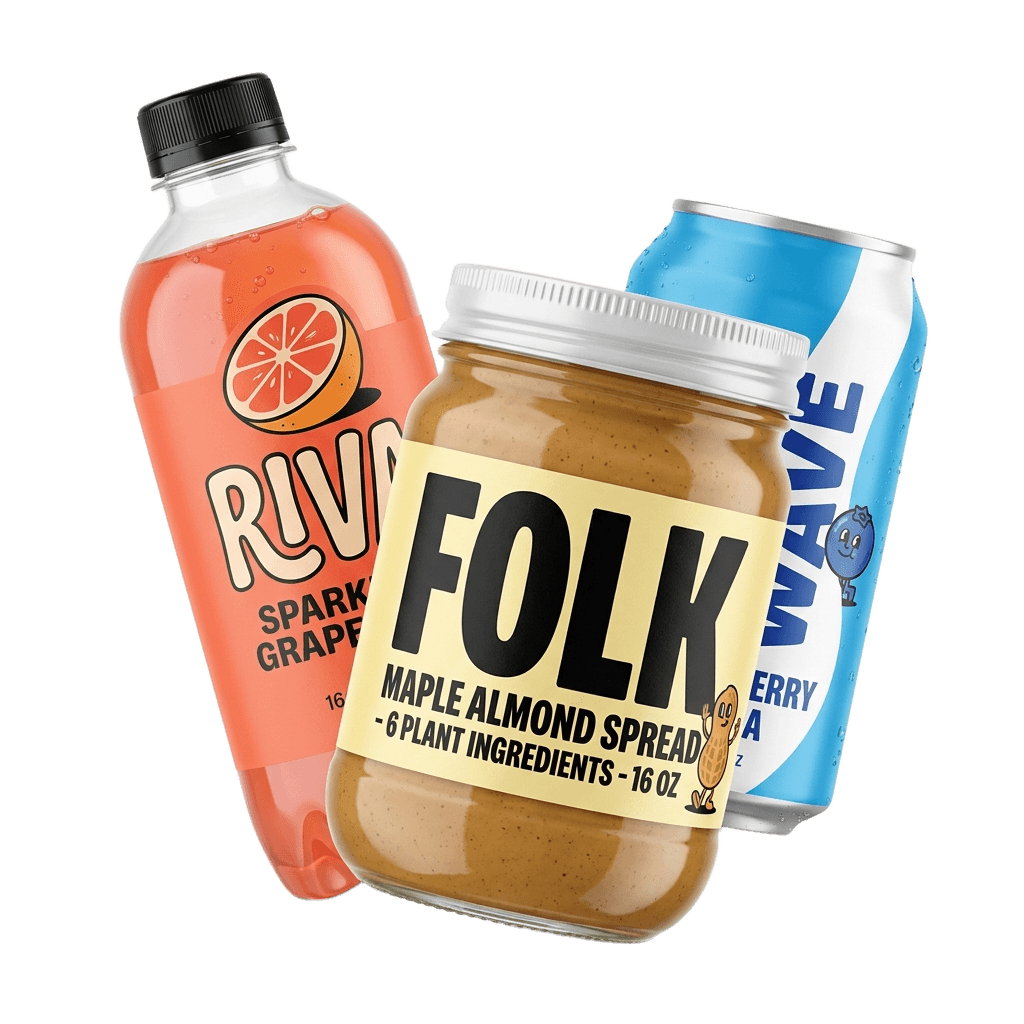
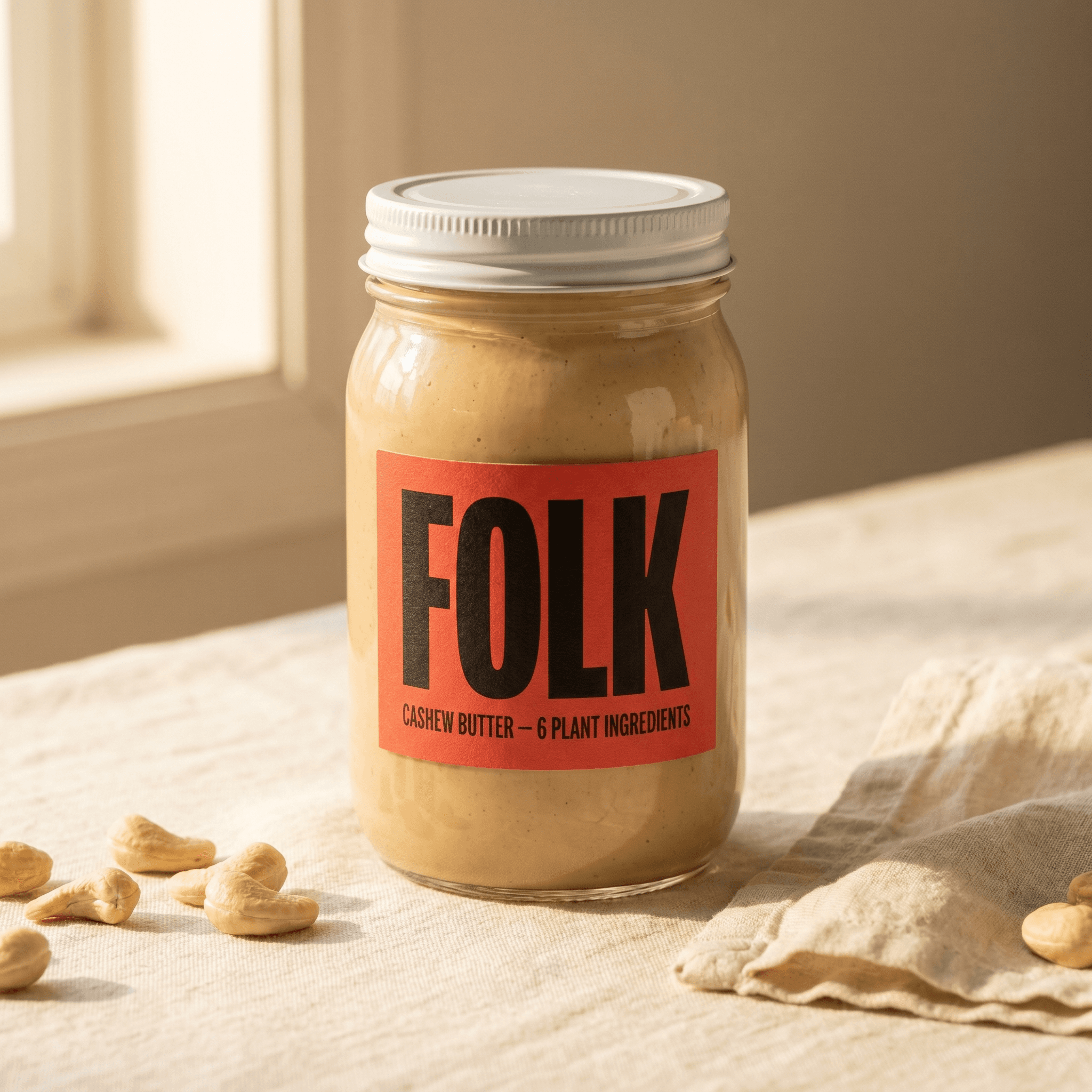
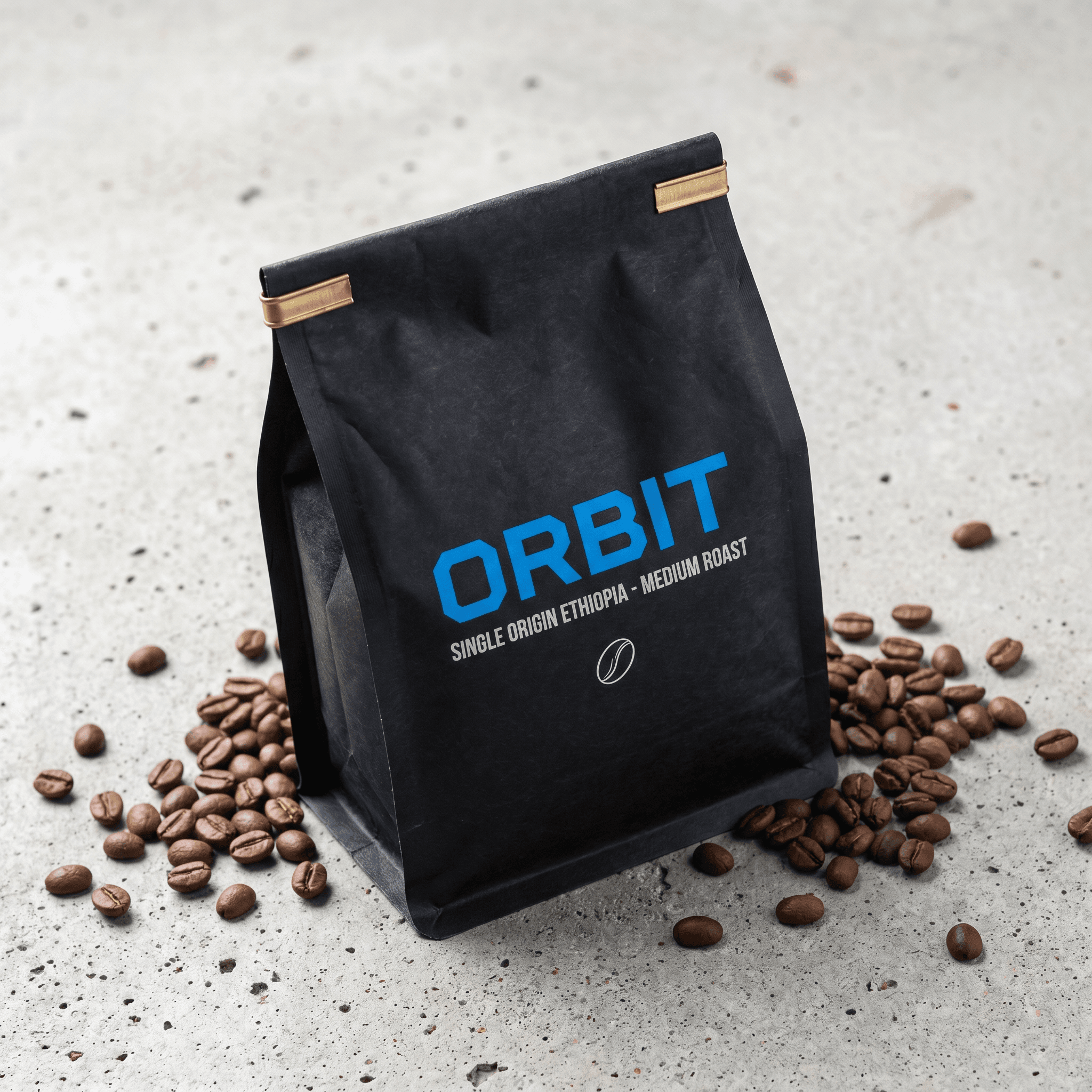
Campaign mode turns the winning angle into a matched set (pain point, benefit, social proof) of static ads for Facebook. Ad Agent images use Agent prices, not the 4-credit Studio price: 9 credits each (about $0.63 on Starter monthly, $0.54 on Pro, $0.53 on Business), with a 25-credit minimum per run (about $1.75 on Starter). Then make a UGC video version with the product in the creator's hand, up to 30 seconds. These UGC ads were made in Pixair from single product photos:
Then split your versions into a clean test. Create a Pixair account to try it on your product.
Tips for getting more from the Facebook ad library
The library rewards repeat visits and the right country setting.
- Check the UK or an EU country first. If a competitor sells there, you get ended ads, full dates and reach.
- Search the problem your customer types. Phrases like "back pain" or "frizzy hair" surface advertisers you didn't know about.
- Revisit every week. US-only ads vanish when they stop, so a weekly log is your only record of what a competitor tried and killed.
- Keep the idea and make every asset your own. Reuse the hook type, format and offer structure with your own product, footage and words. Meta's ad standards ban ads that infringe copyright or trademarks.
- Refresh before fatigue. Once a recreated ad wins, plan the next variations early. Our guide to Facebook ad creative iteration covers when to swap.
When is the free Facebook ad library enough?
The free library is enough if you track 2 or 3 competitors, check them weekly and already have a designer or editor. The whole method above works by hand with a spreadsheet.
It gets slow at scale. Counting days for 50 ads, finding competitors you don't know and keeping a history of US ads that disappear take hours a week. A tool that sorts by days running and recreates the ad in the same place saves that time. If making the ads is your bottleneck, the $7 Starter plan covers about 25 static ads a month in Studio.


Frequently asked questions
Yes. Meta's Ad Library at facebook.com/ads/library is free, and anyone can search it with or without an ad account. It shows every active ad on Facebook, Instagram and Meta's other apps. Recreating those ads costs extra: on Pixair AI, a static ad in Studio starts at 4 credits, about $0.28 on the $7 Starter plan.
No, not for normal product ads. Meta shows spend and impression ranges only for ads about social issues, elections or politics. Ads delivered to the EU or UK show total reach and targeting by age, gender and location, but still no spend. Long run time is the best free proxy for an ad that works.
Only some of them. Commercial ads that never reached the EU or UK drop out the day they stop. Ads delivered to the EU or UK stay for 1 year after their last impression, and political or social issue ads stay for 7 years. Set the country to the UK or an EU market to see a brand's ended ads.
On Pixair AI, a static version in Studio starts at 4 credits, about $0.28 on the $7 Starter plan or $0.18 on yearly Pro. A 15-second 720p UGC video uses 105 credits, about $6.30 on monthly Pro. The free plan's 30 credits, with no card, cover seven 4-credit Studio static ads.
You can reuse the idea. Keep the hook type, format and offer structure with your own product, footage, music and words. Meta's advertising standards ban ads that infringe copyright or trademarks, so never re-upload a competitor's video, logo or script. Tools like Pixair's Ad Cloner reshoot the concept around your product.
Keep reading
Related articles
AdCreative.ai Black Friday 2026: deal facts and cost per ad
AdCreative.ai has not posted 2026 Black Friday terms yet. Past deals cut yearly plans 50%, to about $1 an ad. Compare the math and keep more of your ad budget.
Meta Ad Library alternatives from $7 (2026)
Compare Meta Ad Library alternatives for 2026. Pixair finds Facebook winners and recreates them from $0.28 in Studio, with 2 free searches and plans from $7.
How to recreate competitor ads with AI (from $0.28 an ad)
Recreate competitor ads with AI in 5 steps: find Meta winners, rebuild them around your product from $0.28 an ad and test proven angles before you spend more.