To turn a product photo into a video ad you upload the photo, pick a video format, and let the tool build the motion around your product instead of filming it. In Pixair AI there are four formats that start from a single still: an animated ad that assembles a layout on screen, a cinematic scene the product sits inside, a narrated explainer that calls out its features, and a UGC clip where a creator holds it and talks to camera. A finished clip costs between 42 and 70 credits, which is $1.89 to $3.15 on an annual plan, and renders in a couple of minutes. No shoot, no editor, no footage.
One product photo in, one 6-second scene ad out. The camera moves, the product does not.
What Does It Mean to Turn a Product Photo Into a Video Ad?
It means the still is the source of truth and everything else gets built around it. Your photo supplies the product - its shape, its label, its colors, its proportions - and the video supplies motion, environment, pacing and sound. Nothing about the product is re-imagined, because the moment it is, you have an ad you cannot legally run.
That constraint is what separates a product video ad from generic AI video. Ask a video model to make an ad for a serum and it invents a bottle. Give it your bottle and ask for a camera move, and you get your product in motion. Everything below works the second way.
This is a different starting point from animating a finished static ad, which takes a creative you already designed - headline, badge, callouts and all - and rebuilds it in motion. Here you are starting one step earlier, from the bare product photo, with no layout yet.
Which Video Ad Format Should You Make From a Product Photo?
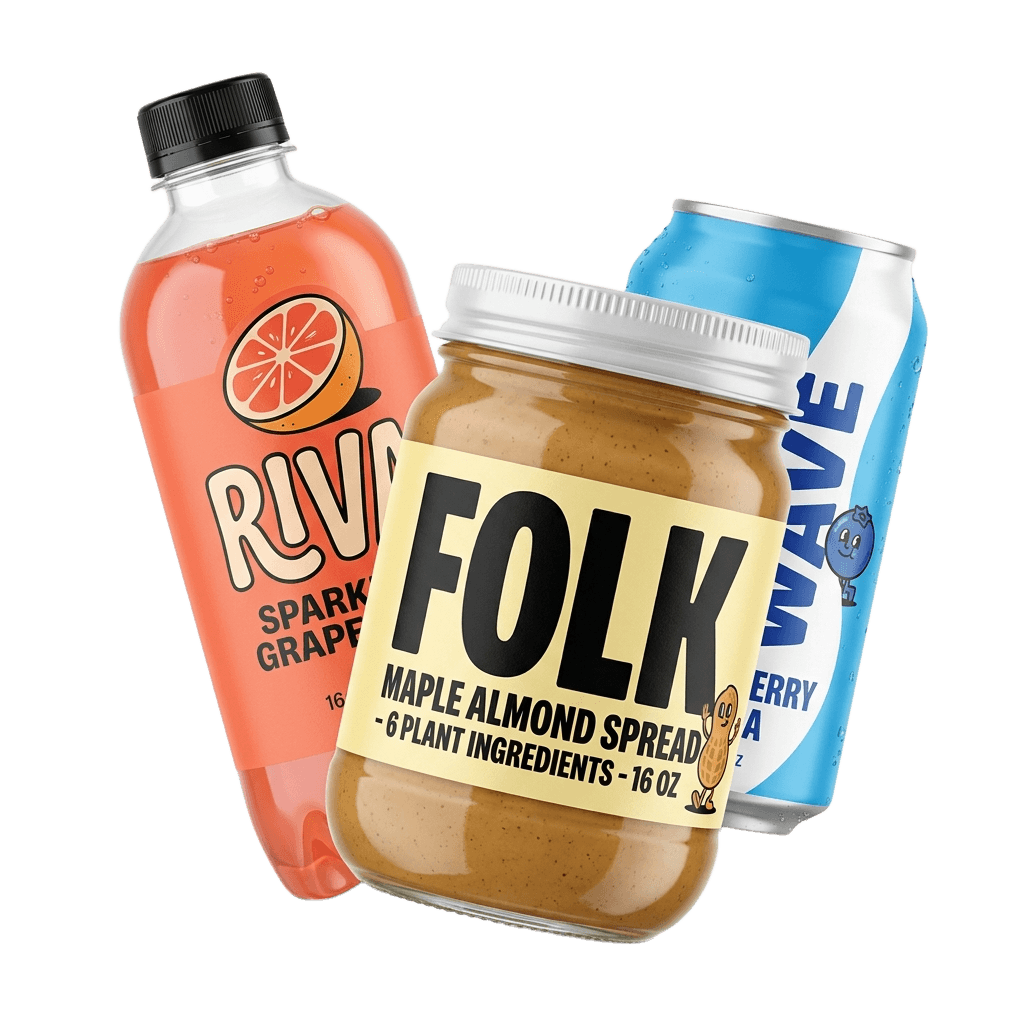
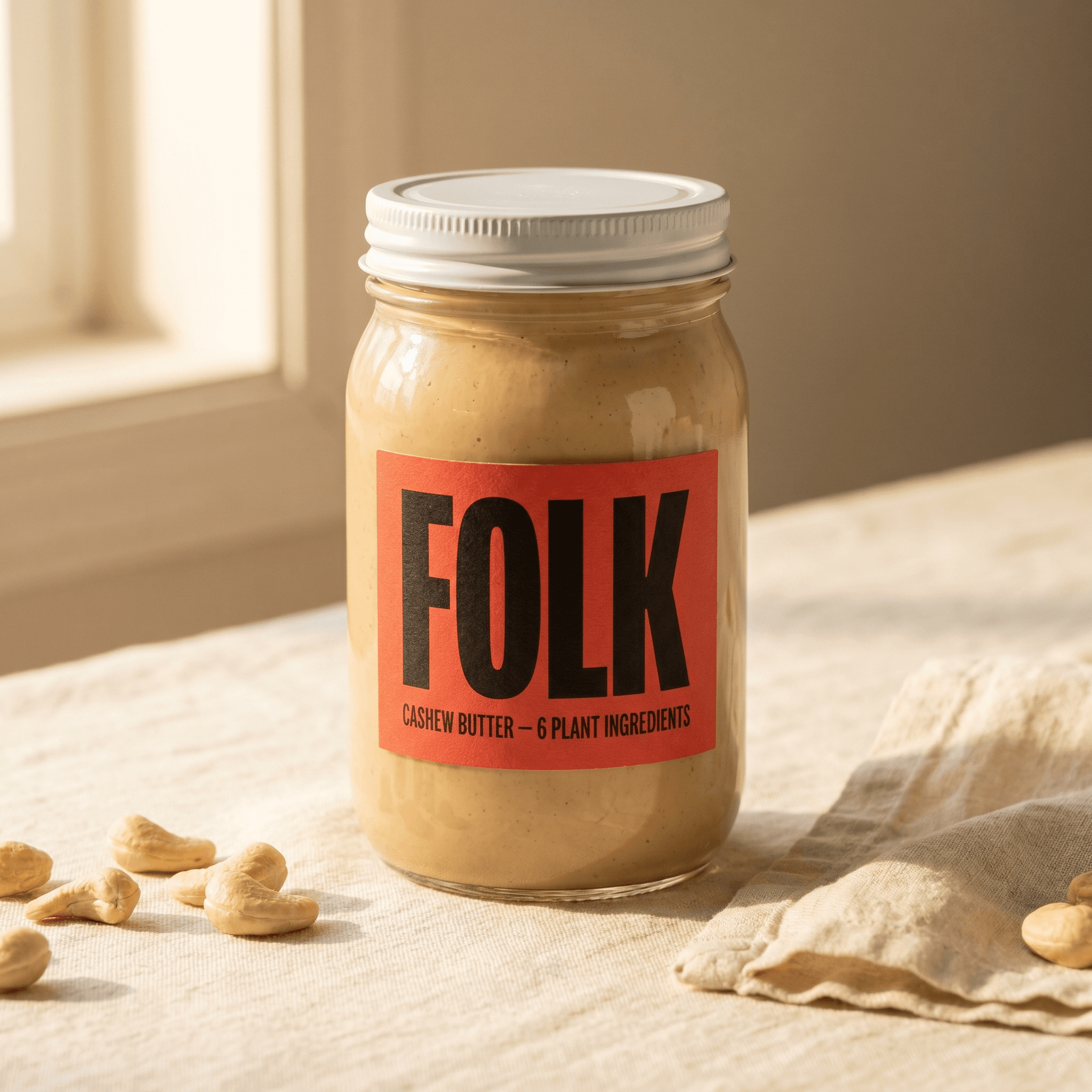
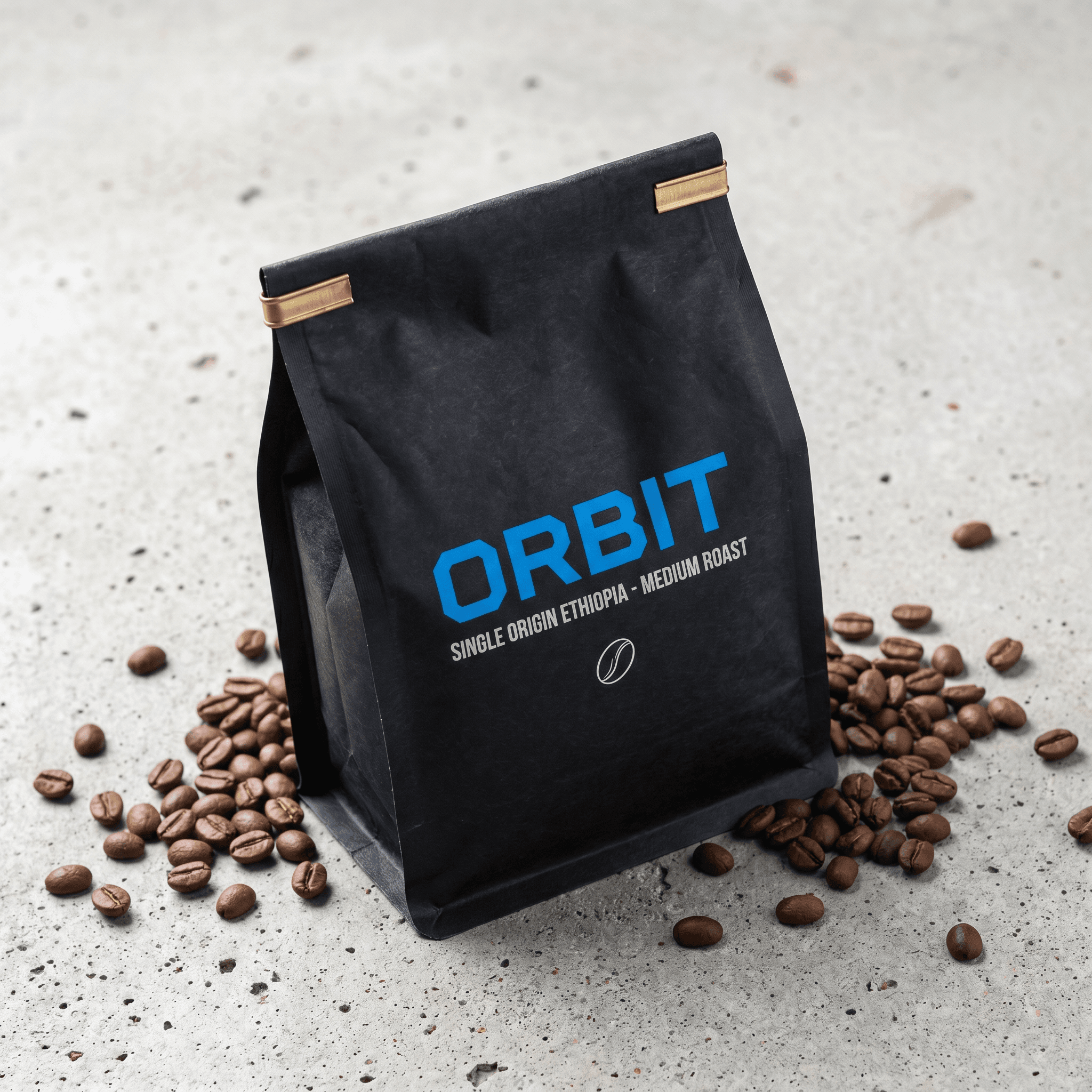
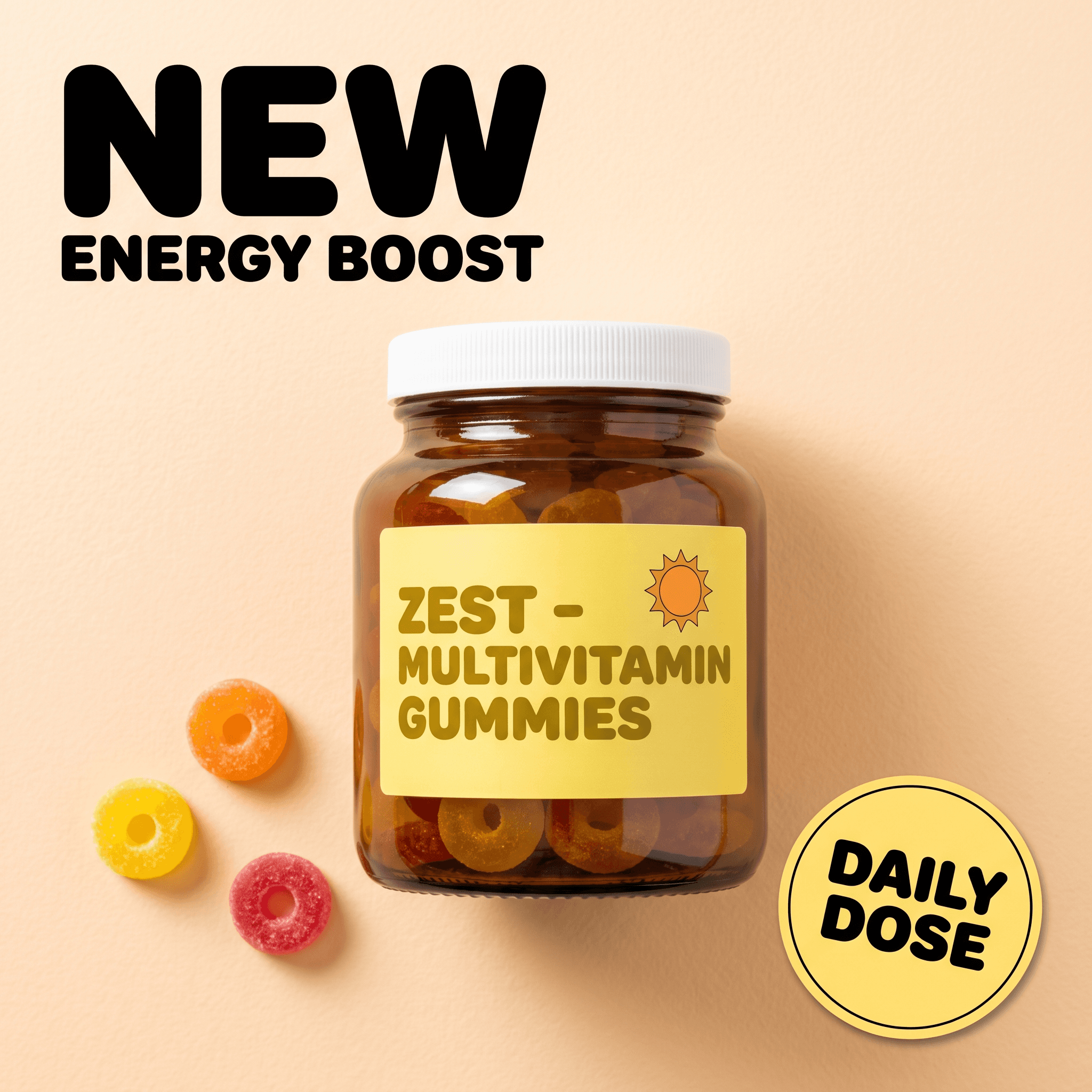
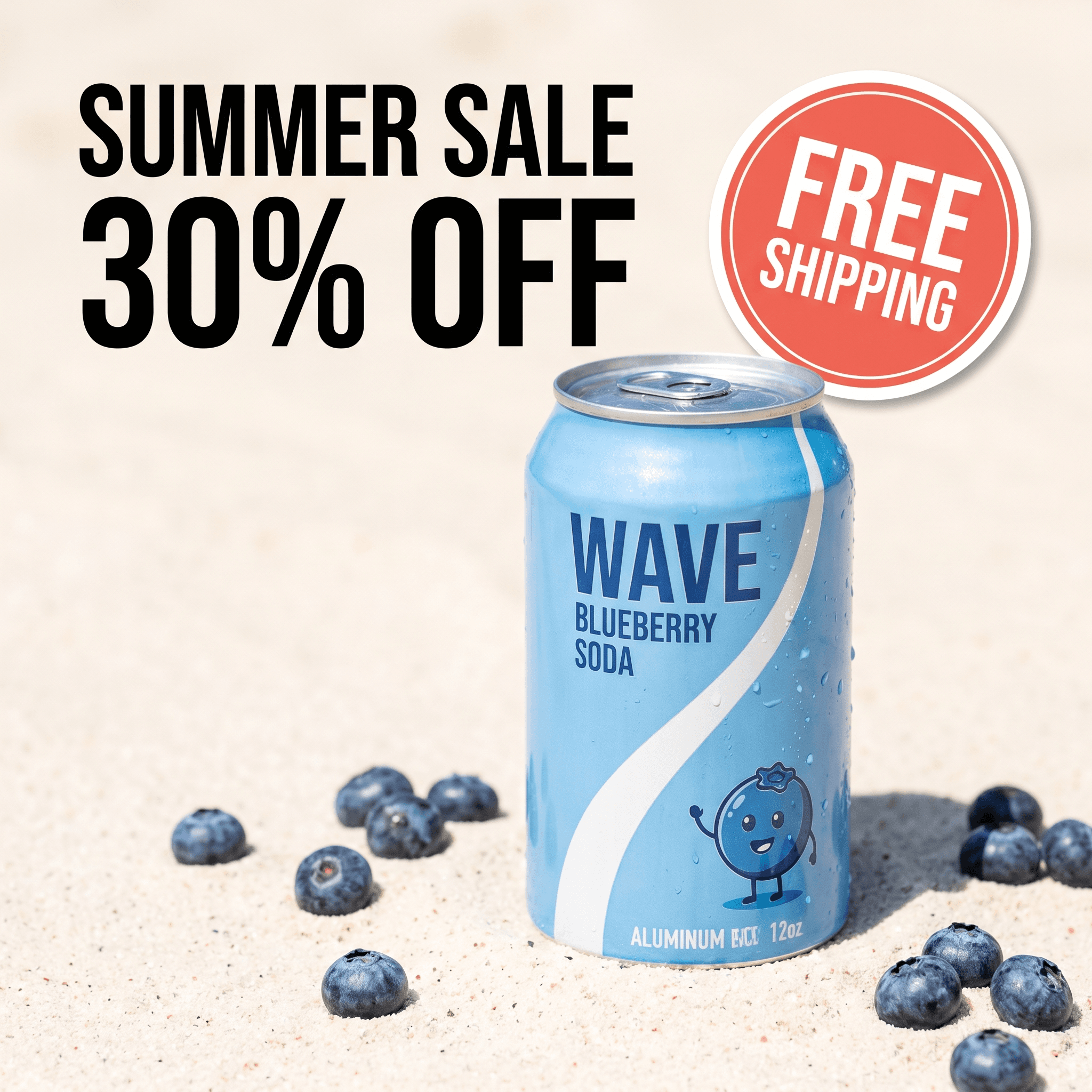
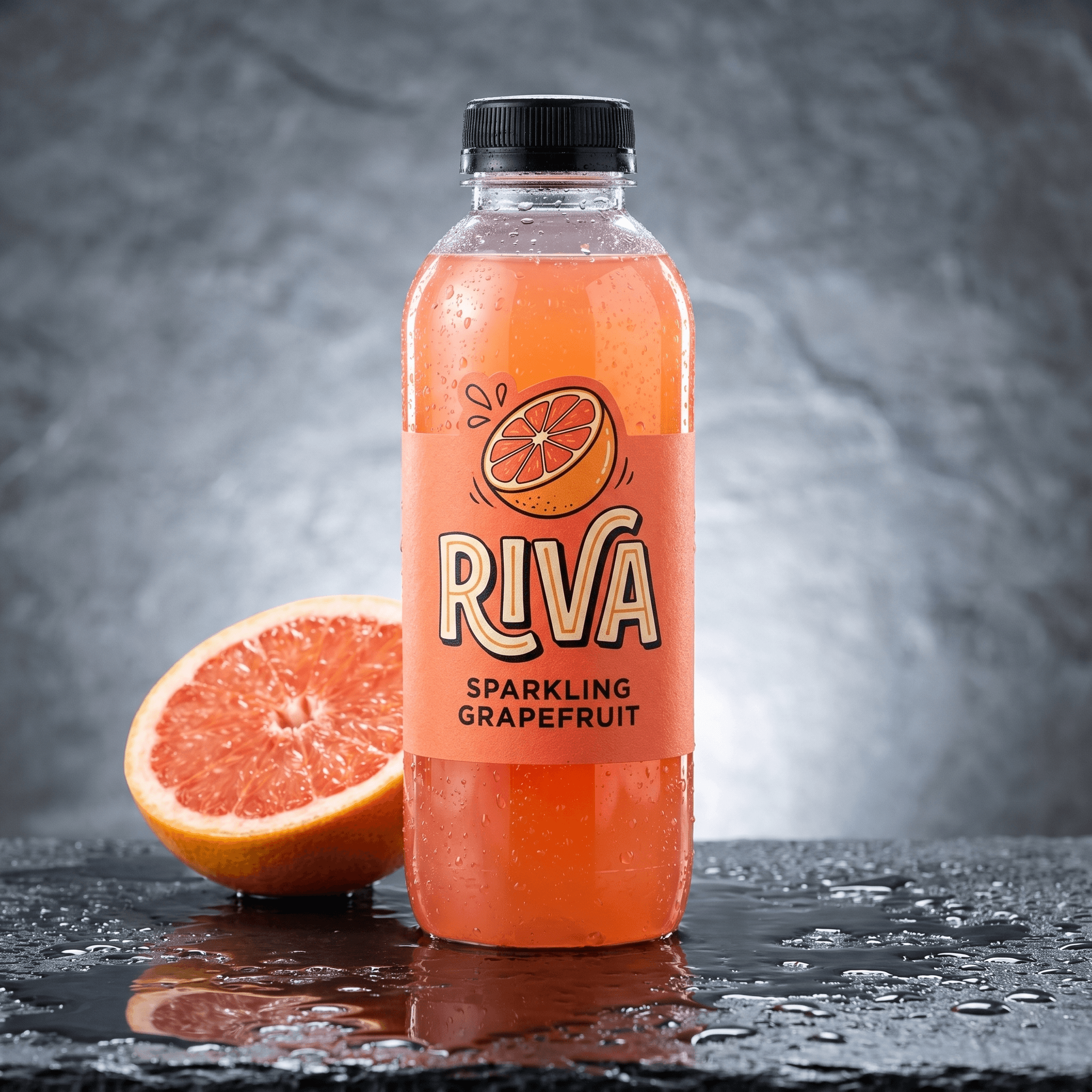
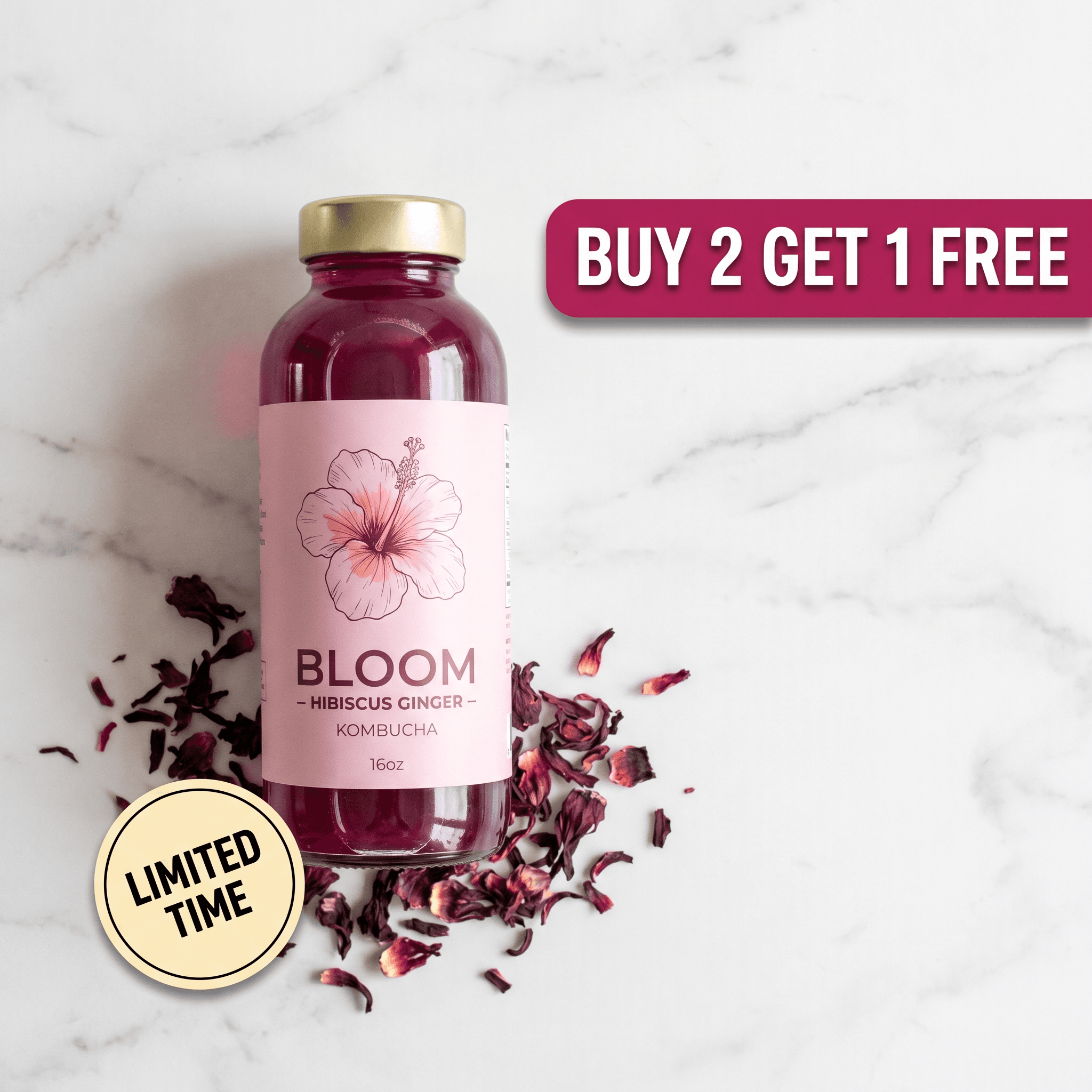
Four formats, four jobs. They are not interchangeable, and the most common mistake is producing the expensive one first. Each clip below was made from a product still.
The product is placed in a built environment and the camera moves through it. Best for hero shots, launches and brand-led placements.
Macro punch-ins with arrows and labels snapping onto specific parts of the product. Best when the product has details worth naming.
A narrated paper-collage breakdown with a voiceover naming each part as its callout lands. Best for products that need explaining.
A creator holds your product and delivers your script selfie-style. Best for cold traffic on TikTok and Reels.
The fifth route is the animated ad: your product photo is rendered into a static ad layout first, then that layout assembles itself on screen over six seconds. It is the only one of the five that gives you two deliverables - a static creative and a video - from one run, which is why it is usually the cheapest way to find out whether an angle works at all.
What Does a Video Ad From a Product Photo Cost?
Every format bills by clip length and output quality. On the Pro plan (400 credits for $18/month billed annually) a credit is $0.045, so the table below converts directly. Monthly billing is $24 for the same 400 credits, or $0.06 per credit - about a third more.
| Format | Length | Credits | Cost | Per second |
|---|---|---|---|---|
| Scene, short | 5s | 49 | $2.21 | $0.44 |
| Animated ad | 6s | 42 | $1.89 | $0.32 |
| UGC, draft quality | 10s at 360p | 20 | $0.90 | $0.09 |
| UGC, standard | 10s at 720p | 70 | $3.15 | $0.32 |
| Feature callouts | 10s | 70 | $3.15 | $0.32 |
| Explainer, narrated | 10s | 70 | $3.15 | $0.32 |
Two things fall out of that table that are worth knowing before you spend. First, within a format the price is per second, so length is the real cost lever - a 10-second clip costs twice a 5-second one in the same format. Most formats land near $0.32 per second at 720p; the short scene preset runs higher at $0.44. Second, the 360p UGC draft rate is $0.09 per second, which makes it the right setting for testing whether a script lands before you pay for 720p.
The starting frame is not billed separately. Formats that need a styled still before the motion - a scene preset that re-lights your product, an animated ad that has to design the layout first - render that frame as part of the run. You pay once. Producing one clip in each of four formats to see which direction your product suits comes to 231 credits, or $10.40.
Filming a product video
Studio or freelance videographer

Pixair AI
Filming a product video
Studio or freelance videographer
Pixair AI
Cost per finished clip
$400 - $2,500
$1.89 - $3.15
Turnaround
1 - 3 weeks
A couple of minutes
What you supply
Physical samples, shipped
One product photo
Cost of a second version
Reshoot or re-edit fee
Re-run at the same price
Formats from one asset
One, as briefed
Scene, animated, explainer, UGC
The videographer figures are typical quoted ranges for a short branded product clip, not Pixair data. As with testing ad creatives, the gap that matters is not the invoice - it is that a three-week turnaround means you ship one video concept per quarter and never learn which one your audience preferred.
How Do You Turn a Product Photo Into a Video Ad?
Four steps, and only one of them takes any thought.
Upload one product photo
A clean shot of the product on any background. It does not need to be a studio image - a phone photo in daylight works, because the background gets replaced anyway. What it does need is the whole product in frame, in focus, with the label readable.
Pick the format, then the recipe
Open Video ads in the studio and choose Scene, Explainer, UGC or Animated ad. Scene and animated ads are picked from a gallery of ready recipes - a slow push-in on mossy stone, a macro dive over condensation, a herd galloping behind a held bag. Explainer and UGC ask you for the words instead: a topic or a script.
Set length and aspect ratio
Vertical 9:16 for Reels, Stories and TikTok; 16:9 for YouTube and display. Pick the ratio of the placement you are actually buying rather than letting the platform crop a landscape clip into a vertical slot. Length is where your credits go, so start short.
Generate, check the product, ship
The clip renders in a couple of minutes as an MP4 in your gallery. Before it goes anywhere near Ads Manager, scrub it once and watch the label - that is the single thing worth checking, and the next section explains why.
What Makes a Product Photo Good Enough to Animate?
This is the part that decides your output, and it has almost nothing to do with whether the photo looks nice. A video model reconstructs your product across every frame it renders, so any information missing from the source has to be invented for two hundred frames rather than one. Detail that a static ad could get away with hiding becomes a visible defect in motion.
Four things in a source photo predict a clean clip:
The label is legible at full size
If you cannot read your own packaging when you zoom into the photo, neither can the model, and it will fill the gap with letter shapes that look like words. Macro formats punch in on the label, so this is the failure you will notice first.
One product, whole, uncropped
A bottle cut off at the bottom of frame has no base, so the clip invents one - and invents it differently as the camera moves. Bundles and multi-packs have the same problem multiplied. Shoot the single hero unit with a little space around it.
Even light, no blown highlights
A hard specular blowout erases whatever was underneath it. Motion then slides that blown patch across the surface, and the artwork beneath it changes shape as it passes. Diffuse daylight near a window beats a direct lamp every time.
Clean, separable edges
A white product on a white surface has no boundary to find. This is the single most common cause of a product quietly changing shape mid-clip. Put a white bottle on a mid-grey or coloured surface and the whole problem disappears.
Which Format Fits Which Placement?
Format and placement are not a free choice - the placement decides what can work. Cold TikTok and Reels traffic scrolls past anything that looks like an ad in the first second, which is why UGC wins there: a person holding the product reads as a person, not a brand. Retargeting audiences already know the product, so a scene clip or a set of feature callouts does more for them than another testimonial.
Animated ads occupy a specific slot: video placements where your library is static. They give you something to run in Reels and Stories without committing to a new creative concept, and they sit naturally alongside the Instagram ad creatives already in those campaigns. Explainers are the outlier - they underperform on cold social and earn their place on product pages, in email, and on YouTube, where someone has already chosen to pay attention.
Five Tips for Video Ads Made From a Still
Buy length only after the concept works
Length is the cost lever, so prove the idea at the short end. A 5-second scene at $2.21 tells you whether the direction suits your product just as well as a 10-second clip at $3.15.
Draft UGC scripts at 360p
A script that does not land is not fixed by resolution. Render it at 360p for 20 credits, watch it back, rewrite the first line, and only pay the 720p rate once the hook works. That is a $2.25 difference per attempt on a format you will iterate on more than any other.
Keep the product still and move the camera
Every recipe here holds the product rigid and animates the world around it. That is not a stylistic preference - a product that rotates is a product being re-drawn from angles your photo never showed, which is exactly when labels start to melt.
Change one variable against your static
Duplicate the ad set, swap the static for the video, leave audience, copy and offer alone. Otherwise you have changed the format and three other things at once, and the result tells you nothing about whether video was worth the credits.
Re-run rather than accept a flawed clip
If a word on the label came back wrong or the silhouette shifted, regenerating costs the same as the first attempt. A mismatched product in a live ad account costs considerably more than $3.15.
Frequently Asked Questions
Upload one clear photo of the product to Pixair, choose a video format - scene, explainer, UGC or animated ad - set the length and aspect ratio, and generate. The clip renders in a couple of minutes as an MP4 you can upload straight into Ads Manager. You do not need footage, editing software or a second photo of the product.
Between 42 and 70 credits per clip, which is $1.89 to $3.15 on annual billing at $0.045 per credit. A 6-second animated ad is 42 credits, a 5-second scene is 49, and a 10-second UGC or explainer clip at 720p is 70. A 10-second UGC draft at 360p is 20 credits. The styled starting frame each format needs is included in that price rather than charged separately.
Yes. One product photo is enough for all four formats, because the still supplies the product and the recipe supplies the motion, environment and sound. The quality ceiling is set by that single photo, so the label must be readable and the whole product must be in frame - anything missing from the source gets invented across every frame of the clip.
Every recipe pins the product as rigid and moves the camera or the environment instead, and the briefs explicitly forbid rotating products, changing labels and warping text. The most common cause of drift is a source photo with no clean edge - a white product on a white background - so shooting against a contrasting surface prevents most of it. Scrub the finished clip once and check the label before shipping.
Five to ten seconds for paid social. Six seconds clears the three-second view threshold most video objectives optimise against and loops cleanly in short-form feeds, while ten seconds is the practical ceiling before you are paying for a hold that adds nothing. Cost scales linearly with length, about $0.32 per second for most formats at 720p, so test the concept at the short end first.
The photo sitting in your product folder is one upload away from being a video ad. Start free with 30 credits to try it, or read how prompt-based video editing works if you would rather change a clip you already have.
Keep reading
Related articles

UGC Ad Creatives With AI: The Complete 2026 Guide
UGC ad creatives cost $3.15 per 10-second clip when AI renders them from your product photo, not $200 per creator video. Hooks, examples, full workflow.
Video Ad Hooks: How to Win the First 3 Seconds
Six video ad hook mechanisms with real examples, plus the math on testing five hooks for $11.05 instead of $1,500. Buy the first three seconds, cut your CPM.

Animated Static Ads: The Complete 2026 Guide
Animated static ads turn a proven static into a 6-second video. See what one costs ($2.70), how the build order works, and how to animate yours in minutes.