
Animated static ads are your existing static creative rebuilt as a short video: the same layout assembles itself on screen over about six seconds, then holds. There is no voiceover, no scene change, and no new artwork - the camera stays locked, the product keeps its exact position, and every headline stays where you set it. The point is not to make a video ad. It is to get the motion placements in Meta, TikTok and Reels using the creative that already proved it converts. Pixair AI animates one for 60 credits, which works out to $2.70 on an annual plan.
One static ad, rebuilt as a 6-second animated static. The last frame is the original creative.
What Is an Animated Static Ad?
An animated static ad is a static creative that builds itself in motion. Take a finished ad - product, headline, callouts, badge, background - and instead of showing it all at once, the pieces arrive in sequence. The background comes up first. Whatever the product sits on settles in. The product rises into place with a small overshoot. Props fan out, the logo drops, the headline builds line by line. Then everything holds and stays subtly alive: a slow float on the product, highlights shifting, a few pixels of sway.
What makes it a distinct format is what does not happen. No cuts. No camera move. No talking head. No re-shot footage. The final frame of the clip is the static you started with, pixel for pixel. That constraint is the whole value: you are not testing a new creative concept, you are putting a proven one into a placement that rewards movement.
This sits between two things most teams already run. A static ad creative is cheap to produce and easy to iterate but competes badly against video in feeds that autoplay. A UGC or scene video is expensive, slow, and changes so many variables at once that you learn very little from the result. An animated static keeps every variable from the static fixed and changes exactly one thing: whether it moves.
What Does an Animated Static Ad Look Like?
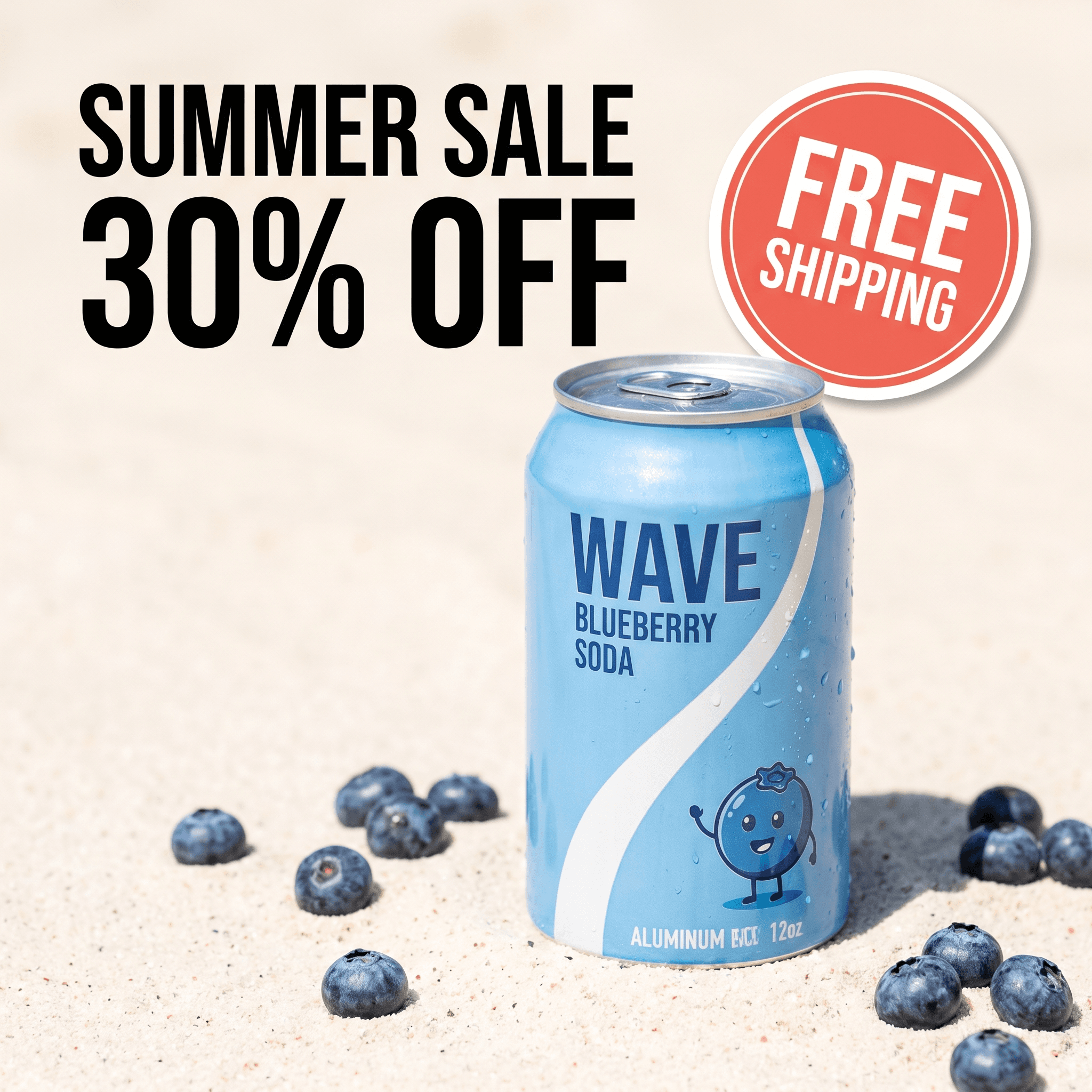
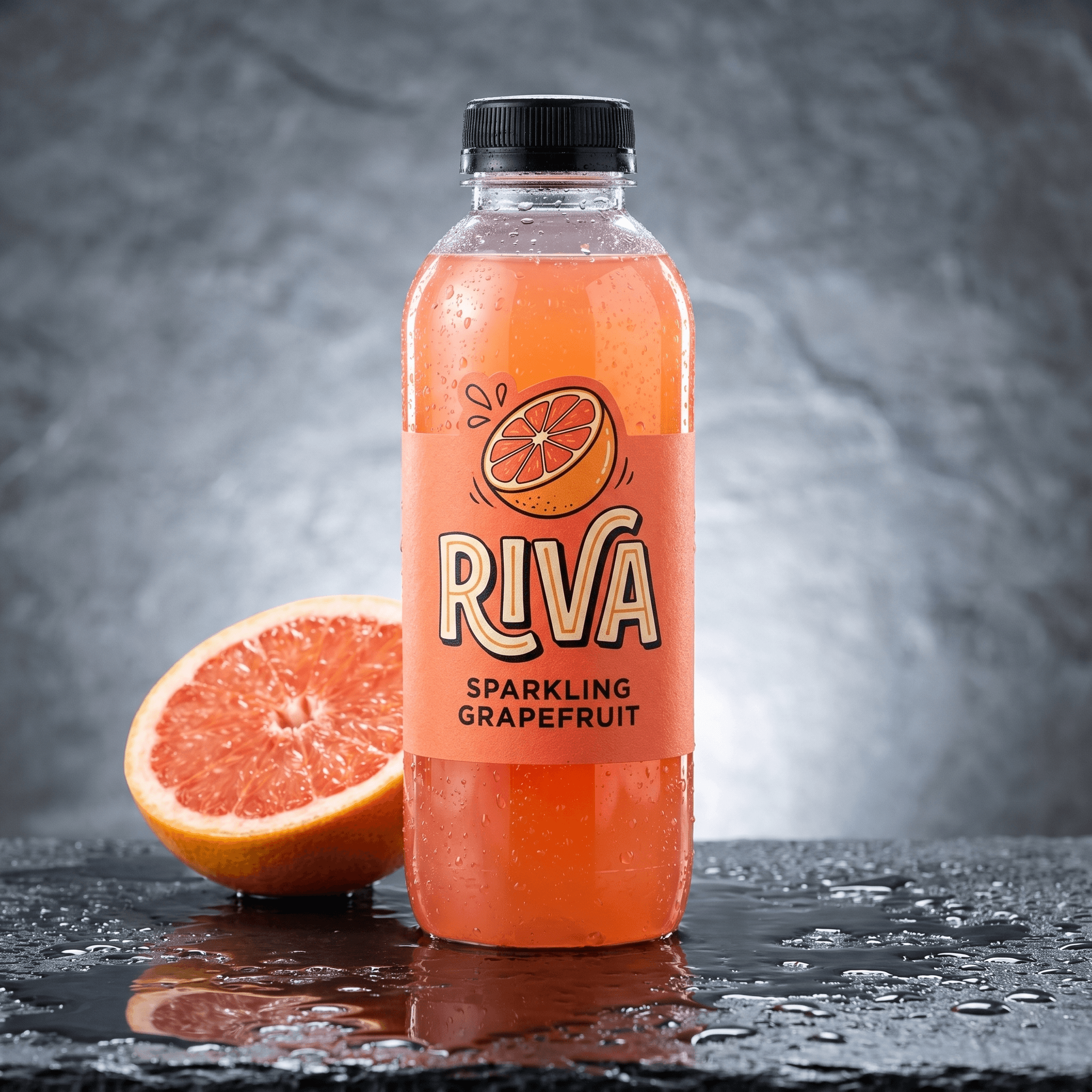
Three real outputs, each built from a different ad layout. Watch the order things arrive in, then pause on the last frame - that frame is the static creative, unchanged.
Clinical layout: headline, then callout boxes, then the seal badge
Testimonial layout: product first, then the stars, then the quote
Sale layout: the lineup assembles, then the offer lands on top
Notice how differently the three build despite running the same format. The clinical ad has stacked callout boxes that arrive one at a time; the testimonial holds its quote back until the product has settled; the sale poster assembles a whole product lineup before the discount drops in. The build order is not a preset applied to all three - it comes from reading what is actually in each frame, which is why a layout with more parts gets a longer, more staggered sequence.
What Does It Cost to Animate a Static Ad?
A 6-second animated static costs 60 credits in Pixair. On the Pro plan (400 credits for $18/month billed annually) that is $0.045 per credit, so one animated static is $2.70. On monthly billing it is closer to $3.60. The same math holds on Business - 1,000 credits for $45/month annually lands on the identical $0.045 per credit.
That number matters most in bulk. Here is what it costs to animate an entire library of proven statics, which is the realistic use case - you do not animate one ad, you animate the handful that already work.
| Statics to animate | Credits | Cost (annual billing) | Freelance equivalent |
|---|---|---|---|
| 1 hero ad | 60 | $2.70 | $150 - $400 |
| 5 top performers | 300 | $13.50 | $750 - $2,000 |
| 10 across two products | 600 | $27.00 | $1,500 - $4,000 |
| Monthly refresh (4 per week) | 960 | $43.20 | $2,400 - $6,400 |
Freelance figures are typical quoted ranges for a 6-second social animation built from supplied artwork, not Pixair data. The gap is not really about the hourly rate - it is that a freelance round trip costs you two to five days per revision, so most teams animate one ad, not ten.
Motion designer
Freelance or in-house

Pixair AI
Motion designer
Freelance or in-house
Pixair AI
Cost per animated ad
$150 - $400
$2.70
Turnaround
2 - 5 days
A couple of minutes
Revision cost
New invoice
Re-run at the same price
Source files needed
Layered PSD or AI file
The flat exported JPG
Realistic monthly volume
2 - 4 ads
Whatever your credits allow
How Do You Turn a Static Ad Into a Video?
The traditional route is to rebuild the ad in After Effects or Canva: recreate every layer, keyframe each one, export. That requires the layered source file, which is exactly the thing you usually do not have when the winning ad came from an agency two quarters ago. The Pixair route works from the flat exported image.
Upload the finished ad
A JPG or PNG export is enough - no layered file, no fonts, no packaged project. Open Featured templates, pick Animated static ad, and drop the creative in. If it is already in your Pixair assets from an earlier generation, pick it from there instead.
The ad gets read, not guessed
Pixair looks at the creative and works out what is actually in the frame - the product, the pedestal, the seal badge, each individual line of the headline - then writes a build order for those specific elements with real timings. Nothing is generated from a generic motion template, which is the step that decides whether your ad survives.
Pick 9:16 or 16:9
Vertical for Reels, Stories and TikTok; landscape for YouTube and display placements. The composition is preserved either way, so pick the ratio of the placement you are actually buying rather than exporting one and letting the platform crop it.
Download and ship
The clip renders in a couple of minutes with a music bed and soft whooshes as elements land, never a voiceover. It saves to your gallery as an MP4, ready to upload straight into Ads Manager alongside the static it came from.
What If You Do Not Have a Winning Static Yet?
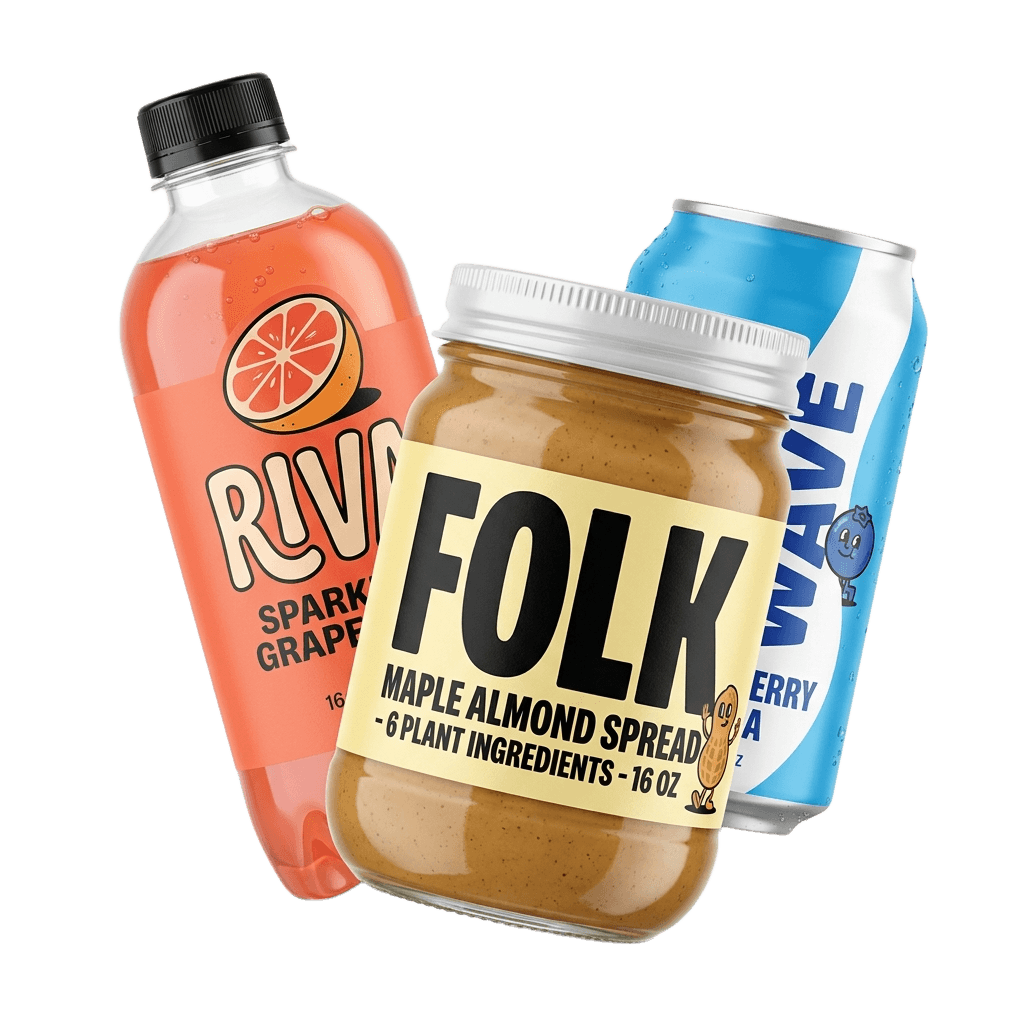
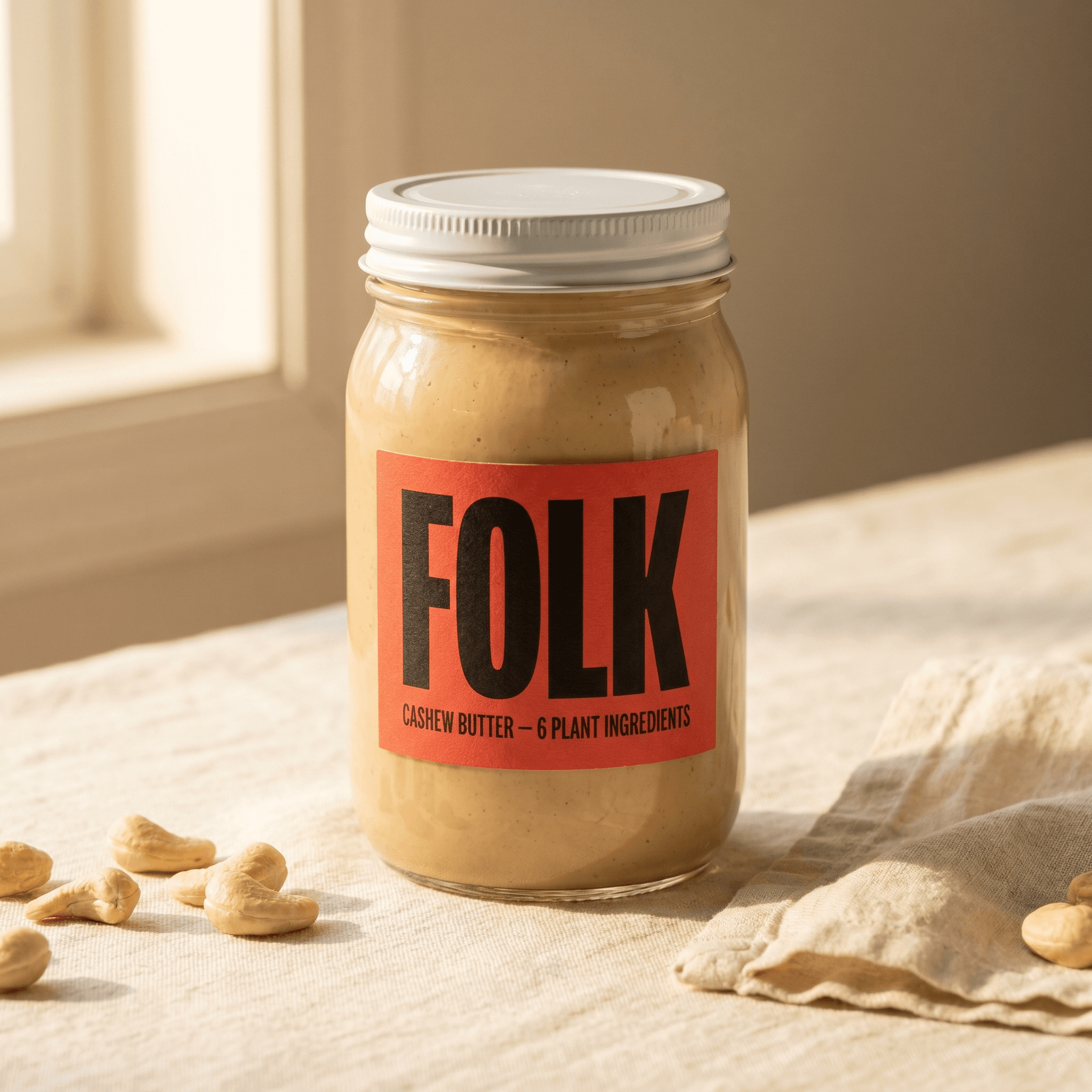
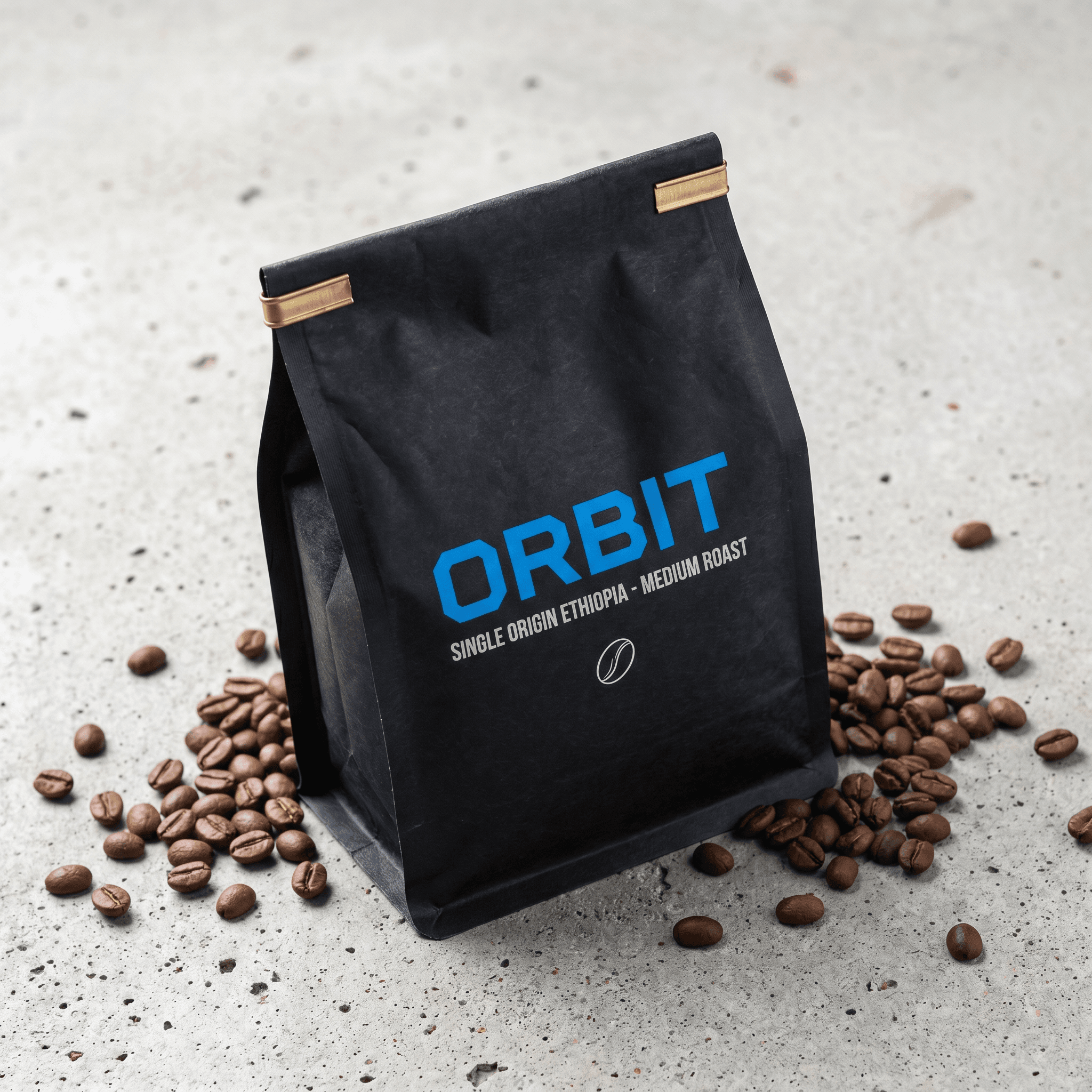
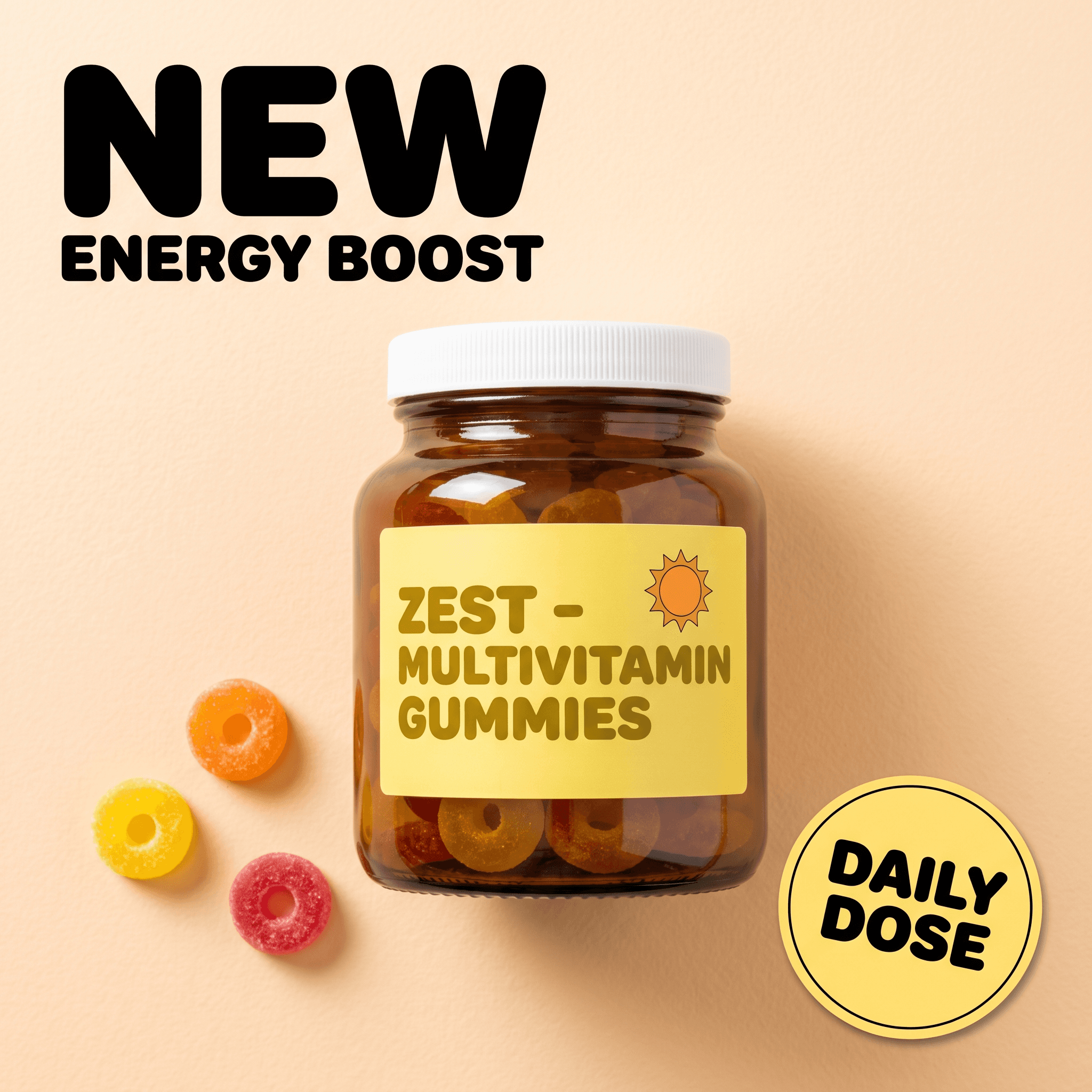
Animating assumes you have something worth animating. If you are starting from a bare product photo, Pixair designs the ad first and then animates it in the same run. Upload the product, pick from 19 ad layouts - benefit callouts, us-versus-them comparisons, clinical hero shots, review ads, seasonal sale posters, full product listing sets - and you get both deliverables: the finished static creative saved as its own asset, plus the 6-second animated version of it.
This is the cheaper way to find a winner. Generate statics at 4 credits each (about $0.18 annually), run them as a proper A/B test, find the one that works, and only then spend 60 credits animating it. Animating everything up front inverts the economics for no reason - the motion does not fix a hook that does not land.
Why Do Most AI Animations Ruin the Original Ad?
If you have tried animating an ad with a general-purpose video model, you already know the failure mode. The product drifts off its mark or slowly rotates. The headline gets re-typeset in a font that is close but wrong. Words come back misspelled by one letter. Props that were never in your ad wander into frame. The camera pushes in when you asked for nothing.
All of these come from the same root cause: the model was handed a generic instruction like “animate this ad” and filled the gaps with invention. A brief that does not name your actual elements leaves the model free to invent its own, and an invented headline is not a cosmetic problem - it is an ad you cannot legally run.
The fix is reading the frame before animating it. When the build order names the elements that genuinely exist in your creative, and the brief explicitly pins the layout, colors, typography and product position as unchangeable, there is nothing left for the model to improvise. That is why the format is specified as one continuous take on a locked camera: every degree of freedom you remove is a way your ad can no longer be damaged.
Where Should You Run Animated Statics?
Anywhere the placement autoplays video but your creative library is static. In practice that means Reels and Stories on Meta, TikTok in-feed, YouTube Shorts, and Pinterest Idea pins. These placements sit in the same campaigns your Instagram ad creatives already run in, so the animated version can be added as a new ad in an existing ad set rather than a whole new campaign.
Six seconds is deliberate. It clears the three-second view threshold that most video objectives optimise against, it loops cleanly in feeds that replay short clips, and it is short enough that the build finishes before a scroller leaves. Longer builds spend their extra seconds on the hold, which adds nothing a static was not already doing.
Five Tips for Animating an Ad That Already Converts
Animate the winner, not the whole account
Pull the top two or three creatives by spend from the last 30 days. Those already cleared the hook and offer test. Anything below them is a creative problem that motion will not solve.
Layered ads animate better than flat ones
An ad with a background, a product, two callout boxes and a badge has six things that can arrive in sequence. A full-bleed photo with one word on it has two. Busy direct-response layouts, the kind that look cluttered as statics, make the best animated statics.
Run it against the static, not instead of it
Duplicate the ad set and swap only the creative. Same audience, same copy, same offer, same landing page. That is the only setup where the result tells you whether motion earned its place, which is a cleaner read than most creative iterations ever give you.
Check the last frame before you ship
Scrub to the end and compare it to your original file. The final frame should be indistinguishable. If a word has shifted or the product sits a few pixels off, re-run rather than shipping it - at $2.70 a run, a second attempt is cheaper than a mismatched brand asset in your ad account.
Keep the static live
Animated statics complement feed statics, they do not replace them. Static placements still exist, still convert, and still cost less to refresh. Run both and let the placement breakdown decide the budget split.

Frequently Asked Questions
Animated static ads are existing static ad creatives rebuilt as short videos, where the same layout assembles itself on screen over about six seconds and then holds. There is no voiceover, no scene change and no camera movement - the final frame is identical to the static you started with. The format exists so brands can enter video placements like Reels, Stories and TikTok using creative that has already proven it converts.
Upload the flat exported JPG or PNG of the ad to Pixair, choose 9:16 or 16:9, and generate. The creative is read element by element so the build order matches what is actually in your frame, and the clip renders in a couple of minutes as an MP4. You do not need the layered PSD, the original fonts, or any editing software.
One 6-second animated static costs 60 credits in Pixair, which is $2.70 on annual billing ($0.045 per credit on both the Pro and Business plans) or roughly $3.60 on monthly billing. Animating five top performers costs about $13.50. A freelance motion designer typically quotes $150 to $400 for the equivalent single clip.
No. The layout, colors, typography, crop and product position are all pinned as unchangeable, and the brief explicitly forbids new elements, re-typeset headlines, camera moves and cuts. Every element keeps its exact position and every word stays spelled as it appears in your source file, which is what separates this from asking a general video model to animate an image.
Six seconds is the working length, and Pixair renders exactly that. It clears the three-second view threshold most video objectives optimise against, loops cleanly in short-form feeds, and finishes the build before a scroller moves on. Longer versions spend the extra time holding a frame the static was already showing.
If you have a creative sitting in your ad account that consistently outperforms everything else, it is doing half the job it could. Start free with 30 credits and see what it looks like moving, or browse the ad creatives maker if you need the static first.
Keep reading
Related articles
How to Turn a Product Photo Into a Video Ad (2026)
Four ways to turn a product photo into a video ad - animated, scene, explainer and UGC. See what each costs (from $2.21 per clip) and which to run first.
UGC Ad Creatives With AI: The Complete 2026 Guide
UGC ad creatives cost $4.41 per 10-second clip when AI renders them from your product photo, not $200 per creator video. Hooks, examples, full workflow.
Video Ad Hooks: How to Win the First 3 Seconds
Six video ad hook mechanisms with real examples, plus the math on testing five hooks for $11.05 instead of $1,500. Buy the first three seconds, cut your CPM.