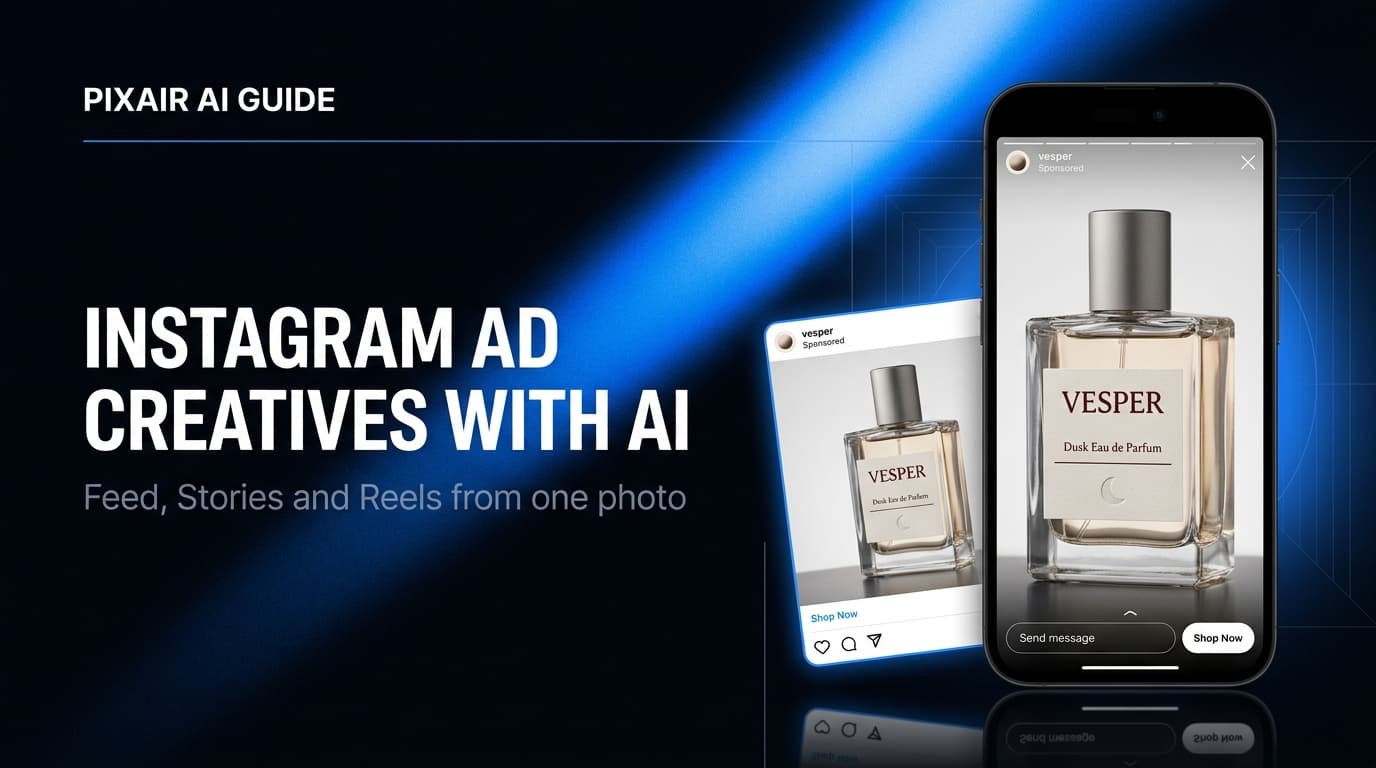
Instagram ad creatives are the still images, carousels, and vertical frames you run across feed, Stories, Reels, and Explore. The fastest way to make them is to start from one product photo and generate a set of variations sized for each placement - a 4:5 frame for feed, a 9:16 frame for Stories and Reels, and a square crop for Explore. With Pixair AI you upload one photo, generate 20+ scene and headline variations, and export every Instagram aspect ratio in under an hour for less than $5 in credits - versus the $500-$2,000 and one-to-two-week turnaround of a photographer-plus-designer workflow.
What Are Instagram Ad Creatives?
An Instagram ad creative is the visual asset that runs inside a paid placement - it can be a single image, a carousel of up to 10 cards, or a vertical full-screen frame. Unlike a feed post you publish organically, an ad creative has to earn attention from someone who did not follow you and did not ask to see it. That changes what works: the creative has to read as belonging in the feed, not interrupting it.
Instagram runs four placement surfaces, and each one wants a different frame:
- Feed. The 4:5 vertical (1080x1350) is the format to design for first - it occupies the most screen height a feed ad is allowed before Instagram crops it, so it beats the 1:1 square on stopping power.
- Stories. Full-screen 9:16 (1080x1920). The bottom ~250px sits under the CTA sticker and profile strip, so the product and headline have to live in the top two-thirds - the safe-zone math is in theInstagram Story ads generator guide.
- Reels. Also 9:16, but the right-side action stack and bottom caption bar eat into the frame - keep the product off the right edge and the lower-left corner.
- Explore. Served as a feed-style placement to users actively browsing for new products - one of the highest-intent surfaces on the platform.
Why Are Instagram Ad Creatives Harder Than Facebook Ones?
The same static that performs on Facebook often underperforms on Instagram, and the reason is cultural, not technical. Instagram users curate their feed aesthetically - the bar for what looks like it belongs is higher, and an obvious “ad” gets scrolled past in the same fraction of a second a polished editorial image earns a pause.
Instagram rewards saves and shares, not just clicks
Instagram's ranking weighs sends-per-reach and saves more heavily than Facebook does. A creative that looks worth saving - a clean product styled like an editorial shot, a before/after worth showing a friend - gets cheaper distribution. Loud, hard-sell statics that win on Facebook can suppress reach here.
Vertical is non-negotiable, not optional
Reels now account for over half the time users spend in the app, and every Reels and Stories placement is full-screen 9:16. A 1:1 square shrinks to a small box with letterbox bars in those slots, signaling “recycled feed post” and tanking completion rate. You need native 9:16, not a cropped square.
Producing four placements multiplies the design load
One concept on Instagram is not one asset - it is a 4:5 feed frame, a 9:16 Stories frame with safe-zone-aware layout, a 9:16 Reels frame, and often a carousel set. A designer reformatting one concept across all four placements burns the better part of a day. That is the real reason most brands ship the same tired square everywhere.
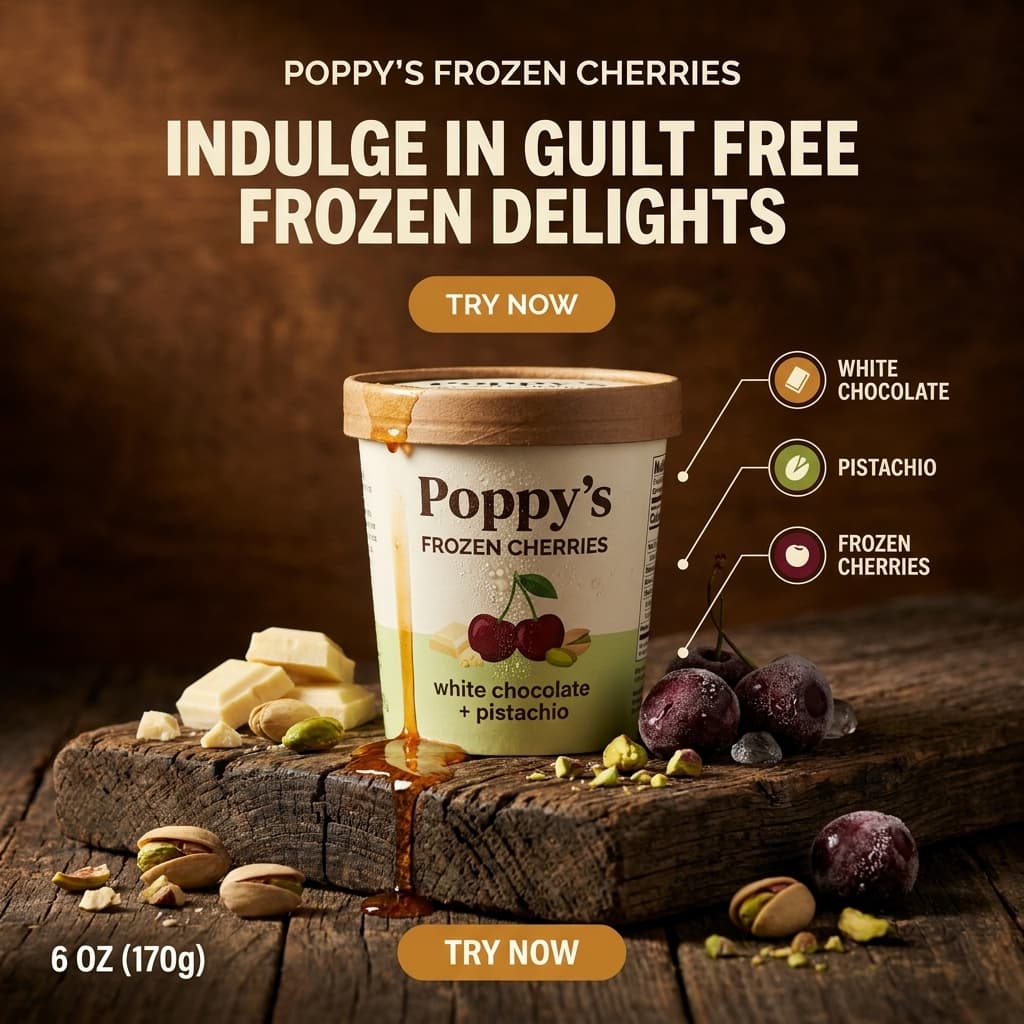
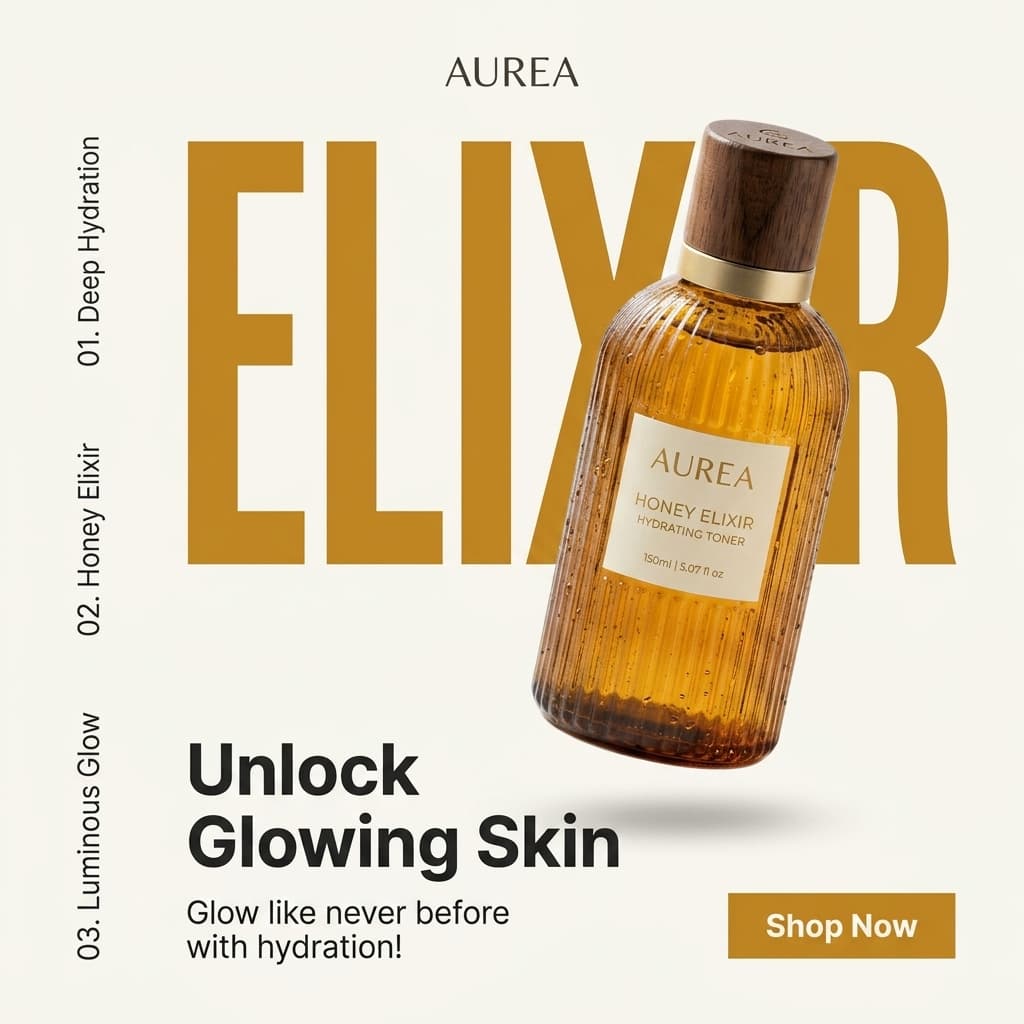
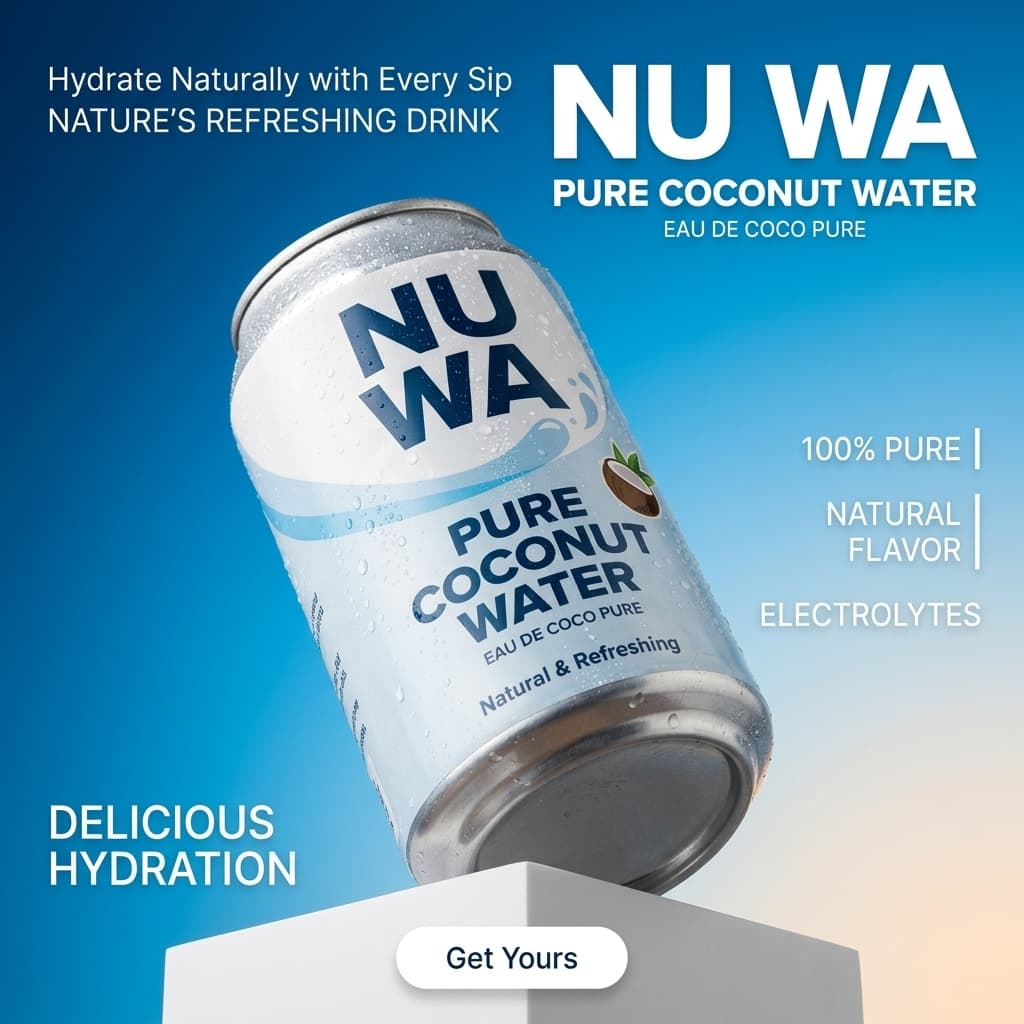
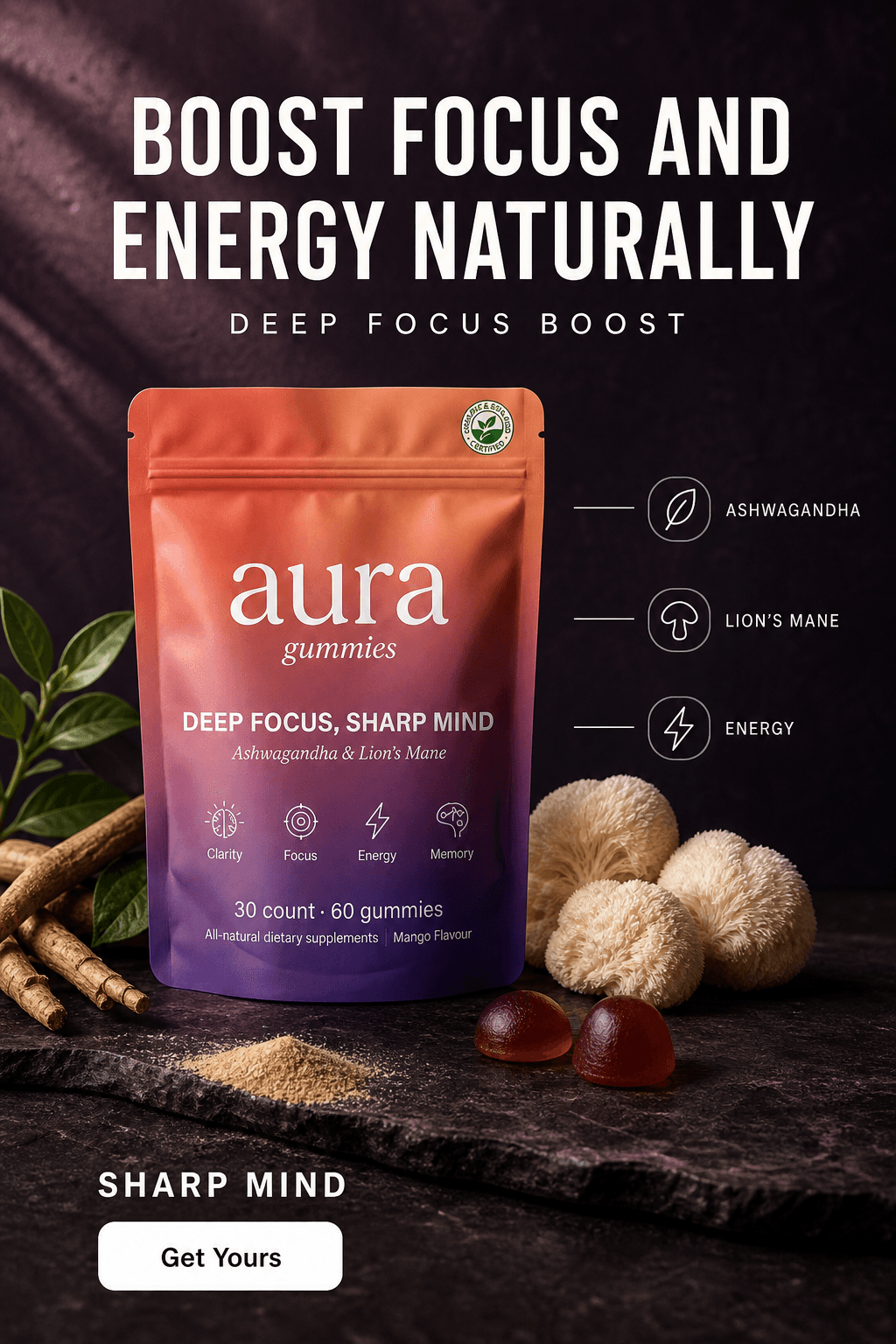
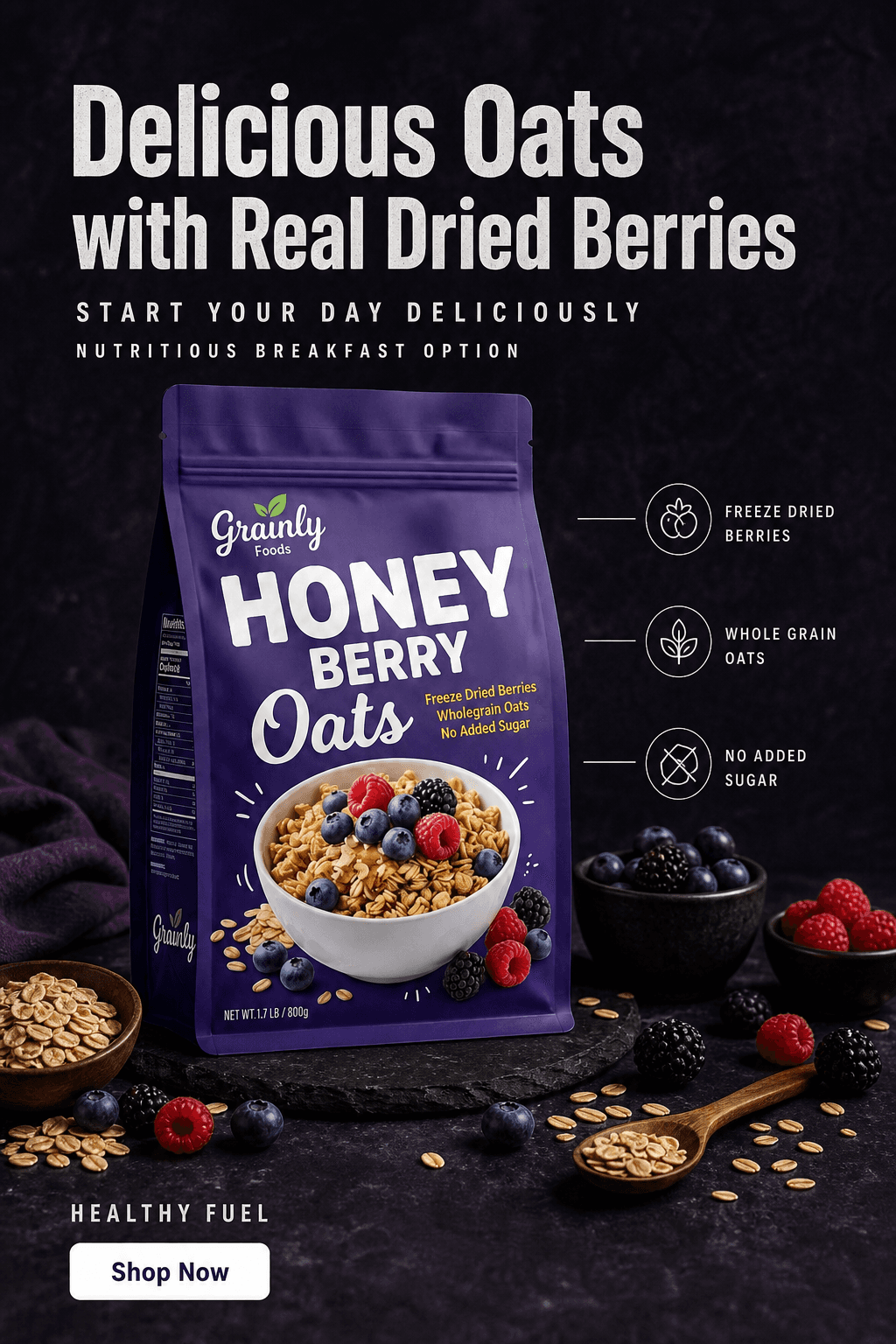
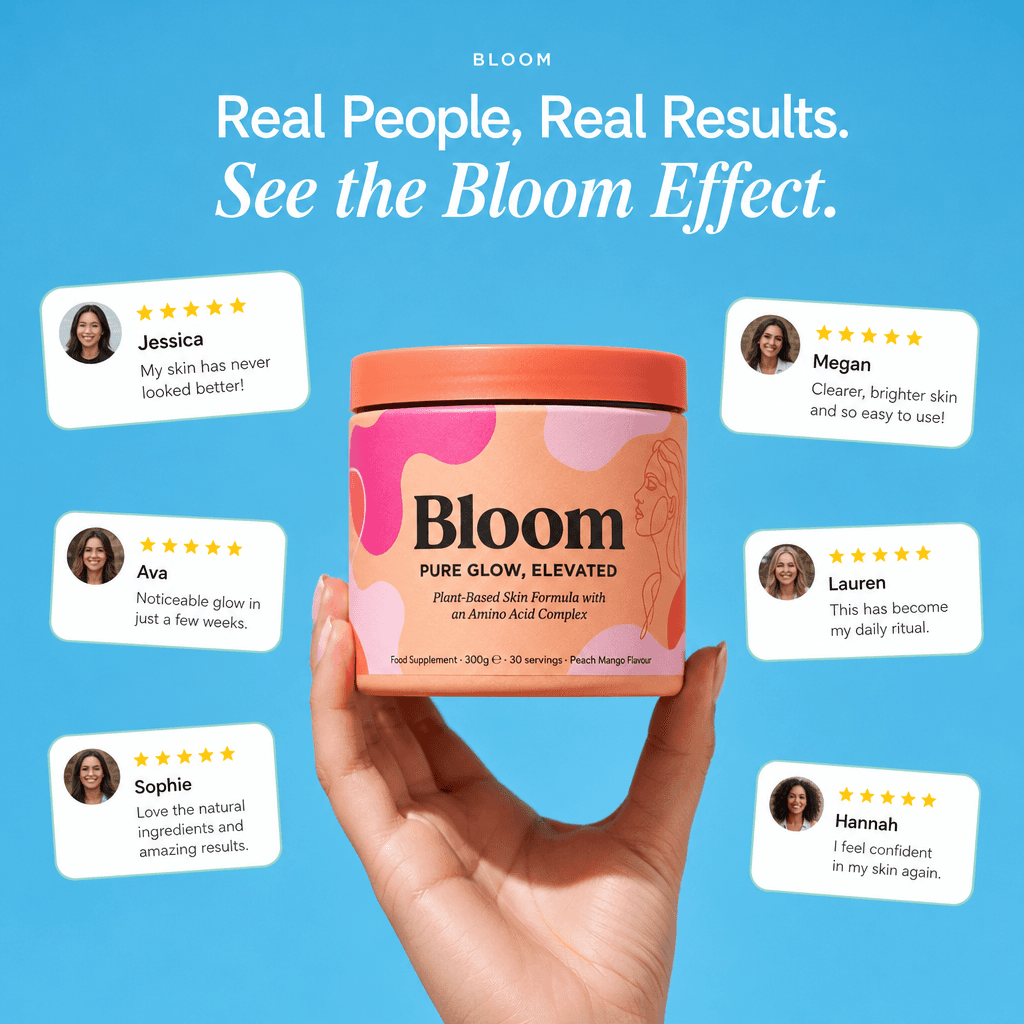
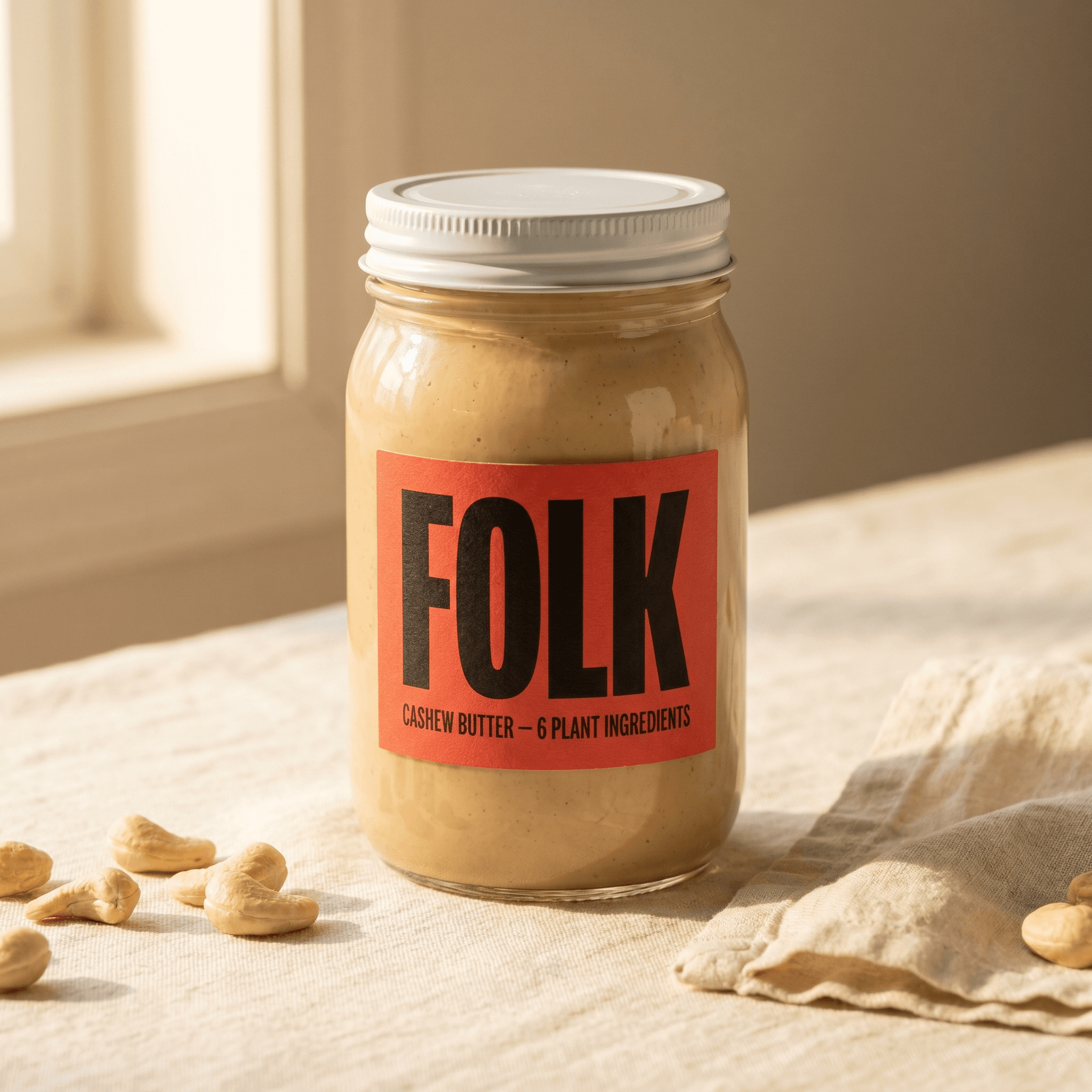
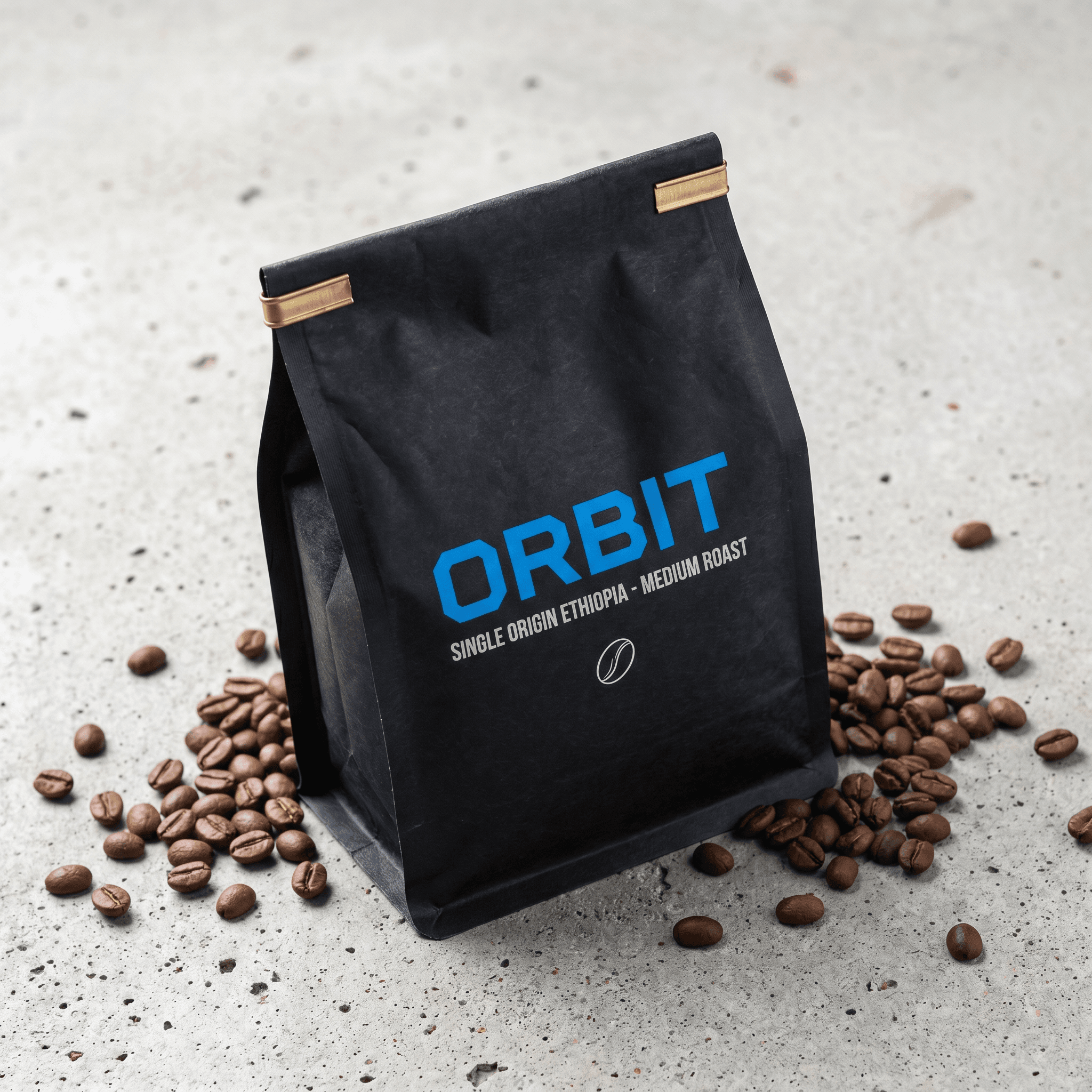
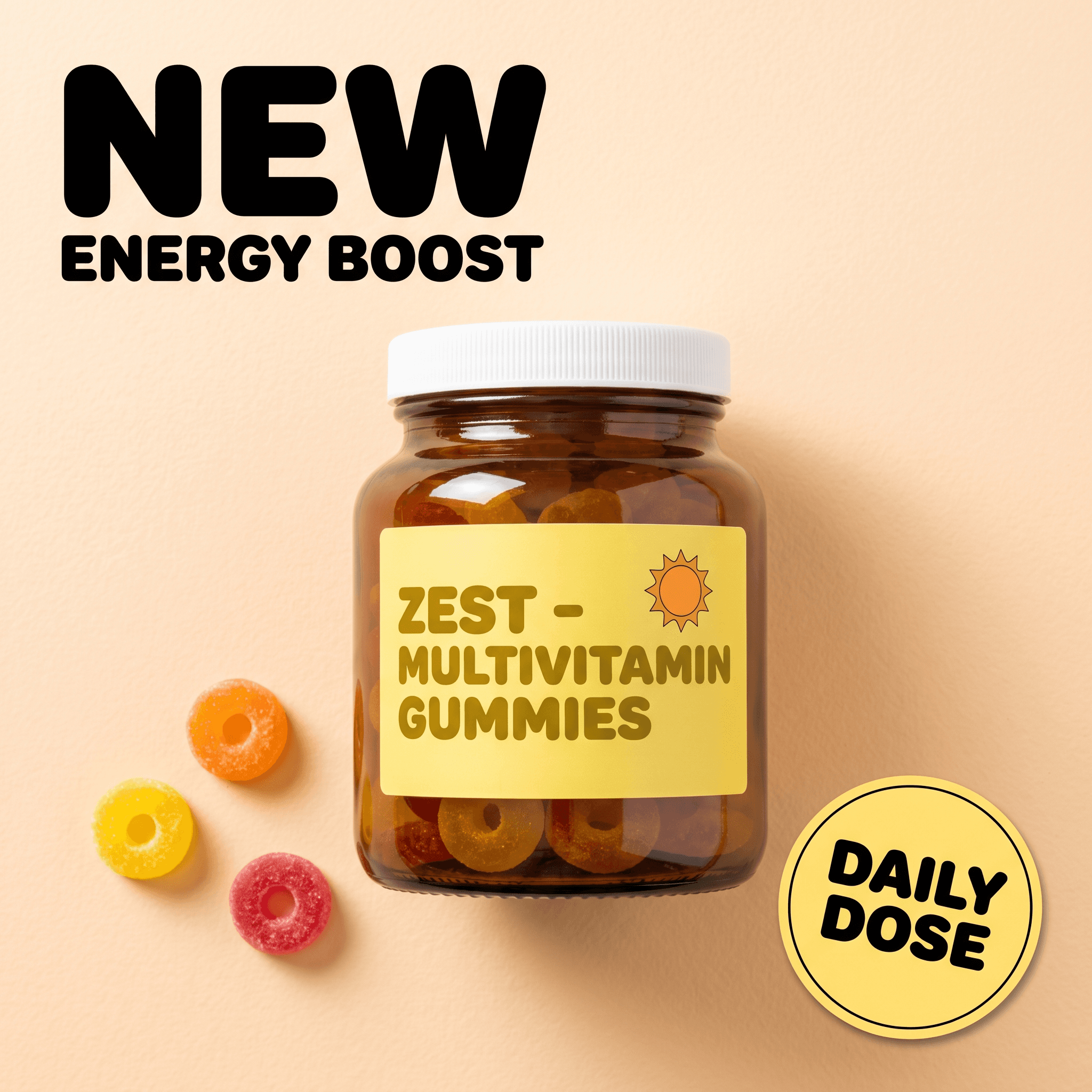
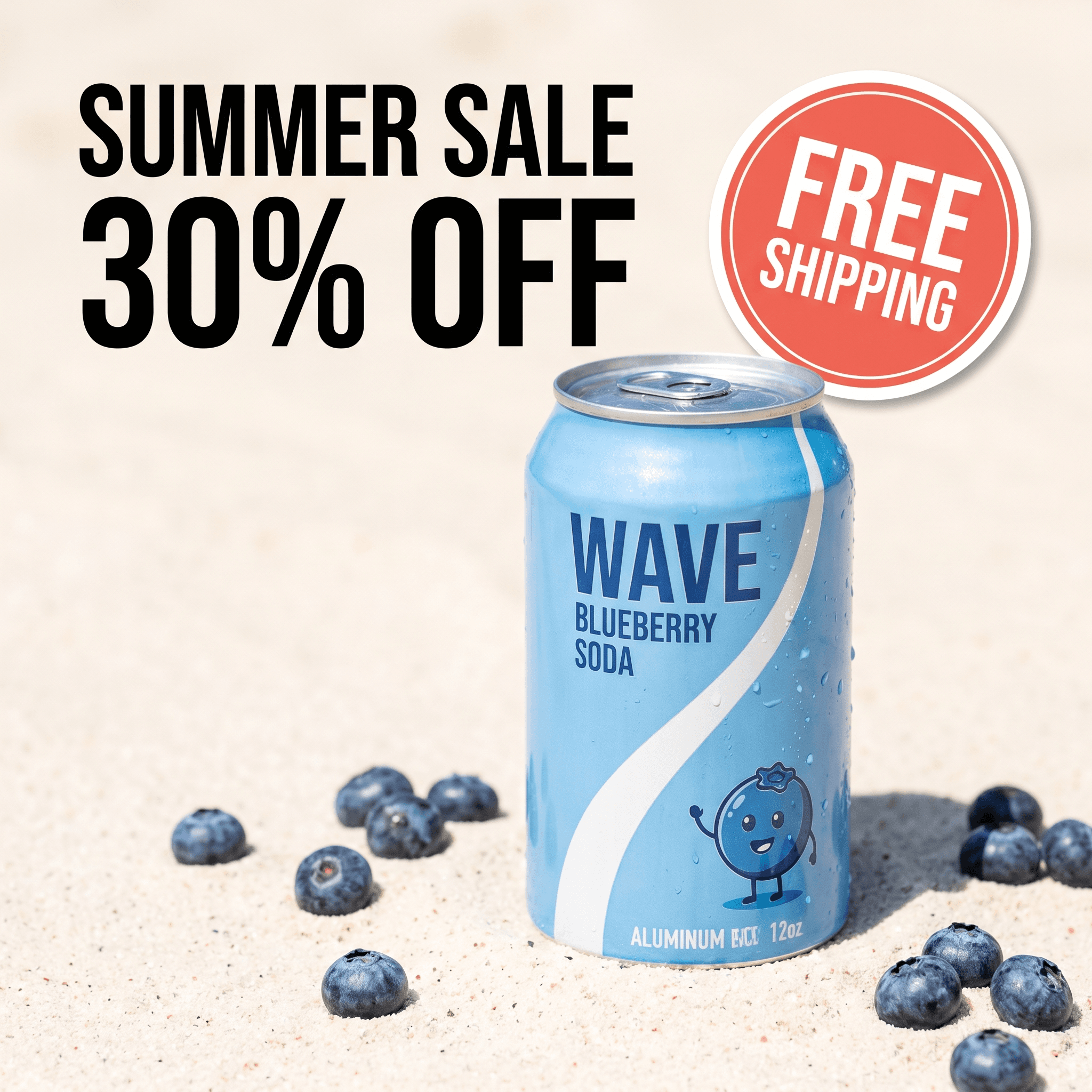
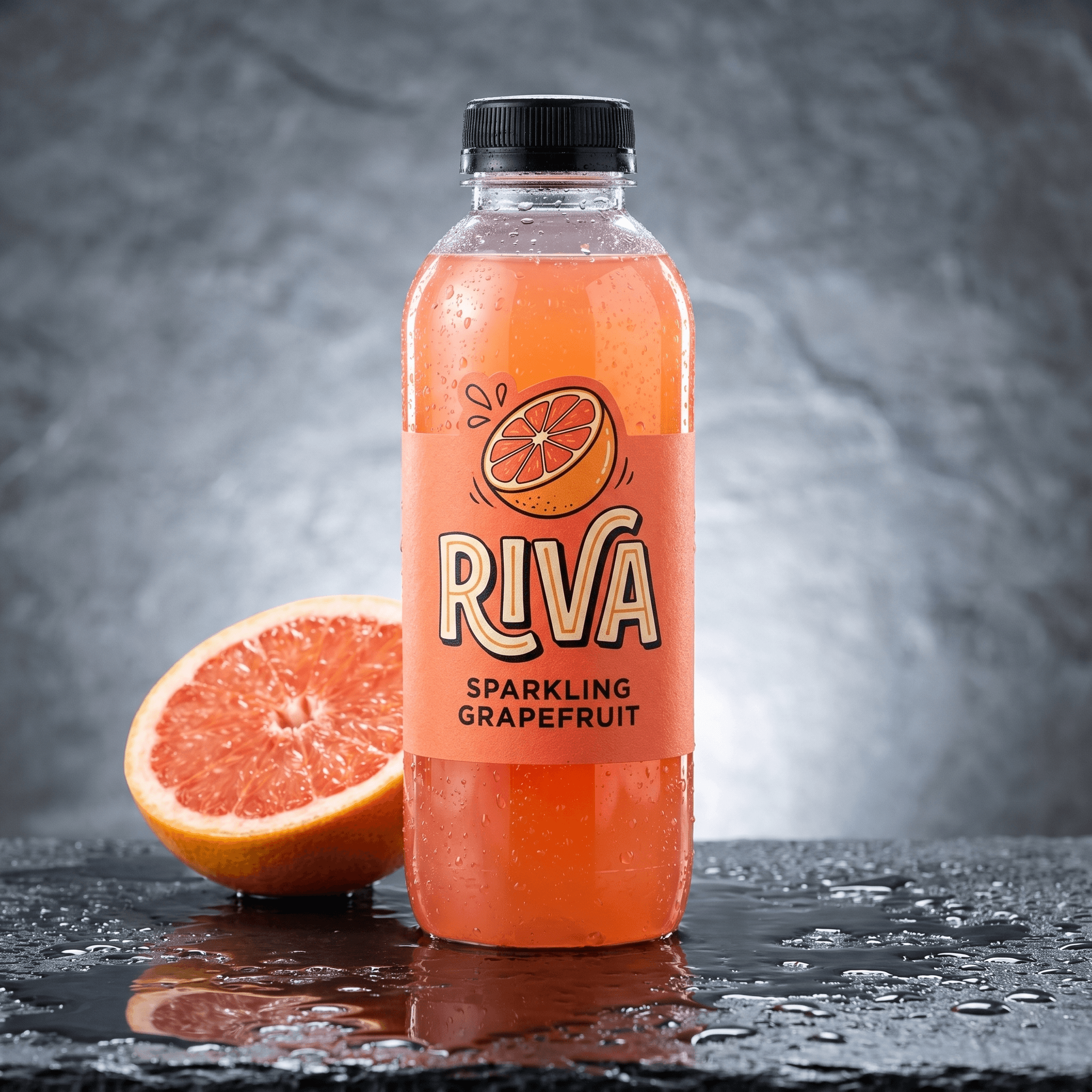
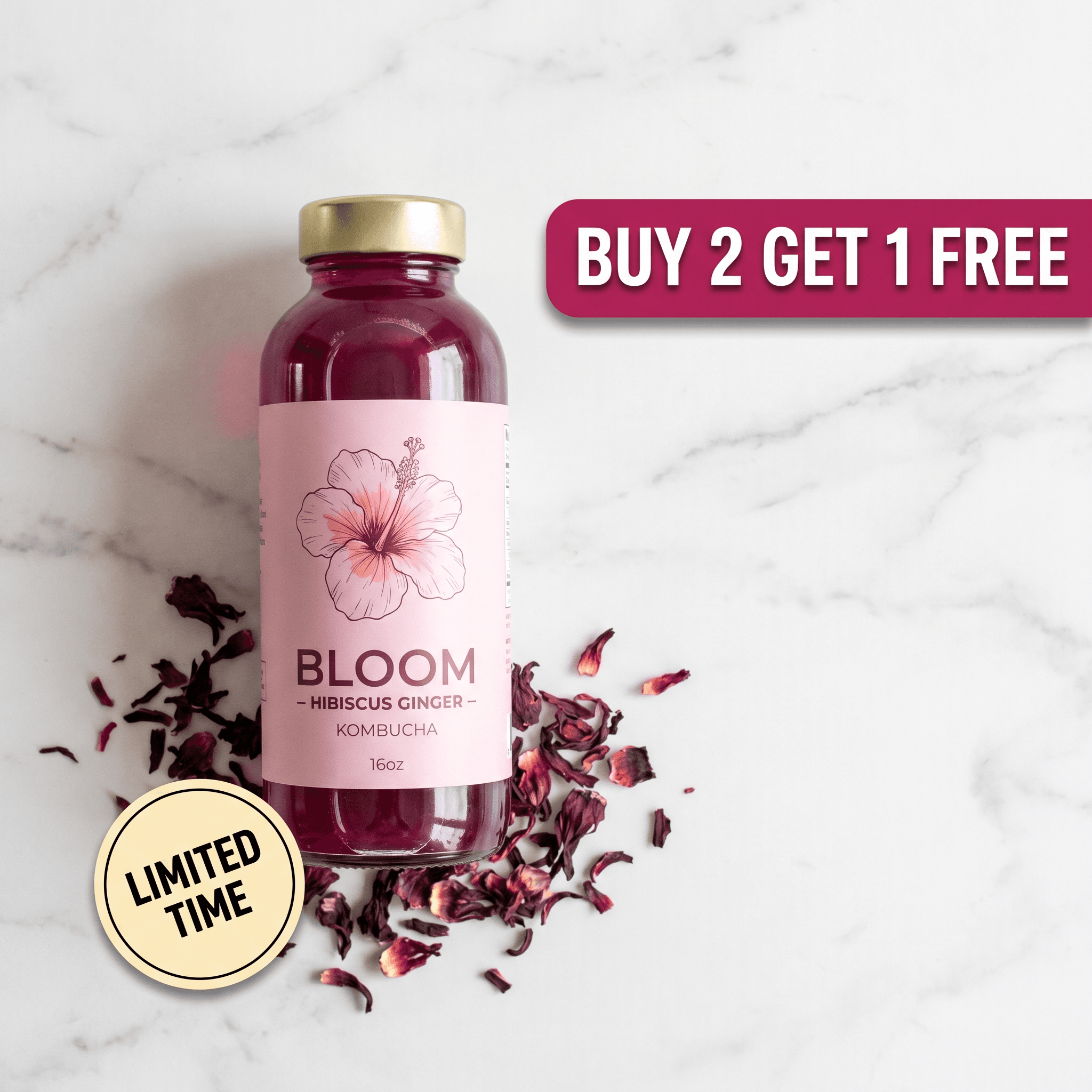
Six Instagram ad creatives generated from one product photo - different scenes, hooks, and layouts, each ready to export in feed and vertical placements.
How Do You Make Instagram Ad Creatives With AI?
The goal is not to design one ad - it is to produce a small batch of distinct concepts and let AI fan each into the placements Instagram needs. Here is the four-step workflow.
Step 1: Upload one clean product photo
Start with a single front-facing shot on a plain background - a smartphone photo in window light is enough. Pixair AI isolates your product with built-in background removal and keeps the label, logo, and packaging text pixel-accurate. Nothing on the product is regenerated, so your brand reads identically across every variation.
Step 2: Generate editorial scene variations
Pick a concept and generate 4-6 scenes that fit Instagram's aesthetic-forward feed: sunlit linen flat-lay, minimal stone shelf with a single shadow, a styled vanity corner, a muted lifestyle table setting. Lean into clean, editorial looks rather than hard-sell backdrops - they earn the saves and shares Instagram rewards. Each generation costs 4 credits and takes under 60 seconds.
Step 3: Add headline hooks with Ad Maker
Run each scene through Pixair's Ad Maker to add typography. The AI reads your product label - brand name, product name, key claim - and writes the headline and benefit callout from what is actually on the packaging. For Instagram, keep text light: the platform favors imagery, so a short hook over a strong scene outperforms a copy-heavy layout.
Step 4: Export feed, Stories, and Reels sizes
Pixair AI outputs every Instagram aspect ratio from one generation - 4:5 for feed, 1:1 for Explore, and 9:16 for Stories and Reels. The layout reflows automatically so the product stays centered and the headline clears the Stories and Reels safe zones. No manual cropping, no redesign per placement. If Stories is your main placement, start from the dedicatedInstagram Story ads maker workflow instead - it designs 9:16 first rather than reflowing a feed frame.
Instagram Ad Production: Designer Workflow vs Pixair AI
Here is what producing one concept across all four Instagram placements looks like in each workflow. The placement-reformatting line is where Instagram specifically punishes a manual process.
Photographer + Designer
Shoot, edit, reformat per placement

Pixair AI ad pipeline
Photographer + Designer
Shoot, edit, reformat per placement
Pixair AI ad pipeline
Cost for 20+ creatives
$500 - $2,000
Under $5 in credits
Time to launch
7 - 14 days
Under 60 minutes
Source material needed
New shoot per concept
One product photo
Feed + Stories + Reels sizes
Manual reformat each
All ratios from one generation
Safe-zone aware layouts
Designer adjusts by hand
Auto for Stories & Reels
Headline copy
Brief + copywriter round
Auto-written from label
Iteration speed
New brief + revision cycle
Regenerate in 60 seconds
Which Instagram Ad Creative Formats Should You Run?
Different placements reward different creative structures. These five formats cover the majority of high-performing Instagram ad creatives in DTC accounts.
- Editorial feed still (4:5). A single clean, magazine-style product shot. Wins saves and is the workhorse of cold prospecting. This is where the static-image discipline from static ad creatives carries over - one variable per test, strong scene, light text.
- Carousel. Up to 10 cards. Use it for ingredient breakdowns, before/after sequences, or a three-card “problem - product - proof” story. Carousels earn dwell time, which Instagram reads as a quality signal.
- Story frame (9:16). Full-screen with the product and hook in the top two-thirds, CTA sticker at the bottom. Tap-forward behavior means your hook has to land in the first frame or the user is gone.
- Reels-native still (9:16). A vertical creative that mimics the look of organic Reels content - keep the right edge and lower-left clear of the action stack and caption. This is also where iterating your winners pays off, since Reels fatigue fast and need fresh spin-offs.
- Shoppable feed image. A clean product shot with the item clearly taggable for Instagram Shopping. The product needs to be unobstructed and centered so the tag dot lands cleanly on it.
How Do You Run Instagram Ad Creatives Well?
- Design 9:16 first for Stories and Reels. With Reels now over half of in-app time, build the vertical frame before the feed crop. Keep critical elements out of the bottom ~250px (CTA and profile strip) and off the right edge (the Reels action stack), or your hook gets covered.
- Make the creative look saveable. Saves and sends are the engagement signals Instagram weighs most for distribution. Style the product like an editorial shot someone would screenshot, not a clearance banner. Editorial scenes consistently out-deliver hard-sell layouts on Instagram CPMs.
- Keep the product unobstructed for Shopping tags. If you run Instagram Shopping, the product tag needs a clean, centered placement to anchor to. Avoid covering the product with text or props in the lower third where the tag dot typically renders.
- Match the ad scene to your grid aesthetic. When a user taps through to your profile, the ad and your organic grid should feel like the same brand. Reuse the same surface, lighting, and prop palette across both. Disconnected looks break trust and drop the profile-to-follow and profile-to-purchase rate.
- Test one variable across 5-10 variations. Hold the scene constant and swap only the headline, or hold the headline and swap only the scene. AI generation is cheap enough that single-variable testing is finally practical - and it is the only way to read which lever actually moved CTR on Instagram's aesthetic-sensitive audience.
Ready to build a full set of Instagram ad creatives? Start free with Pixair AI - 30 credits to generate your first batch with no card required.
Frequently Asked Questions
Instagram feed ads use 4:5 vertical (1080x1350), Explore uses 1:1 square (1080x1080), and Stories and Reels use 9:16 full-screen (1080x1920). Design the 4:5 for feed first because it occupies the most screen height, then export the 9:16 for Stories and Reels. Pixair AI generates all three ratios from a single upload.
Upload one product photo, generate scene variations, add headlines with Ad Maker, and export every placement size - no design tool required. Pixair AI removes the background, keeps your label pixel-accurate, and writes headline copy from the text on your packaging. A full batch of 20+ creatives takes under an hour and costs less than $5 in credits.
Instagram users curate their feed aesthetically and the platform weighs saves and shares more heavily than Facebook does, so hard-sell statics that win on Facebook often suppress reach on Instagram. Editorial, native-looking creatives earn cheaper distribution. Vertical 9:16 is also mandatory for Stories and Reels, where a cropped square reads as a recycled post.
Yes. Meta permits AI-generated ad creatives as long as they accurately represent the product, avoid deceptive imagery, and follow standard ad rules. Pixair AI preserves your original product label and packaging exactly and only generates the scene and layout, so the product shown is the product you sell.
Run both and let the placement decide. Single 4:5 images are the workhorse for cold prospecting in feed and Explore, while carousels of up to 10 cards earn more dwell time and suit ingredient breakdowns, before/after sequences, or a problem-product-proof story. Test a single image and a 3-card carousel of the same concept to see which your audience holds on.
Plan for 10-30 new creatives per month at $5K-$25K in spend, and 50+ past that, because Reels and Stories fatigue faster than feed. Each concept should ship as a 4:5 feed frame plus 9:16 vertical for Stories and Reels, so a single concept counts as multiple assets. Generating from one product photo makes hitting that volume practical without a photoshoot per batch.
Keep reading
Related articles
Instagram Story Ads Generator: Make 9:16 Ads From 1 Photo
Instagram Story ads maker and generator in one: only 69% of a 1080x1920 frame is safe, so generate native 9:16 Story ads from one product photo for $0.18 each.
Ad Creatives for Shopify Stores: The Complete AI Guide
Turn your Shopify product photos into 20+ ad creatives in under an hour. A complete guide to AI ad creatives for Shopify stores - Meta, TikTok, and Google ready.
Static Ad Creatives for Facebook: A 2026 DTC Guide
Static Facebook ad creatives that convert. Generate 30 product image ads in an hour from one photo - hooks, layouts, and platform sizes ready to launch.