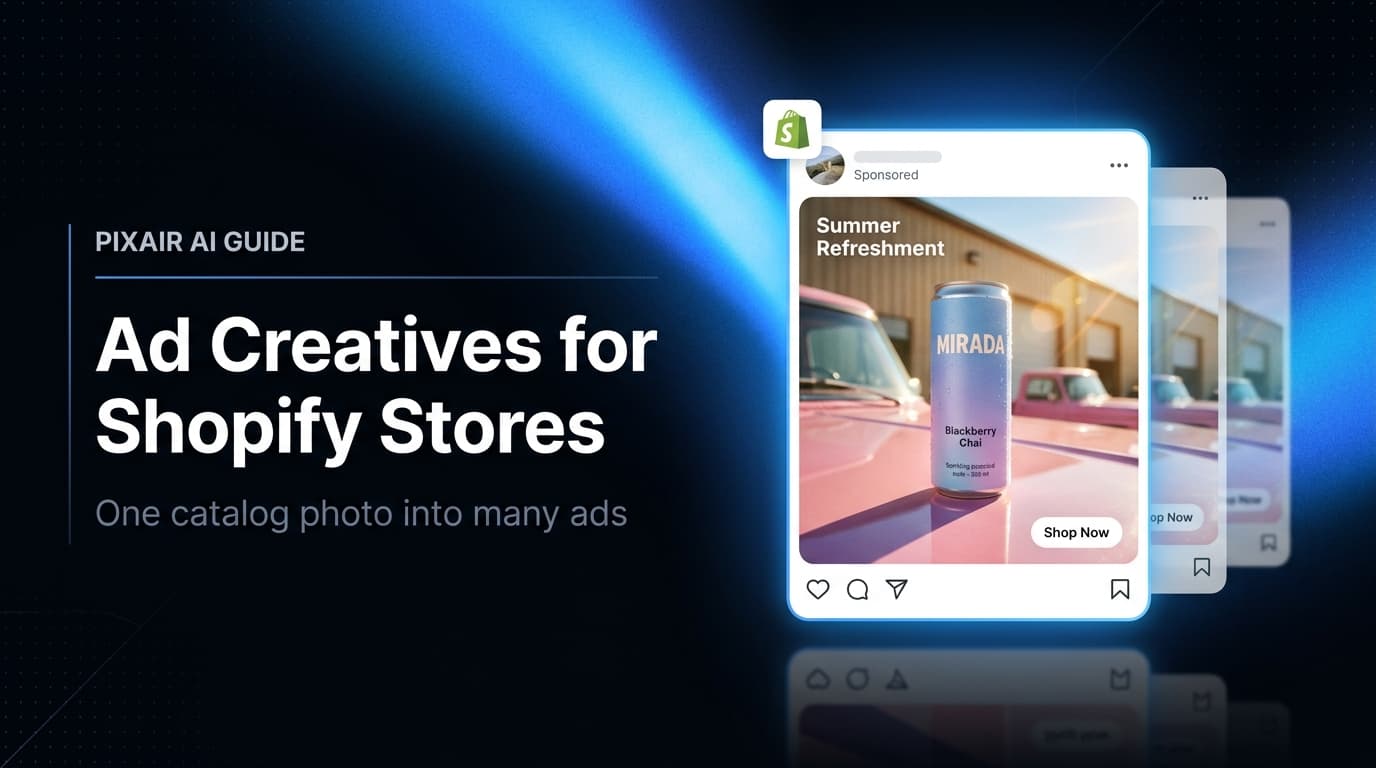
Ad creatives for Shopify stores are the scroll-stopping ad images you run on Meta, TikTok, and Google to drive traffic to your product pages - and the fastest way to make them is to start from a product photo you already have in your Shopify catalog. Upload one catalog image, and Pixair AI generates 20+ ad-ready variations - new scenes, headline hooks, and every placement size - in under an hour for less than $5 in credits. That replaces a $500-$2,000 photographer-and-designer cycle that used to take 1-2 weeks before a single ad went live.
What Are Ad Creatives for a Shopify Store?
An ad creative is the visual asset - the image or video plus its headline - that runs in a paid placement and sends a shopper to your Shopify product page. It is not the same as your catalog photo. A catalog photo answers “what is this product?” on a white background; an ad creative has under one second to stop a thumb, land a hook, and make someone tap through to buy.
For a Shopify merchant, the raw material is already sitting in your admin. Every product you have uploaded has at least one clean image attached to it. That image is the seed for an entire batch of ad creatives - lifestyle scenes, ingredient layouts, before/after splits, and headline variations - without booking a new shoot. You are not short on products to advertise. You are short on the hours to turn each one into an ad.
Why Do Shopify Stores Struggle to Keep Up With Ad Creative?
Most Shopify stores are run by one to three people. The same person who packs orders and answers support tickets is also expected to feed the ad account fresh creative every week. That is where the wheels come off - not for lack of ideas, but for lack of production hours.
One catalog photo per SKU is not enough to advertise
The white-background image that sells on your product page falls flat in a Meta feed. It has no context, no scene, no hook. Stores that run their PDP image as an ad see CTRs 40-60% below a styled lifestyle creative for the same product, because the feed rewards native, scroll- stopping imagery, not catalog flats.
Shopify stores run on more platforms than they can supply
A typical Shopify store advertises on Meta, TikTok, and Google Shopping at once - three channels, three aspect ratios, three creative cultures. Producing enough distinct creative for all three from a single freelancer cycle is impossible. Most stores end up cross-posting one square image everywhere, which suppresses reach on TikTok and Stories where 9:16 is mandatory.
Catalog size multiplies the problem
A store with 40 SKUs cannot photograph and design ads for all of them. So 90% of the catalog never gets advertised, and the same three hero products carry the entire ad account until they fatigue. The long tail of products that could be profitable stays dark purely because there was no production capacity to make their creative.
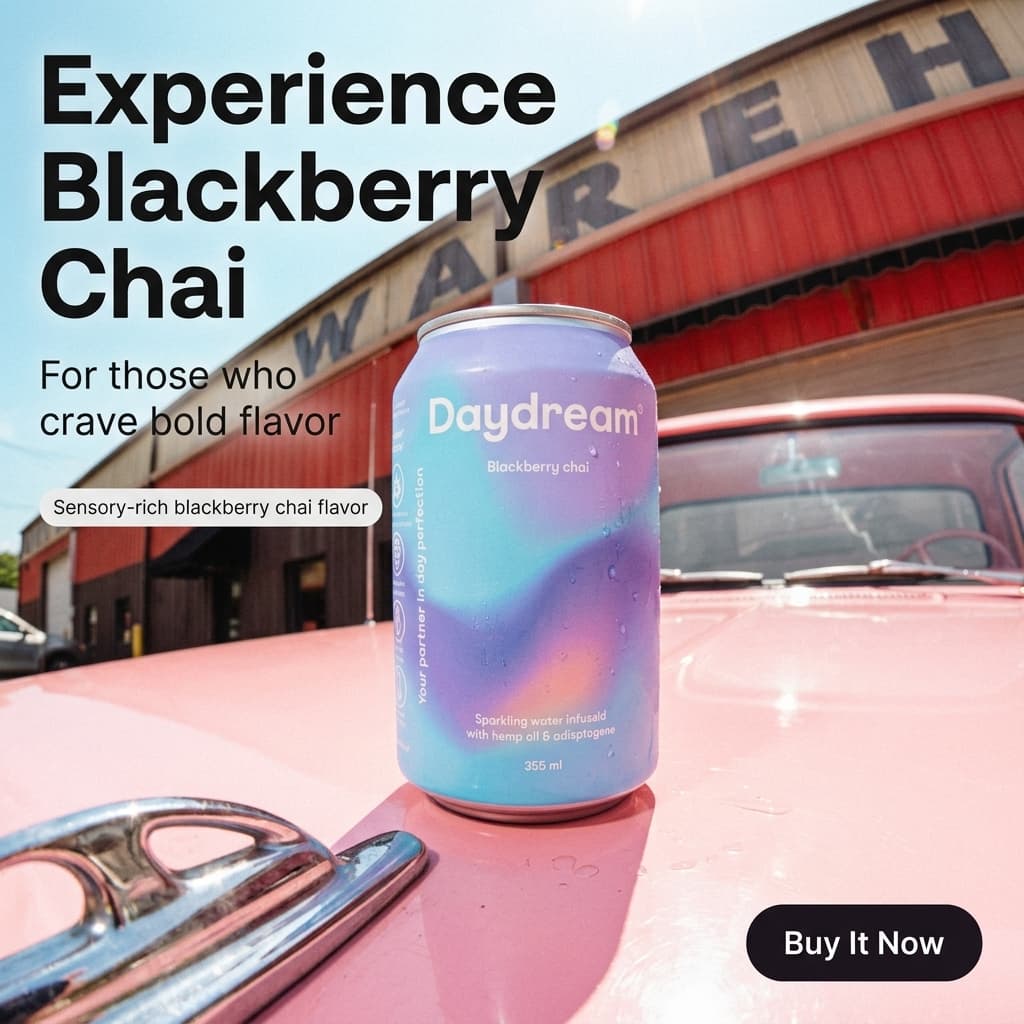
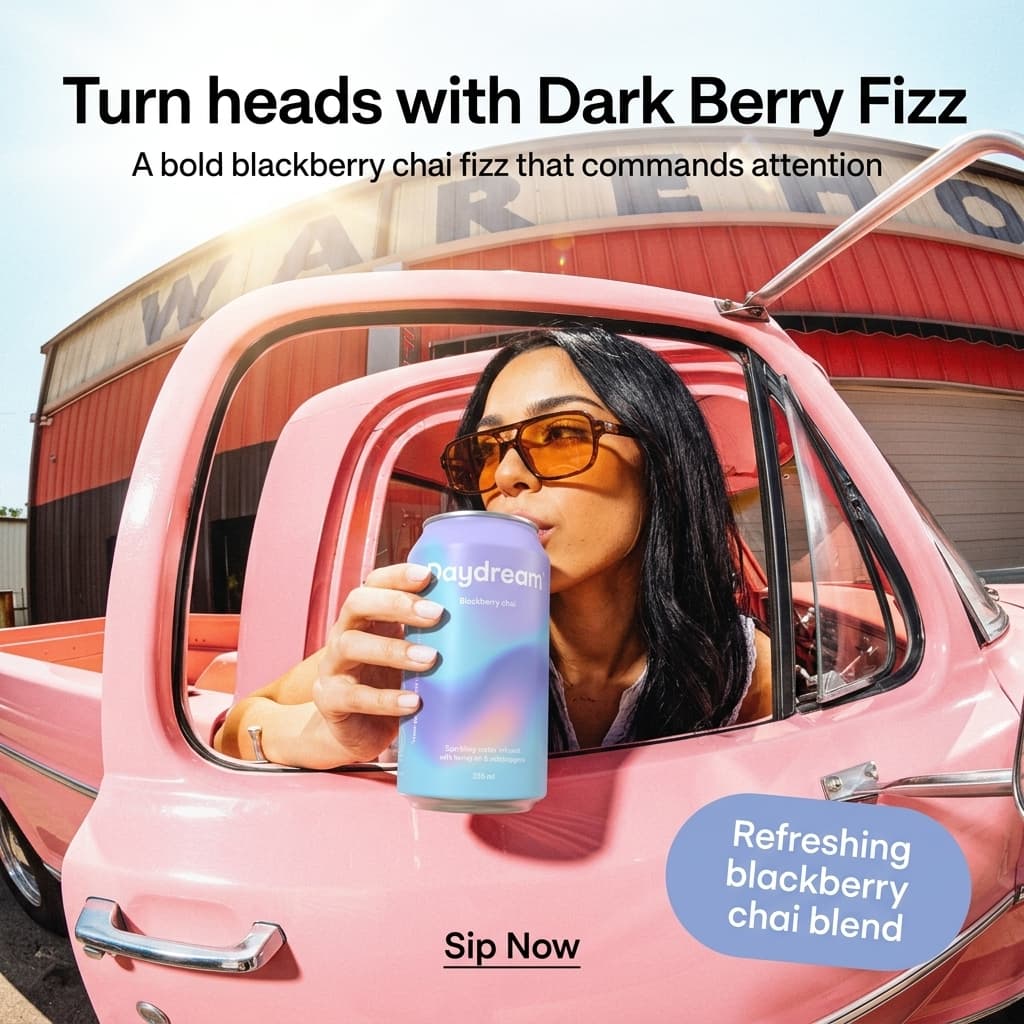
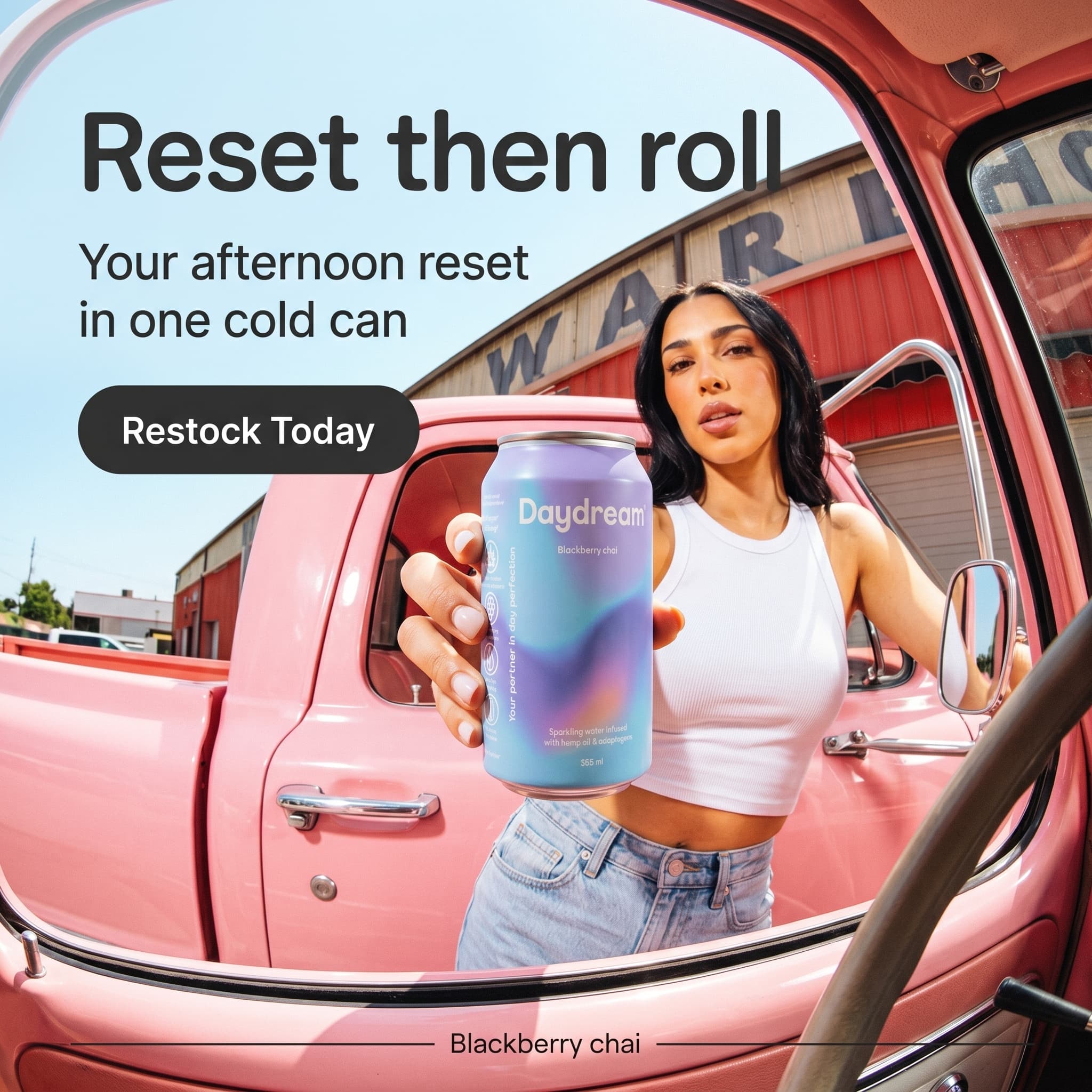
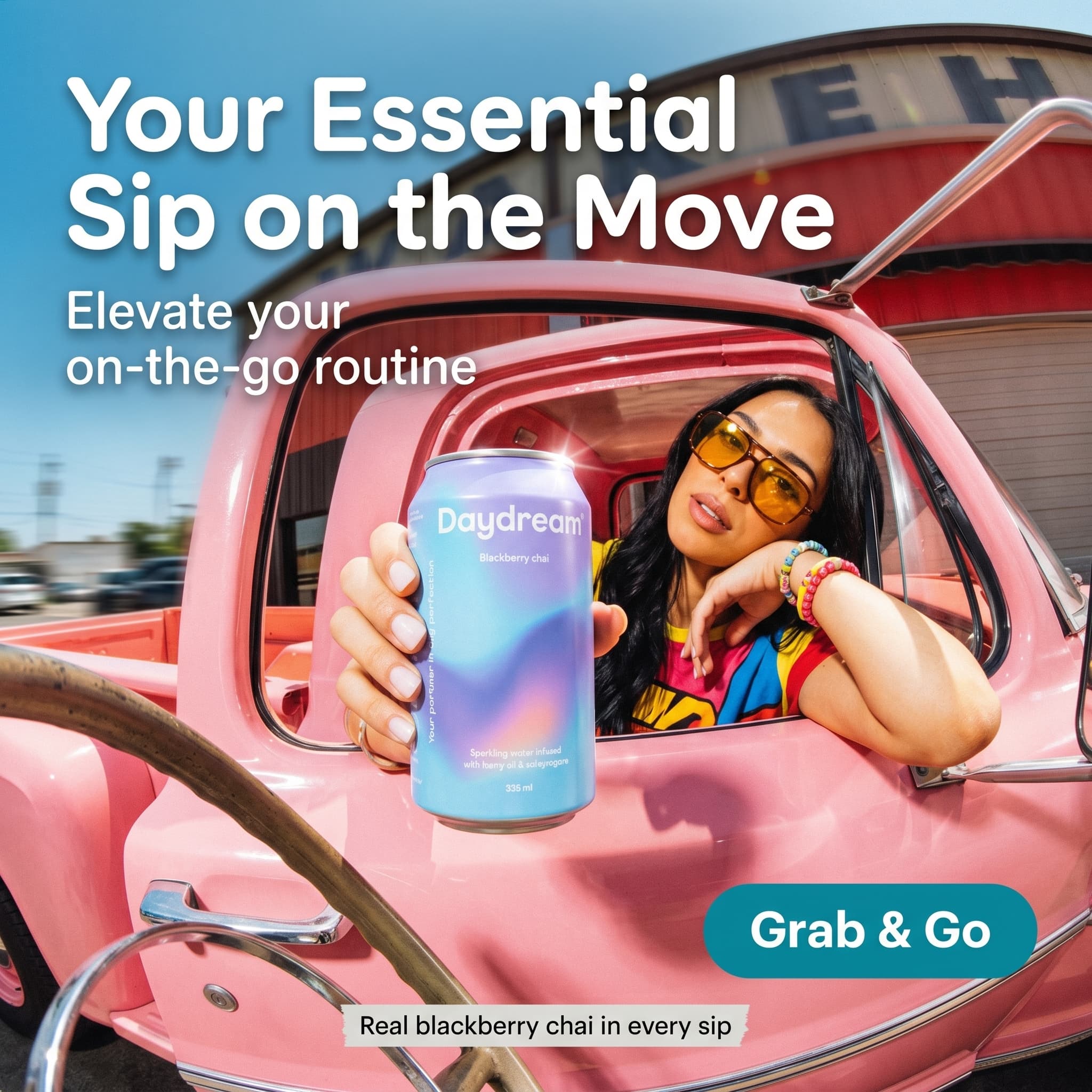
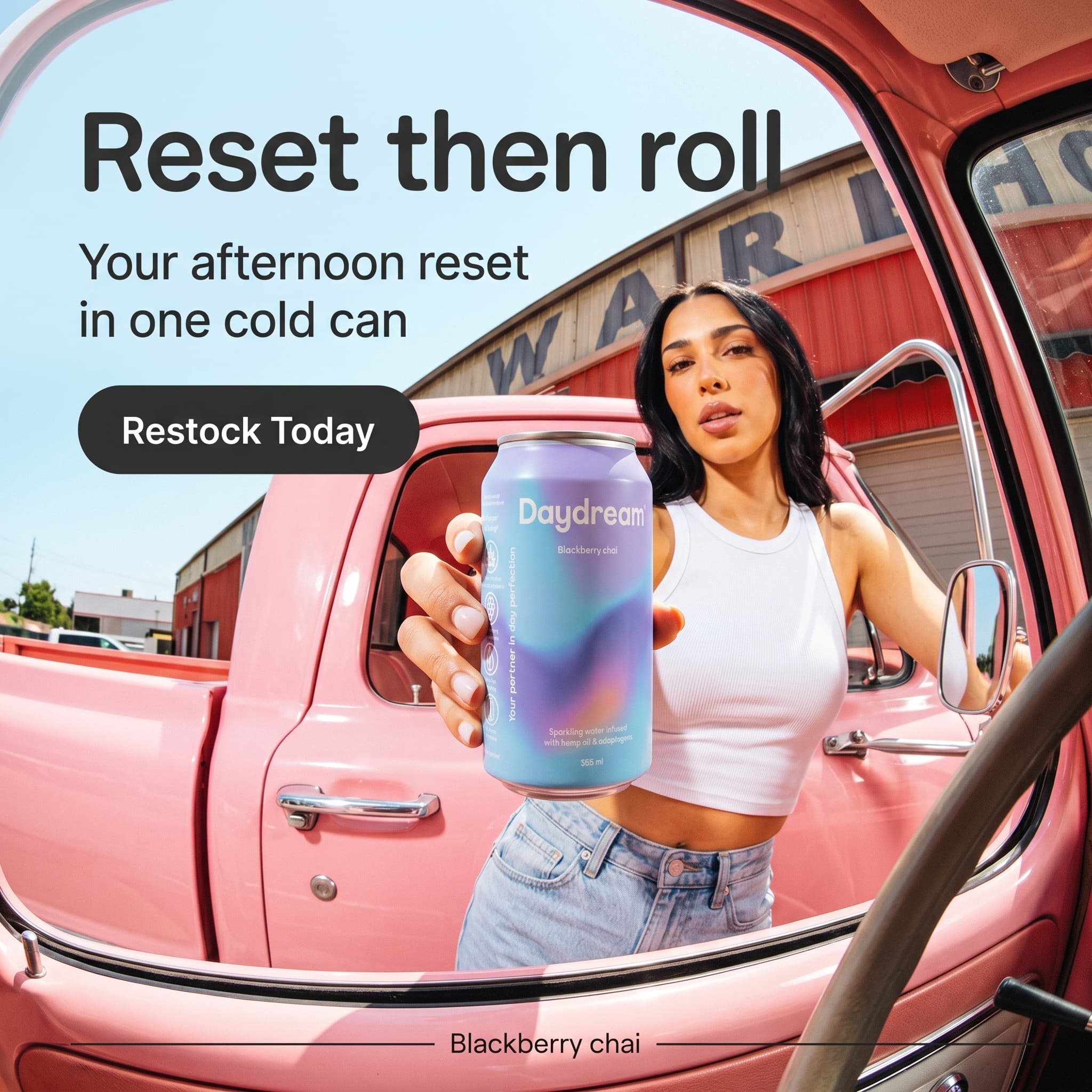

Six ad creatives generated from one Shopify catalog photo - different scenes, hooks, and layouts, each a separate variant ready to launch across Meta, TikTok, and Google.
How Do You Turn a Shopify Product Photo Into Ad Creatives?
The workflow starts inside your Shopify admin and ends with a launch-ready batch. You are not making ads from scratch - you are pulling existing catalog images and converting each one into a cluster of ad variations.
Step 1: Pull the product image from your Shopify catalog
Open the product in your Shopify admin and download its primary image - the same one Shopify serves at up to 2048x2048 for product-page zoom. A clean front-facing shot on a plain background is ideal. Pixair AI removes the background and isolates the product with the label, logo, and packaging text kept pixel-accurate, so your brand reads identically from catalog to ad.
Step 2: Generate scene variations for each concept
Pick one concept per product - say, “kitchen counter morning” for a wellness drink. Generate 4-6 scenes for it: marble counter with window light, warm wood surface, dark slate with cool rim light, lifestyle shot with props, ingredient flat-lay. Each scene takes under 60 seconds and 4 credits. Run two concepts per product and you have 8-12 base images per SKU.
Step 3: Add headline hooks with Ad Maker
Run each scene through Pixair's Ad Maker to add typography. The AI reads your product label - brand name, product name, key claim - and writes the headline, subhead, and benefit callout from what is on the packaging. No brief, no copy form. Pair this with your Shopify product description so the ad and the product page say the same thing. When they match, more clicks turn into sales.
Step 4: Export for Meta, TikTok, and Google
Pixair AI outputs every aspect ratio from one generation: 1:1 and 4:5 for Meta feed, 9:16 for TikTok andInstagram Story ads, and the standard banner ratios for Google Display. The layout adjusts automatically so the product stays centered and the headline reflows per frame. One Shopify product becomes a full multi-platform ad set with no manual cropping.
Shopify Ad Production: Agency Workflow vs Pixair AI
Here is what advertising 10 Shopify products across three platforms looks like in each approach. The cost gap is obvious; the catalog-coverage gap is the one that compounds over a quarter.
Agency / freelancer
Brief, shoot, design, export per product

Pixair AI from your catalog
Agency / freelancer
Brief, shoot, design, export per product
Pixair AI from your catalog
Cost for 10 products, multi-platform
$2,000 - $6,000
Under $20 in credits
Time to launch
2 - 4 weeks
One afternoon
Source material needed
New shoot per product
Existing catalog photo
Products you can advertise
Top 2 - 3 SKUs only
Entire catalog
Platforms covered
One ratio, manually cropped
Meta + TikTok + Google from one gen
Headline copy
Copywriter round
Auto-written from label
Refresh a fatigued ad
New brief + revision
Regenerate in 60 seconds
Which Ad Creative Angles Work Best for Shopify Products?
Shopify stores convert on trust and clarity more than spectacle - the shopper is one tap from a product page and is deciding whether the brand looks legitimate. These five creative angles map cleanly onto Shopify catalogs and the categories most stores sell in.
- PDP-matched lifestyle. Build the ad scene to mirror your product-page hero - same surface, same lighting, same prop palette. When the ad image and the landing image look like the same world, post-click conversion rises 10-20% because the shopper never feels a jarring switch.
- Bundle / collection layout. Shopify makes bundles and collections trivial to sell. Show two or three SKUs from a collection together in one creative to raise average order value and advertise multiple products in a single placement.
- Numbered claim. A specific number in the headline - “3 ingredients,” “30-day returns,” “ships in 24 hours.” Specific numbers outperform vague claims by 2-3x on CTR, and Shopify-native promises like fast shipping and easy returns are some of the strongest.
- Ingredient / materials story. The product sits with its real ingredients or raw materials around it. Works for food, beverage, skincare, and supplements - the core Shopify DTC categories - and triggers sensory cues a flat catalog shot cannot. For splash and burst compositions, the same effect is achievable with dynamic product ads.
- Before / after split. The frame splits in half - the problem on the left, the result or product on the right. Strong for skincare, cleaning, organization, and wellness products, and read by the eye in milliseconds before any text lands.
How Do You Run Shopify Ad Creatives Well?
- Keep ad scene and PDP hero on the same visual system. The biggest single win for a Shopify store is making the ad look like the page it links to. Generate the ad creative and your product-page hero from the same scene - same surface, same light - so the click-through feels like one step, not two. Most agencies skip this.
- Advertise your long tail, not just your hero SKU. Because generation is cheap, give every product in your catalog at least one ad creative. Profitable products hide in the long tail and only surface once they have creative running. Batch 5-10 SKUs at a time rather than over-investing in one hero.
- Generate 9:16 first for TikTok and Reels. A cropped square reads as recycled on TikTok and kills reach. Generate the vertical 9:16 as a primary asset, then export the 4:5 and 1:1 for Meta feed. Pixair AI produces all three from one upload, so vertical-first costs you nothing extra.
- Reuse the creative in Shopify Shop campaigns and email. The lifestyle scenes you generate for paid ads also upgrade your Shop app listing, collection banners, and email hero images. One generation batch can refresh your entire storefront, not just the ad account.
- Refresh winners every 7-14 days. Watch frequency in your ad manager. When it crosses 2.5 on a cold audience, swap in fresh variations of the same winning concept. A 20-creative backlog per product means you iterate from a backlog instead of scrambling for net-new - see our ad creative iteration guide for the full loop.
Ready to turn your Shopify catalog into a full ad library? Start free with Pixair AI - 30 credits to generate your first batch with no card required.







Frequently Asked Questions
Download a product image from your Shopify admin, upload it to Pixair AI, generate scene variations, add headlines with Ad Maker, and export every placement size. The AI removes the background, keeps your label pixel-accurate, and writes copy from your packaging text. A full batch of 20+ creatives for one product takes under an hour and costs less than $5 in credits - no design tool or photoshoot required.
Yes - your existing catalog photos are the ideal starting point. Shopify serves product images at up to 2048x2048, and a clean front-facing shot is all Pixair AI needs to isolate the product and generate new lifestyle scenes, hooks, and aspect ratios around it. You do not need a new photoshoot; you convert assets you already uploaded into ad-ready creatives.
Plan for 1:1 (1080x1080) and 4:5 (1080x1350) for Meta feed, 9:16 (1080x1920) for TikTok and Stories, and standard banner ratios for Google Display. Most Shopify stores run all three channels, so you need every ratio per concept. Pixair AI exports all of them from a single generation, so one product covers Meta, TikTok, and Google without manual cropping.
For stores spending under $5K/month, 5-10 new creatives per month is the floor; at $5K-$25K, plan for 15-30; past $25K, 50+ to outpace fatigue across Meta, TikTok, and Google. Because Shopify stores advertise on multiple platforms, each concept ships as several assets, so a single product concept can count as four or more creatives once you export every ratio.
Yes. Meta and TikTok both permit AI-generated ad creatives as long as they accurately represent the product, avoid deceptive imagery, and follow each platform's standard ad rules. Pixair AI preserves your original product label and packaging exactly and only generates the scene and layout, so the product shown is the product you sell on your Shopify store.
You control the scene, so you can generate your ad creative and your product-page hero image from the same treatment - same surface, lighting, and prop palette. Matching the ad image to the landing-page image keeps the click-through visually continuous and lifts post-click conversion by 10-20%. This message match is one of the most underused conversion levers for Shopify stores.
Keep reading
Related articles
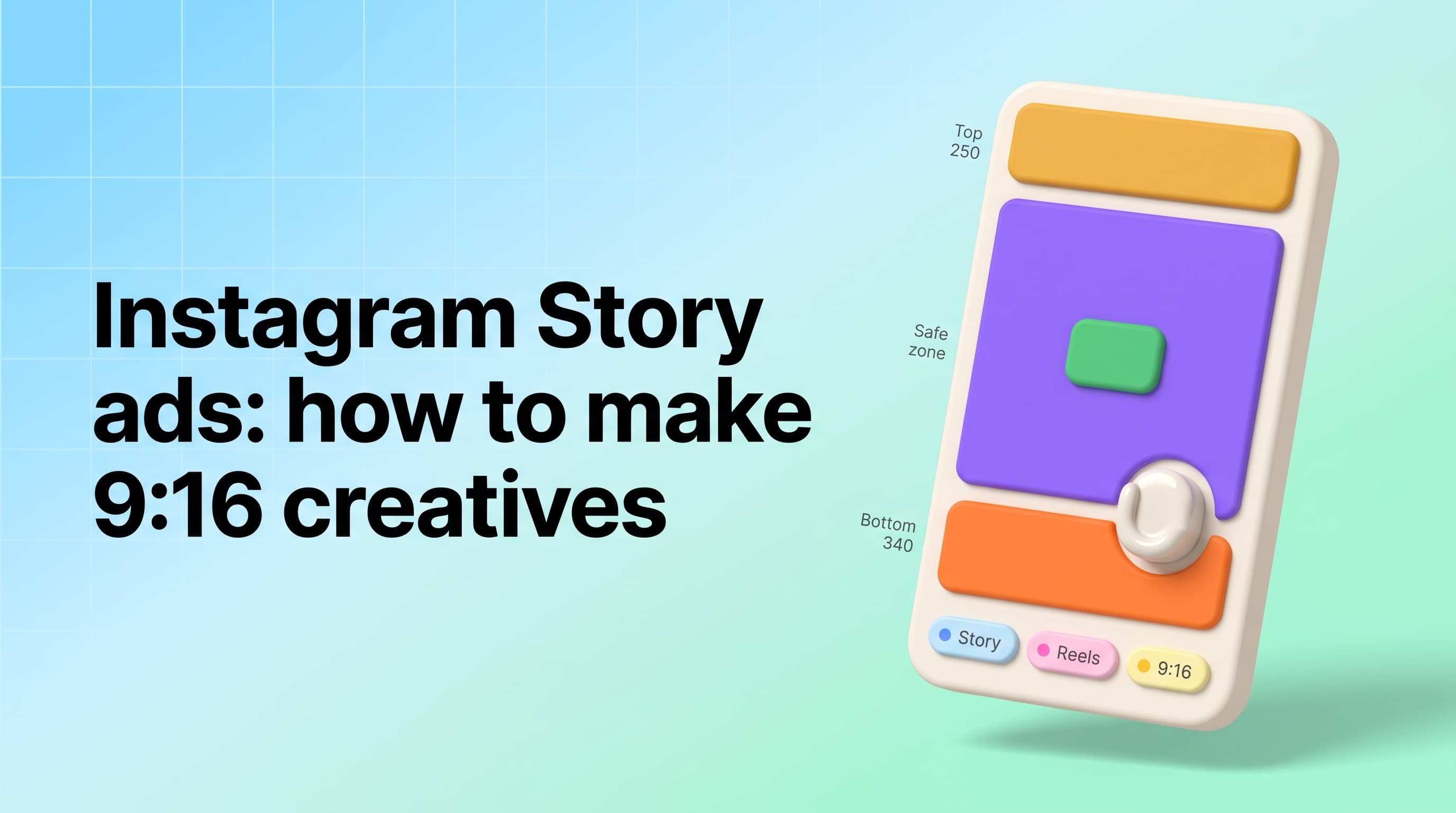
Instagram Story Ads Generator: Make 9:16 Ads From 1 Photo
Instagram Story ads maker and generator in one: only 69% of a 1080x1920 frame is safe, so generate native 9:16 Story ads from one product photo for $0.18 each.

Best AdCreative.ai Alternative for Ad Creatives (2026)
AdCreative.ai starts at $39/month for 10 downloads. Pixair AI is a flat $24/month with 30 free credits to start - ad creatives you own, no download paywall.
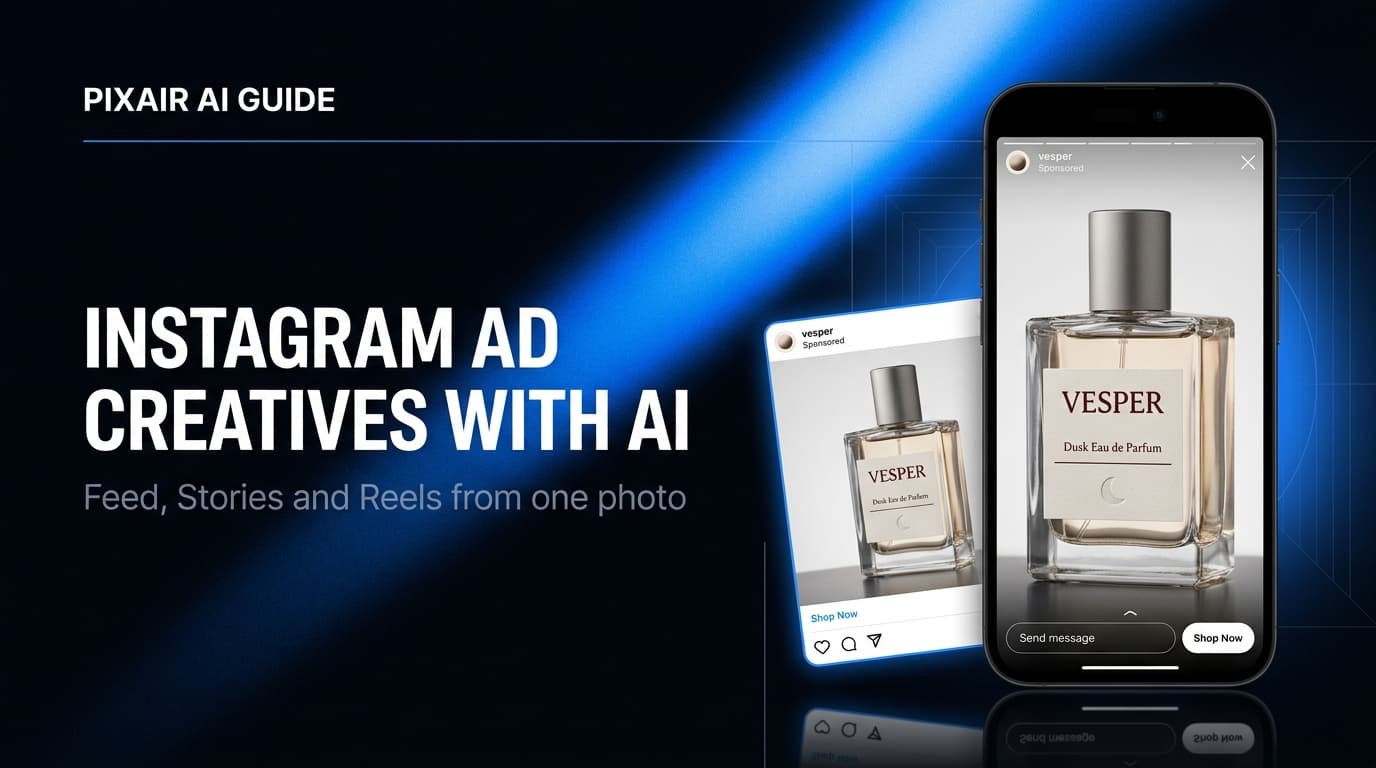
AI Instagram Ad Creatives Generator: 20+ Ads From 1 Photo
Turn one product photo into 20+ Instagram feed, Explore and Reels ad creatives in 4:5, 1:1 and 9:16. Skip the designer and test more variations for $0.18 each.