
Dynamic product ads are high-impact images with bold color-matched backgrounds, liquid splashes, cinematic rim lighting, and ingredient props - the style used in beverage, supplement, and skincare advertising. Creating them traditionally requires a professional photographer, a food stylist, high-speed camera equipment, and 2-8 hours of retouching per image, at $500 to $2,000 per shot. With AI product photography, you upload a plain product photo, select the Hero Burst preset in Pixair AI, and generate the same result in under 60 seconds at under $1 per image.
What Are Dynamic Product Ads?
Dynamic product ads are high-impact advertising images that go beyond a simple product-on-white approach. They feature bold, color-matched backgrounds, cinematic lighting, and dynamic elements like liquid splashes, floating ingredients, condensation, and reflective surfaces - all designed to create an emotional response and stop the scroll.
This style is sometimes called hero shot photography or burst-style product imagery. It is the go-to format for:
- Beverage brands (energy drinks, juices, sodas, spirits)
- Food and supplement companies (protein, vitamins, sauces)
- Beauty and skincare (serums, creams, perfumes)
- Any product that benefits from bold, attention-grabbing visuals

Hero Burst preset in Pixair AI - bold gradient, liquid splash, reflective surface, cinematic lighting.
Why Dynamic Ads Convert Better Than Plain Product Photos
Dynamic product ads outperform plain white-background shots in social feed and marketplace placements for three concrete reasons:
Pattern interruption in a crowded feed
A bold color gradient or liquid splash breaks the visual monotony of a social feed or marketplace grid. Buyers decide in under a second whether to click. A dynamic scene gives the eye a reason to stop that a plain-background image does not.
Sensory cues that drive purchase intent
Water droplets, condensation, and liquid motion trigger freshness and taste associations that a static product shot cannot. For beverages, supplements, and skincare, ingredient props and moisture cues are direct proxies for product efficacy in the buyer's mind.
Perceived premium value at a fraction of the cost
Cinematic rim lighting and reflective surfaces signal high production value - the same visual language premium brands use in paid campaigns. AI generation delivers that signal without the $1,000+ per-image studio cost.
How to Create Dynamic Product Ads with AI: Step by Step
With Pixair AI, the entire process takes less than a minute. No Photoshop, no design skills, no prompt engineering required.
Step 1: Upload Your Product Photo
Start with any product photo - even a smartphone shot on a plain background. The AI automatically removes the background and isolates your product with precise edge detection. For best results, use a well-lit photo where the product label and details are clearly visible.
Step 2: Select the Hero Burst Preset
In the Pixair Studio, navigate to the Dynamic category and select Hero Burst. This preset is specifically engineered to generate ad-quality hero shots with:
- A bold gradient background automatically matched to your product's packaging colors
- Hyper-realistic liquid splashes erupting from behind the product
- A glossy reflective surface with mirror-like product reflections
- Floating mint leaves and fine water droplets for freshness
- Condensation on the product surface for a cold, refreshing look
- Cinematic rim lighting that creates a luminous glow around the product
The AI is smart about ingredients too. If your product packaging features fruits or specific ingredients, the AI will place matching real fruit pieces at the base of the product. If your product does not feature ingredients (like an energy drink), it skips the fruit and focuses on splashes and atmosphere instead.
Step 3: Generate and Download
Hit Generate and the AI produces your dynamic product ad in seconds. You can generate multiple variations, pick the best one, and download it in high resolution - ready for Amazon listings, Shopify storefronts, Instagram ads, Facebook campaigns, or any other marketing channel.

Another example of a dynamic hero shot generated with the Hero Burst preset - bold colors, liquid splash, and reflective surface.
What Products Work Best with Dynamic Hero Shots?
While the Hero Burst style was originally designed for beverages, it works surprisingly well across many product categories:
Dynamic Product Ads vs. Traditional Product Photography
Here is how the two approaches compare:
Traditional Photography
Photographer + food stylist + retouching

Pixair AI Hero Burst
Traditional Photography
Photographer + food stylist + retouching
Pixair AI Hero Burst
Cost per image
$500 - $2,000+
Under $1
Turnaround time
3 - 14 days
Under 60 seconds
Equipment needed
High-speed camera, strobes, studio
Any product photo
Retouching
2 - 8 hours per image
None required
Variations
Extra cost per variation
Unlimited regeneration
Skill required
Professional team
None - one-click preset
Tips for Getting the Best Results
While the AI handles all the heavy lifting, a few simple practices will help you get consistently outstanding results:
- Start with a clean, well-lit product photo. The sharper and better-lit your input image, the more detail the AI has to work with. A plain white or gray background is ideal.
- Make sure labels are readable. The AI reads your product packaging to determine the color palette and whether to add ingredient elements. Clear labels produce smarter results.
- Generate multiple variations. Each generation is slightly different. Generate 2 - 4 variations and pick the strongest one for your listing or campaign.
- Use AI Expand for platform-specific sizes. After generating your hero shot, use Pixair's AI Expand feature to intelligently resize it for Instagram Stories (9:16), Facebook Ads (1200x628), or Amazon listings (1:1) without losing quality.
Where to Use Dynamic Product Ads
Dynamic hero shots are versatile. Here are the highest-impact placements:
- Amazon A+ Content and main listing images - stand out in search results
- Shopify and DTC storefronts - hero banners and product pages
- Instagram and TikTok ads - scroll-stopping creative that drives clicks
- Facebook and Google Shopping ads - higher CTR than standard product photos
- Email marketing - product launch announcements and seasonal promotions
- Pitch decks and wholesale catalogs - premium brand perception







Frequently Asked Questions
Yes. Amazon permits lifestyle and enhanced product images in secondary image slots and A+ Content. Your main image must follow the pure-white-background (RGB 255/255/255) rule, but slots 2-9 and all A+ Content panels are where dynamic hero shots have the biggest impact on conversion.
No. A clear smartphone photo on a plain background works. The AI removes the background automatically. Sharper input photos with even lighting produce better edge detail on the isolated product, which shows in the final splash composition.
The AI preserves your product exactly as it appears in the original photo. Labels, logos, colors, and packaging details remain pixel-accurate. Only the background, splashes, lighting, and props are generated - nothing on the product itself is altered.
Each generation costs 4 credits. The free plan includes starter credits with no credit card required. Paid plans start at $24/month. That works out to well under $1 per image versus $500 to $2,000 for a traditional splash photography session with a food stylist and retoucher.
No. It was designed for beverages but works well for supplements, skincare serums, hot sauce, olive oil, perfume, and any product where bold color, moisture cues, or ingredient props strengthen the marketing message. Products without liquid ingredients get cinematic lighting and reflective surfaces instead of splashes.
Keep reading
Related articles
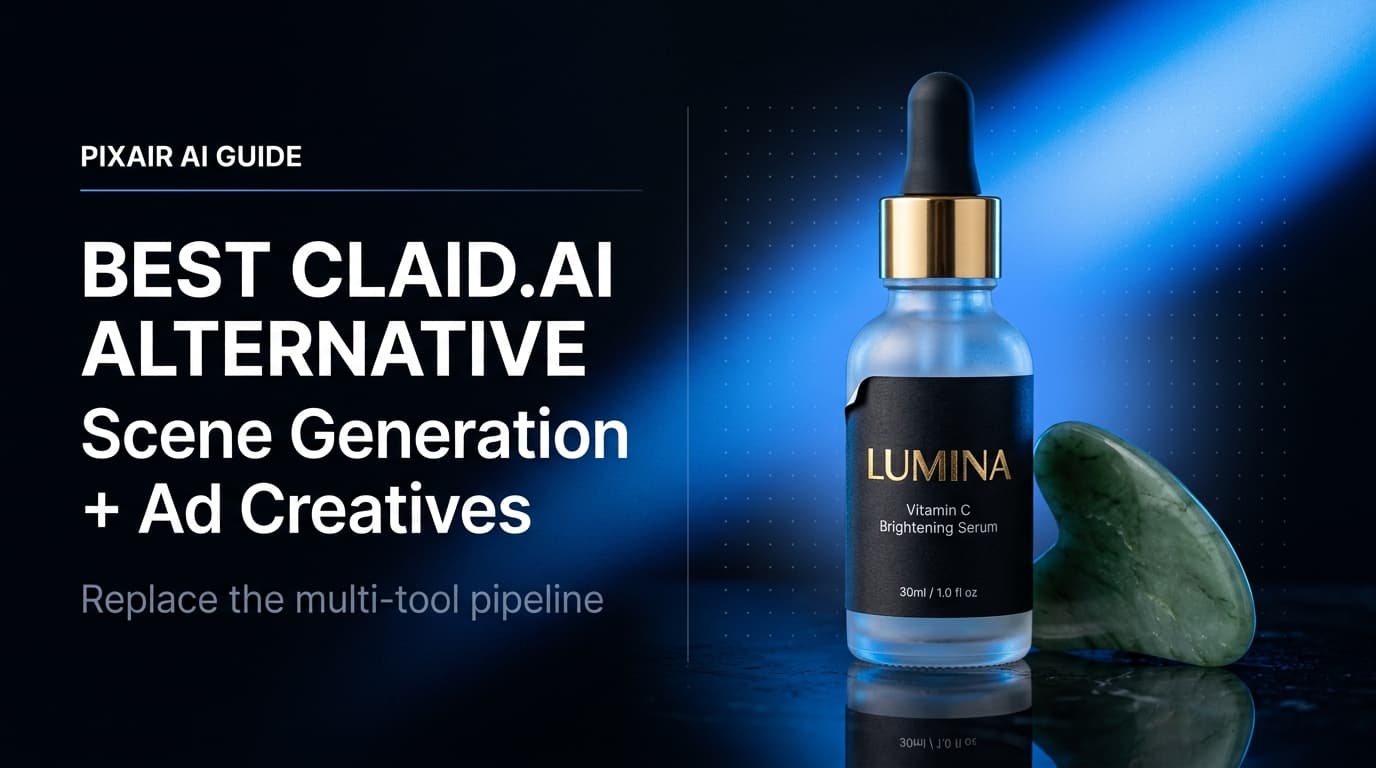
Best Claid.ai Alternative - Scene Generation + Ad Creatives
Claid.ai enhances existing photos but cannot generate new scenes or ad creatives. Pixair AI goes from one product photo to finished marketplace images and platform-ready ads.

Best Mokker AI Alternative - Photo to Finished Ad in One Tool
Mokker generates product scenes but stops there. Pixair AI takes the same upload and produces ad creatives, ad copy, and platform-ready exports - end-to-end in one tool.

Compliant product images: lifestyle mockups that pass ad review
How to make AI product images and lifestyle mockups that meet Meta, Amazon and Google ad rules, with examples.