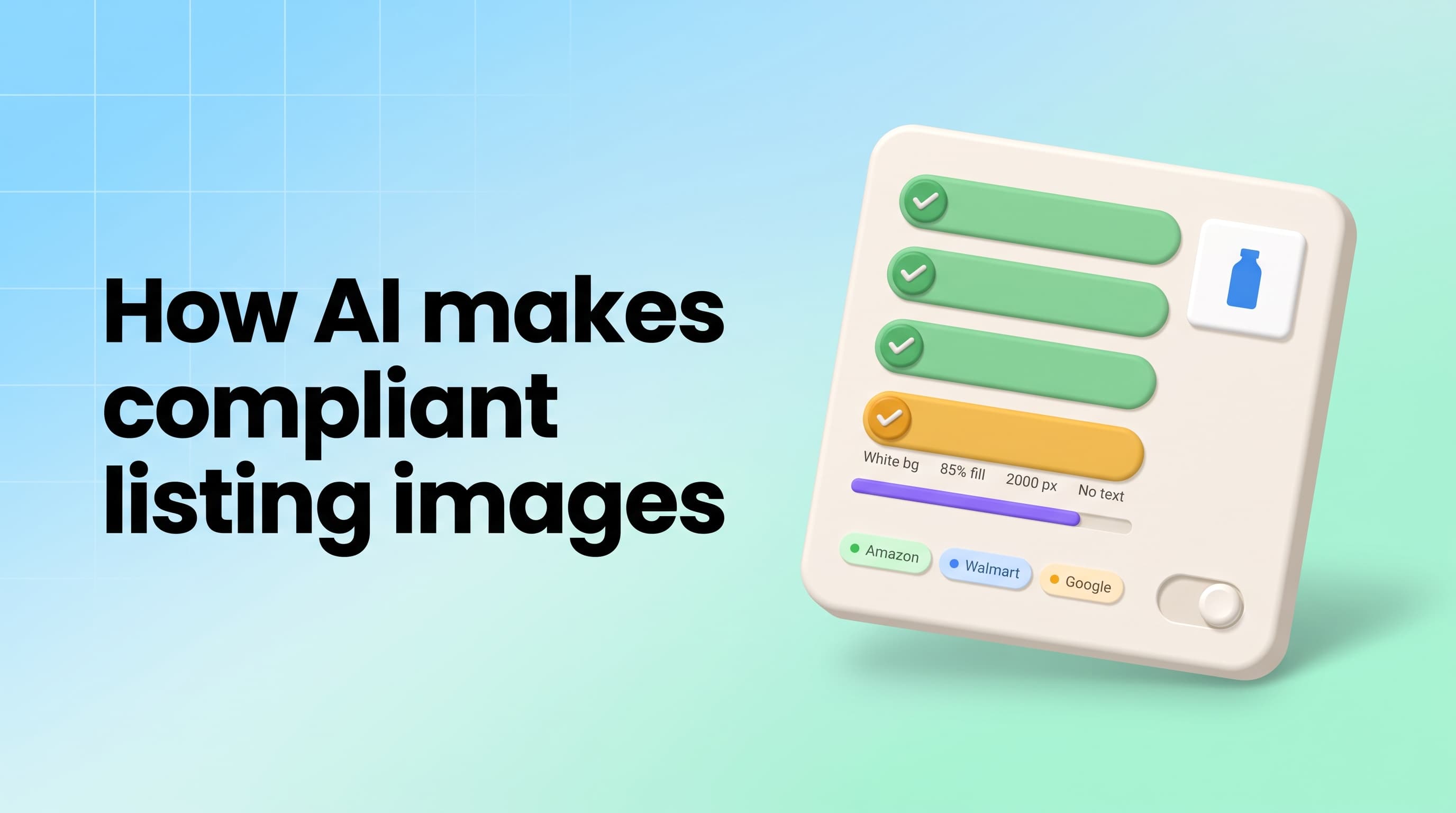
AI generates compliant product images and lifestyle mockups in three steps: it isolates the real product without repainting it, generates a new background around it - pure white RGB 255, 255, 255 for a marketplace main image or a photoreal lifestyle scene for secondary slots - and upscales the result to 2,000 px. Because the product is never regenerated, the label, color and size the buyer sees are the ones they receive, which is what compliance means.
Pixair AI runs exactly this pipeline from one phone photo, free to start with 30 credits and no card. The rest of this page is the marketplace-by-marketplace rulebook, the white-background vs lifestyle split, before/after examples, and the four-step workflow.
The short answer
- Isolate - background removal cuts the product out of the source photo; nothing on the product changes.
- Generate the scene - white RGB 255/255/255 for the main image, or a text-described lifestyle environment for slots 2-9.
- Upscale and export - 2,000 px+ on the longest side, square or platform ratio, no text or badges baked into the main image.
What Makes a Product Image “Compliant” on Each Marketplace?
“Compliant” is not one standard. Every marketplace enforces its own main-image rules, and the penalty is usually the same: the listing is suppressed from search rather than fined, so you do not find out until sales stop. These are the rules that matter for AI-generated images specifically.
Main-image rules only. Secondary images on every platform allow lifestyle scenes, infographics and text callouts. Verify against each platform's current seller help pages before a large upload - limits change.
The common thread: the main image needs a clean solid background, the product filling most of the frame, high resolution, and nothing added that is not part of the product. Every one of those is a background-and-framing problem, not a product problem - which is exactly why AI can solve it without touching the product.
How Does AI Keep the Product Itself Accurate?
This is the part most “AI product image” tools get wrong. A general-purpose image generator, given “a bottle of vitamin C serum on white”, invents a bottle. The cap changes, the label text turns to gibberish, the volume reads 50 ml instead of 30 ml. That image is non-compliant on every marketplace because it does not show the item being sold, and on Amazon it is grounds for listing removal.
A compliant pipeline never generates the product. It treats your source photo as ground truth: built-in background removal traces the product silhouette and lifts it out as a layer, then AI scene generation paints only what sits behind and around that layer - surface, light, shadow, environment. The pixels of the product are composited back in, so the ingredient panel, the barcode, the certification marks and the exact shade of the packaging are the ones from your photo.
What the AI must never change
- Color, finish or material of the product or packaging
- Size, proportions or quantity shown (one unit stays one unit)
- Label text, ingredient lists, warnings, certifications, barcodes
- Included accessories - do not add a dropper, scoop or cable that is not in the box
- Claims implied by props - no “organic” herbs beside a product that is not certified organic
How Does AI Generate Lifestyle Mockups From the Same Photo?
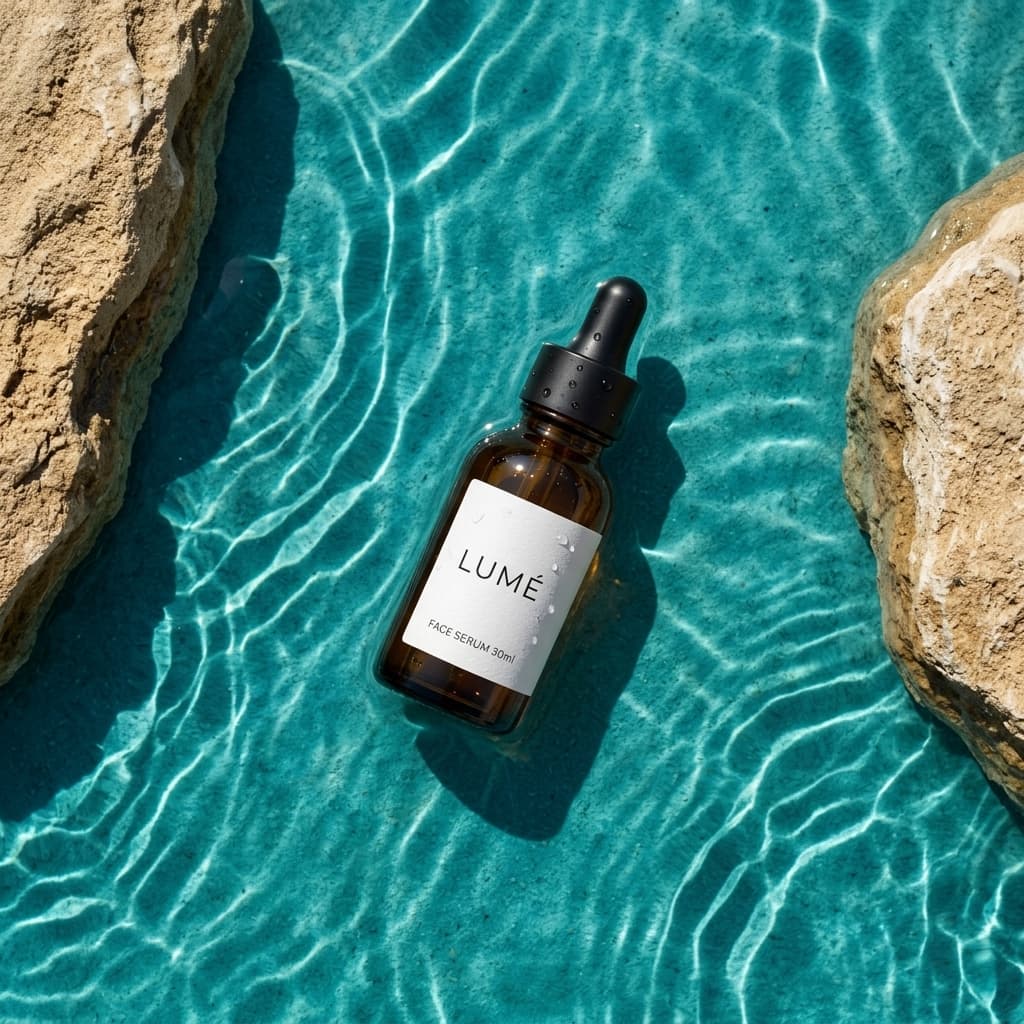
Lifestyle mockups use the same isolated product with a different scene instruction. Instead of “pure white”, you describe a surface, a light direction and at most one supporting prop, and the AI generates a photoreal environment that matches the product's perspective and casts a physically plausible shadow. The three-part prompt formula that produces consistent, compliant results:
Surface
"white marble", "light oak", "dark wet slate", "linen"
Light
"soft window light from the left", "warm late-afternoon sun", "cool rim light from above"
One prop (optional)
"a eucalyptus sprig", "a folded grey towel", "condensation on the bottle"
Because the prompt is text, it is reusable: paste the same surface-and-light description for every SKU in a range and the whole catalog looks like one photoshoot. Change only the prop line and you get a matched set for slots 2-4 without re-shooting anything. Lifestyle images are where listings win the click - main images are all white boxes on the search page - but they stay compliant only if the product layer is untouched and no prop implies something the buyer does not get.
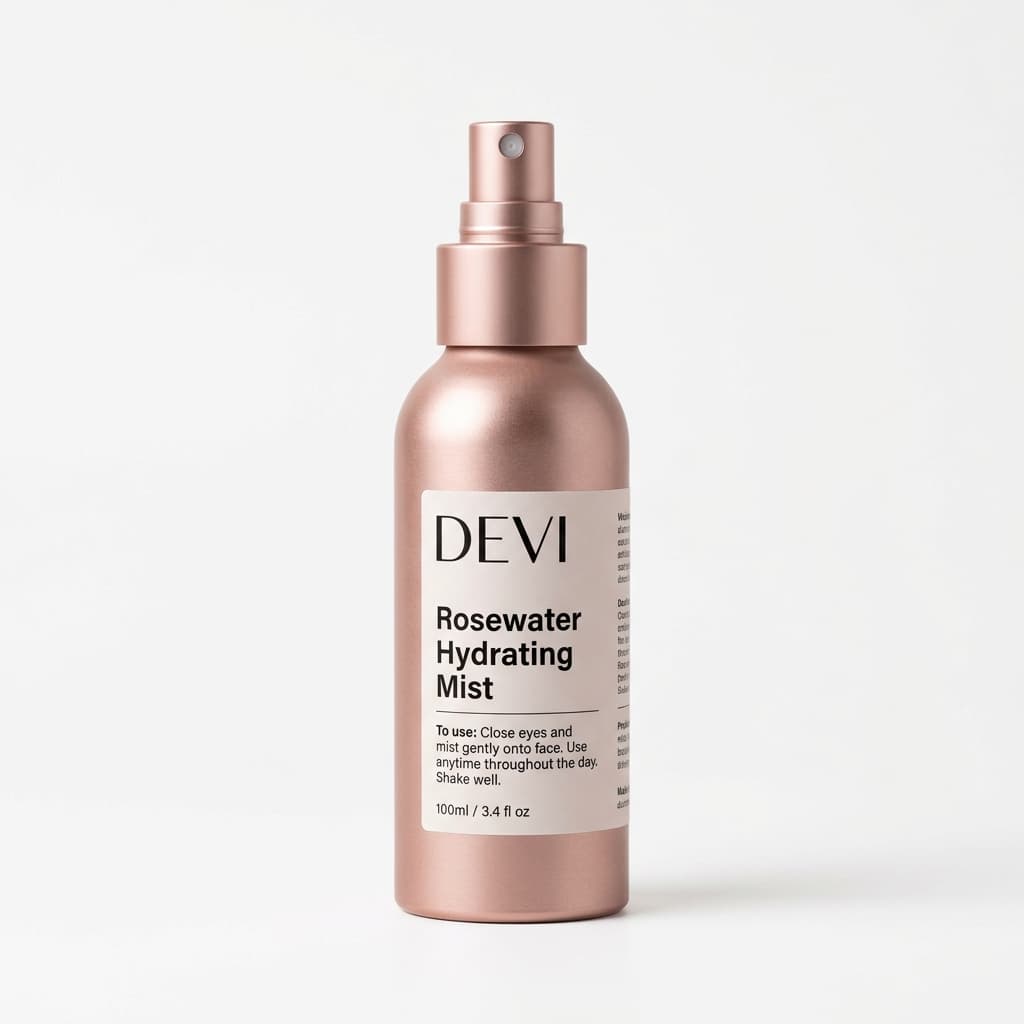 Compliant main image
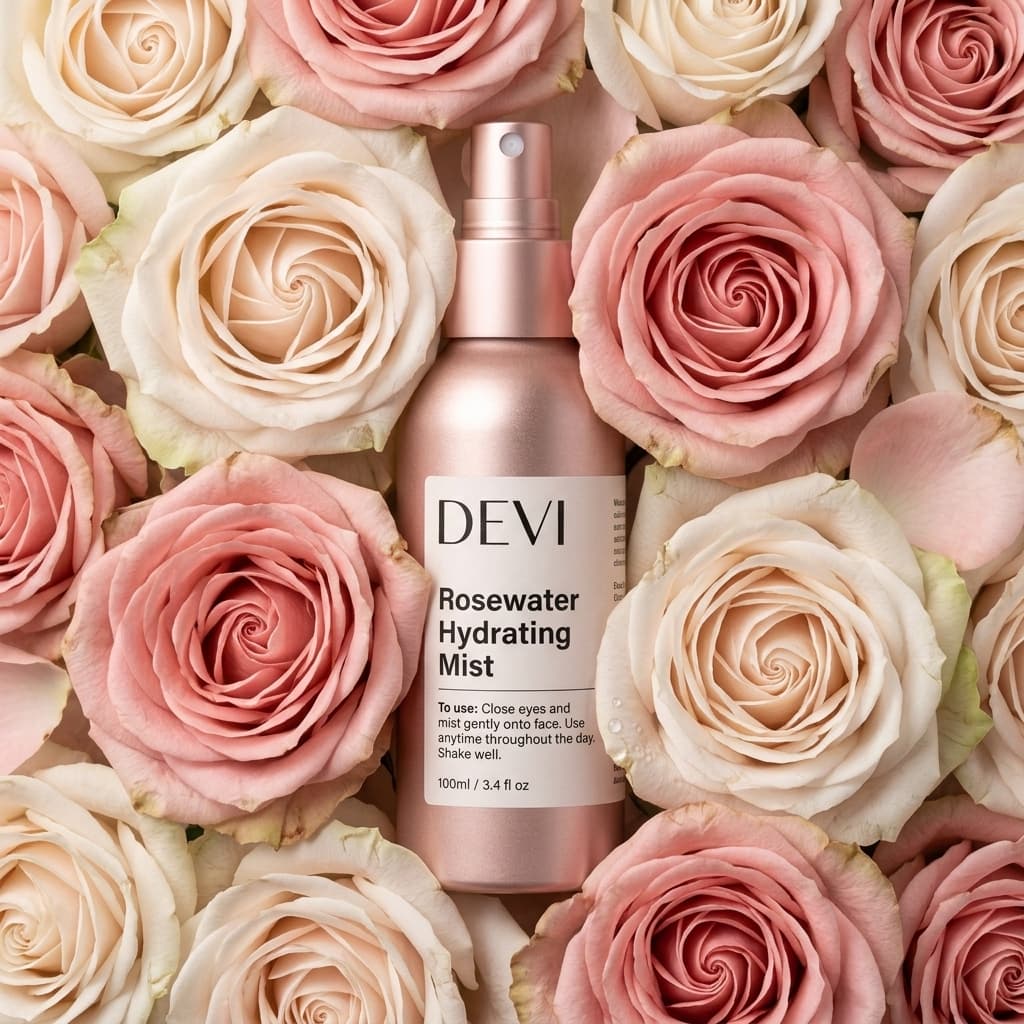 Lifestyle mockup
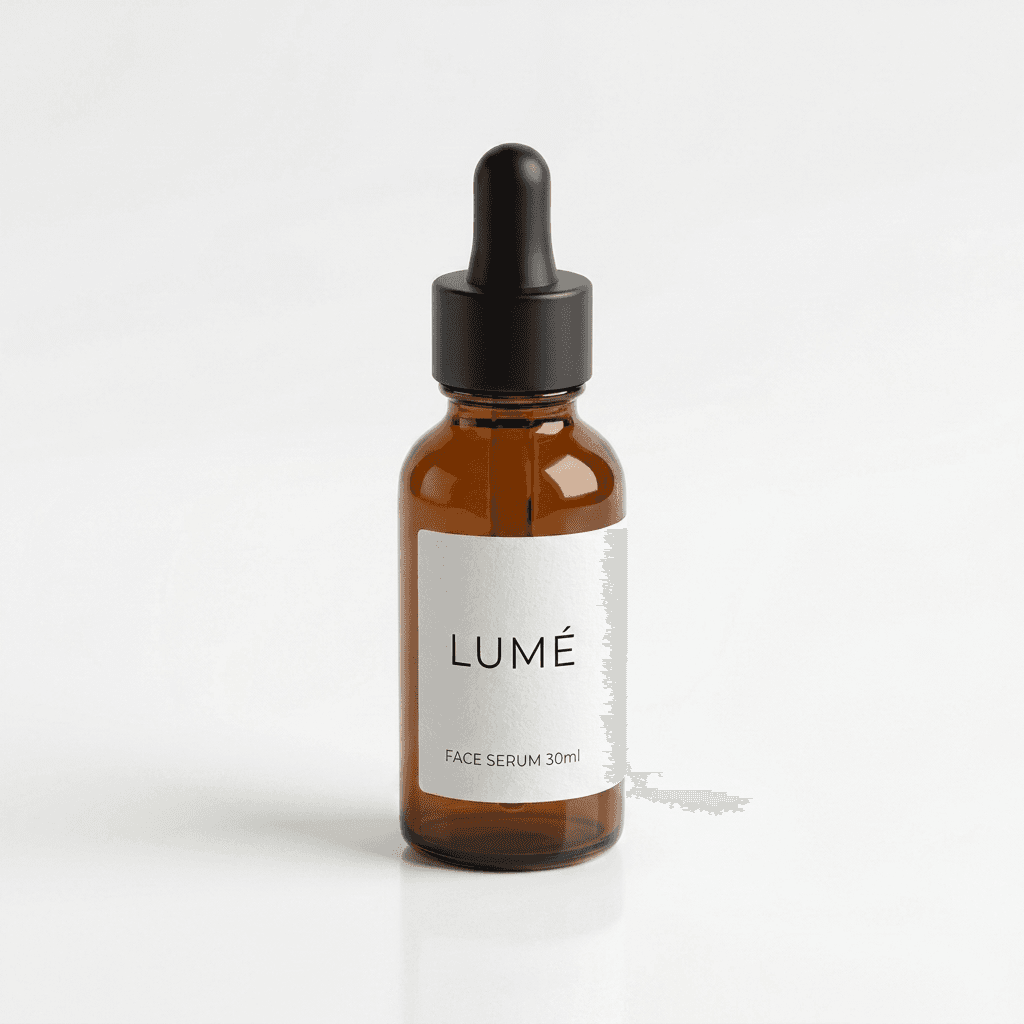 Compliant main image
 Lifestyle mockup
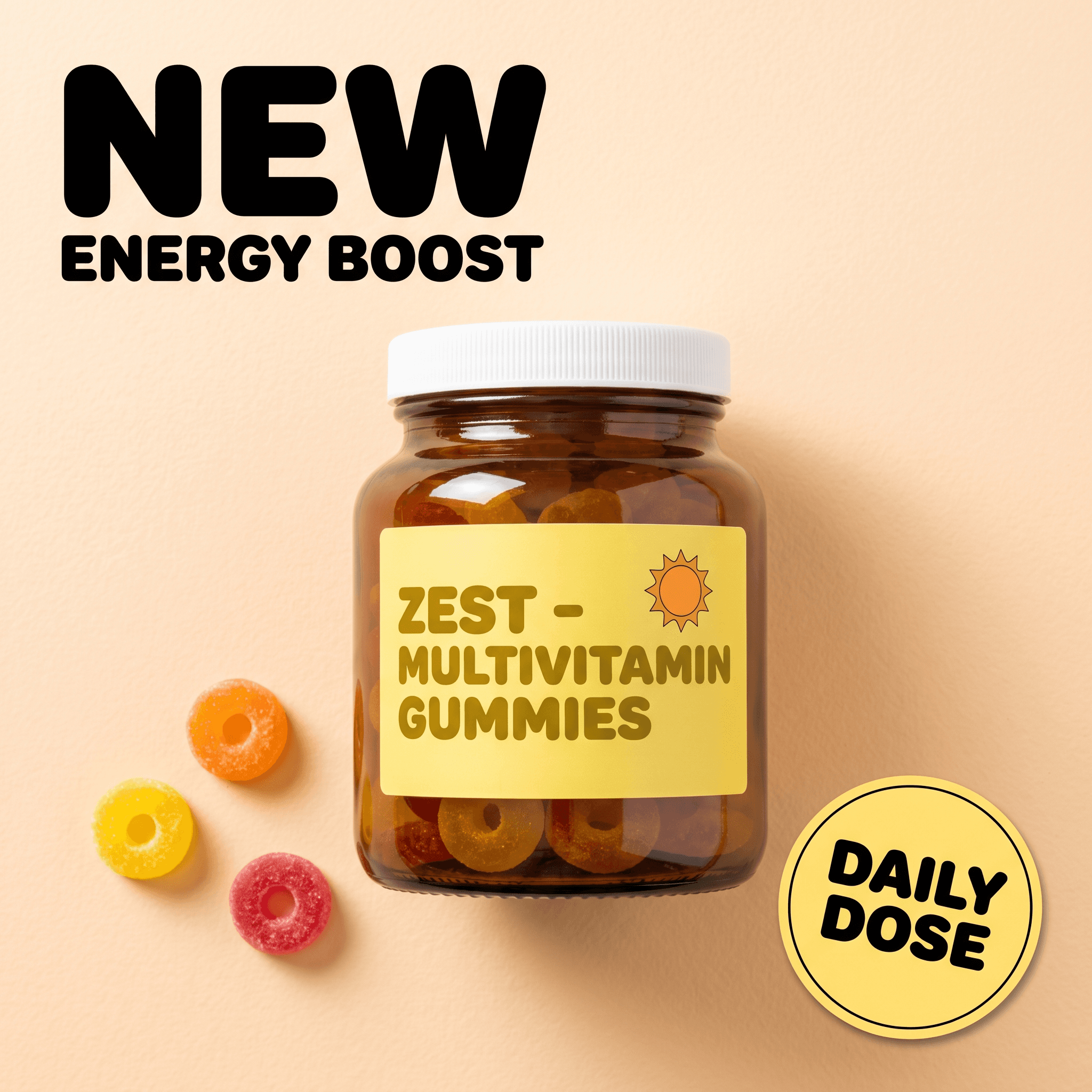
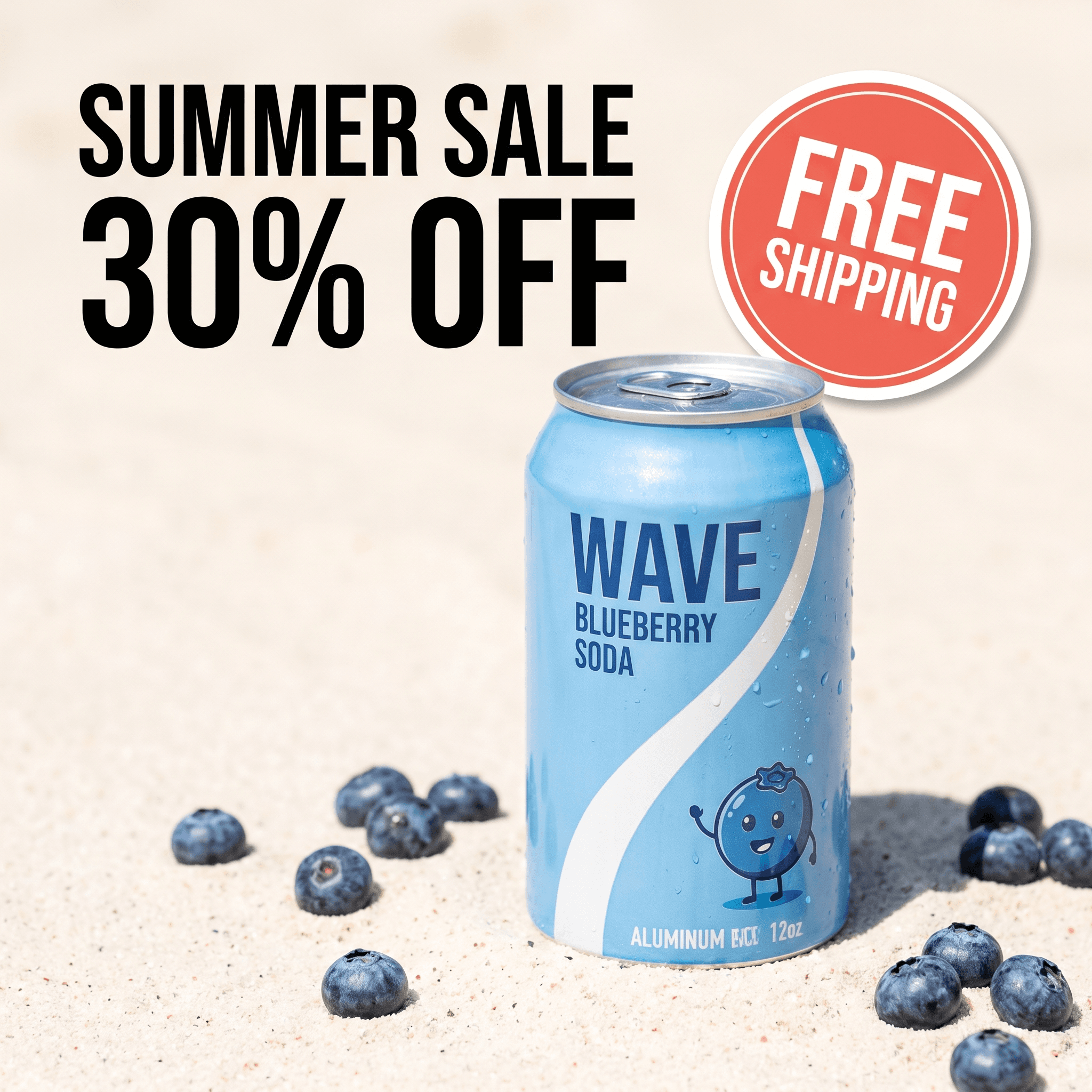
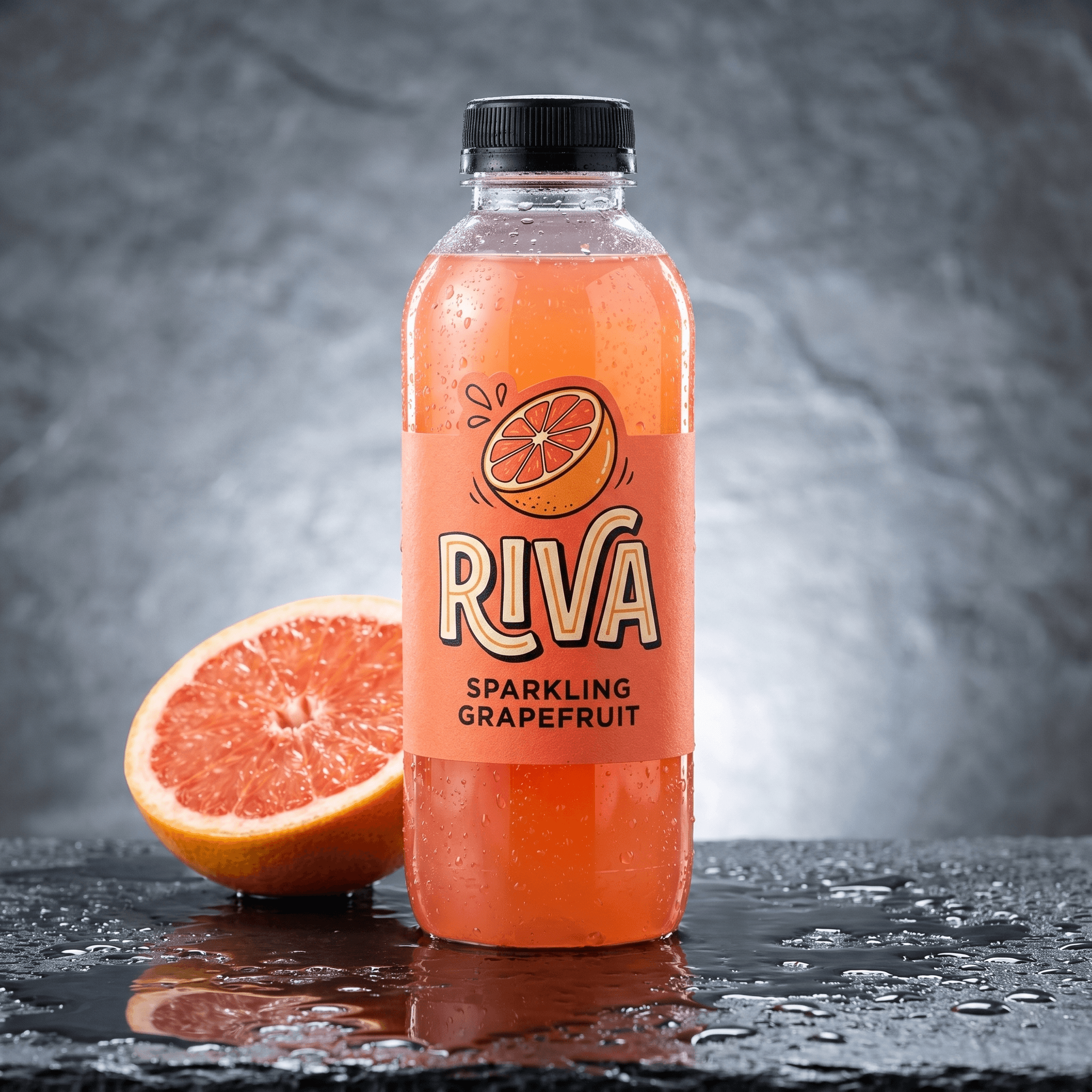
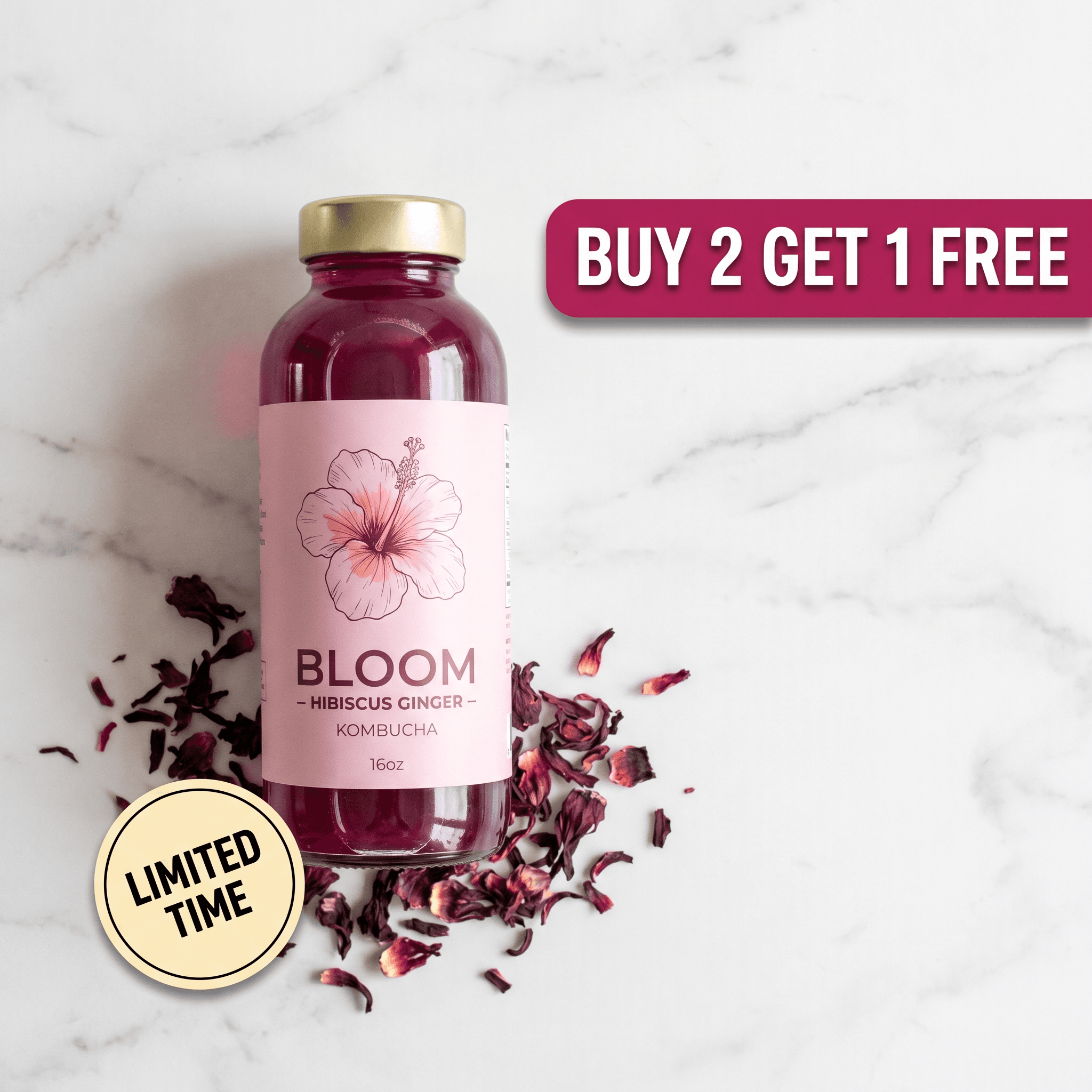
One source photo per product. Left: white background at RGB 255/255/255. Right: lifestyle scene from a one-line prompt. The product layer is identical in both.
How Much Does a Compliant Listing Image Set Cost by Method?
A full set is one main image plus eight secondary images - the nine slots Amazon and Walmart give you. The AI figure is derived from Pixair's credit prices: background removal 1 credit, scene generation 4 credits, upscale 2 credits, so a nine-image set is 1 + (9 x 4) + (9 x 2) = 55 credits, at $24 for 400 credits on the Pro plan.
The 30 free credits cover one compliant main image and three lifestyle images (7 + 6 + 6 + 6 = 25 credits) with no card. Studio and freelance ranges are typical US rates; see the product photography cost breakdown for the sourcing.
How to Generate Compliant Product Images With AI: 4 Steps
Shoot one honest source photo
Product on a white or plain surface, near a window, no direct sun, label facing the camera, whole silhouette in frame with a margin. This photo is the legal truth of your listing - everything the AI produces inherits its color and label accuracy, so do not use a supplier render or a competitor's image.
Generate the main image on pure white
Upload to Pixair's AI product photoshoot and pick the white background preset. Background removal isolates the product and the output is composited on RGB 255, 255, 255 - the exact Amazon value, which also satisfies Walmart, eBay and Google Shopping. Check that the product fills 85% of the frame; crop tighter if it does not.
Generate lifestyle mockups for slots 2-9
From the same upload, write a surface + light + prop prompt for each secondary image. Keep props honest and keep the product layer untouched. For an infographic slot, take the clean lifestyle render and add benefit callouts in your editor of choice - text is fine on secondary images everywhere except the main slot.
Upscale, verify, export
Run the built-in upscaler to 2,000 px+, then open the main image in any editor and eyedropper a corner: it should read exactly 255, 255, 255. Export as JPEG or PNG in 1:1 for marketplaces; the same product layer also exports in 4:5, 9:16 and 1.91:1 for ad creatives, so one upload feeds both the listing and the campaign that drives traffic to it.
Generic AI Image Generator vs. Product-Preserving AI
Generic AI image generator
Text-to-image, product described in words

Pixair AI
Generic AI image generator
Text-to-image, product described in words
Pixair AI
Product accuracy
Product is invented from the prompt - label, shape and color drift
Product lifted from your photo, pixel-identical
White background value
"White" is usually 240-250, fails RGB 255 check
Exact RGB 255/255/255 preset
Lifestyle consistency across SKUs
Every generation is a new interpretation
Same prompt, same scene, every product
Resolution
1,024 px typical, no built-in upscale
2,000 px+ via built-in upscaler (2 credits)
Cost per 9-image set
$0.40-$1.80 but often unusable
~$3.30 on the $24/month plan
Marketplace risk
Misrepresentation - listing suppression or removal
Shows the shipped item; only the scene is generated
For the Amazon-specific version of this workflow, including the full main-image checklist, see the Amazon product image generator guide. For the wider workflow across channels, the AI product photography for ecommerce guide covers scene formulas by category, and Shopify ad creatives with AI shows the same product layer turned into ads.
Tips for Keeping AI Listing Images Compliant
Eyedropper the corners, not the middle
Soft AI shadows can leave a 250-254 halo near the product that reads as white to the eye and fails an automated check. Sample all four corners and one point just outside the shadow. If anything is below 255, re-run the white preset or level the background - do not hand-paint over the product edge.
Props must be things the buyer could own, not things they receive
A towel beside a soap bar is fine. A branded soap dish that looks like part of the package is a return waiting to happen and a policy violation on Amazon and Walmart. Keep props generic, unbranded and clearly separate from the product.
One scene prompt per product family
Write the surface-and-light line once for a range (all serums, all flavors) and reuse it verbatim. Matched lighting across variants is what makes a listing look like a brand rather than a dropshipper, and it means a customer comparing two flavors sees only the product change.
Do not let the lifestyle scene hide a regulated panel
For supplements, cosmetics and food, at least one secondary image should show the ingredient or nutrition panel unobstructed. Generate that one as a plain-background back view rather than a styled scene - marketplaces and regulators both look for it, and props in front of the panel are the most common reason a compliant-looking set gets flagged.
Frequently Asked Questions
In three steps. Background removal isolates the real product from a source photo without regenerating it, so label, color and size stay accurate. Scene generation then paints a new background around that product layer - pure white RGB 255/255/255 for a marketplace main image, or a text-described lifestyle environment (surface, light direction, one prop) for secondary slots. Finally an upscaler brings the image to 2,000 px or more so zoom works. Because only the background is generated, the image shows the exact item the buyer receives, which is what marketplace compliance requires.
Yes, as long as they accurately show the product being sold. None of the major marketplaces ban AI-generated images; they ban misrepresentation. An AI image that invents or alters the product violates policy, while one that keeps the real product and only generates the background is treated like any retouched photo. The main-image rules still apply: pure white background on Amazon and Walmart, product filling 85% of the frame on Amazon, no added text, logos or watermarks.
Amazon requires pure white, RGB 255, 255, 255 - not off-white. Walmart requires white. Google Shopping accepts white, grey or a light solid color. eBay recommends white or plain. Etsy and Shopify have no background rule for listings. If you sell on more than one channel, generate the main image on pure white once and it passes everywhere.
Yes, in two ways. First, if the product layer was regenerated rather than preserved, the mockup shows a different item. Second, if props imply something the buyer does not get - an accessory that looks bundled, a certification the product does not hold - the image misrepresents the offer. Keep the product pixel-identical to your photo and keep props generic and clearly separate, and lifestyle images are allowed in every secondary slot on every platform.
Aim for 2,000 px on the longest side. Amazon needs 1,000 px minimum for zoom and now recommends 1,600 px; Walmart recommends 2,000 x 2,000; Etsy recommends 2,000 px on the shortest side; Shopify suggests 2,048 x 2,048. Most AI generators output around 1,024 px, so a built-in upscaler is part of a compliant workflow - in Pixair AI it is a 2-credit step after generation.
A nine-image set - one white main image and eight lifestyle or infographic images - is 55 credits in Pixair AI (1 for background removal, 4 per scene, 2 per upscale), which is about $3.30 on the $24/month Pro plan, or roughly $0.36 per image. The free plan includes 30 credits with no card, enough for one main image and three lifestyle mockups. A studio set of the same nine images runs $900-$2,025.
Keep reading
Related articles
Best AI for Product Images in 2026 - Honest Comparison
What AI product image generators actually deliver in 2026 - results, limitations, and which tools ecommerce sellers use to replace expensive studio shoots.
Amazon Product Image Generator: Compliant in 4 Steps (Free)
Turn one phone photo into an Amazon-compliant main image (RGB 255/255/255, 85% fill, 2,000 px) plus lifestyle images for all 9 slots. Free with 30 credits.
Best Free Zeely AI Alternative 2026: No 12% Ad Spend Fee
Zeely AI has no free plan and adds 12% of your ad spend to $29.95-$89.95/month. This free Zeely alternative starts with 30 credits, no card, then $7/month.