Amazon product photography has two jobs that no other marketplace demands simultaneously: pass strict image compliance checks on the main image and win the click over every other listing in the search results. A non-compliant image gets suppressed. A compliant but low-quality image gets skipped. AI product photography for Amazon sellers handles both - white background main images that meet Amazon's exact technical spec and lifestyle secondary images that convert - without booking a studio or waiting a week for retouched files. For the step-by-step generation flow, see the Amazon product image generator walkthrough.
Why Amazon Product Photography Has Unique Requirements
Amazon imposes rules on product images that no other major marketplace enforces with the same precision. Violate them and your listing is suppressed in search - not penalized, suppressed entirely. Meeting the rules is the floor, not the goal.
Main image compliance is non-negotiable
Amazon requires the main image to be photographed against a pure white background - RGB 255, 255, 255. Not off-white. Not light grey. Pure white. The product must fill at least 85% of the image frame. No text overlays, no borders, no lifestyle props, no watermarks. Any deviation flags the image for review and can result in suppression. Traditional photography requires a dedicated lightbox or white sweep setup plus post-processing to hit exact white values. One color cast from a warm tungsten bulb is enough to fail the automated check.
Search ranking is tied directly to click-through rate
Amazon's A9 algorithm uses click-through rate as a ranking signal. The main image is the primary variable driving CTR in search results - buyers see the thumbnail before they read the title or price. A listing with a professionally lit, well-composed main image consistently outranks a listing with a flat or dim photo, even with identical keywords, pricing, and review counts. Photo quality is a compounding advantage: better image generates more clicks, which signals relevance, which improves rank, which generates more clicks.
Nine image slots to fill - and each one has a job
Amazon allows up to 9 images per listing. High-converting listings use all 9: a compliant white background main image, two or three lifestyle shots showing the product in context, two or three infographic images with benefit callouts and ingredient highlights, a size reference or scale shot, and a family or variant overview image. Filling all 9 slots with professional-quality images previously required hiring a photographer for multiple setups in one session - which meant booking minimum batch sizes and paying for setups most sellers could not justify for a single SKU.
FBA sellers often cannot reshoot products on demand
Once inventory ships to an Amazon fulfillment center, the product is no longer accessible for reshooting. A seasonal campaign, a new ad concept, or a listing image update means either pulling inventory back - at cost - or working from a single source photo taken before the shipment. AI product photography produces an unlimited number of scene variations from that one source photo, making the initial shoot the only shoot you ever need for that SKU.
What AI Product Photography Does
AI product photography takes a single photo of your product - shot on your phone before it ships to the warehouse - and generates every image type your Amazon listing needs. The white background main image, lifestyle secondary shots, and scene variations for Sponsored Products ads all come from one upload.
Pixair AI does not regenerate the product. It isolates your product from the source photo, then composites it into a generated scene - or a pure white background - with physically accurate lighting, shadows, and surface reflections. Your label text, packaging finish, and any printed detail are taken directly from your original photo and preserved pixel-accurate. The white background preset produces an output that meets Amazon's RGB 255/255/255 requirement automatically, with no post-processing needed.
Once the product scenes are ready, the Ad Creatives Maker converts them directly into Sponsored Products and Sponsored Brand ad creatives - reading your label to write copy, then composing layouts in all required aspect ratios without switching tools.
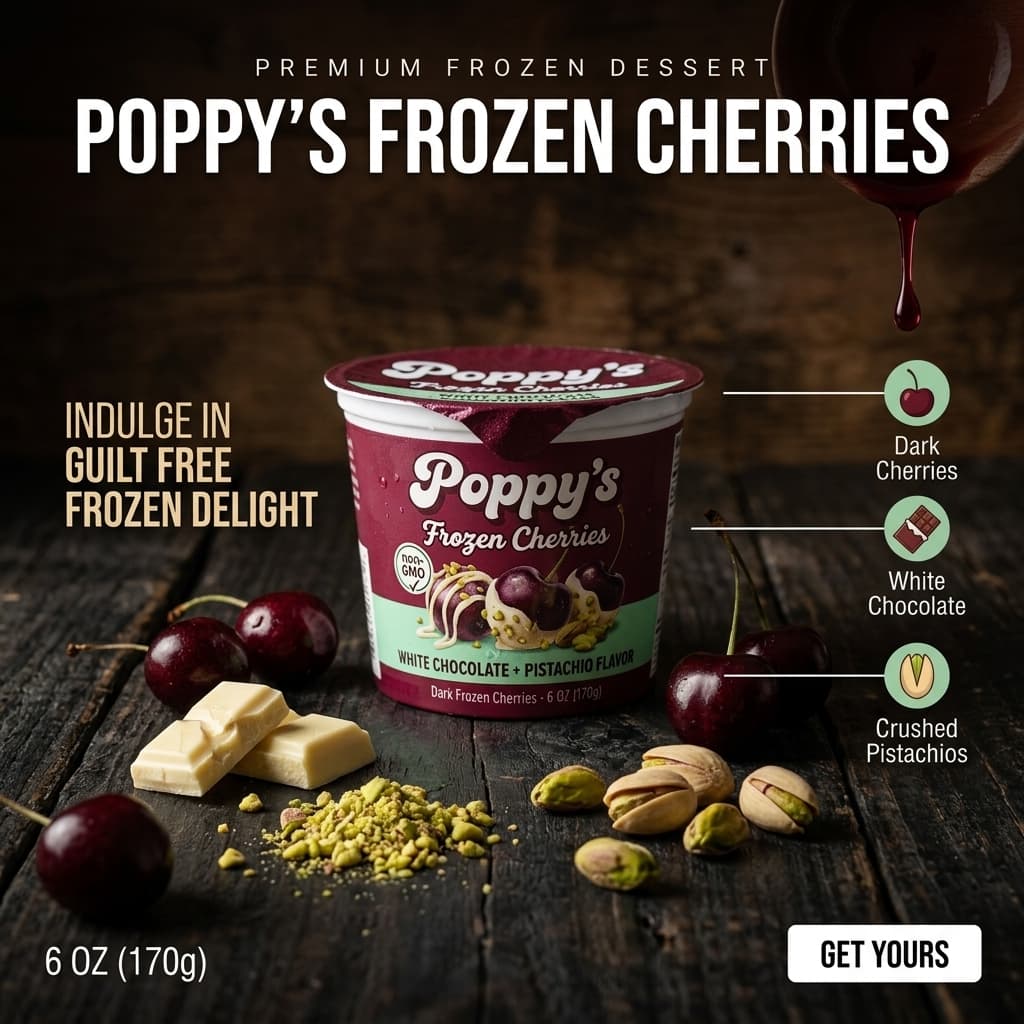
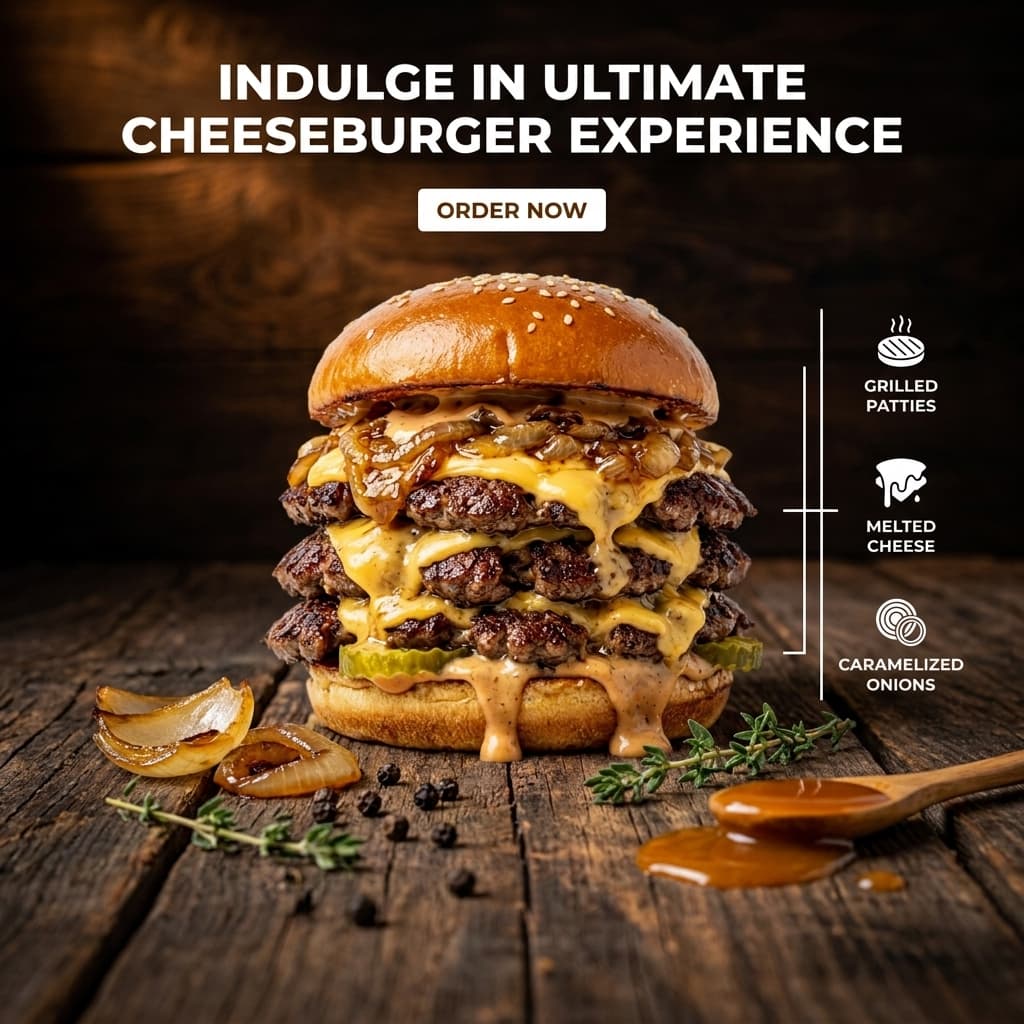
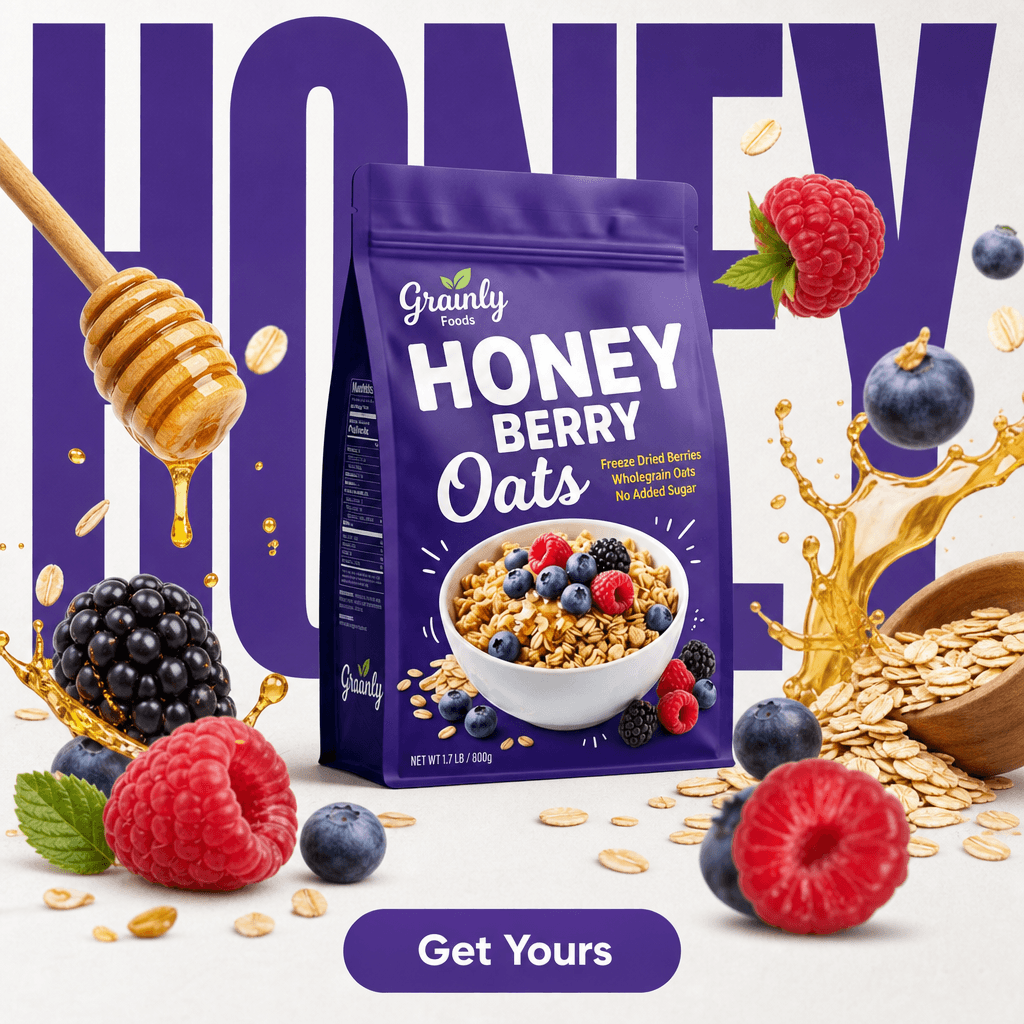
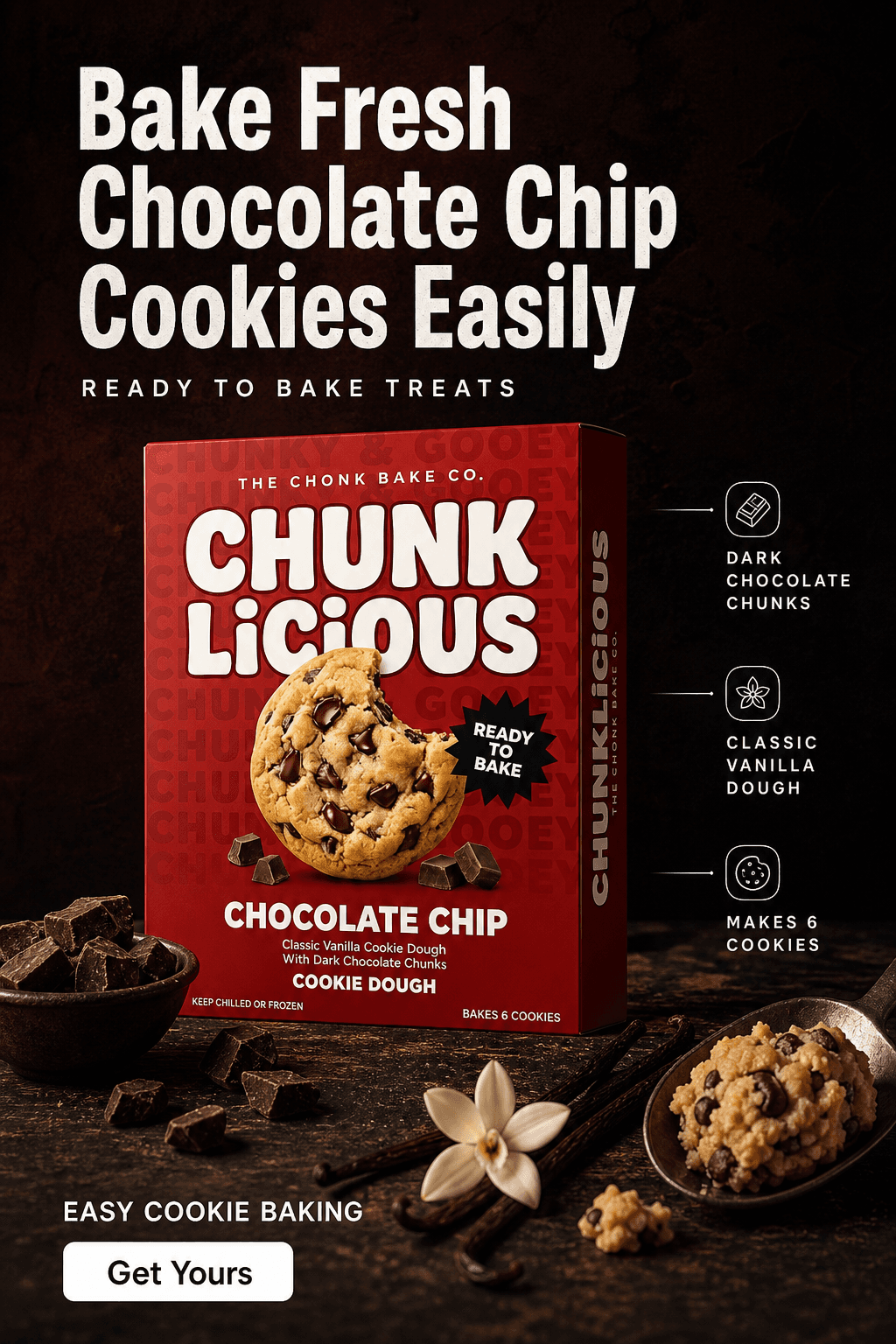
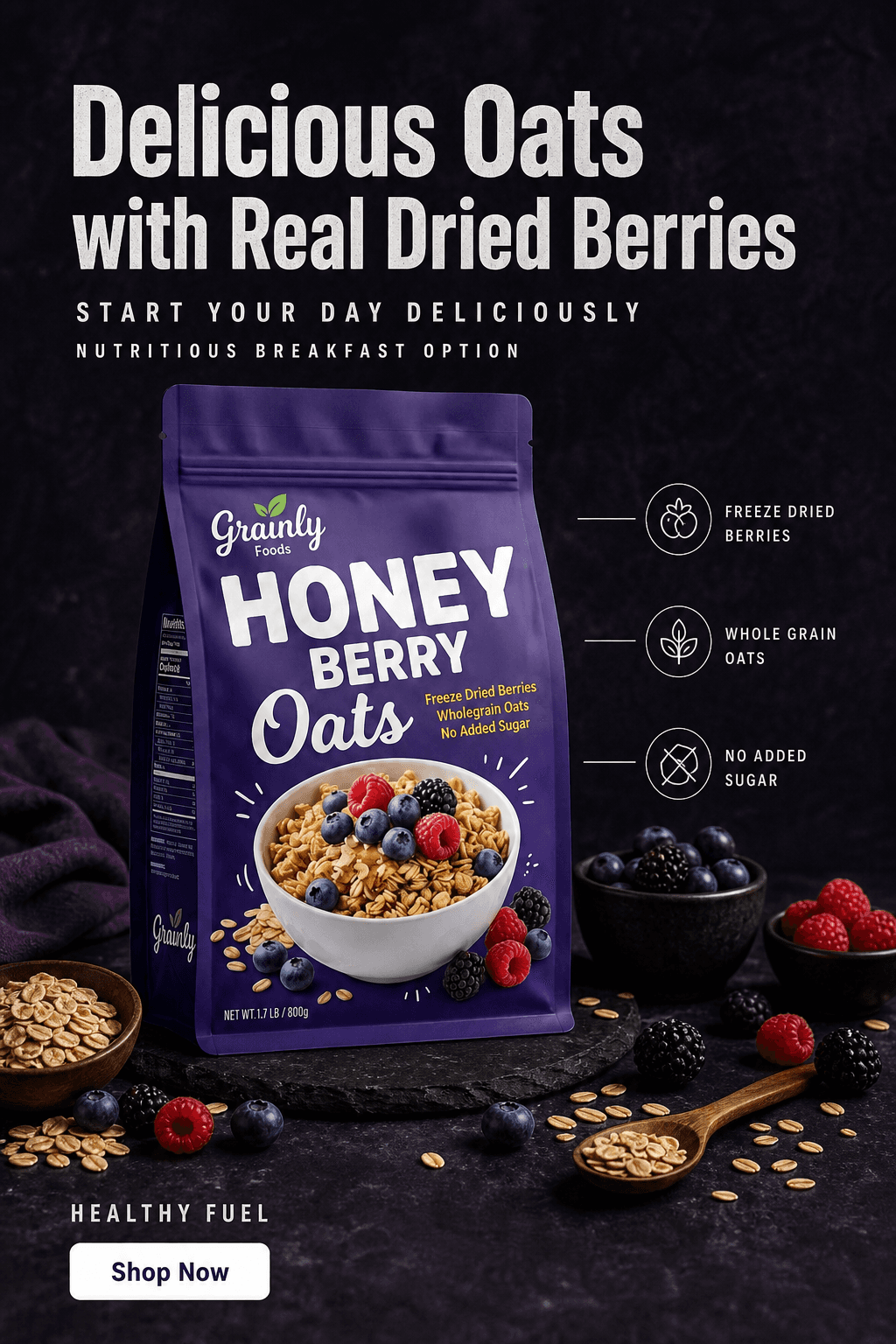
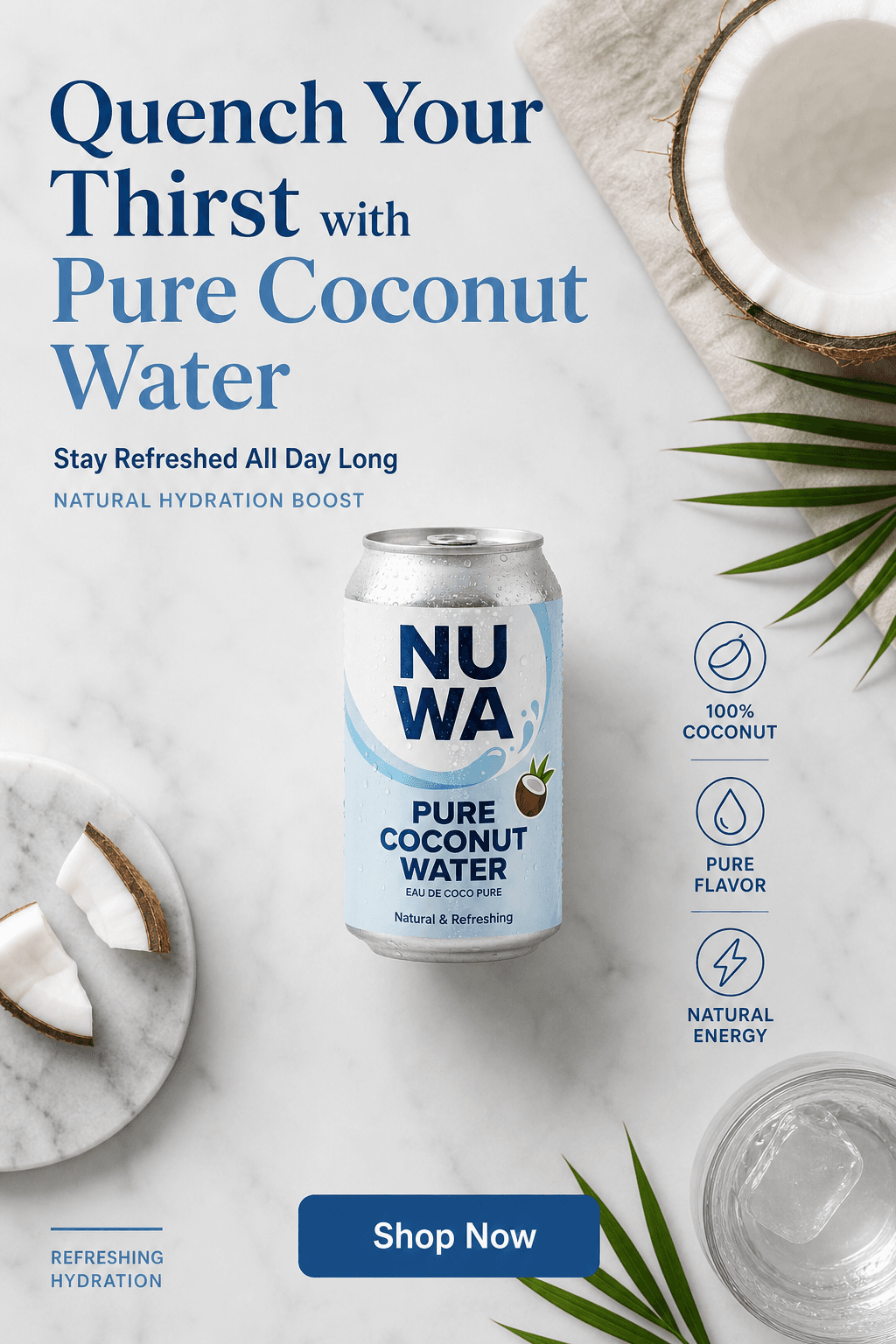
AI-generated product visuals across scene types. One source photo per SKU.
Step-by-Step: AI Product Photography Workflow for Amazon Sellers
This workflow produces a compliant main image, a full set of lifestyle secondary images, and ad creatives from a single phone photo session per SKU.
Photograph before the product ships to FBA
Take one clean front-facing photo of each SKU before it leaves your hands. Place the product on a white sheet of paper near a window in indirect natural light. Keep the full label facing the camera with a small margin around all edges of the silhouette. One shot per SKU is enough. This is the only time you need access to the physical product.
Generate the compliant main image first
Upload to the AI background generator and select the white background preset. The output is a pure white RGB 255/255/255 background with your product isolated and correctly lit - meeting Amazon's main image requirement without any retouching. Verify that the product fills at least 85% of the frame and that the label is fully legible at thumbnail size before moving to secondary image generation.
Generate lifestyle images for secondary slots 2-4
Use the same upload to generate lifestyle scenes for the secondary image slots. Secondary images on Amazon allow props, backgrounds, and environment - and lifestyle shots in context consistently increase conversion rate compared to additional white-background images. Write a specific scene description: surface material, lighting direction, and any single prop relevant to the product category. Generate 2-3 variations per scene and keep the strongest two.
Use the AI Ad Maker for infographic and benefit callout images
Slots 5-7 on high-converting Amazon listings are typically infographic images - benefit stacks, ingredient callouts, certifications, and comparison frames. The AI Ad Maker reads your product label and generates ad-format images with your actual brand name, product name, and claims. Use these as your infographic slots. They require no brief, no Photoshop, and no copywriting - the AI extracts everything it needs directly from your packaging.
Upscale and export
Use the built-in upscaler to reach 2000 px, which enables Amazon's zoom feature - high-zoom-quality images are associated with higher conversion rates and fewer returns, since buyers can inspect the product in detail. Download and upload directly to Seller Central. No retoucher, no file handoff, no wait.
Apply the same prompt across your full catalog
Copy the scene prompt that produces strong results for your first SKU and paste it for every product in your catalog. Every SKU gets generated into the same lighting, surface, and atmosphere - producing a visually consistent brand storefront where every product page looks like it was shot in the same studio on the same day. Brand consistency across a full Amazon storefront is a direct trust signal to buyers browsing your full line.


A matched brand lifestyle set - model scenes and a solo product hero in one tonal world - built from a single product photo in one session.
Traditional Photography vs. AI for Amazon Listings
Traditional
Studio photographer

AI photography
Traditional
Studio photographer
AI photography
Cost per image
$80 - $250 per finished image
Under $0.20 per image
White background compliance
Requires lightbox + retouching to hit RGB 255/255/255
Automatic - white preset outputs exact Amazon spec
Full 9-slot image set
Multiple setups, higher session cost
Main image, lifestyle, and ad creatives from one upload
Turnaround
3 - 7 days with retouching
Same session - download immediately
FBA reshoots
Requires pulling inventory or rebooking session
Unlimited scenes from the original source photo
Label & packaging accuracy
Captured from physical product
Product isolated from source - label and print preserved pixel-accurate
Seasonal creative updates
Full session required per campaign refresh
New scene from same upload in under 20 minutes
Catalog consistency across SKUs
Depends on photographer replicating setup per session
Same prompt applied to every SKU - identical lighting and atmosphere
See Pixair AI pricing - all plans include AI scene generation, background removal, and upscaling. Starts at $24/month. Selling on more than one marketplace? The Etsy sellers guide covers the handmade-marketplace side, and the budget product photography guide compares every low-cost option if you are pre-revenue.
5 Tips for Amazon AI Product Photography
Shoot your source photo before the product ships - always
The single biggest mistake FBA sellers make is not photographing their product before it goes to the warehouse. Once inventory is at a fulfillment center, reshooting means either paying for a return shipment or waiting until the product sells out and a new batch arrives. Treat the source photo shoot as a mandatory step in your product launch checklist - take it before you box up the shipment, not after.
Always verify white background compliance at thumbnail size
Amazon's automated image checker scans for non-white pixels at the edges of the frame. After generating your main image, zoom out and view it at thumbnail size (roughly 160 × 160 px) to verify there are no shadows, gradients, or off-white zones near the borders. Pixair AI's white preset outputs pure RGB 255/255/255 but always do a visual pass before uploading - a clean pass at thumbnail is faster than dealing with a suppressed listing.
Use lifestyle images in secondary slots, not additional white backgrounds
Many sellers upload six nearly identical white-background shots as their secondary images - different angles of the same white setup. Secondary slots on Amazon are your chance to show context, build desire, and answer the buyer's unstated questions about how the product fits into their life. A lifestyle scene shot in context does that work. A second white-background angle does not. Use slots 2-4 for lifestyle scenes and slots 5-7 for infographics and benefit callouts.
Keep your scene prompt consistent across your entire catalog
Buyers who browse your Amazon storefront see your products as a collection. Listings with a visually consistent image style across all products signal an established, professional brand. Listings with mismatched scene styles, inconsistent lighting, or varying background colors undermine brand trust. Write one scene prompt per product line and apply it without modification to every SKU - the same lighting and surface applied to every product in the line makes the storefront look like a single intentional campaign.
Generate Sponsored Products ad creatives from the same upload
Amazon Sponsored Products and Sponsored Brand ads require separate creative assets in multiple aspect ratios. The workflow that produces your listing images also produces your ad creatives - use the AI Ad Maker on the same product upload immediately after generating the listing images. Ad creatives built from the same visual foundation as the listing image maintain the visual continuity that improves ad-to-listing conversion: the buyer clicks an ad showing a specific scene and lands on a listing showing the same scene.







Frequently Asked Questions
Yes. Amazon permits AI-generated product images as long as they accurately represent the physical product. The key requirement is that the product must look exactly as it does in person - color, size, and material must not be misrepresented. Pixair AI does not modify the product itself, only the background and environment. The white background preset meets Amazon's main image technical requirements (RGB 255/255/255).
No. Pixair AI removes the background from your source photo and composites the isolated product into the generated scene without regenerating the product itself. Your label text, ingredient list, brand name, certifications, and any printed graphics come directly from your original photo and remain pixel-accurate. The AI only generates what is behind and around the product.
Yes. A+ Content on Amazon supports both product-on-white images and lifestyle images - both of which Pixair AI generates from the same source photo. The lifestyle scenes work well for the comparison charts, brand story modules, and feature callout sections in A+ Content. The AI Ad Maker images work for the full-width banner modules.
Amazon recommends a minimum of 1000 px on the longest side to enable the zoom feature, and the image quality improvement is most significant at 2000 px or higher. Pixair AI outputs at 1024 px by default. The built-in upscaler increases this to 2000 px+, which enables the full zoom experience and is associated with higher conversion rates.
Copy the scene prompt that produces strong results for your first SKU and paste it for each additional SKU upload. The AI generates a new scene for each product using the same lighting, surface, and atmosphere - producing a visually consistent parent-child listing where every variant looks like it was shot in the same studio on the same day. This consistency is particularly important for parent listings with multiple size or flavor variants, where buyers compare thumbnails across the variant selector.
Keep reading
Related articles
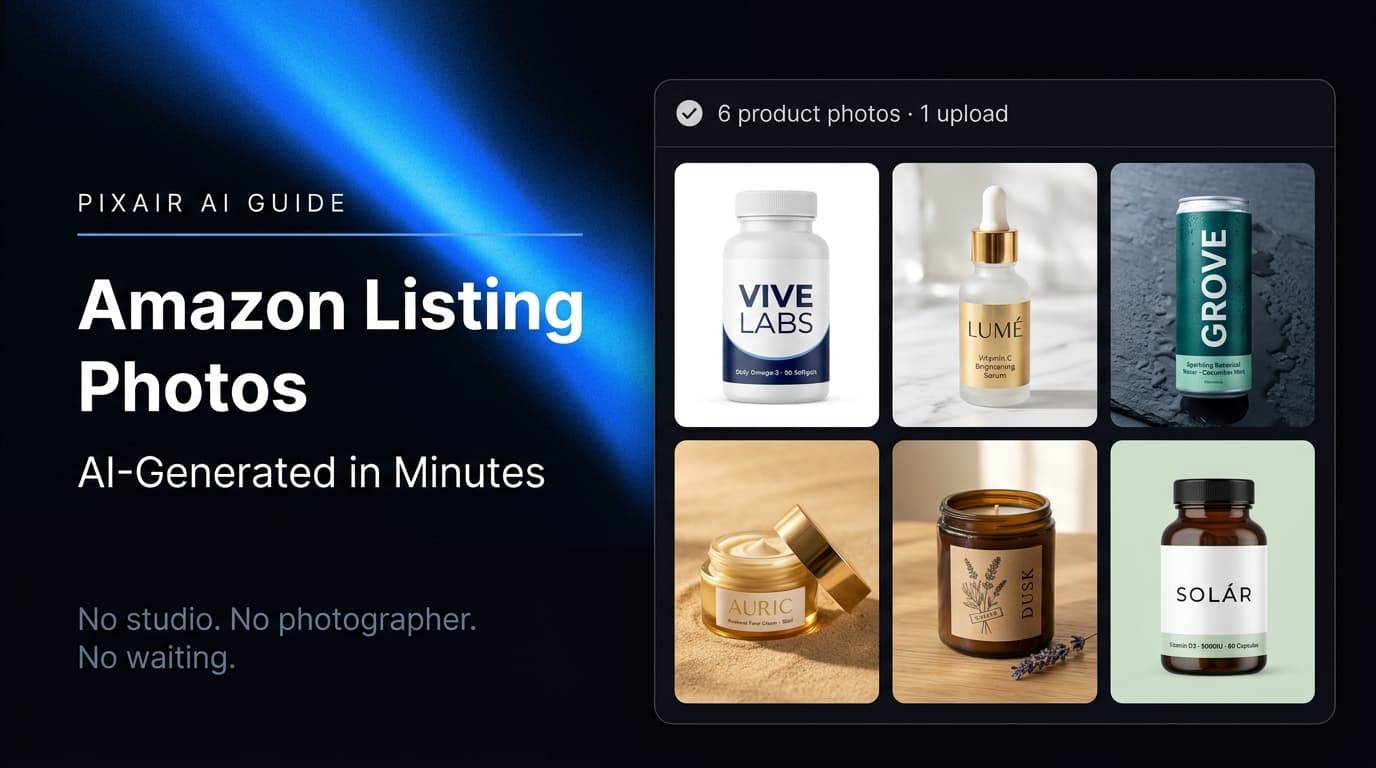
Amazon Product Image Generator - AI Photos for Listings
Pixair AI is an Amazon product image generator - turn one phone photo into a compliant white-background main image (RGB 255/255/255) plus lifestyle listing images in minutes.
AI Product Photography for Supplement Brands - Amazon-Compliant
Complete workflow for supplement brands: Amazon-compliant main images, lifestyle shots, and infographic secondary images with AI. No studio. Full label fidelity. 45 minutes per SKU.
Best Caspa AI Alternative - Product Photos + Ad Generation
Caspa AI focuses on AI human models. If you sell packaged products and need clean product scenes, ad creatives from your label, and no $33/month paywall to start - Pixair AI is built for that.