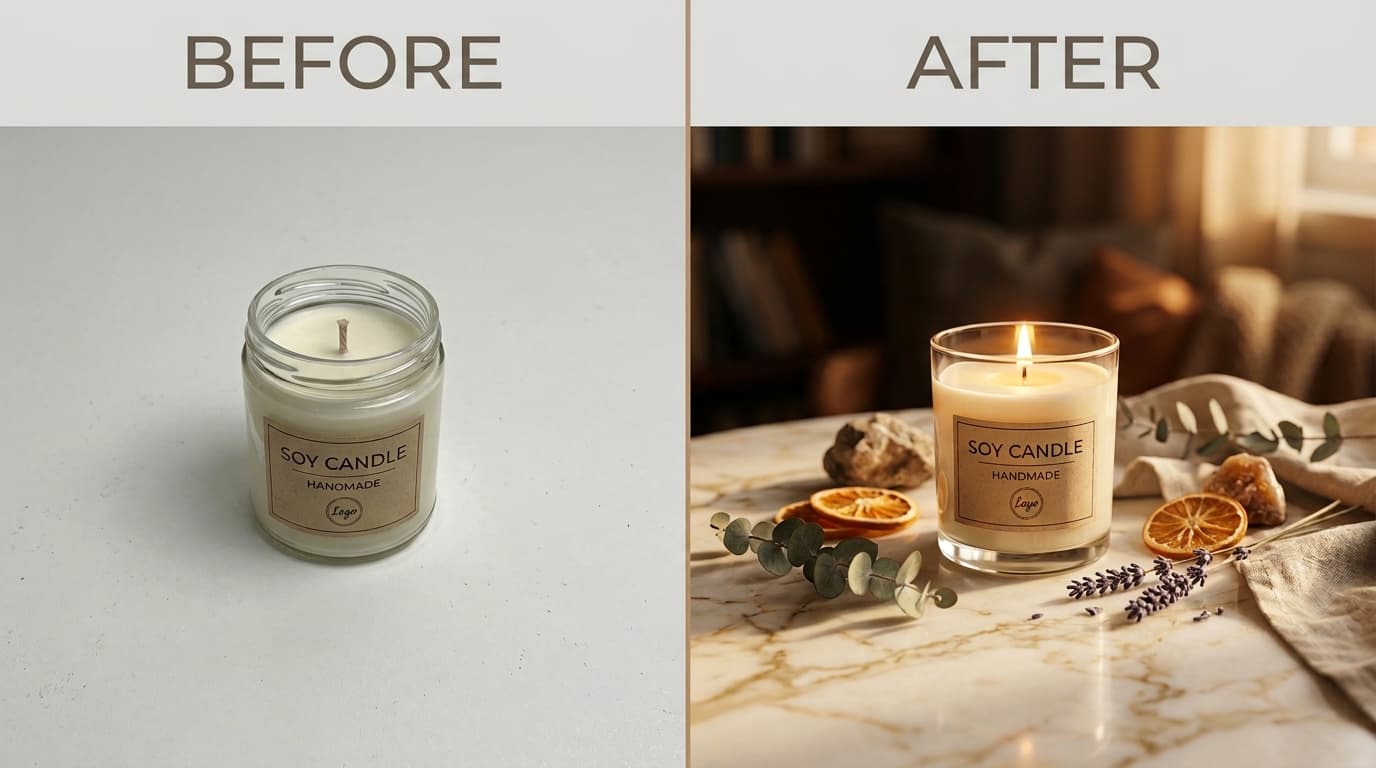
AI product photography for Etsy sellers turns a single phone snapshot of your product into a photorealistic lifestyle scene in under 30 seconds - at under $0.50 per image versus $150 to $400 per image from a freelance photographer. Etsy allows up to 10 photos per listing and recommends a lifestyle image first, and AI generation lets a 30-SKU shop fill all 10 slots across every product without booking a studio. The result is higher click-through rate, better search placement, and a consistent shop aesthetic across your catalog.
Why Etsy Photo Quality Is a Search Ranking Signal
Etsy's algorithm uses click-through rate (CTR) and conversion rate as ranking signals. A listing that earns clicks moves up in search; a listing that gets skipped drops. Because the thumbnail is the first - and often only - element a buyer evaluates, photo quality has a direct, measurable effect on where your products appear in search results.
Etsy itself recommends using all 10 available listing photos and leading with a lifestyle image - a photo that places the product in a real-world context rather than against a plain white background. Lifestyle images consistently outperform flat lays in click-through rate across product categories.
The problem: professional lifestyle photography for a single product can cost $150 to $400. For a 30-SKU Etsy shop, that is $4,500 to $12,000 - before you've sold a single unit.
What AI Product Photography Does
AI product photography takes a photo of your product - shot on your phone, on any plain surface - and places it into a photorealistic scene: a marble countertop, a cozy home shelf, a sun-drenched outdoor table, a dark studio backdrop. The output looks like it was taken on a professional set with controlled lighting, props, and a photographer.
Two things happen automatically: background removal isolates your product from the original photo, and AI scene generation composites it into a new environment with physically accurate lighting, shadows, and surface reflections. Tools like Pixair AI handle both steps in under 30 seconds - no Photoshop, no design experience, no prompting required. Once your product photos are ready, the AI Ad Maker converts them directly into marketing-ready creatives for social and dynamic product ads without switching tools.
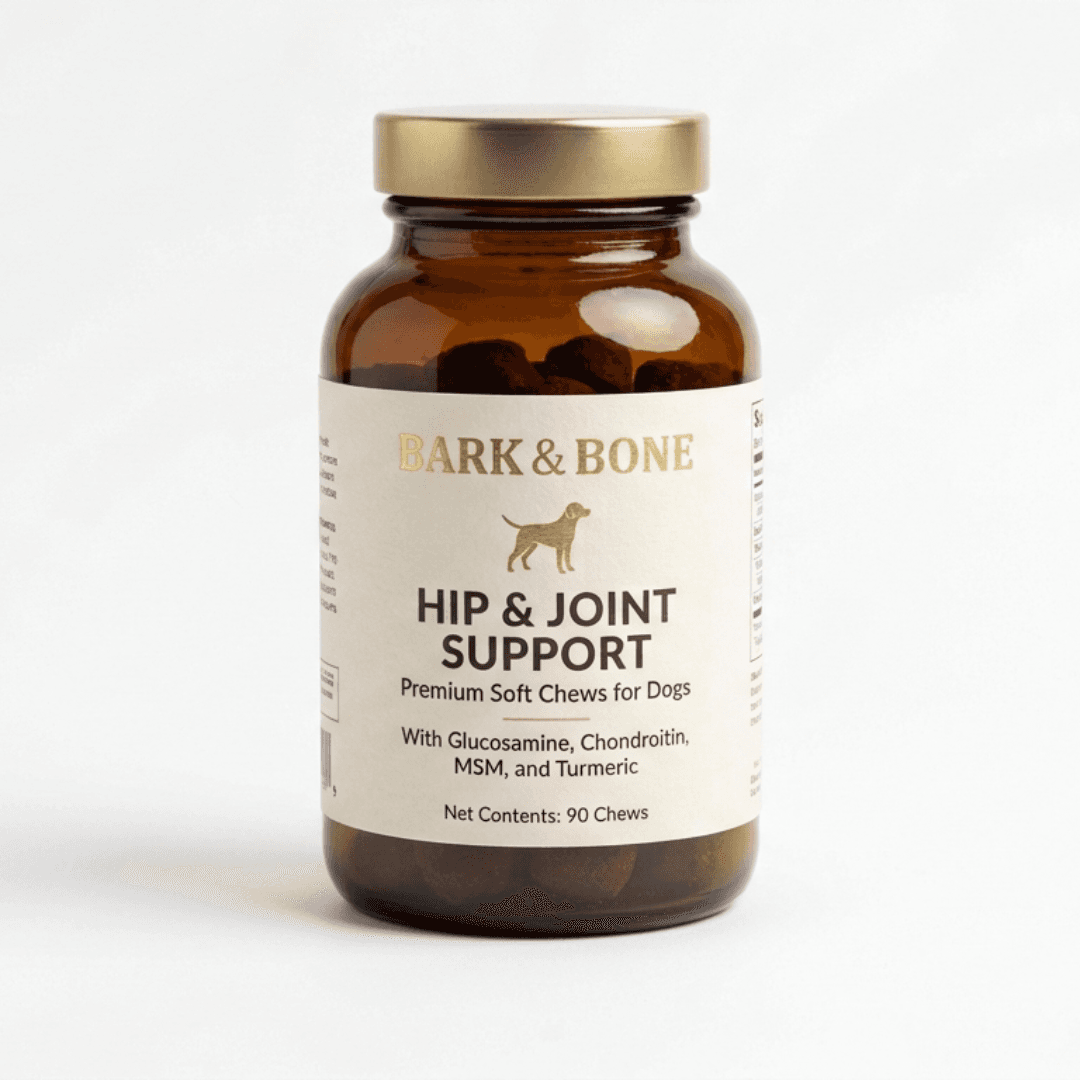
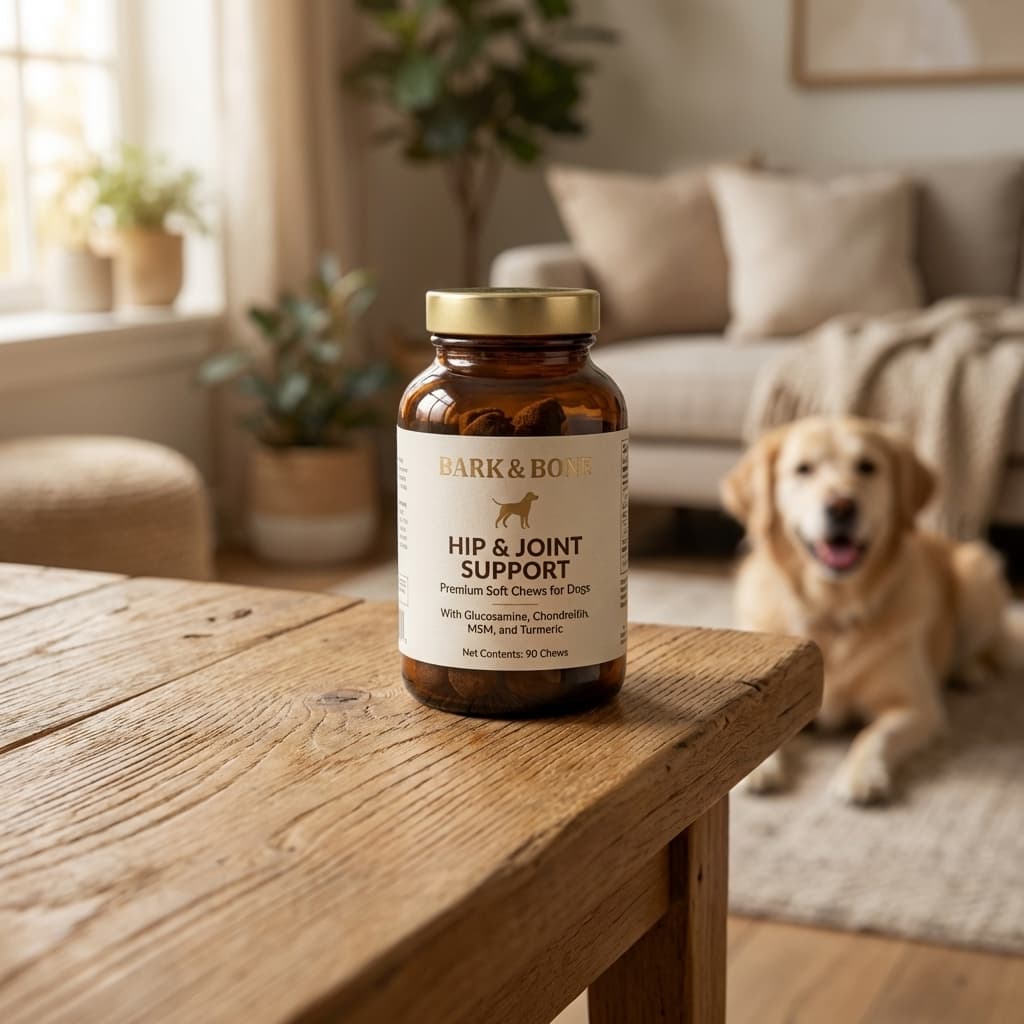
Same product. One phone photo as input. Lifestyle scene generated in under 30 seconds.
Etsy Image Requirements - What You Need to Know
Before publishing AI-generated photos to your Etsy listings, make sure your outputs meet Etsy's technical and policy requirements:
- Resolution:Etsy recommends a minimum of 2000 × 2000 px to enable the zoom feature. Pixair AI outputs at 1024 px - upscaling to 2000 px+ is available via the built-in upscaler.
- Aspect ratio:Etsy supports any ratio but crops thumbnails to a square (1:1). Generate in square format or ensure your product is centered before publishing.
- Accuracy:Your photos must accurately represent the physical product. AI-generated lifestyle backgrounds are permitted - misrepresenting color, size, or material is not. Etsy's policies align with standard FTC advertising guidelines.
- Number of photos:Etsy allows up to 10 photos per listing. Using all 10 - showing different angles, scenes, and scale references - is associated with higher conversion rates.
Step-by-Step Workflow for Etsy Sellers
You do not need a lightbox, a DSLR, or a white sweep. Here is the full workflow:
- Take a clean phone photo. Place your product on any flat, evenly lit surface - a windowsill in daylight is ideal. Keep the background as uniform as possible. Avoid harsh shadows from overhead lights. This is the only step where you hold a camera.
- Upload to Pixair AI. The AI automatically removes the background and isolates your product. No manual masking.
- Choose a scene preset. Pick an environment that matches your product category and brand aesthetic. See the scene guide below.
- Generate 3–5 variations. AI generation has natural variance. One run may produce a better shadow angle; another a better prop arrangement. Keep the best two or three for your listing.
- Upscale and export. Use the built-in upscaler to hit Etsy's recommended 2000 px, then download and upload directly to your listing.
Best AI Scenes for Common Etsy Categories
Scene selection is the most impactful creative decision. The right environment signals the right buyer. Here is a category-by-category breakdown:
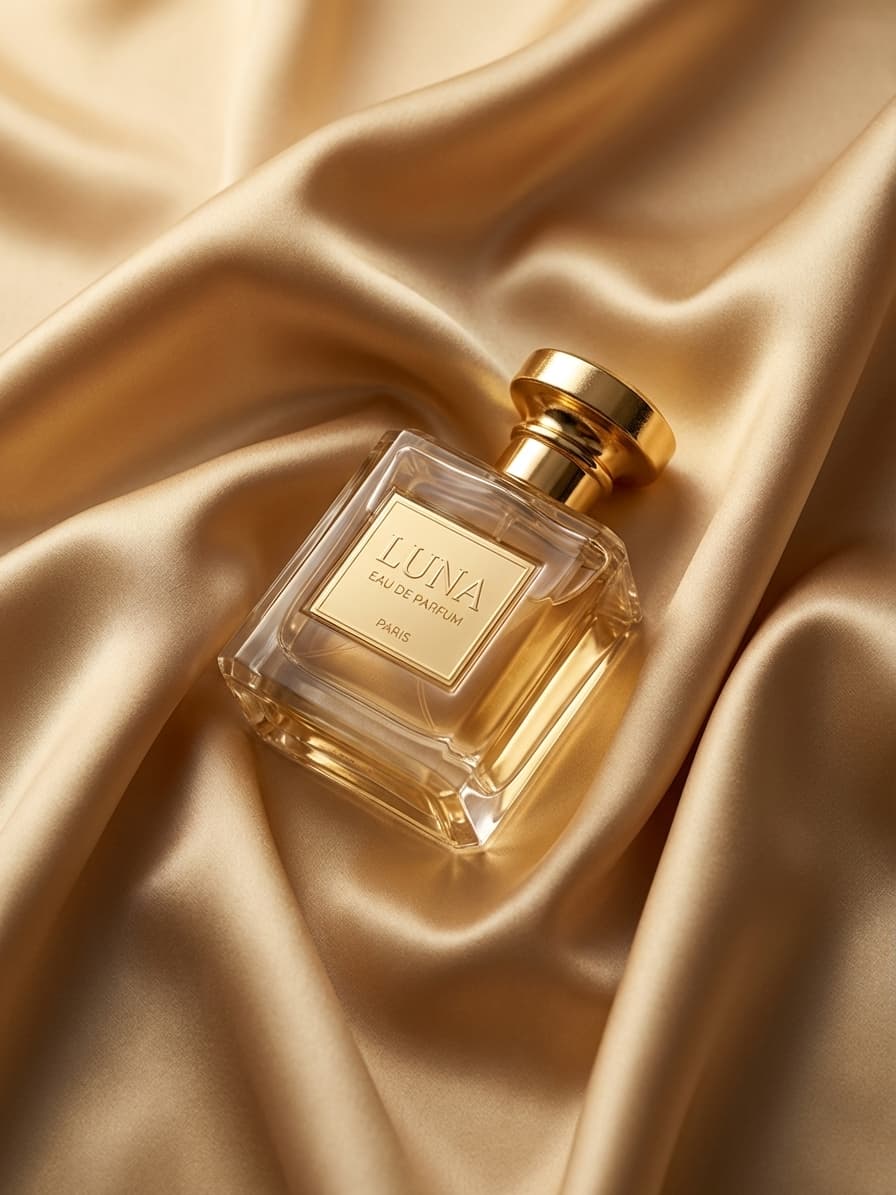
Candles & Home
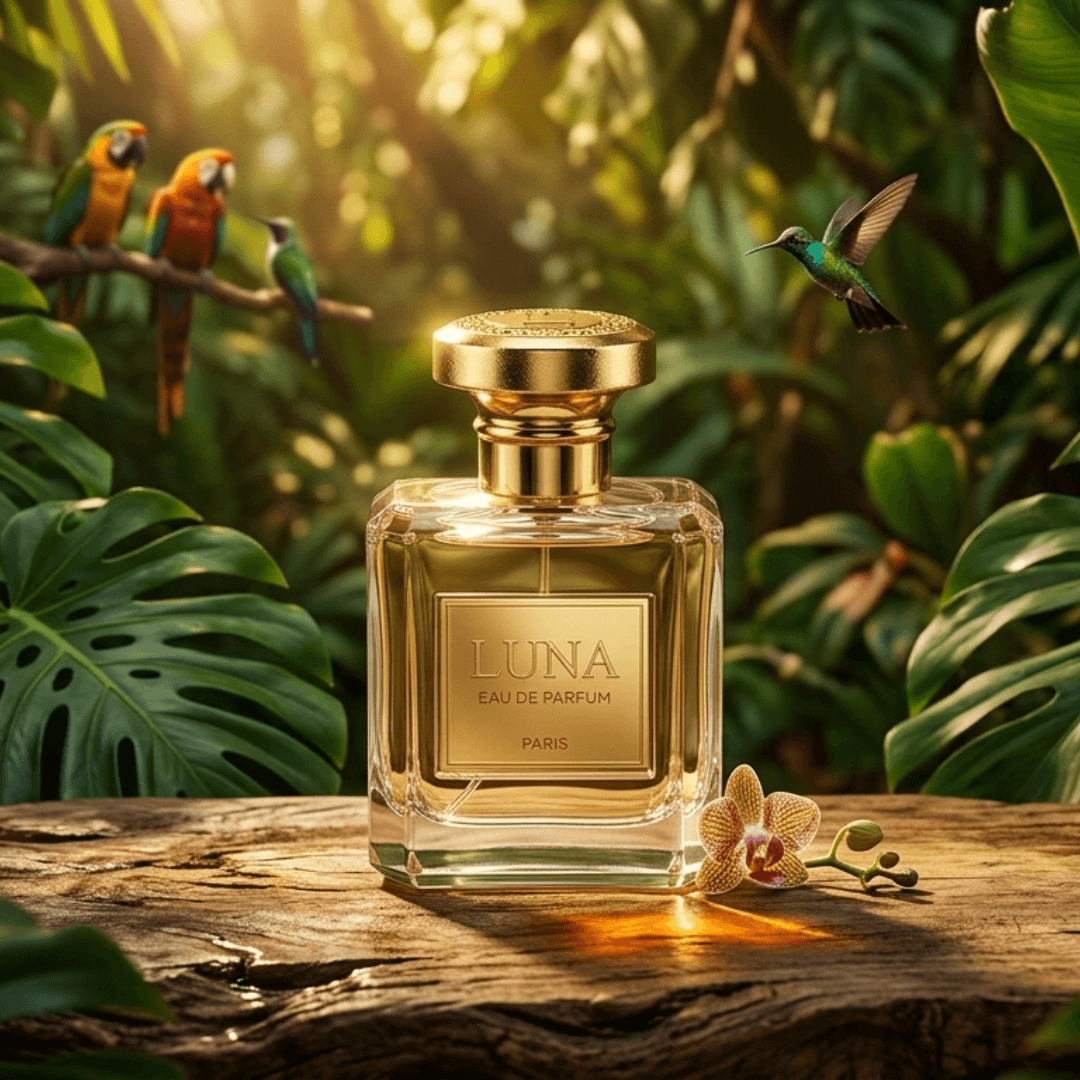
Skincare & Beauty
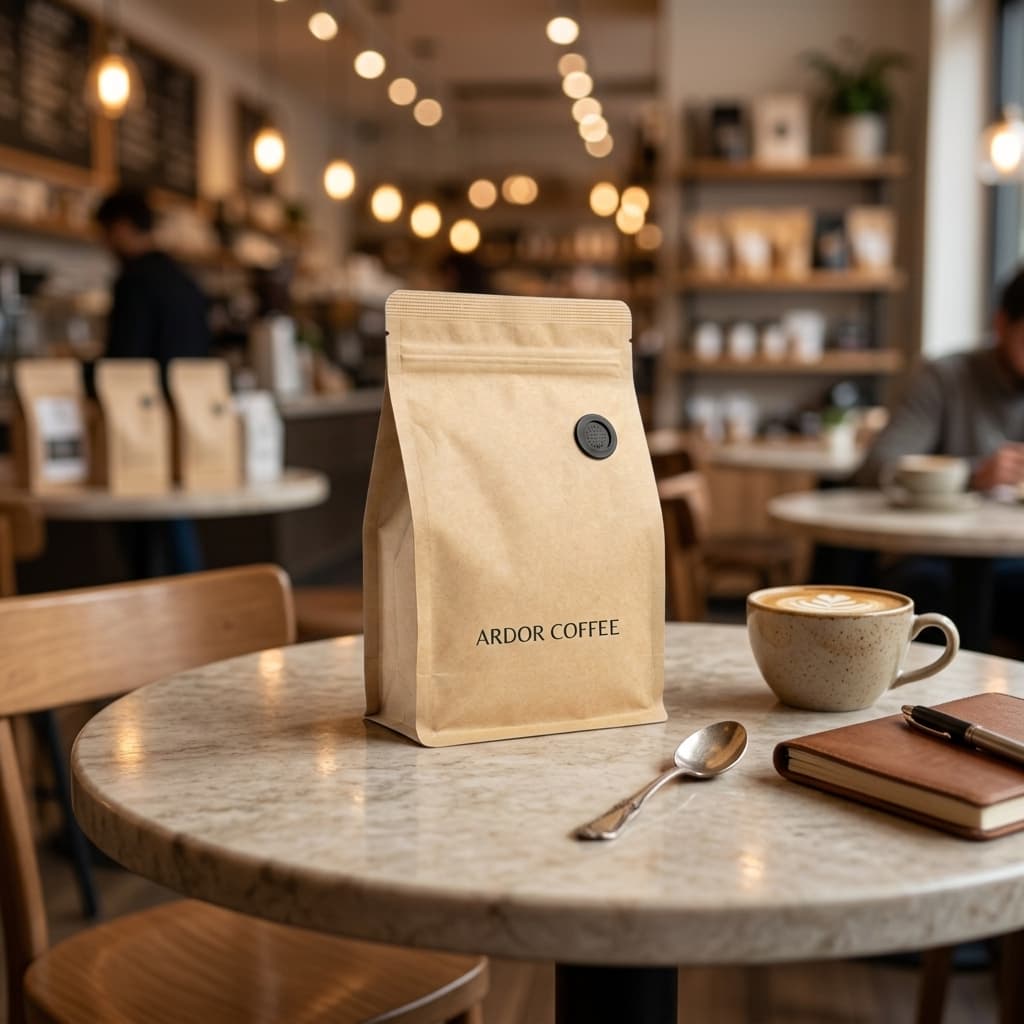
Food & Edibles
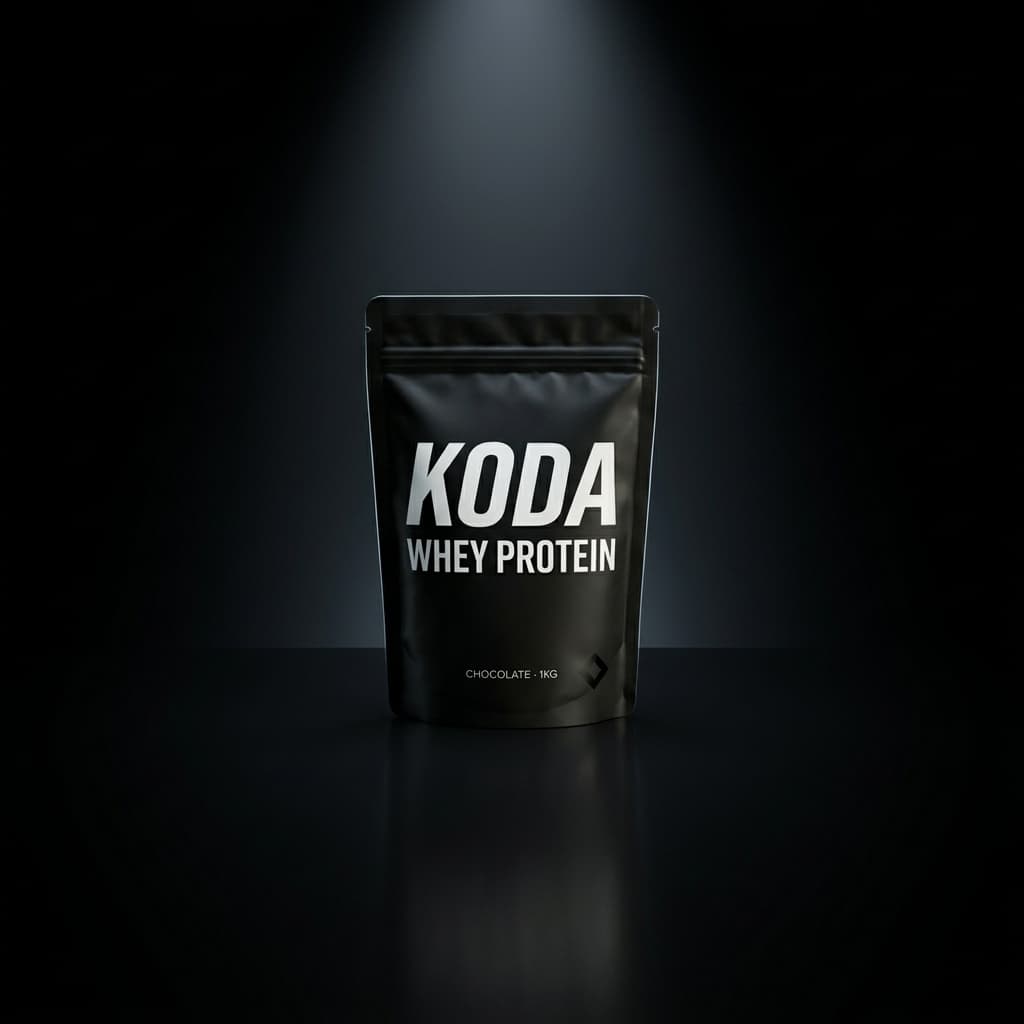
Wellness & Supplements
AI-generated lifestyle scenes across four of the most common Etsy product categories.
- Home interior / warm shelf:Candles, wax melts, home fragrance, ceramics, pottery
- Marble countertop / bathroom:Skincare, soap, bath bombs, lip balm, body butter
- Rustic wood / kitchen table:Food gifts, jams, honey, spice blends, baked goods
- Minimalist light studio:Art prints, stationery, greeting cards, planners
- Outdoor / natural light:Tote bags, clothing, macramé, plant hangers, garden décor
- Dark studio / moody:Crystals, spiritual goods, incense, tarot decks
How Should You Fill All 10 Etsy Photo Slots?
Etsy gives every listing 10 photo slots and most shops fill three or four. Here is a slot-by-slot map for a typical handmade or packaged product - seven of the ten slots can be AI-generated, three should stay physical phone shots:
The three phone slots are deliberate: Etsy buyers shop handmade goods for authenticity, and a macro shot of real texture plus a scale reference answers the two questions AI scenes cannot - “what does it actually feel like” and “how big is it”. Working with almost no gear? The budget product photography guide covers the cheapest physical setup for those three shots.
AI Photography vs. Hiring a Photographer - The Real Numbers
Freelance Photographer
Booked per shoot, per product

Pixair AI for Etsy sellers
Freelance Photographer
Booked per shoot, per product
Pixair AI for Etsy sellers
Cost per image
$80 - $250
Under $0.50
Turnaround
3 - 7 days
Under 30 seconds
Scenes per product
1 - 2
Unlimited
Reshoots / revisions
Extra charge
Free regeneration
Minimum batch size
5 - 10 products
1 image
Seasonal variants
Full reshoot
One click
Tips Specific to Etsy Listings
- 01Use your lifestyle image as the thumbnail. Etsy's first photo becomes the search thumbnail. A lifestyle scene outperforms a plain-background photo in CTR for almost every category - put the AI-generated image first, and use secondary photos for detail shots and scale references.
- 02Generate seasonal variants without reshooting. Running a holiday sale? Generate a version of your product in a winter-styled scene in minutes. Swap it back in January. No reshoots, no new photographer bookings.
- 03Match scene mood to your shop aesthetic. Buyers browse Etsy shops holistically - if your thumbnail grid looks inconsistent, it undermines trust. Use the same scene preset across all listings in a product line to maintain a unified brand aesthetic.
- 04Keep a plain detail photo. AI lifestyle scenes are ideal for thumbnails and emotional storytelling, but buyers also want to inspect texture, labels, and craftsmanship. Include at least one close-up detail shot - shot on your phone - alongside the AI-generated scenes.
- 05Generate multiple color variants from one shoot. If you sell a product in three colorways, generate each variant in the same scene preset. Consistent framing across color options makes your listing look intentional and professional - and takes 90 seconds instead of three separate photo sessions.







Frequently Asked Questions
Yes, as long as the photos accurately represent the physical product. Etsy permits AI-generated lifestyle backgrounds and scene context, but the product itself - color, size, material, label - must match what the buyer receives. Misrepresenting the actual item violates Etsy's policies and standard FTC advertising guidelines.
Etsy recommends a minimum of 2000 x 2000 px to enable the listing zoom feature. Pixair generates at 1024 px and includes a built-in upscaler that takes outputs to 2000+ px for Etsy zoom compliance before download.
Lead with a lifestyle photo. Etsy crops the first photo to a 1:1 square thumbnail and that thumbnail is the click decision in search results. Lifestyle scenes consistently outperform plain backgrounds for click-through rate, then use slots 2-10 for detail shots, scale references, and color variants.
Use all 10 photo slots. A typical mix is one lifestyle thumbnail, two to three additional scene variants, two detail close-ups from your phone, one scale reference with a hand or coin, one packaging shot, and the rest for color or size variants. Filling all 10 slots is associated with higher conversion on Etsy.
Yes for candles, soap, skincare, ceramics, jewelry, food gifts, art prints, and stationery - all photograph well as packaged objects in scenes. It is weaker for textile drape (clothing, scarves) and fine jewelry filigree where physical macro photography still wins. For most handmade Etsy catalogs, 70-90% of imagery can be AI-generated.
Keep reading
Related articles
Amazon Product Image Generator: Compliant in 4 Steps (Free)
Turn one phone photo into an Amazon-compliant main image (RGB 255/255/255, 85% fill, 2,000 px) plus lifestyle images for all 9 slots. Free with 30 credits.
AI Product Photography for Amazon Sellers - Full 9-Image Sets
Amazon suppresses non-compliant listings and ranks by CTR. See how AI product photography handles white background compliance, lifestyle secondary images, and full 9-slot image sets - no photographer.
Best Caspa AI Alternative - Product Photos + Ad Generation
Caspa AI focuses on AI human models. If you sell packaged products and need clean product scenes, ad creatives from your label, and no $33/month paywall to start - Pixair AI is built for that.