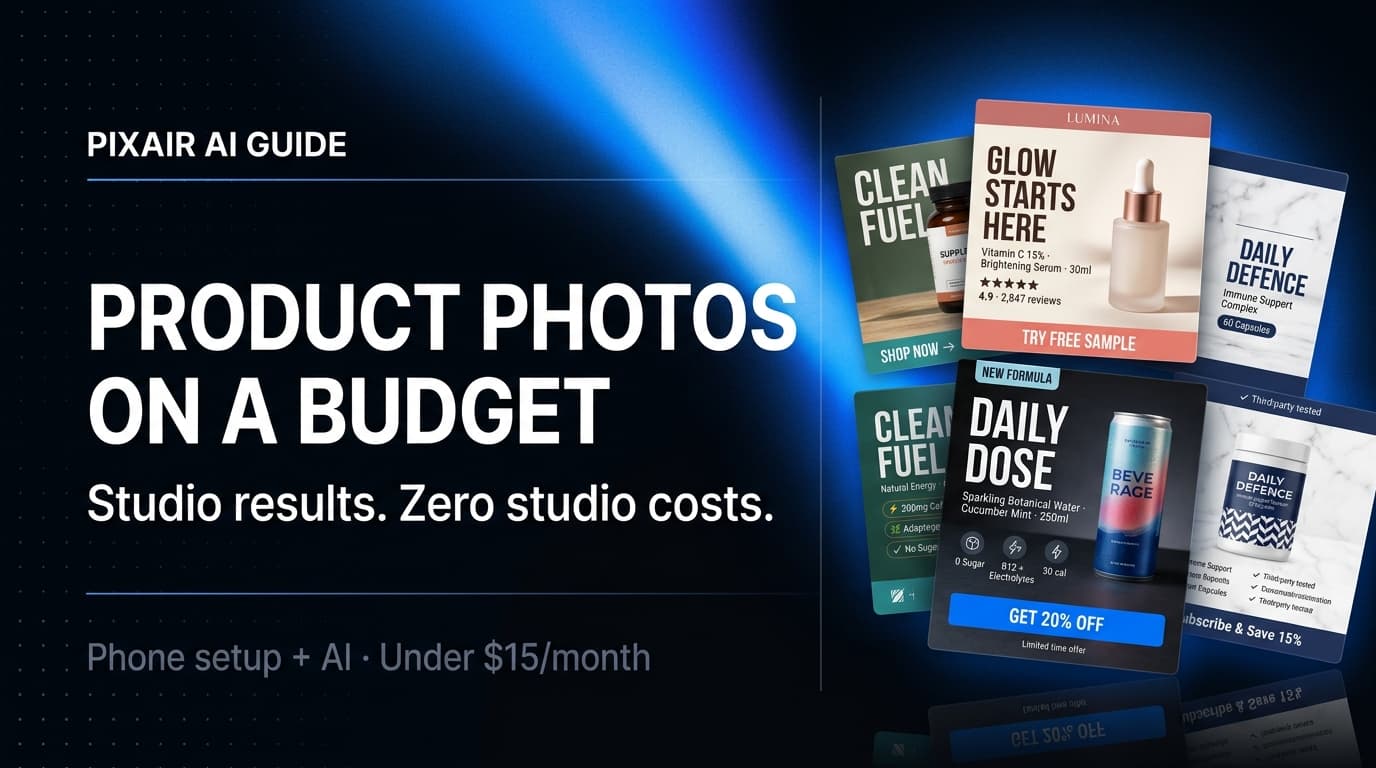
Budget product photography does not require a studio or a professional photographer. A modern smartphone in good natural light is enough for a usable source photo. AI tools then handle the hard part - removing the background and compositing your product into polished, professional scenes for under $25 a month. The result is listing-ready imagery that competes with brands spending $2,000+ per shoot.
This guide covers exactly what you need, what you can skip, and the order to do it in. It works whether you are launching your first product or refreshing a catalog of 50 SKUs without a photography budget. For a deeper comparison of costs across methods, see the product photography cost breakdown or the Pixair AI homepage to see the output quality.
Why Product Photography Feels Expensive (And Why It Does Not Have to Be)
The cost of traditional product photography is not the equipment - it is the people. A studio day rate, a photographer's fee, a retoucher, a stylist. You are paying for a team of specialists whose skills you need for maybe four hours. That is why a 10-SKU photoshoot can cost $1,500 even when the products are simple.
Most early-stage ecommerce sellers solve this the wrong way. They either skip photography entirely (blurry supplier images, no brand consistency) or overspend once and then cannot afford to update photos when they launch new products. Both choices hurt conversion rates and repeat business.
The better path: invest 30 minutes learning a phone setup that produces clean source photos, then use AI to generate every finished image you need at near-zero marginal cost. The initial learning curve is small. The long-term savings are significant.
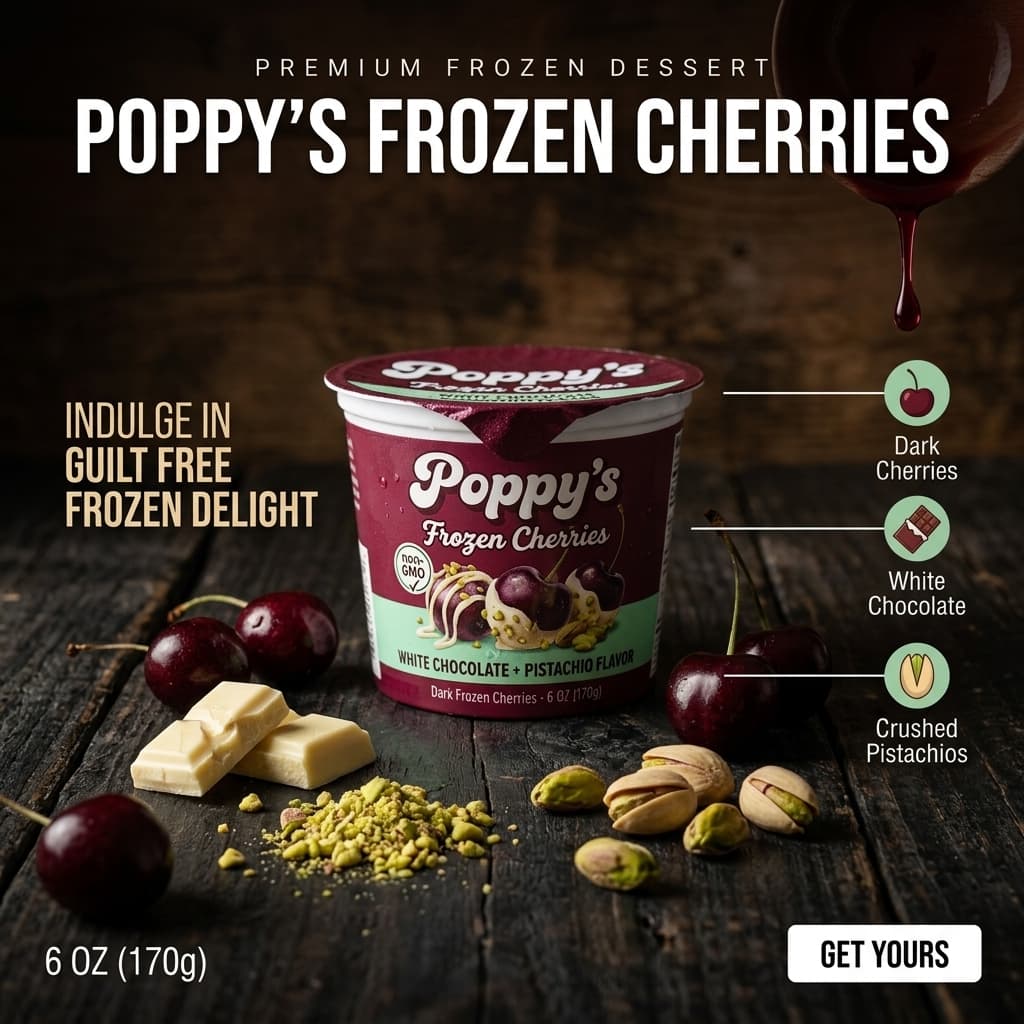
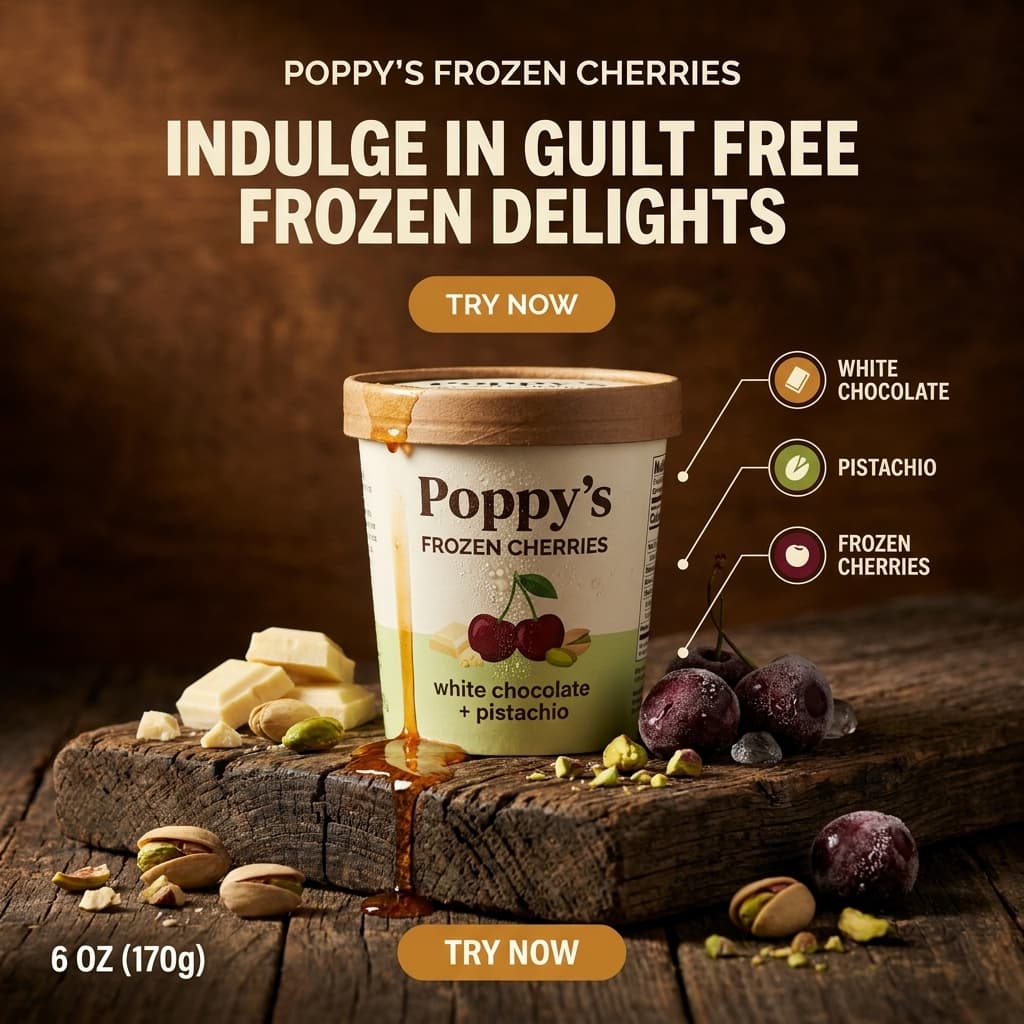
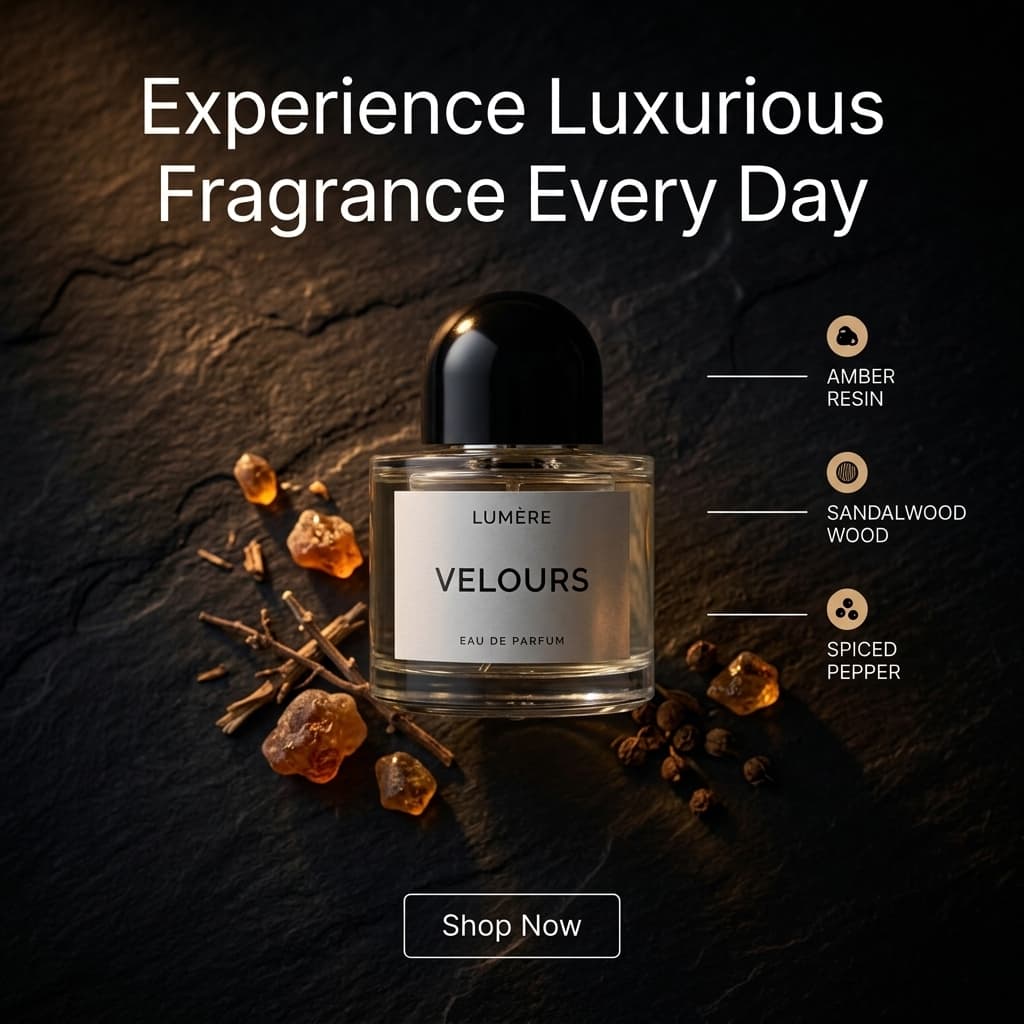
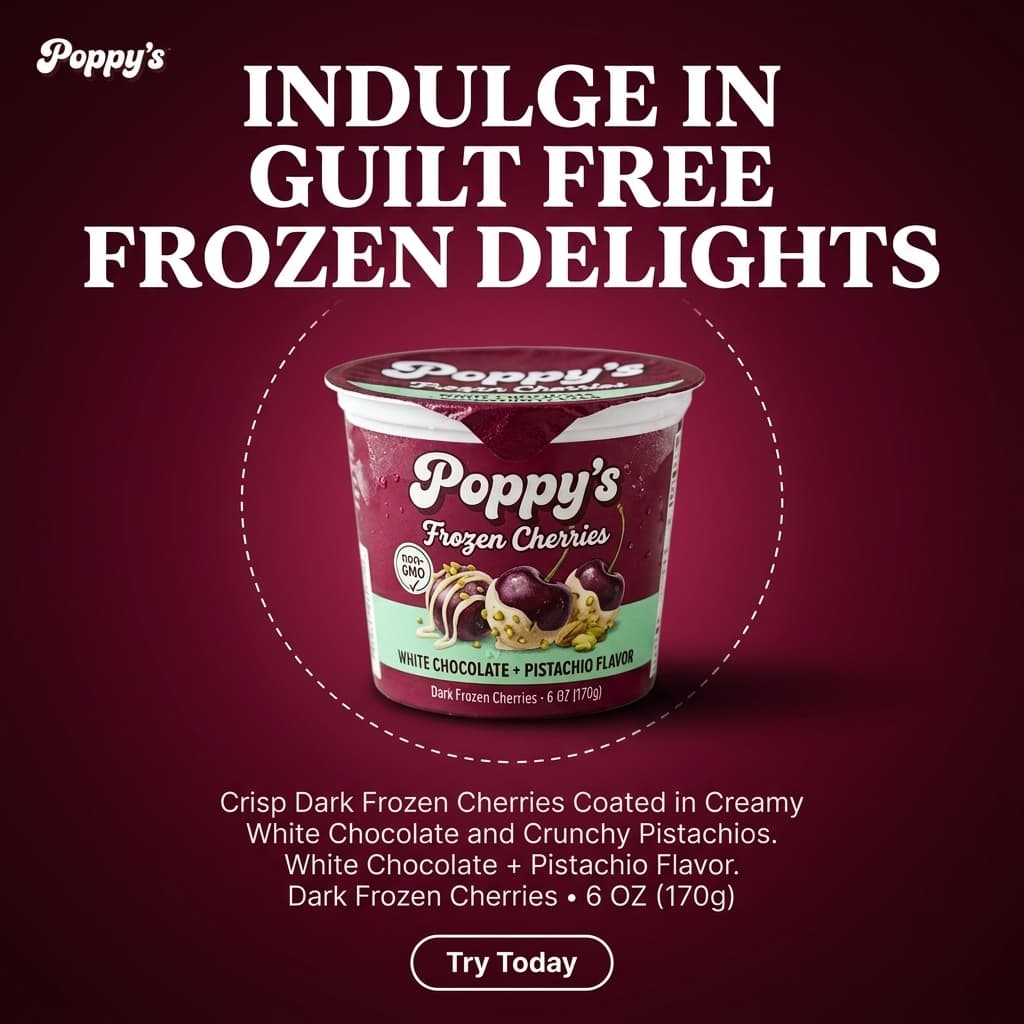
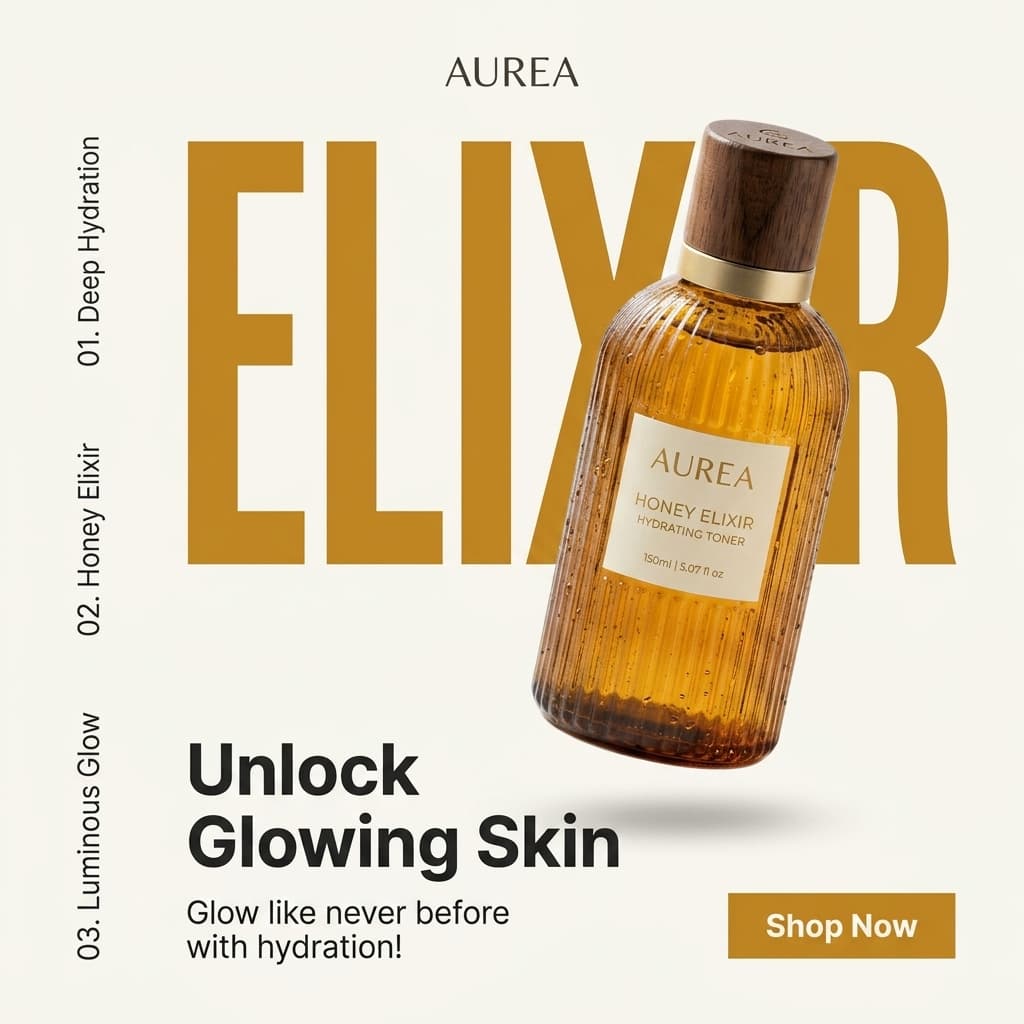
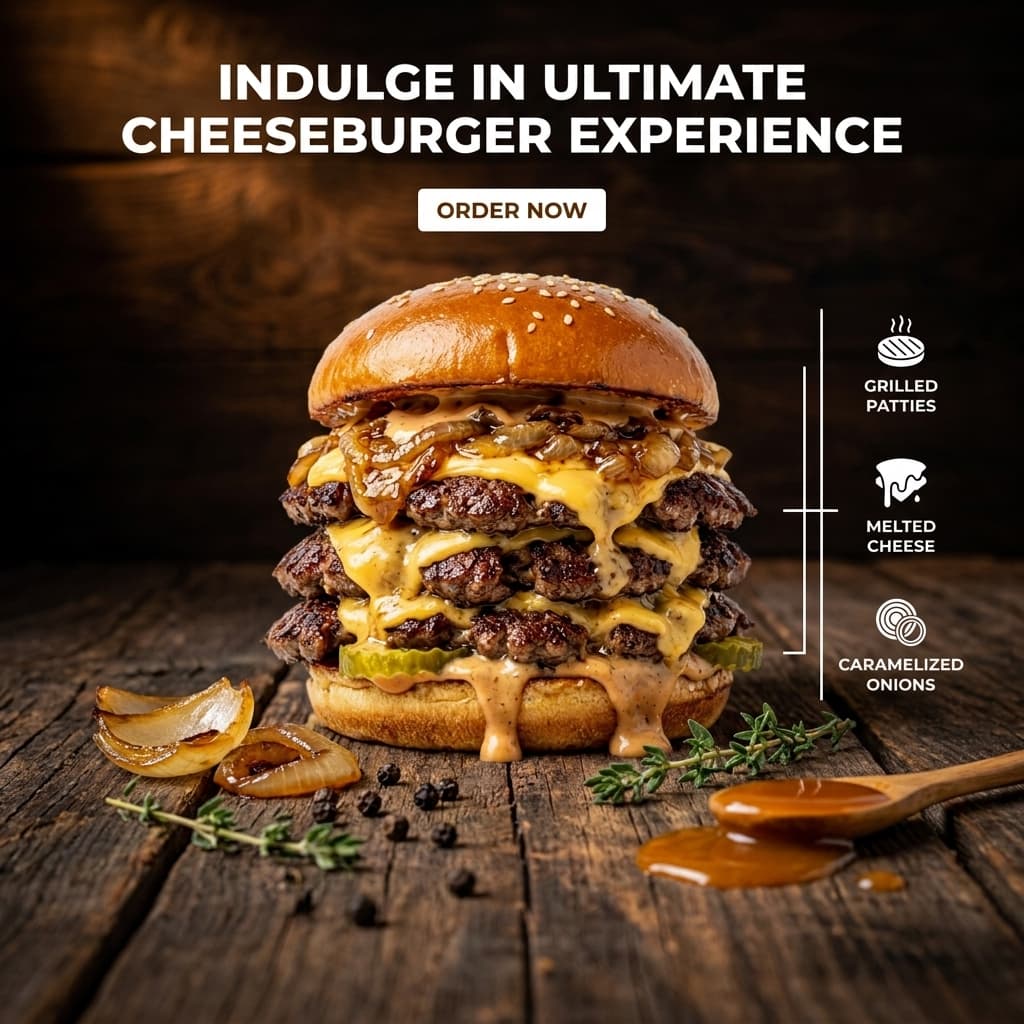
AI-generated ad creatives - each produced from a single product photo, no designer needed.
The Phone Setup That Actually Works
You do not need a DSLR. Any smartphone camera released in the last three years has enough resolution for ecommerce product photography. What you do need is light control and a clean background. Both cost almost nothing.
Shoot next to a window, not under a ceiling light
Natural window light is soft and directional. It wraps around your product and creates gentle shadows that read as three-dimensional. Overhead ceiling lights create flat, unflattering illumination that makes products look cheap. Position your product 1-2 feet from a window with indirect daylight. Overcast days are better than direct sun - the clouds act as a diffuser.
Use a white or light grey surface, not a white background app
A piece of white foam board ($2 at a craft store) placed flat gives you a clean surface and, propped behind the product, a seamless background. Avoid grey - it absorbs light differently at the edges and makes background removal harder. Pure white reflects enough ambient light to naturally fill shadow areas on your product.
Shoot from eye level or slightly above - never from below
Low angles make products look imposing - fine for car ads, wrong for supplements, skincare, and packaged goods. Eye level or a slight 10-15 degree downward angle shows the product as a buyer would see it on a shelf. It also makes your label readable, which matters for AI background removal quality.
Tap to focus on the label, not the center of frame
On a smartphone, tap the label area to set focus there. Your packaging text should be sharp. A soft label with a sharp background is the most common mistake in DIY product photography and it cannot be fixed in post-processing.
Take 6-8 shots per product and pick the best two
Small variations in phone angle, slight differences in the light, micro-shifts in product position - one of those shots will be noticeably better than the rest. Shoot a quick batch and review at full zoom before moving on. Delete the rejects on the spot so you are not hunting through 200 similar-looking photos later.
Where DIY Photography Alone Falls Short
A clean phone photo on white foam board is a good source photo. It is not, by itself, a finished product image. The gap between the two is where most budget sellers get stuck.
The three problems that a phone setup cannot solve on its own:
Plain white backgrounds do not sell
White background images are required for Amazon main images and Etsy primary slots, but they do not drive conversions on their own. Lifestyle scenes - your serum on a marble bathroom shelf, your supplement next to athletic gear, your candle on a linen couch - are what stop scrollers. Building those scenes manually requires a set, props, and a photographer. AI generates them from your white-background source photo in under 30 seconds.
Editing is a time sink without results
Removing a background manually in Photoshop takes 10-30 minutes per image if you are proficient and much longer if you are not. Color correction, exposure matching, and retouching add more time. Free apps like Remove.bg do the removal but produce flat results with no scene - you are still left with a cut-out product on a plain color.
Ad creatives require a different skill set
Product listing images and ad creatives are two different formats. An ad needs bold typography, a clear visual hierarchy, and a call to action. Designing that in Canva from a product photo takes design ability most sellers do not have. AI ad tools generate ready-to-run creatives directly from your product photo with no design work.
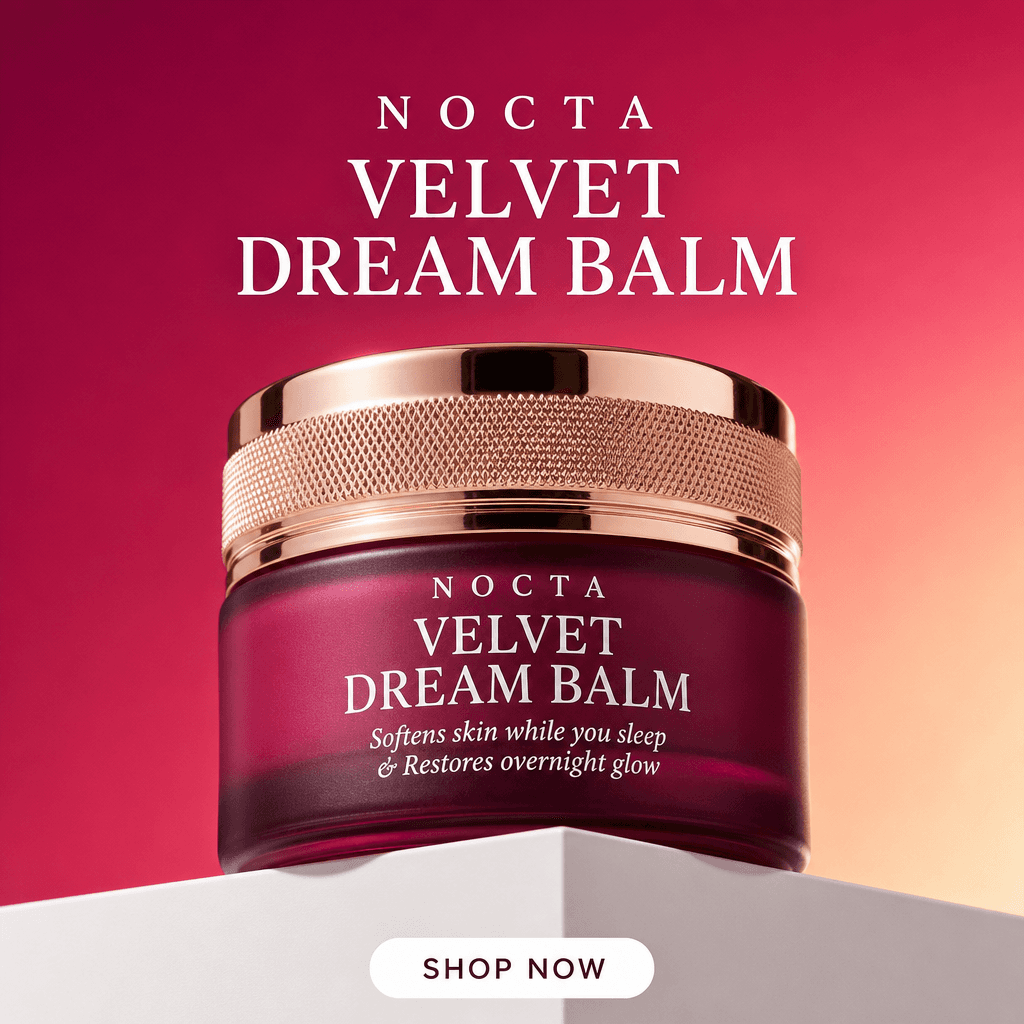
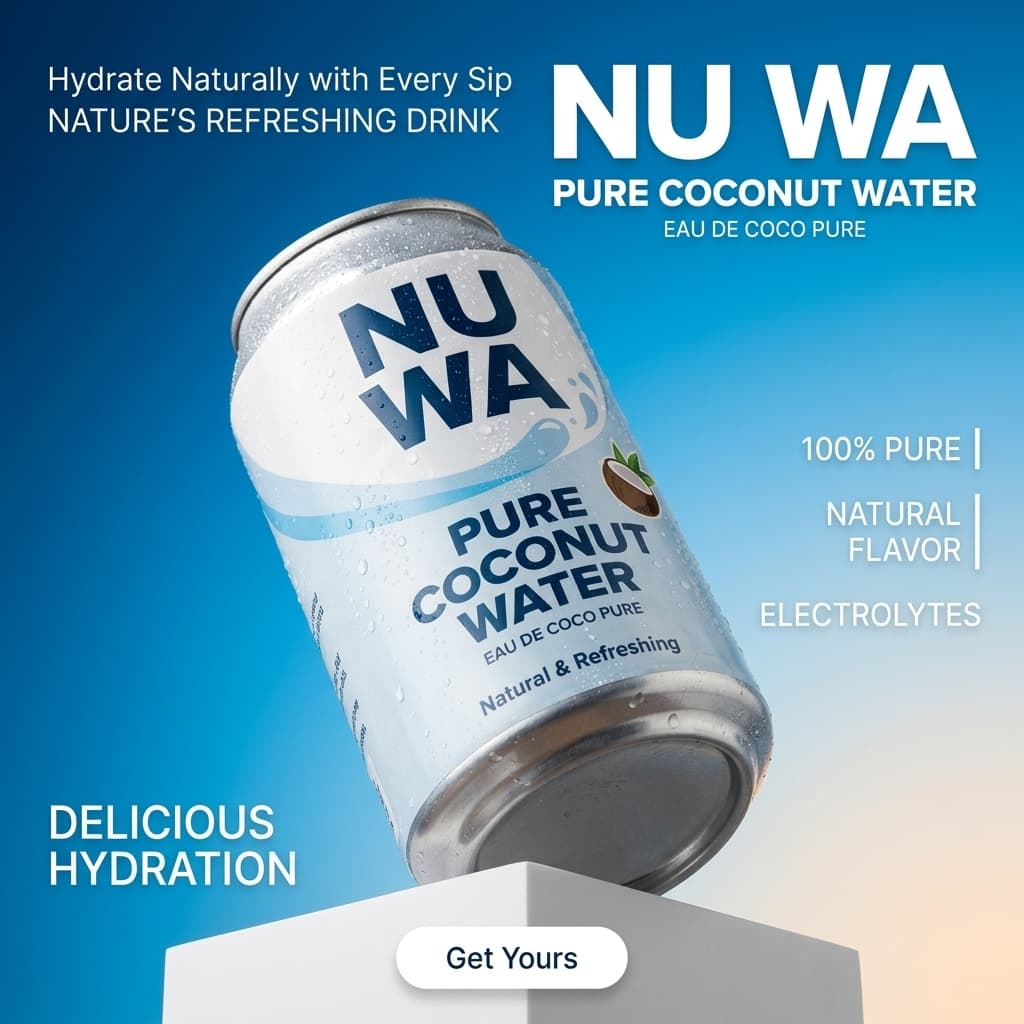
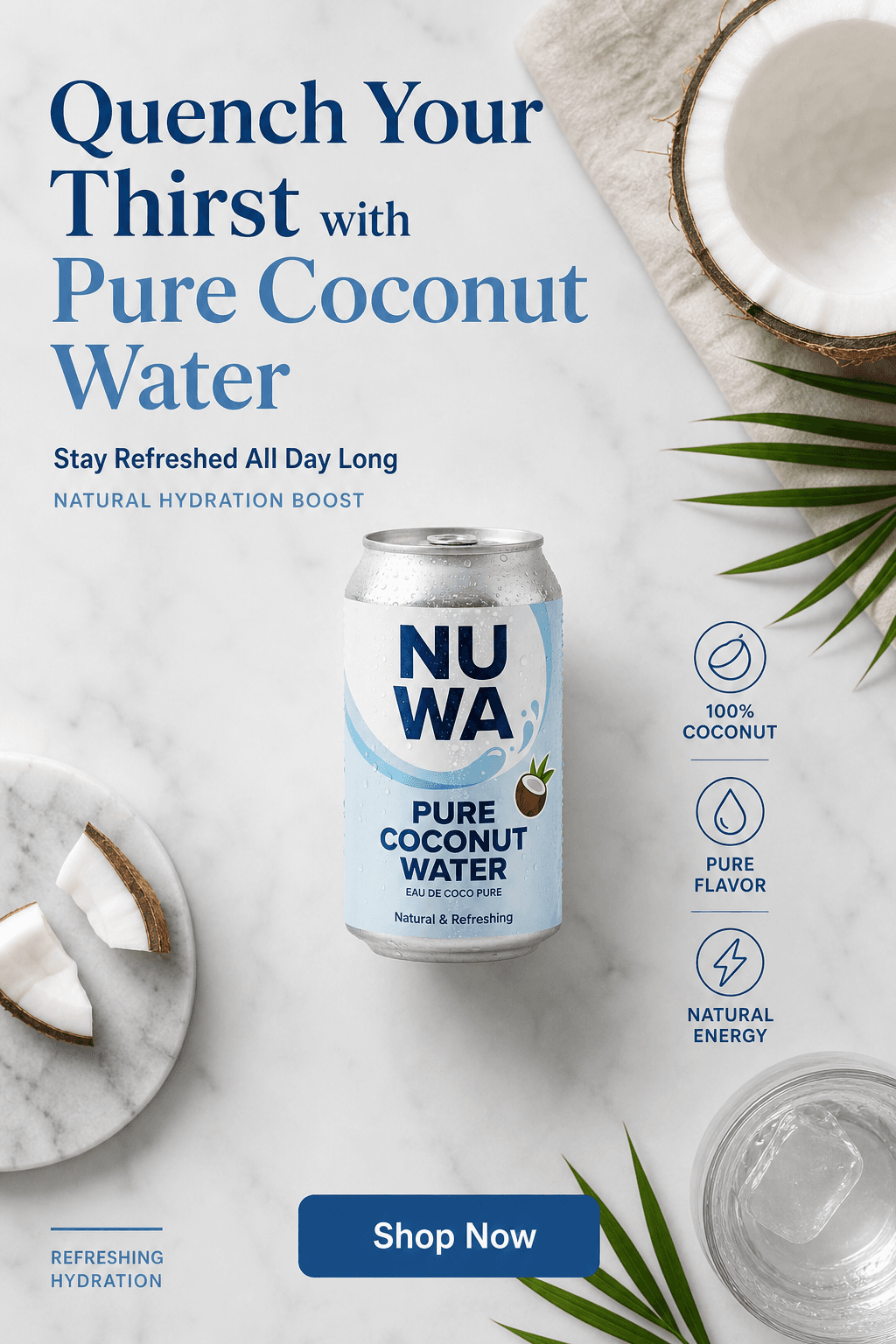

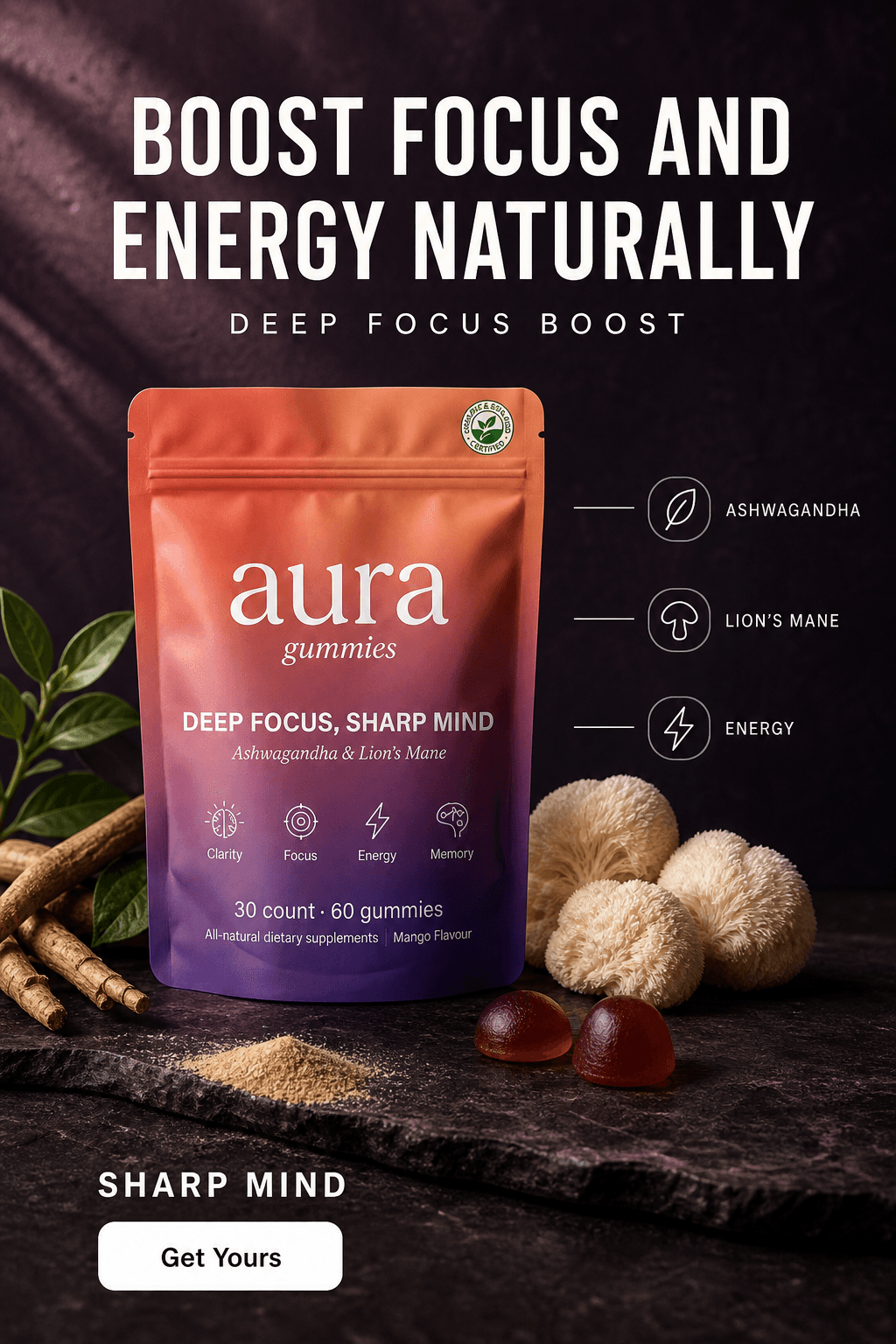
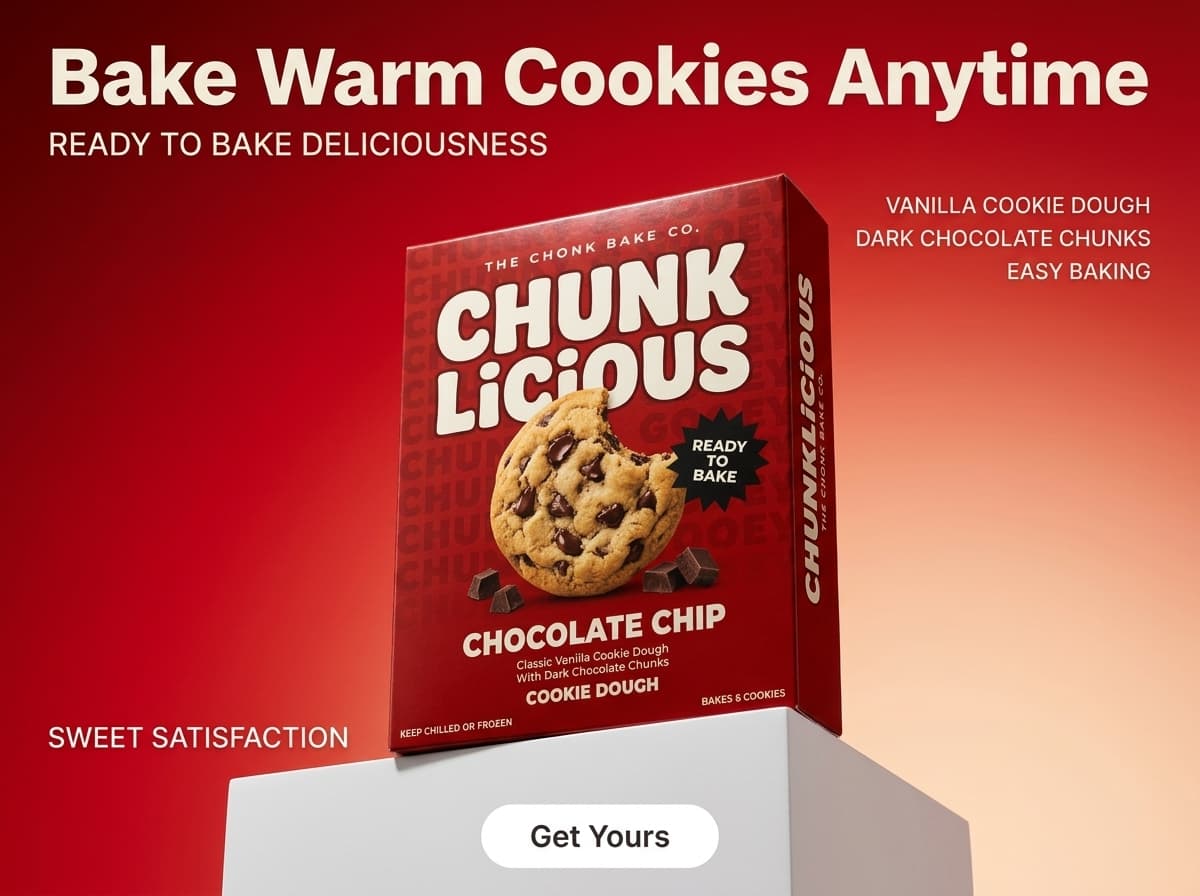
Marketing-ready ad creatives generated from product photos - no designer, no brief, no revisions.
AI Photography: The Budget Seller's Answer
AI product photography tools take the source photo you captured on your phone and produce the full range of images a product listing needs - white background, lifestyle scenes, and ad creatives. The workflow is straightforward.
Upload your phone photo
Any reasonably clean photo works. Product on a white surface with decent light is ideal. The AI handles background removal automatically - you do not need to do it manually first.
Generate the white background version first
Use the clean white background output as your Amazon or Etsy main image. This output meets platform technical requirements and gives you a neutral base image for your listing before you invest time in lifestyle scenes.
Describe the lifestyle scene you want
Type a short description: “marble countertop, soft morning light” or “outdoor cafe table, warm afternoon sun.” The AI places your product into that scene photorealistically. Generate three to four scene variations per product to fill out a full image set.
Generate ad creatives in the same session
Switch to the ad maker mode and generate marketing-ready creatives with your product's label text, benefits, and brand name already placed. These work for Meta ads, Google Shopping, and email campaigns without any additional design work.
Budget Breakdown: What Each Approach Actually Costs
Here is the real cost of product photography at different budget levels. All figures assume a 10-SKU launch with one main image and two lifestyle images per product (30 finished images total).
| Approach | Upfront cost | Per new SKU | Turnaround |
|---|---|---|---|
| Freelance photographer (mid-tier) | $1,500 - $3,000 | $150 - $300 | 3-7 days |
| DIY phone + Canva editing | $0 - $50 (foam board, ring light) | $0 extra | 2-4 hrs per SKU |
| DIY phone + AI photography | $0 - $10 (foam board) | $0 extra + credits | Under 10 min per SKU |
| AI photography only (Pixair Pro) | $24/month | ~$0.04/image | Under 2 min per SKU |
The hidden cost in the DIY + Canva row is time. Two to four hours per SKU adds up to 20-40 hours for a 10-product launch - a week of evenings you could spend on marketing, sourcing, or customer service. AI reduces that to under two hours total. See Pixair pricing for the full plan breakdown.
What Can You Substitute for Paid Photography Gear?
Almost every piece of entry-level photography gear has a household substitute that performs within a few percent of the paid version at source-photo quality:
Softbox diffuser ($30-$60)
A white bedsheet or two layers of baking paper taped over the window. Same effect: direct light becomes soft, wrapped light with gentle shadow edges.
Reflector kit ($15-$25)
A second piece of white foam board propped opposite the window. Bounces light back into the shadow side of the product and kills the dark edge.
Phone tripod ($20-$30)
A stack of books at product height with the phone leaned against the top book. For repeat sessions, mark the book position with masking tape so framing stays identical.
Light tent ($40-$80)
Two foam boards taped into an L-shape around the product. With window light and a bounce board, a light tent adds almost nothing for opaque packaged products.
Ring light ($25-$50)
Skip it entirely. Ring lights produce the flat frontal lighting this guide tells you to avoid - window light is both better and free.
The only spend that is genuinely hard to substitute is the AI tool itself - and that starts free. Selling on Etsy specifically? The Etsy sellers photography guide maps this exact workflow onto Etsy's 10 photo slots.
5 Budget Photography Tips That Actually Work
Batch your source photos in one session
Set up your foam board and window position once, then photograph every product you own before taking the setup down. Re-establishing lighting position and background for each product individually wastes 15-20 minutes per SKU. One three-hour session covers a full catalog.
Write one scene prompt and reuse it across your full line
Brand consistency matters more than variety. Pick one or two scene descriptions that match your brand positioning - the same marble surface, the same outdoor setting - and apply them across every SKU. This creates a coherent visual identity across your listings without hiring a brand photographer.
Use ad creatives for social proof before you have reviews
New products have no reviews to display. AI ad creatives let you lead with product benefits and brand language instead - bold typography, ingredient callouts, and benefit headlines. This is especially useful in the first 30-60 days of a listing when you cannot rely on social proof to convert.
Generate seasonal variants without a reshoot
A winter campaign for a supplement brand might call for warm indoor scenes. A summer launch needs outdoor light and fresh backgrounds. With AI, you generate seasonal variants from the same source photo you already have - no rebooking, no reshooting, no additional photographer cost.
Spend your photography budget on one hero image, not a full shoot
If you do have some photography budget, spend it on a single high-end hero image per product - the one that leads your homepage, your paid ads, and your press kit. Let AI handle the remaining listing images, variants, and ad creatives. One focused freelance booking for 3-5 hero images costs $300-$600 and complements an AI workflow rather than replacing it.
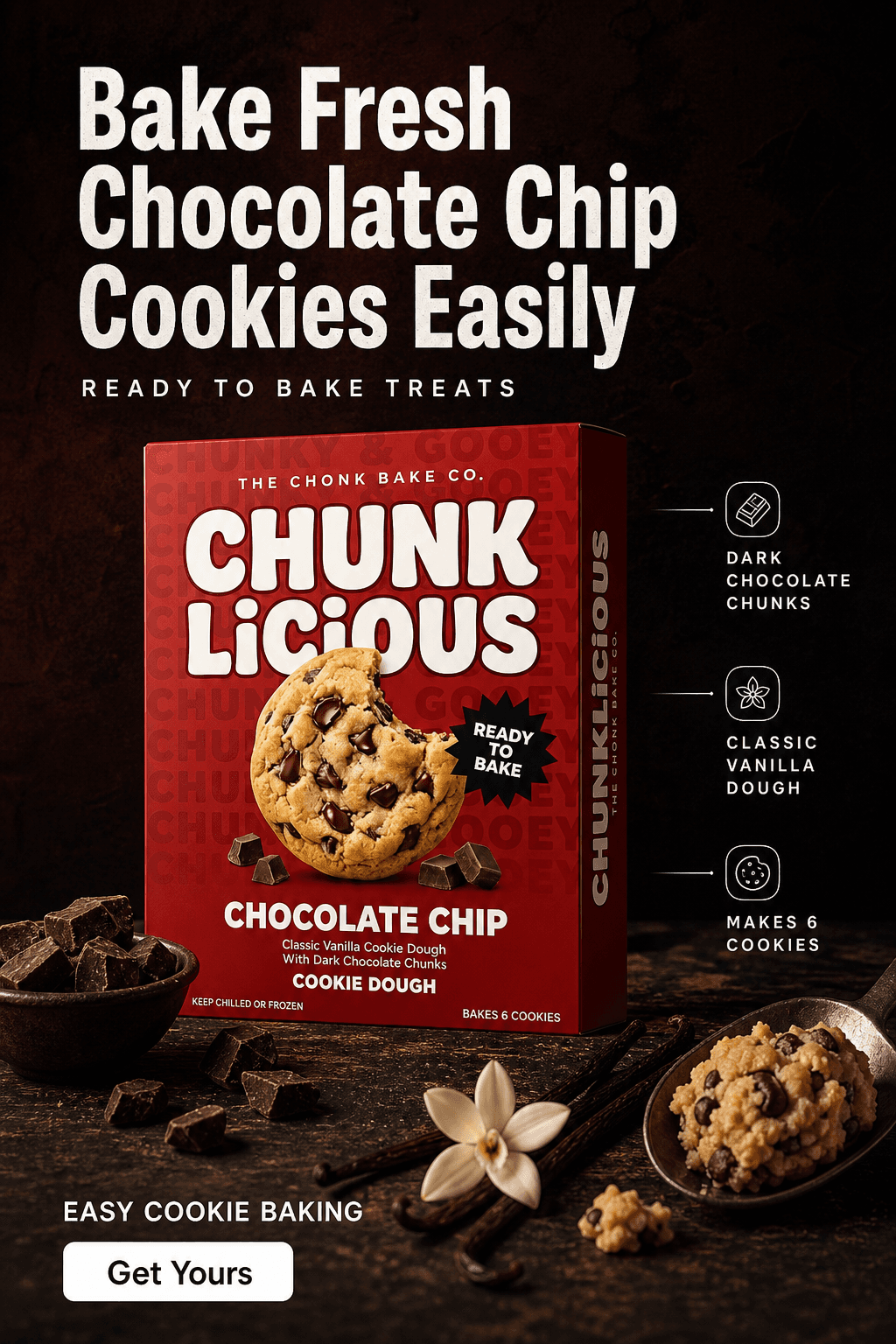
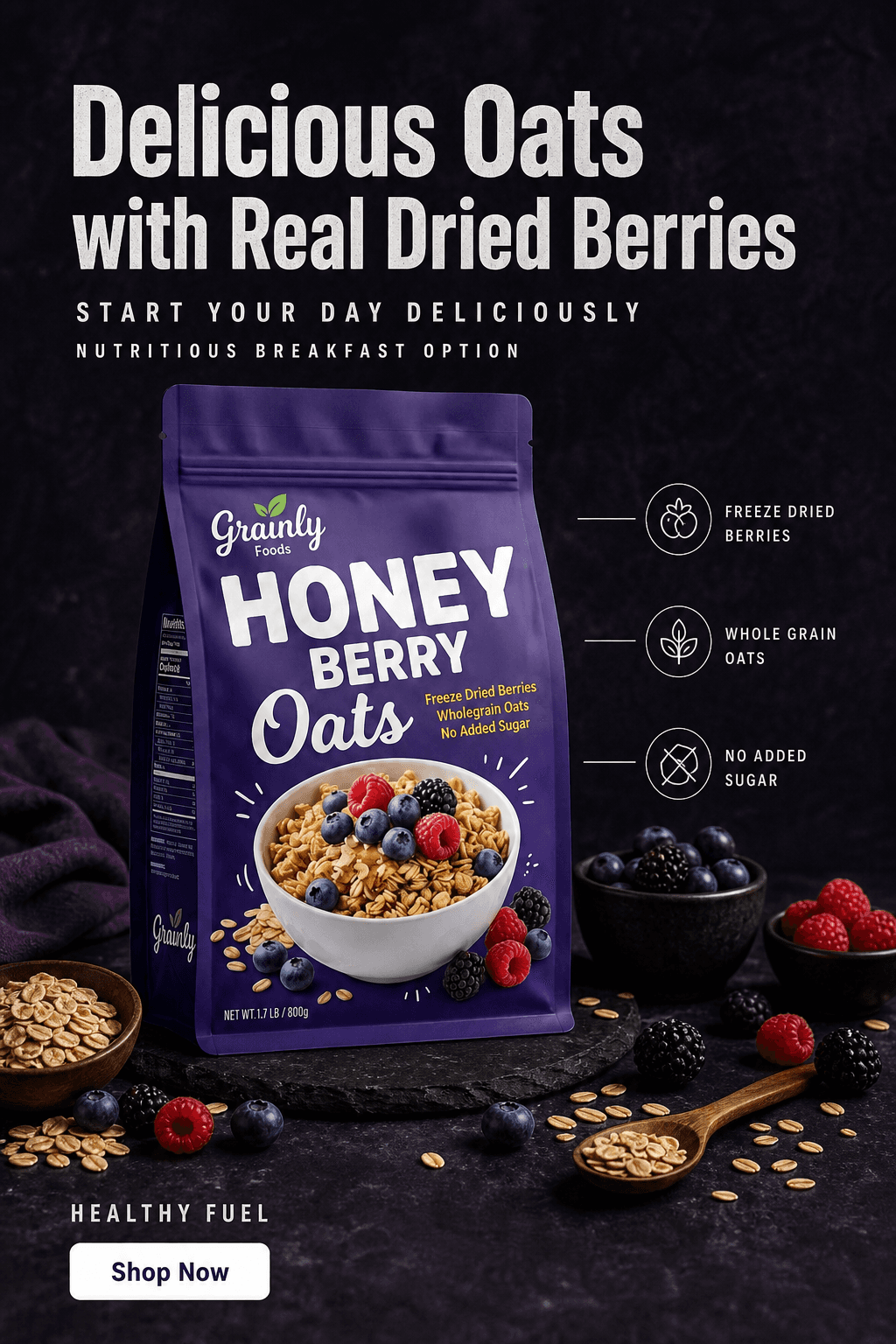
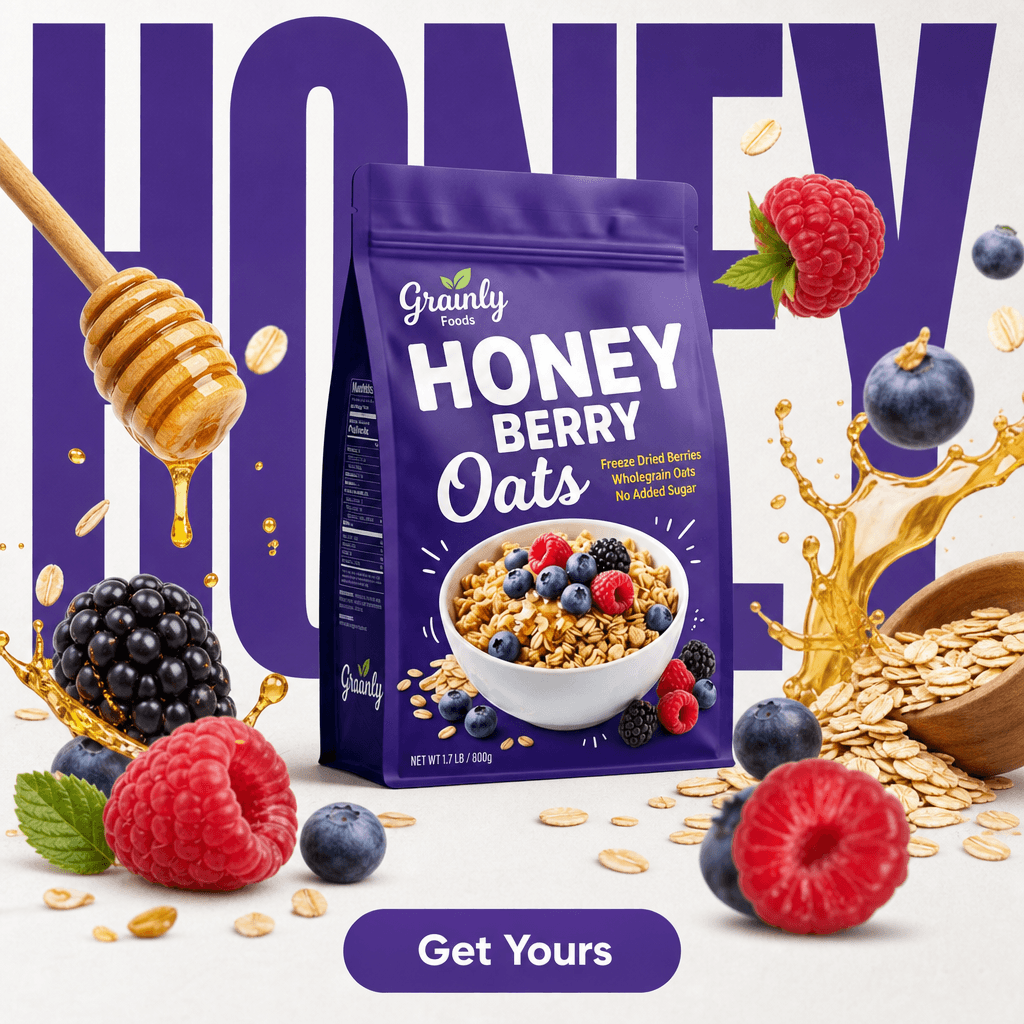
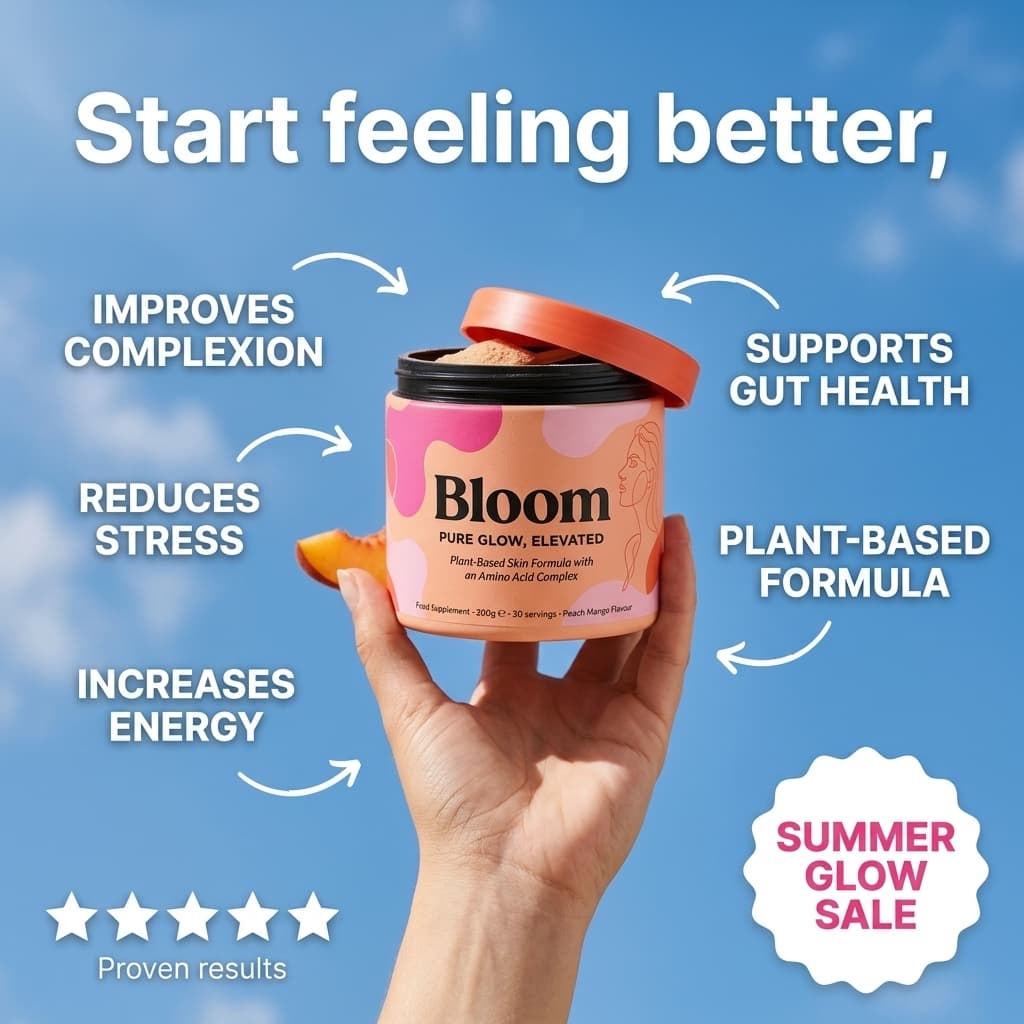
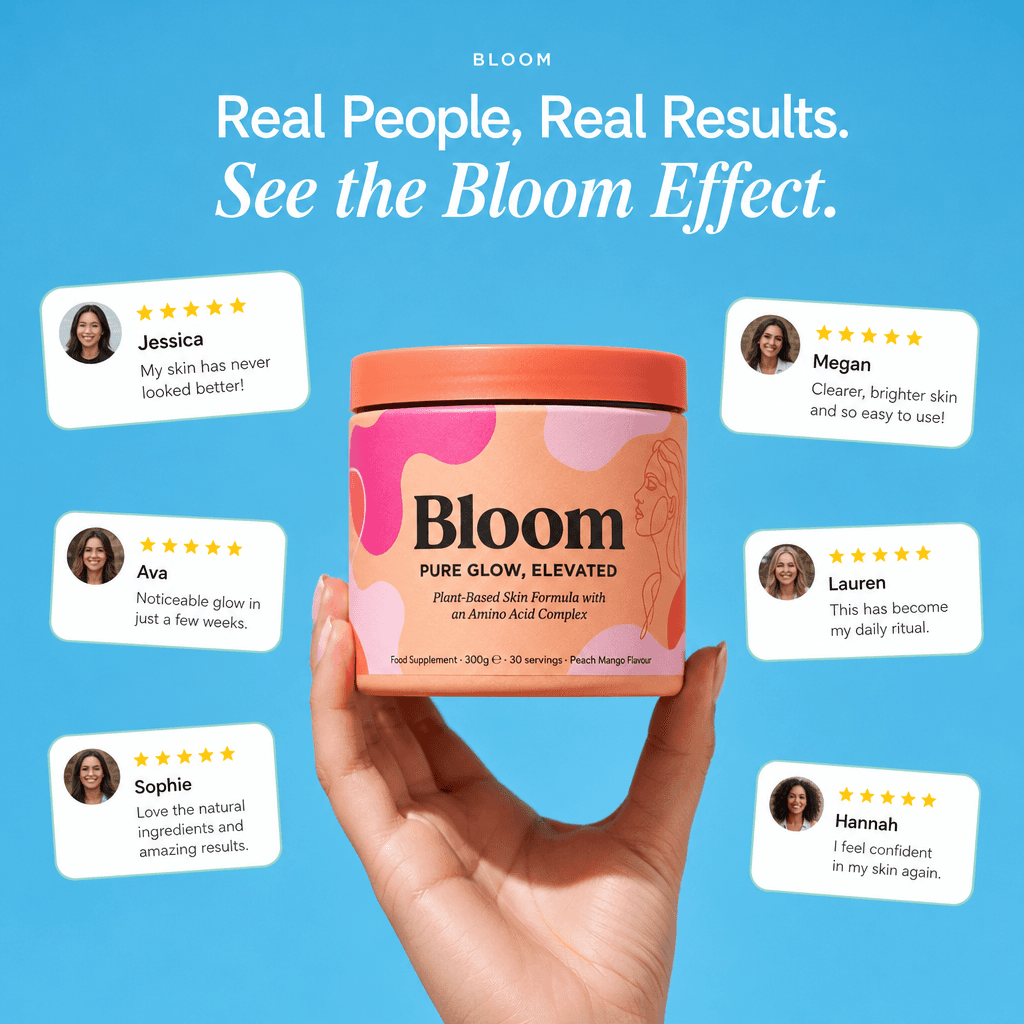
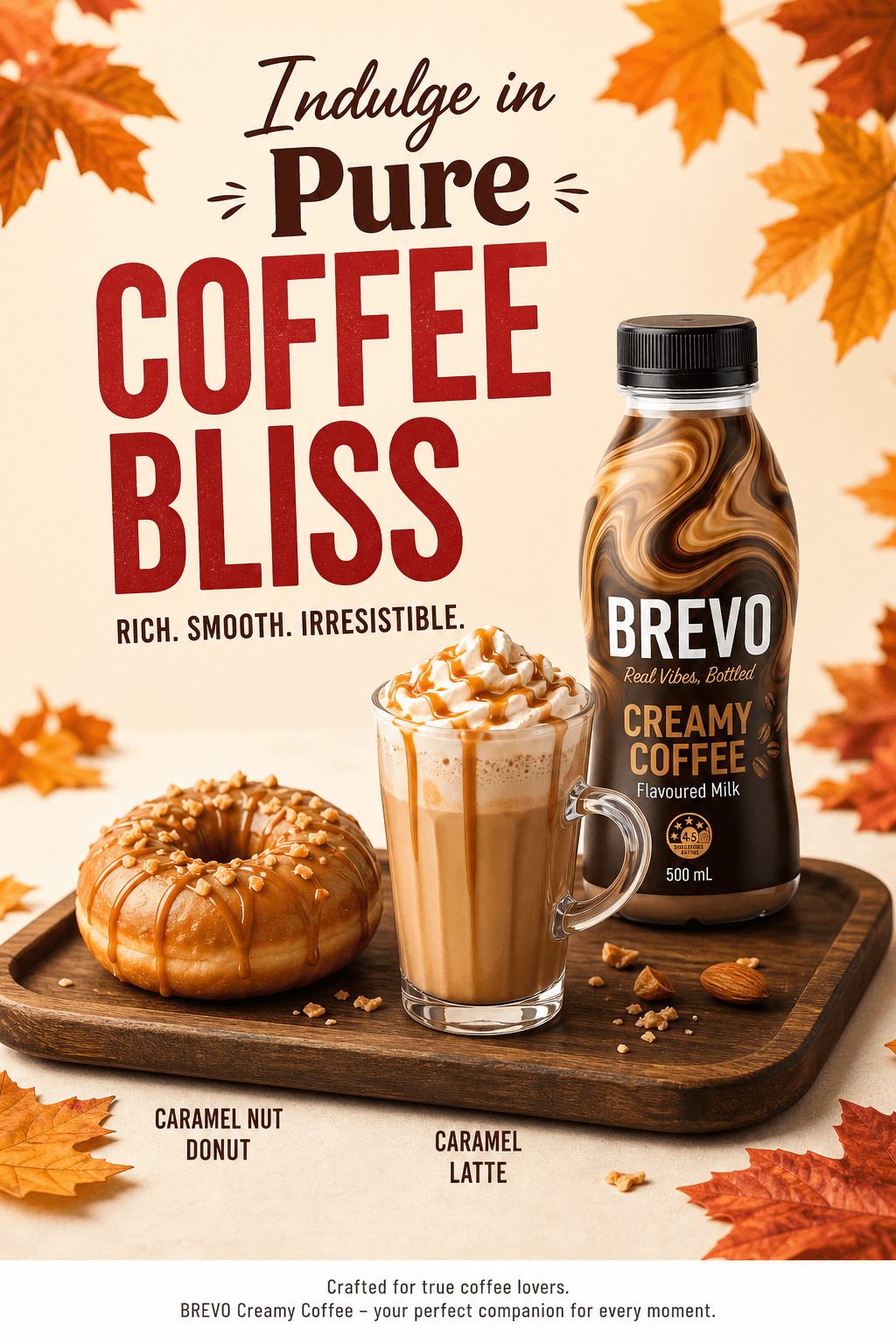
Ready-to-run ad creatives for Meta, Google, and email - generated from product photos in under 30 seconds.







Frequently Asked Questions
No professional equipment is required. A modern smartphone camera and a piece of white foam board are enough to produce a source photo that AI tools can work with. The AI handles background removal and scene generation - the quality of the final image depends on the AI model, not your camera hardware.
With a DIY phone setup and an AI tool like Pixair AI, the effective cost is under $0.05 per finished image on a paid plan, and the free tier includes 30 credits with no card required to test the workflow first. Compare that to $50-$400 per image for a freelance photographer or $100-$225 per image at a professional studio.
Yes. Amazon requires that main images have a pure white background (RGB 255/255/255) and that the product occupies at least 85% of the frame. A phone photo of your product on white foam board, processed through an AI background removal tool, meets both requirements. The camera quality itself is not restricted.
A product photo shows the product in a scene - white background or lifestyle setting - used for listing pages, marketplaces, and product detail pages. An ad creative is a marketing composition with typography, benefit callouts, brand language, and visual hierarchy designed to drive clicks in paid ad placements. Both can be generated from the same source photo using AI.
Yes for most product categories. Pixair AI's free tier includes 30 credits with no card required - enough to produce a full image set for 2-3 products including white background, lifestyle scenes, and ad creatives. Output quality is consistent regardless of plan tier; free accounts access the same AI models as paid accounts.
Keep reading
Related articles
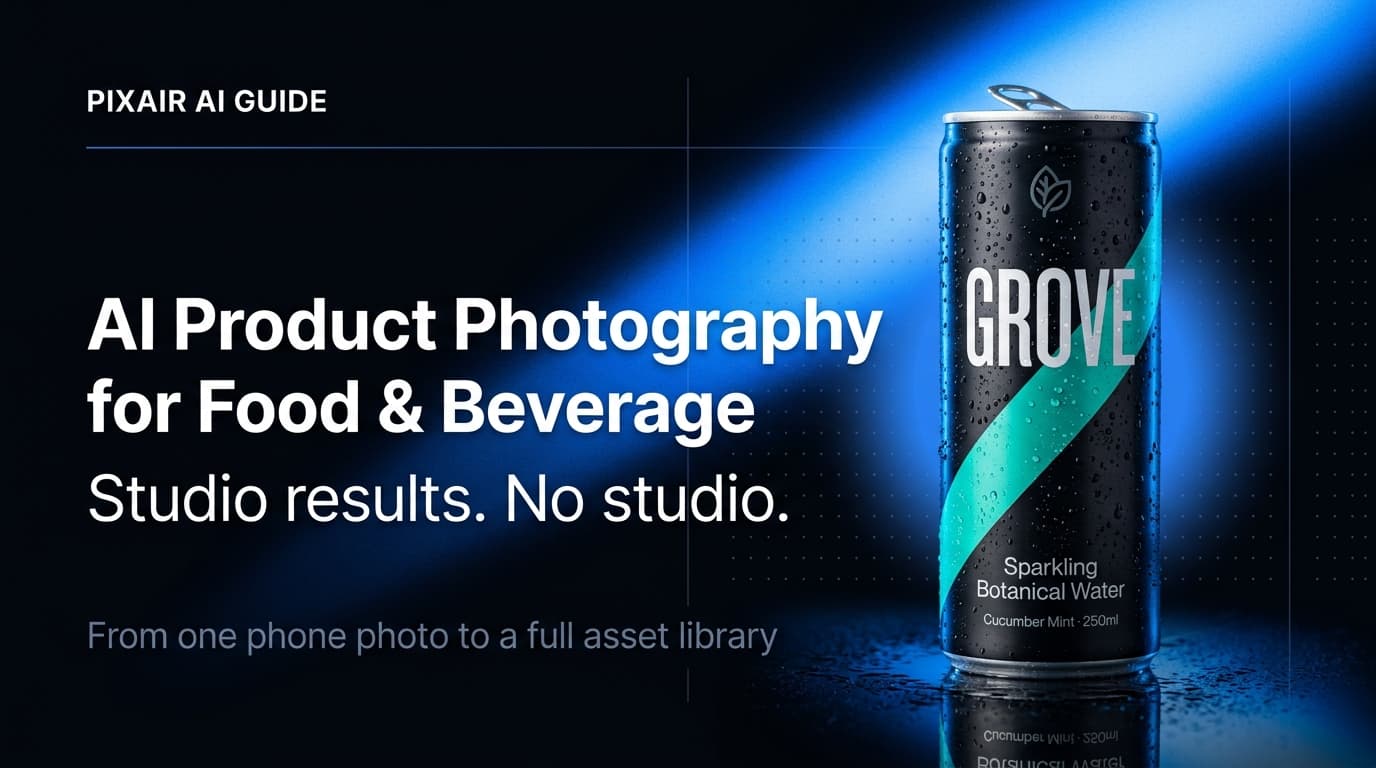
AI Product Photography for Food & Beverage Brands
Generate appetite-worthy food and beverage product photos with AI - condensation, steam, lifestyle scenes, and packaging shots. No studio. Conversion-ready images for every SKU in your lineup.
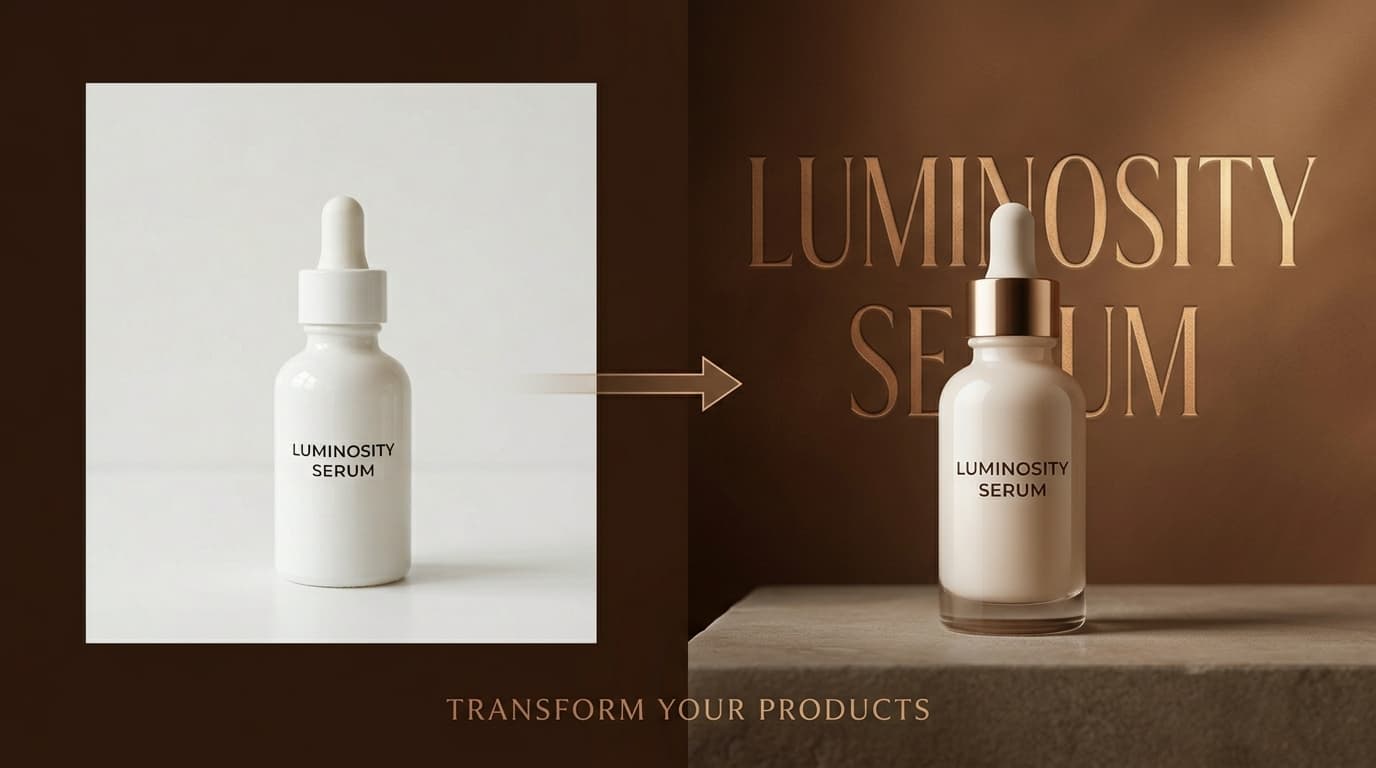
AI Ad Maker: Generate Product Ads from a Single Photo
Turn any product photo into a ready-to-post advertisement with AI. Choose between light and dark ad styles, auto-extract brand text, and export in any aspect ratio.
Inspire AI Product Photography - Guide Shoots With Reference Images
Use any inspiration image to direct your AI product photography. Match the exact mood, lighting, and color palette of any reference - then iterate with follow-up prompts until it looks right.