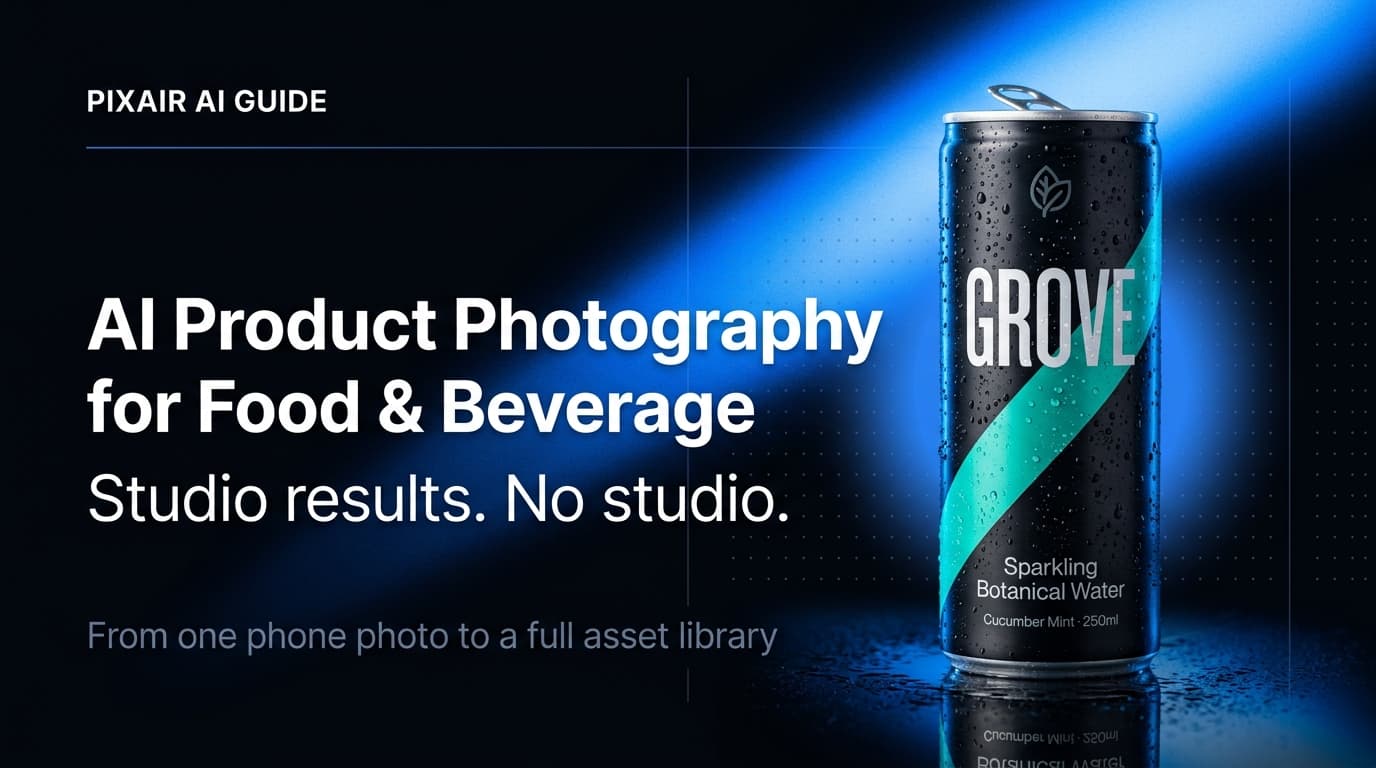
Food and beverage is one of the hardest product categories to photograph well. Glass bottles catch every stray light source, condensation renders look artificial if done wrong, and buyers make purchase decisions on whether a product looks appetizing before they read a single word of copy. AI product photography for food and beverage closes the gap between a phone photo and a full studio session - without the cost, turnaround time, or reshoots every time you launch a new SKU.
Why Food & Beverage Has Unique Photography Requirements
Most ecommerce categories need clean lighting and a neutral background. Food and beverage needs those things plus three additional challenges that most categories never deal with.
Condensation and transparency on beverage packaging
Glass bottles and cans require capturing condensation beads, frosted surfaces, and light refraction through liquid. A studio photographer uses glycerin spray and specialized lighting rigs to nail this. Get it wrong and the product looks flat, warm, or unappetizing. For beverages, the illusion of coldness is a core purchase signal - it is not a styling detail.
Freshness and appetite appeal
Unlike most ecommerce categories, food and beverage photography must make the product look edible and desirable, not just accurate. Color saturation, scene texture, and surface materials directly affect purchase intent for consumables. A protein bar on a plain white background converts differently than the same bar on a dark slate surface with warm side lighting. Scene choice is not optional - it is part of the product marketing.
High SKU volume from seasonal and limited-edition lines
Food and beverage brands rotate flavors, seasonal packaging, and limited editions more frequently than most categories. A brand with 12 SKUs in spring may have 15 in summer and 8 in winter - and each SKU needs a white background image, a lifestyle shot, and a scene variation for ads. Traditional photography at $150-$300 per image makes rotating seasonal assets financially unsustainable at scale.
What AI Product Photography Does
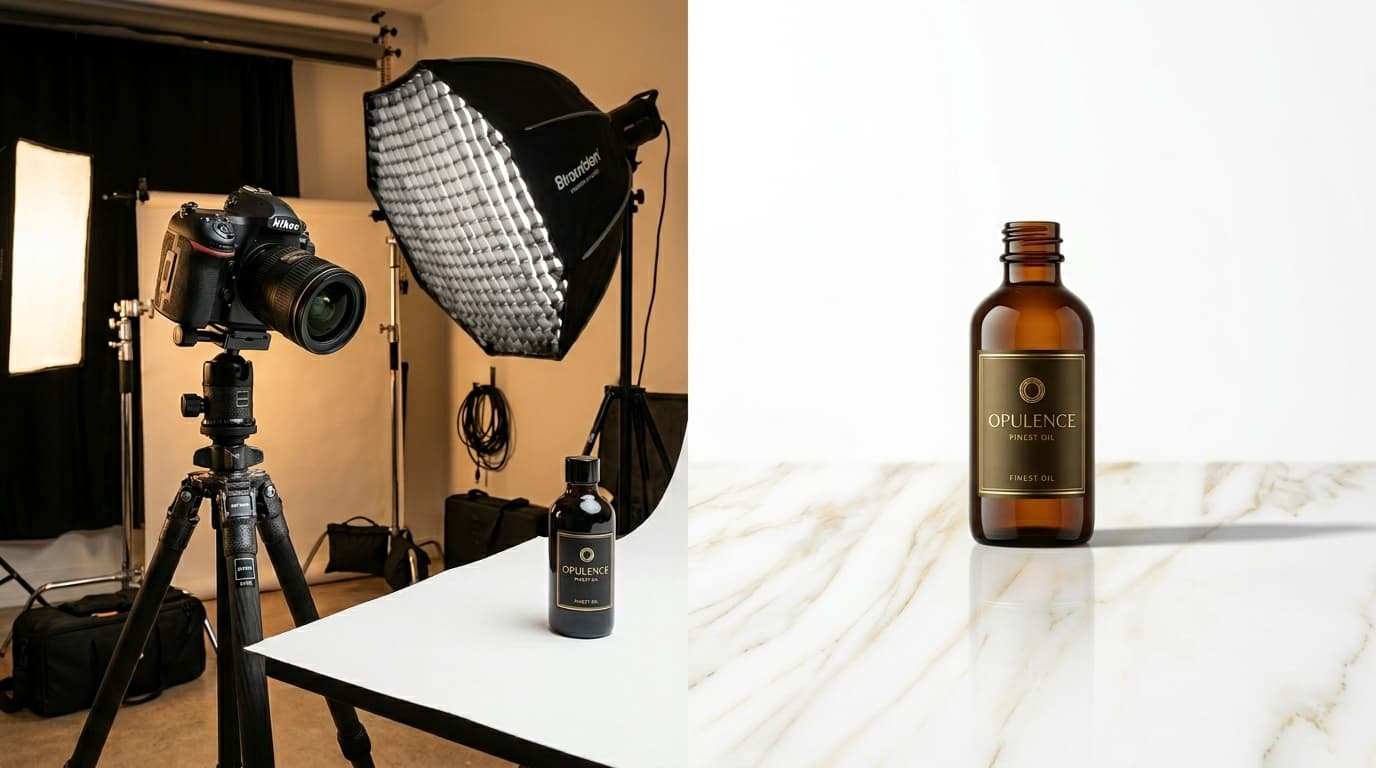
AI product photography takes a single photo of your food or beverage product - shot on a phone, on any flat surface - and places it into a photorealistic generated scene with accurate lighting, shadows, surface reflections, and material-specific details like condensation on cold beverages. It is not a composite or a cutout dropped onto a stock photo. The AI generates an environment that physically matches your product: the light direction, the surface material below the packaging, and the depth of the background are all generated as a coherent scene around your specific product.
Pixair AI does not modify the product itself. The workflow isolates your product from the source photo, then composites it into the generated scene with physically correct lighting. Your label text, packaging finish, and any printed detail are taken directly from your original photo and preserved exactly - the AI only changes what is behind and around the product.
For the full overview of how AI product photography works across all categories, see the complete AI product photography guide.
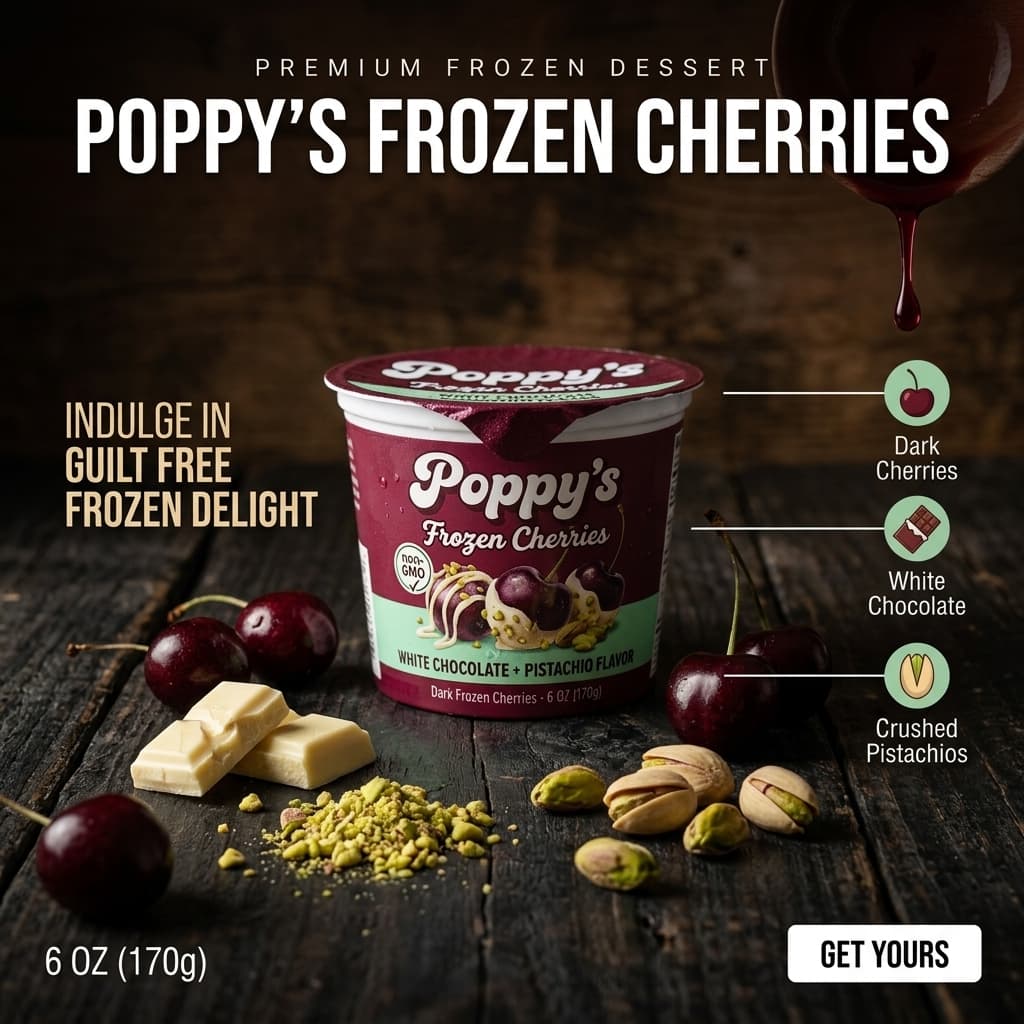
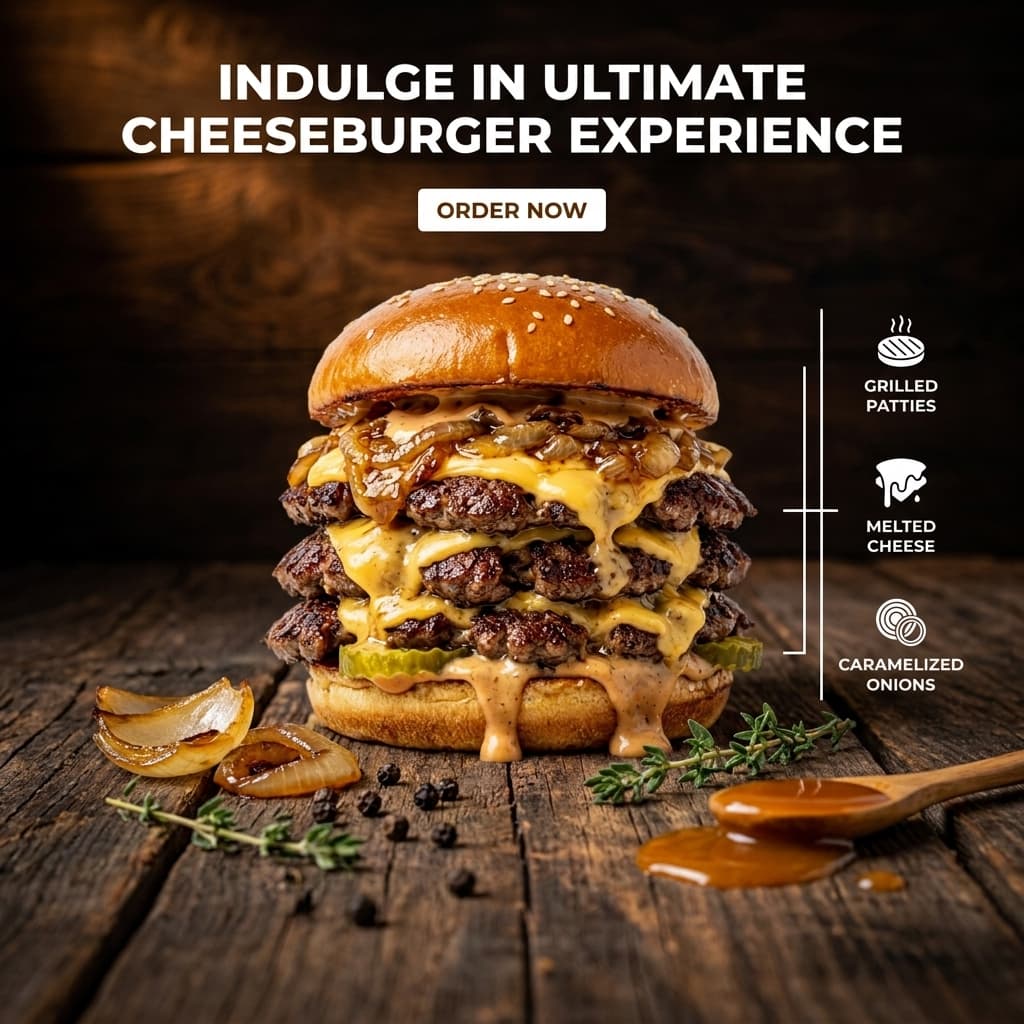
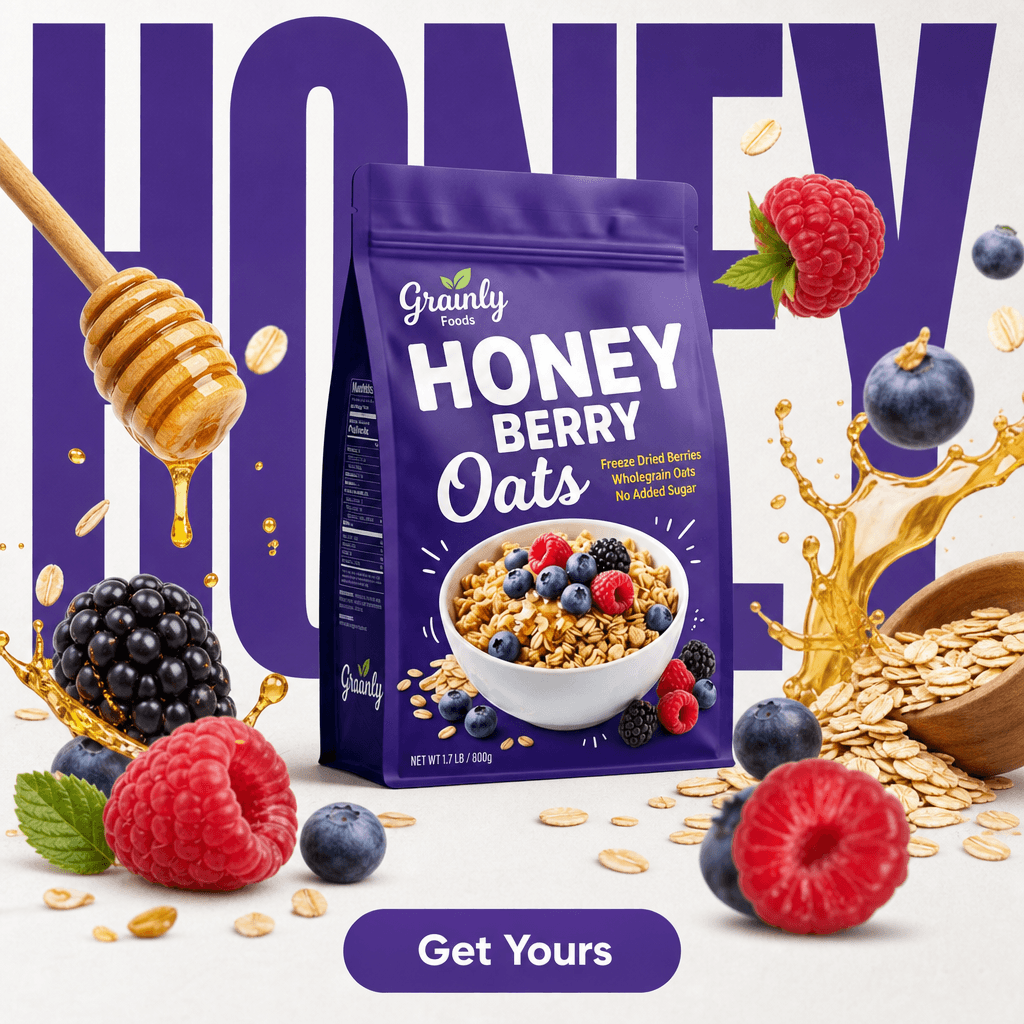
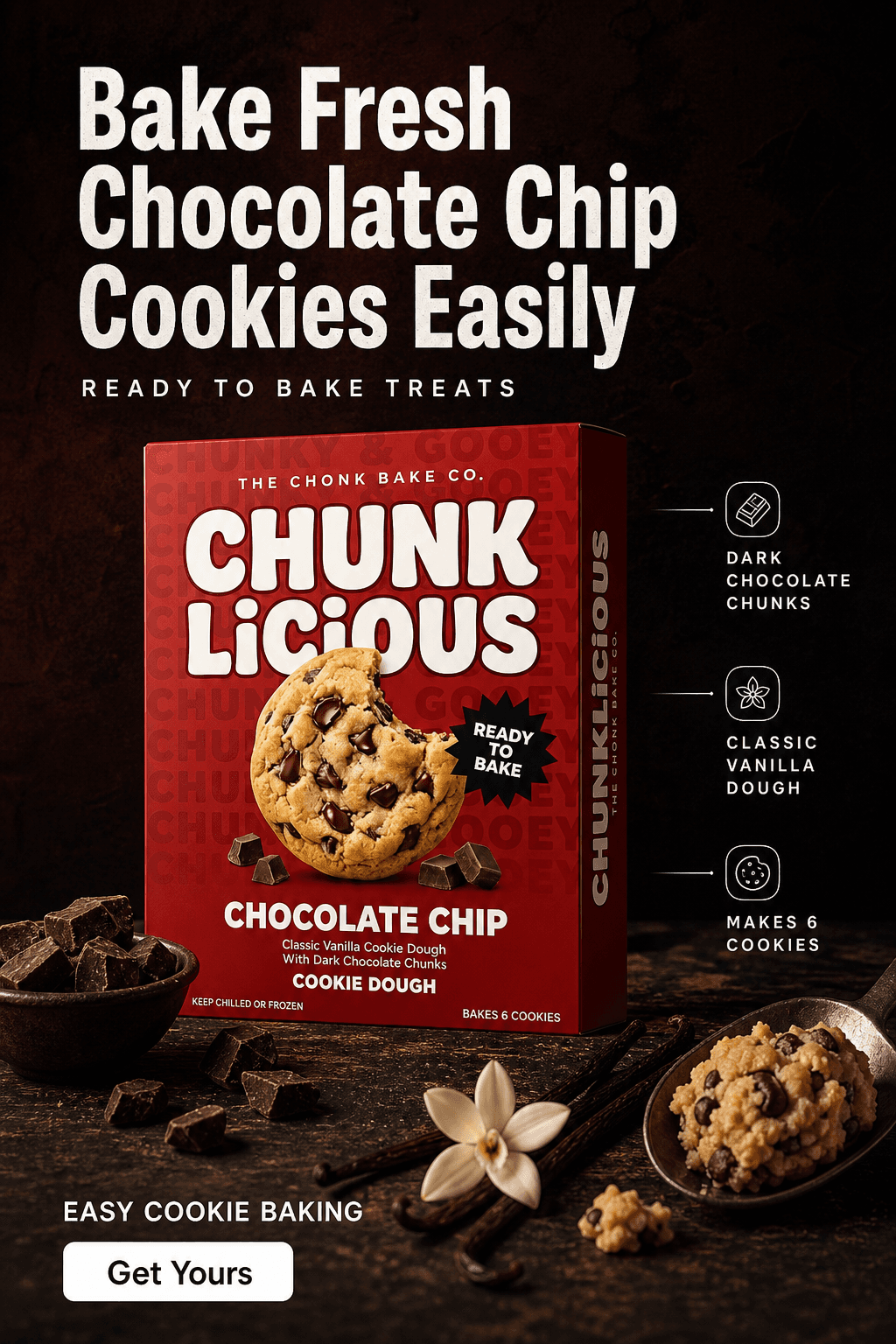
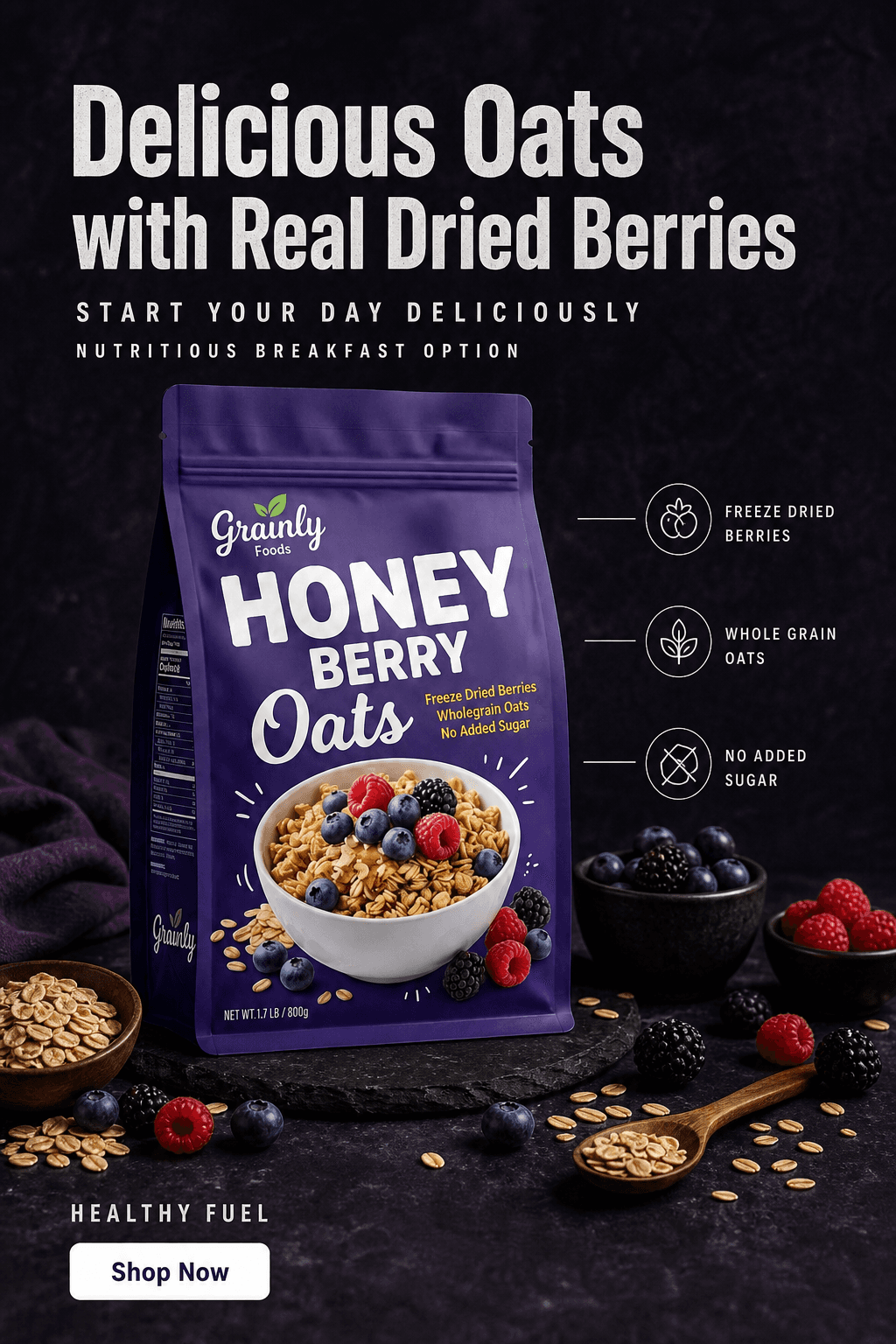
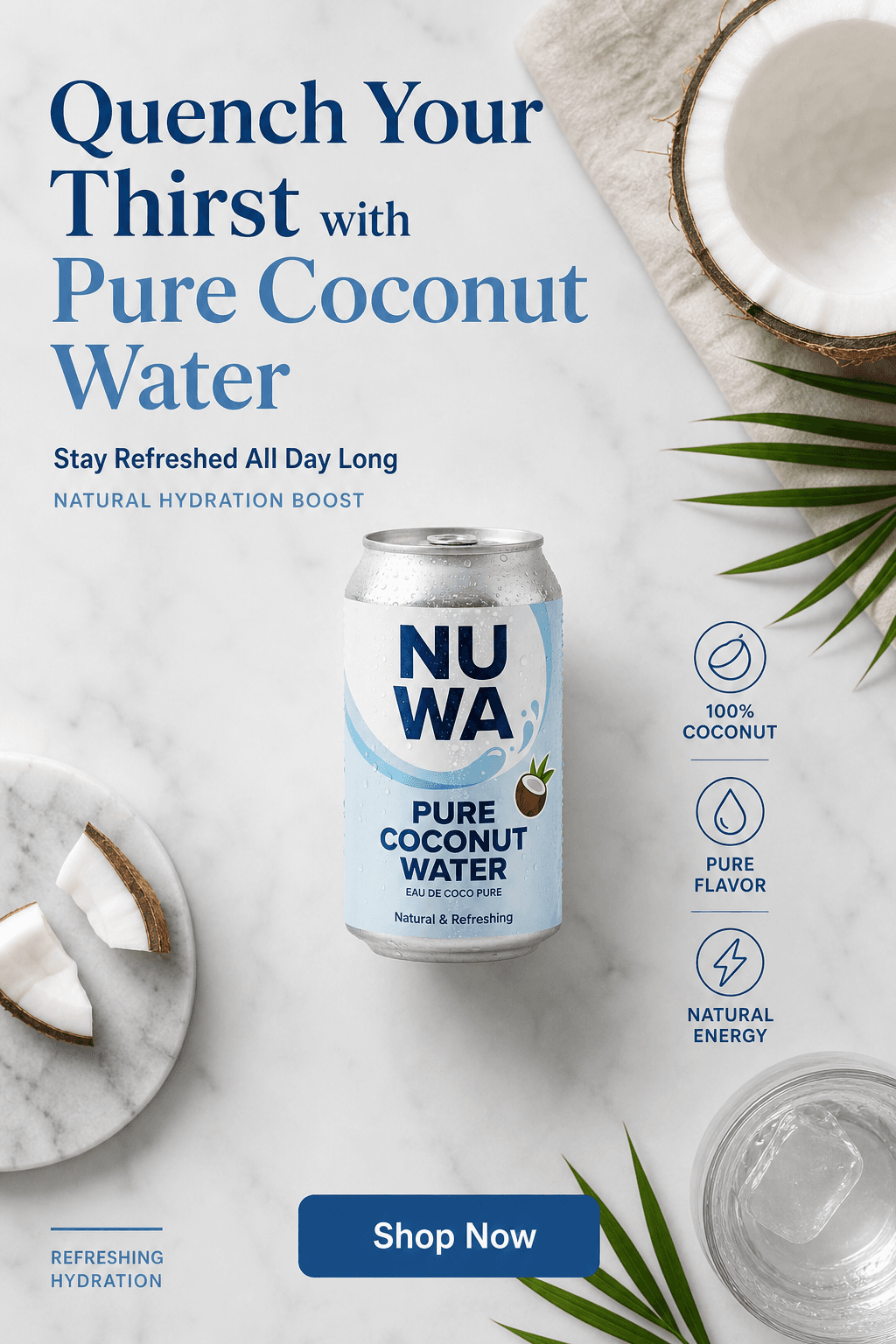
AI-generated product visuals across scene types. One source photo per SKU.
Step-by-Step: AI Product Photography Workflow for Food & Beverage
This workflow produces a complete food and beverage asset library - white background, lifestyle, and editorial - from a single phone photo session per SKU.
Photograph each SKU on a clean neutral surface
Place your product on a white sheet of paper or a light grey board near a window. For beverage packaging with a visible liquid component, ensure the label faces the camera and the full bottle silhouette is within frame with a small margin. One front-facing photo per SKU is enough. You do not need a tripod or studio light - the quality of the output scene is determined by the AI, not the source photo resolution.
Generate the white background version first
Upload to Pixair AI and select the white background preset. This produces a pure white RGB 255/255/255 output that meets Amazon grocery, Walmart marketplace, and most retailer portal main image requirements. Verify the label is fully legible at thumbnail size before moving to lifestyle scene generation. This step takes under two minutes.
Choose a scene that matches your brand positioning
Scene selection in food and beverage is a brand positioning decision. Premium spirits and wines perform best on dark slate or black marble with a dramatic rim light. Natural juices and health beverages work best on bright kitchen counters with warm window light and a citrus slice. Artisan snacks and packaged goods suit rustic wood surfaces with a linen cloth and soft diffused light. Pick the surface and lighting mood that matches your price point and target audience, then describe it specifically in your prompt.
Add material-specific details to your prompt
For beverages, include the container material and temperature cues: “cold glass bottle with condensation droplets, dark slate surface” or “aluminum energy drink can, wet bar counter, dramatic side light.” For packaged food, include the packaging type: “kraft paper snack bag, rustic wood surface, warm morning light.” These details tell the AI how to generate surface interactions between your product and the scene - condensation, reflections, and shadows are all generated from the material description you provide.
Generate 3-4 variations and apply the same prompt across your full line
Run 3-4 variations per scene type and keep the best one or two. Once you have a prompt that produces strong results for your hero scene, copy it verbatim for every SKU in your lineup. The same “dark slate surface, cold condensation, dramatic rim light” prompt applied to your full range of flavors produces a visually unified catalog where every product photo shares the same lighting and atmosphere - which matters significantly for brand trust on DTC sites and marketplace storefronts.
Upscale and export
Use the built-in upscaler to reach 2000px. Download and upload directly to your marketplace listing, Shopify product page, or ad platform. No retoucher, no turnaround wait, no file handoff.
Traditional Photography vs. AI for Food & Beverage Products
Traditional
Studio photographer

AI photography
Traditional
Studio photographer
AI photography
Cost per image
$200 - $400 per finished image
Under $0.20 per image
Setup time per SKU
3 - 5 hours including condensation staging and lighting rigs
Under 30 min including all scene types
Scene variety
1 - 2 setups per session, more costs extra
Unlimited scenes from the same source photo
Condensation accuracy
Requires glycerin spray and multiple retakes
Generated from prompt - include "cold glass with condensation droplets"
Seasonal SKU reshoots
Full session required per new flavor or packaging
Upload new SKU photo - same scene prompt, done in 20 min
Label & packaging accuracy
Captured from physical product
Product isolated from source - label, finish, and print preserved pixel-accurate
Turnaround
3 - 7 days with retouching
Same session - download immediately
Catalog consistency across SKUs
Depends on photographer replicating setup per session
Same prompt applied to every SKU produces identical lighting and atmosphere
See Pixair AI pricing - all plans include AI scene generation, background removal, and upscaling. Starts at $24/month.
5 Tips for Food & Beverage AI Product Photography
Always name the container material in your prompt
Container material changes how the AI generates surface interactions. “Glass bottle” produces refraction and specular highlights. “Aluminum can” produces metallic sheen and sharp reflections. “Kraft paper bag” produces matte diffuse light. If you skip the material descriptor, the AI defaults to a generic surface treatment that may not match your actual packaging. Always include it - it is the single most impactful detail in a food and beverage scene prompt.
Use temperature and freshness cues for beverages
Adding “cold glass bottle with condensation droplets” or “ice-cold can on a wet surface” to your prompt generates the freshness signals that drive purchase intent for beverages. For hot beverages like coffee or tea, “steam rising from surface” or “warm ceramic mug, morning light” achieves the same appetite appeal in the opposite direction. These sensory cues in the prompt translate directly into visual purchase signals in the output.
Match scene surface to price tier
Surface materials signal price point to buyers before they read a word of copy. Dark polished slate or black marble with a dramatic rim light signals premium or craft positioning. Rustic reclaimed wood with warm natural light signals artisan or small-batch. White marble or clean stone with bright diffused light signals health-focused or functional. Pick one surface that matches your brand tier and apply it consistently across your full product line - inconsistent scene materials across a flavor lineup undermine the premium positioning you are trying to build.
Generate seasonal variants from the same upload
Food and beverage brands run seasonal promotions that require different visual contexts. The same product upload can produce a summer scene (“poolside surface, bright sunlight, citrus slice”), a winter scene (“dark wood surface, candle light, frost effect”), and a Q4 holiday scene (“dark marble, gold accents, moody warm light”) without a new photoshoot. Seasonal asset sets that previously required three separate studio sessions can be generated from a single upload in one afternoon.
Keep the full label in frame when shooting the source photo
Food and beverage labels carry nutrition facts, ingredient lists, certifications, and regulatory disclosures that must be fully visible on marketplace listings. When shooting the source photo, ensure the entire front label is within frame with a small margin around the edges. Cropped or partially visible labels in the source photo will be preserved as-is in the AI output - the AI does not reconstruct missing label content. One clean front-facing photo with the full label visible is all you need.







Frequently Asked Questions
Yes. Include condensation in your scene prompt - for example "cold glass bottle with condensation droplets on a dark slate surface" - and the AI generates physically plausible condensation as part of the scene. The product itself is taken from your source photo unchanged; the condensation, surface reflections, and lighting are all generated around it.
Yes. Pixair AI isolates your product from the source photo and composites it into the generated scene without regenerating the product itself. Your label text, nutrition facts, regulatory marks, and any printed detail are taken directly from your original photo and remain exactly as photographed. The AI only generates what is behind and around the product.
Yes. These platforms permit AI-generated product images as long as they accurately represent the physical product. Pixair AI preserves your original packaging exactly - it does not alter the product. The white background preset produces a pure white RGB 255/255/255 output that meets main image requirements across major marketplaces and most retailer portal submission standards.
Shoot on a pure white surface near a large window with indirect natural light. Avoid direct sunlight, which creates harsh specular highlights on glass that are difficult to isolate cleanly. Keep the full label facing the camera and ensure the entire bottle silhouette is within frame with a small margin on all sides. One clean front-facing photo is enough - the AI generates condensation, reflections, and scene lighting from the prompt, not the source photo.
Copy the exact same scene prompt and apply it to each SKU upload. The AI generates a new scene for each product using the same lighting, surface, and atmosphere - producing a visually unified catalog where every flavor in your lineup looks like it was shot in the same studio on the same day. This is the recommended approach for any brand with more than 3 SKUs.
Keep reading
Related articles
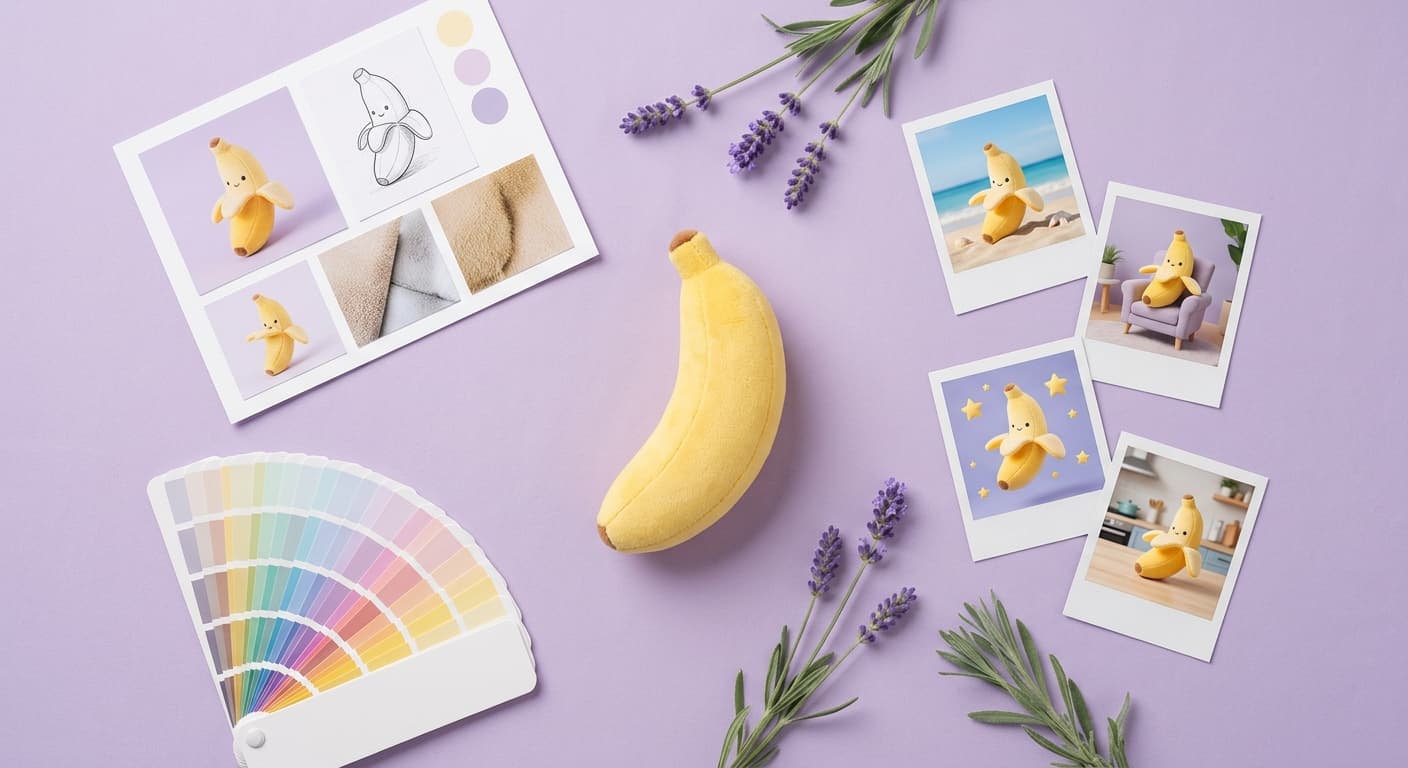
Inspire AI Product Photography - Guide Shoots With Reference Images
Use any inspiration image to direct your AI product photography. Match the exact mood, lighting, and color palette of any reference - then iterate with follow-up prompts until it looks right.
Product Photography Cost in 2026 - AI vs Studio vs Freelancer
Real 2026 pricing for product photography: studio, freelancer, and AI tools compared per image and per catalog. Find out which method fits your budget.
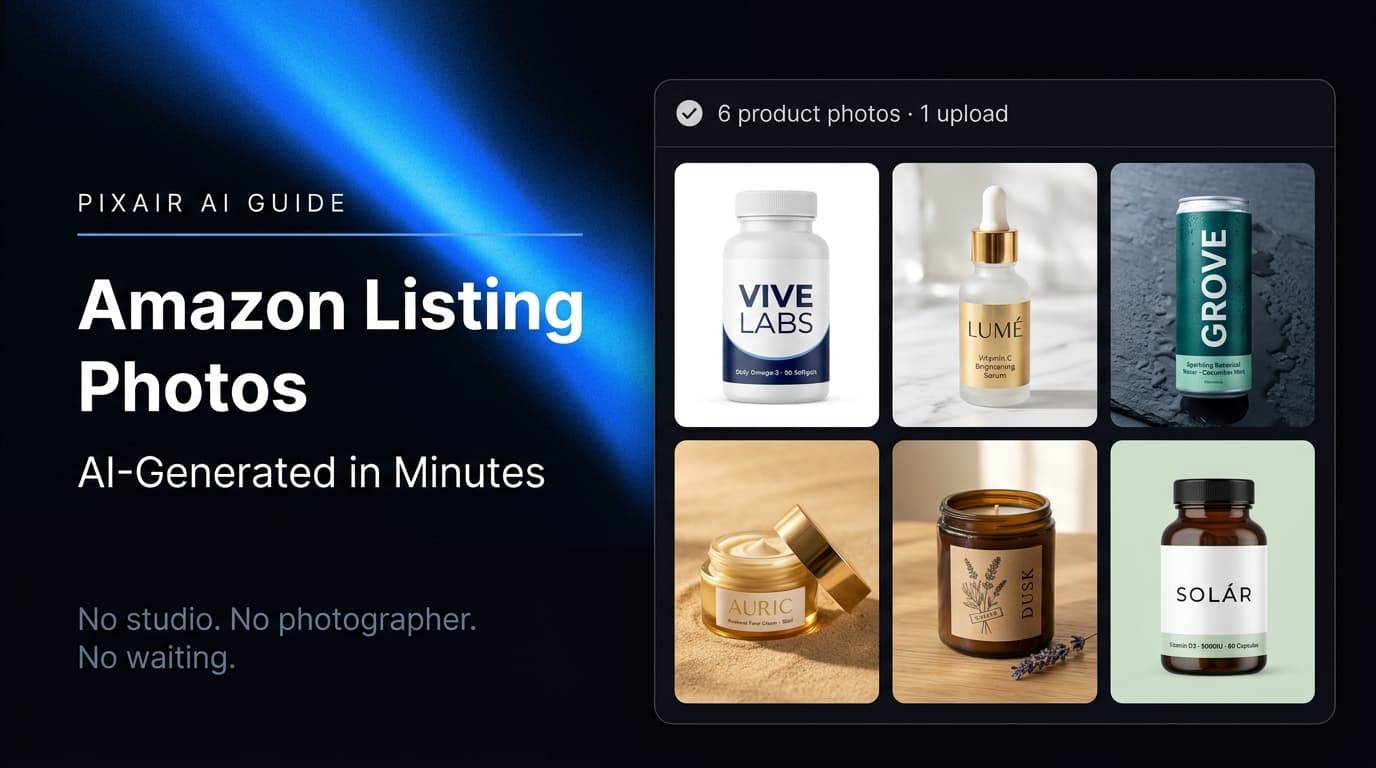
Amazon Product Image Generator - AI Photos for Listings
Pixair AI is an Amazon product image generator - turn one phone photo into a compliant white-background main image (RGB 255/255/255) plus lifestyle listing images in minutes.