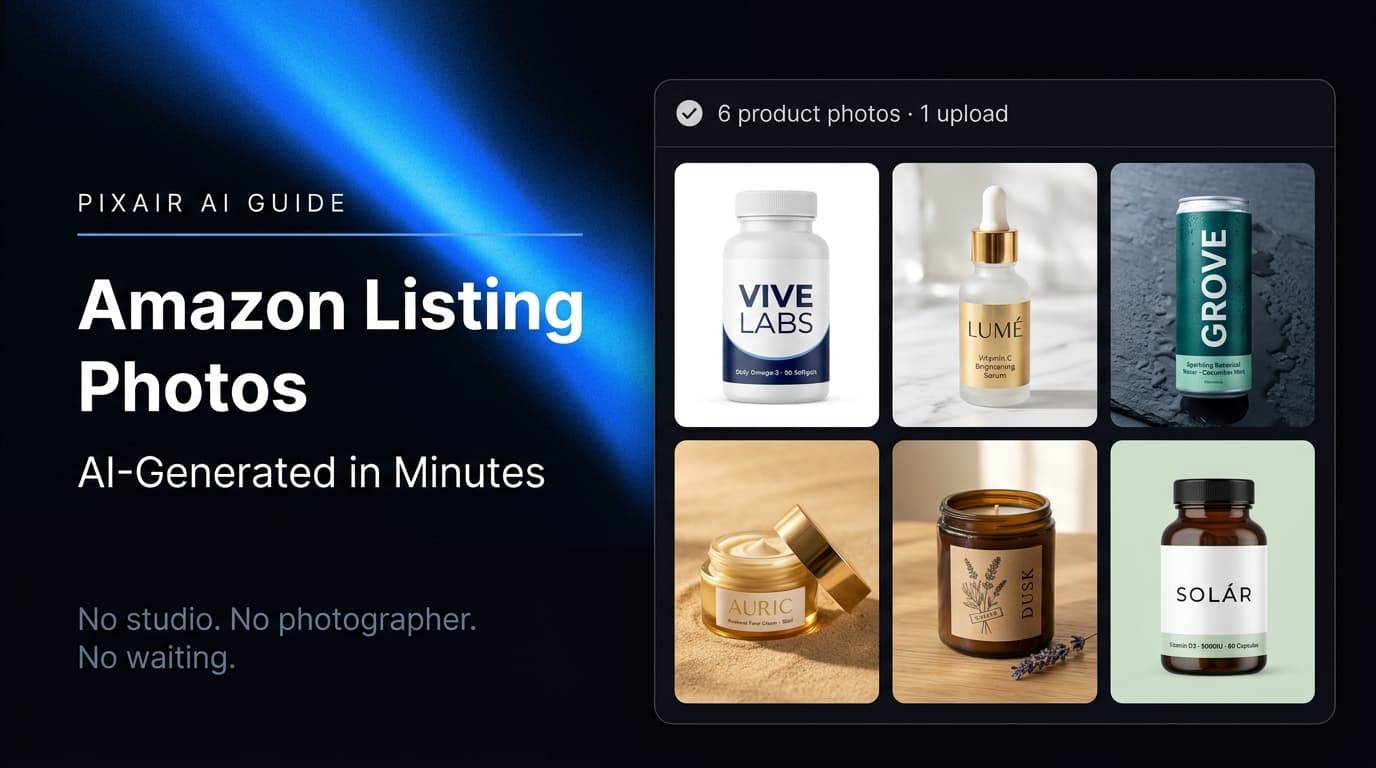
Pixair AI is an Amazon product image generator: upload one phone photo and get a compliant white-background main image (pure RGB 255, 255, 255, product at 85%+ of frame, upscaled to 2,000 px) plus lifestyle secondary images for the other 8 slots - in under 20 minutes, with your real label untouched. It is free to try with 30 credits and no card.
Can AI generate Amazon-compliant product images?
Yes. An AI product image is Amazon-compliant when the tool keeps your real product and generates only the background: Pixair AI removes the background from one phone photo, places the untouched product on pure white RGB 255, 255, 255, and upscales to 2,000 px so zoom works, which meets the main-image rules as long as the product fills 85% of the frame. The same upload produces lifestyle images for slots 2-9 from a text prompt. A compliant main image costs 7 credits (1 background removal, 4 scene, 2 upscale); the free plan includes 30 credits with no card.
What Are Amazon's Main Image Rules? The Checklist
A main image that breaks any of these is suppressed from search - the listing does not get penalized, it just stops appearing. Check every box before you upload.
- ✓Pure white background - RGB 255, 255, 255, not off-white or light grey
- ✓Product fills 85% or more of the frame, whole item visible, in focus
- ✓No text, logos, watermarks, badges, borders or props that are not sold with the product
- ✓Longest side 1,600 px or more to enable zoom (1,000 px minimum, 2,000 px recommended)
- ✓JPEG, PNG, TIFF or GIF; sRGB or CMYK; no mannequins for adult apparel
- ✓Shows the exact product the buyer receives - same label, same color, same packaging
Secondary images (slots 2-9) are free of the white-background rule: lifestyle scenes, infographics, size references and family shots are all allowed, and listings that fill all 9 slots convert better than ones that stop at 3 or 4.
Before and After: One Photo, Main Image Plus Lifestyle Scene
Left is the white-background main image, right is a lifestyle secondary image generated from the same product. The tin, the label text, the brew instructions - nothing on the product is regenerated, only the world around it.
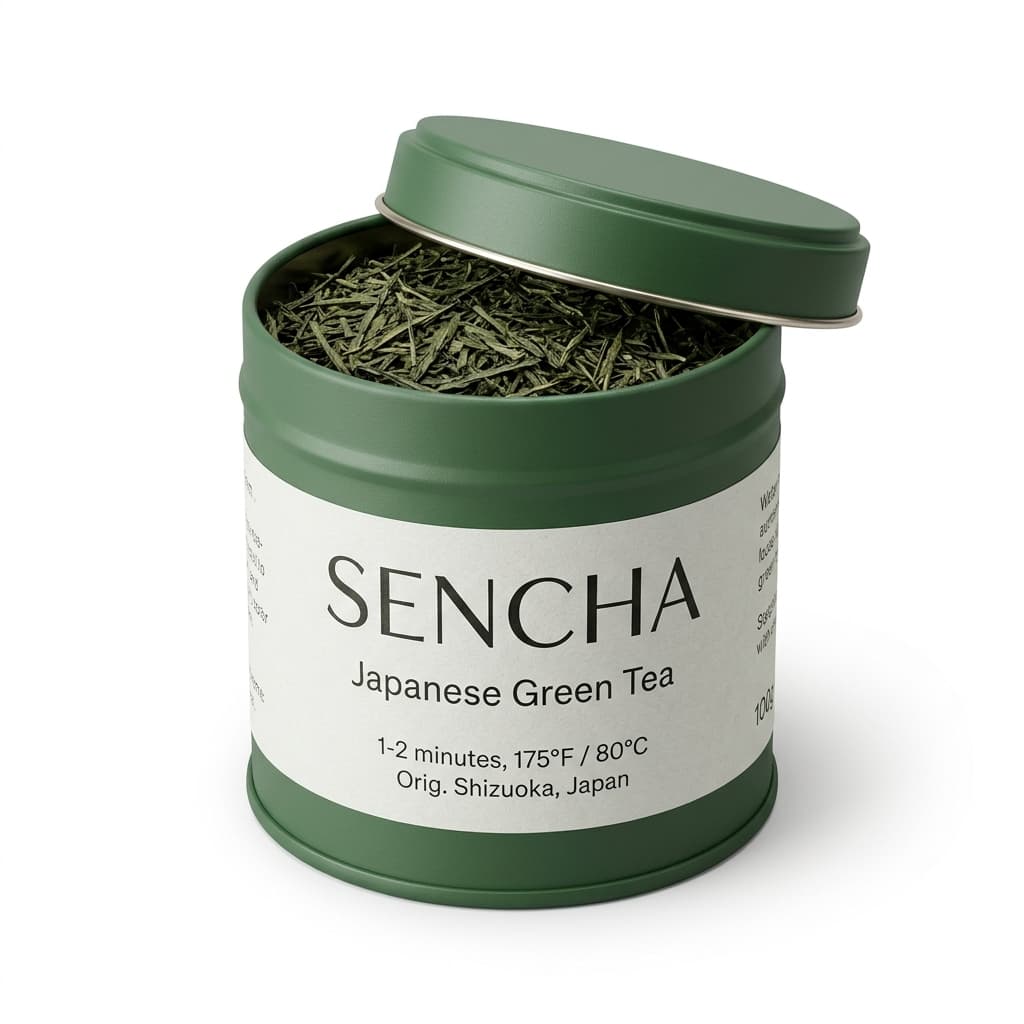 Main image
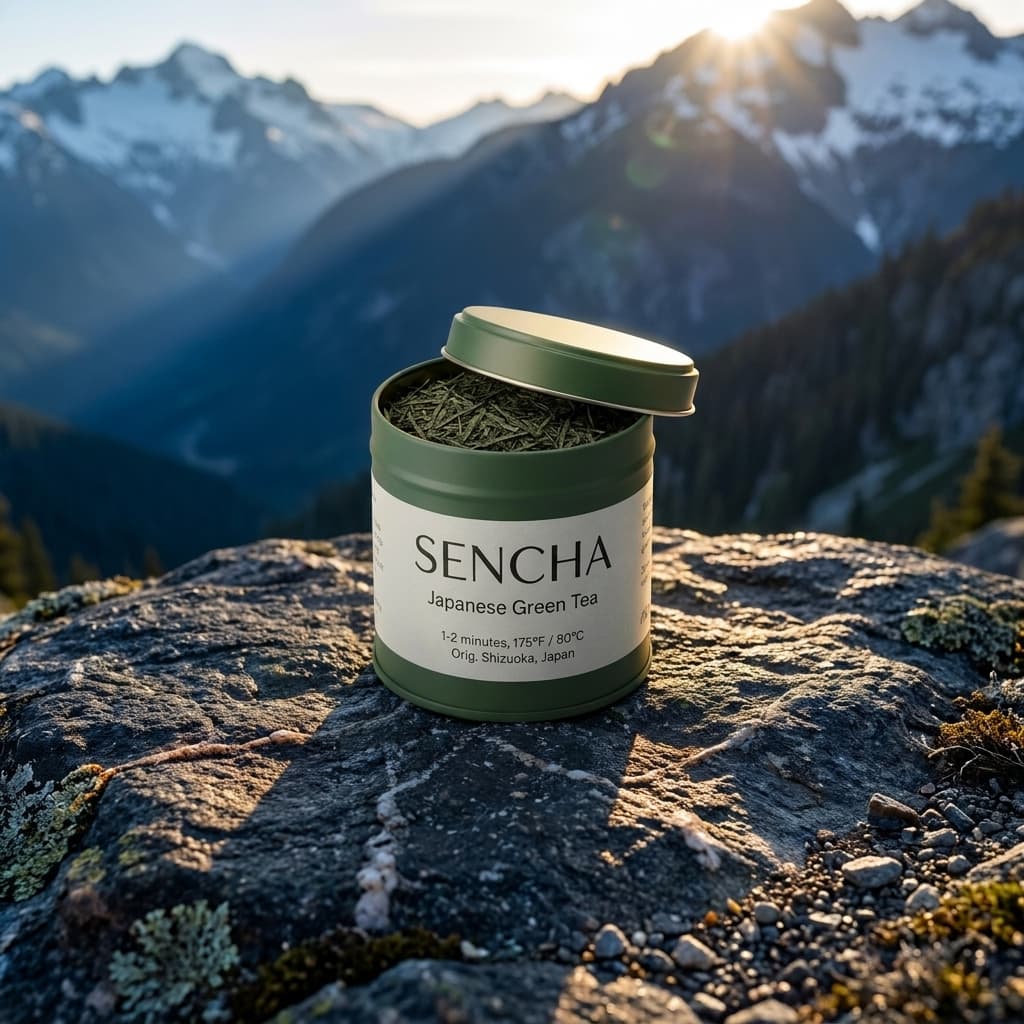 Lifestyle slot
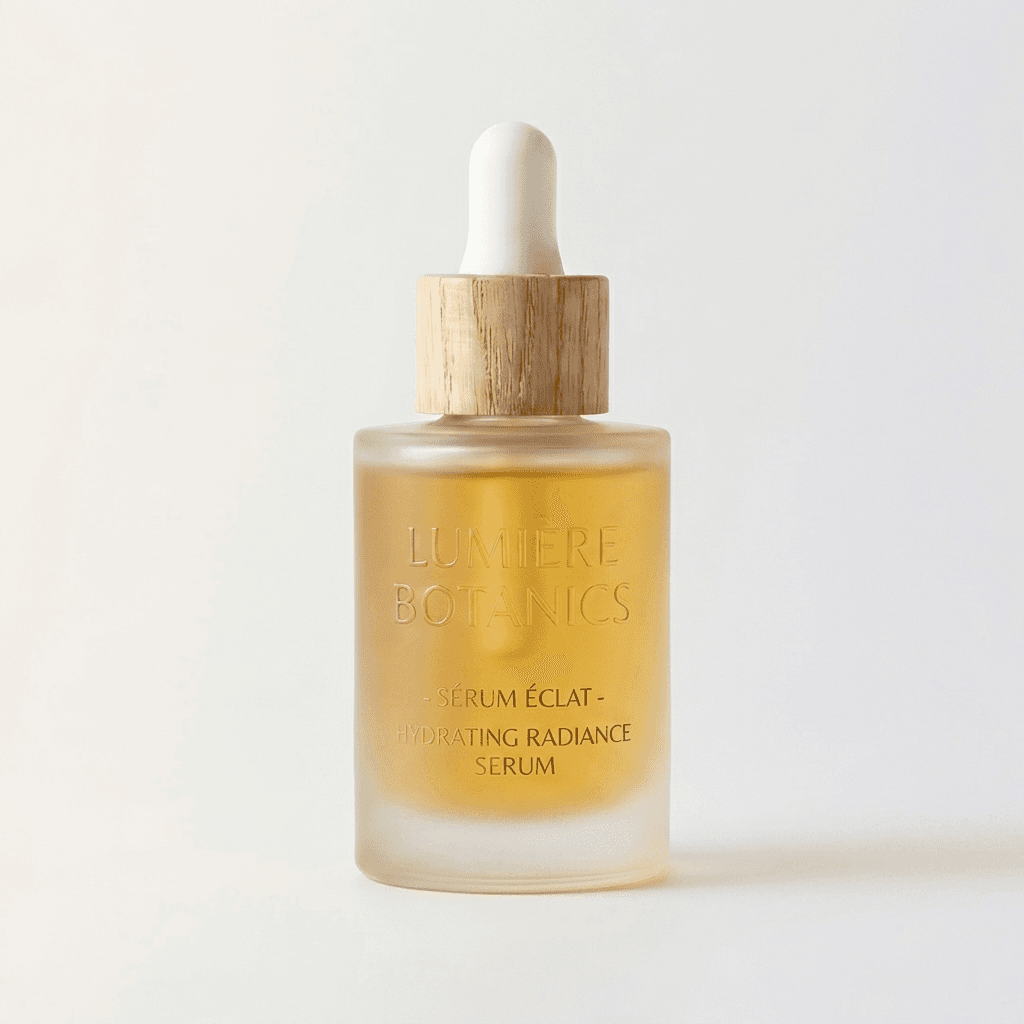 Main image
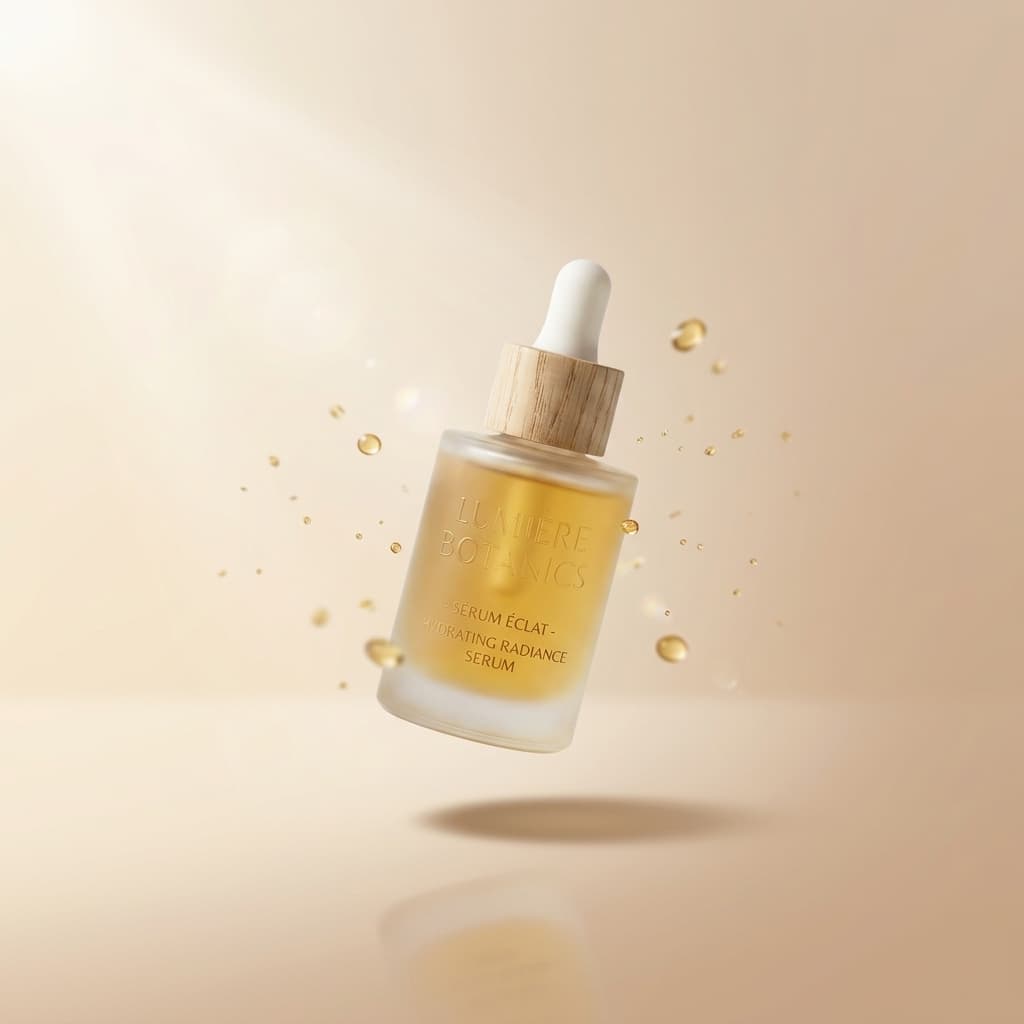 Lifestyle slot
Same source photo on both sides. Main image at RGB 255/255/255, lifestyle scene from a one-line text prompt.
Pixair AI as an Amazon Product Image Generator
Pixair AI works as both an Amazon product image generator and an Amazon listing image generator in one tool. From a single upload it produces every image type a listing needs: the compliant white-background main image, lifestyle secondary scenes, and high-resolution exports for the zoom feature. You describe the scene in plain text and the AI image generator for your Amazon listing builds it around your real product - no studio, no photographer, no per-image retouching fee.
The difference from a generic AI image generator is that Pixair never repaints your product. Most image generators hallucinate a new bottle, box, or label when you ask for a product scene, which fails Amazon's accuracy rules instantly. Pixair isolates your actual product and only generates the background and lighting around it, so the label text, ingredient panel, and certifications stay pixel-accurate - the image shows the exact item you ship.
How Does the AI Keep an Amazon Main Image Compliant?
Three steps. Background removal isolates your product - label, packaging text and certifications stay exactly as photographed. The white background preset then places it on RGB 255, 255, 255, the exact value Amazon requires, while lifestyle prompts generate a photorealistic surface and lighting around the same product for secondary slots. Finally the built-in upscaler brings the output to 2,000 px or higher so zoom is enabled.
For the platform-agnostic version of this - how the same pipeline meets Shopify, Etsy, Walmart and Google Shopping image rules - see how AI generates compliant product images and lifestyle mockups for ecommerce listings.
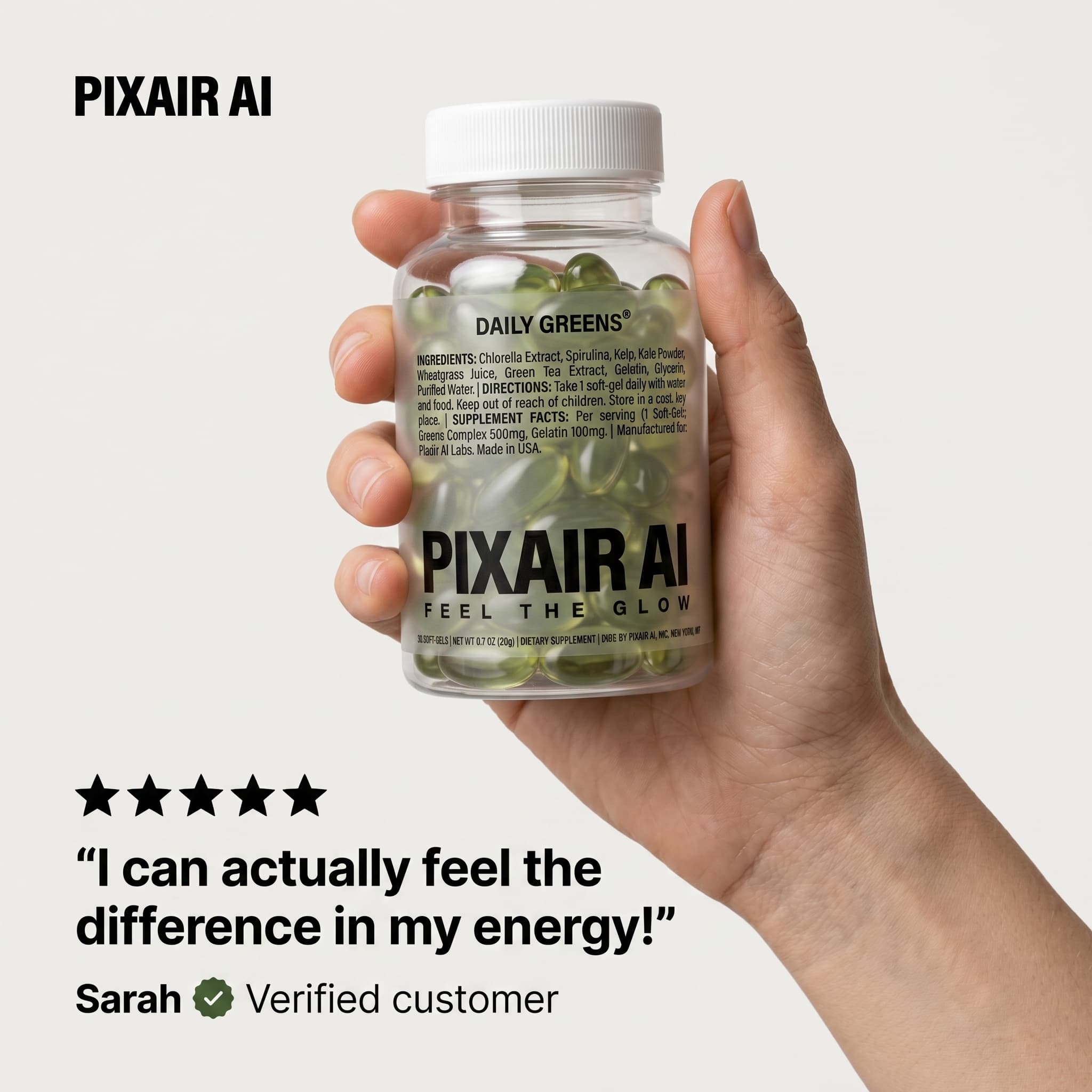
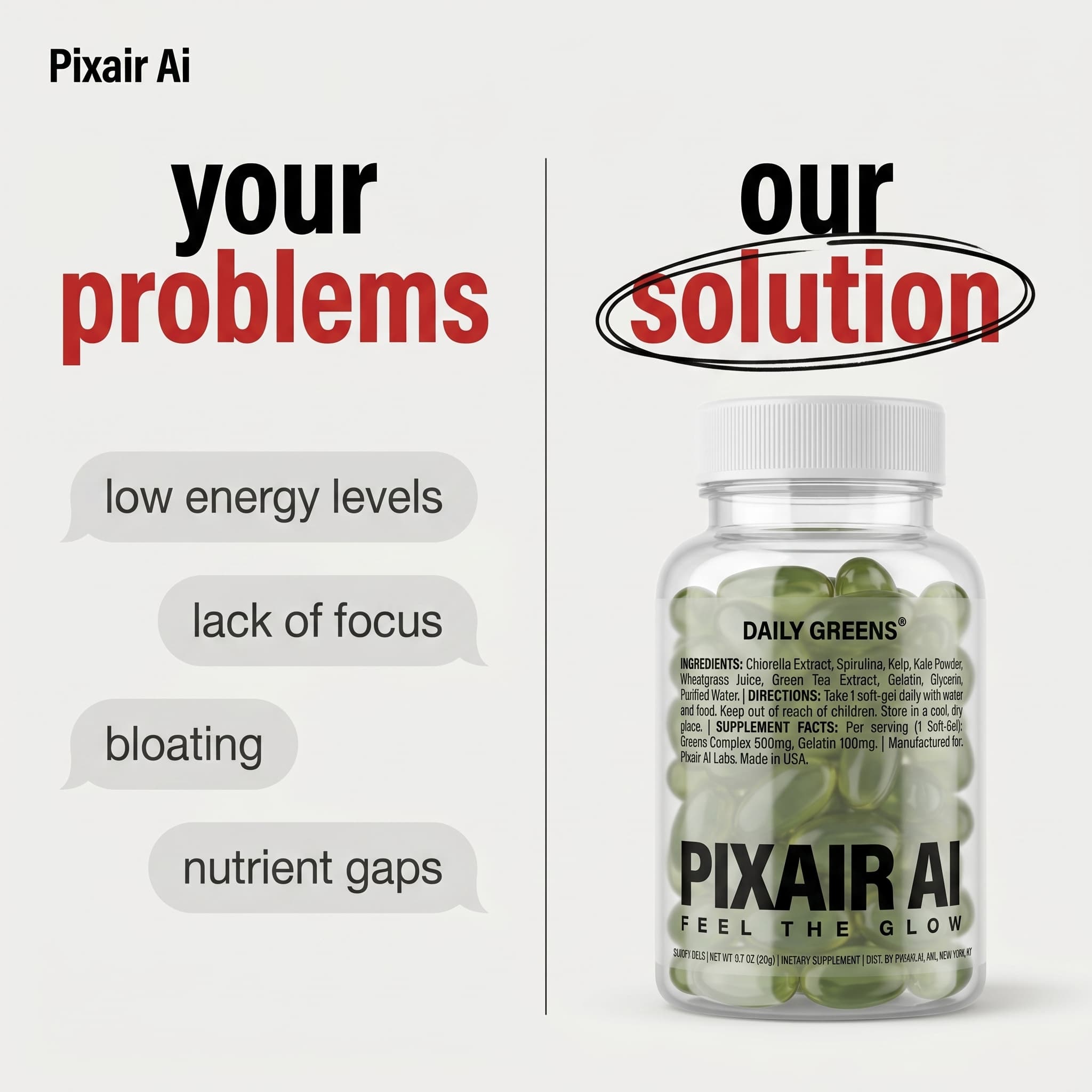
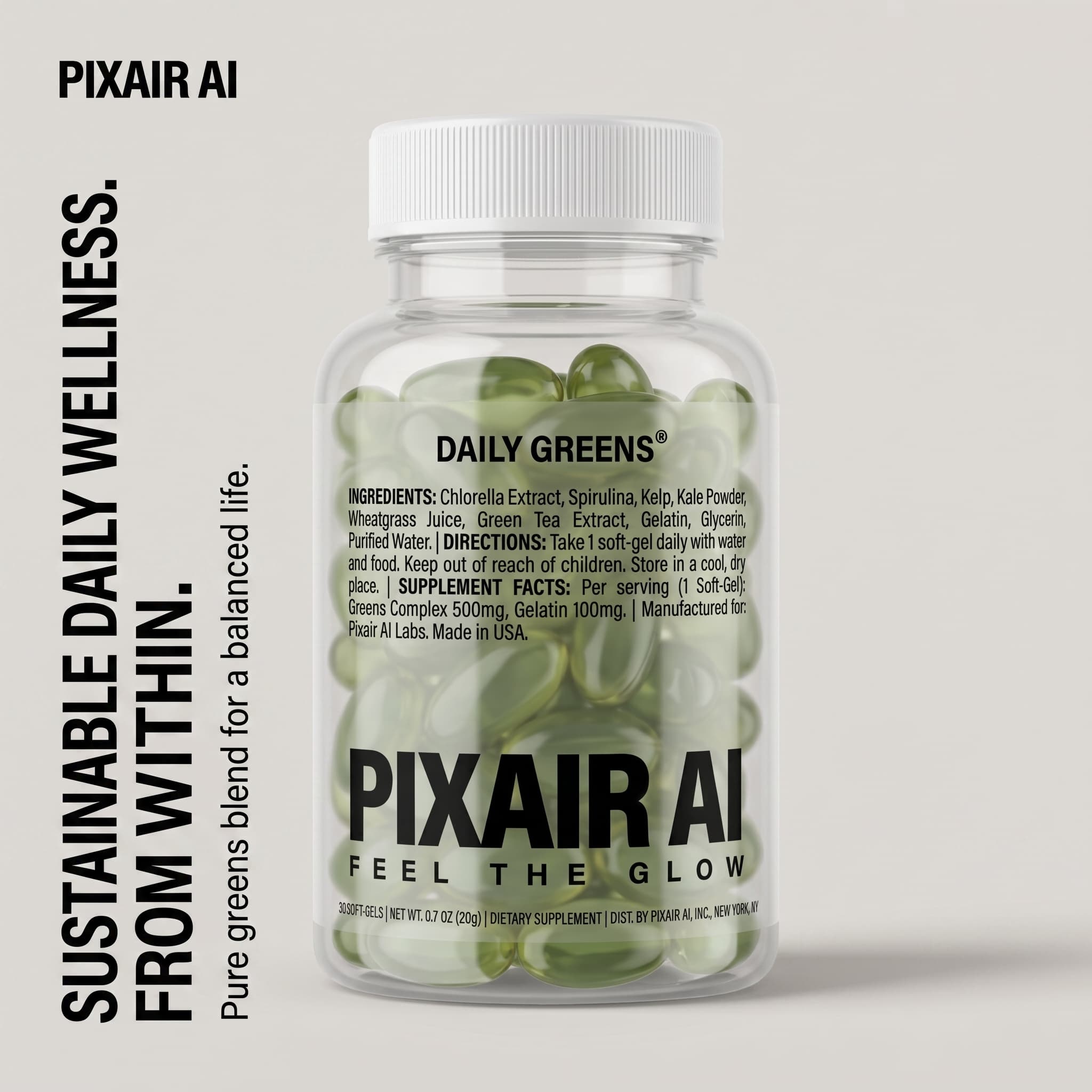
A matched secondary-image set - a five-star review, a benefit headline, and a problem/solution comparison - generated from one product photo.
Why Amazon Listing Photos Are Different From Regular Product Photography
Amazon enforces image rules that no other major marketplace applies with the same precision. The main image must have a pure white background - RGB value exactly 255, 255, 255, not off-white or light grey. The product must fill at least 85% of the frame. No watermarks, no props, no text overlays. A non-compliant main image gets suppressed from search results, not penalized - it simply disappears.
Secondary images are less constrained but more consequential for conversion. High-performing listings use all 9 image slots: one white-background main image, two or three lifestyle scenes, two or three infographic images with benefit callouts, and a size-reference or family shot. Sellers who fill all 9 slots consistently outperform listings with fewer images on the same search page.
Traditional product photography cannot produce a full 9-slot set affordably. A studio charges $100-$225 per finished image. Nine images per SKU at that rate is $900-$2,025 before a single unit has sold. AI product photography generates the same set from one source photo for under $0.20 per image. See the full product photography cost breakdown for a detailed comparison across methods.
How to Generate AI Product Photos for Amazon: 4 Steps
The full workflow from phone photo to Amazon-ready listing takes under 20 minutes for a new product. For additional SKUs using the same scene prompt, under 5 minutes each.
Take one clean source photo
Place your product on a white foam board or white surface near a window with indirect natural light. Avoid direct sunlight - it creates harsh shadows and specular highlights on packaging that complicate background removal. Use your phone camera, keep the full product silhouette in frame with a small margin on all sides, and shoot with the label facing the camera. One photo is enough for every image you'll need from that SKU.
Generate your white-background main image
Upload to Pixair AI and select the white background preset. The AI removes the background automatically and places your product against pure white RGB 255, 255, 255. The product is not regenerated - your label text, ingredient list, and certifications come directly from your source photo and remain pixel-accurate. Download and upload directly to your Amazon listing as the main image.
Generate lifestyle secondary images
From the same upload, write a scene description for each secondary image. Specific prompts produce better results than vague ones. For a supplement: “white marble surface, soft diffused morning light from the left, green sprig beside the bottle.” For a beverage: “dark wet slate, condensation on the bottle, cool rim light from above.” The AI generates a new scene for each prompt using your isolated product - every image shows the same physical product in a different environment.
Upscale and export the full set
Amazon recommends a minimum of 1,000 px on the longest side to enable the zoom feature, and images at 2,000 px or higher perform measurably better. Use the built-in upscaler to bring outputs to 2,000 px+ before uploading. Download your full image set - white background plus lifestyle images - and fill all 9 available slots in your Amazon listing.
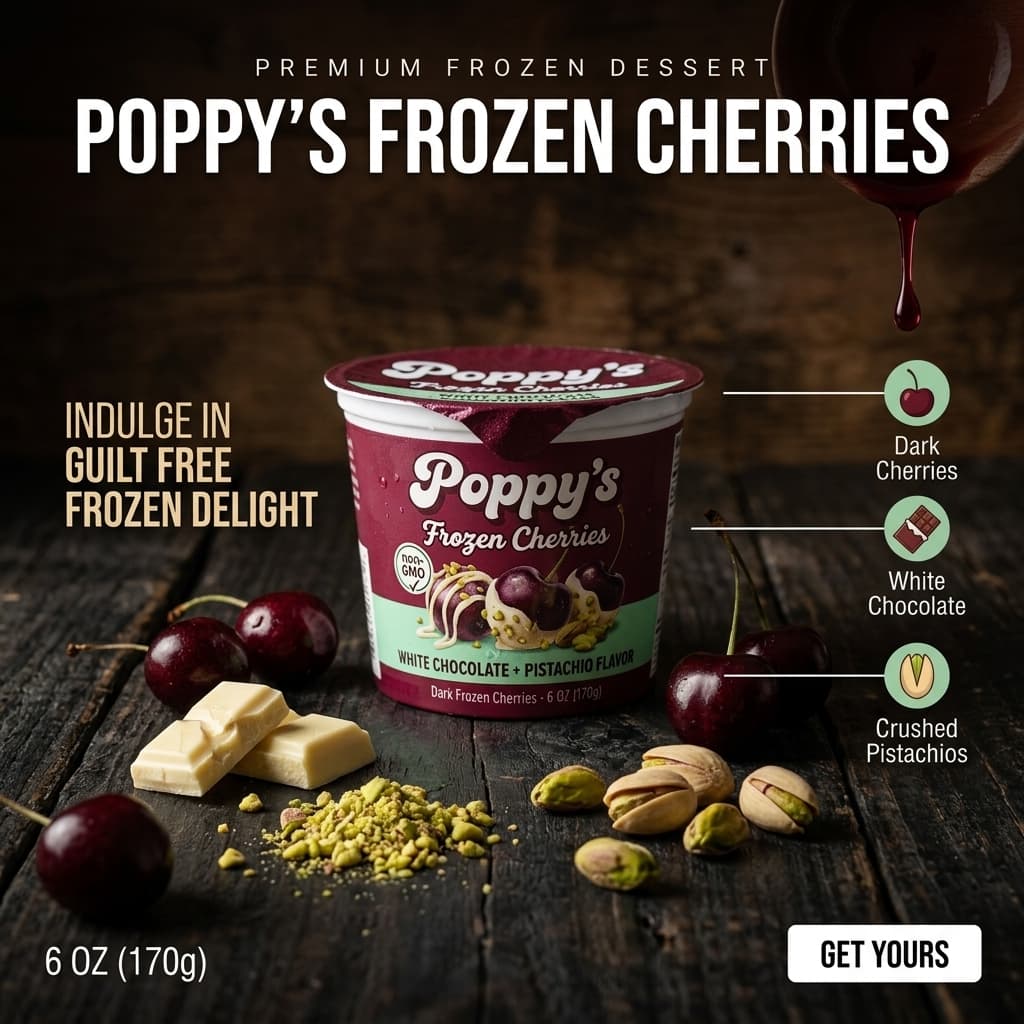
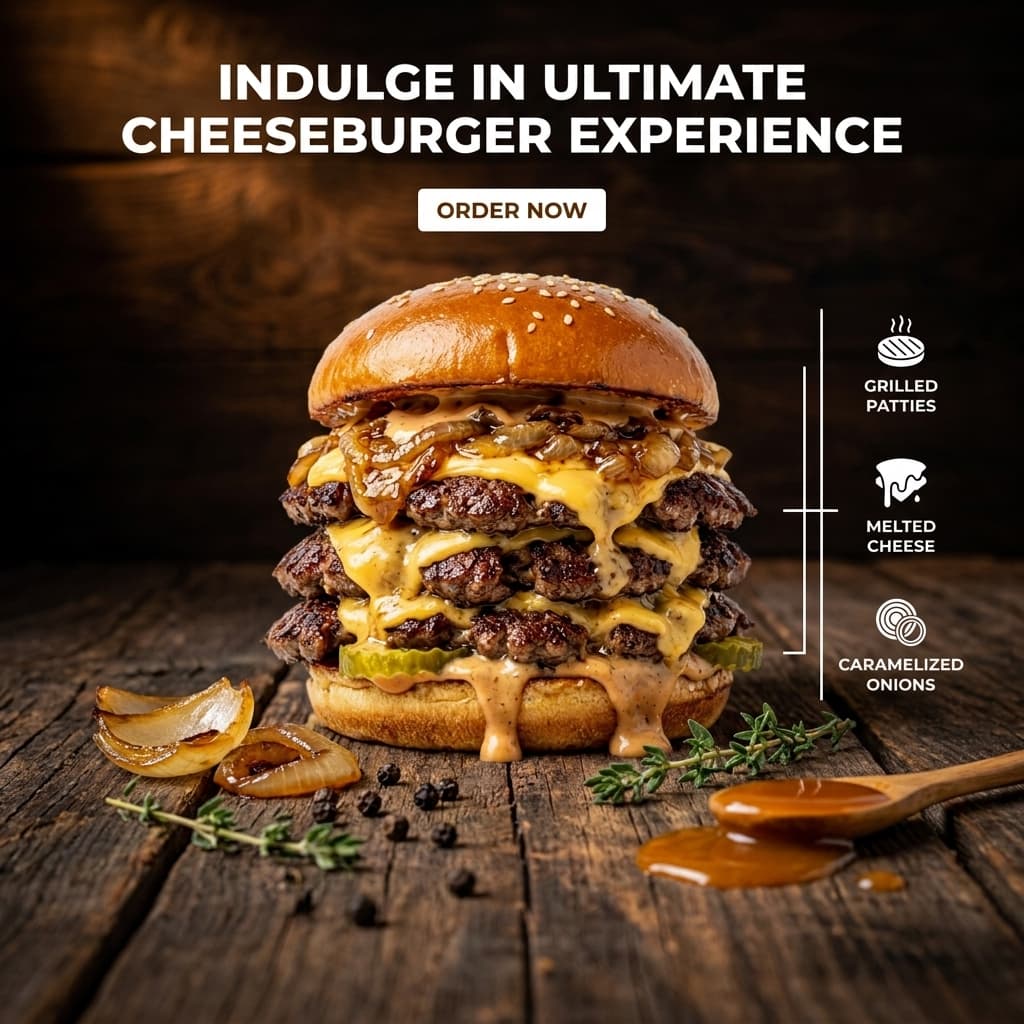
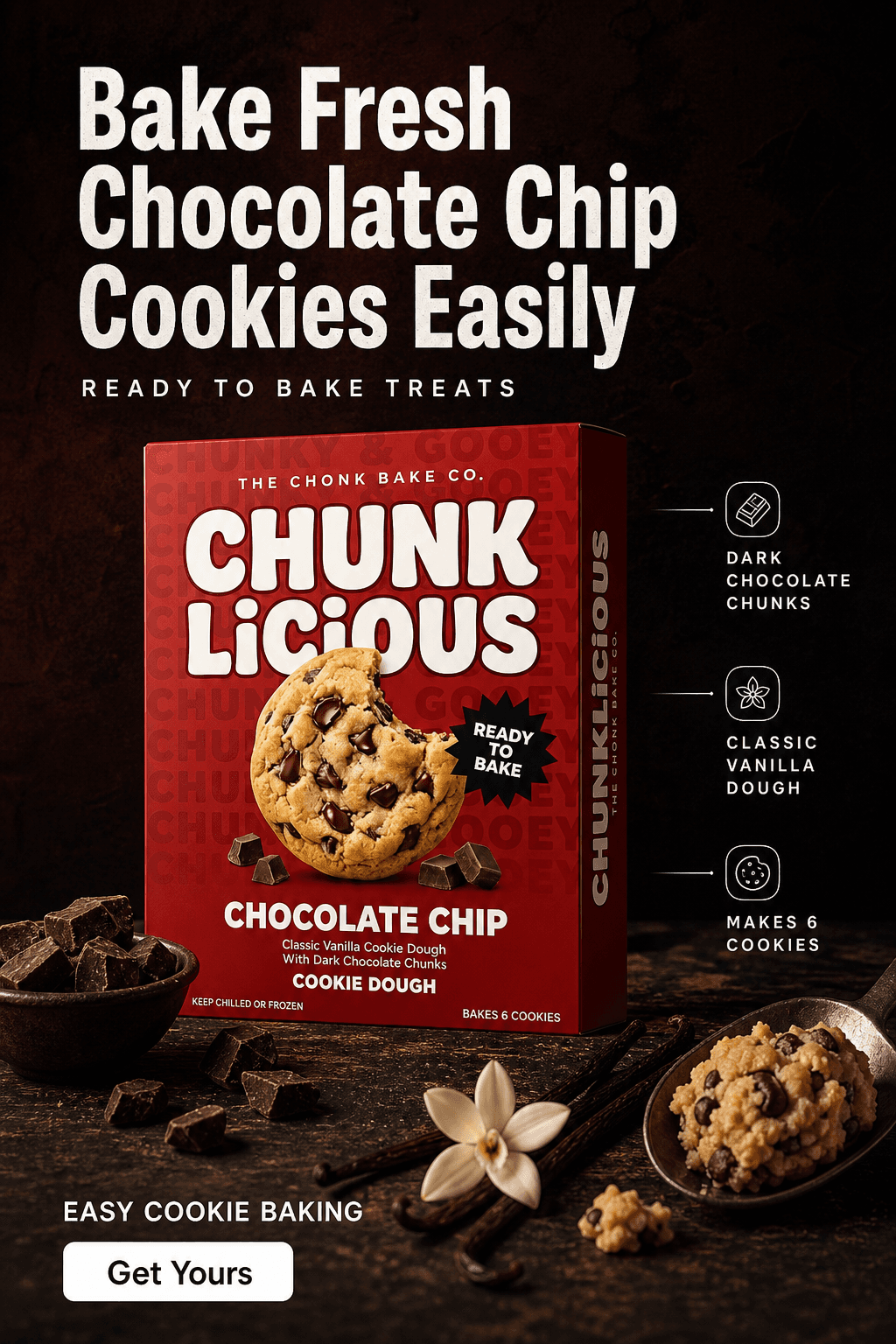
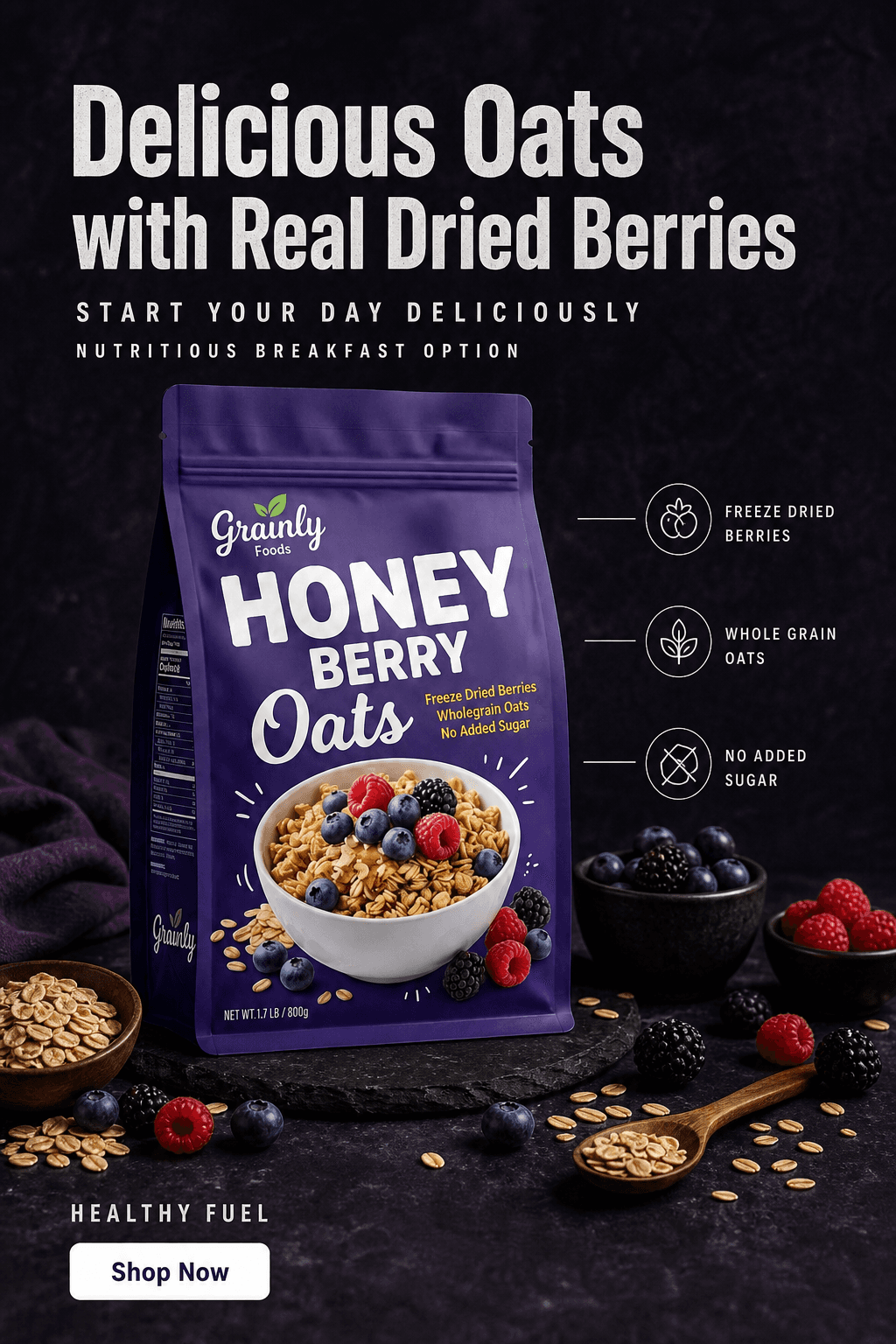
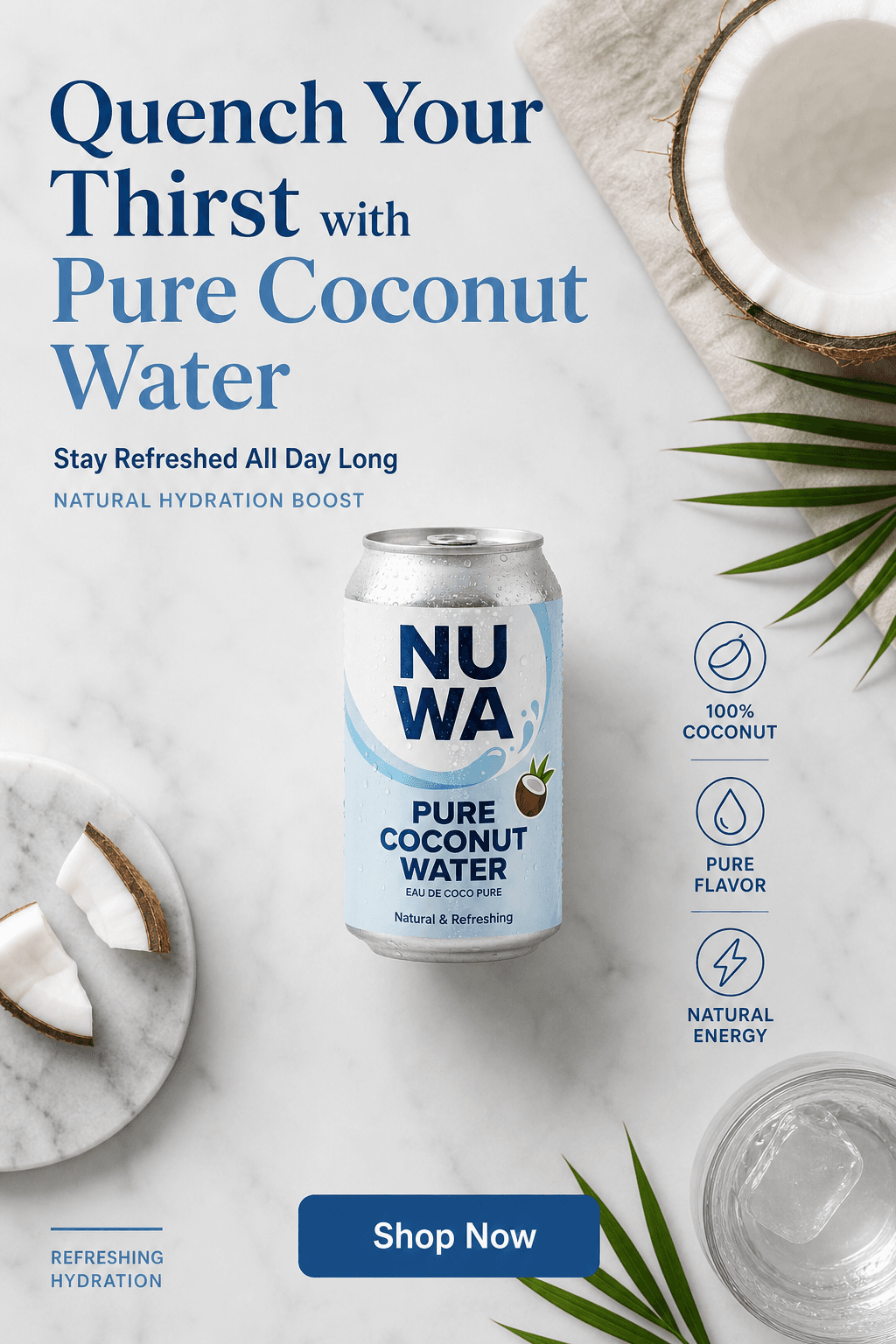
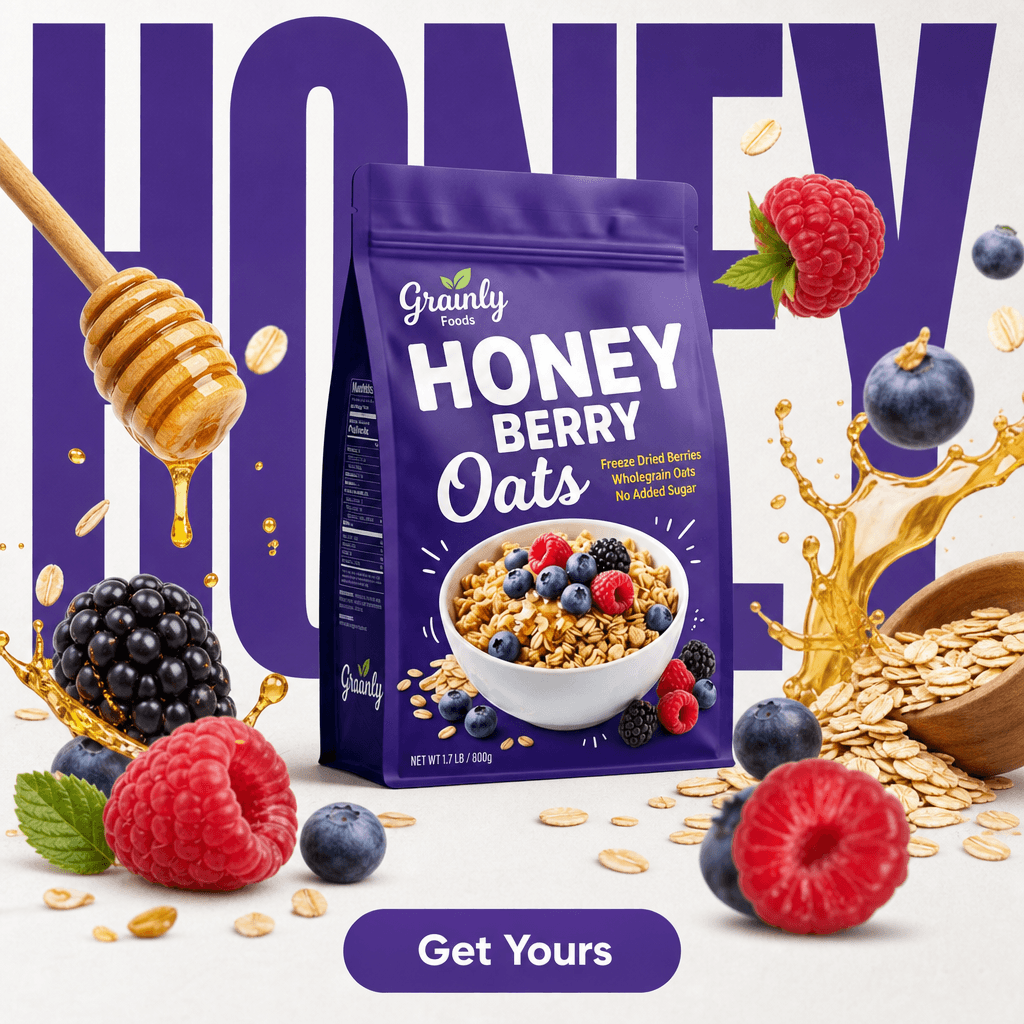
AI-generated product images - each produced from a single source photo, Amazon-ready in minutes.
Traditional Photography vs AI for Amazon Listings
The numbers below are specific to Amazon listing production. Amazon's 9-slot image structure and strict main-image compliance rules make the cost gap sharper here than for any other sales channel.
Traditional studio
Professional photographer + retoucher

AI scene generation from one photo
Traditional studio
Professional photographer + retoucher
AI scene generation from one photo
White background compliance
Manual retouching required - match RGB 255/255/255 by eye
White preset outputs exact RGB 255/255/255 automatically
9-slot image set cost
$900-$2,025 per SKU at $100-$225/image
Under $2 per SKU on a $24/month plan
Turnaround time
3-7 days from shoot to retouched files
Under 20 minutes for a new product
Label accuracy
Accurate - shot from physical product
Pixel-accurate - product unchanged from source photo
Additional SKU cost
Full shoot rate for each new product
Same subscription covers unlimited SKUs
Scene variety per product
One set per shoot day
Unlimited scenes from one upload
4 Tips for Amazon Product Photos That Convert
Use the same scene prompt for every variant
If you sell multiple SKUs or flavors, copy the exact same scene description and apply it to each upload. The AI generates a new scene for each product under identical lighting and surface conditions. Your listing looks like a professional catalog shoot rather than images gathered from different sessions and sources.
Always upscale before uploading to Amazon
Amazon's zoom feature activates above 1,000 px on the longest side. Buyers use zoom to examine label text, ingredients, and packaging detail before purchasing. Upscaling to 2,000 px+ takes one click and guarantees the zoom experience is available on every image in your listing.
Shoot your source photo before your listing goes live
A phone photo in good indirect light takes two minutes and produces a usable source for every image you'll need - main image, lifestyle scenes, infographics, and ad creatives. Do it before you start selling, not after you realize the supplier image you've been using is too low-resolution or off-angle to work with.
Fill all 9 image slots
Amazon allows 9 images per listing. Most sellers use 3-4. Filling all 9 gives buyers more information before they decide, reduces returns from mismatched expectations, and signals product quality in competitive categories. With AI, producing a full 9-image set from a single upload takes under 30 minutes.







Frequently Asked Questions
Yes. Pixair AI is an Amazon product image generator built specifically for listing compliance. Upload one product photo and it generates the white-background main image at pure RGB 255, 255, 255, plus lifestyle secondary images for the rest of your slots. Unlike a general-purpose AI image generator, it keeps your real product - label, packaging, and certifications stay pixel-accurate - so every image passes Amazon's accuracy rules. A full 9-slot set takes minutes from a single upload.
The main image must sit on a pure white background (RGB 255, 255, 255), show the entire product in focus filling at least 85% of the frame, and contain no text, logos, watermarks, borders or props that are not sold with the item. Amazon accepts JPEG, PNG, TIFF and GIF, requires at least 1,000 px on the longest side for zoom (1,600 px is the current recommendation, 2,000 px is safer), and the image must show the exact product the buyer receives. Non-compliant main images are suppressed from search rather than fined.
Yes. Amazon permits AI-generated product images as long as they accurately represent the physical product. Color, size, and material must not be misrepresented. Pixair AI preserves the original product packaging exactly - only the background and environment are generated. The white background preset meets Amazon's main image requirement of pure white RGB 255, 255, 255.
Use the white background preset in Pixair AI - it outputs pure white RGB 255, 255, 255 automatically. Make sure your source photo shows the full product silhouette with the label facing the camera. After generating, confirm the product fills at least 85% of the frame before uploading. Amazon's image checker in Seller Central will flag non-compliant images before they go live.
No. Pixair AI removes the background from your source photo and composites the isolated product into the generated scene without regenerating the product itself. Your label text, ingredient list, brand name, and certifications come directly from your original photo and remain pixel-accurate. The AI only generates what is behind and around the product.
Unlimited. Upload your product photo once and generate as many images as you need - white background, lifestyle scenes in different environments, different lighting conditions, different props. Use the same source photo to build your entire 9-slot image set, plus versions for A+ Content modules, sponsored ads, and social media.
Amazon requires a minimum of 500 px on the shortest side, recommends 1,000 px to enable zoom, and images at 2,000 px or higher perform best. Pixair AI outputs at 1,024 px by default. The built-in upscaler increases this to 2,000 px+ in one click. Listings with zoom enabled convert at higher rates than those without it.
Keep reading
Related articles
AI Product Photography for Amazon Sellers - Full 9-Image Sets
Amazon suppresses non-compliant listings and ranks by CTR. See how AI product photography handles white background compliance, lifestyle secondary images, and full 9-slot image sets - no photographer.
AI Product Photography for Supplement Brands - Amazon-Compliant
Complete workflow for supplement brands: Amazon-compliant main images, lifestyle shots, and infographic secondary images with AI. No studio. Full label fidelity. 45 minutes per SKU.
Best Caspa AI Alternative - Product Photos + Ad Generation
Caspa AI focuses on AI human models. If you sell packaged products and need clean product scenes, ad creatives from your label, and no $33/month paywall to start - Pixair AI is built for that.