AI product photography for supplements is more constrained than any other ecommerce category. Amazon enforces strict white-background rules for dietary supplement main images, label text must be legible, and your secondary image set needs to carry benefit claims, ingredient callouts, and lifestyle context - all from one product photo. Traditional studios charge $300-$600 per SKU to meet these requirements. AI does it in 45 minutes.
For the broader picture on AI product photography across all ecommerce categories, see the complete AI product photography guide.
Why Supplement Photography Has Unique Requirements
Supplement labels carry regulated content: supplement facts panels, serving sizes, health claims, and ingredient lists. Amazon treats this differently from general merchandise. The platform requires that buyers can read all label text before purchasing, which means your main image is held to a compliance standard that fashion or home goods products are not.
Beyond compliance, supplement buyers are high-skepticism buyers. They are evaluating ingredient quality, dosage, certifications, and brand trust - often in under 10 seconds. Your image set has to do more persuasive work than a typical product category. A lifestyle shot alone does not convert. You need benefit stacks, ingredient callouts, and certification badges - all as separate image slots.
The result: a compliant, converting supplement listing requires 6-7 images with different jobs. Traditional photography quotes this at the per-SKU level. AI generates the full set from one source photo.
What AI Product Photography Does
AI product photography takes a photo of your product - shot on a phone, on any flat surface - and places it into a photorealistic scene with accurate lighting, shadows, and surface reflections. Background removal isolates the product from the source photo. Scene generation composites it into the target environment.
Critically for supplements: Pixair AI does not modify the product itself. The label, font, colors, and text on your bottle are preserved exactly as photographed. The AI replaces what is behind and around the product, not the product. This is what makes AI photography viable for a compliance-sensitive category.
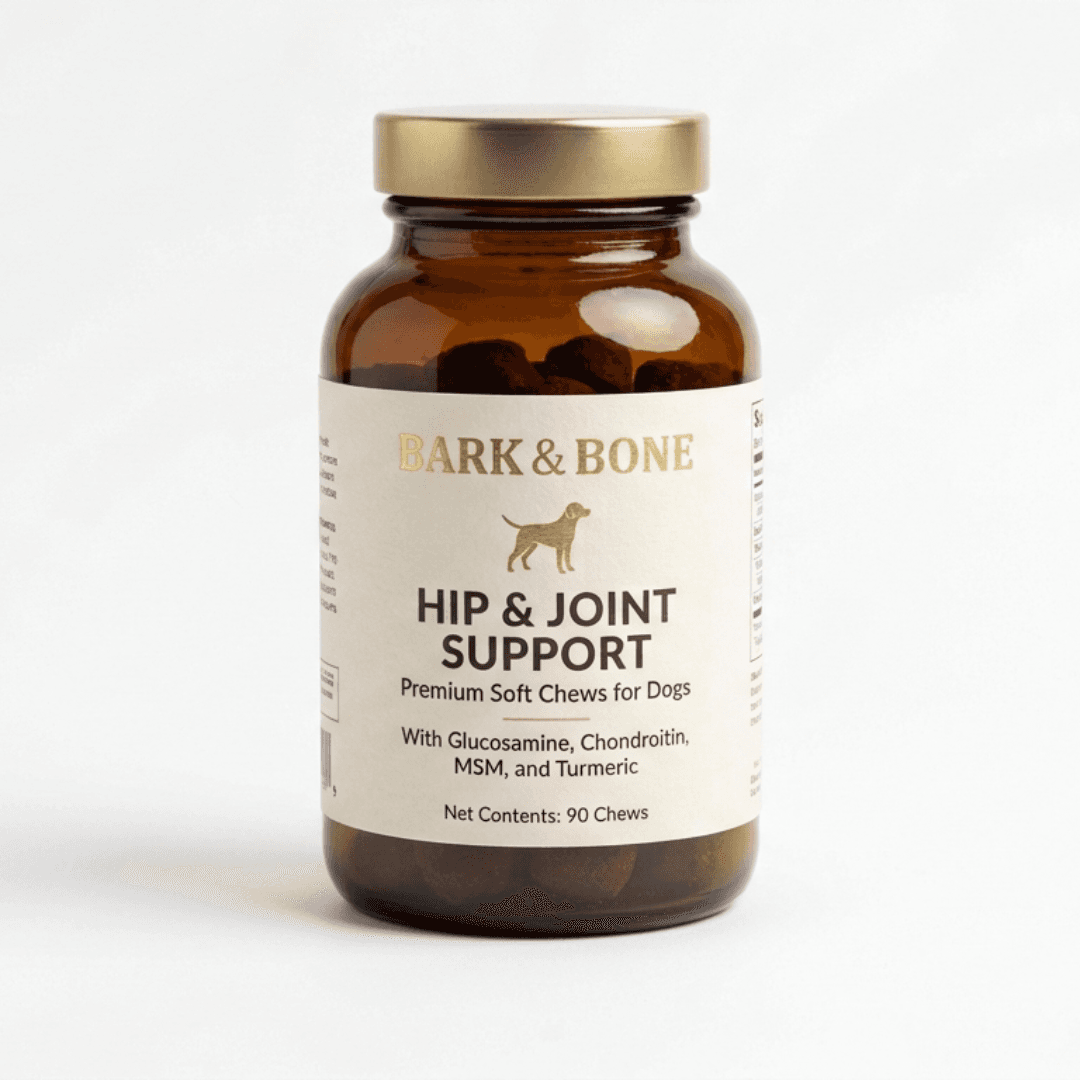
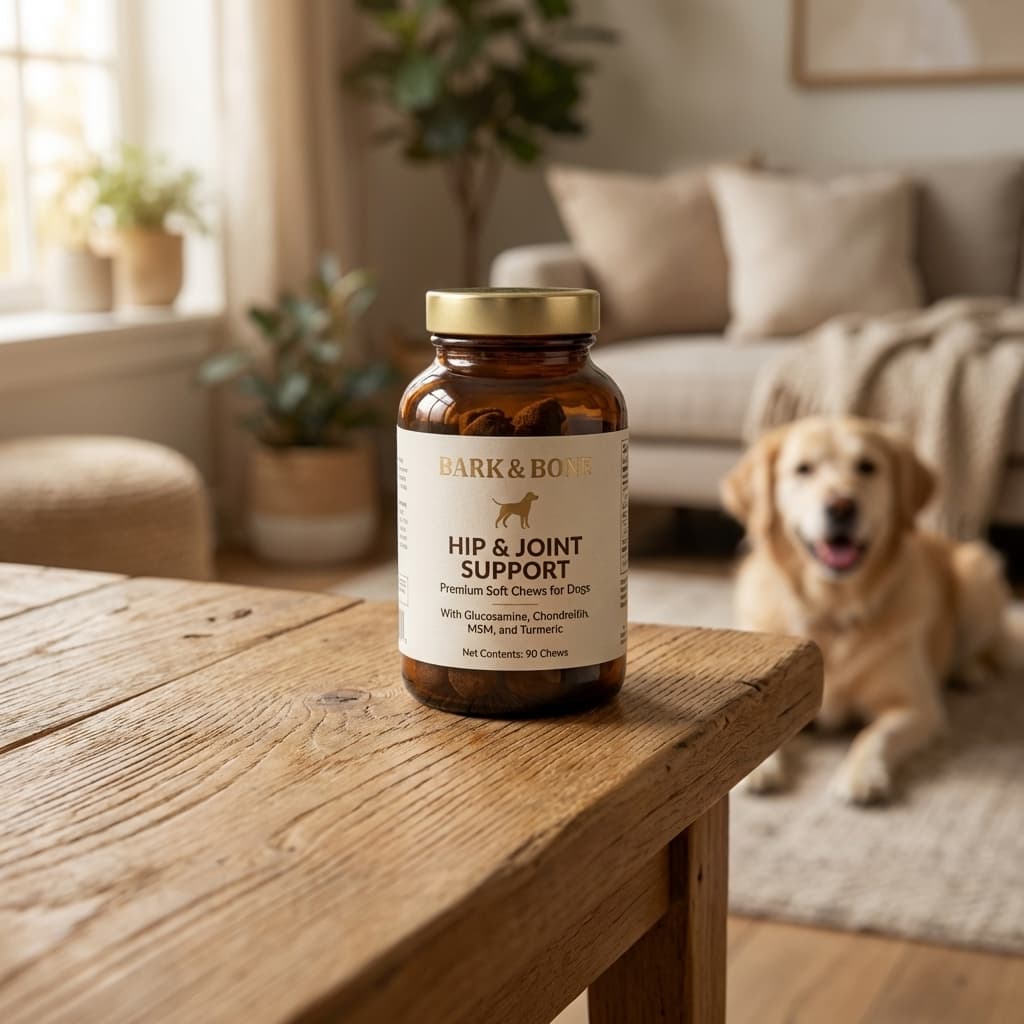
Same product. One phone photo. Label preserved exactly. Generated in under 30 seconds.
Step-by-Step Workflow: One Photo to Full Amazon Image Set
Amazon recommends 6-9 images per supplement listing. Here is how to produce all of them from a single source photo, in order.
Amazon main image requirements for dietary supplements:
- Background:Pure white only - RGB 255, 255, 255. Off-white or light grey triggers suppression.
- Product fill:Product must occupy at least 85% of the image frame.
- Label legibility:All text on the label must be readable. No cropping or blurring of label content.
- No overlaid graphics:No text, badges, watermarks, or borders on the main image.
- Minimum size:1000 × 1000 px to enable zoom. 2000 px recommended.
- 01
Photograph the product on a neutral surface
Place the bottle or container on a white or light grey surface near a window. Label facing the camera directly. Phone camera is sufficient - AI generation quality depends on the model, not source resolution. One session covers all SKUs in a catalog.
- 02
Generate the Amazon main image first
Upload to Pixair AI and select the white studio background preset. Generate 2-3 variations. Choose the one where the label is sharpest and product fill is closest to 85%. This is image slot 1.
- 03
Generate lifestyle secondary images
Switch to a scene matching your brand positioning: marble and minimal surfaces for premium wellness, active/outdoor for sports nutrition, warm natural tones for herbal or organic. Generate 3-5 variations, keep the best two. These fill image slots 2 and 3.
- 04
Export the white background image as an infographic base
Download the white-background output. Open in Canva, Figma, or Adobe Express. Overlay ingredient callouts, benefit statements, and certification badges. One layout template, swapped per SKU. This produces image slots 4, 5, and 6 in 10-15 minutes.
- 05
Upscale and export
Use the built-in upscaler to reach 2000 px. Download and upload directly to your Amazon listing. Total time per SKU: 30-45 minutes.
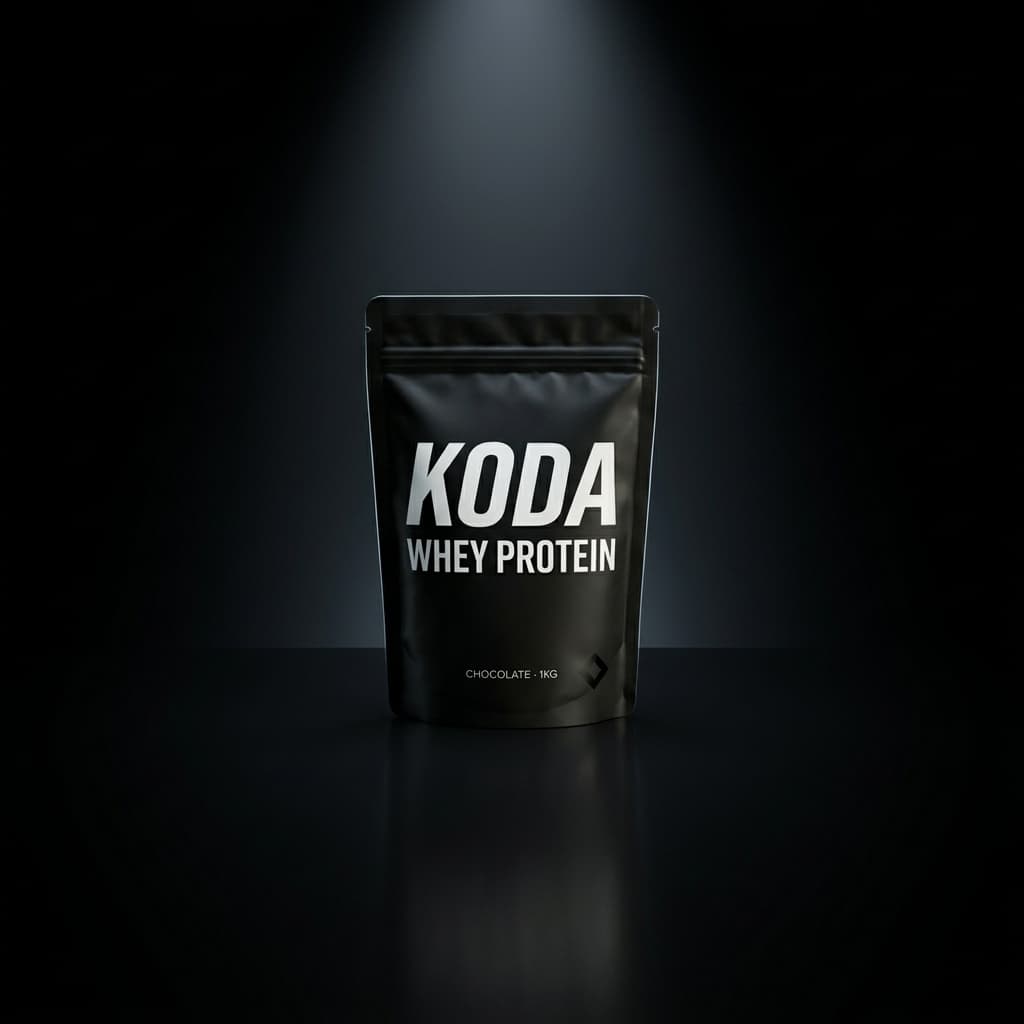
Wellness
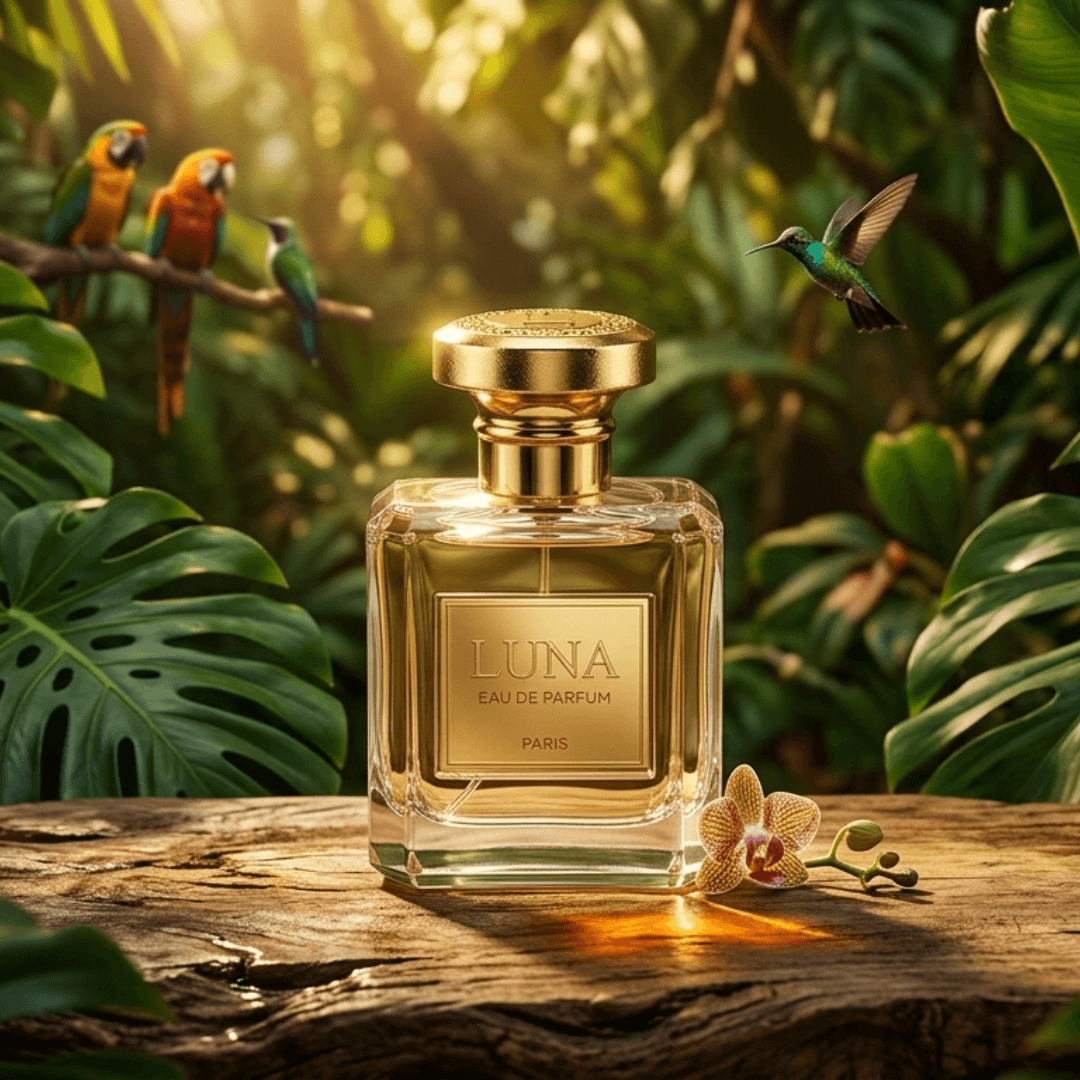
Skincare / Beauty
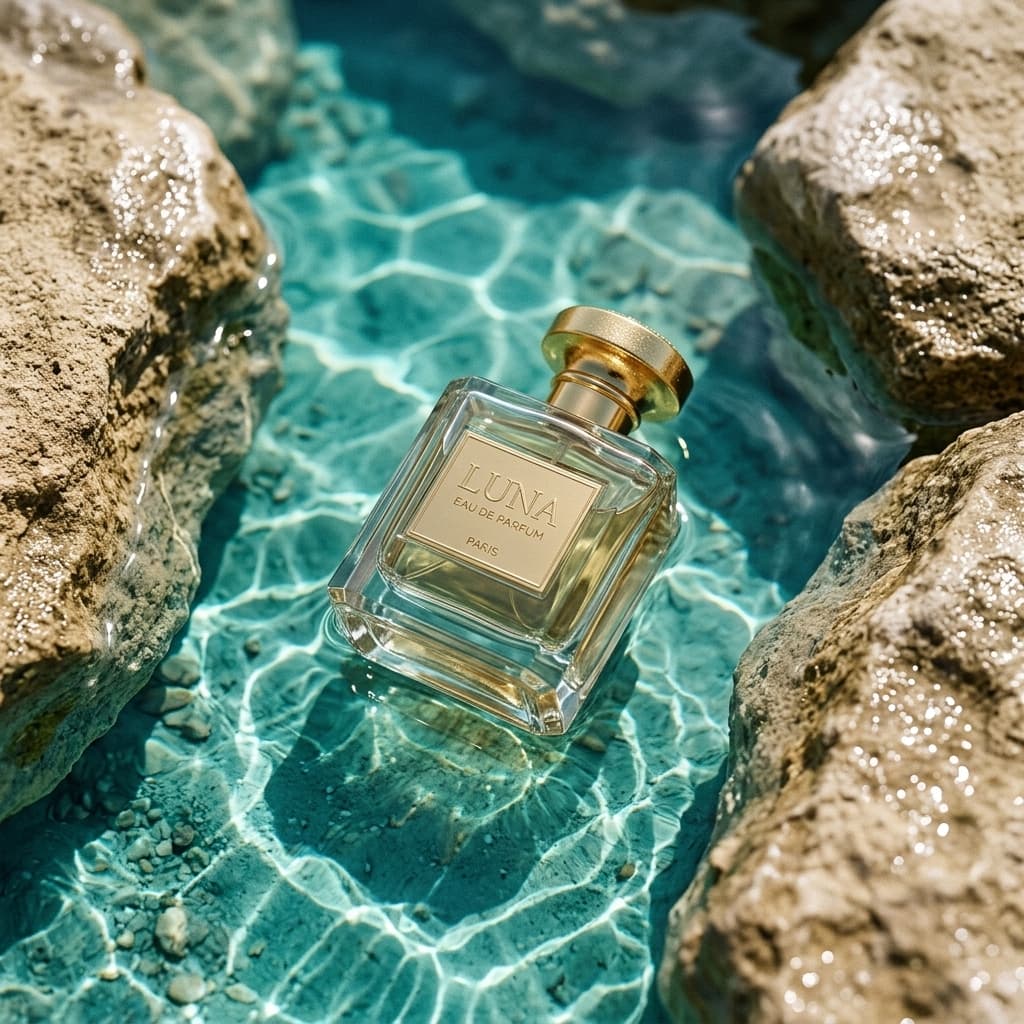
Sports Nutrition
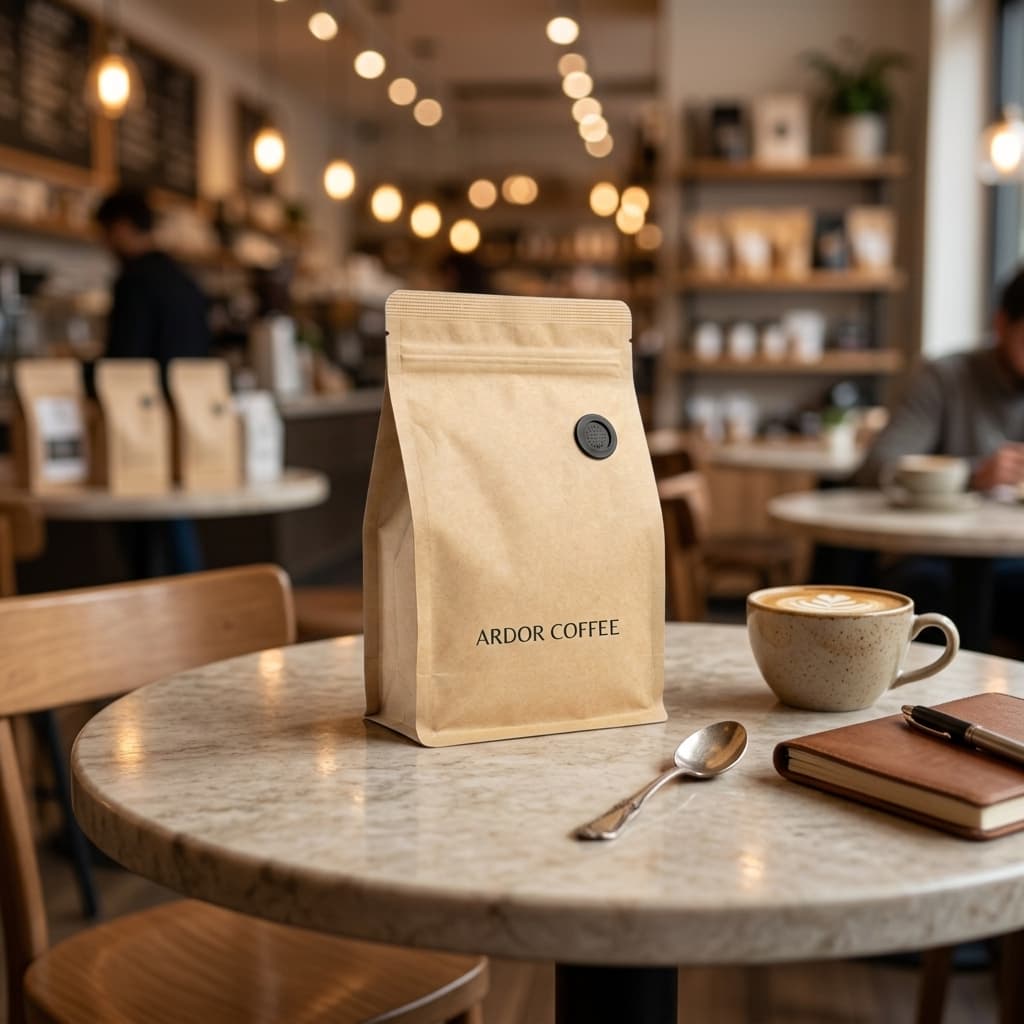
Natural / Organic
AI-generated lifestyle scenes across supplement brand positioning styles.
AI vs. Studio Photography - Supplement Brand Cost Comparison
Studio Photographer
Per-shoot pricing for supplement brands

Pixair AI for supplements
Studio Photographer
Per-shoot pricing for supplement brands
Pixair AI for supplements
Cost per SKU (7-image set)
$300 - $600
Under $5
Turnaround
5 - 10 business days
Under 1 hour
Main image iterations
1 included, extras charged
Unlimited regenerations
New flavor / variant
Full reshoot
New upload, same workflow
Seasonal lifestyle swap
New shoot booked
Regenerate in 30 seconds
10-SKU catalog cost
$3,000 - $6,000
Under $50
Label fidelity
Photographer captures label
Product preserved exactly
5 Tips Specific to Supplement Brand Photography
- 01Photograph label-forward, not angle-forwardFor the source photo, face the label directly at the camera rather than shooting at a 3/4 angle. AI background replacement works from the source photo - a label that is already front-and-center stays front-and-center in every generated output.
- 02Generate separate images for Amazon and DTC channelsAmazon requires white backgrounds for main images; your Shopify store benefits from richer lifestyle scenes as hero images. Generate both in one session. The same source photo produces the Amazon-compliant image and the DTC lifestyle images simultaneously.
- 03Use one Canva template across all SKUs for infographicsBuild your benefit callout layout once. For each SKU, swap the product image layer and update the ingredient text. The structure, colors, and icons stay the same. Infographic production drops from 15 minutes per SKU to under 3 minutes.
- 04Match scene positioning to your supplement categoryProtein and pre-workout: active outdoor or gym-adjacent settings. Daily vitamins and wellness: clean marble or linen-textured surfaces. Herbal and organic: natural wood, botanical props, warm natural light. Scene mismatch signals cheap photography to a high-skepticism supplement buyer.
- 05Verify RGB value before submitting to AmazonAI-generated white backgrounds are very close to RGB 255/255/255 but confirm before uploading your main image. Open the exported image in any image editor, use the eyedropper on the background area, and confirm the values. Takes 60 seconds and eliminates the suppression risk.
Scaling Across a Multi-SKU Supplement Catalog
Supplement brands rarely have one SKU. Different flavors, dosage formats (capsule, powder, gummy, softgel), and product lines each need a complete image set. Traditional photography quotes per-SKU - more products, proportionally more cost and lead time. AI does not scale that way.
Photograph all SKUs in one session - set up your phone against a steady surface near a window and move through each product in 5 minutes. Then process each upload sequentially in Pixair. A 10-SKU catalog produces a full image library in one working day. Because every product uses the same scene preset, the catalog looks visually unified - which matters for brand trust on Amazon storefronts.
The lifestyle images and infographic bases produced in this workflow also cover Shopify product pages, Meta ad creatives, email headers, and Instagram. One workflow, every channel covered. For a deeper look at the full ad creative production step, see how the AI Ad Maker works. See Pixair AI pricing - the Business plan at $59/month includes bulk generation for high-volume catalogs.







Frequently Asked Questions
Yes. Amazon permits AI-generated product images as long as they accurately represent the physical product. The white-background rule, label legibility requirement, and no-overlaid-text policy apply equally to AI and traditional photography. Pixair AI preserves the actual product from your source photo, making the output compliant.
No. Pixair AI removes the background from your source photo and composites the isolated product into the generated scene. The product is not regenerated - your label, font, ingredient panel, and text remain pixel-accurate from the original photo. Only the scene behind and around the product is AI-generated.
Amazon requires the main listing image for dietary supplements to have a pure white background - RGB 255, 255, 255. Off-white, cream, or light grey fail this check and cause the listing image to be suppressed. Pixair AI's white studio preset generates at RGB 255/255/255 and meets this specification.
Amazon allows up to 9 images per listing. Top-performing supplement listings use all 7 typical slots: 1 white-background main image, 1-2 lifestyle shots, 2-3 infographic images (benefit stack, ingredient callout, certifications), 1 serving size visual, and 1 family or size-range shot. Pixair AI generates the photography base for all of these from a single source photo.
Yes. The lifestyle images and white-background shots generated for Amazon slots work directly on Shopify product pages, Meta and Google Shopping creatives, and email campaigns. Infographic exports work as Instagram carousel slides. One generation workflow covers every channel.
Keep reading
Related articles
Amazon Product Image Generator: Compliant in 4 Steps (Free)
Turn one phone photo into an Amazon-compliant main image (RGB 255/255/255, 85% fill, 2,000 px) plus lifestyle images for all 9 slots. Free with 30 credits.
AI Product Photography for Amazon Sellers - Full 9-Image Sets
Amazon suppresses non-compliant listings and ranks by CTR. See how AI product photography handles white background compliance, lifestyle secondary images, and full 9-slot image sets - no photographer.
Best Caspa AI Alternative - Product Photos + Ad Generation
Caspa AI focuses on AI human models. If you sell packaged products and need clean product scenes, ad creatives from your label, and no $33/month paywall to start - Pixair AI is built for that.