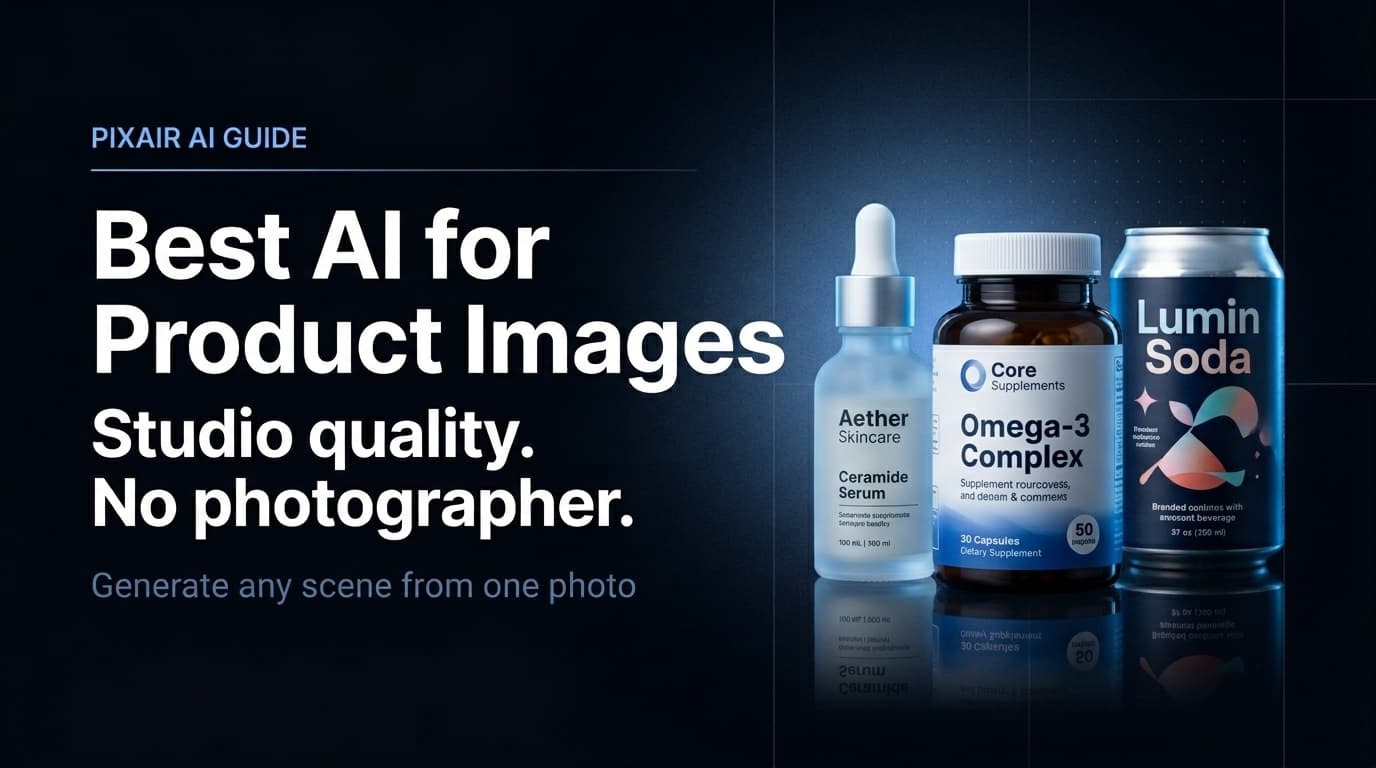
The best AI for product images does one specific thing well: it takes a photo of your product and places it into a photorealistic scene that looks like a photographer set it up. Not a template, not a stock photo with your product pasted on top - a generated environment with accurate lighting, surface shadows, and depth that makes your product look like it belongs there. In 2026, this technology is fast enough and good enough that thousands of ecommerce sellers have replaced traditional studio shoots entirely.
Why Product Images Need a Specialized AI Tool
General-purpose AI image generators - the ones that create illustrations, artwork, and fantasy scenes from text prompts - are not built for product photography. They generate everything from scratch, which means they will invent, distort, or hallucinate your product. The label text changes. The packaging colors shift. The brand name disappears or gets replaced with something plausible-looking but wrong.
Product image AI works differently. Pixair AI takes your actual product photo, isolates the product with background removal, then generates a photorealistic scene around it. The product itself is never regenerated - your label text, packaging colors, and printed details are taken directly from your source photo and remain pixel-accurate. Only the environment changes.
Your product stays intact
The AI generates the background, surface, lighting, and atmosphere. The product is isolated from your original photo and composited into the scene - not redrawn. Your label is exactly as printed.
Lighting is physically matched
The generated scene produces shadows and highlights that match the light direction you describe. The surface below the product shows the correct reflection. The result looks native to the scene, not composited.
Any scene from a text description
You describe the environment in plain language - “dark slate surface, cool rim light from the left” or “white marble, soft morning light.” The AI generates it. No template library, no preset limitations.
What AI Product Image Generation Actually Produces
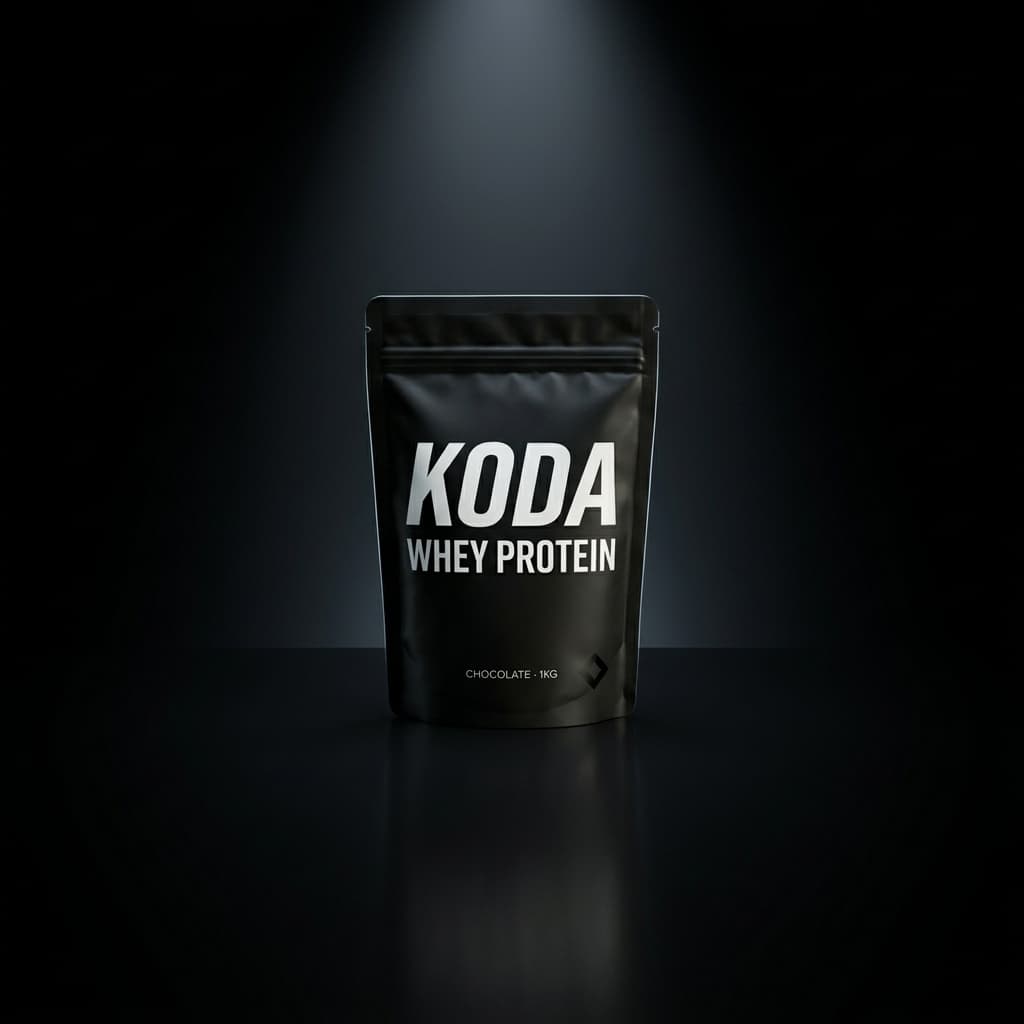
The fastest way to understand the output is to see the same product across different generated scenes. One source photo. Multiple environments. Each scene generated from a different text description.
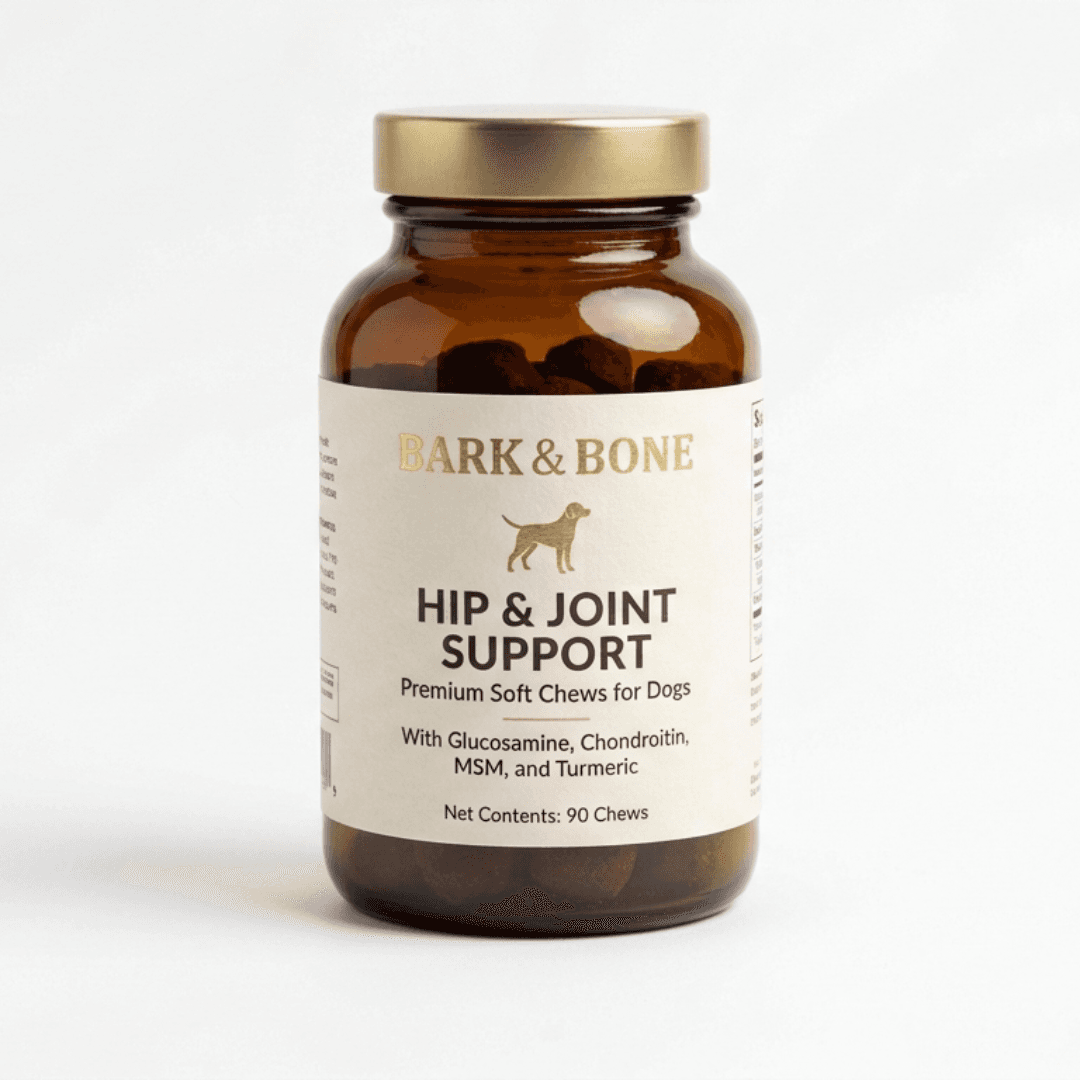
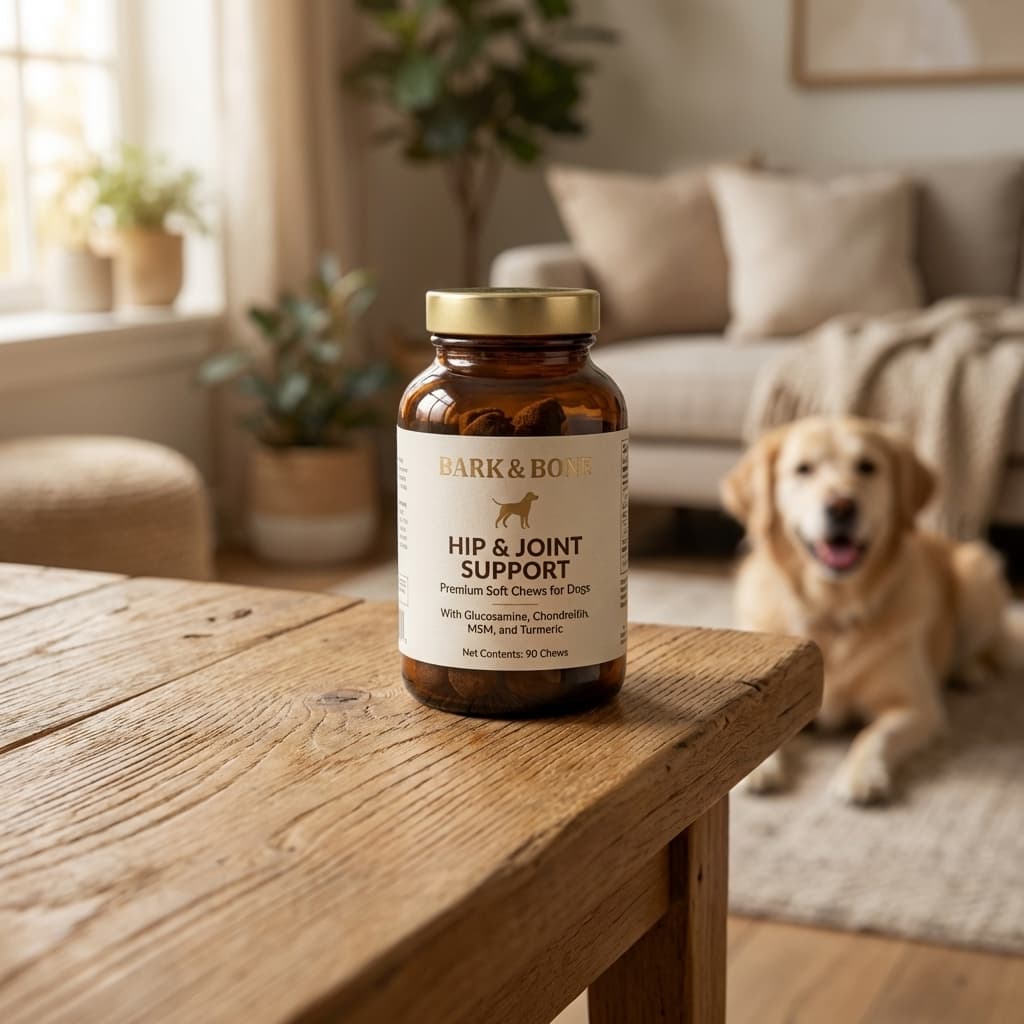
One phone photo as input. Photorealistic scene with matched lighting and surface shadow. Under 30 seconds.
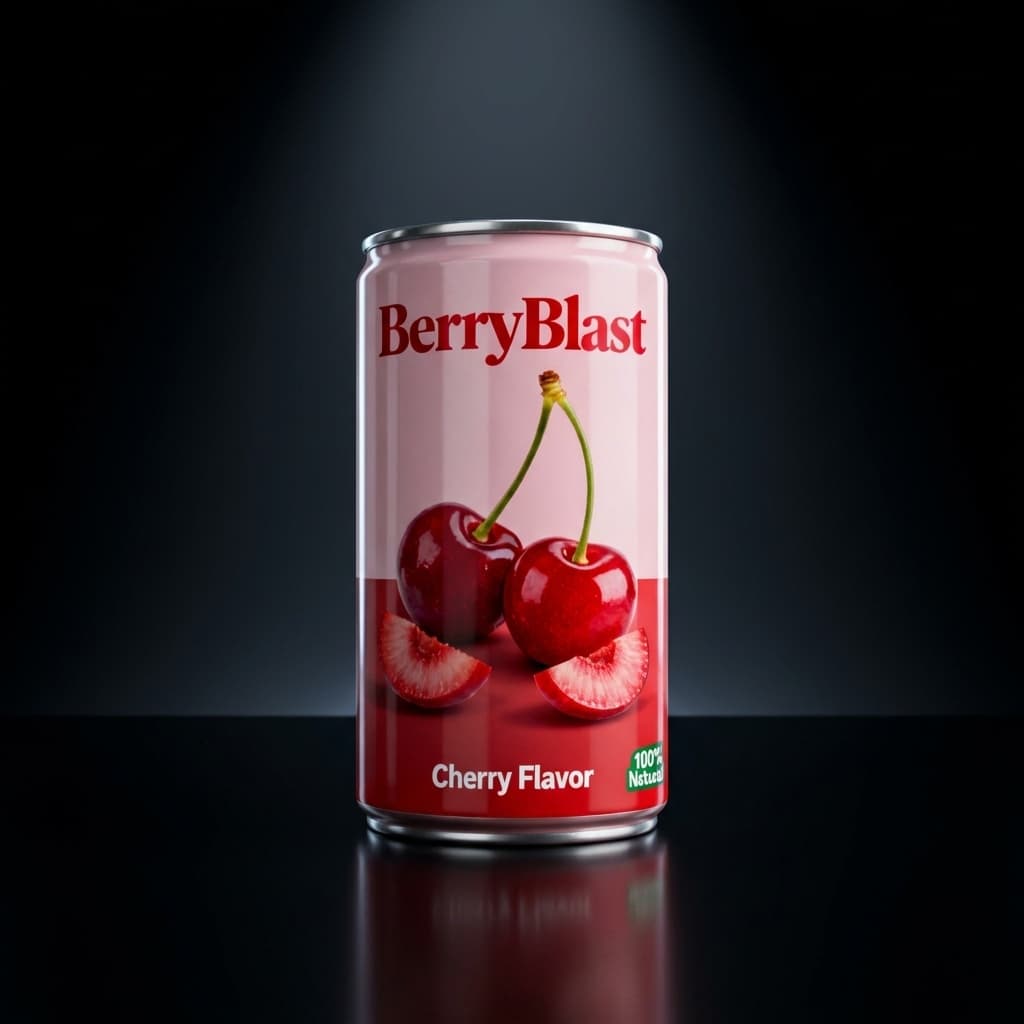
Dark studio
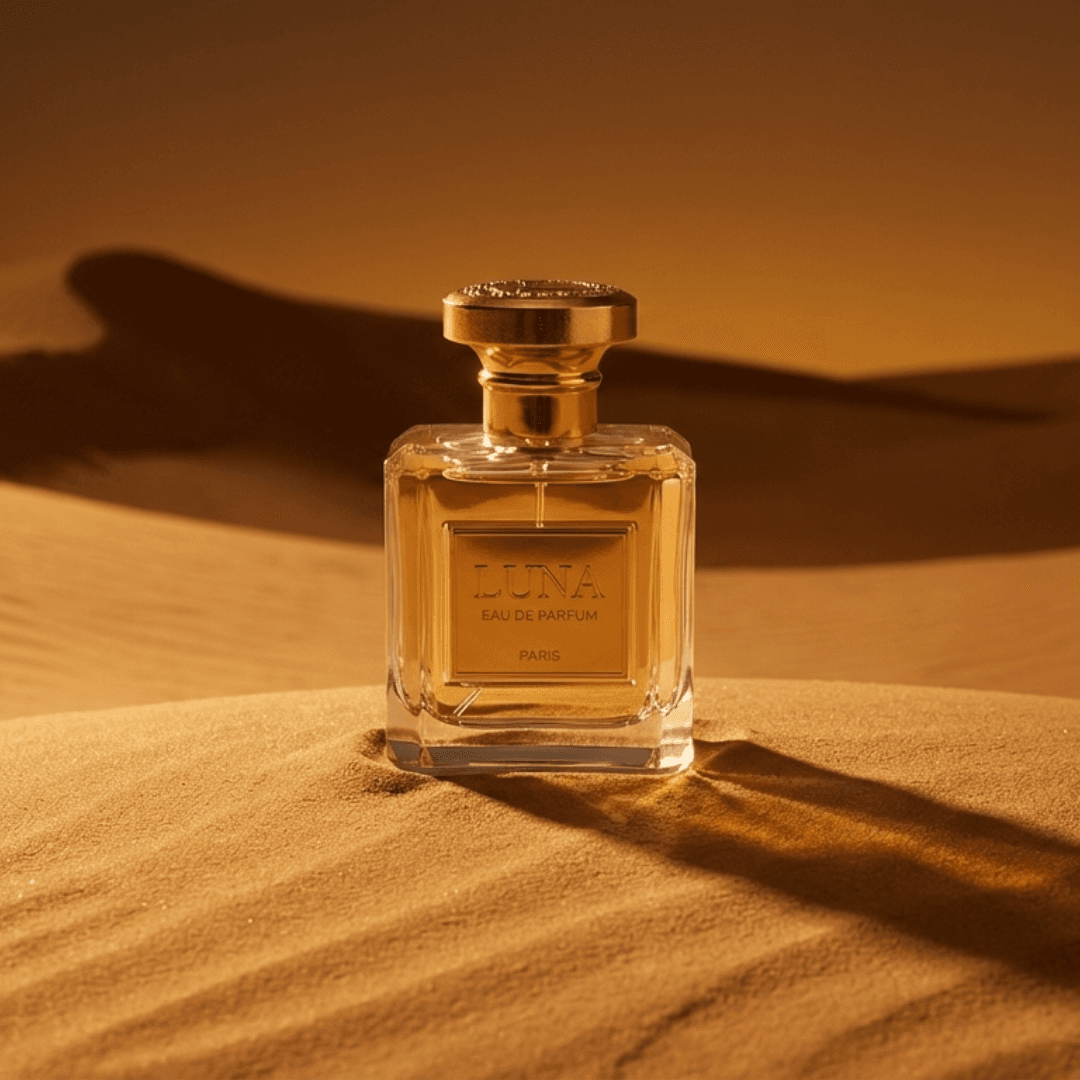
Desert sand
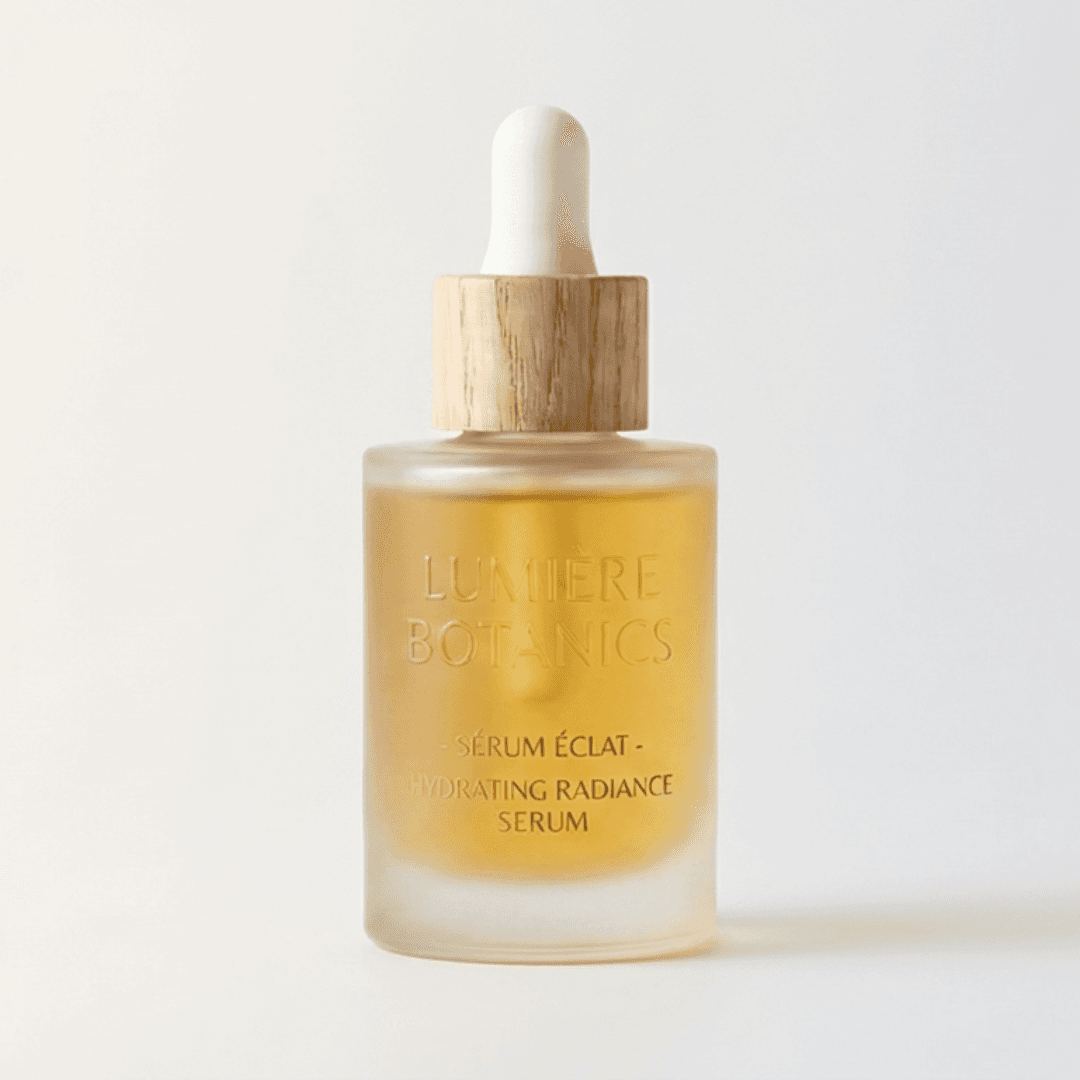
Clean white
Editorial
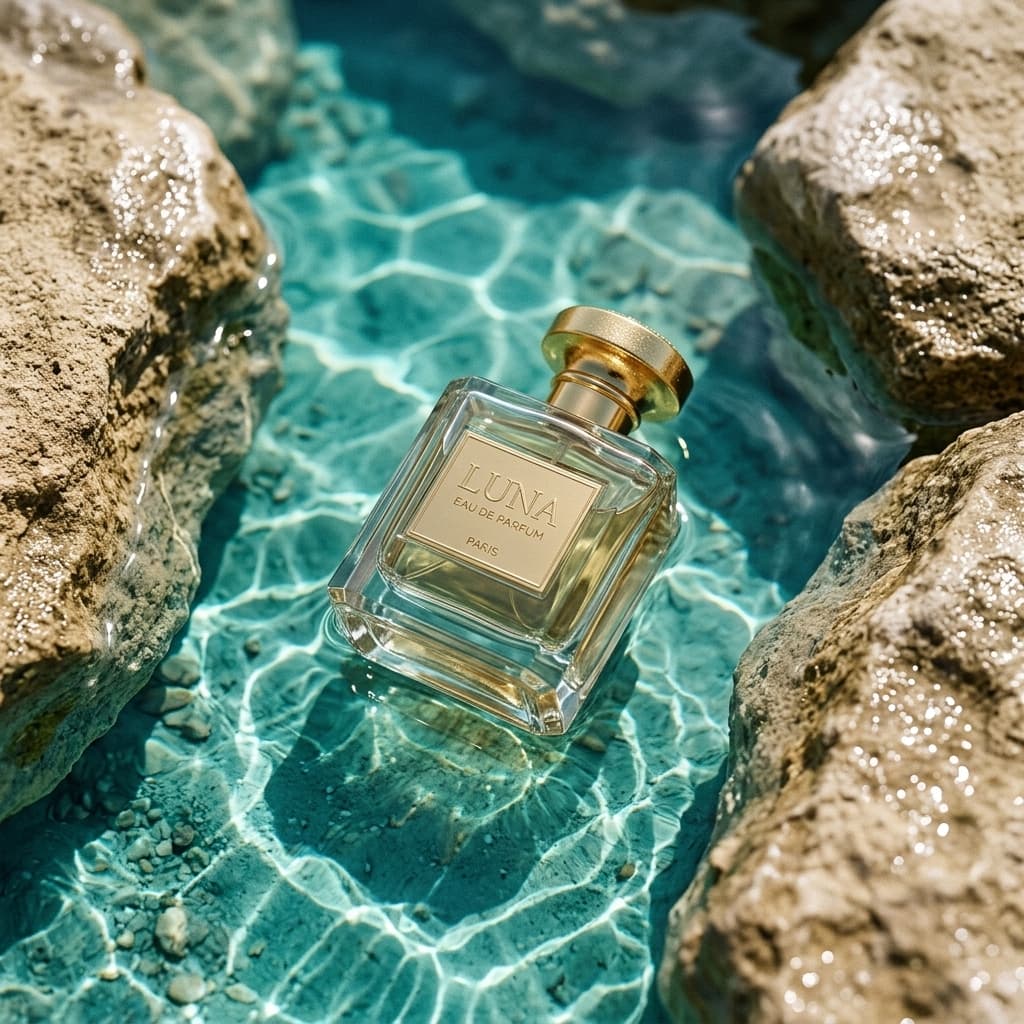
Outdoor water

Dynamic splash
Six different scenes. All generated from product photos with AI. No studio, no photographer.
How to Generate AI Product Images: The Full Workflow
The workflow from a plain product photo to a finished set of images takes under 30 minutes for a single SKU.
Photograph the product on any flat surface
Place your product on a white or light grey surface near a window. Phone camera is sufficient. Make sure the full product silhouette is within the frame with a small margin around the edges. One front-facing photo per SKU.
Upload and describe the scene
Upload the photo to Pixair AI. In the prompt field, describe the environment you want: “white marble counter, soft morning light from the left” or “dark studio, cool blue rim light from above.” The AI generates the scene from your description - no template selection, no preset constraints.
Generate multiple scene types
Run at least three scene types per product: a pure white studio background for marketplace main images (Amazon, Walmart), one lifestyle scene for secondary slots and social, and one editorial or dark premium scene for ads. Each generation takes under 30 seconds. To generate Amazon listing images that pass the RGB 255/255/255 main-image rule, use the white background preset.
Reuse the same prompt across your catalog
Copy the exact prompt that produced your best result and apply it to every other product upload. Every SKU gets the same lighting, surface, and atmosphere - producing a visually unified catalog where every image looks like it was shot in the same studio.
Upscale and export
Use the built-in upscaler to reach 2000px+ for marketplace requirements. Export and upload directly to your listing, Shopify store, or ad platform. Total time from upload to export across three scene types: under 20 minutes per SKU.
AI Product Images vs. Traditional Photography
Studio / Freelancer
Traditional photography

AI product photography
Studio / Freelancer
Traditional photography
AI product photography
Cost per image
$50 - $300 per finished image
Under $0.10 per image on any plan
Turnaround
2 - 7 days after shoot
Under 30 seconds
Scenes per product
1 - 3 (cost per scene)
Unlimited - each prompt is a new scene
Label / text accuracy
Exact - photographed directly
Exact - product never regenerated
Human lifestyle shots
Full capability - models, hands, location
Product-only scenes - no human subjects
Catalog consistency
Depends on photographer and shoot conditions
Same prompt = identical lighting and atmosphere across all SKUs
Revisions
Requires a reshoot - full cost again
Free - regenerate with an adjusted prompt instantly
Minimum batch
Usually 10+ SKUs to justify studio cost
1 image - no minimum
See Pixair AI pricing - all plans include AI scene generation, background removal, and upscaling. Starts at $24/month. For a full cost breakdown, see the product photography cost guide.
5 Tips for Getting the Best AI Product Images
Start with a clean source photo
The cleaner your input - sharp focus, neutral background, no heavy lens distortion - the more accurate the background removal and the more realistic the generated scene. A plain white sheet and a window is enough. You do not need a lightbox or a camera beyond a modern smartphone.
Always specify lighting direction in the prompt
Lighting direction is the single biggest driver of scene realism. Instead of “marble background,” write “white marble surface, soft diffused light from the upper left.” The AI uses the direction to generate shadows and highlights on the product that match the scene - which is what makes the result look like a photograph rather than a composite.
Generate the white background version first
Before generating lifestyle scenes, run one pure white background generation per product. This is your marketplace main image and your catalog base. It also verifies that the edge quality from background removal is clean before you build a full scene library on top.
Use the same prompt across your entire catalog
Copy the exact scene prompt that produced your best result and apply it to every SKU upload. Every product gets generated into the same lighting and environment. The result is a catalog where every image looks like it was shot in the same studio - consistent brand presentation that builds trust on marketplace storefronts.
Generate ad creatives in the same session
Once your product scenes are done, the same product upload can generate marketing-ready ad creatives with the built-in Ad Maker. The AI reads your product label, writes the copy, and composes a bold layout - ready for Meta, Google Shopping, or TikTok. No separate design tool needed.







Frequently Asked Questions
The best AI for product images is one built specifically for ecommerce - not a general image generator. General AI tools generate everything from scratch and will distort or hallucinate your product label. Product-specific AI like Pixair AI isolates your product from the source photo and generates only the scene around it, keeping your packaging pixel-accurate while placing the product in a photorealistic environment.
Yes. Both platforms allow AI-generated product images as long as they accurately represent the physical product. Pixair AI does not modify the product - only the background and environment. The white background preset produces a pure white RGB 255/255/255 output that meets Amazon main image requirements. Lifestyle scenes meet the same accuracy standards as traditionally photographed lifestyle shots.
For packaged goods, beauty, supplements, food and beverage, candles, home goods, and most ecommerce product categories, AI output is indistinguishable from studio photography at normal viewing sizes. The gap shows on highly reflective surfaces like clear glass or polished chrome, and AI cannot generate shots with human models. For those specific needs, a photographer is still the better choice.
No. The quality of your source photo affects edge cleanliness on background removal, but scene generation quality is determined by the AI model, not your camera. A modern smartphone camera in good natural light is sufficient as a source photo for AI product photography.
Pixair AI starts free with 30 credits - enough to generate a full image set for 2-3 products. Paid plans start at $24/month. See the full breakdown on the pricing page.
Keep reading
Related articles
Compliant product images: lifestyle mockups that pass ad review
How to make AI product images and lifestyle mockups that meet Meta, Amazon and Google ad rules, with examples.
AI Product Photography for Ecommerce - Complete 2026 Guide
How AI product photography tools let ecommerce brands generate professional, conversion-ready product images in seconds - no photographer, no studio, no expensive equipment.
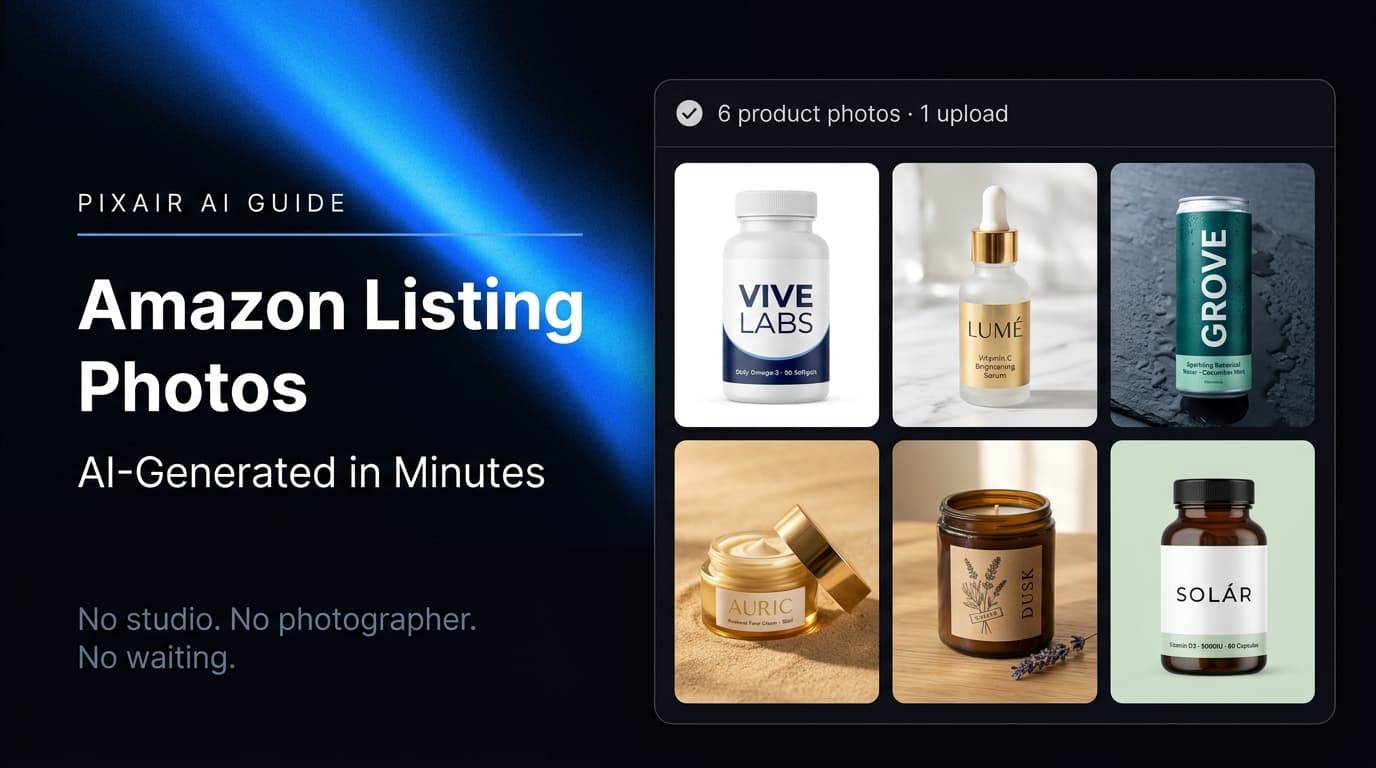
Amazon Product Image Generator: Compliant in 4 Steps (Free)
Turn one phone photo into an Amazon-compliant main image (RGB 255/255/255, 85% fill, 2,000 px) plus lifestyle images for all 9 slots. Free with 30 credits.