Updated Oct 2026
You can turn one product photo into a UGC video ad by uploading the photo to an AI ad tool, choosing an AI creator (avatar), writing or generating a short script, and exporting a 9:16 video for Meta, TikTok or Instagram. With Pixair, a 5-second 360p video costs 10 credits (about $0.70).
This guide walks through the exact steps in Pixair AI, what to put in the first two seconds, what each length and resolution costs, and when a real creator is still the better call.
What do you need to make a UGC video ad from one photo?
Three things, and no footage:
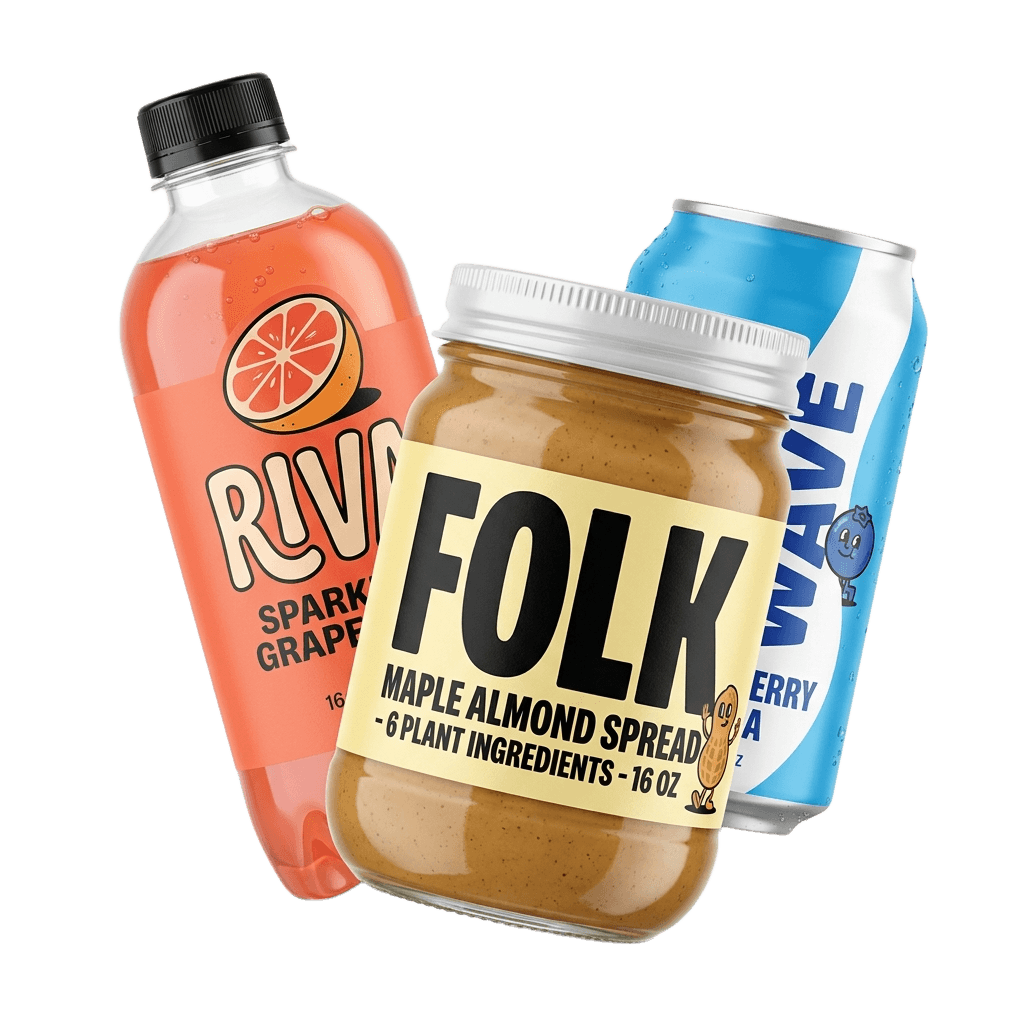
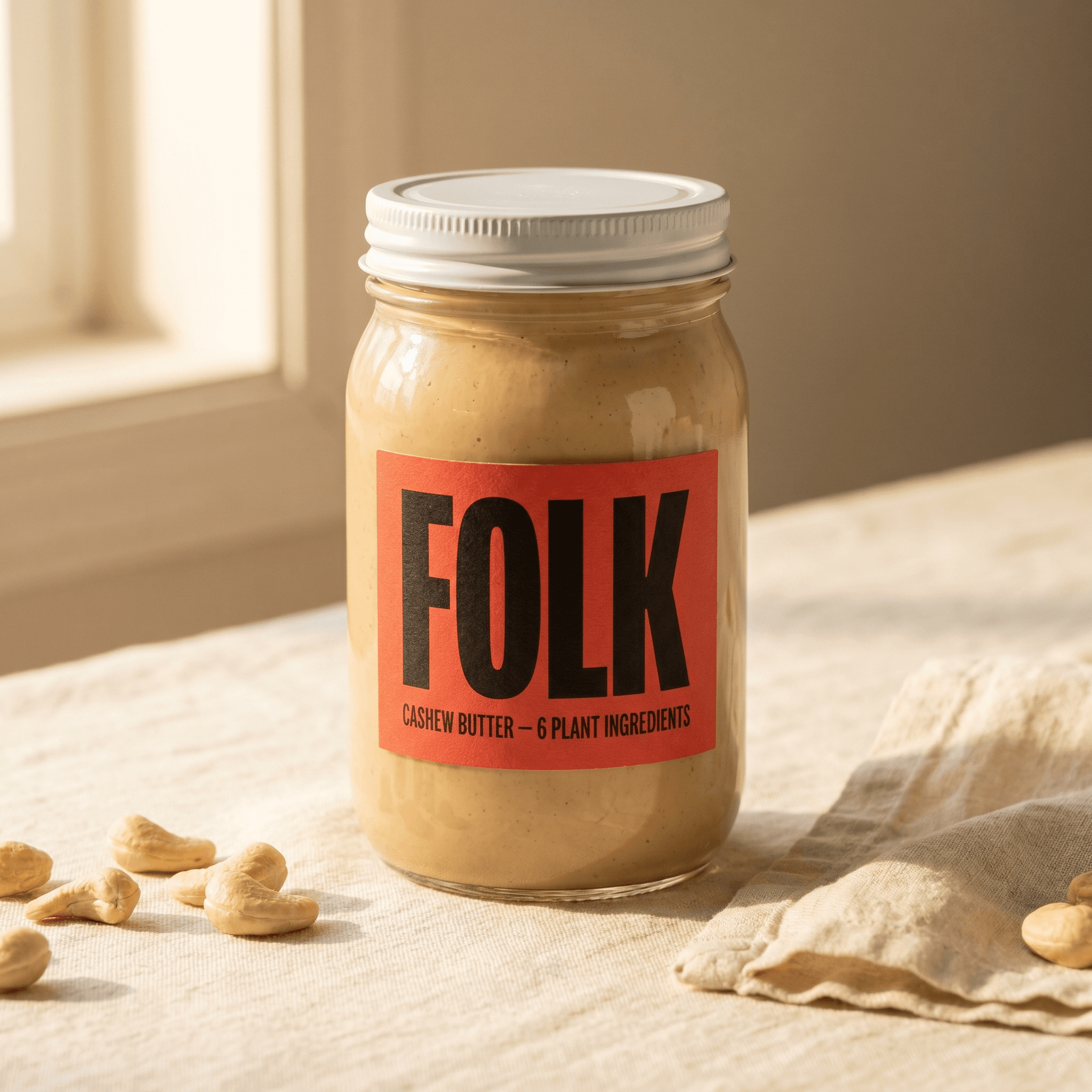
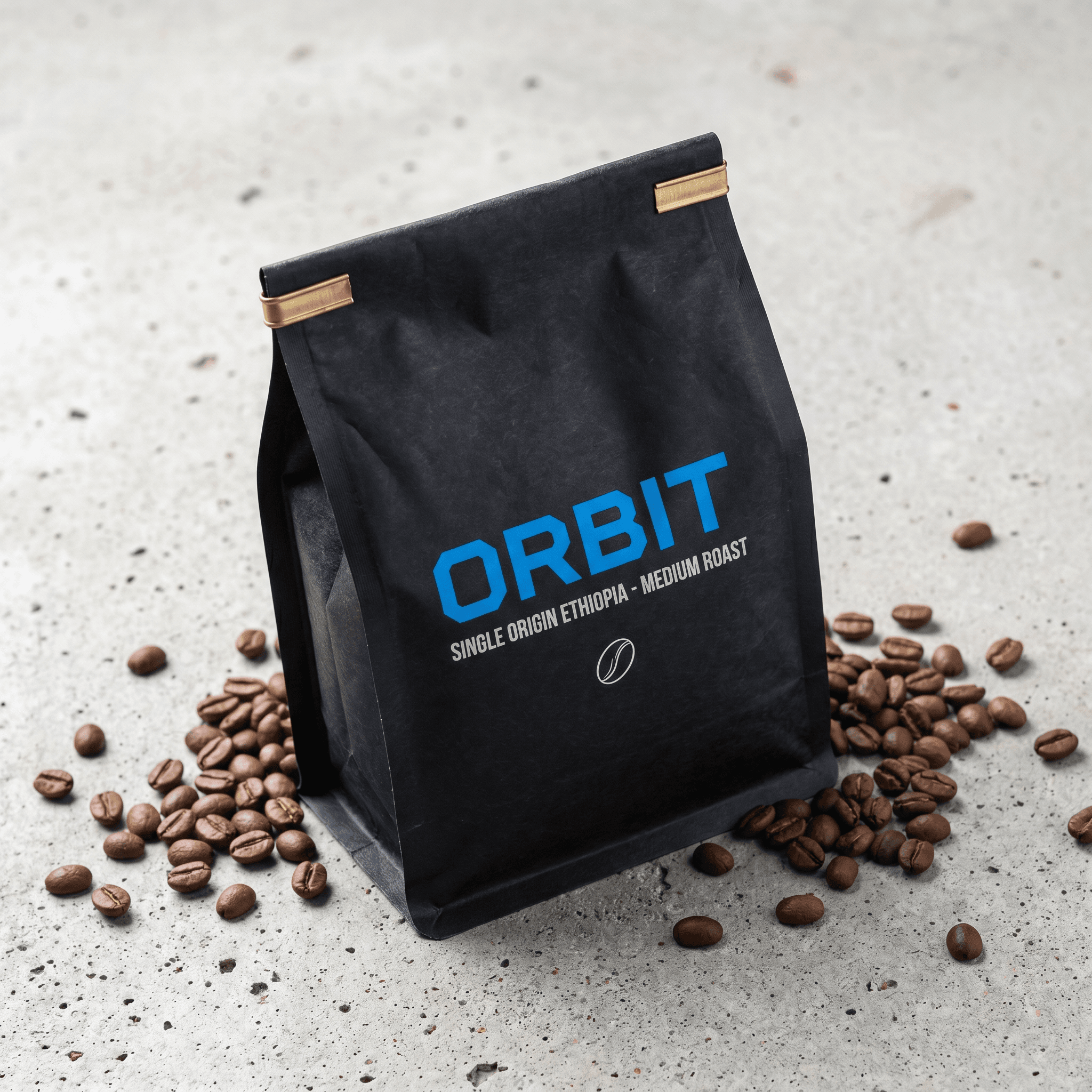
- One clear product photo. Even light, the whole product in frame, the label readable. Anything the photo does not show, the video has to invent, and that is where text on packaging goes wrong.
- The product name and one benefit. “Cleared my skin in two weeks” is a script. A list of six features is not.
- Your target platform. Reels, Stories and TikTok all want 9:16 vertical. Knowing the placement up front saves a re-render.
A plain photo on a white or simple background works best. Lifestyle shots with hands, props or other products in them give the model more to get wrong.
How do you turn a product photo into a UGC video ad, step by step?
- 01
Upload one product photo
Open UGC Ads, choose Product + creator, and upload a sharp photo of the product with the label facing the camera and nothing cropped off.
- 02
Choose an AI creator
Pick an avatar from the library or one you built yourself. Match the creator to the person who buys your product, not to the product category.
- 03
Write the script or start from a hook
Type a rough line or pick a ready-made video hook, then use Improve Prompt to turn it into a script timed to the clip length you chose.
Example: a 10-second script for an insulated bottle
Hook (0-2s): “I finally found a bottle that keeps ice overnight.”
Proof (2-8s): “Filled it at ten last night. Still ice this morning.”
Close (8-10s): “Link's below.”
- 04
Pick format, length and resolution
Choose 9:16 for Reels, Stories and TikTok. Start at 5 or 10 seconds and 360p while you are testing hooks.
- 05
Generate and review the clip
Watch the result for label accuracy and lip-sync. If a word on the pack came back wrong, re-run it rather than publishing a flawed clip.
- 06
Add captions and export
Burn in captions with Video Captions, download the MP4, and upload it to Meta Ads Manager or TikTok Ads Manager.
Captions are billed separately at 9 credits per started minute of video, so captioning a 10-second clip costs 9 credits. For a deeper look at scripting, casting and hook testing, see the UGC ad creatives guide.
What do UGC video ads made from one photo look like?
Four real renders from Pixair UGC Ads, each made from a single product photo, an AI creator and a short script. Same length and resolution as the 10-second 720p row in the cost table below. Each one uses a different hook, which is the part worth copying.
What makes a UGC ad convert?
The same things that make a filmed UGC ad work. AI changes the cost of each attempt, not the rules.
A hook in the first two seconds
Open on a claim, a question or a reaction, not a greeting. “Hi guys” is two seconds of nothing. The car recommendation example above starts mid-sentence for exactly this reason. Test several openings against the same body script and keep the one that holds attention.
The product on screen early
Viewers should know what is being sold before they scroll. Because Pixair builds the shot around your photo, the creator is holding the product from the first frame.
One benefit per video
A 10-second clip has room for one claim and one reason to believe it. If you have three benefits, make three videos and let the results pick.
A native, phone-style feel
Selfie framing, a real-looking room and a conversational line read blend into the feed. Studio lighting and a polished voice read as an ad.
Captions on
Plenty of people watch feeds with the sound off. Burned-in captions carry the hook when the audio does not.
How much does it cost?
UGC video in Pixair is billed per second, and the price depends on length and resolution:
| Video | Credits | Approx. cost |
|---|---|---|
| 5s 360p | 10 | $0.70 |
| 10s 720p | 70 | $4.90 |
| 10s 1080p | 105 | $7.35 |
Cost at the Starter monthly rate ($0.07/credit). Checked Oct 2026.
Larger plans lower the rate per credit, down to $0.045 on yearly Pro and Business, so the same 10-second 720p video comes to about $3.15. Hiring a UGC creator typically costs far more per video than AI, before you count shipping samples and waiting for delivery. See Pixair plans and pricing for current plans.
AI UGC vs hiring a creator: when should you use each?
Hiring a UGC creator
Real person, filmed

AI UGC from one photo
Hiring a UGC creator
Real person, filmed
AI UGC from one photo
Speed
Brief, ship a sample, wait for delivery
Minutes per video
Cost
A per-video creator fee plus product samples
From $0.70 per 5-second 360p video
Authenticity
A real voice, real hands, real reactions
Convincing in phone-style shots; review every render
Scaling variations
New hooks usually mean a new fee or re-shoot
Edit the script and re-render
A practical split: use AI to find the hook, angle and creator type that work, then decide whether the winner is worth filming with a real creator. If you are comparing AI UGC tools, our breakdowns of the Arcads alternative, Creatify alternative and Zeely AI alternative cover pricing and features side by side.
Which resolution and format should you use for Meta and TikTok?
- Format: 9:16 vertical. It fills the screen on Reels, Stories and the TikTok feed. Pixair also exports 16:9 for YouTube and display placements.
- 360p for testing hooks. At 10 credits for 5 seconds, you can try ten openings for the price of one 10-second 720p video. Use it to judge the script, not the picture.
- 720p or 1080p for winners. Once a hook holds attention, re-render it at 720p, or 1080p if the product has fine detail like small label text.
If you want other video formats from the same photo, such as an animated ad or a cinematic product scene, see how to turn a product photo into a video ad.
FAQ
Yes. You upload one clear product photo, pick an AI creator and write a short script, and Pixair renders a video of that creator holding your product and speaking the script. The photo sets the quality ceiling, so the label should be readable and the whole product should be in frame.
Both platforms accept vertical 9:16 video ads, which is the format Pixair exports for Reels, Stories and the TikTok feed. You upload the MP4 in Meta Ads Manager or TikTok Ads Manager like any other video. Check each platform's current rules on disclosing AI-generated content before you publish.
Start with 5 to 10 seconds while you test hooks: enough for a hook, one benefit and a look at the product. Pixair renders lengths from 5 seconds up, and cost scales with length, so extend only the versions that already work.
Pixair gives you 30 free credits on signup, with no card and no expiry, which cover the image tools. UGC video needs a paid plan, starting at $7/month for 100 credits, enough for ten 5-second 360p videos.
No. You pick an AI creator from the avatar library or build your own by age, look and setting, and the same face can be reused across a whole campaign. If you already have a photo of a real creator holding your product, and the rights to use it, you can animate that shot instead.
Keep reading
Related articles
Video Ad Hooks: How to Win the First 3 Seconds
Six video ad hook mechanisms with real examples, plus the math on testing five hooks for $11.05 instead of $1,500. Buy the first three seconds, cut your CPM.
AI Influencer Generator: The Complete 2026 Guide
Build an AI influencer from 11 control groups and 15.9M configurations. Each render is 6 credits and lands in 60 seconds - and the usage rights never expire.

AdCreative.ai Review 2026: Is It Worth It? Complete Guide
AdCreative.ai rates 4.3 on G2 but only 3.3 on Capterra. We break down the 1-point gap, the true cost per winning creative, and who should actually buy it.