An AI influencer generator builds a photorealistic virtual creator from a set of controls instead of a casting call. You choose gender, age, ethnicity, build, hair, distinguishing details, pose, outfit, scene and camera style, and it renders a consistent person you can run in ad after ad. The influencer configurator in Pixair AI carries 11 control groups and 79 reference looks, which resolve to 15,925,248 distinct configurations. Each render costs 6 credits and lands in about 60 seconds, and the influencer saves to your library so the next creative starts from the same face instead of a fresh roll of the dice.
That last part is the whole point. Anyone can generate one attractive AI face. A brand needs the fortieth image to still be the same human, wearing something different, standing somewhere else, holding this month's product. A configurator gets you there because the person is defined by explicit values you can keep, not by a paragraph of prose you have to re-describe every time.
What Is an AI Influencer Generator?
It is a tool that assembles a virtual creator from structured settings, then renders that creator as a photograph. The difference from a general image generator is that the person is a saved object rather than a one-off output. You are not writing “a friendly woman in her 20s” and hoping; you are selecting adult, European, slim, long dark hair, freckles - and those values persist. Change the scene next week and the face comes back with it.
The practical effect for advertisers is that an AI influencer behaves like a creator you have on retainer, minus the retainer. No booking window, no usage expiry, no negotiation when you want the same person in a gym instead of a kitchen. The configurator turns what used to be a production decision into a settings change.
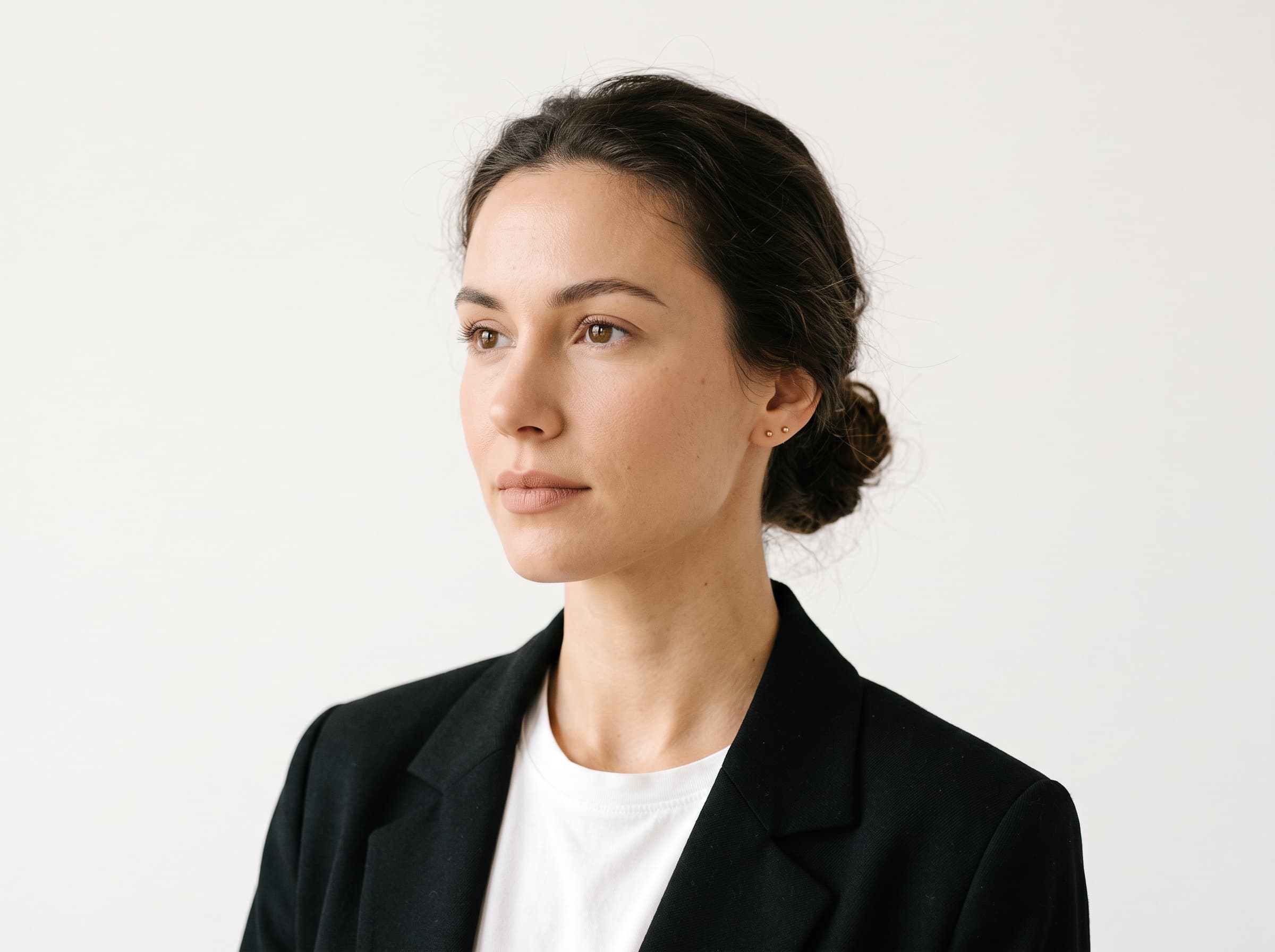
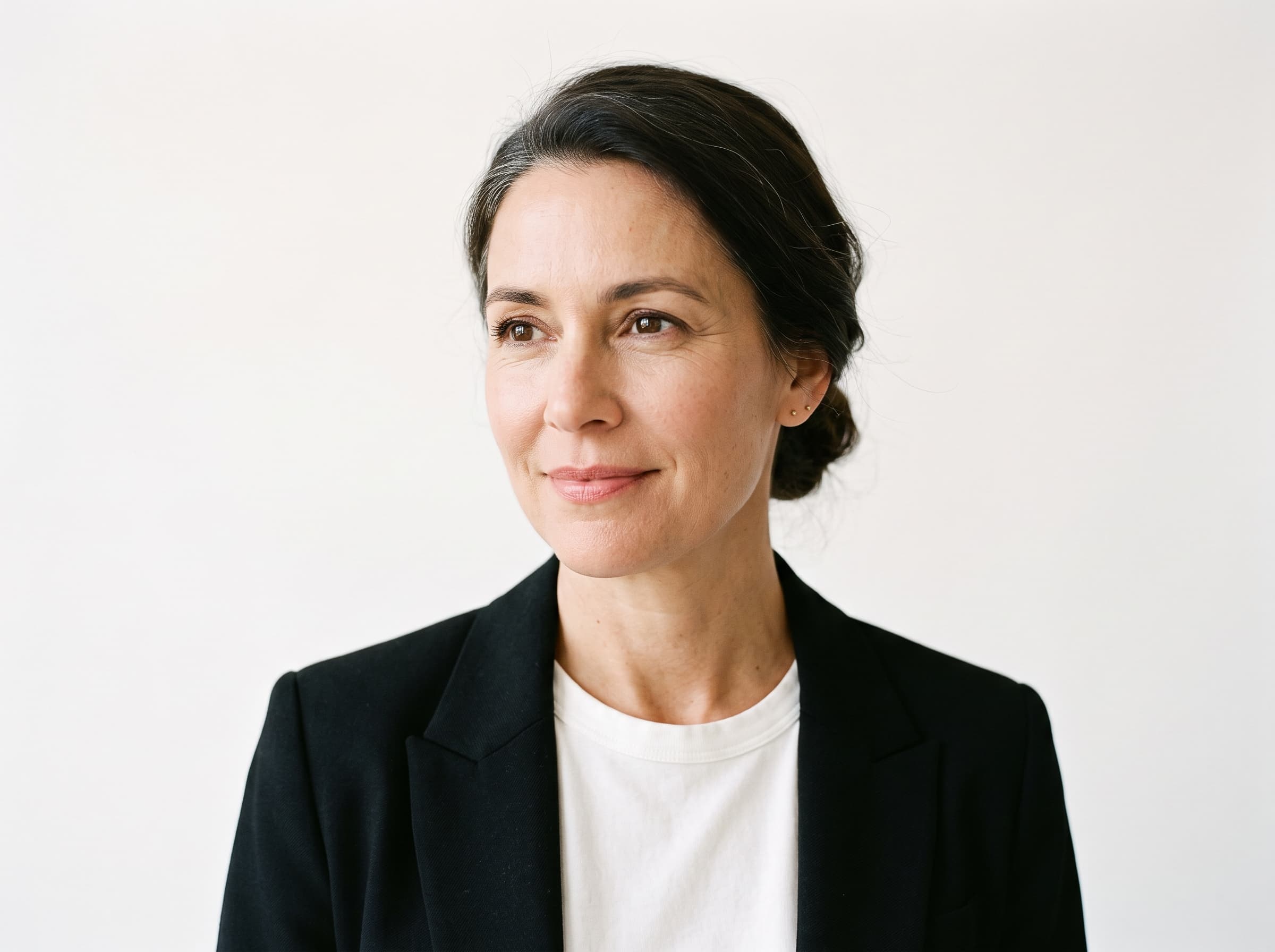
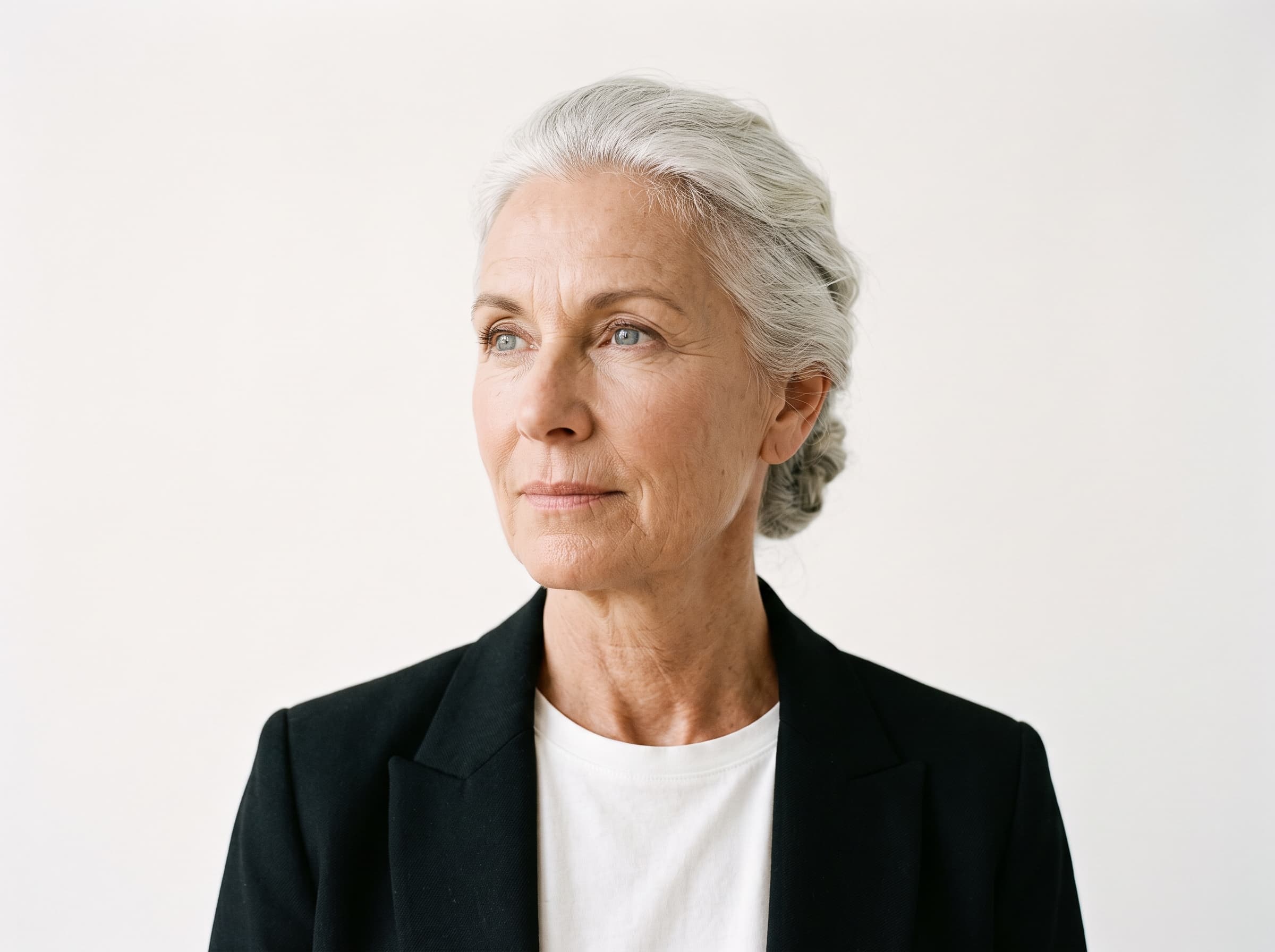
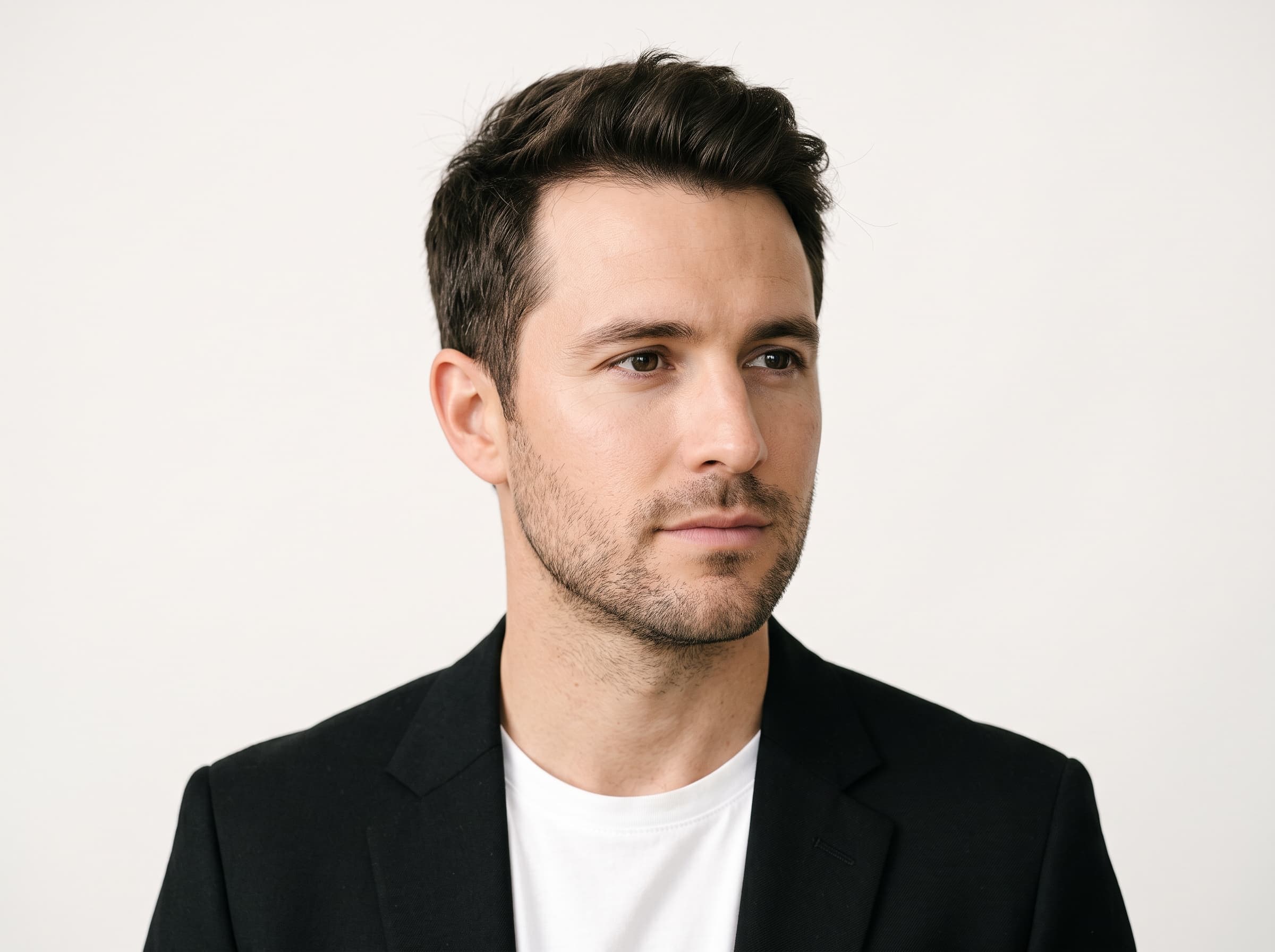
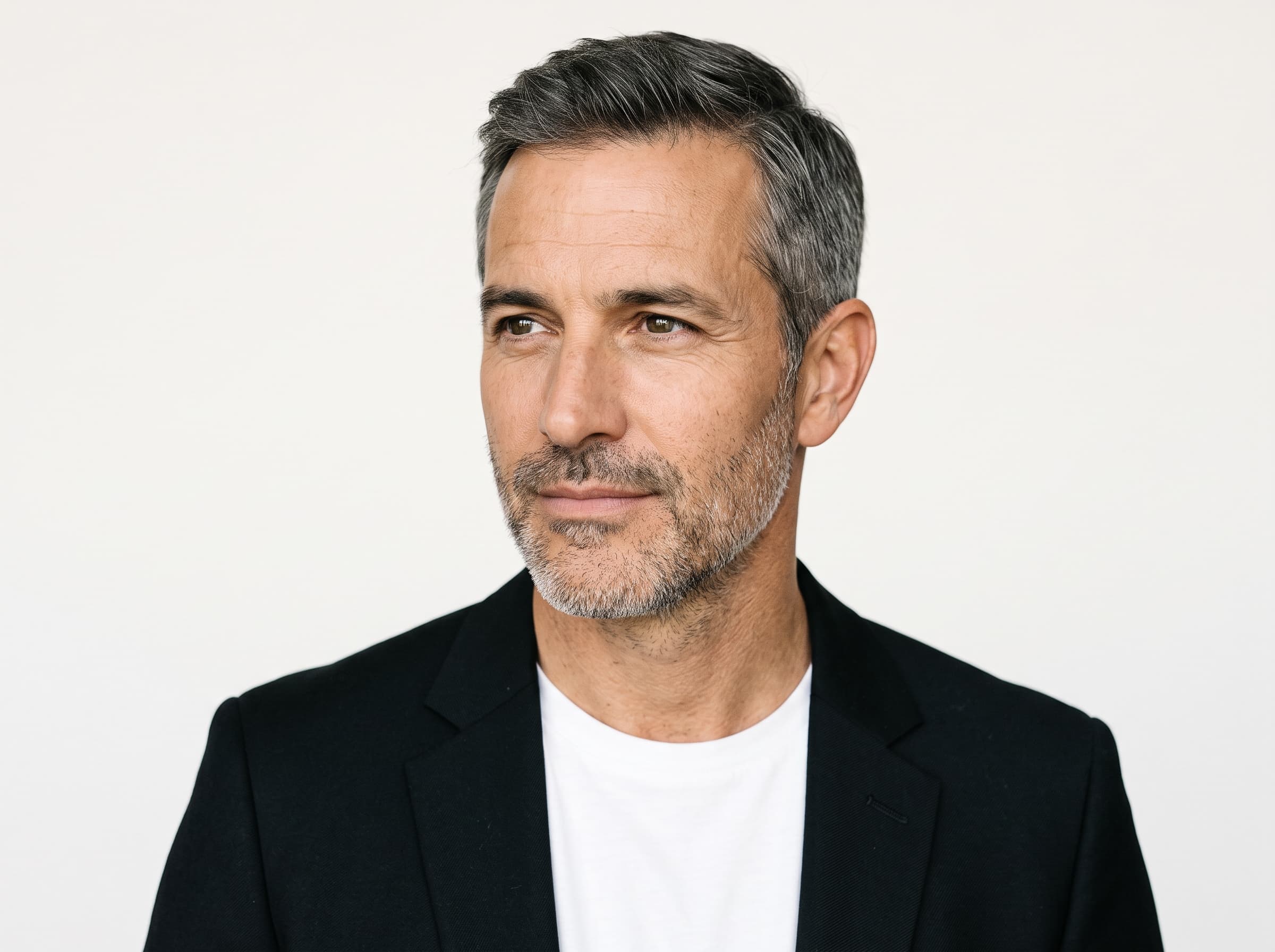
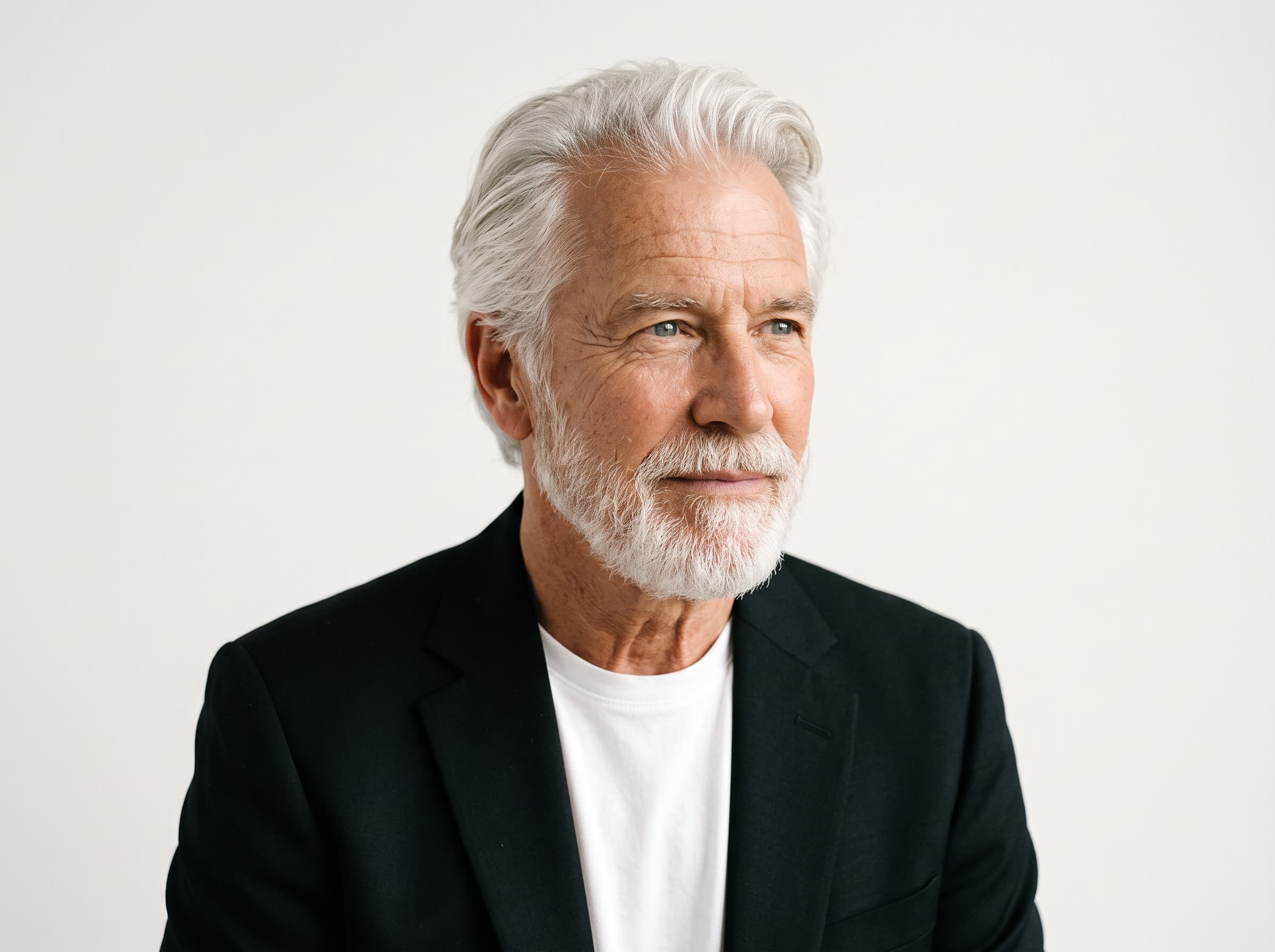
The age control across both genders. Most AI influencer tools quietly default to one demographic - mid-20s, conventionally styled - which is a problem if you sell retirement planning, joint supplements or reading glasses.
What Can You Actually Configure?
Eleven control groups, each with its own reference image so you are picking from pictures rather than guessing at adjectives. Six of them define who the person is and stay fixed once you have settled on your influencer. The rest stage the individual shot and change freely.
| Control group | Options | Role |
|---|---|---|
| Gender | 2 | Identity |
| Age | 3 | Identity |
| Ethnicity | 6 | Identity |
| Build | 4 | Identity |
| Hair | 6 | Identity |
| Details (multi-select) | 7 | Identity |
| Pose | 4 | Staging |
| Outfit | 6 | Staging |
| Scene | 8 | Staging |
| Photography style | 2 | Staging |
| Aspect ratio | 3 | Placement |
Because Details is a multi-select and two of its entries are gender-specific, the arithmetic is not a flat product. A woman can carry any subset of five details, which is 32 combinations; a man can carry any subset of six, which is 64. Multiply through and the configurator yields 5,308,416 configurations for a woman and 10,616,832 for a man - 15,925,248 in total, before you pick an aspect ratio. Add the three ratios and you get 47,775,744 renderable states from one settings panel.
The number is not the selling point. The point is that you will never exhaust the space by accident, so the constraint on your creative volume stops being “what can I produce” and becomes “what should I test” - the same shift that makes AI ad testing worth building a process around.
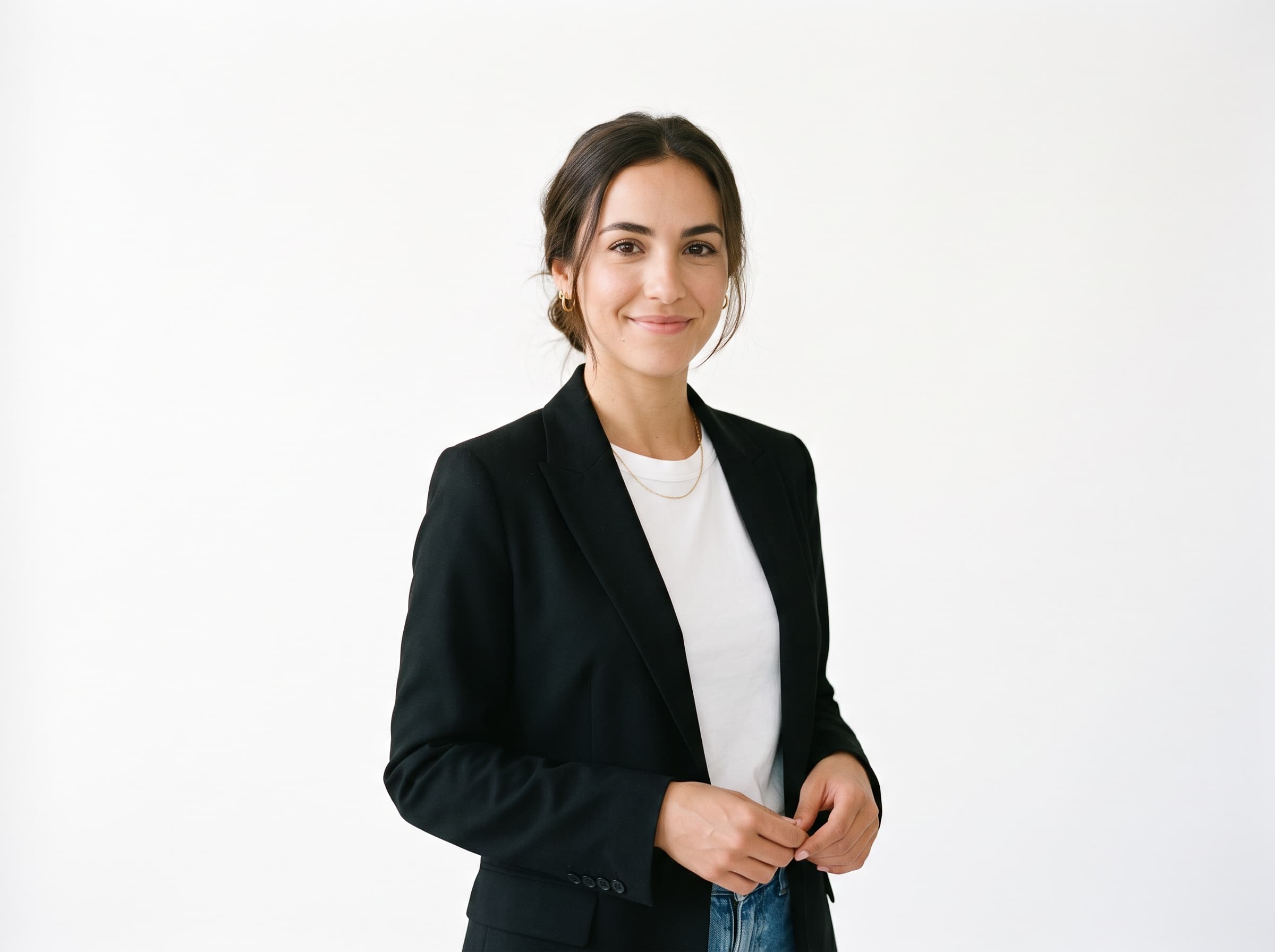
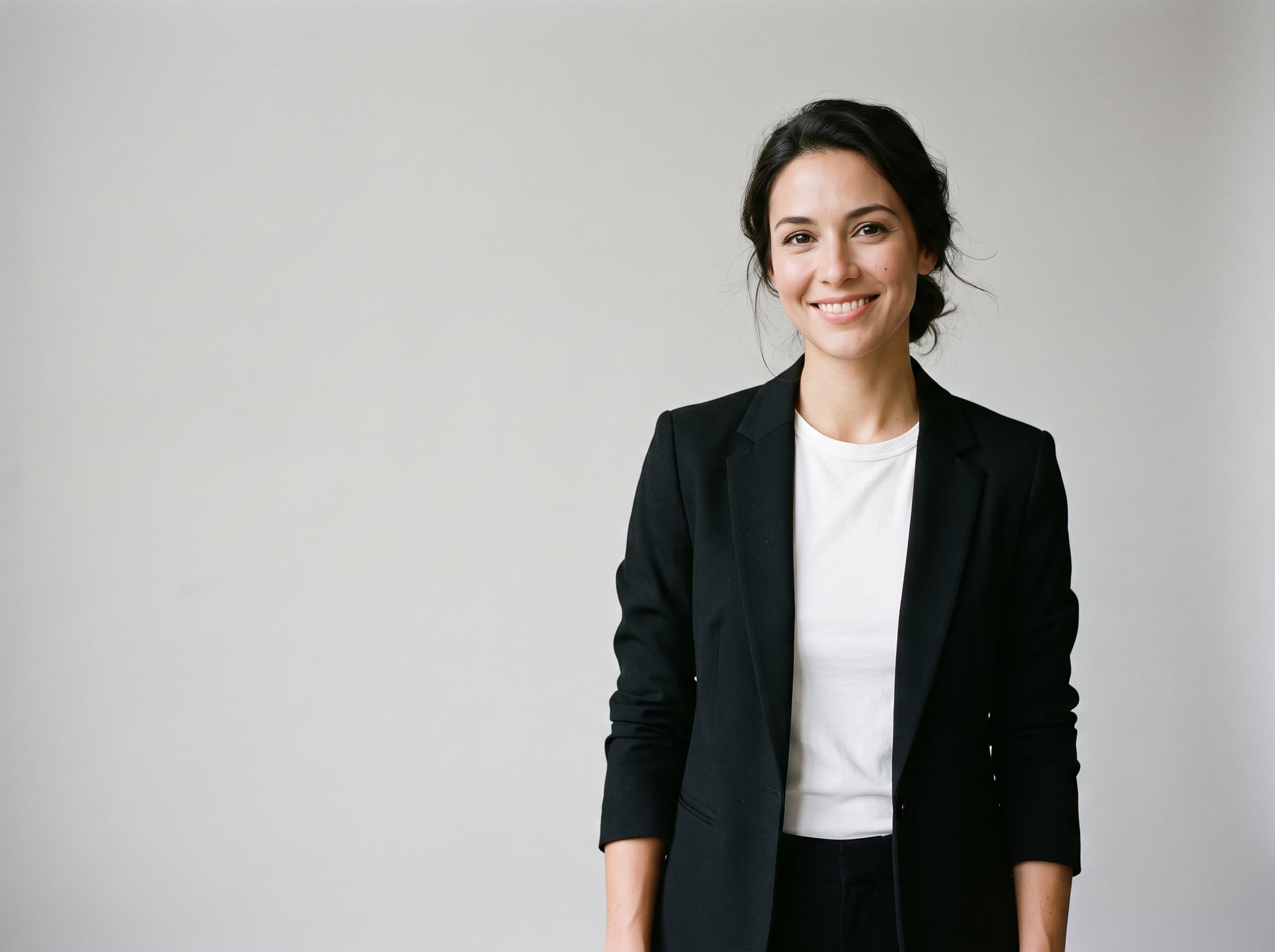
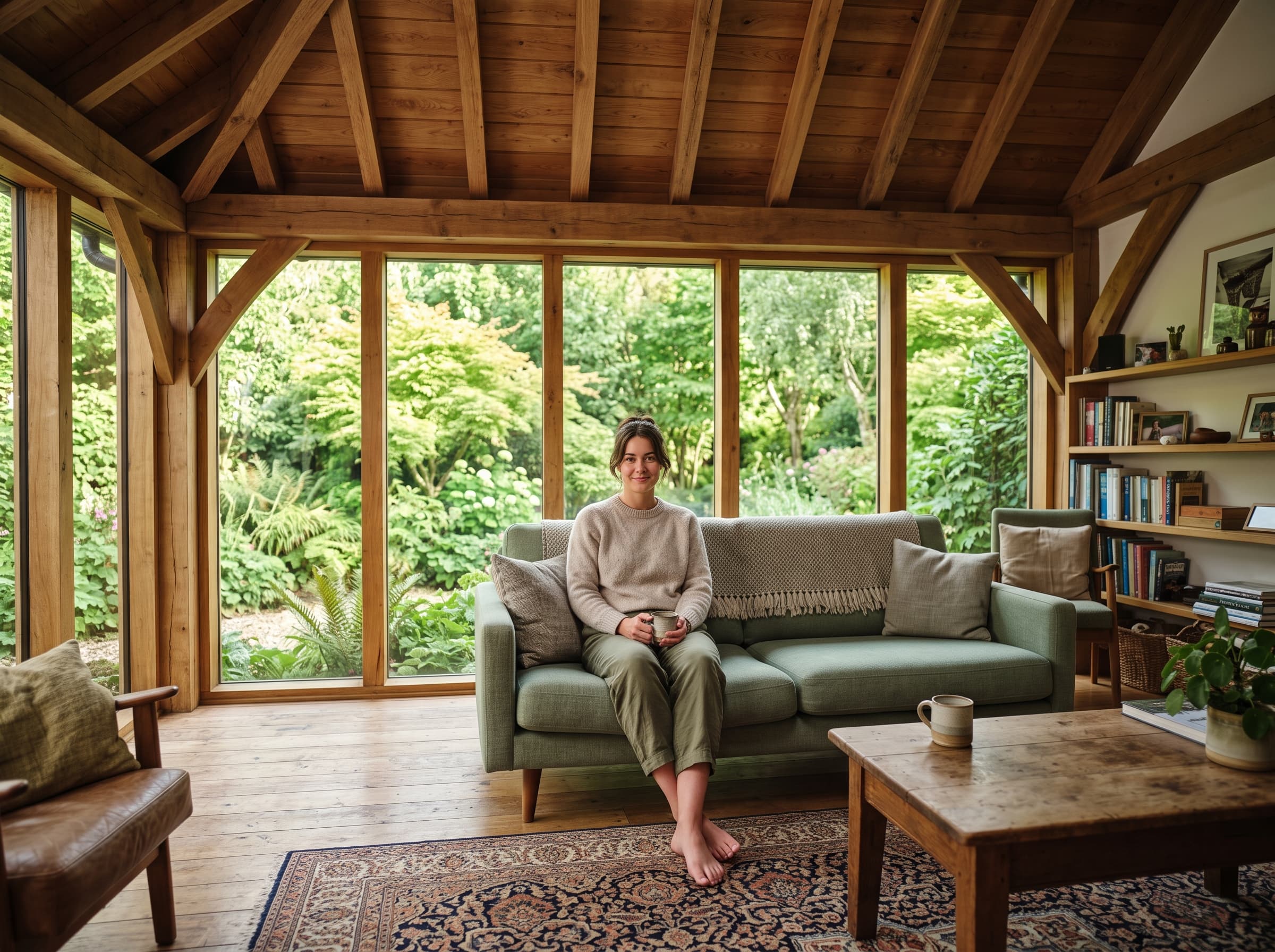
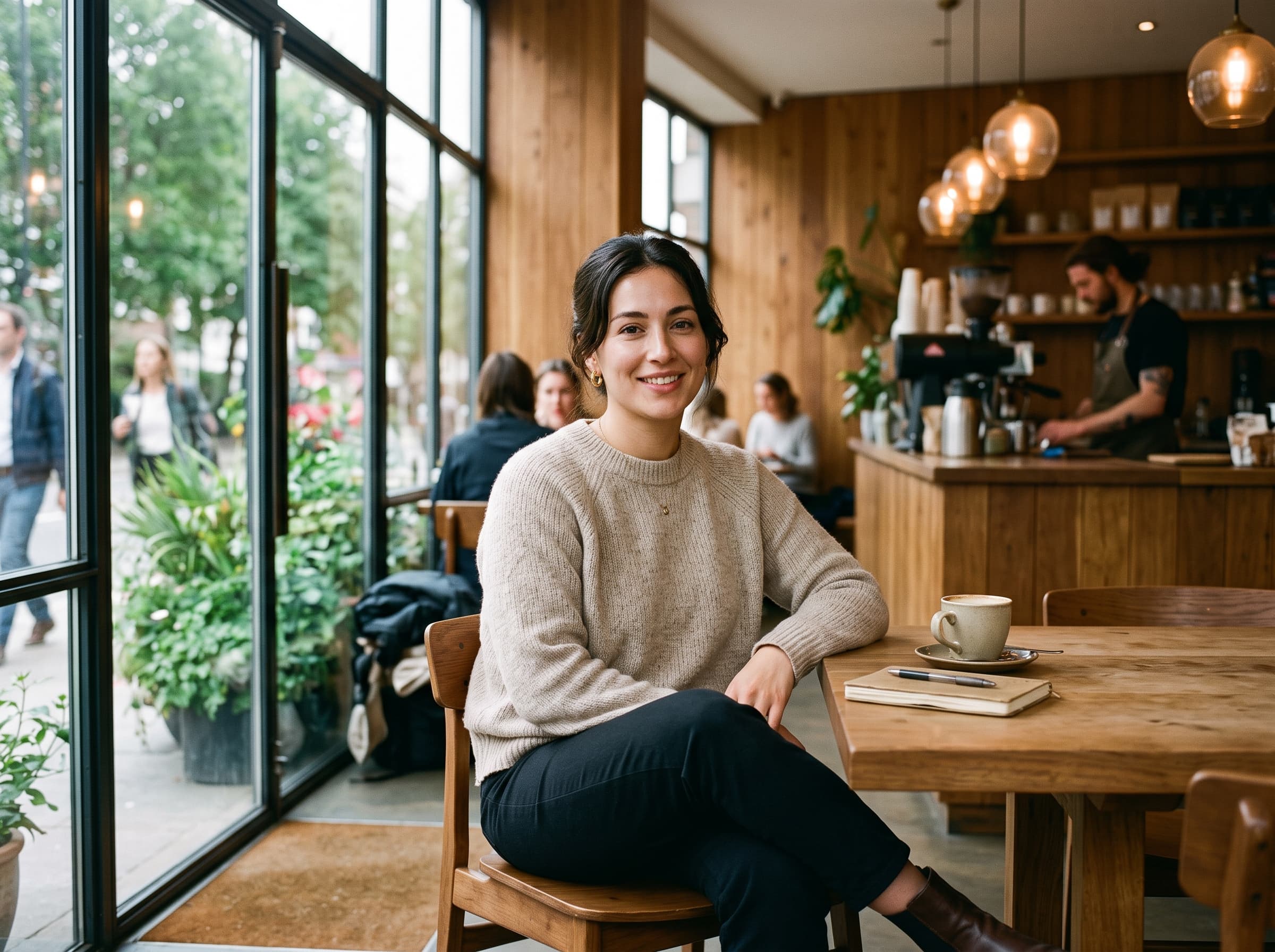
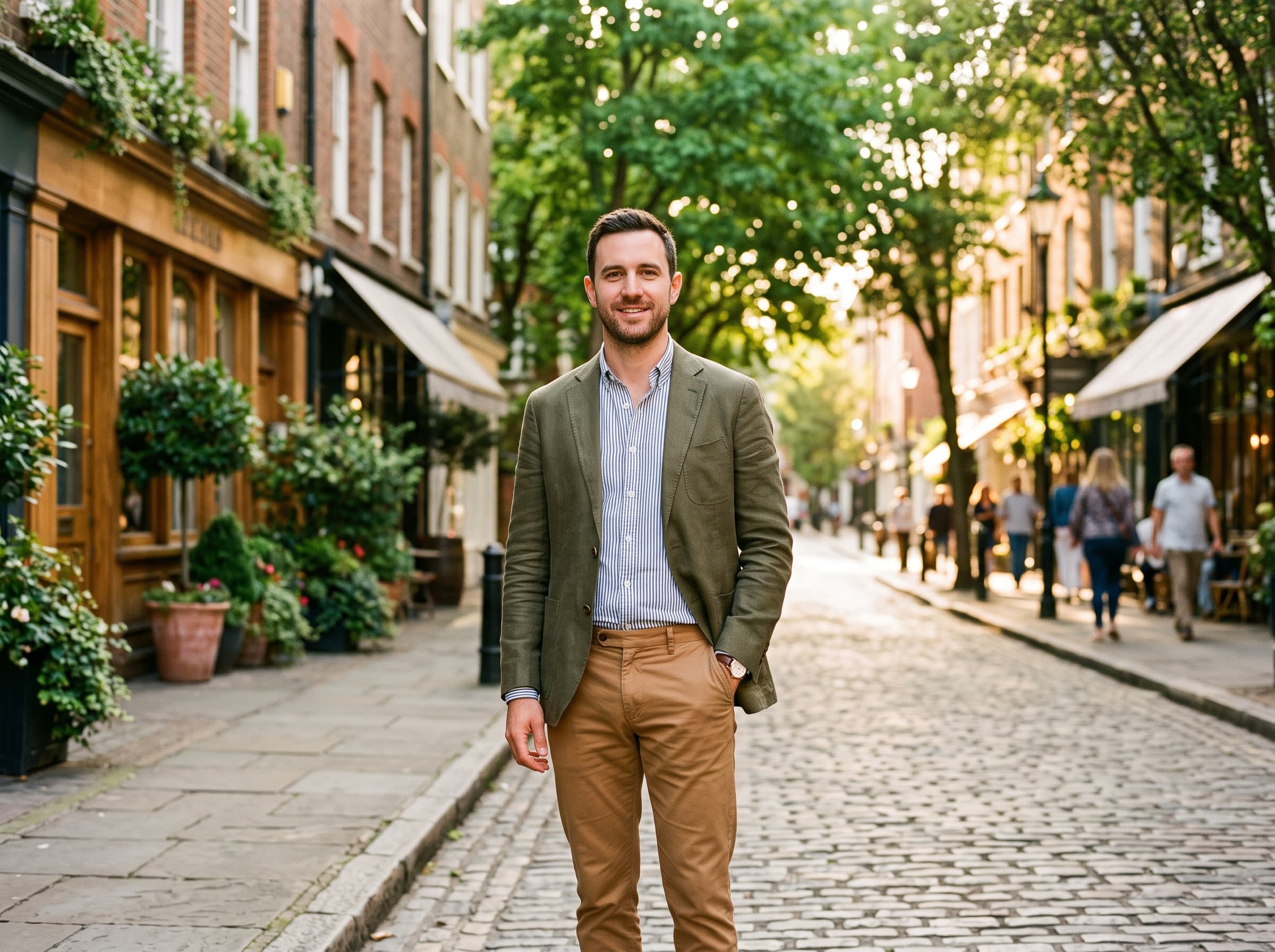
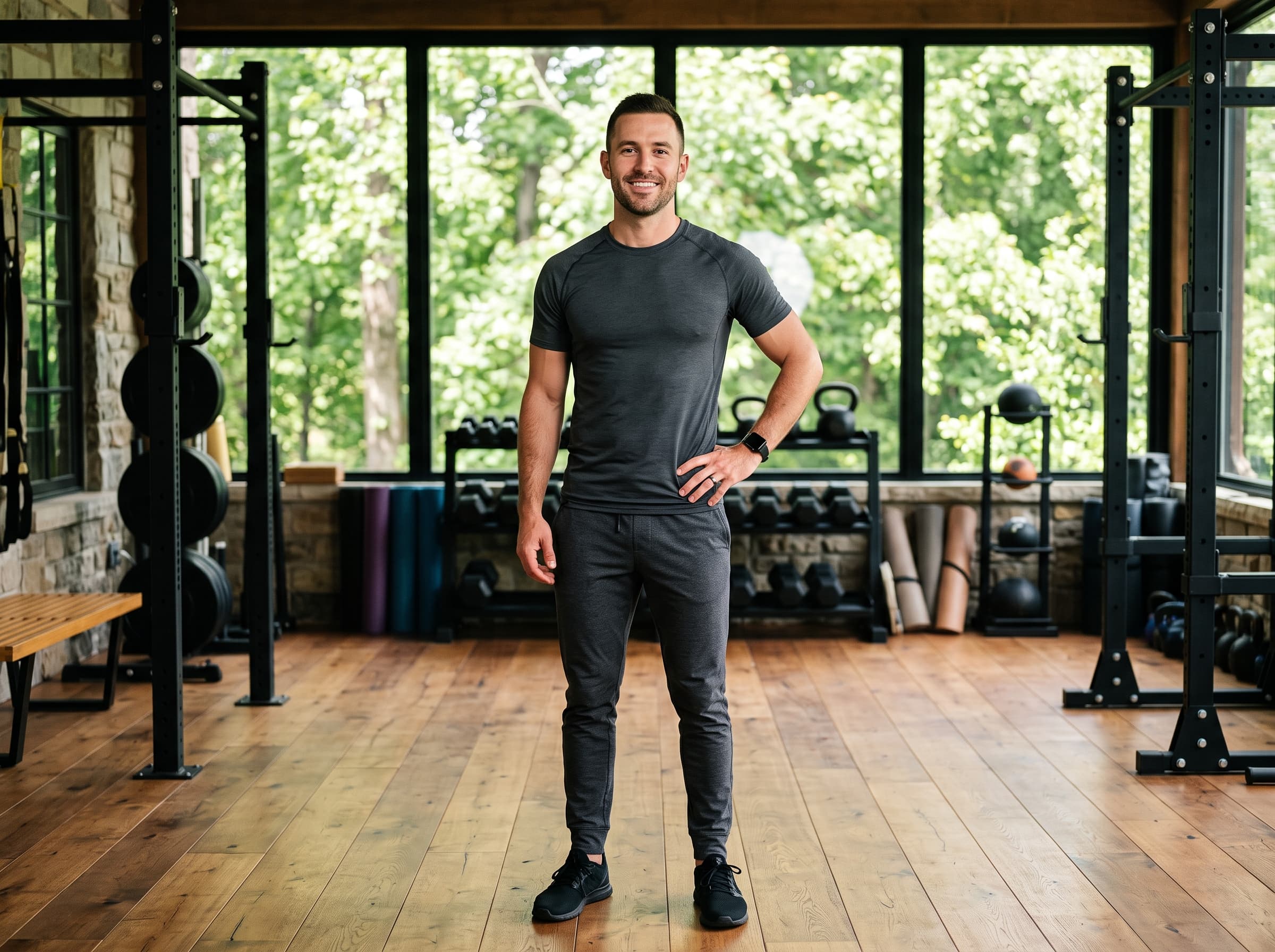

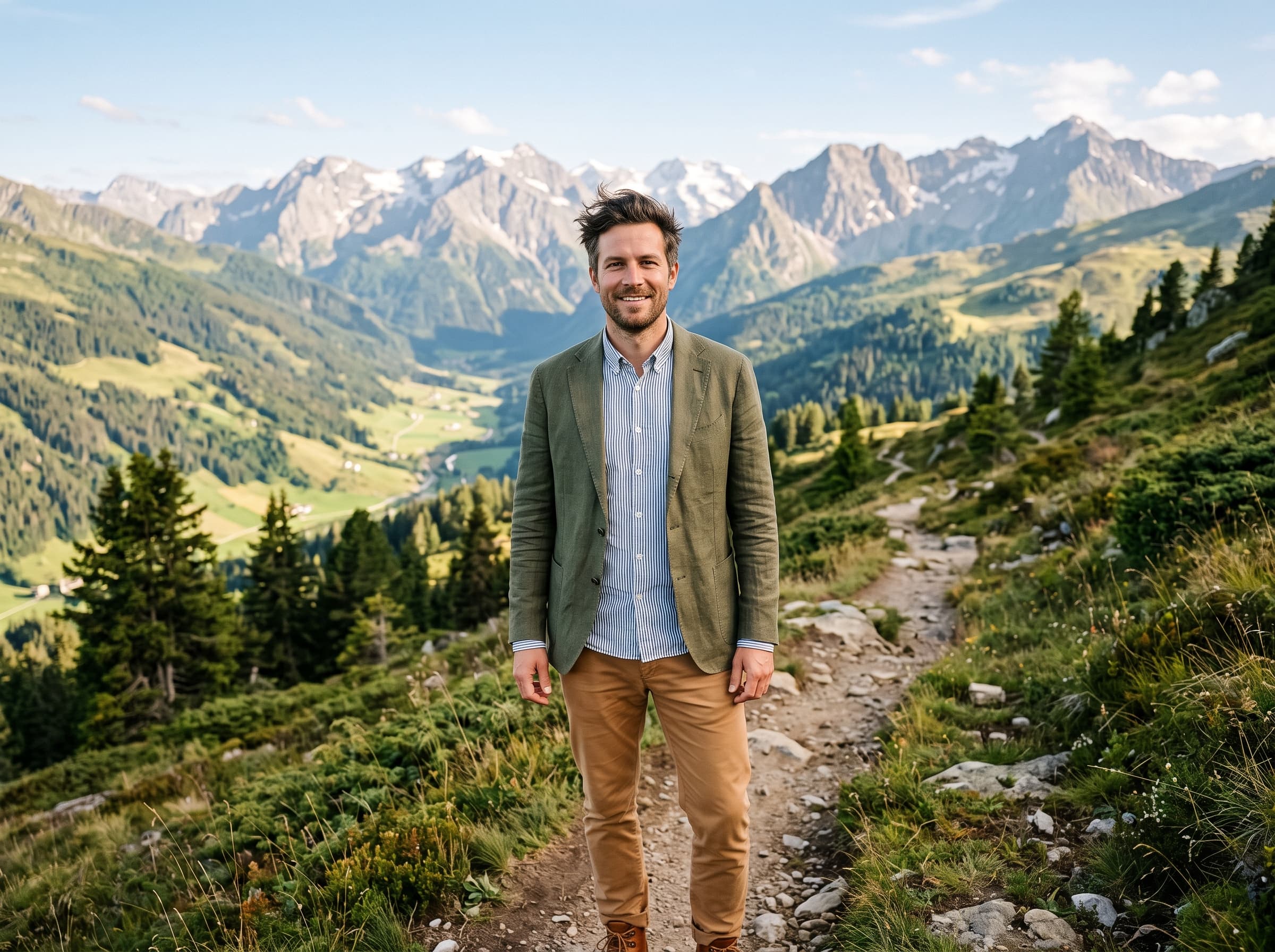
Eight scenes. White background is the one people underuse - it gives you a clean subject to drop into a designed ad layout instead of committing to a photographed environment.
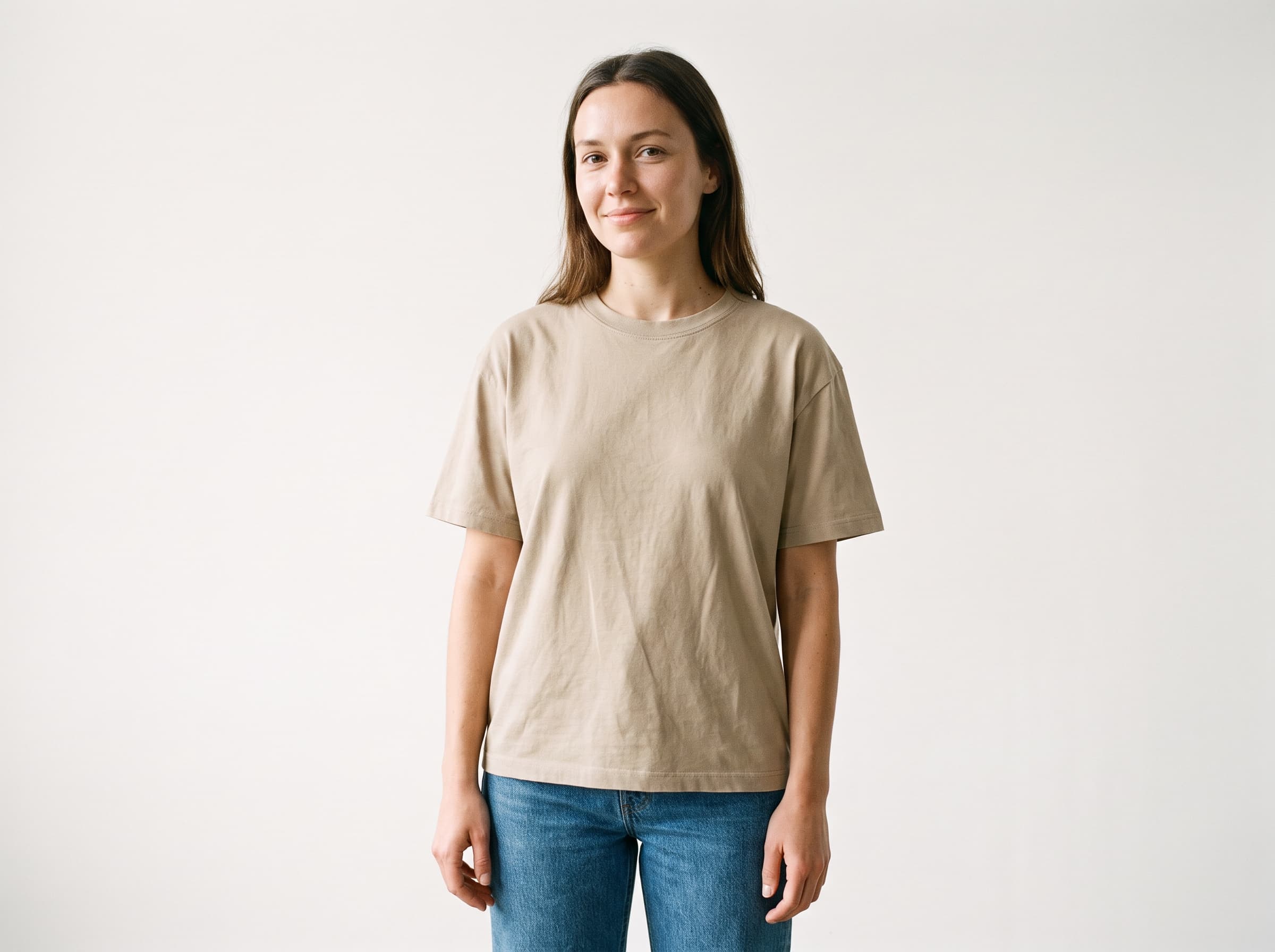
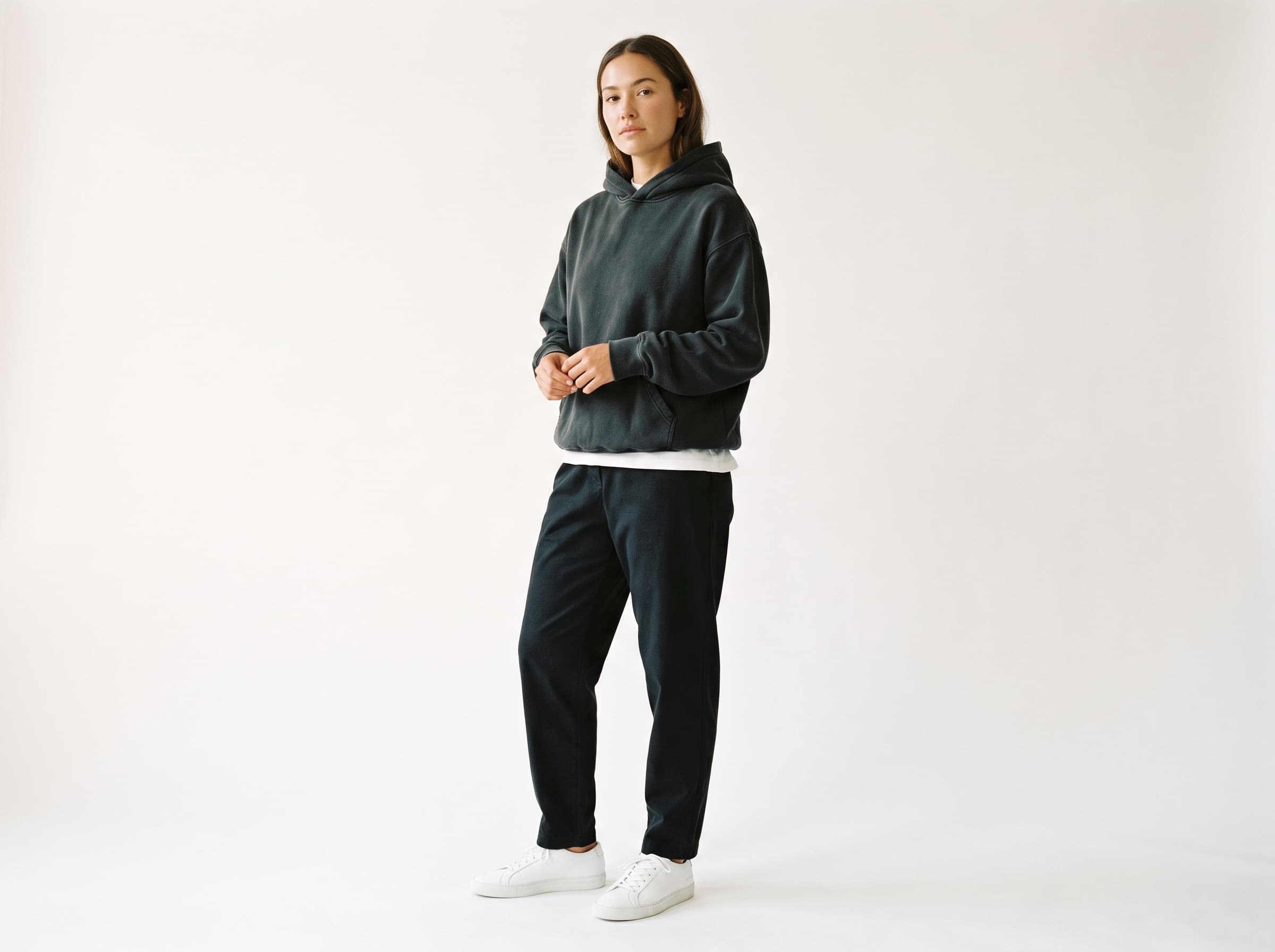
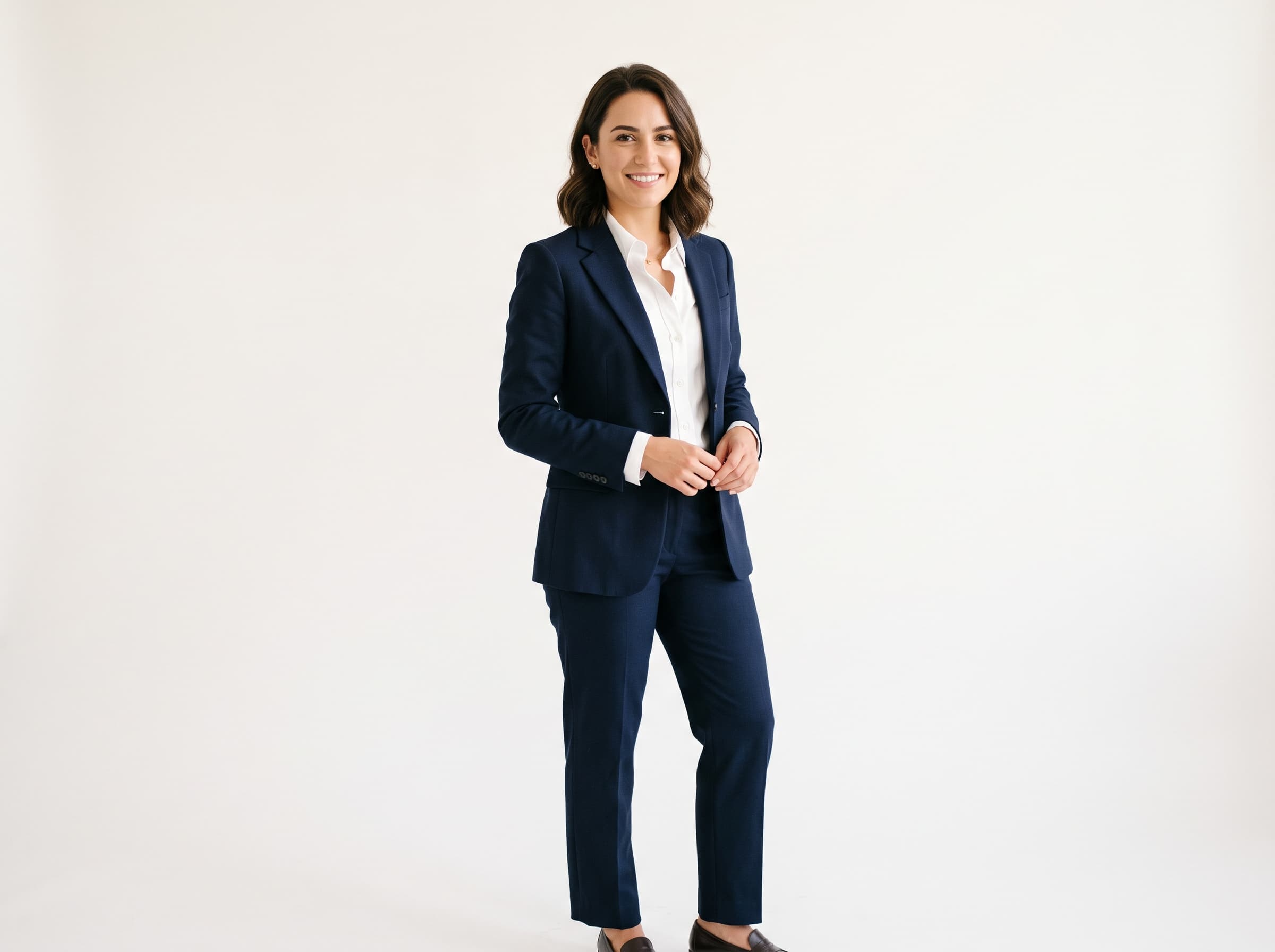
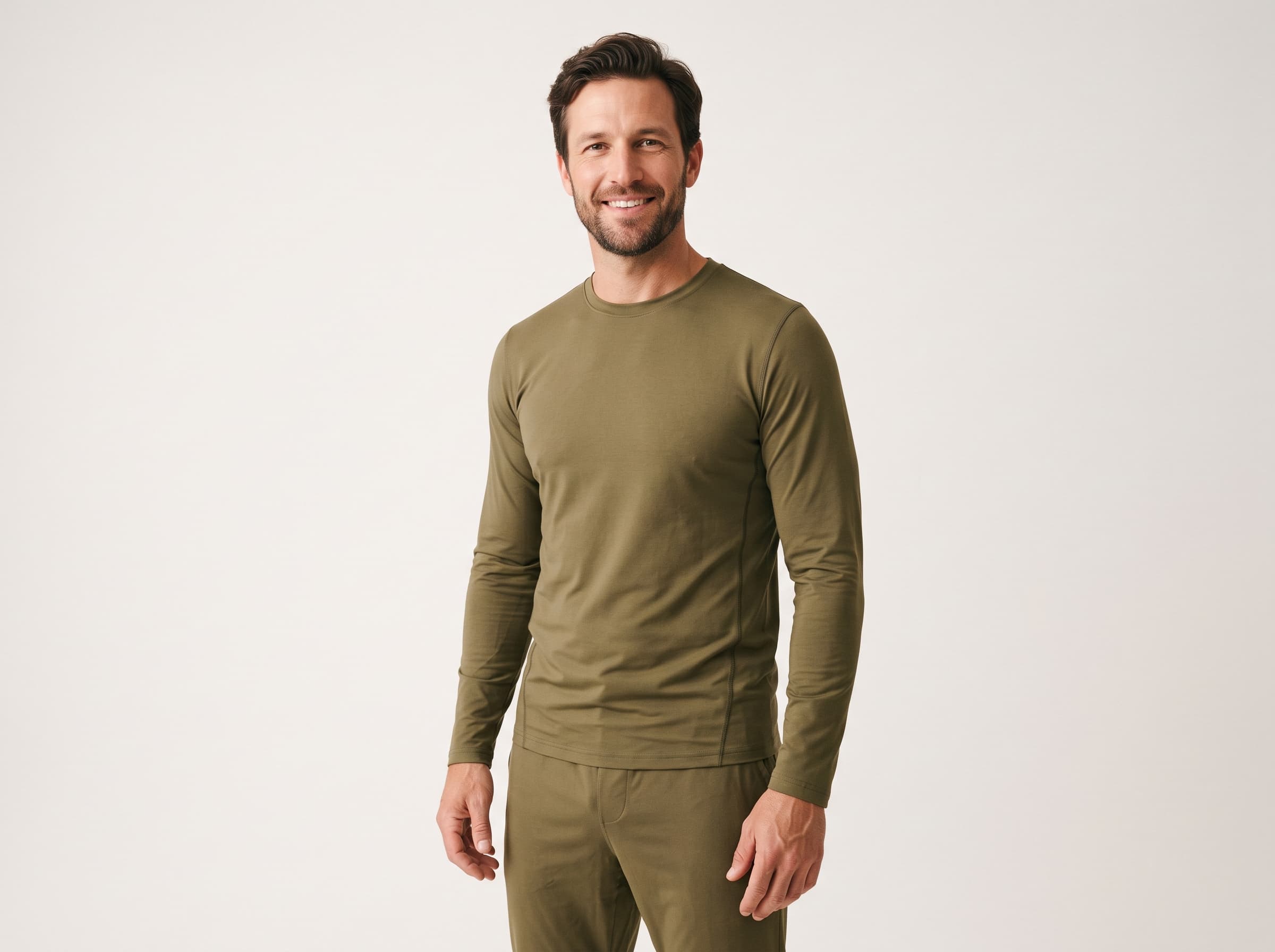
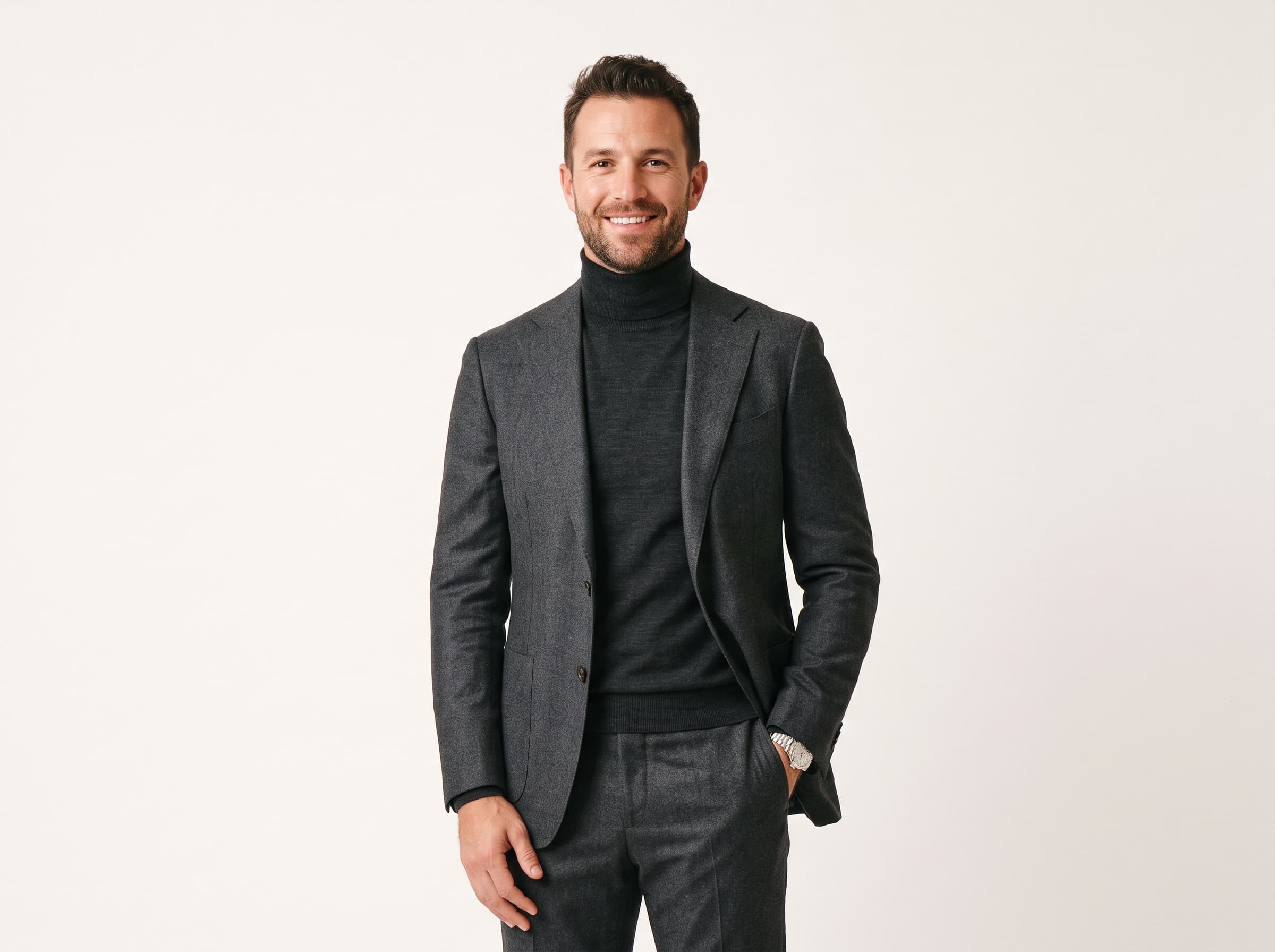
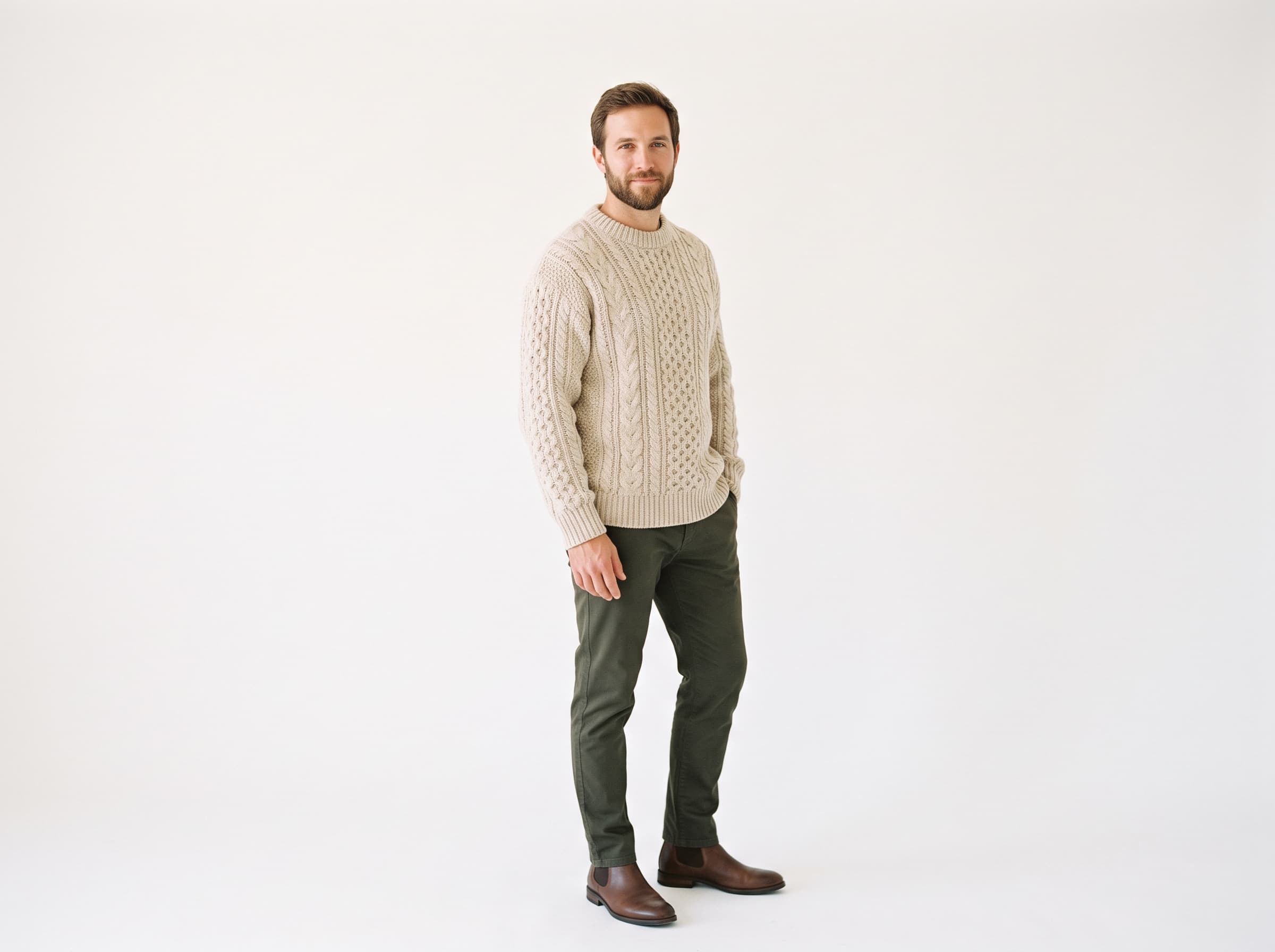
Outfits are written as specific garments with fabric behaviour, not as vague style words, which is why the knit reads as wool and the blazer drapes instead of looking painted on.
AI Influencer vs Hiring a Real One
Influencer marketing has a specific cost shape that is different from hiring a model: you are buying access to an audience and a limited licence to reuse the footage. When you only want the creative - the face, the room, the product in hand - you are paying for a lot you do not use.
Hiring a real influencer
Rates, contracts, usage windows

Pixair AI influencer
Hiring a real influencer
Rates, contracts, usage windows
Pixair AI influencer
Cost per new asset
$100 - $2,500 per post
6 credits
Brief to delivered asset
1 - 3 weeks
About 60 seconds
Revisions
1 - 2 included, then paid
Unlimited restyles
Usage rights
30 - 90 days, renegotiated
Yours, no expiry
Switching niche
New creator, new contract
57 preset niches built in
Same face across 40 ads
40 briefs and deliveries
One avatar, restyled
Reputational exposure
Their feed is your risk
None outside your account
Video from the same face
Book a shoot day
4 - 15s clip, 480p to 1080p
The row that matters most in practice is usage rights. A creator deal that expires in 90 days means your best-performing ad has a shutdown date written into it, and the renewal quote arrives once the creative has proven it works. An influencer you generated has no expiry, so a winner can keep running until the audience tires of it rather than until the contract does.
How Do You Create an AI Influencer?
Four passes through the settings panel. The order matters, because the first two decide who this person is forever and the last two only decide what today's photo looks like.
Cast the person
Gender, age, ethnicity and build. Cast for the audience you are actually selling to, not for the most photogenic option on the screen. If your buyers are 45-plus women, a mature influencer will out-convert a 24-year-old with better cheekbones, and the configurator makes that a two-click decision instead of a second casting brief.
Give them a face people remember
Hair plus any of the seven details - glasses, freckles, stubble, a short beard, gold jewelry, subtle tattoos, natural makeup. These are the markers that make a face identifiable at thumbnail size in a crowded feed. A person with clear glasses and freckles is recognisable after two impressions; a person with no distinguishing features needs far more.
Stage the shot
Pose, outfit, scene, camera style, aspect ratio. This is the layer you change every time you need a new creative, and none of it touches the identity. Nine-by-sixteen for TikTok and Reels, one-by-one for Meta feed, sixteen-by-nine for YouTube and Google Display - the framing adjusts rather than cropping a single image down.
Generate, then put them to work
Six credits, roughly a minute, and the influencer is saved. From the saved influencer you can generate a product-in-hand shot for another 6 credits, or a UGC video clip between 4 and 15 seconds at 480p, 720p or 1080p - a 10-second 720p clip runs 98 credits, a 4-second 480p draft runs 22.
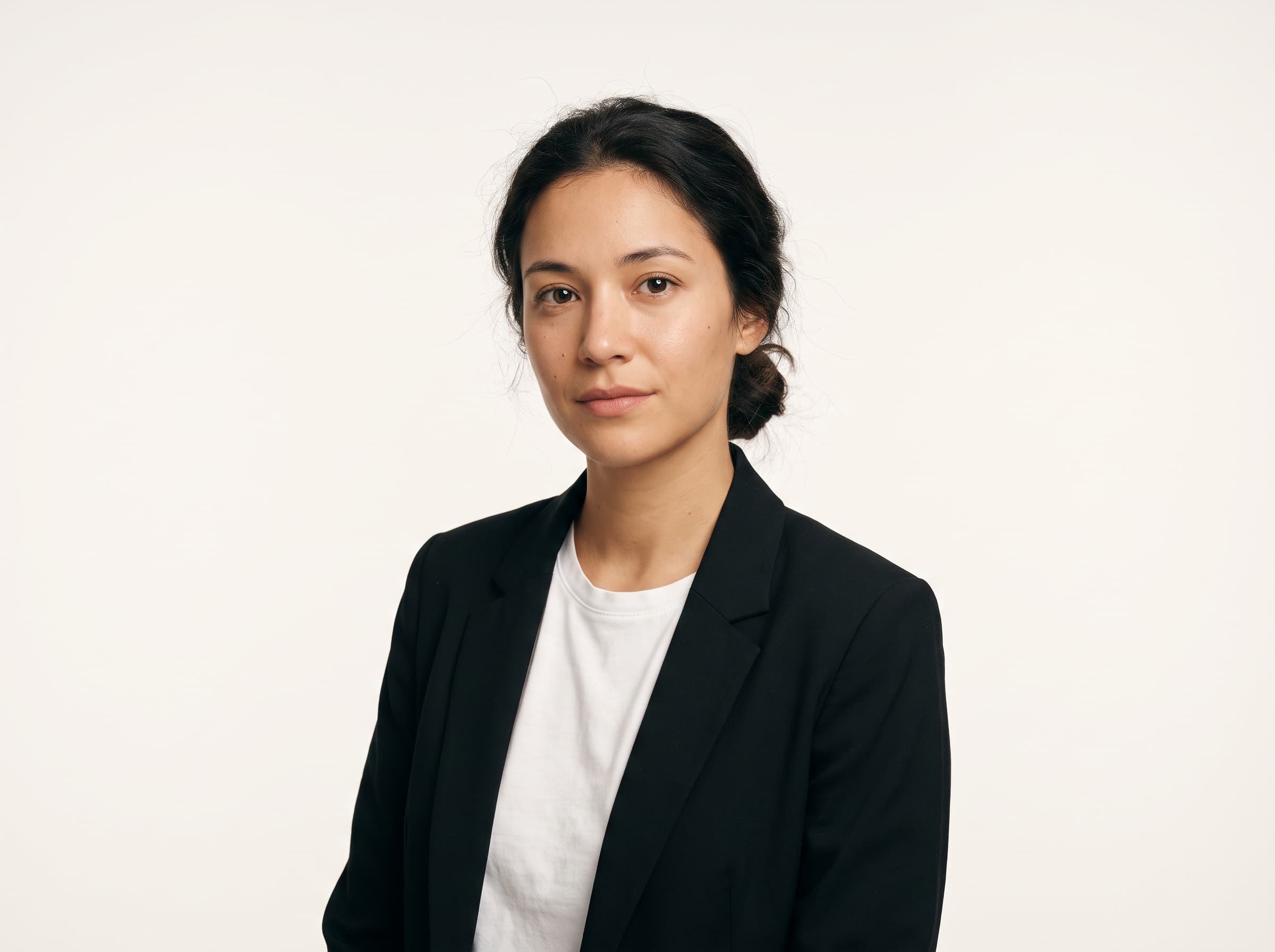
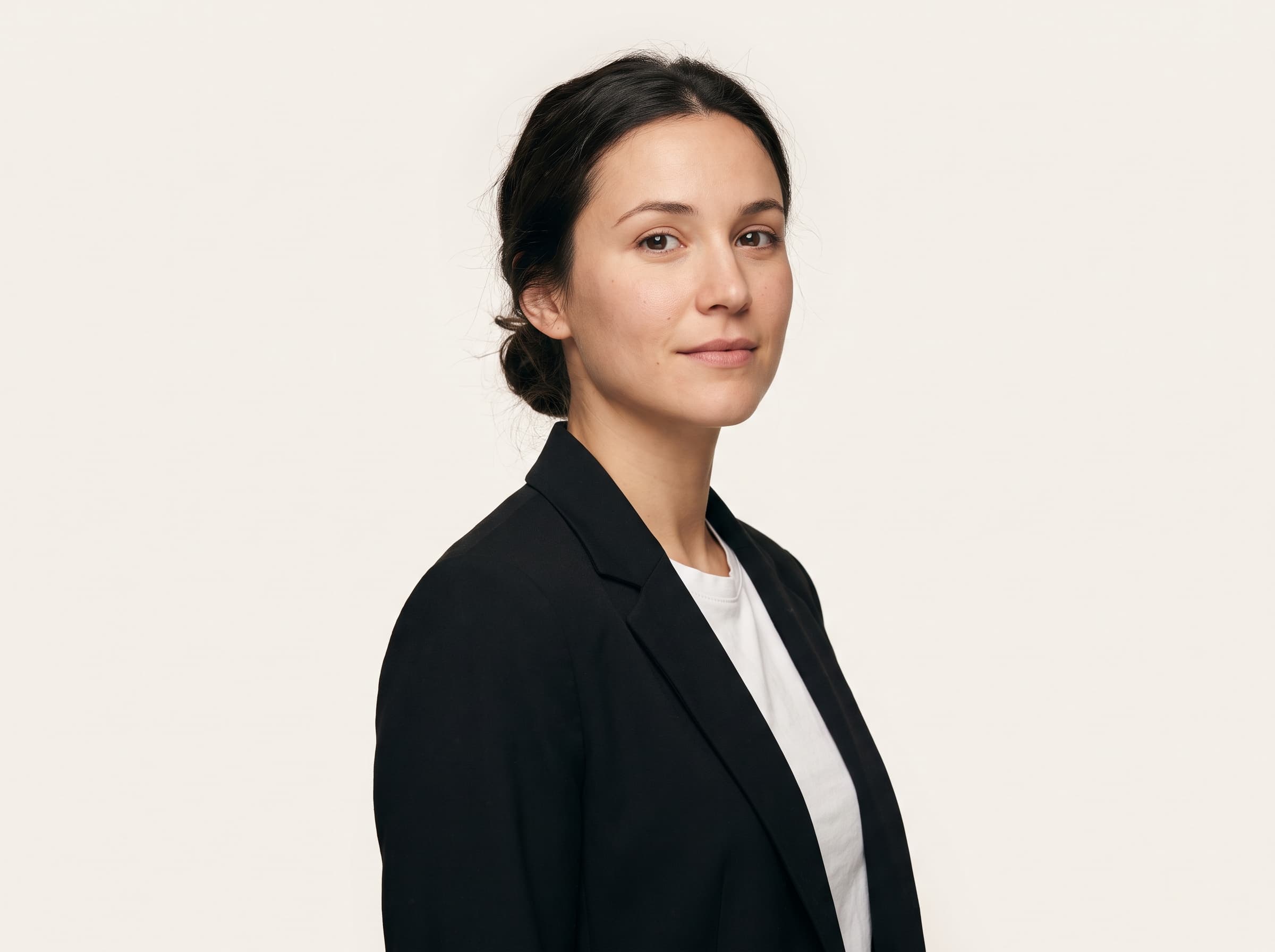
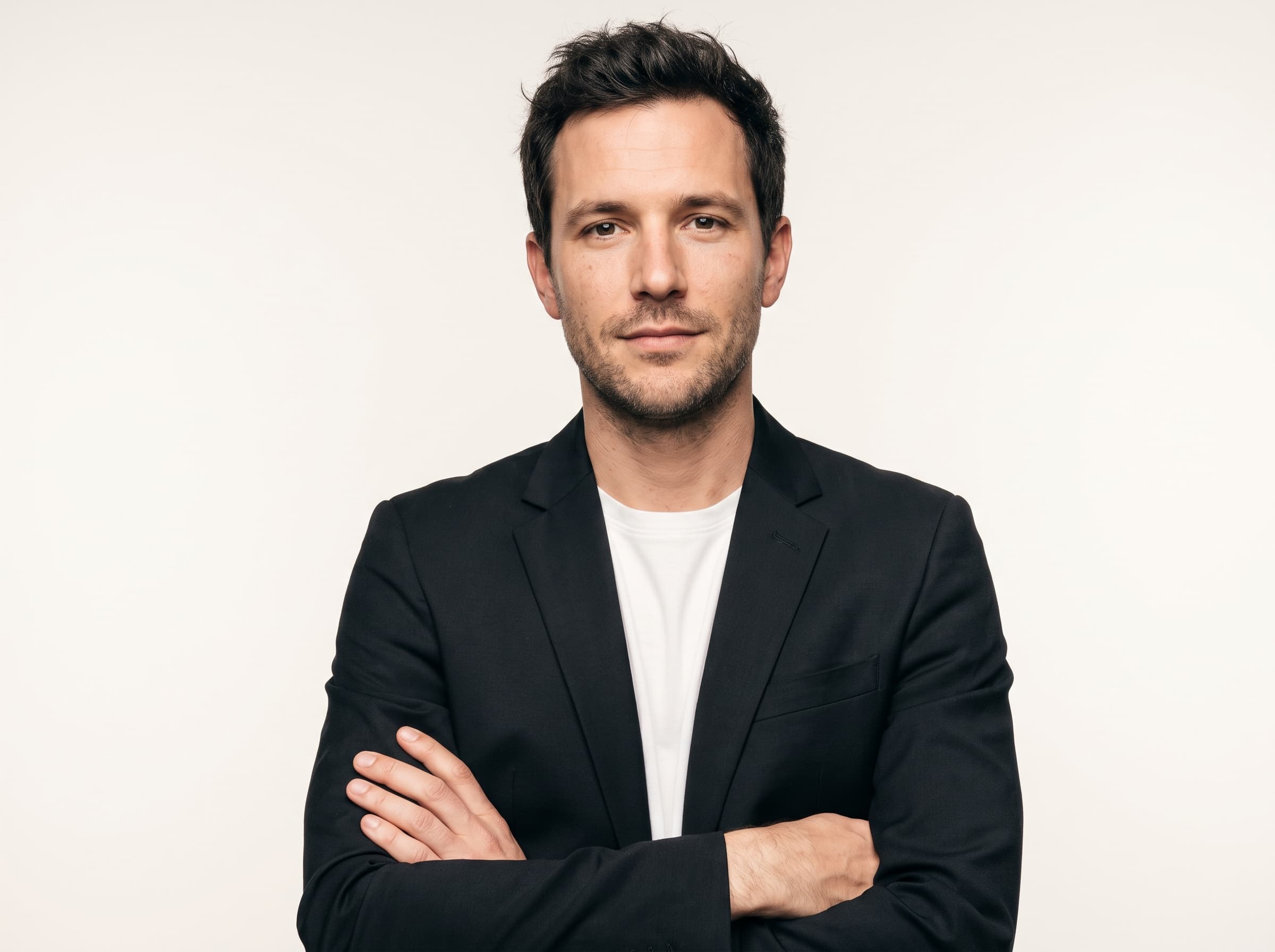
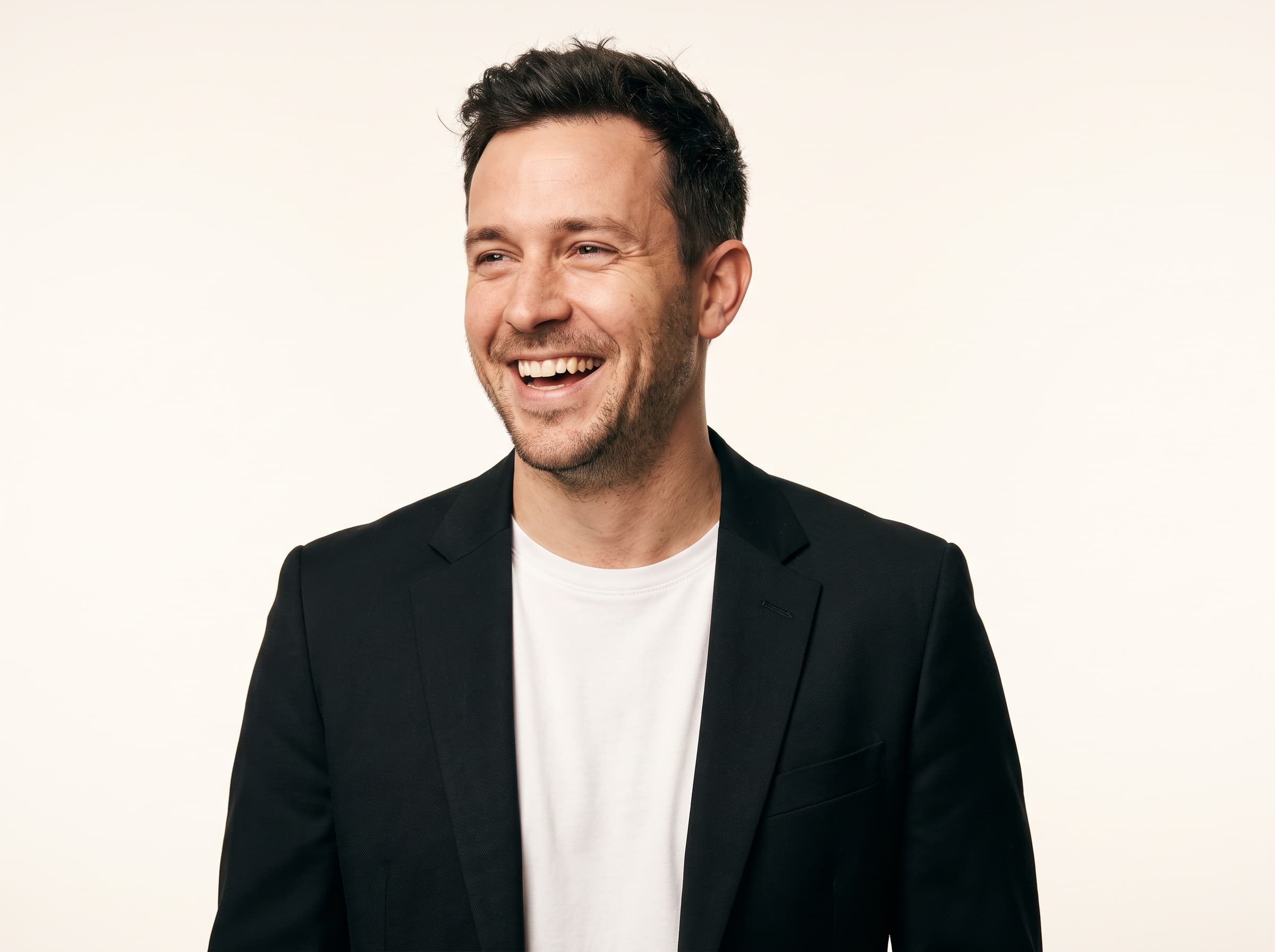
Four poses. Candid is the one that reads least like an ad, which is exactly why it is the one to reach for on TikTok and Reels.
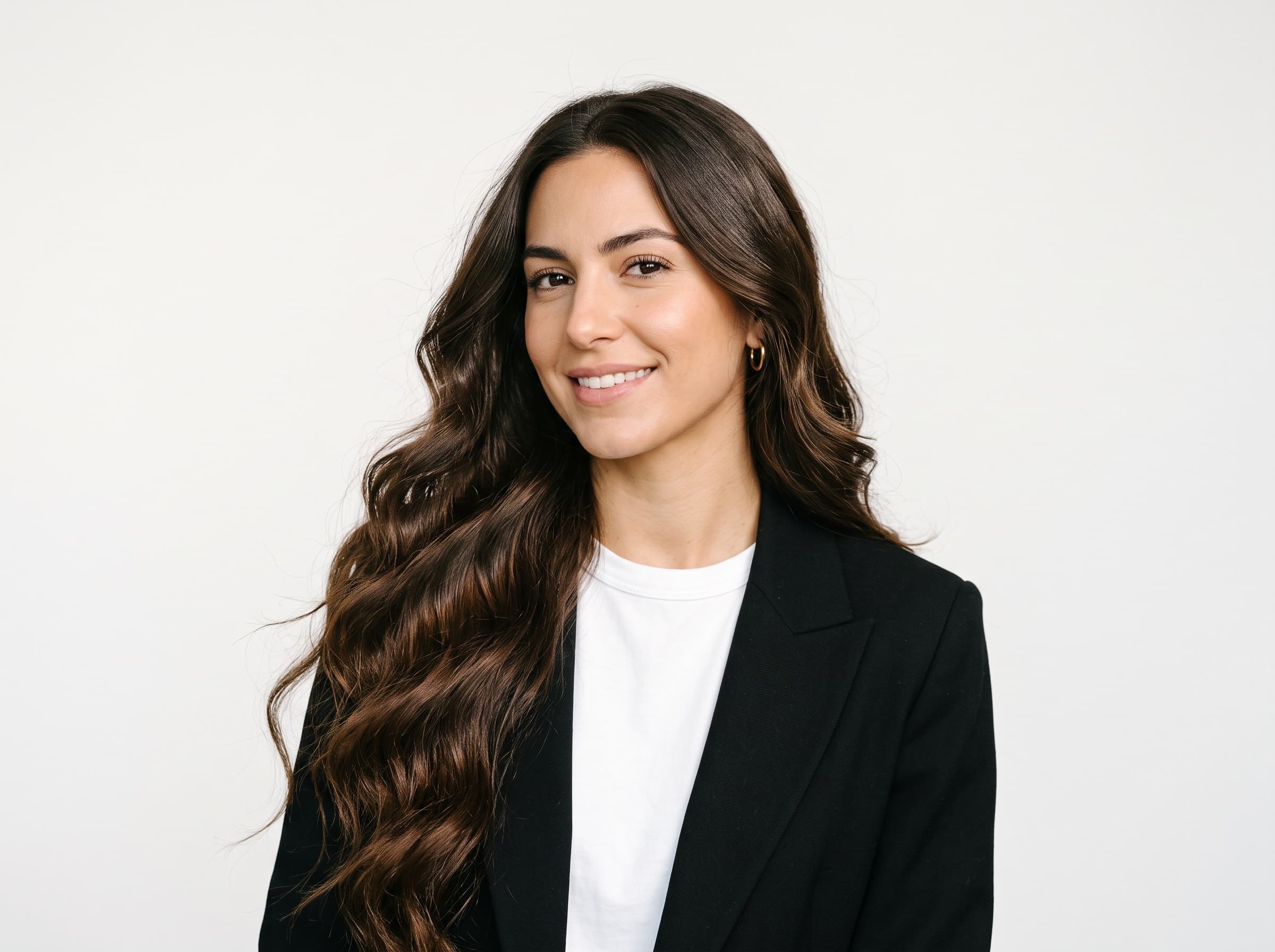
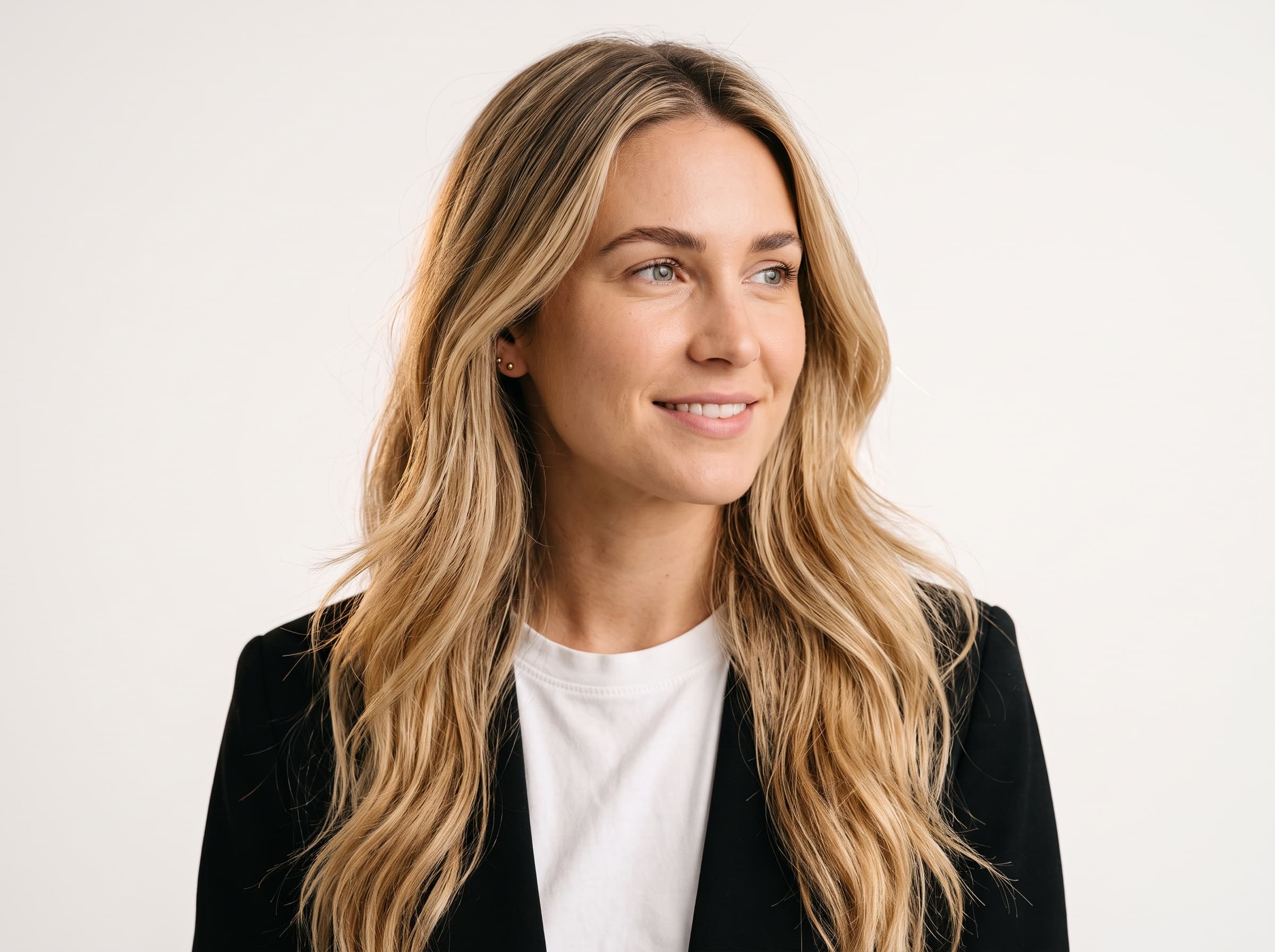
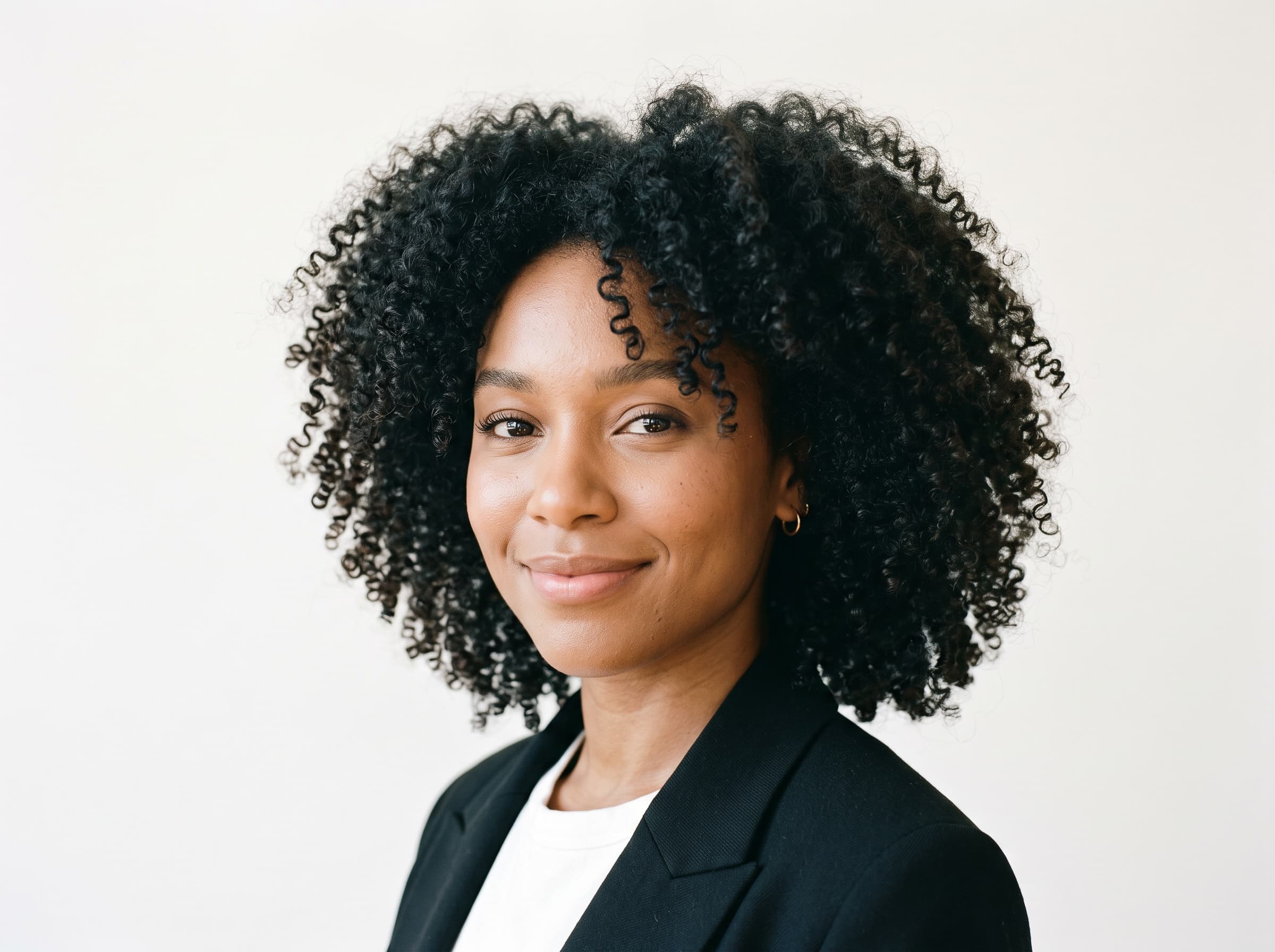
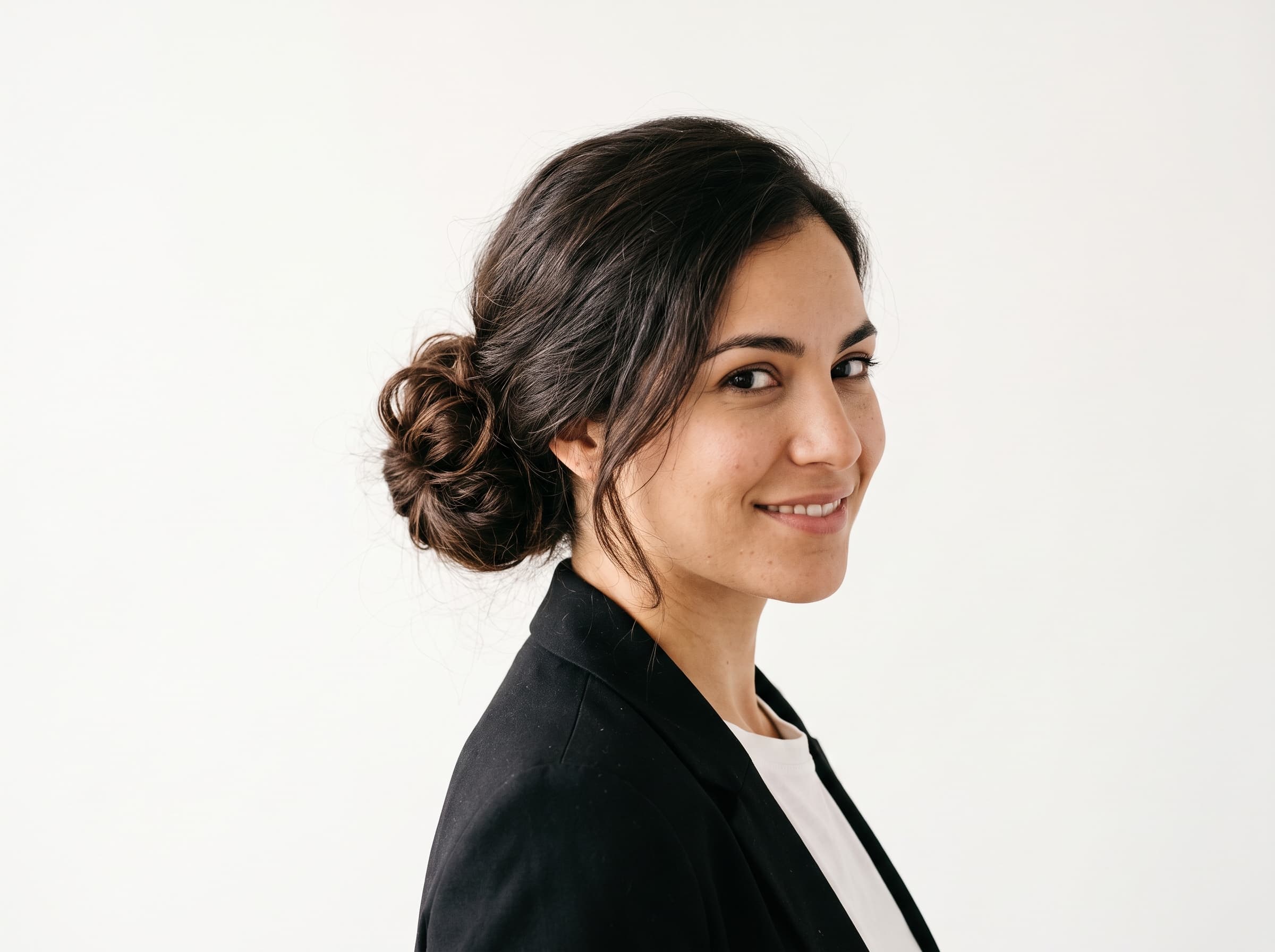
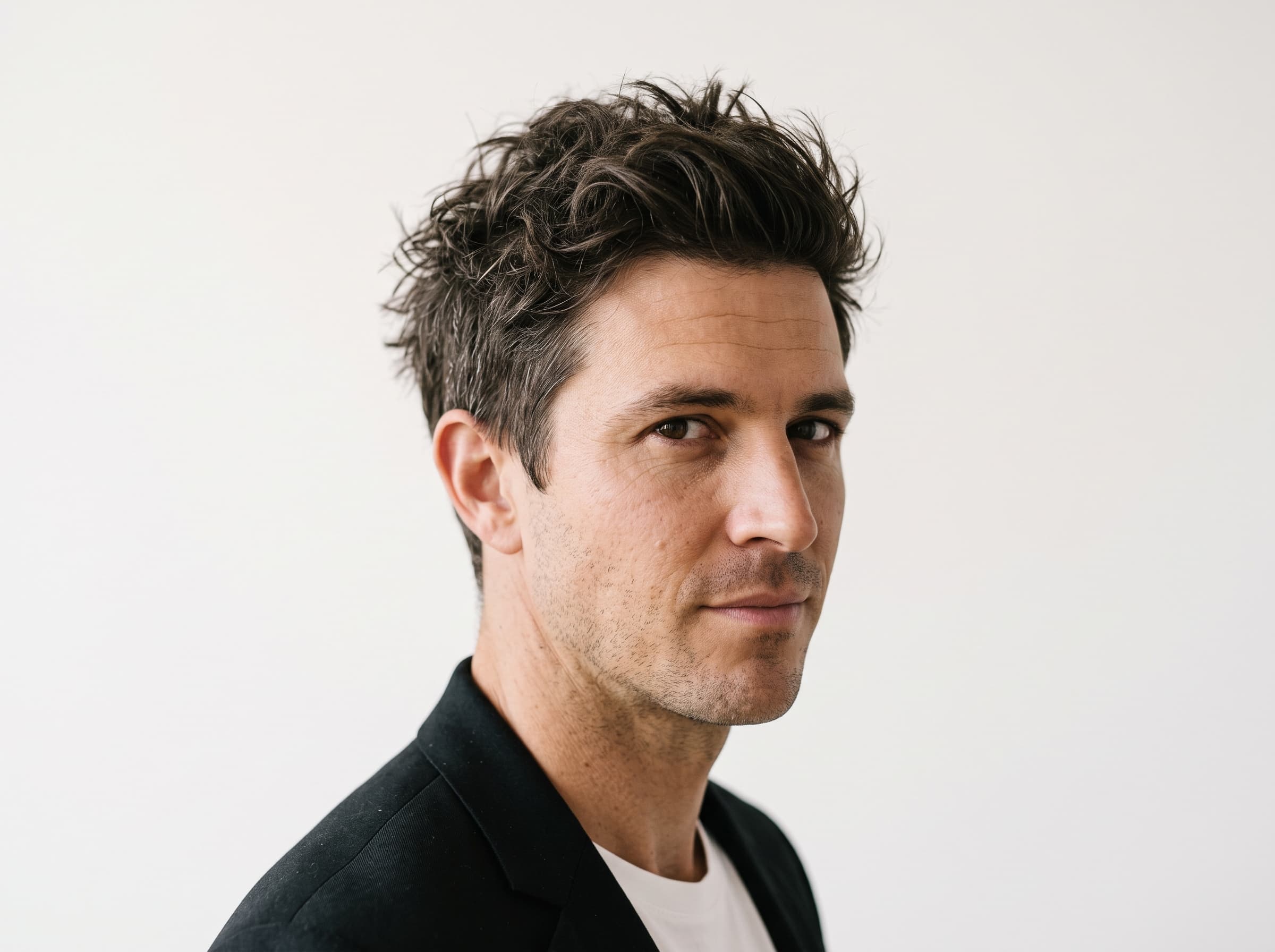
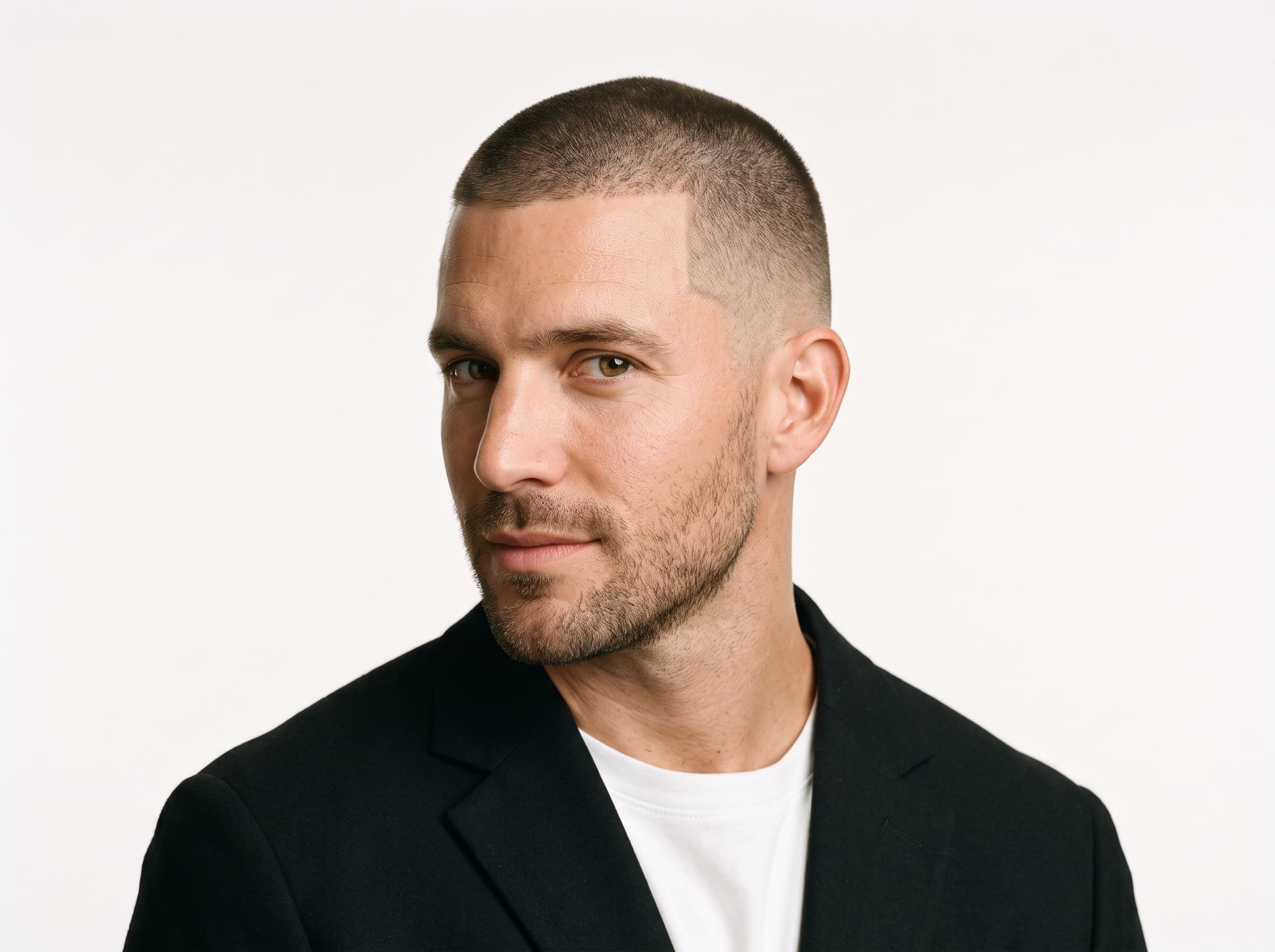
Hair is an identity control, not a styling one. Change it after you have started running ads and the audience reads it as a different person.
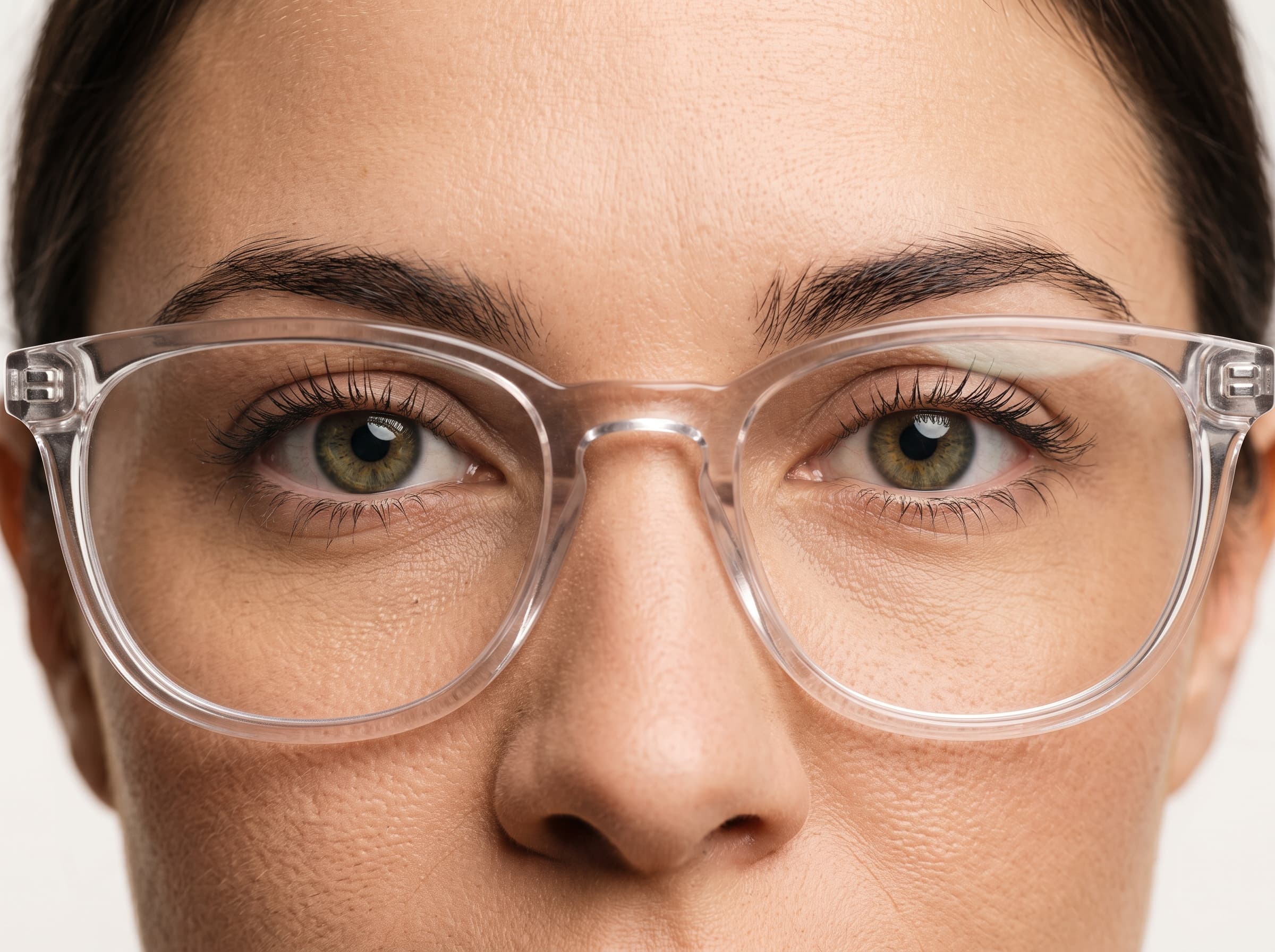
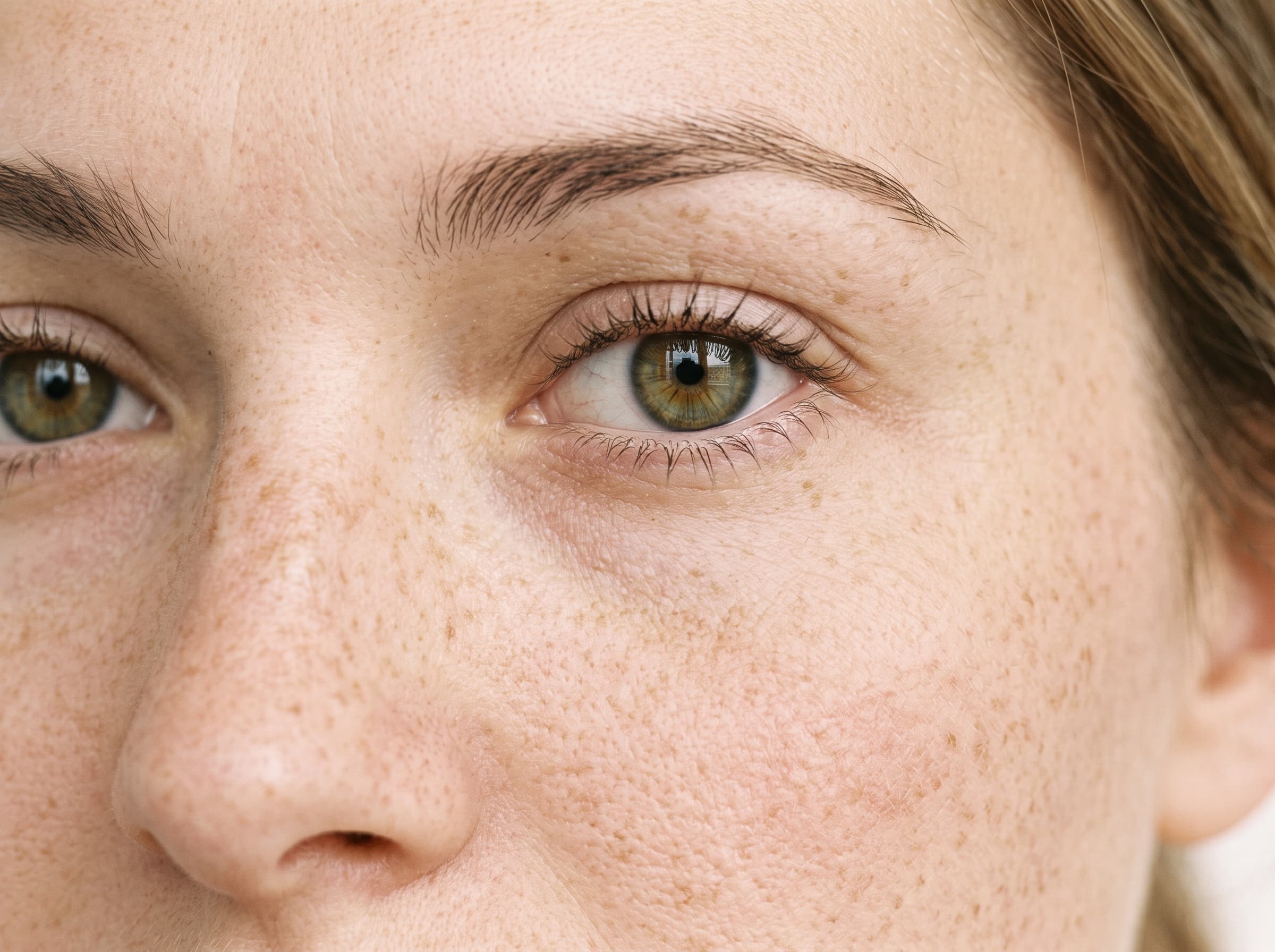
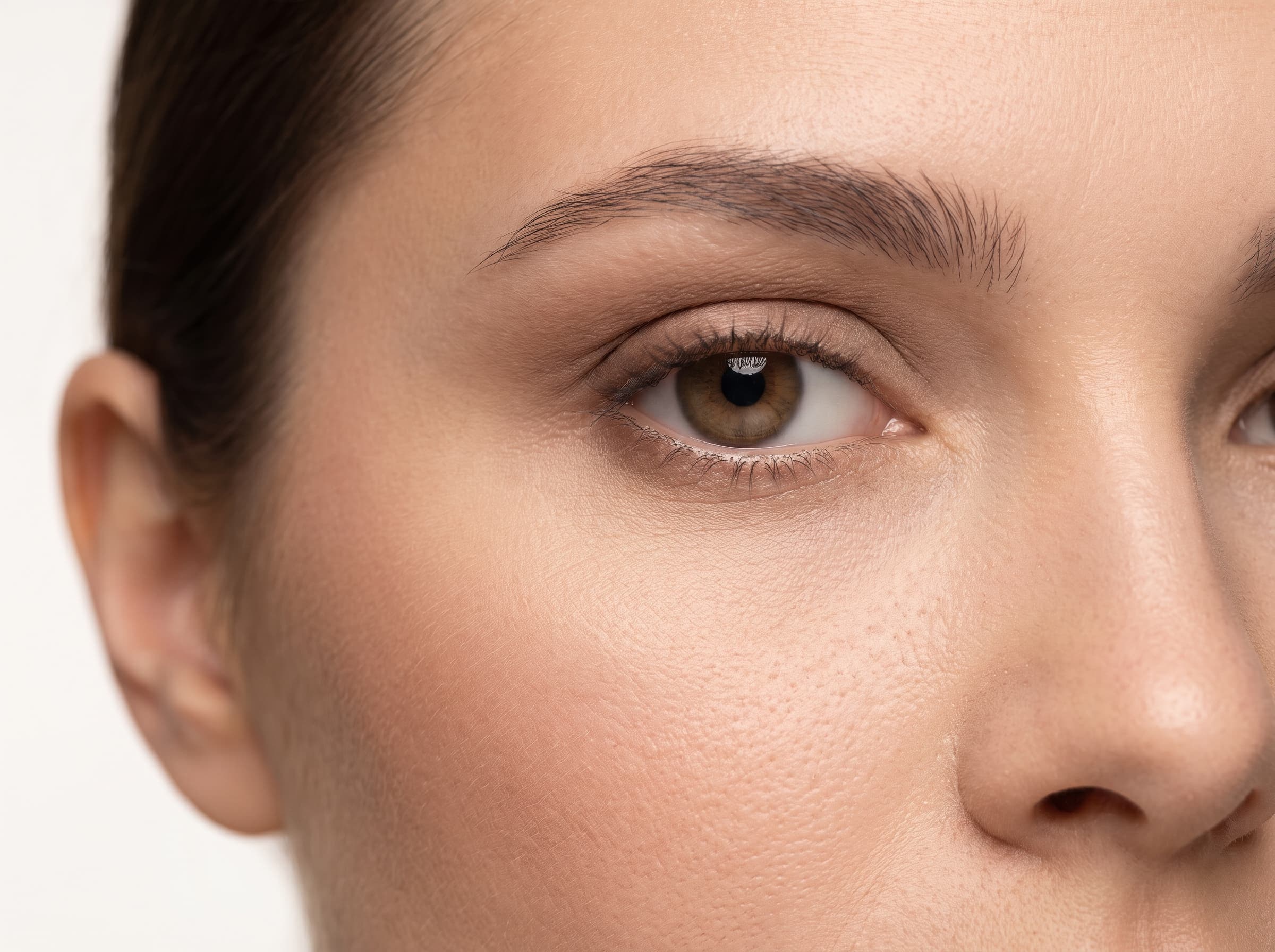
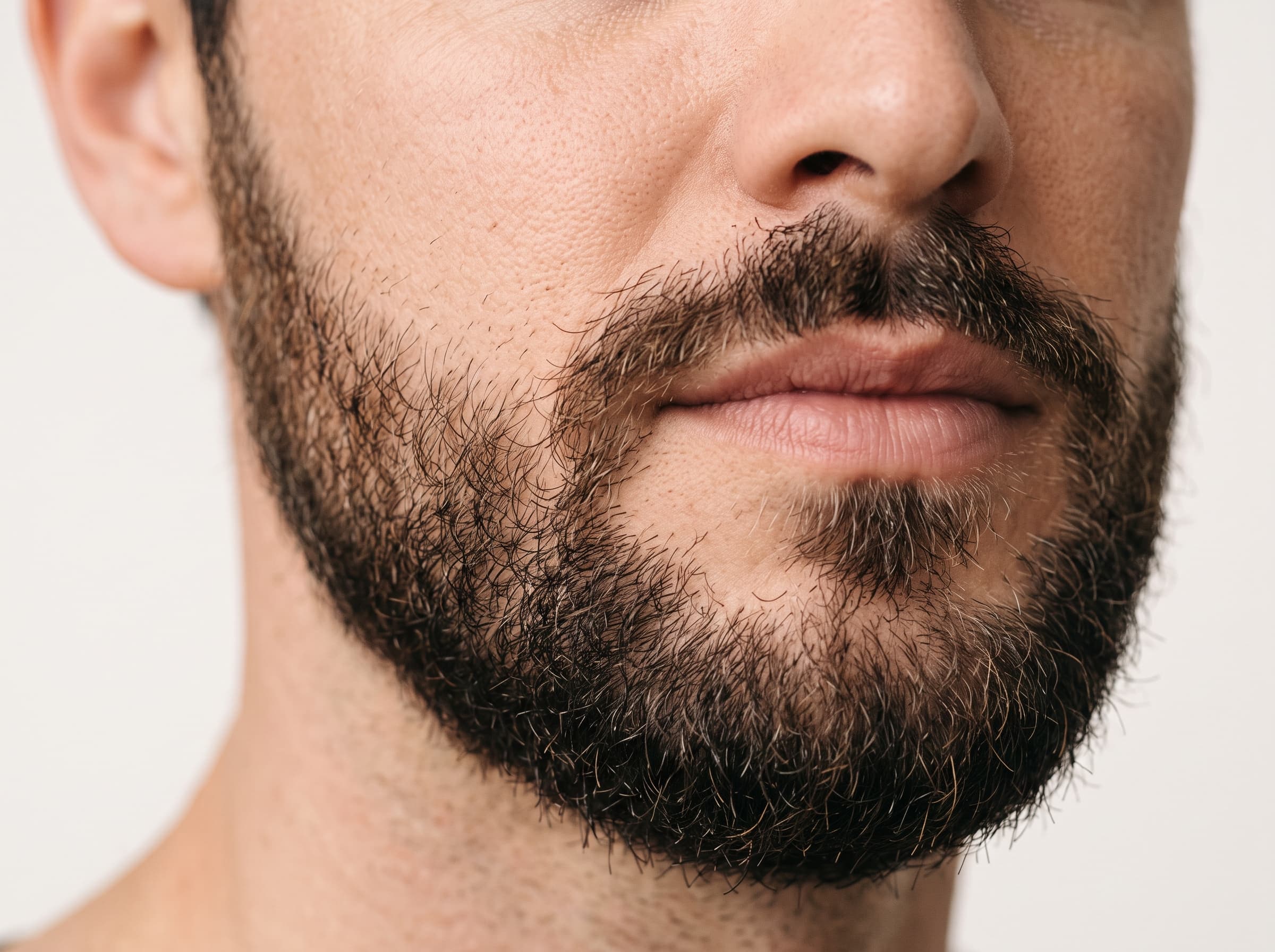
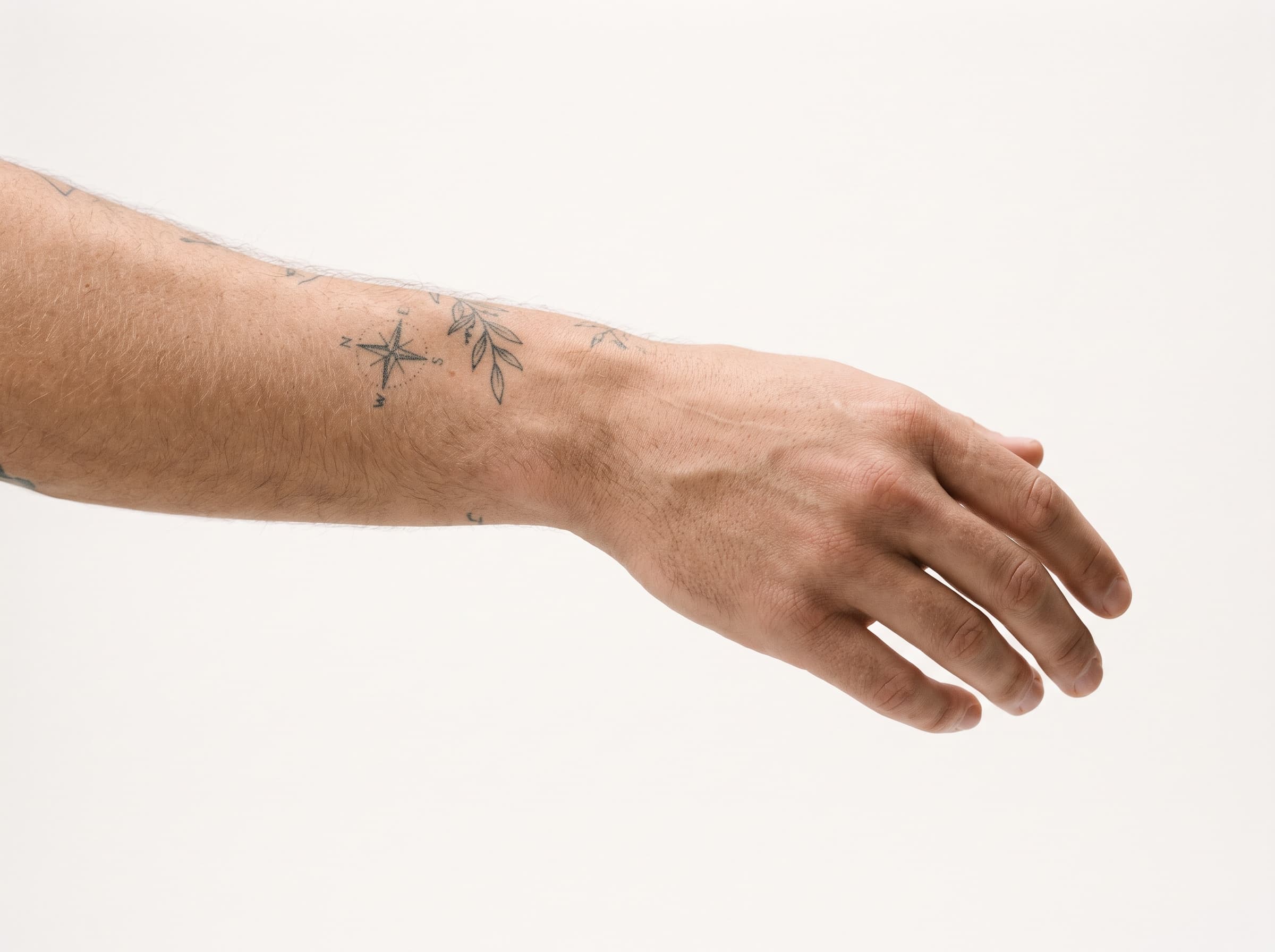
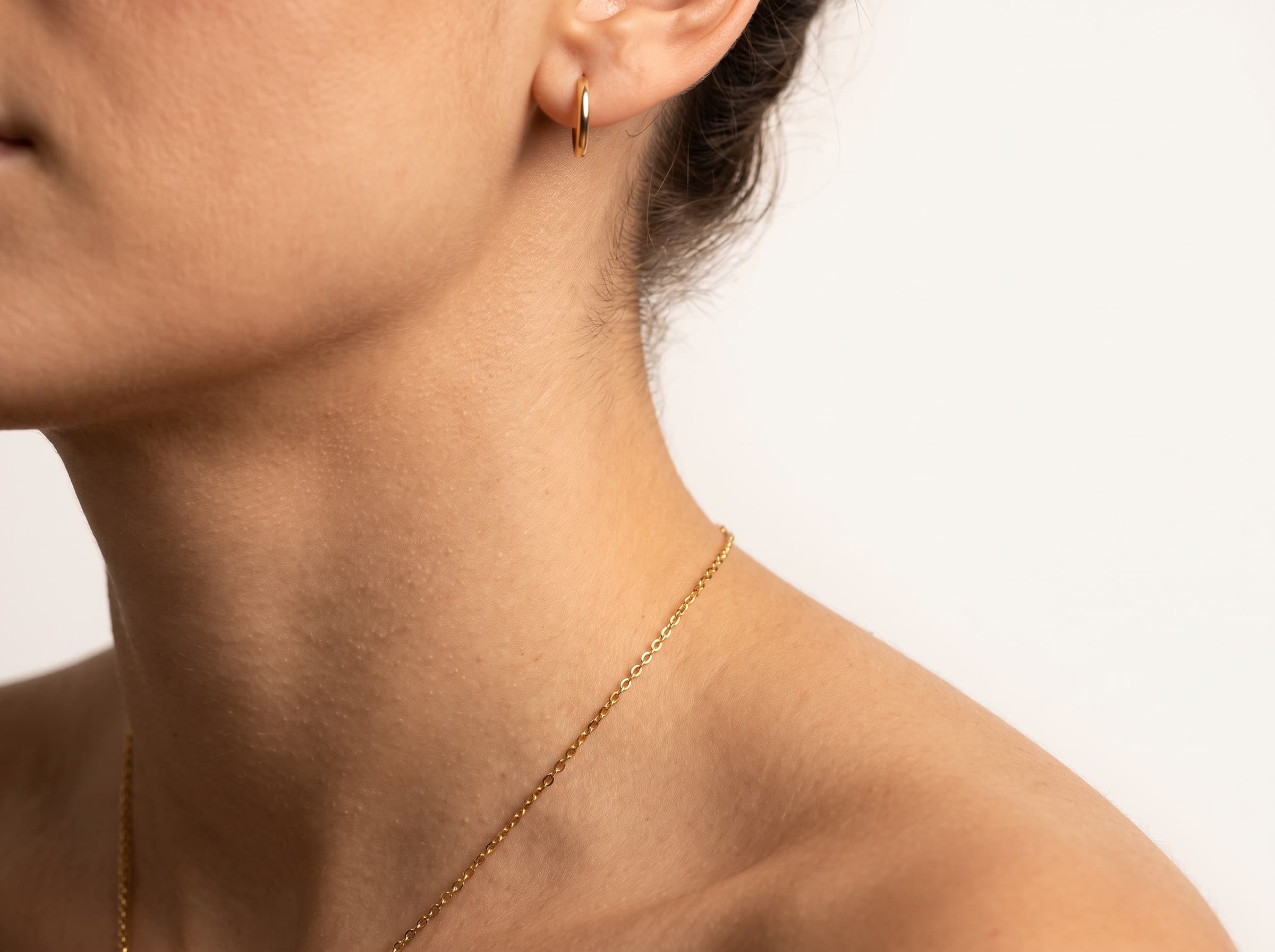
Details stack. Freckles plus glasses plus gold jewelry is a specific person; none of the three is, on its own.
Camera Style or Phone Style?
This single toggle changes more about how an AI influencer performs than any other control, and it is the one most people leave on the default. Camera style renders with shallow depth of field and controlled directional light - the look of a commercial shoot. Phone style renders with even ambient light, deep focus and a handheld feel - the look of something a person actually posted.
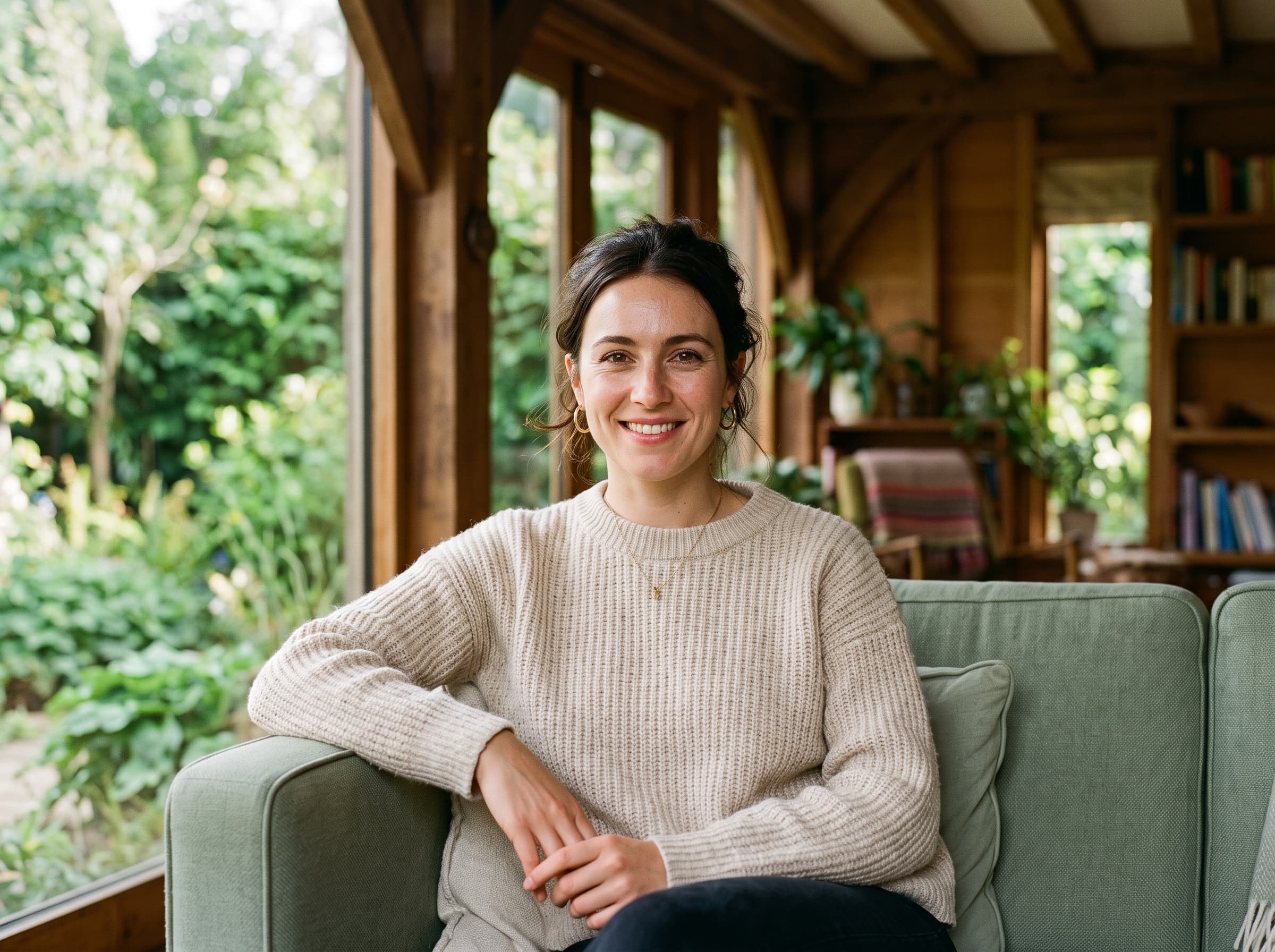
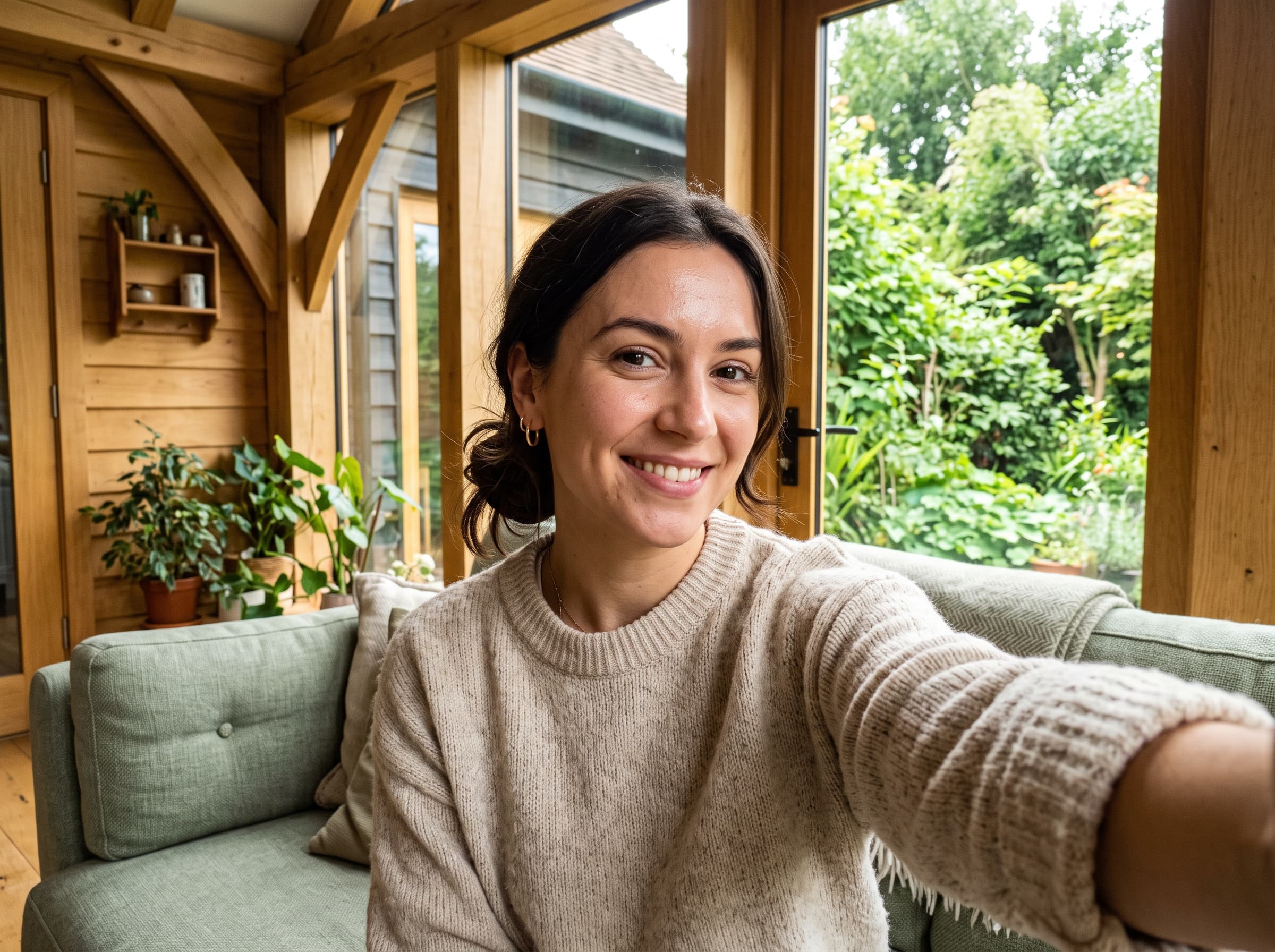
The same casting, two capture styles. Look at the background: the blurred one signals production, the sharp one signals a person who happened to take a photo.
The rule of thumb: phone style wherever the placement is a feed people scroll for entertainment, camera style wherever the placement is one they expect brands to occupy. In practice that means phone style for TikTok, Reels and Stories, camera style for Meta feed placements, Google Display and anything that also has to work as a landing-page hero. Both come from the same influencer, so you are not choosing a house style once - you are choosing per placement. If you are working through Instagram ad creatives, that usually means generating both and letting the placement decide.
What Niches Are Already Built?
Alongside the configurator there is a library of 57 preset creators across 12 categories - UGC, tech, fashion, beauty, fitness, wellness, food, home, pets, family, finance and lifestyle. Each one is a complete persona, not just a face: the setting comes with it, so the skincare creator arrives in a marble bathroom and the gaming creator arrives at a lit desk.
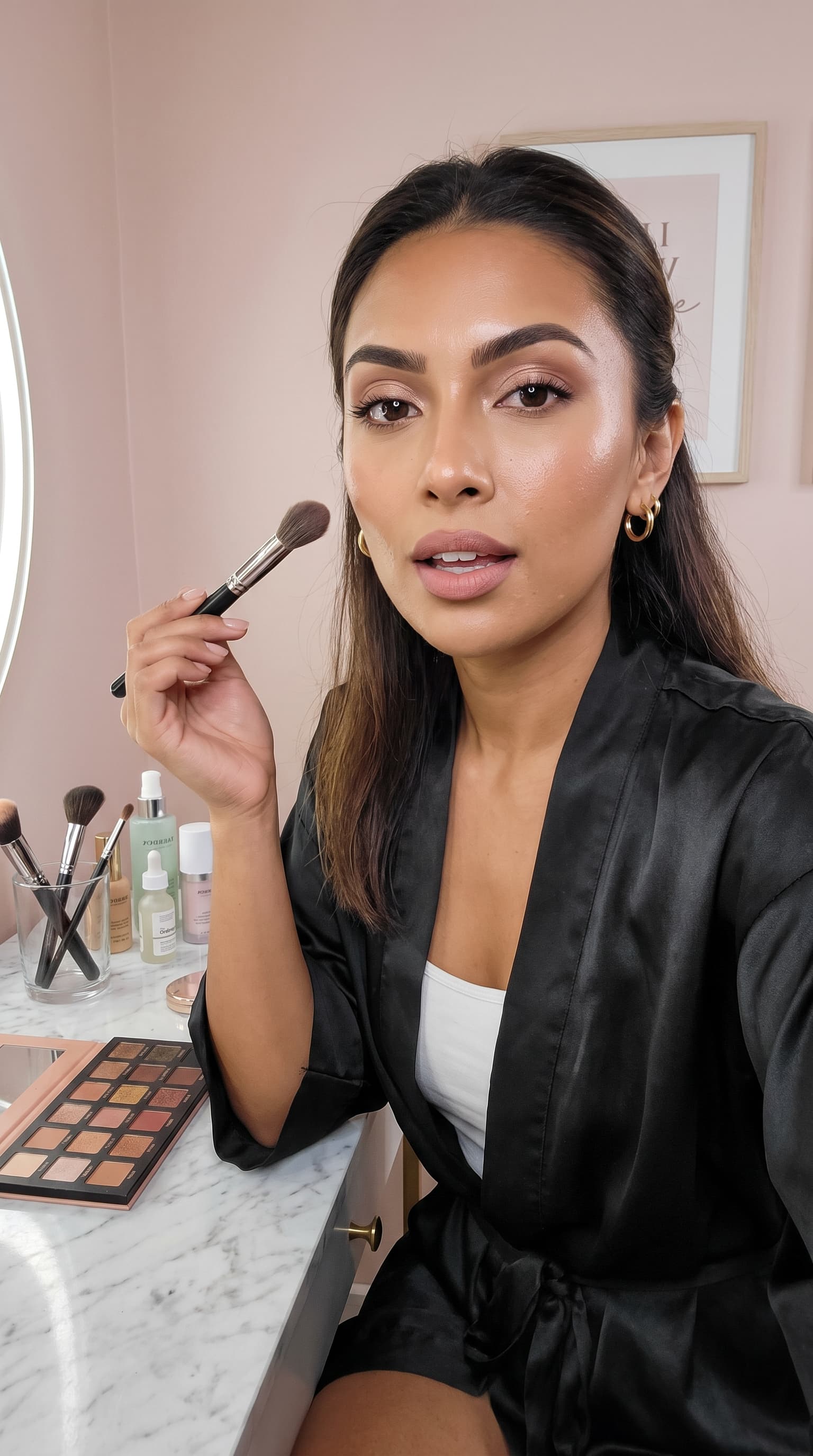
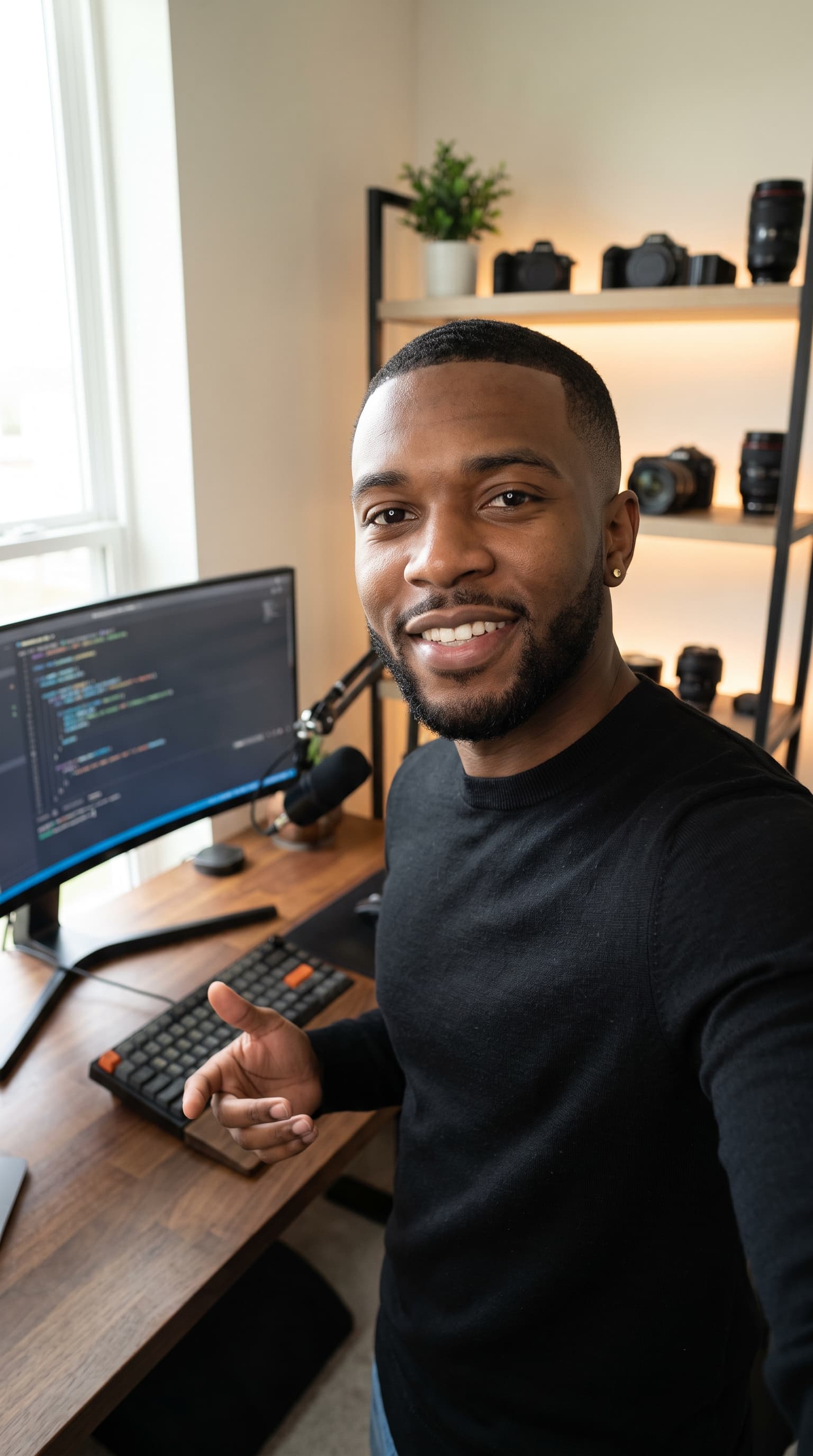
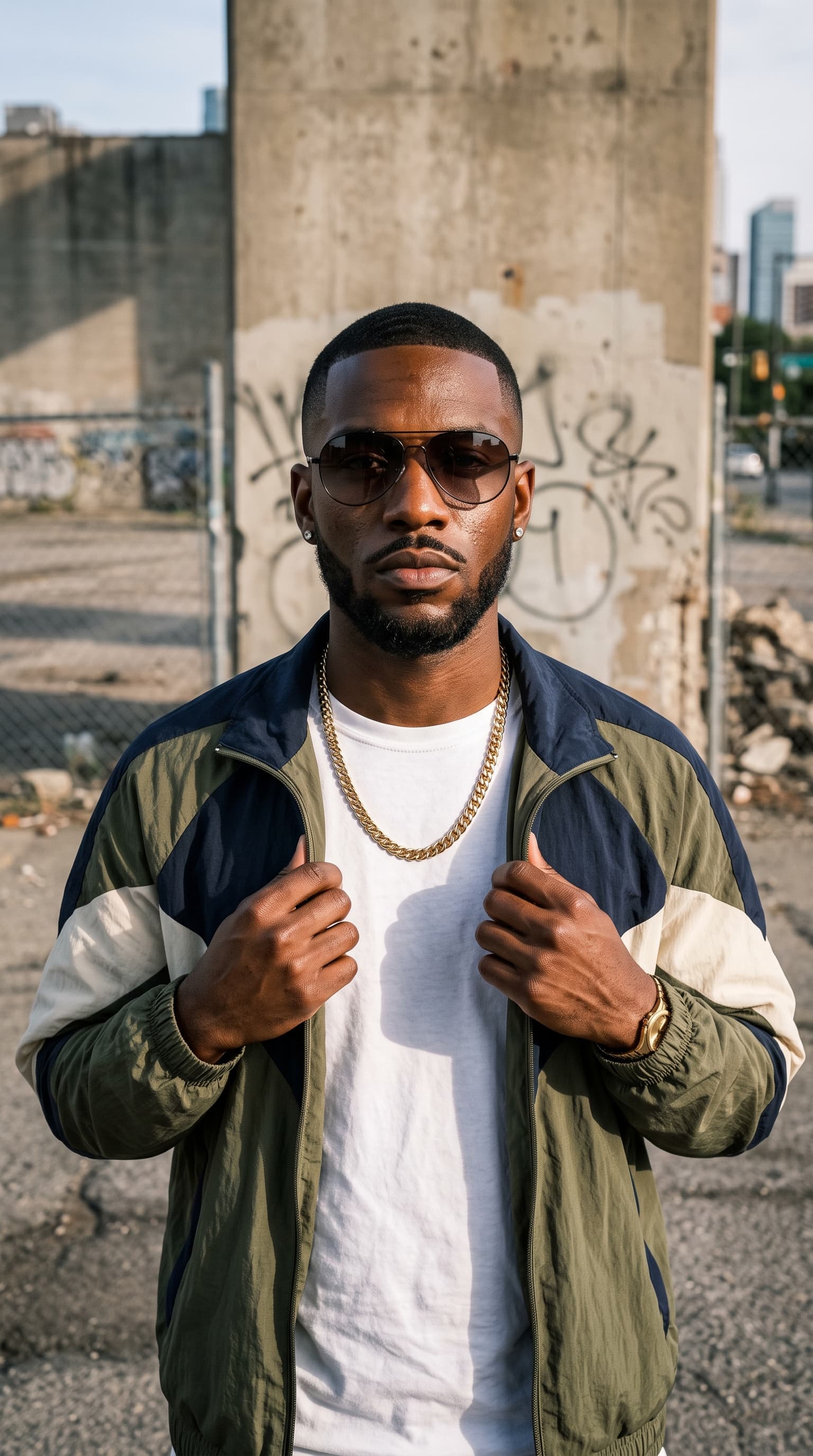
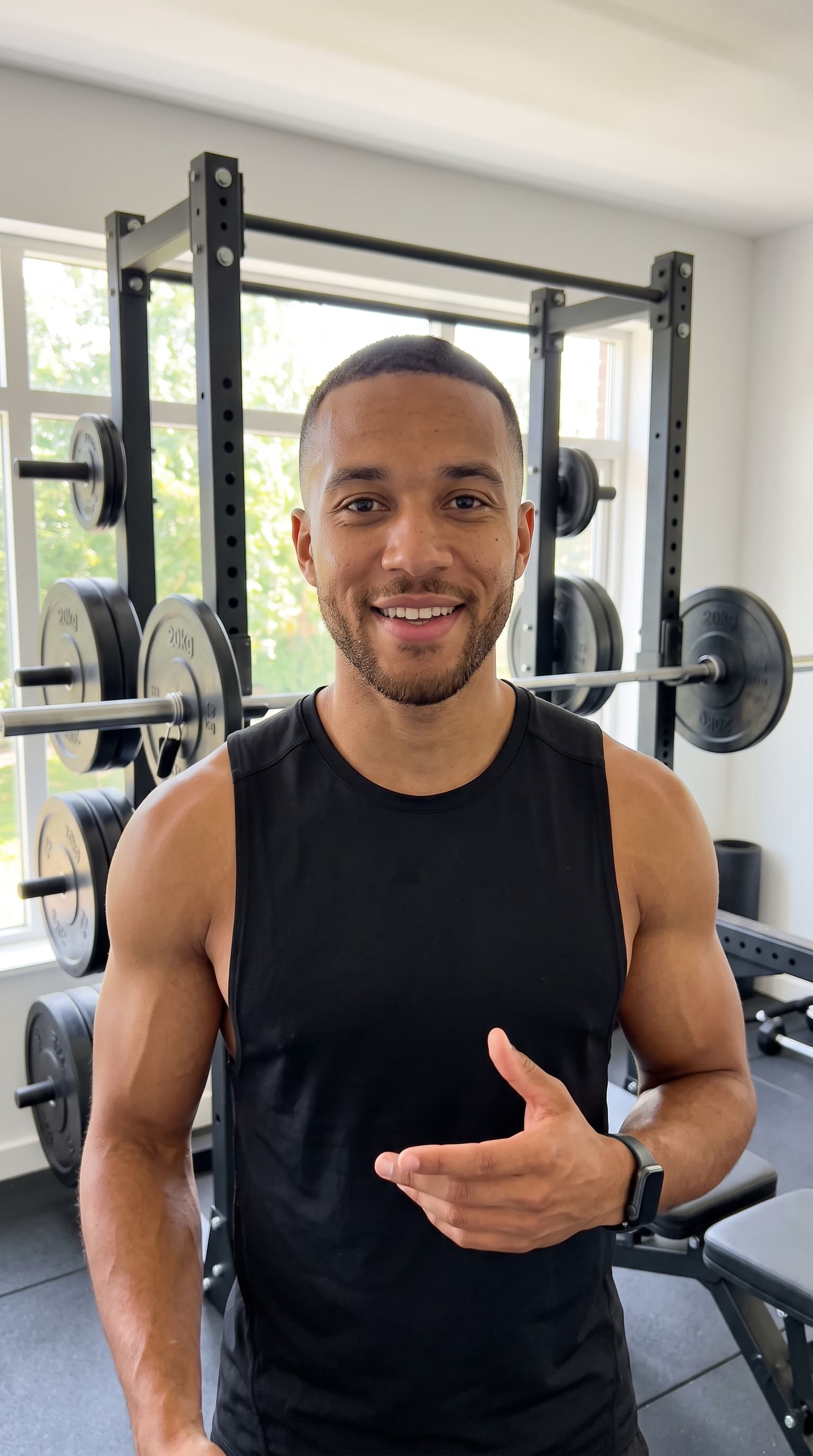
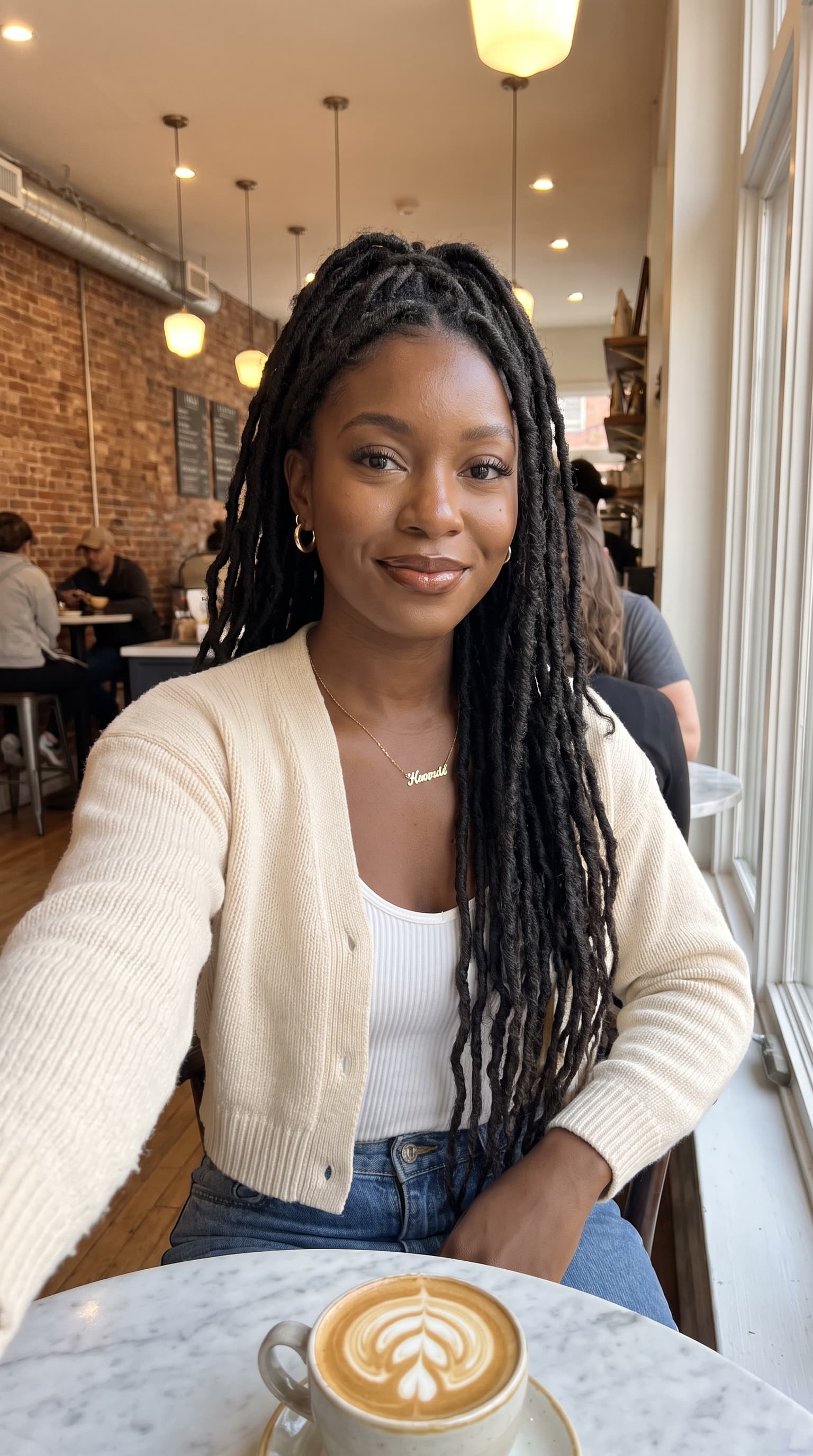
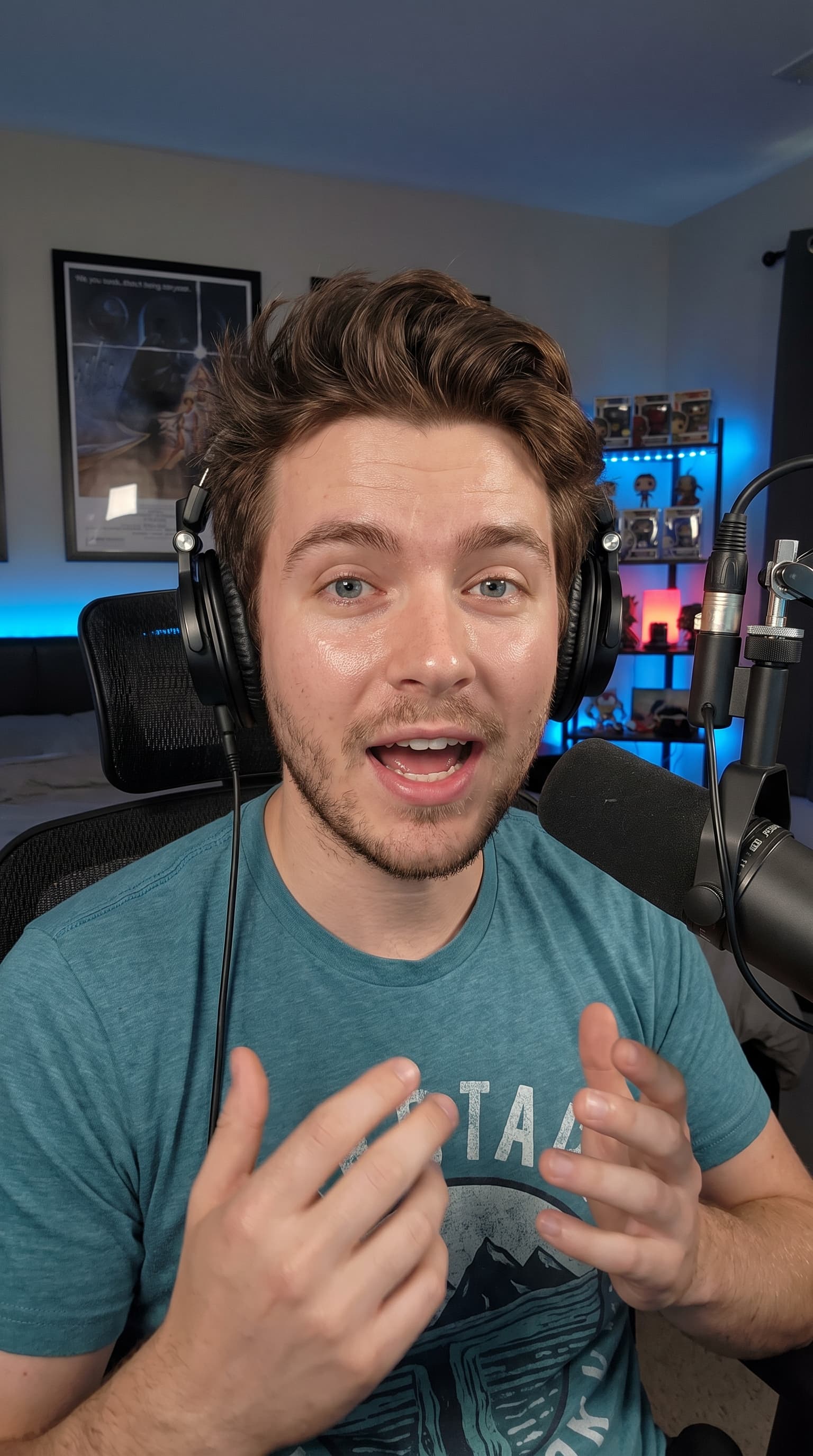
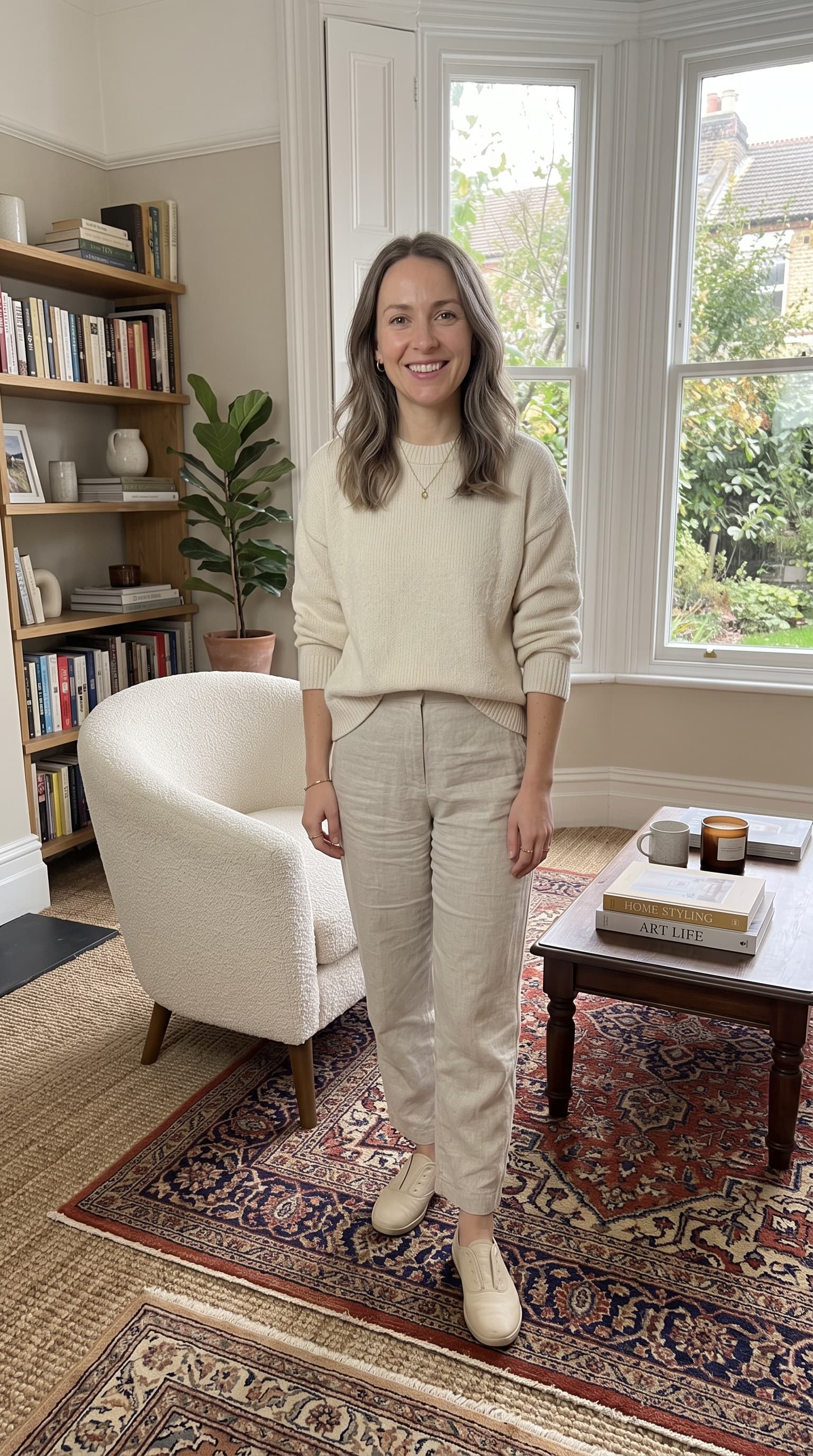
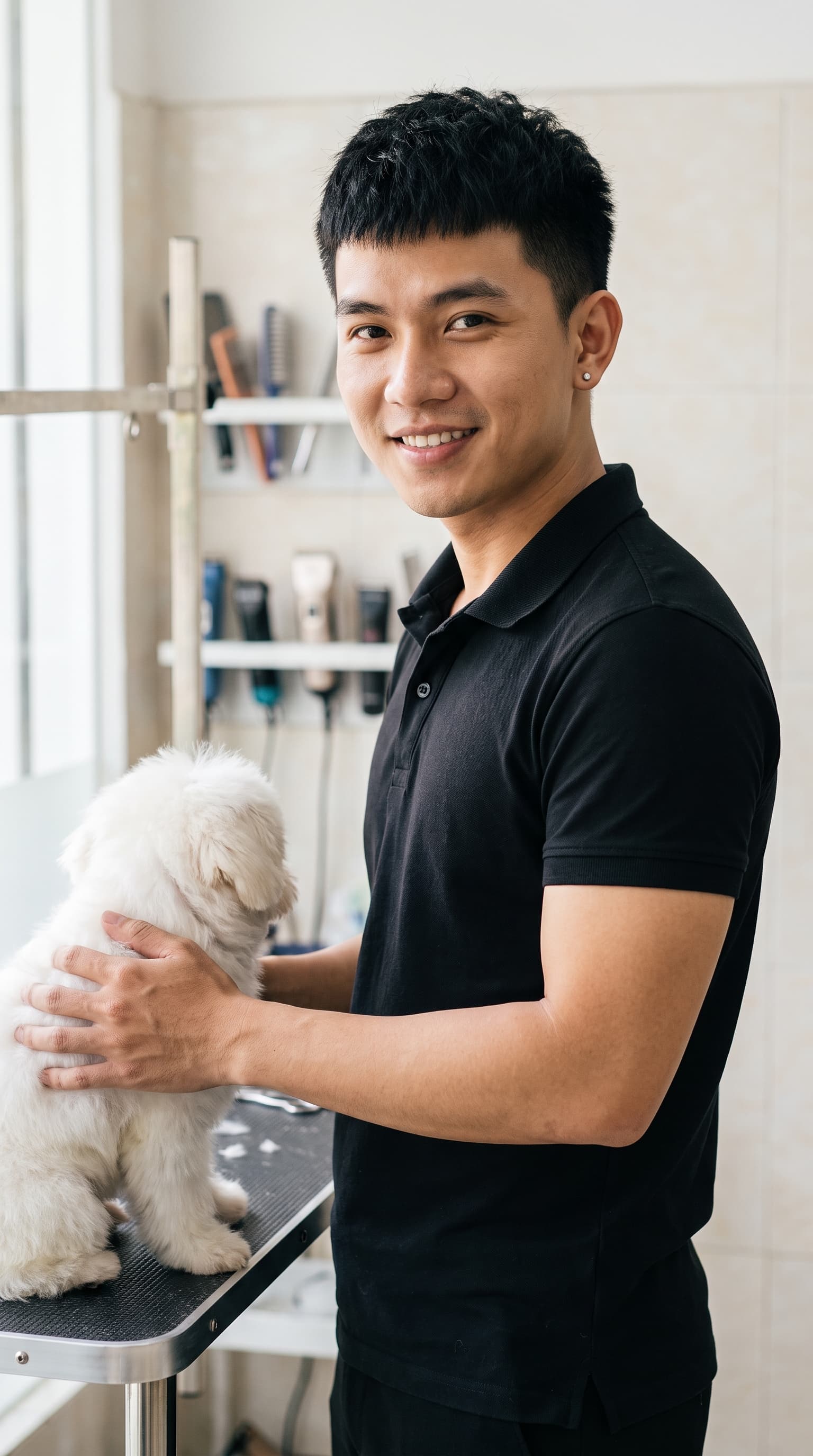
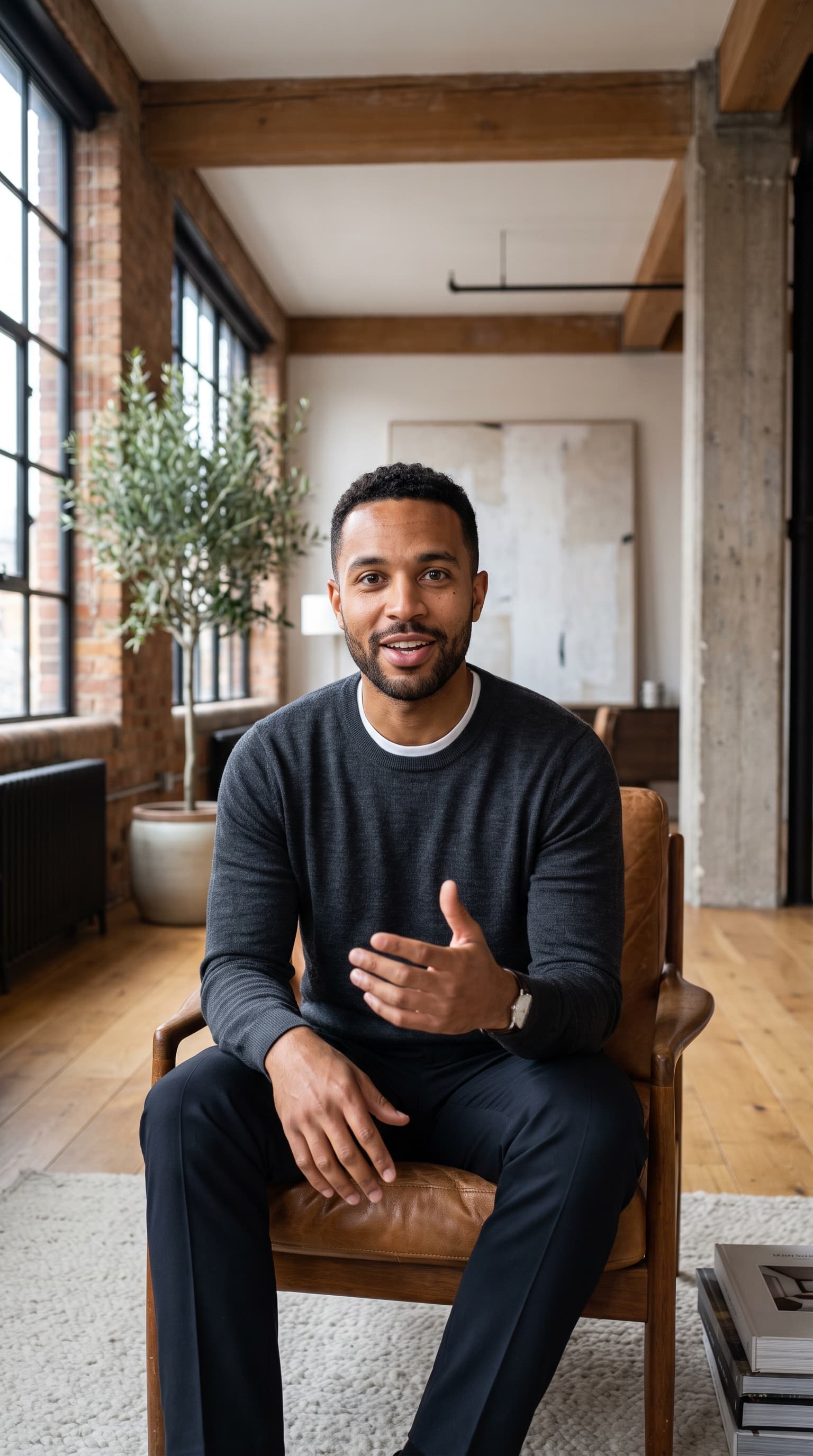

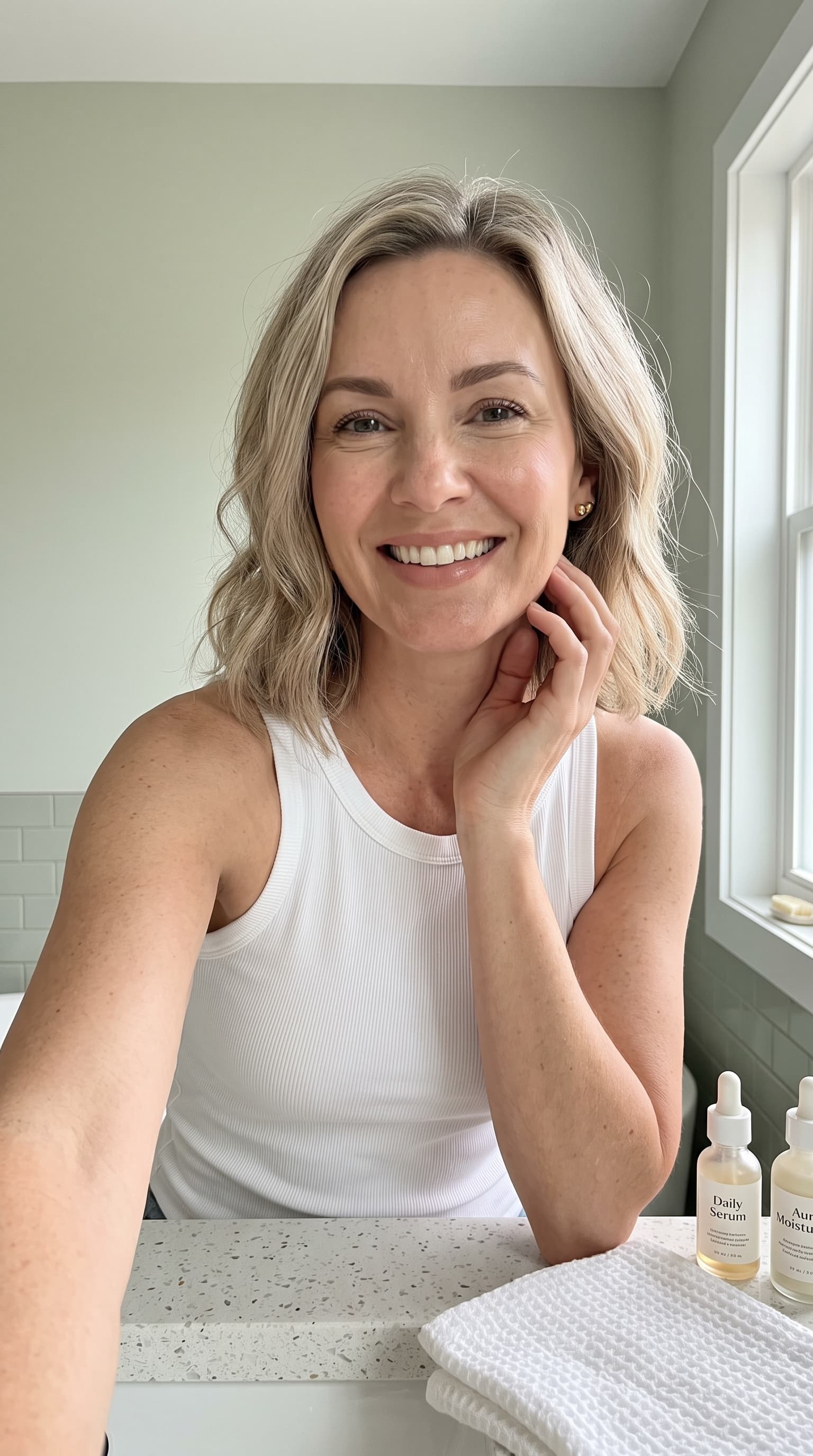
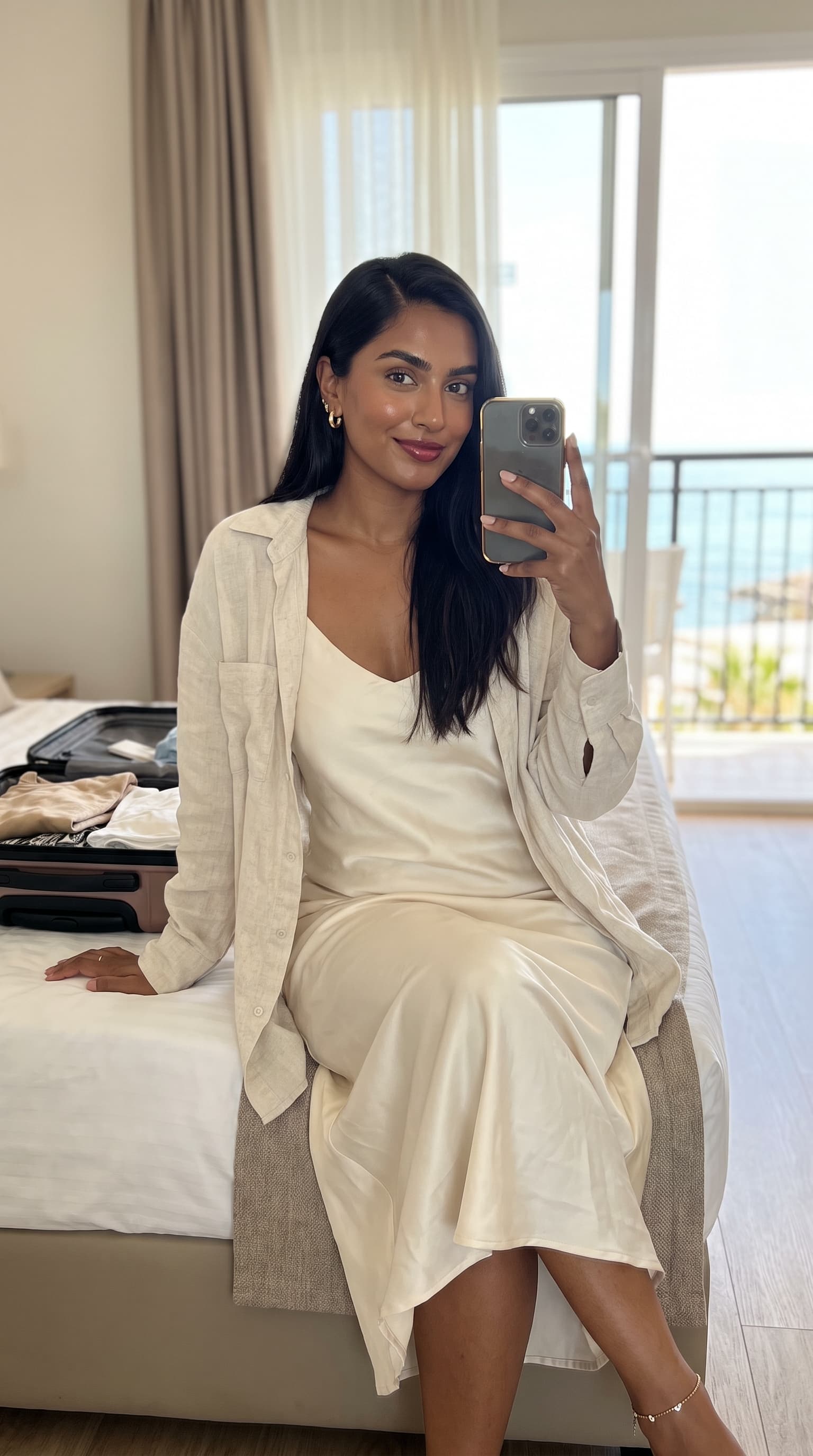
Twelve of the 57 preset creators, shown at the 9:16 they ship in. Presets are identified by niche rather than by name, so a creator can be re-rendered without invalidating the campaigns already built on them.
Presets are the faster path when your category is already covered, and they are the better starting point for testing: run three presets against the same product before you invest in designing a custom influencer, and let the results tell you which direction the audience responds to. That is the same discipline as ad creative A/B testing, applied to casting instead of copy.
Do You Have to Disclose an AI Influencer?
This is the question the category tends to skip, and it has a clearer answer than the silence suggests. Two separate things are in play, and only one of them is about labelling.
The first is what the influencer says. In the US, the FTC's 2024 rule on consumer reviews and testimonials prohibits fake testimonials, explicitly including AI-generated ones that present themselves as the experience of a real customer. A generated person saying “this cleared my skin in a week” is a fabricated testimonial regardless of how the video was made. A generated person demonstrating the product and describing what it does is a brand advertisement, which is fine. Write your scripts as brand claims you can substantiate, not as personal results.
The second is platform labelling. Meta applies AI info labels to photorealistic AI-generated content and expects advertisers to disclose it in the ad setup. TikTok requires realistic AI-generated content to carry the AI-generated label and reads Content Credentials metadata to apply it automatically. Both are quick disclosures at upload time, and neither suppresses the ad - the enforcement risk is in skipping them, not in declaring.
The practical version: label the content, keep the claims substantiated, and never generate a real identifiable person you do not have permission to depict. A from-scratch influencer sidesteps that last risk entirely, which is one more argument for the configurator over uploading someone's photo. If you do want to build from a reference face you have rights to, that path is covered in the guide to the AI avatar generator from a photo.
How Do You Make an AI Influencer Look Real?
- Freeze the identity fields the moment you like a face. Gender, age, ethnicity, build, hair and details are the six that define the person. Write them down. Every future creative changes pose, outfit, scene and camera style only - the discipline is what turns a series of good images into one recognisable influencer.
- Match the scene to what the niche actually films in. Skincare happens at a bathroom vanity, supplements in a kitchen or gym, software at a desk. A beauty product shot against an urban street reads as a stock composite because no real creator would film it there. The preset library is a useful reference for this even when you build your own influencer - it shows which room each category lives in.
- Use phone style plus candid pose plus 9:16 together. These three settings are one decision, not three. A camera-style shot in a 9:16 frame with a posed stance still reads as an advertisement no matter how good the render is; the candid phone-style vertical is what the format has trained people to accept as native.
- Build a cast of three or four, not one hero. One influencer for your core buyer, one older, one from a different background, one male if your default is female. Each costs 6 credits to define. That small cast is what lets you run audience-matched creative instead of asking one face to carry segments it does not represent.
- Do not chase realism through imperfection. The instinct is to add blemishes and tired expressions to make a face look less generated. It backfires - you get an unappealing person rather than a believable one. Realism comes from honest light and honest capture, which is what the phone style setting is doing. Keep the influencer genuinely attractive and let the camera do the work.
Ready to build one? Start free with Pixair AI - 30 credits with no card required, which is five influencers or four influencers and a product shot.
Frequently Asked Questions
Open the influencer configurator in Pixair AI and work through 11 control groups: gender, age, ethnicity, build, hair, details, pose, outfit, scene, photography style and aspect ratio. Each option has a reference image, so you are picking from pictures rather than writing prompts. Generation costs 6 credits and takes about 60 seconds, and the influencer saves to your library so you can restyle the same person for every future ad.
Yes, and it is the safer default. Building from the configurator means the person does not exist, so there is no likeness-rights question and no platform-policy risk from depicting someone real. The configurator produces 15,925,248 distinct configurations across its control groups, which is more than enough range to design a specific person without starting from anyone real. Uploading a reference photo is a separate optional path for faces you already have rights to.
A single influencer post typically runs $100 to $2,500 depending on follower tier, with usage rights limited to 30 to 90 days. An AI influencer portrait in Pixair AI costs 6 credits and the rights do not expire. A product-in-hand shot is another 6 credits, and a UGC video clip runs 4 to 15 seconds at 480p, 720p or 1080p - a 10-second 720p clip is 98 credits.
On the major ad platforms, yes. Meta applies AI info labels to photorealistic AI-generated content and expects advertisers to declare it at ad setup, and TikTok requires realistic AI-generated content to carry the AI-generated label. Separately, the FTC prohibits fabricated testimonials, including AI-generated ones presented as a real customer experience, so write the script as a substantiated brand claim rather than a personal results story.
Yes, provided you only change the staging controls. Gender, age, ethnicity, build, hair and details define the identity and should stay fixed once you settle on a face; pose, outfit, scene, photography style and aspect ratio are meant to change every shot. Keeping that split is what makes the fortieth creative recognisably the same influencer as the first, which is the entire reason to use a configurator instead of re-prompting.
Yes. From a saved influencer you can generate a product-in-hand shot by uploading your product photo, which renders the same person holding your real product for 6 credits. The same influencer also feeds the UGC video pipeline, so one casting decision covers stills, product shots and short-form video without recasting or rebooking anyone.
Keep reading
Related articles

AI Avatar Generator From Photo: Build a Consistent Face
Turn one reference photo into a consistent AI avatar you reuse across every ad in under 60 seconds. The complete guide to generating brand avatars that stay on-model.
How to Turn One Product Photo Into a UGC Video Ad (2026)
Turn a single product photo into a UGC-style video ad for Meta and TikTok in minutes. Step-by-step guide, costs from $0.70 per video, and examples.
Best OpenArt alternative for ad creatives in 2026
OpenArt needs the $34/mo Plus plan before you can run its images as ads. This OpenArt alternative makes ready-to-run ads from $7/mo, with 30 free credits.