What is the best OpenArt alternative for ads?
The best OpenArt alternative for ad creatives is Pixair AI. It turns one product photo into finished static ads, campaign sets and UGC videos at Meta, TikTok and Google Display sizes, with commercial rights on every plan. It starts free with 30 credits, and paid plans start at $7/month. OpenArt commercial use starts on the $34/month Plus plan.
OpenArt is a general-purpose AI art studio: 100+ image, video and audio models, consistent characters, One-Click Stories and a multi-shot Director. If you are looking for an OpenArt alternative because what you actually need is ad creatives - a product photo turned into a static ad, a campaign set or a UGC video you can upload to Meta today - a model playground is the wrong shape. You get raw generations, then still have to add the headline, fix the label and resize for every placement somewhere else.
Is OpenArt Free for Commercial Use?
This is the question OpenArt's pricing page answers least clearly, and it matters most for anyone running ads. As of October 2026, the plan cards list “commercial use rights” only from Plus upward. The free trial (40 one-time credits that expire after 7 days) and the $14/month Starter plan do not. An image generated on either is not something you should put behind a paid Meta or TikTok campaign.
Three more terms catch ad buyers out. Monthly credits reset and do not roll over. The $15 add-on pack of 5,000 credits needs Plus or higher, so a Starter account that runs dry mid-test has no top-up and must upgrade. And assets kept in Private Mode are deleted after you cancel unless you export them first. None of this is hidden, but none of it sits on the price tag either. Under the Pixair terms you own what you generate on every plan, the free tier included.
What Does a 20-Ad Test Batch Cost on Each Tool?
Per-image price is the wrong unit for ads. The real question is what it costs to ship a batch you are allowed to run. Below is the cheapest legal path to a standard 20-creative Meta test - 5 angles x 4 variations - on each tool, at October 2026 list prices.
| Step | OpenArt | Pixair AI |
|---|---|---|
| Cheapest plan with commercial rights | Plus - $34/mo ($27 annual) | Starter - $7/mo ($5 annual) |
| Headline, callouts, offer on the image | Added in a separate design tool | Rendered into the ad |
| Resize for feed, story, display | Manual per placement | Exported at each placement size |
| Out-of-pocket for the month | $34 + design tool | $7 |
Per raw image, OpenArt is cheaper. The gap closes the moment the image has to become an ad. A raw generation still needs a headline, a readable product label and five export sizes, and the cheapest OpenArt plan you can legally run is 4.9x the Pixair Starter price.
Why Does OpenArt Fall Short as an Ad Creative Tool?
OpenArt is built for range: pick any of 100+ models, train a character, script a story. That breadth is the reason it leaves three gaps for performance marketers.
The output is an image, not an ad
A Meta static that converts carries a hook headline, a benefit callout, often a review or an offer badge, and a layout that survives a 1080x1350 crop. OpenArt hands back the picture and stops. Every one of those layers gets rebuilt in Canva or Figma, per variation, which is where most of the hours in a creative test actually go.
Your product gets redrawn
General image models re-imagine whatever you feed them. For art that is the point; for a supplement pouch or a skincare bottle it means warped label text, a wrong cap color or an invented logo - output you cannot run without breaking ad policy on accurate representation. Pixair keeps the product from your source photo and generates the scene around it.
Credits are hard to forecast
OpenArt does not publish a full per-model rate card. Users report 1-2 credits for a basic image, 5-10 for premium models and roughly 100 for a standard 5-second video, and Reddit threads describe Director runs that billed thousands of credits more than the estimate. When you are budgeting a weekly creative refresh, a fixed credit price per ad is easier to plan around than a range that depends on which model you clicked.
OpenArt vs. Pixair AI - Full Feature and Pricing Comparison
OpenArt
General AI art and video studio

AI ad creatives from one photo
OpenArt
General AI art and video studio
AI ad creatives from one photo
Primary output
Raw images, clips, stories and characters from 100+ models
Finished static ads, campaign sets, UGC videos and product scenes
Commercial use
Plus plan and up only - $34/month ($27 annual)
Every plan, including the free tier
Entry price
Starter $14/month, no commercial rights
Starter $7/month ($5 annual), commercial rights included
Free tier
40 one-time trial credits, valid 7 days
30 credits, no card, no expiry
Model and style range
100+ image, video and audio models, LoRA training
Ad-tuned templates, campaign presets and AI Canvas
Ad copy on the creative
Not included - add in a design tool
Headlines, callouts and badges rendered into the ad
Product label accuracy
Model re-imagines the product - label text can warp
Product kept from your source photo, scene generated around it
Placement sizes
Aspect ratio per generation, resize yourself
Meta, Instagram, TikTok and Google Display sizes on export
UGC creator video
Consistent characters and stories, not product-in-hand ads
110+ avatars across 15 niches, 4-30s, captions and hooks
Recreate a winning ad
Image-to-image with a reference, manual prompting
AI Canvas and Ad Cloner rebuild a reference ad around your product
Credit top-ups
$15 per 5,000 credits, Plus and up only
Pro scales to 1,600 credits/month
OpenArt prices from the official pricing page, October 2026. See Pixair AI pricing for current plans. Comparing other ad tools too? See Pixair AI as an AdCreative.ai alternative, a Creatify alternative or a Zeely AI alternative.
What Does Pixair AI Make From One Product Photo?
Where OpenArt asks you to choose a model, Pixair asks you to choose an ad. Each output type starts from the same product photo:
- Static ad presets - art-directed formats like Benefit Burst, Clinical Mono, Us vs Them, Real Results, each rendered fresh around your product with the copy layout built in.
- Campaign presets - a matched set of ads that share one art direction across hero, feed and story crops.
- UGC creator video - an avatar holding and talking about your product, with captions burned in for sound-off feeds.
- Product scenes - lifestyle and pure-white listing shots for Shopify, Amazon and Etsy, so the ad and the product page match.

Benefit Burst

Clinical Mono

Us vs Them

Real Results
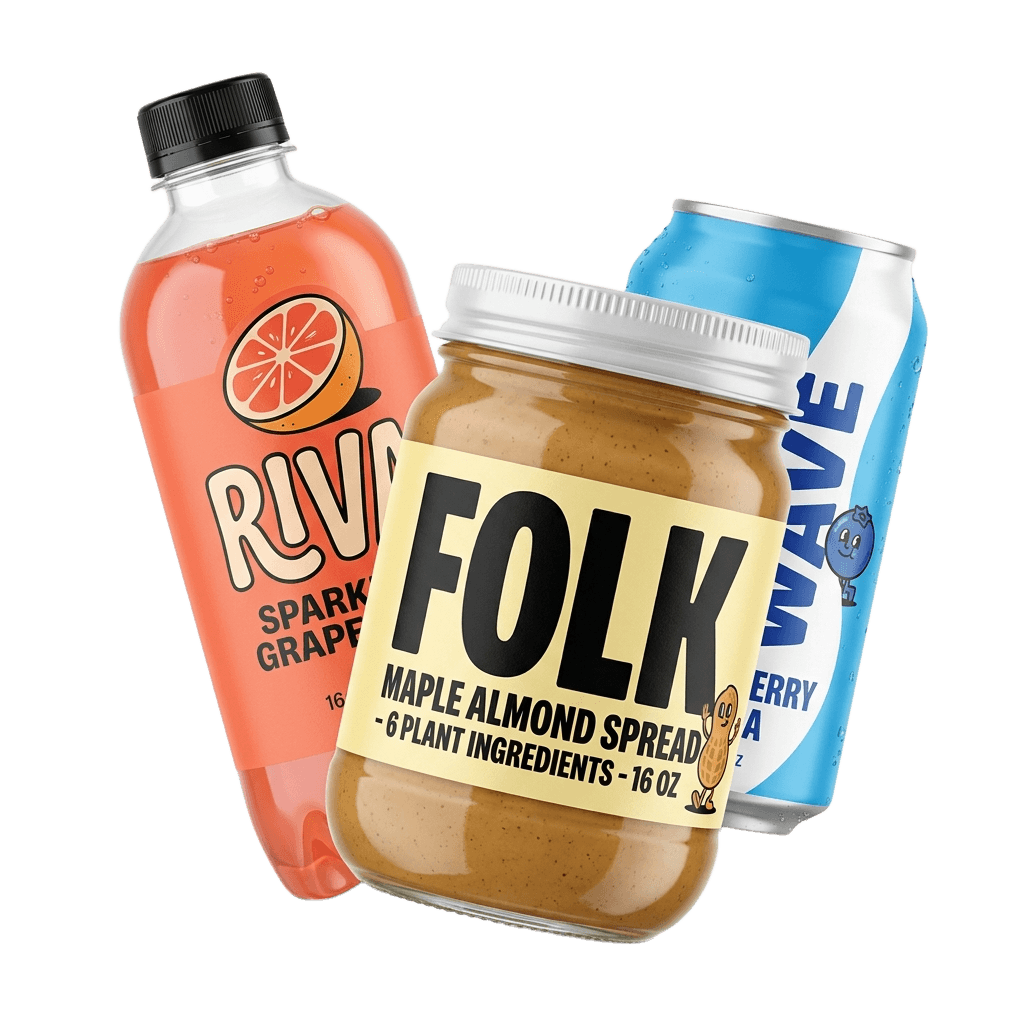
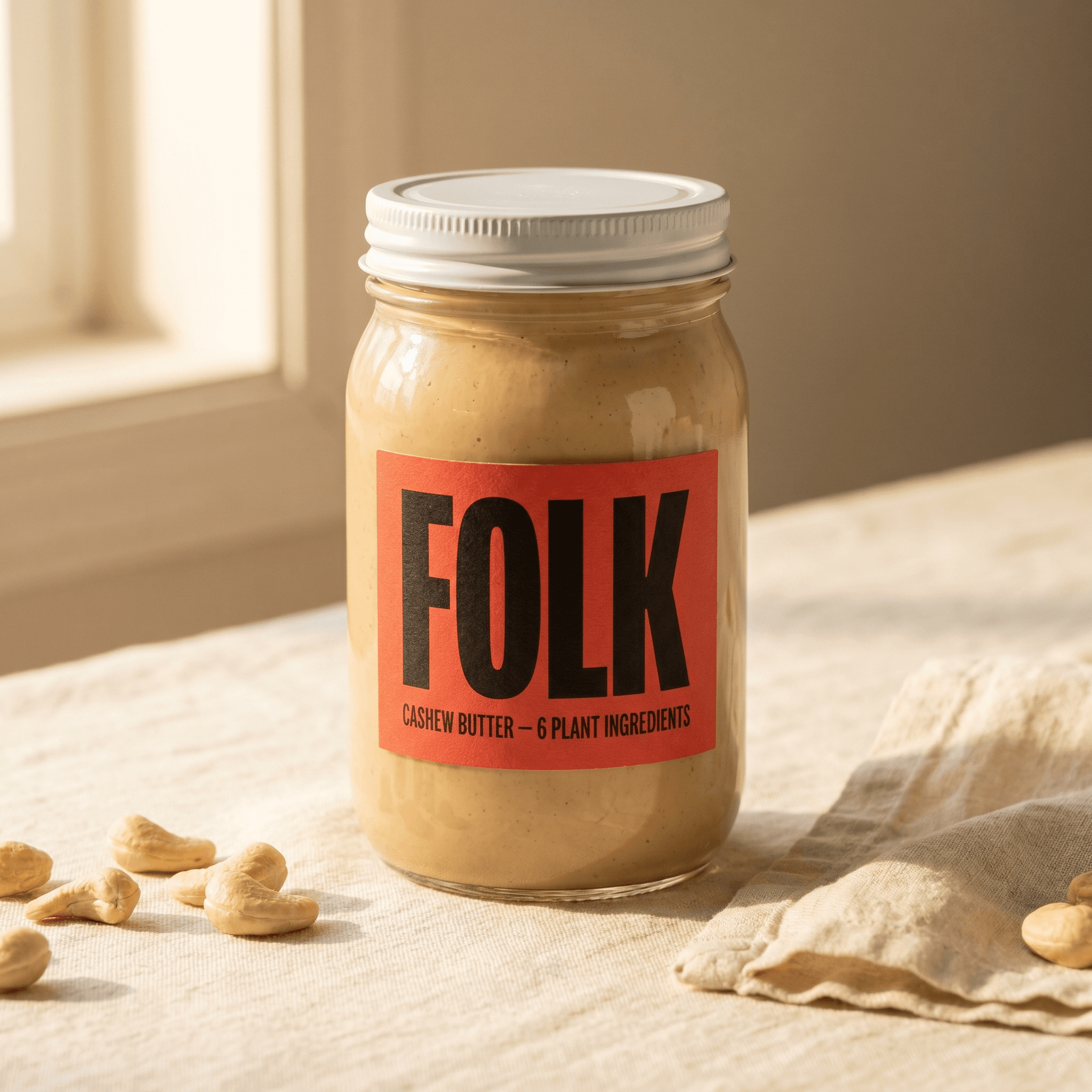
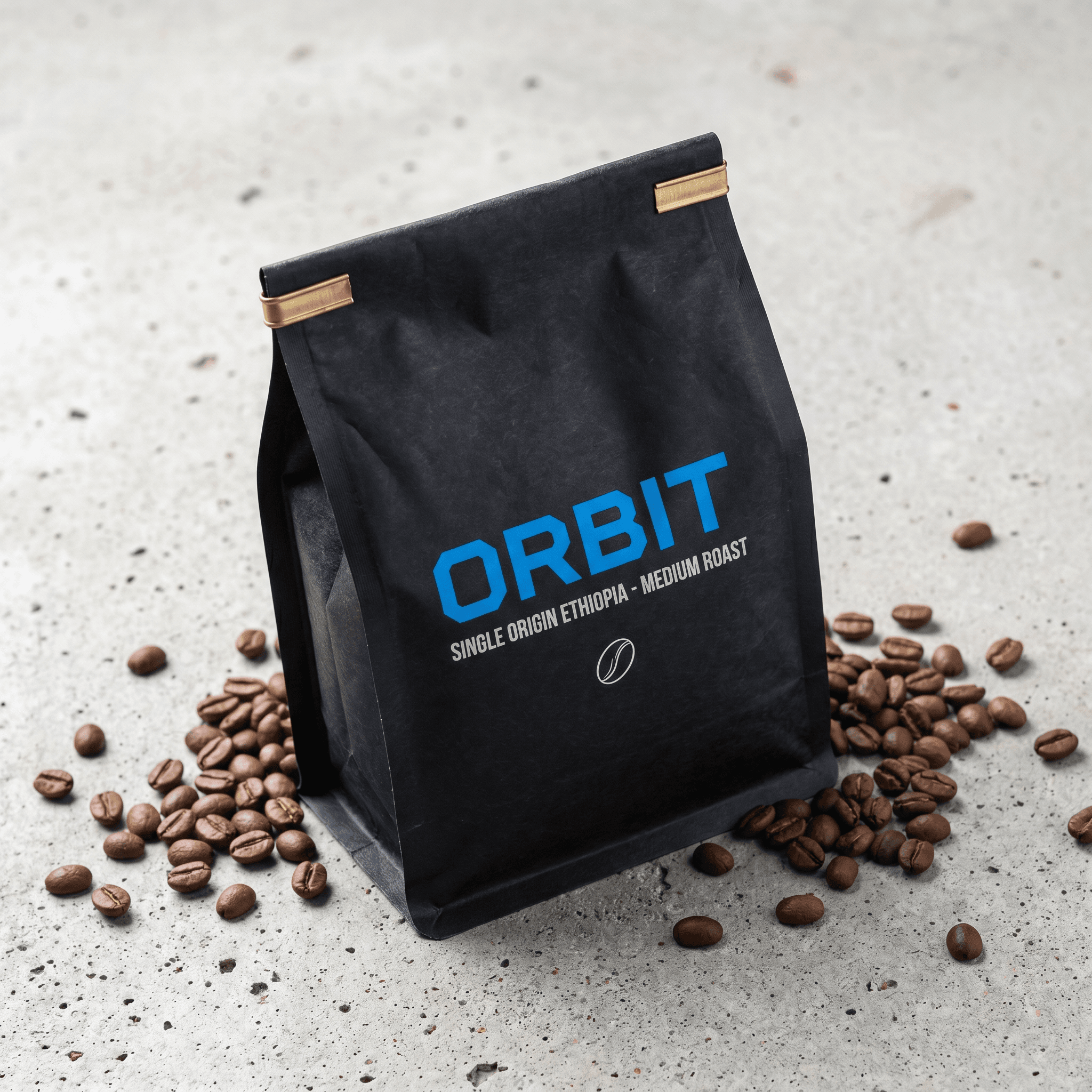
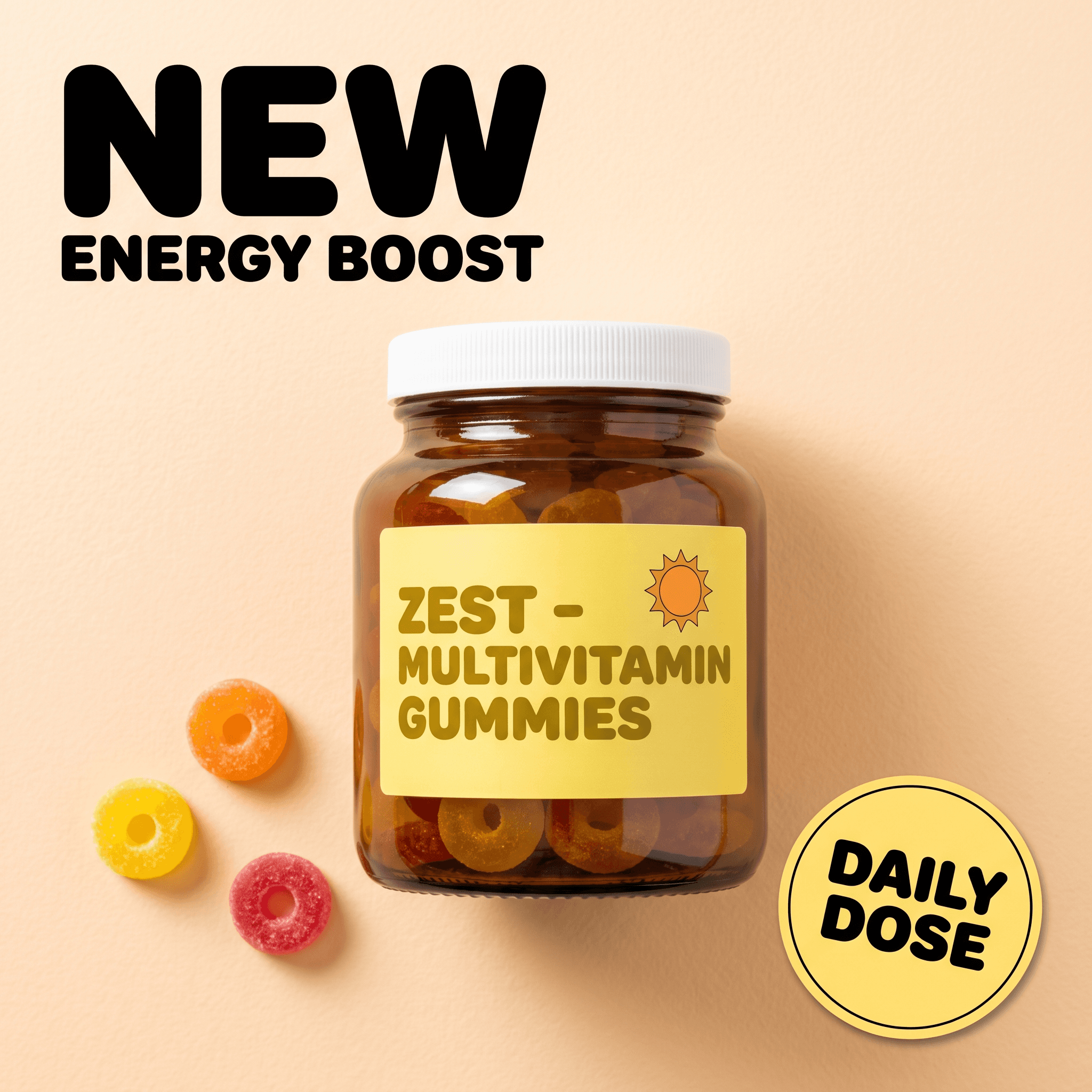
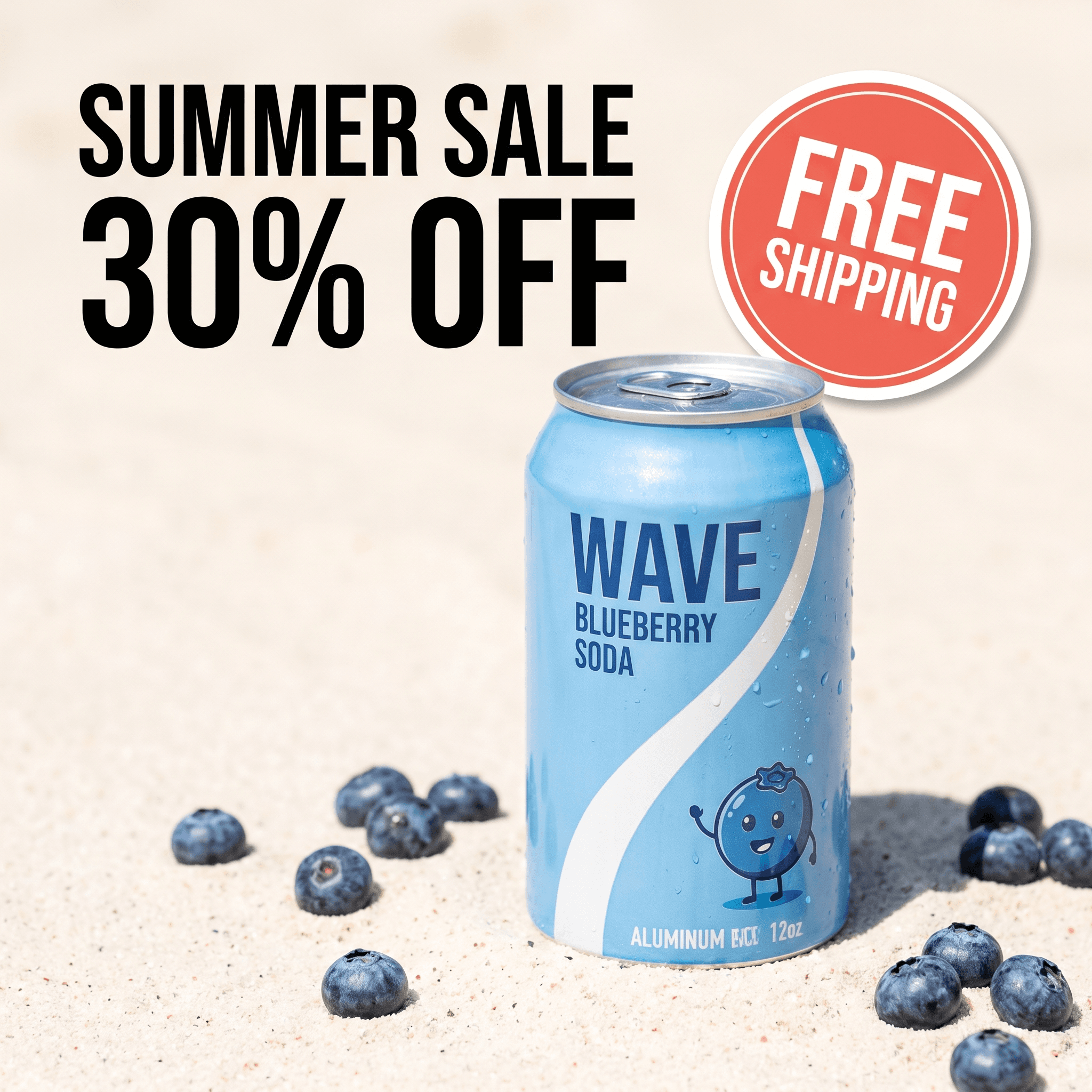
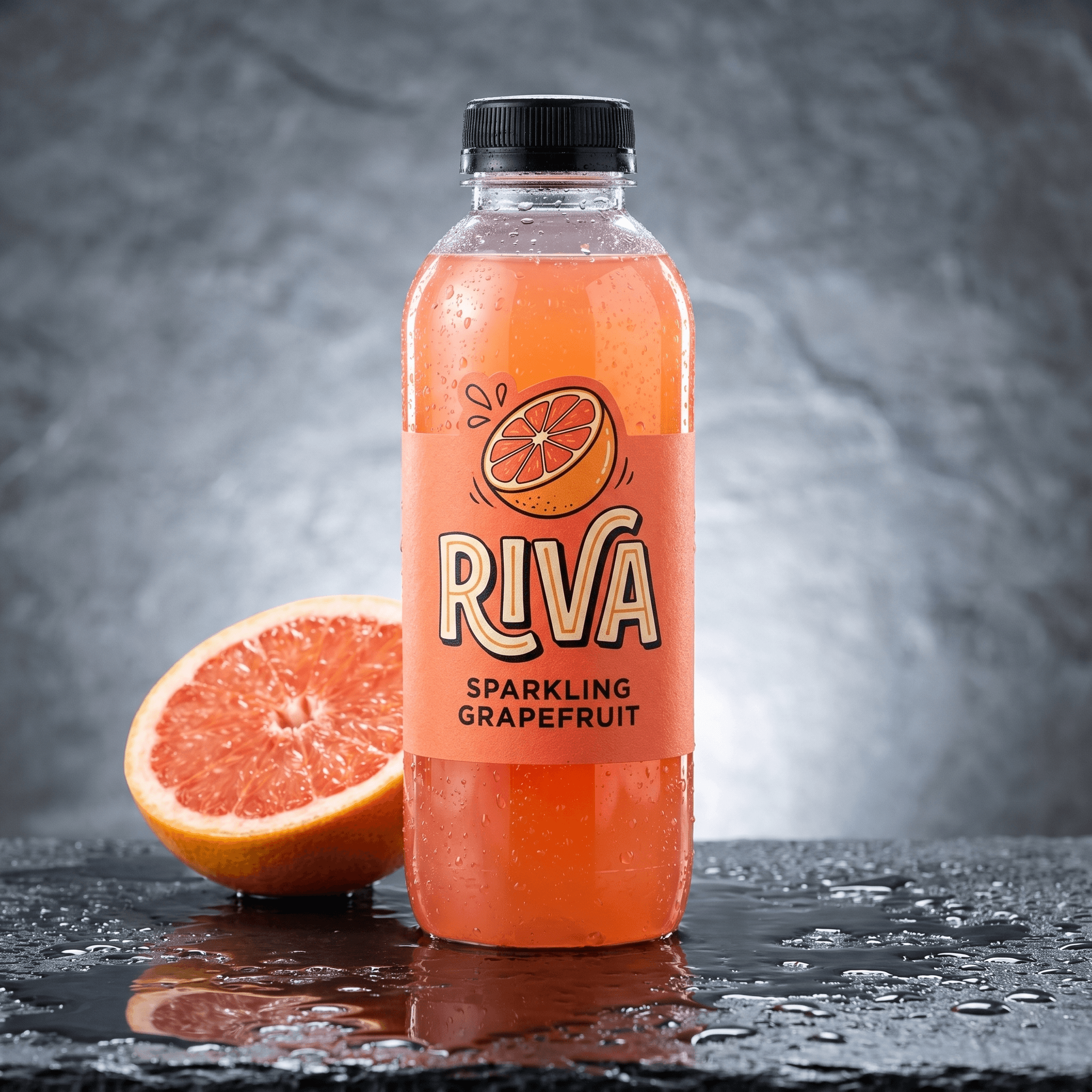
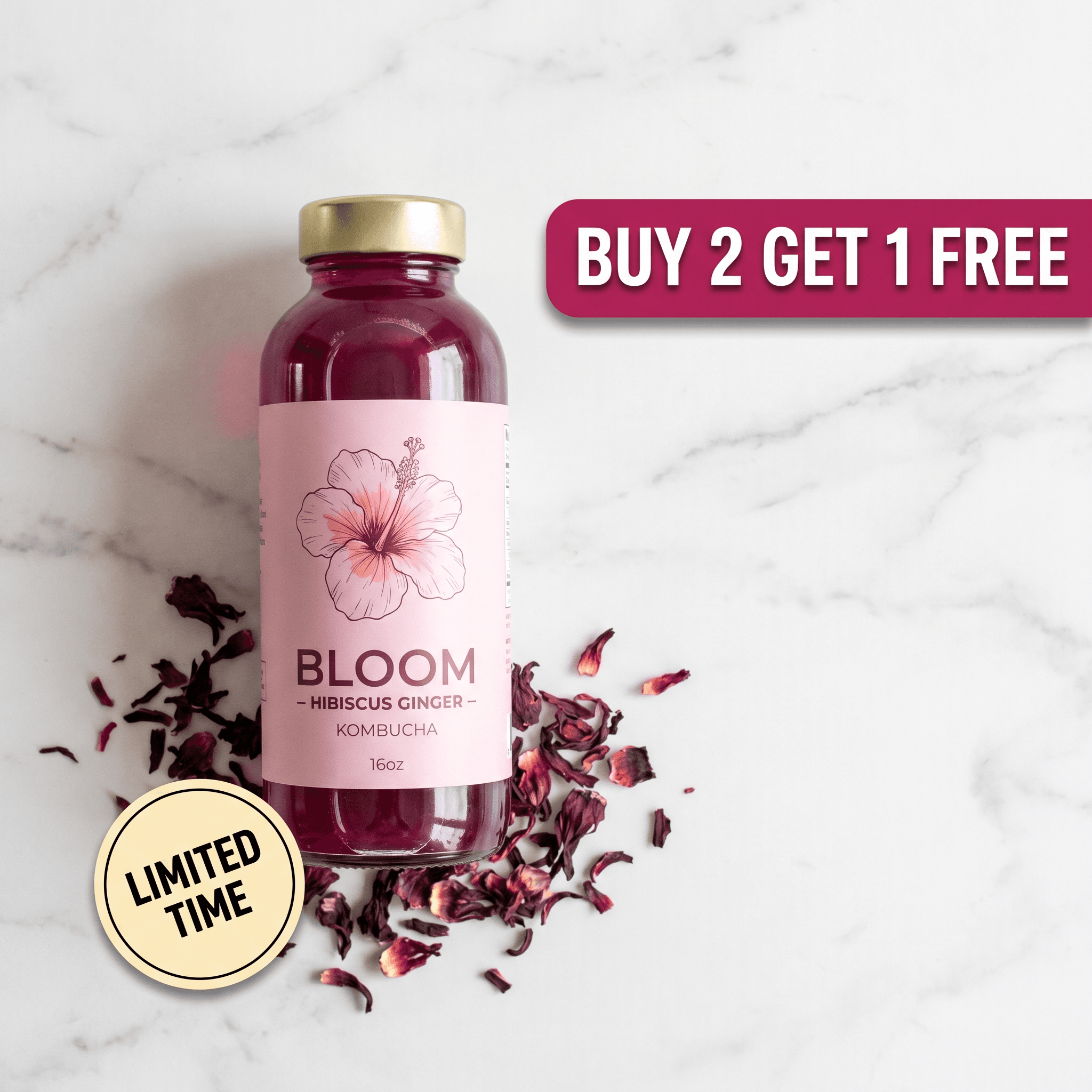
4 static ad presets, copy layout included. On OpenArt each of these starts as a bare image.
Campaign presets solve the problem OpenArt users fight with seeds and LoRAs: keeping several images in one visual world. The Sage Skincare preset below renders 3 creatives from one upload that share palette, light and surface.
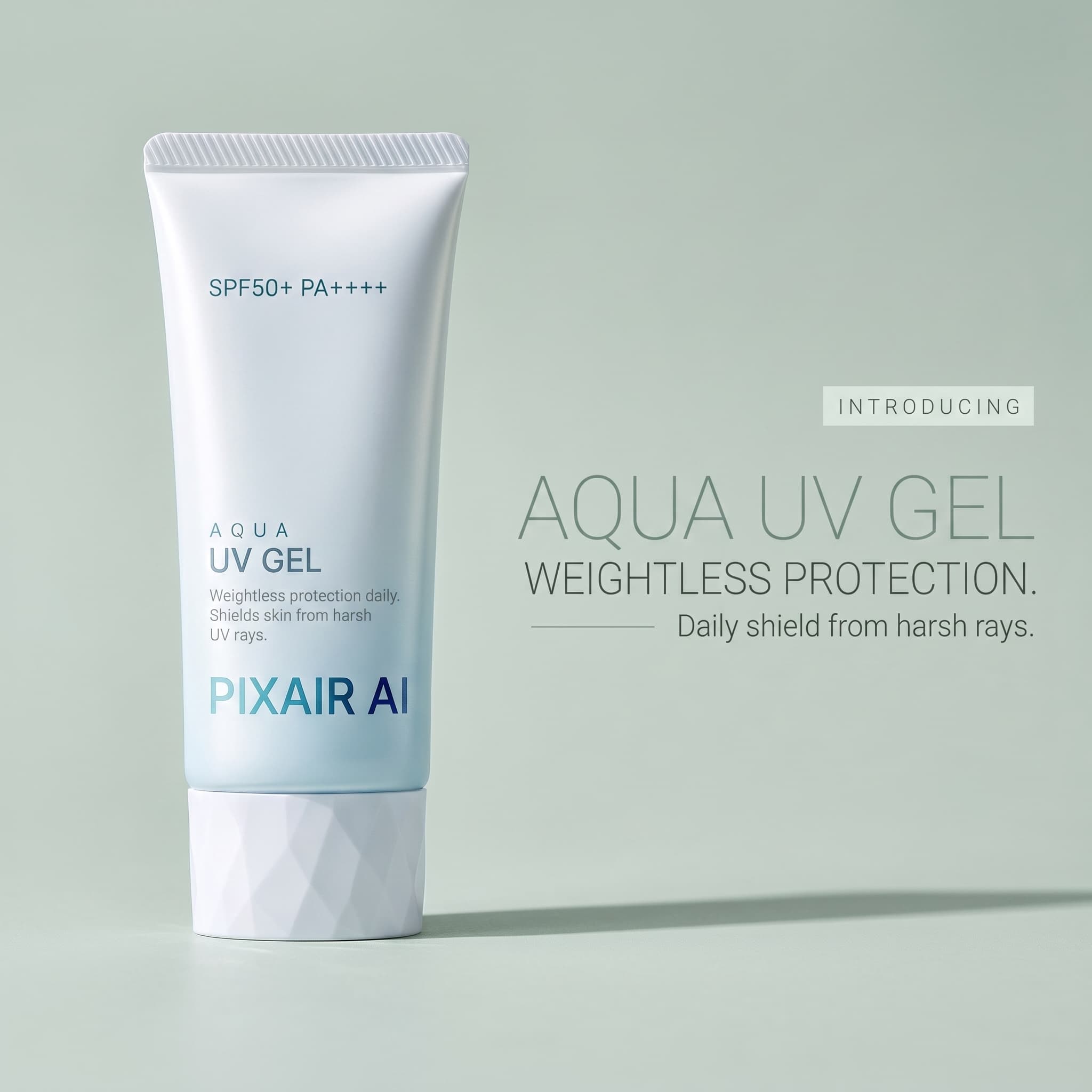
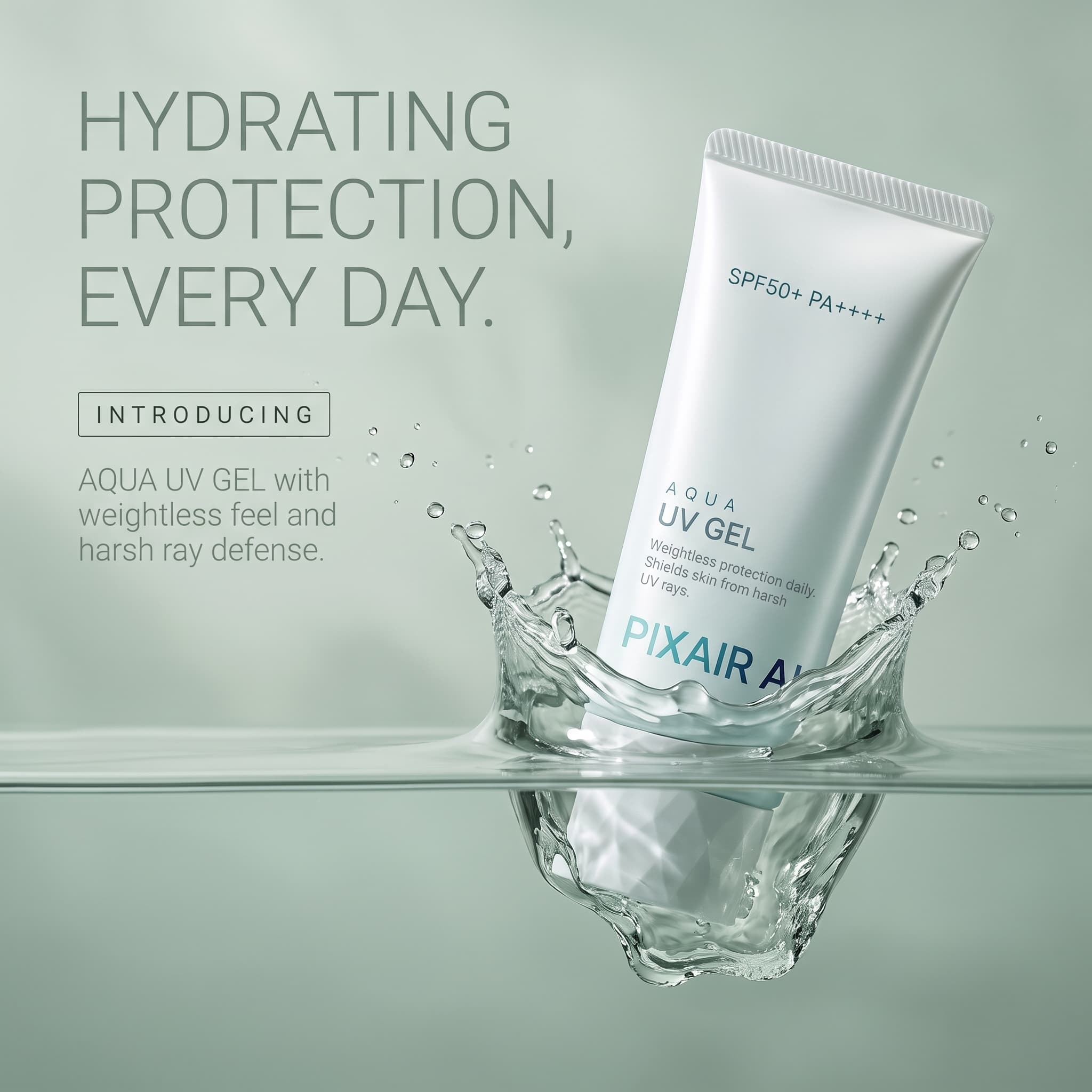
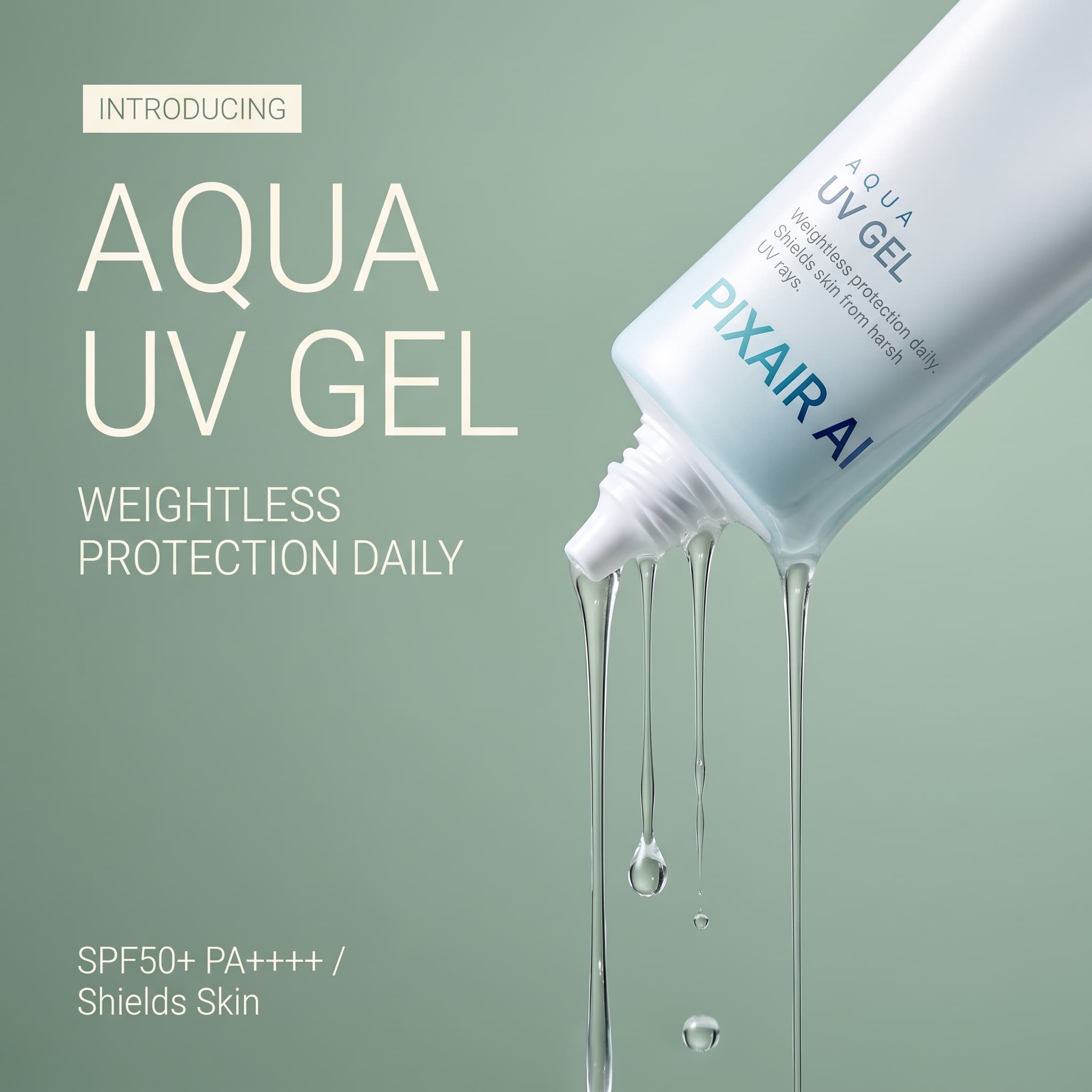
One campaign preset, one product photo, 3 matched creatives.
For the format playbook behind these, see our guides to static ad creatives for Facebook and Instagram ad creatives with AI, or start directly in the ad creatives maker.
Does Pixair AI Make AI Video Like OpenArt?
Yes, with a different goal. OpenArt's video side is built for narrative: consistent characters, One-Click Stories and multi-shot Director sequences. Pixair's is built for the ad feed. Pick an avatar from 110+ templates across 15 niches, or generate a custom actor, write the line, and the creator says it on camera while holding your product. Clips run 4-30 seconds in 9:16 or 16:9 with styled captions and pre-written hooks.
The pricing is fixed per second rather than per model: a 5-second 360p draft is 10 credits, and a 10-second clip is 70 credits at 720p or 105 at 1080p. Draft the script at 360p, then re-render the winner. Two more video tools sit beside it - Ad Animator turns a static ad that already converts into a 6-second motion clip, and Product Showcase renders a cinematic clip with no creator in frame. More on the format in AI UGC ad creatives.
How Do You Move From OpenArt to Pixair AI?
The OpenArt loop - pick a model, prompt, download, open a design tool, add copy, resize - collapses into four steps.
Export everything from OpenArt first
Download your best generations and any trained characters' reference images before you cancel - Private Mode assets are deleted after cancellation. Your strongest OpenArt images are useful later as style references in AI Canvas.
Upload one clean product photo and set the Brand Kit
One front-facing phone shot on a plain surface is enough. Point the Brand Kit at your site and it imports your logo, colors, fonts and tone of voice, so every ad that follows is on-brand without a design pass. This replaces the LoRA you might have trained on OpenArt to hold a look.
Run presets for the test batch
Pick 5 static presets - one per angle you want to test - and render 4 variations each. That is the 20-ad batch from the table above. Need one look across every placement? Use a campaign preset instead.
Rebuild your best OpenArt look in AI Canvas
If you loved a style you got on OpenArt, drop that image into AI Canvas as a reference next to your product photo and a one-line brief. The node graph writes the prompt, branches variations with your real product in frame, and saves the workflow so the next SKU runs in one click.
4 Tips for OpenArt Users Switching to an Ad Tool
Audit which of your live ads came from Starter or the trial
If any creative running in Ads Manager was generated on OpenArt's free trial or Starter plan, it was made without listed commercial rights. Replace those first. It takes minutes to regenerate the same concept around your product and removes the risk entirely.
Stop prompting for the product, prompt for the scene
On OpenArt you describe the whole image, product included, and hope the bottle comes back right. In Pixair the product is already fixed from your photo, so spend the prompt on surface, light direction and mood: “wet slate, hard light from the right, cold blue rim.” Shorter prompts, more consistent results.
Keep OpenArt for mood boards if you love it
The two tools are not mutually exclusive. OpenArt's model range is great for exploring a visual direction cheaply. Use it to find the look, then let an ad tool turn that look into placement-ready creatives with your real product. Just do not ship the exploration itself.
Test angles in statics before paying for video
A UGC clip costs far more credits than a static ad. Find the winning hook and offer with statics first, then film the two or three messages that already converted. Our guide to ad creative A/B testing covers how many variations a test needs to read clean.
Ready to see it on your own product? Create a free account - 30 credits, no card, commercial rights from the first render.
Frequently Asked Questions
Yes. Pixair AI gives 30 free credits with no card and no expiry, and every image you generate can be used commercially, including in paid ads. The OpenArt free trial is 40 one-time credits that expire after 7 days, and free output carries no commercial rights. Paid Pixair plans start at $7/month.
No. OpenArt lists commercial use rights only from the Plus plan upward, which costs $34/month or $27/month billed annually. The free trial and the $14/month Starter plan do not list commercial rights, so images made on them should not be run as paid ads. Pixair AI includes commercial rights on every plan, including the free tier.
OpenArt has four individual plans in 2026: Starter at $14/month (4,000 credits), Plus at $34/month (12,000 credits), Pro at $56/month (24,000 credits) and Wonder at $240/month (about 106,000 credits). Annual billing drops them to $13, $27, $44 and $175 per month. Monthly credits do not roll over, and the $15 extra-credit add-on requires Plus or higher.
OpenArt is a strong general image and video generator with 100+ models, but it outputs raw images and clips, not finished ads. Headlines, callouts, product label accuracy and placement sizes like 1080x1350 or 1080x1920 are left to you in a separate design tool. Pixair AI is built for that job: one product photo becomes a ready-to-run static ad, campaign set or UGC video at the exact Meta, TikTok and Google Display sizes.
Yes, but aimed at ads rather than stories. Pixair AI generates 4-30 second UGC creator videos from one product photo, with 110+ avatar templates across 15 niches, burned-in captions and pre-written hooks, plus product showcase clips and a 6-second Ad Animator for existing statics. A 10-second UGC clip at 720p is 70 credits; video is included on every paid plan from $7/month.
Keep reading
Related articles
How to Turn One Product Photo Into a UGC Video Ad (2026)
Turn a single product photo into a UGC-style video ad for Meta and TikTok in minutes. Step-by-step guide, costs from $0.70 per video, and examples.

AdCreative.ai Review 2026: Is It Worth It? Complete Guide
AdCreative.ai rates 4.3 on G2 but only 3.3 on Capterra. We break down the 1-point gap, the true cost per winning creative, and who should actually buy it.

AdCreative.ai Pricing 2026: Plans, Cost Per Ad & Free Trial Facts
AdCreative.ai starts at $39/month for 10 downloads, and 25-50 a month costs $139-$189. Here is every tier, the true cost per creative and a flat $24/month option.