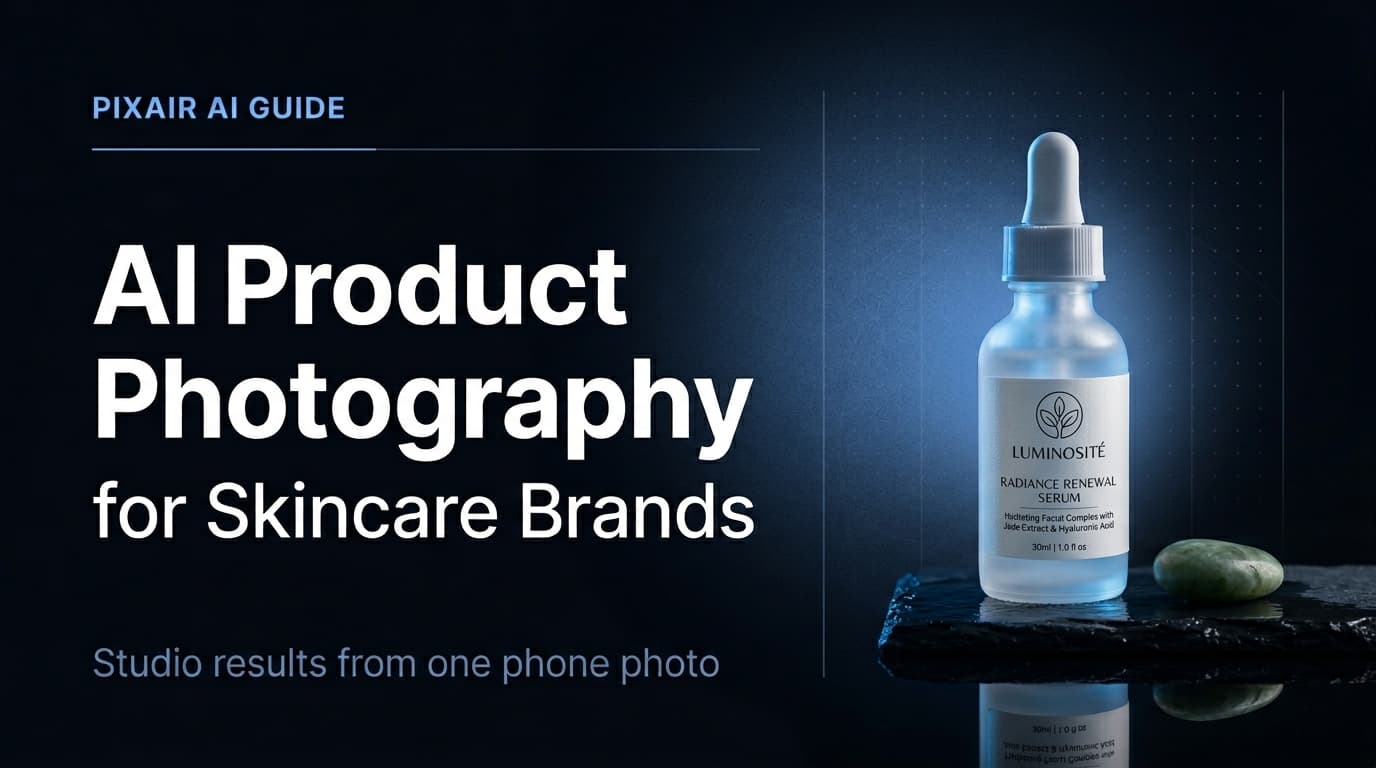
Skincare is one of the most demanding product categories for photography. Frosted glass, metallic caps, pump dispensers, and matte tubes each behave differently under light - and buyers make purchase decisions based on how a product looks before they can touch it. AI product photography for skincare closes the gap between a phone photo and a studio shoot, without the cost or turnaround time of hiring a photographer.
Why Skincare Has Unique Photography Requirements
Most product categories need clean lighting and a good background. Skincare needs those things plus precise control over three additional variables that other categories rarely deal with.
Packaging finish variety
A single skincare line often includes frosted glass serums, glossy plastic cleansers, matte paper-wrapped soaps, and metallic-capped toners. Each finish reflects and scatters light differently. A studio setup optimized for one SKU will produce flat or blown-out results on another. Traditional photographers charge per-session rates precisely because each finish type requires a different lighting configuration.
Label legibility at small sizes
Skincare labels carry ingredient lists, brand names, and certifications that must be readable on a product listing thumbnail. Even slight overexposure or misaligned shadow from a key light can obscure label text. Buyers looking at a serum listing at 300px wide still need to read the label - and any illegibility signals low production quality.
Scene expectations by channel
Amazon and Sephora require a clean white main image. DTC brand sites and Instagram need lifestyle and editorial scenes - a moisturizer on a marble vanity, a serum beside a jade roller, a cleanser on a wet stone surface. Building a full asset library from a single photoshoot means either multiple expensive sessions or a flexible production method.
What AI Product Photography Does
AI product photography takes a single photo of your skincare product - shot on a phone, on any flat surface - and places it into a photorealistic generated scene with accurate lighting, shadows, and surface reflections. It is not a composite or a cutout dropped onto a stock photo. The AI generates an environment that physically matches your product: the light source direction, the surface material below the product, and the background depth are all generated as a coherent scene around your specific packaging.
Pixair AI does not modify the product itself. The workflow isolates your product from the source photo, then composites it into the generated scene with physically correct lighting. Your label text, packaging finish, cap color, and any printed detail are taken directly from your original photo and preserved exactly - the AI only changes what is behind and around the product.
The result is a single image that looks like a photographer placed your serum on a marble surface and shot it - not a product cut out and pasted onto a bathroom background from a stock library. To match a specific aesthetic or mood board, the Inspire feature lets you attach a reference image and guide the scene generation toward a specific visual style. For the full overview of AI product photography across all categories, see the complete AI product photography guide.
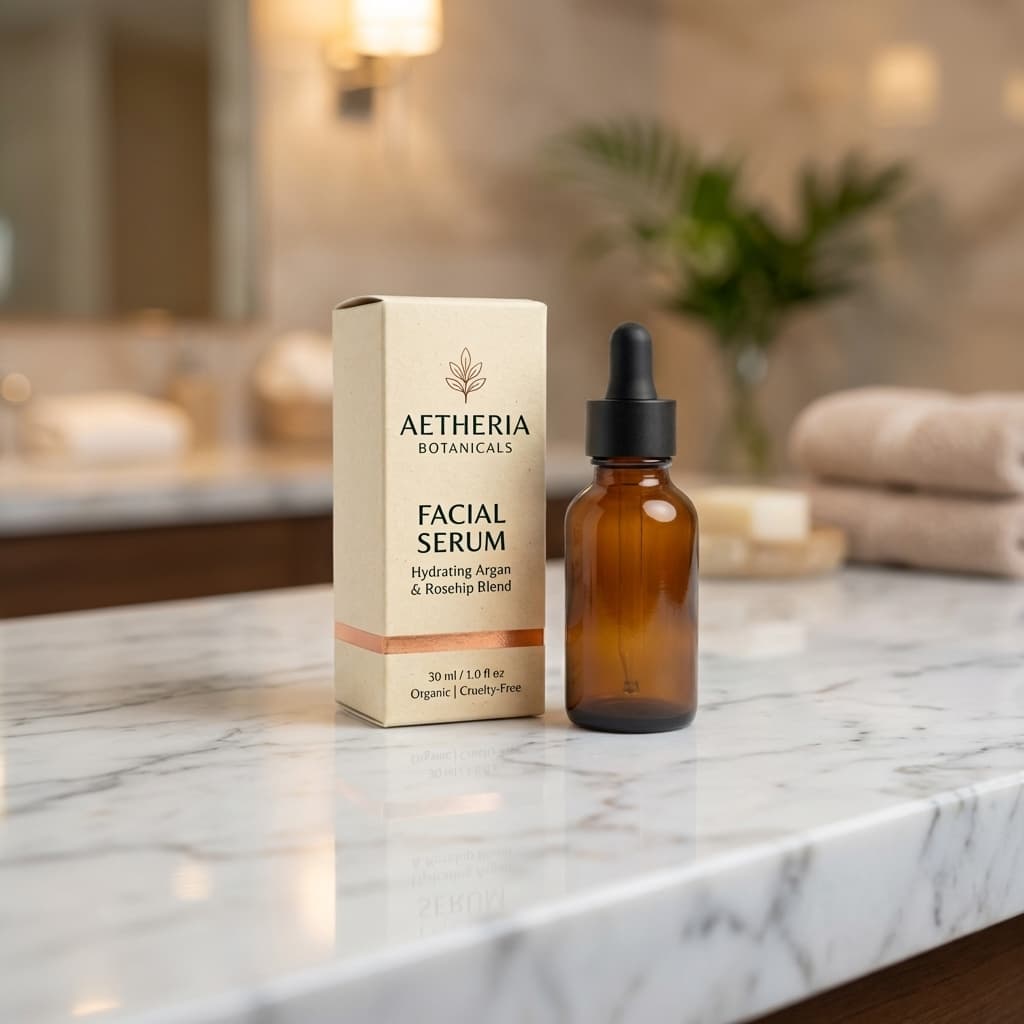
Marble lifestyle
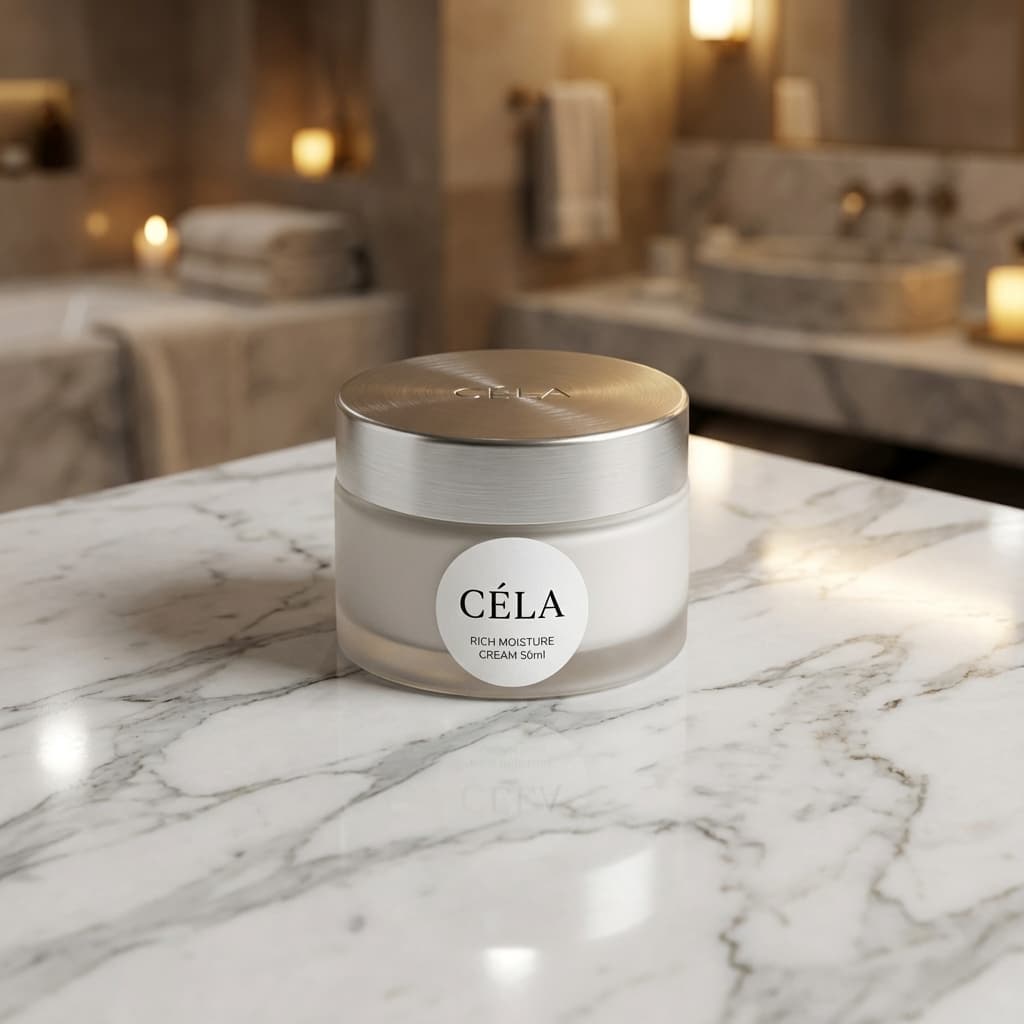
Dark studio
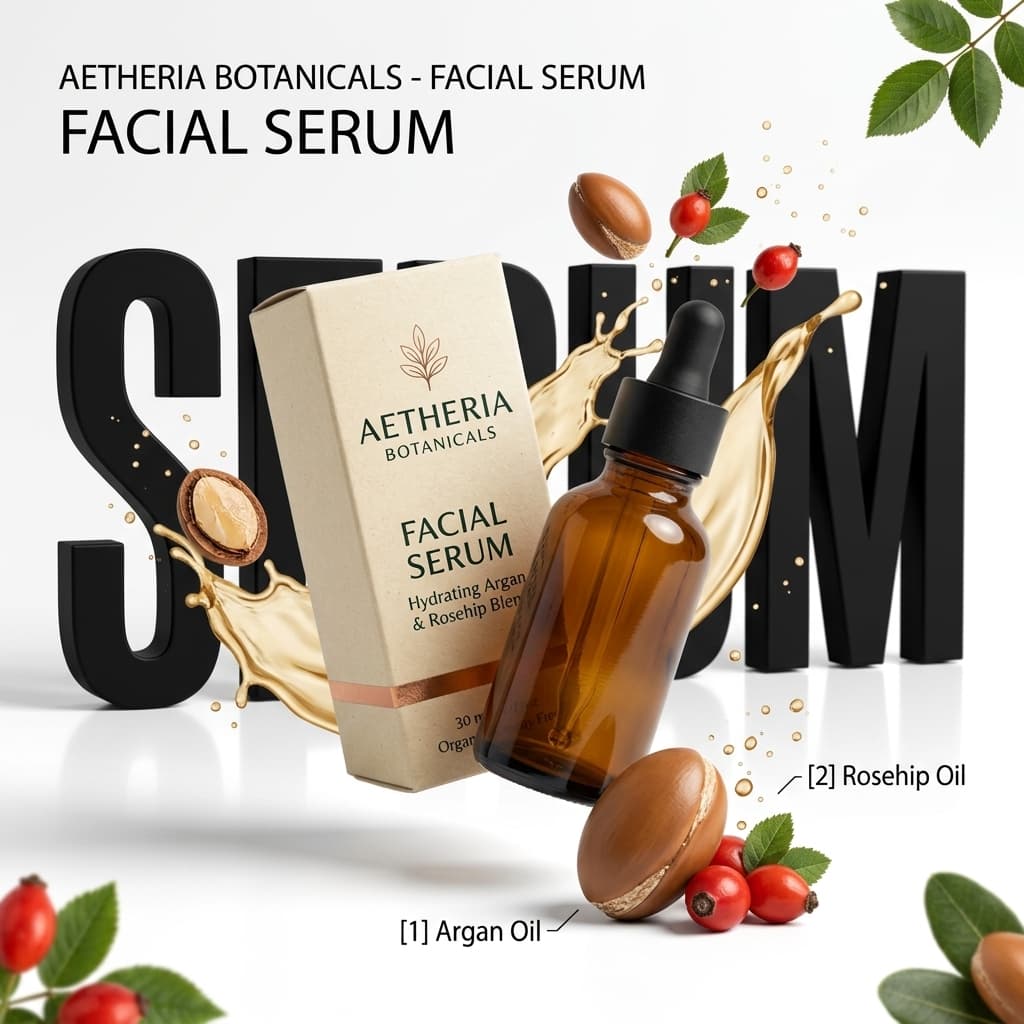
Natural light
Editorial scene
AI-generated skincare product photos across scene types. One phone photo per SKU.
Traditional Photography vs. AI for Skincare Products
Traditional
Studio photographer

AI photography
Traditional
Studio photographer
AI photography
Cost per image
$150 - $300 per finished image
Under $0.20 per image
Setup time per SKU
2 - 4 hours including lighting setup
Under 30 min including all scene types
Scene variety
1 - 2 setups per session, more costs extra
Unlimited scenes from the same source photo
Label & finish accuracy
Captured from physical product
Product isolated from source - label, finish, and cap preserved pixel-accurate
Reshoots for new scenes
Full session required, full cost again
New scene in under 30 seconds from the same upload
Turnaround
3 - 7 days with retouching
Same session - download immediately
Brand consistency across SKUs
Depends on photographer replicating setup
Same prompt applied to every SKU produces identical lighting and scene
See Pixair AI pricing - all plans include AI scene generation, background removal, and upscaling. Starts at $24/month.
Step-by-Step: AI Product Photography Workflow for Skincare
This workflow produces a complete skincare asset library - white background, lifestyle, and editorial - from a single phone photo session.
Photograph each SKU on a neutral white or light grey surface
Place your skincare product on a white sheet of paper or a light grey board near a window. Avoid coloured surfaces - glass and frosted packaging pick up color reflections from nearby objects. One front-facing photo per SKU is enough. You do not need a tripod or ring light. Phone camera at this stage is purely a source file - resolution and lighting quality of the output is determined by the AI, not the input.
Generate the white background version first
Upload to Pixair AI and select the white background preset. This produces a pure white RGB 255/255/255 output compliant with Amazon main image requirements and most marketplace standards including Sephora and Ulta product pages. Verify that the label is legible at thumbnail size before moving to scene generation. This step takes under two minutes.
Describe the scene in plain language
Type a scene description that matches your brand positioning. For premium skincare: “white marble surface, soft morning light, minimal” or “dark wet stone surface, cool side lighting.” For natural or organic brands: “wooden surface, warm natural light, botanicals.” For clinical brands: “clean white surface, soft diffused studio light.” Include surface material, lighting direction, and mood. The AI generates an environment around your product - not a background image, a full scene.
Generate 3-4 variations per scene type
Each generation takes under 30 seconds. Run 3-4 variations of each scene and keep the best one or two. For a full skincare listing you want: one white background image, one marble or stone lifestyle shot, and one editorial scene with a minimal prop (a sprig, a stone, a single ingredient). That is nine generations total for three scene types - the entire session for one SKU takes under 20 minutes.
Repeat the same scene prompt across your full product line
Once you have a scene prompt that produces strong results, reuse it verbatim for every SKU in your line. The same “white marble, soft morning light” prompt applied to your serum, moisturizer, and eye cream produces a visually unified product library. Every product photo shares the same lighting, surface texture, and atmosphere - which matters significantly for brand trust on DTC sites and marketplaces.
Upscale and export
Use the built-in upscaler to reach 2000px. Download and upload directly to your marketplace listing, Shopify product page, or ad platform. No retoucher, no turnaround wait, no file handoff.
Which Scene Prompt Fits Each Skincare Packaging Format?
The four dominant skincare formats each have one photographic weakness. Build the prompt around that weakness and the generation succeeds far more often on the first attempt.
Dropper bottles (serums). The glass pipette is the failure point - hard side light turns it into a bright streak that swallows the neck of the bottle. Prompt for backlight instead: “frosted glass dropper bottle, soft light from behind and above, dark stone surface.” Backlighting makes the glass read as translucent rather than reflective.
Pump dispensers (cleansers, lotions). The tall neck casts the longest shadow in the frame and a low light angle exaggerates it. Keep the light high: “white pump bottle, diffused overhead light, shadow falling short and soft.”
Jars (moisturizers, masks). Jars are short, so in a scene prompt written for bottles they drown in negative space. Bring the camera down: “low camera angle at jar height, shallow depth of field, marble surface.” A jar shot at bottle-framing height reads as an afterthought.
Tubes (SPF, eye cream). Tubes fall over. Decide the pose in the prompt rather than letting the AI choose: either “tube standing on its cap” or “tube lying at a slight diagonal, label facing up.” Unposed tube generations produce inconsistent angles across a product line.
Selling makeup and color cosmetics alongside skincare? The cosmetics AI photography guide covers compacts, glossy packaging, and shade-accurate lighting.
5 Tips for Skincare AI Product Photography
Shoot on white, not cream or grey
Frosted glass and translucent packaging picks up color from whatever surface it sits on. A cream or warm grey surface tints the product in the source photo, which affects how the AI isolates it. Pure white reflects neutral light into the packaging and gives the background removal the cleanest possible edge to work with - especially on pump dispensers and tapered bottle bases.
Include packaging finish in your scene prompt
Adding finish descriptors to your prompt changes how the AI positions light in the generated scene. “Frosted glass serum, soft diffused light” produces gentler specular highlights than the same prompt without the material descriptor. Useful keywords: frosted glass, matte tube, glossy cap, metallic pump, clear dropper. The AI uses these to match lighting behavior to the actual material in your photo.
Use minimal props - one maximum
The most effective skincare scenes are clean. A jade stone, a single dried botanical, or a small linen cloth beside the product is enough to add context. More than one prop competes with the product. Describe the prop in your prompt and let the AI position it - you do not need to physically stage anything.
Generate your hero scene first, then variations
Start with the scene that matches your primary brand positioning - the one that will appear on your homepage hero or main listing lifestyle slot. Once you have a prompt that produces strong results for that scene, small modifications produce the remaining variations: swap the surface material, adjust the lighting direction, change the prop. Iterating from a strong base is faster than starting fresh for each scene type.
Match the scene mood to your brand tier
Scene mood signals price point to buyers before they read a word of copy. Dark stone surfaces with cool rim lighting signal premium or clinical positioning. Warm wood surfaces with soft natural light signal natural or organic positioning. White marble with morning light signals clean beauty. Pick one mood and apply it consistently across your entire product line - inconsistent scene aesthetics across SKUs undermine brand trust on product listing pages.







Frequently Asked Questions
No. The AI isolates your product from the source photo and composites it into the generated scene without regenerating the product itself. Your label text, ingredient list, brand name, and any certification marks are taken directly from your original photo and remain exactly as photographed. The AI only generates what is behind and around the product.
Yes. These platforms permit AI-generated product images as long as they accurately represent the physical product. Pixair AI preserves the original product packaging - it does not modify the product itself. The white background preset produces a pure white RGB 255/255/255 output that meets main image requirements across all major marketplaces.
Shoot on a pure white surface near a large window with indirect natural light. Avoid direct sunlight, which creates harsh specular highlights on glass that are difficult to isolate cleanly. Keep the product label facing the camera and ensure the full silhouette of the bottle is within the frame with a small margin around the edges. One clean front-facing photo is enough.
Scenes with a specific surface material and a single lighting direction produce the most consistent results. Strong examples: "white marble surface, soft diffused morning light from the left," "dark wet stone, cool rim light from above," "light oak wood surface, warm window light." Avoid vague descriptions like "luxury background" - specific material and light direction give the AI the constraints it needs to generate a physically coherent scene.
Yes, and this is the recommended approach. Copy the exact same scene prompt and apply it to each SKU upload. The AI generates a new scene for each product using the same lighting, surface, and atmosphere - producing a visually consistent product library where every photo in your line looks like it was shot in the same studio on the same day.
Keep reading
Related articles
AI Product Photography for Cosmetics & Beauty Brands
Generate photorealistic cosmetics product photos from a text prompt - consistent lighting and atmosphere across every SKU. No studio, no photographer, full catalog in one session.
Compliant product images: lifestyle mockups that pass ad review
How to make AI product images and lifestyle mockups that meet Meta, Amazon and Google ad rules, with examples.
Amazon Product Image Generator: Compliant in 4 Steps (Free)
Turn one phone photo into an Amazon-compliant main image (RGB 255/255/255, 85% fill, 2,000 px) plus lifestyle images for all 9 slots. Free with 30 credits.