To remove the background from a product photo, upload your image to Pixair AI, choose a white background preset or a styled scene, and download the result in seconds. The AI isolates the product automatically - no manual selection, no Photoshop, no editing experience required. The same upload produces a marketplace-compliant white background and lifestyle scenes for ads.
Why Background Removal Matters for E-commerce Sellers
Every major marketplace has an opinion about your product background. Amazon requires a pure white background (RGB 255, 255, 255) on the main image, with the product filling at least 85% of the frame. Shopify and Etsy don't enforce it technically, but inconsistent or cluttered backgrounds lower perceived product quality and reduce click-through rates. Social media ads perform better with styled, contextual scenes rather than raw product-on-white.
The traditional fix is to either shoot on a white sweep in a studio, hire a retoucher, or spend time in Photoshop manually masking the product. Each route costs time or money that compounds across every SKU in a catalog. A seller with 30 products at $15 per background removal is spending $450 before a single lifestyle image exists.
How to Remove the Background from a Product Photo with Pixair AI
Upload your product photo
Any background works - a kitchen table, a cardboard box, a colored backdrop, or an existing white background that isn't clean enough for marketplace compliance. The AI reads the product edges, not the background color, so photo conditions don't need to be controlled before you upload.
Choose your output type
Select the white background preset for Amazon-compliant main images - the output hits the exact RGB 255/255/255 value Amazon's automated checker requires. Or write a scene prompt to generate a lifestyle background: a marble surface, an outdoor setting, a studio shelf. Both outputs come from the same upload - you don't need to re-upload for each variation.
Download and use immediately
White background images export as PNG with a transparent layer preserved, ready for Amazon, Shopify, and Etsy upload. Styled scene images export as high-resolution JPEG for social media, ad creative, and brand content. The entire process from upload to download takes under 60 seconds per image.
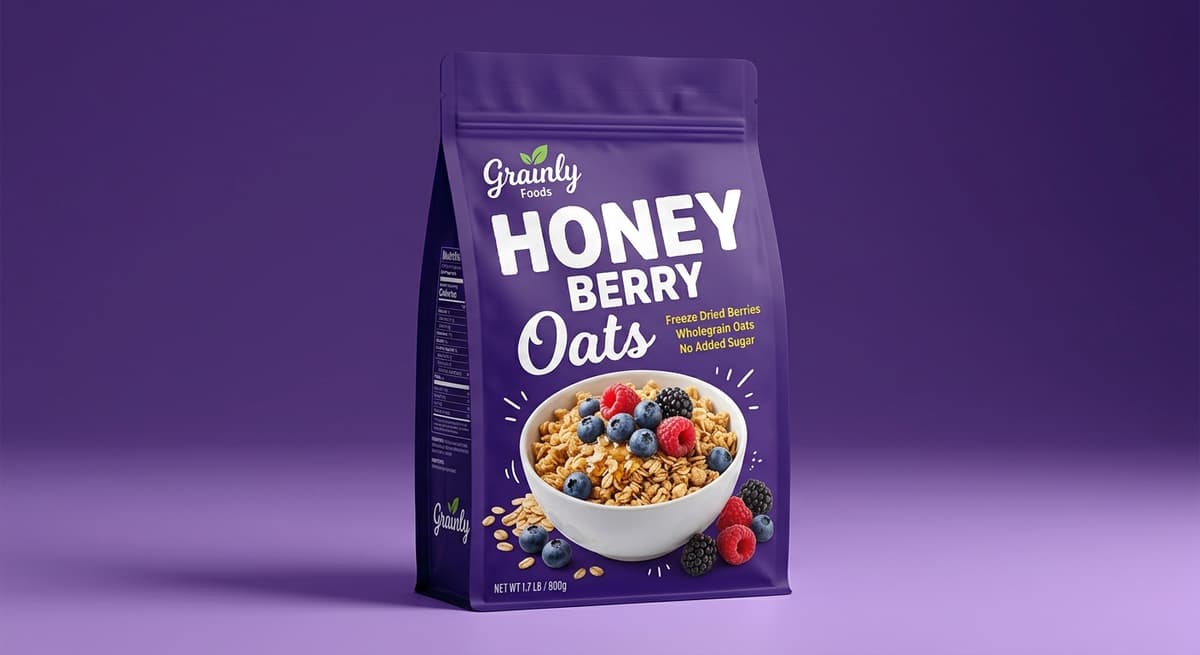
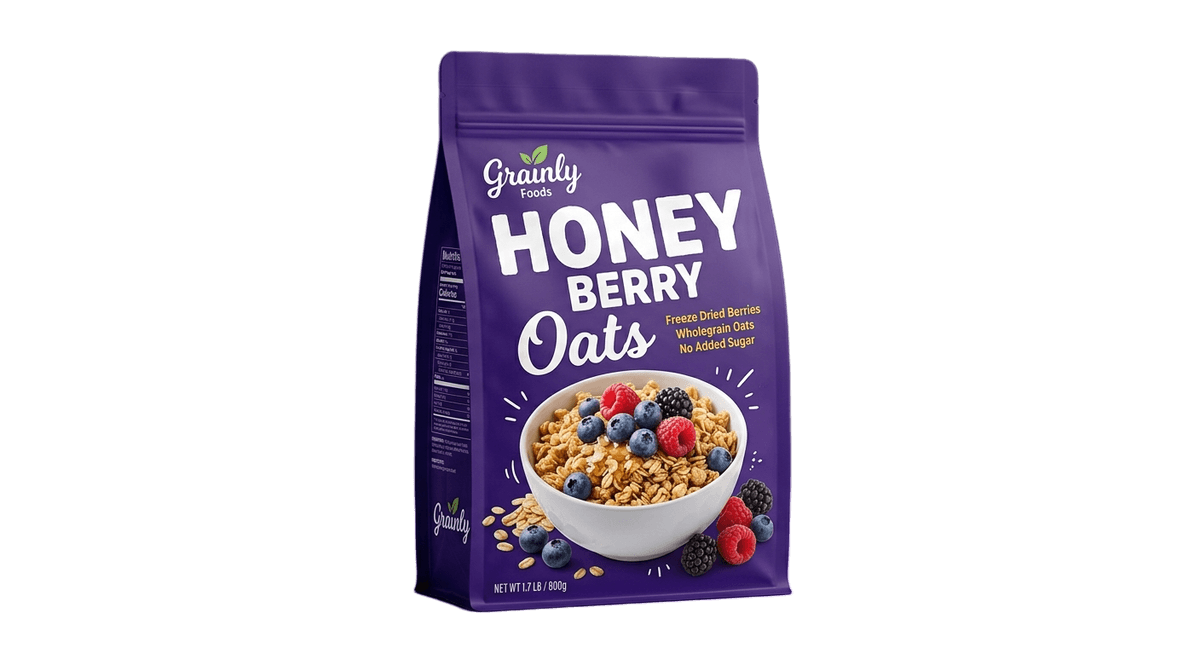
Before & After: Background Removal Examples
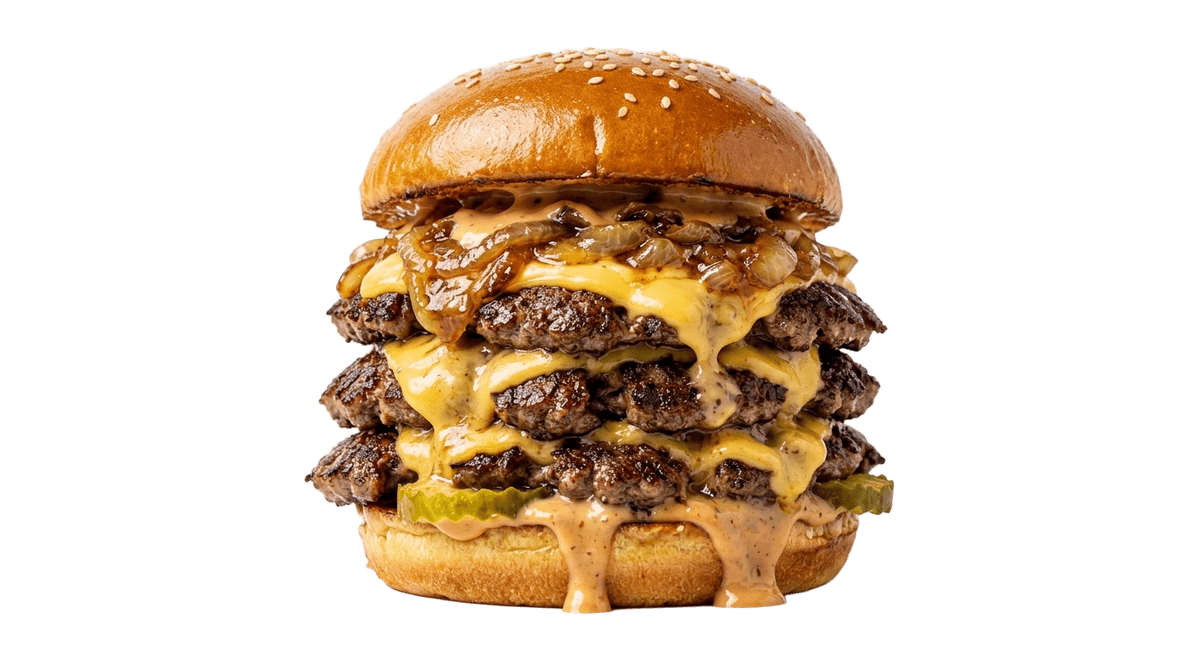
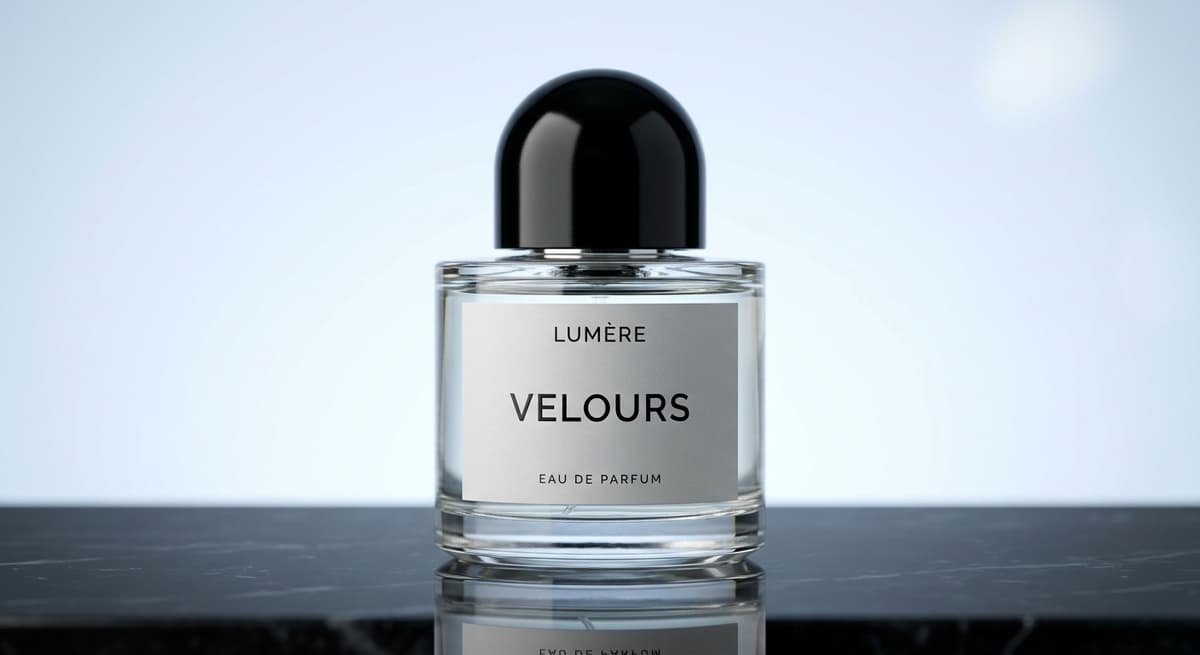
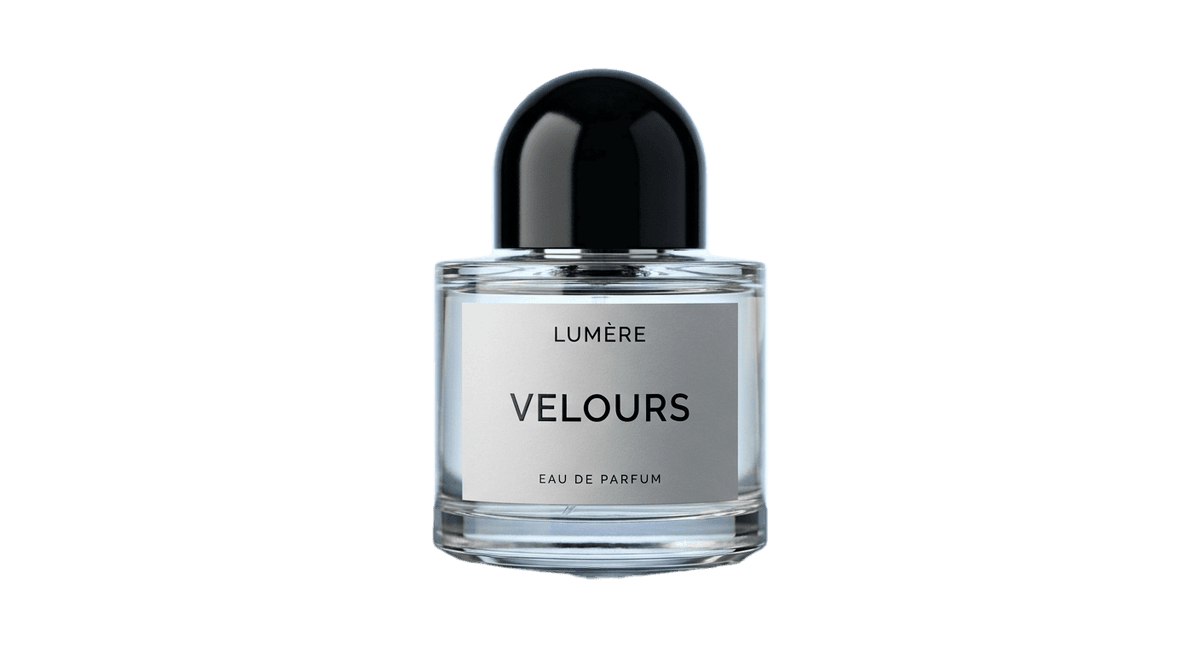
Tips for Better Background Removal Results
Shoot against a contrasting background
The AI separates the product from the background by reading edge contrast. A dark product against a dark background produces less precise cutouts than the same product against a light grey surface. You don't need a studio - a sheet of grey card from a craft store is enough to improve edge quality.
Generate white background first, then scenes
Use the white background output to verify the cutout quality before generating styled scenes. If the white version looks clean, the lifestyle versions will too. If the edges look rough on white, the problem is visible in every scene you generate from that upload.
Batch by product line, not one at a time
Write a scene prompt that works for one product in a line, then apply the same prompt to every SKU in that category. A supplement brand can generate a consistent white marble scene across 20 bottle variants in one session, producing a visually unified catalog without reshooting anything.
Frequently Asked Questions
Remove backgrounds and generate scenes in one step
Upload any product photo and get a white background main image plus styled lifestyle scenes - 50 free credits, no card required.
Try Pixair AI freeKeep reading
Related articles
AI Product Photography for Amazon Sellers: Professional Listings Without a Studio
Amazon suppresses listings with non-compliant images and ranks products by click-through rate. See how AI product photography handles white background compliance, lifestyle secondary images, and full 9-slot image sets - without a photographer.
Best Caspa AI Alternative: Product-First AI Photography With Built-In Ad Generation
Caspa AI is built around AI human models in lifestyle photos. If you sell packaged products and need clean product scenes, ad creatives written from your label, and no $33/month paywall to start - Pixair AI is the Caspa AI alternative built for that.
Best Flair AI Alternative: AI Product Photography Without the Canvas
Flair AI builds product scenes on a drag-and-drop canvas. If you need one upload to produce six ready-to-run ad creatives - copy written, layouts composed, no Canva - Pixair AI is the Flair AI alternative built for that.