
AI apparel ad creatives are on-model, scroll-stopping ads of your clothing - built from a flat garment photo instead of a booked model shoot. Upload a flat lay or ghost-mannequin shot of a tee, dress, or jacket, and Pixair AI renders the piece on a realistic model in a styled setting in under 60 seconds for a few cents in credits. That replaces a $1,500-$8,000 model shoot that ties up a model, photographer, stylist, and location for a day before a single ad runs.
What Are AI Apparel Ad Creatives?
An apparel ad creative is the visual you run on Meta, TikTok, or Pinterest to sell a garment - someone wearing the piece in a context a shopper aspires to, not a flat product cutout. Clothing sells on fit and feel. The shopper is judging how the garment falls on a body, how it styles, and whether it suits the life they picture. A flat lay answers “what is it?” An on-model ad answers the question that actually closes the sale: “what do I look like in it?”
AI apparel ad creatives build that on-model context from the garment photo you already have. The piece goes onto a realistic model - drape, seams, print placement, and fabric texture of your actual garment preserved - inside a styled scene. One flat lay becomes four: a full-length lifestyle hero, a styled three-quarter shot, a cropped fabric detail, and a different model and setting. They read as one campaign, not four unrelated images.


On-model creatives from the Wild Plains, Wet Macro, and Cobalt Sport try-on presets, each generated from a single flat garment photo - a lifestyle hero, a fabric-detail portrait, and a styled-context shot, all rendered on a model without a shoot.
The Wild Plains on-model still animated into a 9:16 video scene - the format TikTok and Reels reward. The same flat garment photo that produces the static creative above drives the motion ad, with the model and garment held consistent across both.
Why Is Apparel So Hard to Advertise?
Fashion sits at the worst intersection for ad production. Every SKU needs a body to read correctly, the catalog turns over by season, and the casting bar keeps climbing. Stack those three and you get a creative bottleneck that hits clothing brands harder than almost any other category.
A flat lay does not sell fit
Clothing only makes sense on a body - a shopper cannot judge how a midi dress falls or how a blazer sits at the shoulder from a flat photo. So every garment effectively needs a model shot to convert, which means a fit model, a photographer, and a styling pass per piece before the ad even exists.
The catalog turns over every season
Furniture brands can run a hero shot for two years; a fashion drop has a shelf life of weeks. New season, new colorways, new model casting - the whole creative library expires on a cycle, so the cost of a shoot recurs constantly instead of amortizing over time. A brand doing four drops a year is booking four shoots a year just to stay current.
One model no longer covers your audience
Shoppers convert better when they see the garment on a body like theirs, and platforms reward creative that reflects a real audience. Showing a piece across multiple body types, skin tones, and ages used to mean casting and booking several models per garment - a cost most DTC brands cannot carry, so they shoot one model and lose the shoppers who do not see themselves.
How Do You Turn a Flat Garment Photo Into an On-Model Ad?
One flat or ghost-mannequin photo goes in; a matched set of on-model creatives comes out. You are not booking a model. You are picking a try-on look and letting the AI dress a model in your garment across several coordinated frames.
Step 1: Upload a clean flat lay or ghost-mannequin shot
Use a front-facing photo of the garment laid flat or on an invisible mannequin - the kind you already shoot for your product page. A ghost-mannequin image works best because the garment is already holding its three-dimensional shape, so the AI reads the drape and seam lines accurately. Pixair AI preserves the print placement, button line, fabric weave, and color so the piece on the model is unmistakably the piece you ship.
Step 2: Pick a try-on preset, not a single scene
A try-on preset places your garment onto a model inside a styled setting and fans one upload out into a coordinated set. Choose the model and the world - a sun-washed street for casualwear, a clean studio for elevated basics, a golden-hour rooftop for occasionwear - and the AI renders the piece on a body inside it, with consistent lighting and grade across every frame so the set reads as one campaign instead of four stock photos.
Step 3: Run the same garment on multiple models
Rerun the try-on with a different model to show the garment across body types, skin tones, and ages from the same upload. This is the step that is effectively impossible with a traditional shoot on a DTC budget - here it is a few more cents and another 60 seconds, so you can build the diverse casting that lifts conversion and matches your actual audience.
Step 4: Export every placement, then run the next colorway
Export the set in 9:16 for TikTok and Reels, 4:5 and 1:1 for Meta and Pinterest feed, and the wide ratios for Google Display - all from one generation, with the model staying framed as the crop reflows. To advertise a second colorway, swap the flat lay and rerun the same try-on preset so the black version and the bone version share an identical model, scene, and grade.
On-Model Apparel Creative: Model Shoot vs Pixair AI
Producing a four-image on-model set for one garment looks very different each way. The cost gap is steep. But the gap that compounds for fashion is how many models - and how much of the catalog - ever gets shot at all.
Booked model shoot
Model, photographer, stylist per drop

Pixair AI try-on preset
Booked model shoot
Model, photographer, stylist per drop
Pixair AI try-on preset
Cost per 4-image set
$1,500 - $8,000
Under $1 in credits
Time to first creative
1 - 3 weeks
Under 60 seconds
Setup needed
Cast, book, shoot, retouch
One flat or ghost-mannequin photo
Casting diversity
Extra model fee each
Swap model, rerun preset
New colorway
Full reshoot
Swap flat lay, rerun preset
SKUs you can run on-model
Hero pieces only
Entire seasonal catalog
Placements covered
Manual crop per ratio
TikTok, Meta, Pinterest from one gen
Which Ad Angles Work Best for Apparel Brands?
Fashion converts on fit, styling, and aspiration. The shopper is picturing the piece on their own body, in their own week. These five angles map onto how people actually shop for what they wear.
- On-model lifestyle hero. The garment worn full-length in a believable setting - a city street, a cafe, a beach walk - so the shopper sees the fit and pictures wearing it. This is the workhorse apparel creative and the one a flat lay can never replace.
- Diverse-casting set. The same piece on several models across body types and skin tones. It widens who sees themselves in the ad, lifts conversion for the segments a single model misses, and signals an inclusive brand in one scroll.
- Fabric and fit detail crop. A tight shot of the drape, stitching, or print placement on the body. Apparel returns are driven by “the material felt different than expected,” and a worn-texture close-up sets the right expectation before the click.
- Styled outfit context. The hero garment shown styled with complementary pieces, so the shopper reads it as part of a look rather than a standalone SKU. It raises perceived value and quietly cross-sells the rest of the drop.
- Motion-cut UGC feel. A natural, slightly imperfect on-model frame that reads as a creator clip rather than a studio shot - the look that performs on TikTok feed. The same hook-first thinking behind a strong static ad creative applies to apparel, just on a body.
How Do You Run Apparel Ad Creatives Well?
- Start from a ghost-mannequin shot, not a hanger photo. A garment on a hanger collapses and hides the silhouette. A flat lay or ghost-mannequin image already holds the shape, so the AI reads drape and seam lines correctly and the on-model result looks like the real fit rather than a guess.
- Test the model, not just the scene. For apparel, the body in the frame is a creative variable as strong as the background. Rerun the same garment across models and let the data tell you which casting your audience responds to - a lever a traditional shoot never let you pull cheaply.
- Match the model's vibe to the platform. A polished studio model converts on Pinterest and Meta; a candid, motion-cut creator look wins on TikTok. Generate both from the same garment and assign each to the platform where it fits, instead of cross-posting one image everywhere.
- Refresh on the seasonal cycle, not the fatigue cycle. Fashion creative ages with the collection. When a drop lands, regenerate the whole line on-model in an afternoon so every SKU launches with an ad - then refresh the winners' scenes mid-season before frequency climbs, the same loop behind iterating winning ad creatives.
- Keep the ad model and the PDP model consistent. Generate the ad creative and your product-page on-model hero from the same try-on so the body, scene, and grade carry through the click. When the ad and the landing page look like one shoot, post-click conversion rises and the garment feels like the same promise throughout.
Ready to turn one flat lay into an on-model campaign? Start free with Pixair AI - 30 credits to generate your first on-model set with no card required.







Frequently Asked Questions
Upload a flat lay or ghost-mannequin photo of the garment to Pixair AI, pick a try-on preset, and the AI renders the piece on a realistic model in a styled scene while keeping the drape, print placement, and fabric exact. A four-image on-model set takes under five minutes and under $1 in credits, versus a $1,500-$8,000 model shoot. No model, photographer, or location booking is required.
Yes. Pixair AI preserves the garment's print placement, seam lines, button line, fabric texture, and color - it only generates the model and scene around it. The dress on the model is the dress you ship, worn rather than redesigned. This matters most for apparel, where a misread fabric or print drives returns.
Yes, and this is one of the strongest reasons to use AI for apparel ads. Rerun the same flat lay with a different model preset to render the garment across body types, skin tones, and ages, each generation taking about 60 seconds and a few cents. That diverse casting lifts conversion for segments a single booked model misses, at a cost a traditional multi-model shoot never allowed.
A front-facing flat lay or ghost-mannequin shot works best, because the garment is already holding its three-dimensional shape so the AI reads drape and seams accurately. Avoid hanger photos, which collapse the silhouette. The same product-page images most fashion brands already have are ideal source material - no special capture is needed.
Plan for 9:16 (1080x1920) for TikTok and Reels, 4:5 (1080x1350) and 1:1 (1080x1080) for Meta and Pinterest feed, and standard banner ratios for Google Display. Fashion leans heavily on TikTok and Meta for discovery, so vertical and feed formats matter most. Pixair AI exports every ratio from one generation, so the model stays framed without manual cropping.
Keep reading
Related articles
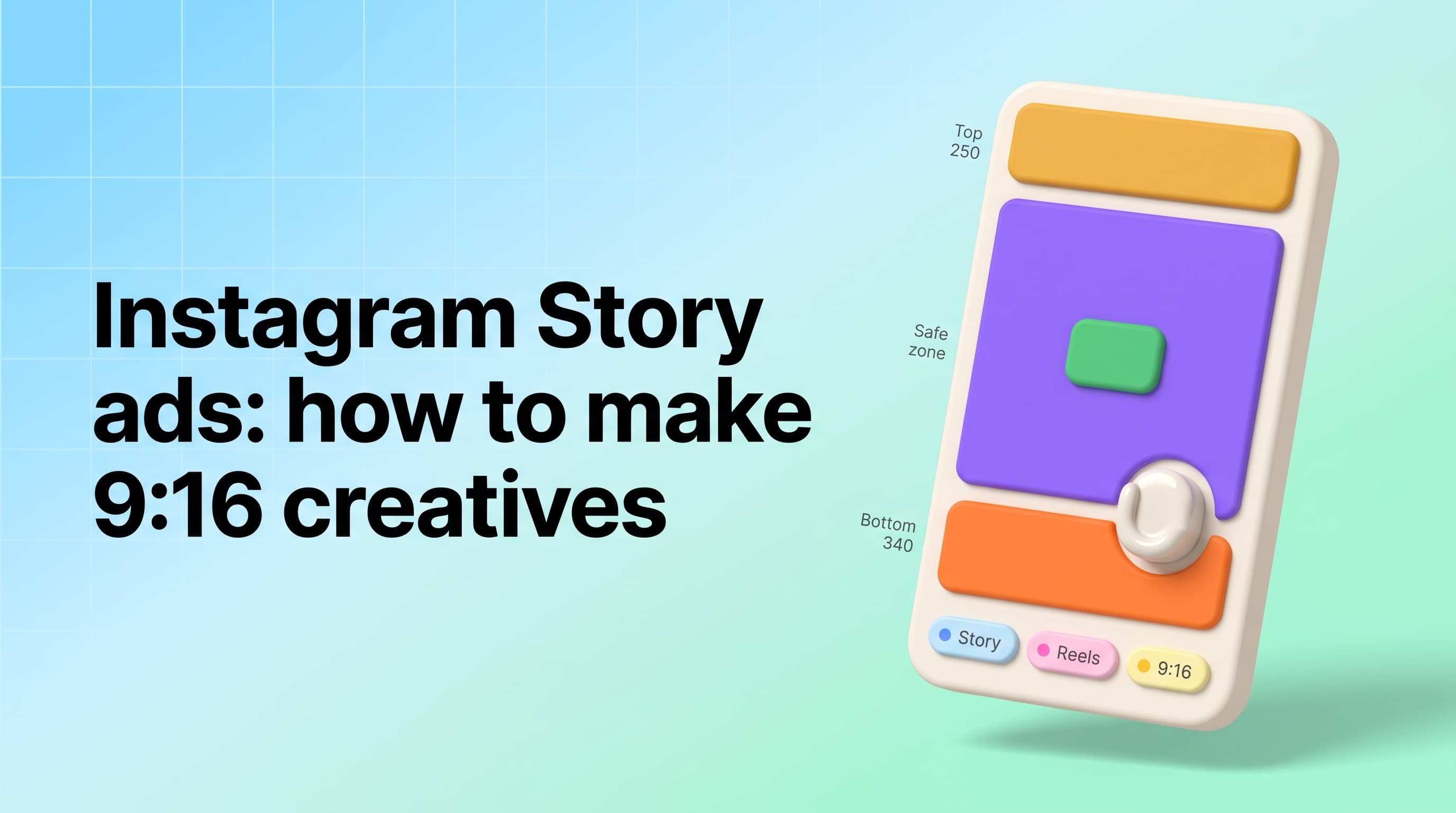
Instagram Story Ads Generator: Make 9:16 Ads From 1 Photo
Instagram Story ads maker and generator in one: only 69% of a 1080x1920 frame is safe, so generate native 9:16 Story ads from one product photo for $0.18 each.

AI Furniture Ad Creatives From One Product Photo
Turn a single furniture photo into a full editorial ad campaign in under 5 minutes. A guide to AI furniture ad creatives for DTC home brands - no studio, no model.

AI Marketing Studio: One Product Photo to a Full Ad Set
An AI marketing studio turns one product photo into 20+ ad creatives using scene presets and try-on presets. How it works, what the presets do, and when to use each.