Pebblely made AI product photography accessible for sellers who needed to move fast - upload a product, pick a scene template, download the result. That template-first approach works when speed is the priority and scene variety does not matter. But sellers who need precise lighting control, photorealistic scene generation from a text description, and ad creatives built in the same tool run into Pebblely's ceiling quickly. The best Pebblely alternative for product photography is a tool built around prompt-driven scene generation, not a preset library.
Where Pebblely Falls Short for Sellers Who Need Custom Scenes
Pebblely is a capable entry point for AI product photography. Its core limitation is the same as its core design choice: scenes come from a template library. Three constraints come up every time sellers try to scale beyond basic catalog production.
Template library, not custom scenes
Pebblely generates backgrounds from a fixed set of scene categories - marble, kitchen, forest, studio, and similar presets. You select a template rather than describing the specific environment you want. Sellers in the same product category browsing the same template library produce images that look similar to each other. There is no mechanism to generate a scene that does not exist in the library.
No lighting direction control
Scene realism depends on whether the light in the generated environment matches the light that originally hit the product. Pebblely places your product into a template background - the light direction in the template is fixed, not matched to your product. The result can look composited rather than native to the scene. Prompt-driven tools let you specify exact lighting so the generated environment is built around your product's actual shadow and highlight direction.
No ad creative output
Pebblely produces product images - the product placed into a scene background. Moving those images into a marketing-ready ad format requires a separate design tool, manual layout work, and copywriting. For sellers running Meta, Google Shopping, or TikTok ads, that is an extra production step on every campaign.
What Prompt-Driven AI Product Photography Does Differently
Prompt-driven AI photography generates the entire scene from a text description rather than selecting from a library. You describe the environment - surface material, lighting direction, atmosphere - and the AI generates it from scratch around your product.
Pixair AI removes the background from your product photo and composites the isolated product into a generated scene with accurate lighting, shadows, and surface reflections matched to your description. The product itself is not regenerated - your label, packaging colors, and printed text are taken from the original photo and remain pixel-accurate. The AI only generates what is behind and around the product.
Because every scene is generated from a prompt rather than pulled from a library, every output is unique. And because the same tool reads your product label to write ad copy, the workflow from a single product photo to a finished ad creative happens without switching tools.
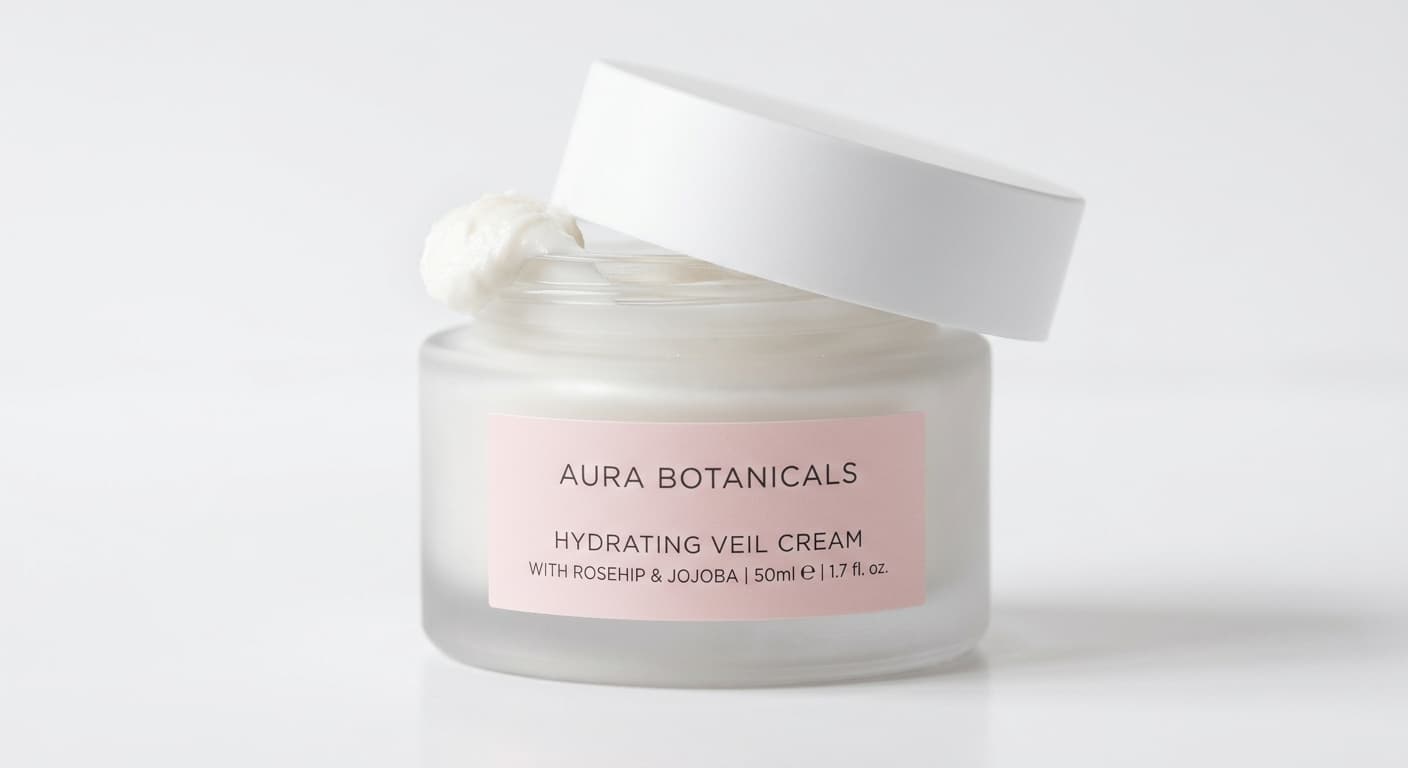
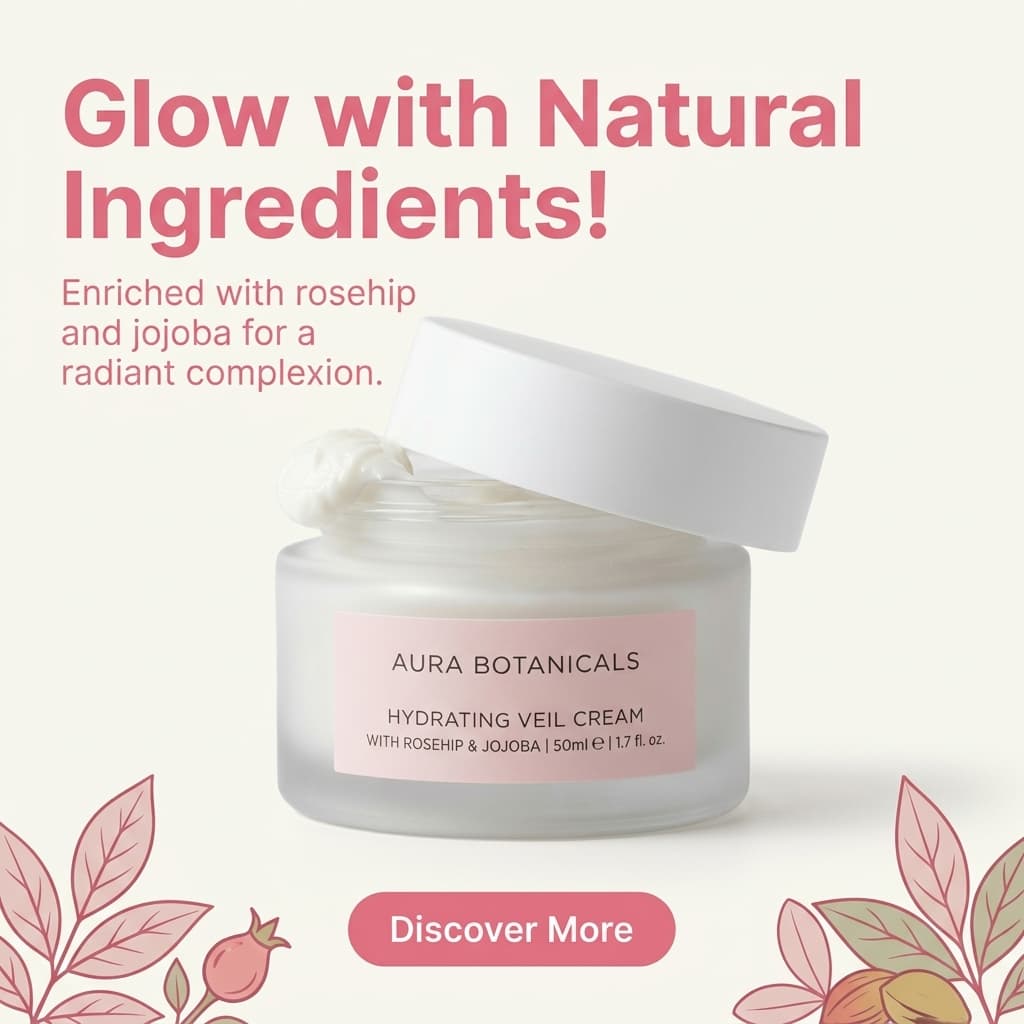
Same product photo. The AI reads the label, writes the copy, and generates a finished ad creative - no separate tool.
Step-by-Step: Switch from Pebblely to Prompt-Driven Scene Generation
This workflow replaces the Pebblely template-selection cycle with a single session that produces photorealistic scenes and finished ad creatives - from one product photo.
Photograph the product on any flat surface
Place your product on a white or light grey surface near a window. Phone camera is sufficient - scene generation quality is determined by the AI, not the source resolution. Ensure the full product silhouette is within the frame with a small margin around the edges. One front-facing photo per SKU.
Write a scene description instead of picking a template
Upload the photo to Pixair AI and describe the scene in plain language: “dark slate surface, single cool rim light from the left” or “light oak wood table, warm soft morning light from above” or “white studio, neutral diffused light.” You are generating a scene from scratch - not choosing from a library - so you can describe any environment your product would look good in.
Generate three scene types per product
Run three prompts per SKU: a pure white studio background for marketplace main images, one lifestyle scene matching your brand mood, and one premium or editorial scene for ads and social. Each generation takes under 30 seconds. Generate 2-3 variations per scene prompt and keep the strongest result. Three scene types with three variations each takes under 20 minutes per SKU.
Reuse the same prompt across your full catalog
Copy the exact scene prompt that produced your best result and apply it to every other SKU upload. The AI generates a new scene for each product using the same lighting, surface material, and atmosphere - producing a visually consistent catalog where every image looks like it was shot in the same studio on the same day.
Generate ad creatives in the same session
Pebblely stops at the product scene. Pixair AI's Ad Maker takes the same product upload and generates a marketing-ready creative in one step - the AI reads your product label, writes product-specific copy, and composes a bold layout ready for Facebook, Instagram Stories, Google Shopping, or TikTok. No separate design tool, no manual layout, no copywriting. Both dark and light formats, multiple aspect ratios.
Source
One upload


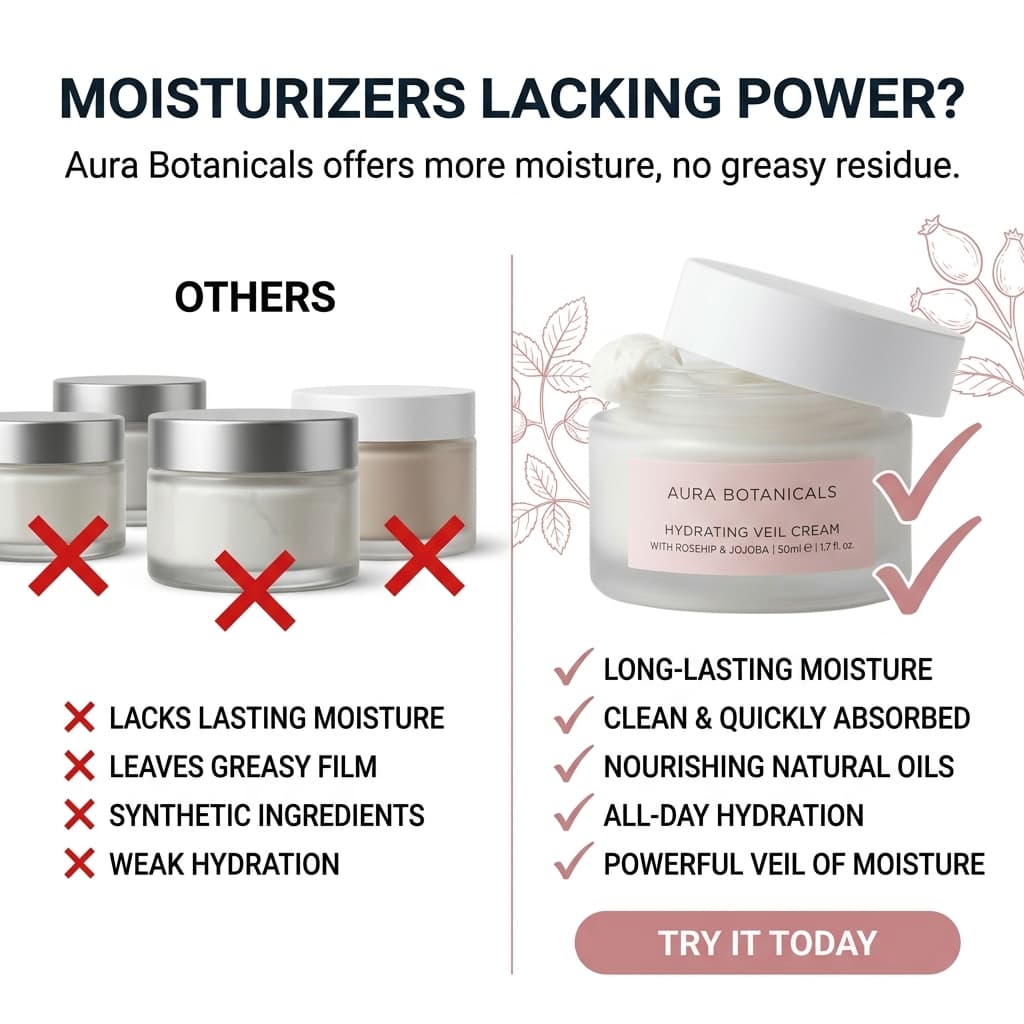

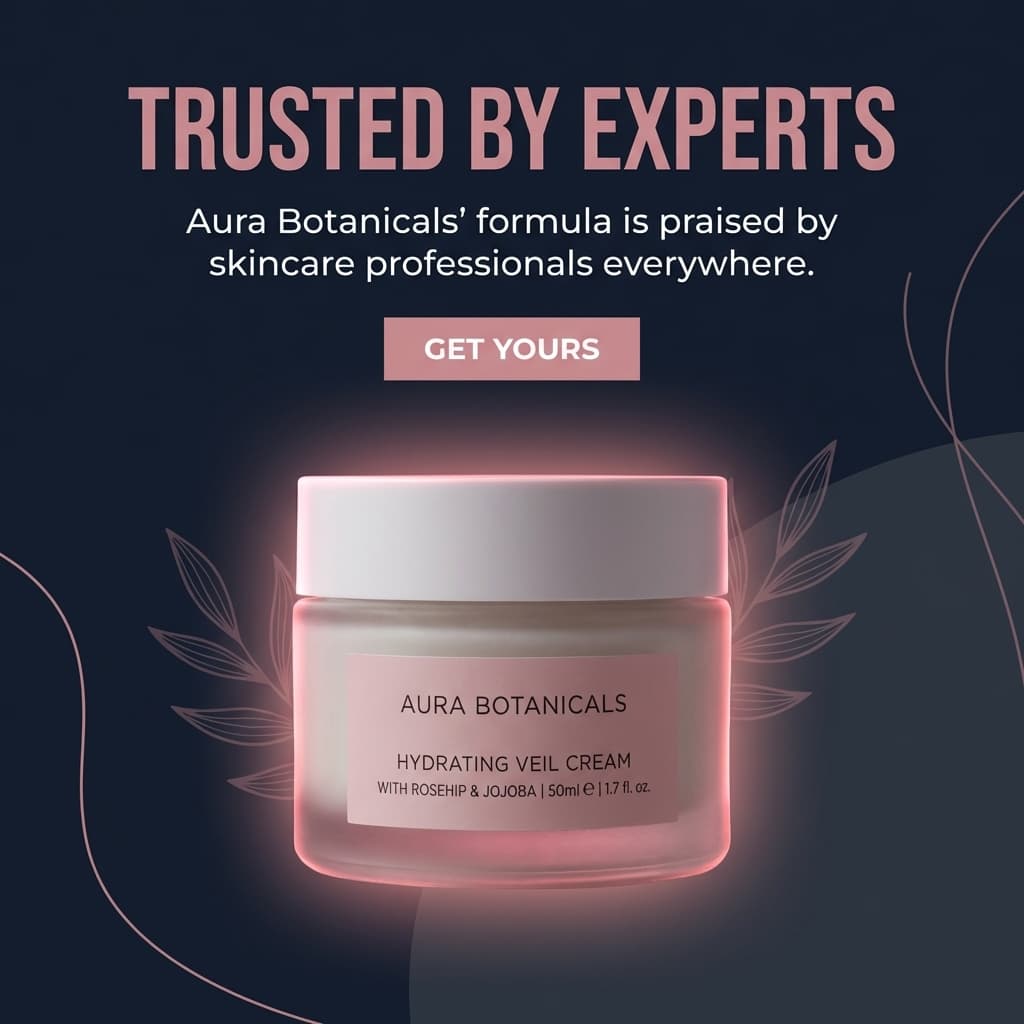
Six ad creatives from one product photo. No Canva, no copywriting, no separate tool.
Pebblely vs. Pixair AI for Product Photography
Pebblely
Template-based AI photography

Prompt-driven AI photography
Pebblely
Template-based AI photography
Prompt-driven AI photography
Scene creation
Template library - select from preset scene categories
Text prompt - describe any scene in plain language
Scene uniqueness
Shared templates - other sellers can use the same background
Generated fresh per prompt - every output is unique to your product
Lighting control
Fixed - lighting is built into the selected template
Fully controllable - specify direction, quality, and source in the prompt
Time per SKU (3 scene types + ads)
30+ min scenes plus separate design tool for ads
Under 25 min - scenes and ad creatives in one session
Ease of first use
Very fast - visual template selection requires no prompting
Simple text prompt - takes one session to find your scene formula
Ad creative generation
Not available - requires a separate design tool
Built-in Ad Maker - 6 ad formats from one product photo, copy written by AI
Scene realism
Good for template scenes - lighting may not match the product source photo
Photorealistic - lighting, shadow, and surface reflection matched to the scene prompt
Catalog consistency
Manual - re-select the same template for each SKU upload
Copy the same prompt across all SKUs - identical lighting and atmosphere throughout
Pricing
From $19/month (limited generations)
From $24/month - scene generation, background removal, and ad creation included
See Pixair AI pricing - all plans include AI scene generation, background removal, upscaling, and ad creation. Starts at $24/month. Also comparing other tools? See Pixair AI as a Photoroom alternative and a Canva alternative.
5 Tips for Switching from Pebblely to Prompt-Driven Photography
Start with one scene formula, then iterate
The biggest adjustment switching from Pebblely is moving from visual template selection to writing scene descriptions. Start with one specific prompt: a surface material, a lighting direction, and a light quality. “Dark slate, cool rim light from the left” is a complete scene formula. Once you have a result you like, modify one variable at a time. You will find your brand scene formula in 2-3 sessions.
Always specify lighting direction
The single biggest quality difference between template-based tools and prompt-driven generation is lighting control. Pebblely uses the lighting built into the template. In Pixair AI, you specify the direction: “soft light from the upper left” or “overhead diffused studio light.” The AI builds shadows and highlights to match that direction - creating the physically coherent result that template composites cannot achieve.
Lock your scene prompt and apply it to every SKU
Pebblely users manually re-select the same template for each product. In Pixair AI, paste the exact same scene prompt for every SKU upload. Every product gets generated into the same lighting and environment. The result is a catalog where every image looks like it was shot in one studio on the same day.
Generate the white background version first
Before generating lifestyle scenes, run one pure white background generation for each product. This is your marketplace main image and your catalog base. Once that clean white export is saved, generate lifestyle and dark scenes knowing your product isolation is already verified. A clean white export catches edge quality issues before you build a full scene library on top.
Batch ad creatives in the same session
After your product scenes are done, run Ad Maker before closing the session. The AI reads your product label and generates a marketing-ready composition - no separate tool, no layout work. For sellers running Meta or Google Shopping ads, having six ad format variations ready the same session the product photo is finished eliminates the gap between photo production and ad launch.







Frequently Asked Questions
Pebblely's template selection is faster on the first use - you click a scene category and it generates. Pixair AI requires writing a scene description, which takes one or two sessions to get comfortable with. Once you have a scene formula that works for your brand, you paste the same prompt for every SKU and every result looks consistent. Template selection has to be repeated manually for each upload and produces less unique results.
Yes. Pixair AI works with all standard ecommerce product categories - packaged goods, beauty and skincare, supplements, food and beverage, candles, home goods, apparel accessories, and more. Because scenes are generated from prompts rather than templates, there are no category restrictions based on what scene backgrounds exist in a library.
Yes. Pixair AI isolates your product from the source photo and composites it into the generated scene without regenerating the product. Your label text, brand name, ingredient list, and any printed graphics come directly from your original photo and remain pixel-accurate. The AI only generates what is behind and around the product.
Yes. Major ecommerce platforms allow AI-generated product images as long as they accurately represent the physical product. Pixair AI does not modify the product - only the background and environment. The white background preset produces a pure white RGB 255/255/255 output that meets Amazon main image requirements.
The key difference at catalog scale is prompt reuse. Once you write a scene prompt that produces the right lighting and atmosphere for your brand, you paste that exact prompt for every SKU. Every product gets generated into identical conditions - same surface, same lighting, same mood. Pebblely requires manually re-selecting templates per upload with no guarantee the output will look consistent across different products. For a catalog of 20 or more SKUs, that consistency difference becomes significant.
Keep reading
Related articles
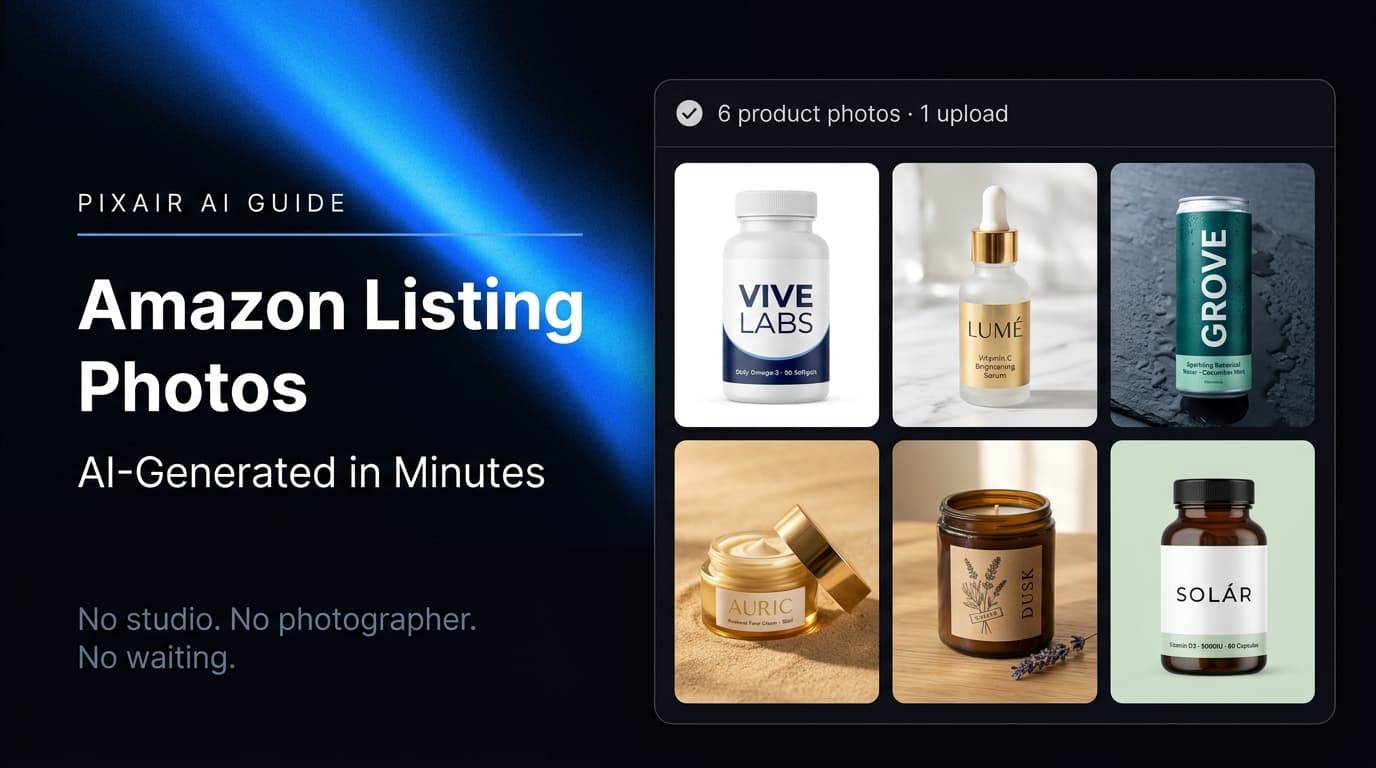
Amazon Product Image Generator: Compliant in 4 Steps (Free)
Turn one phone photo into an Amazon-compliant main image (RGB 255/255/255, 85% fill, 2,000 px) plus lifestyle images for all 9 slots. Free with 30 credits.
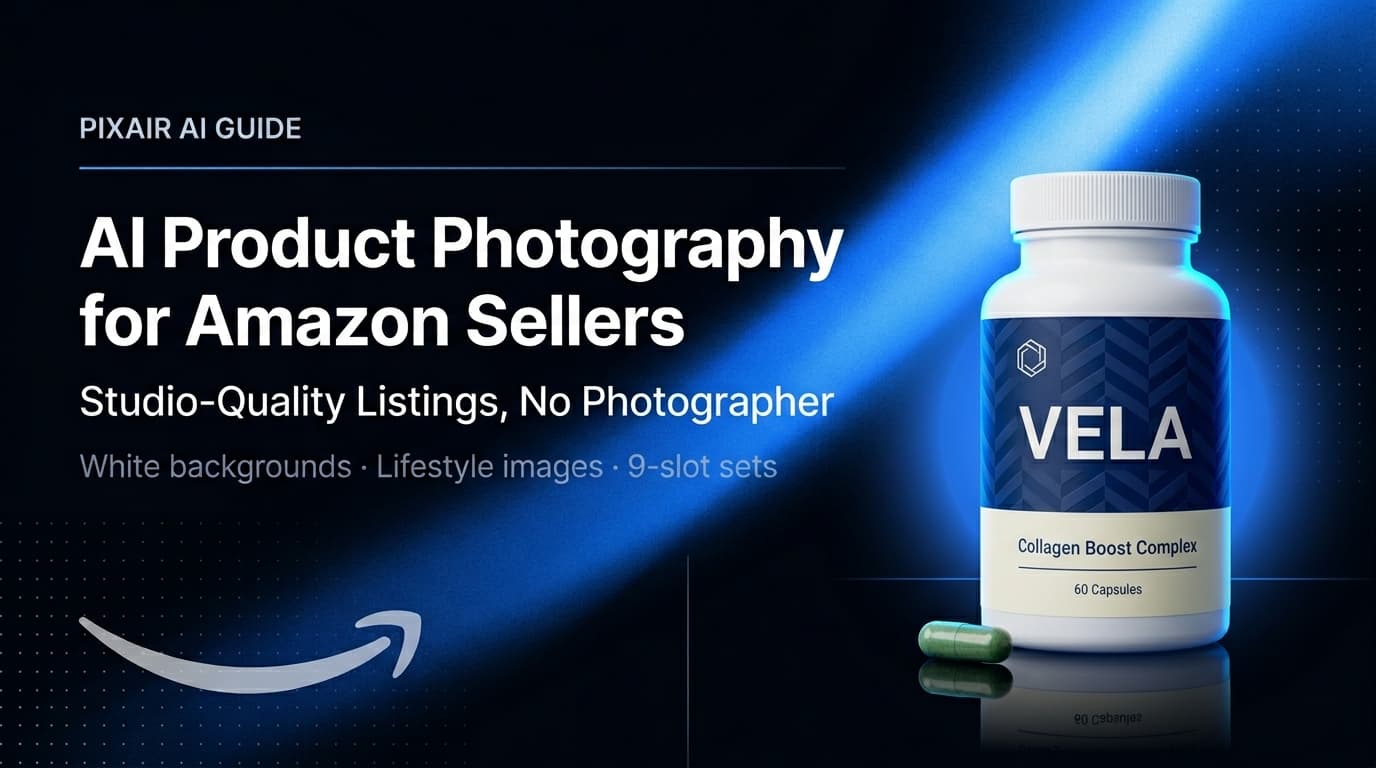
AI Product Photography for Amazon Sellers - Full 9-Image Sets
Amazon suppresses non-compliant listings and ranks by CTR. See how AI product photography handles white background compliance, lifestyle secondary images, and full 9-slot image sets - no photographer.
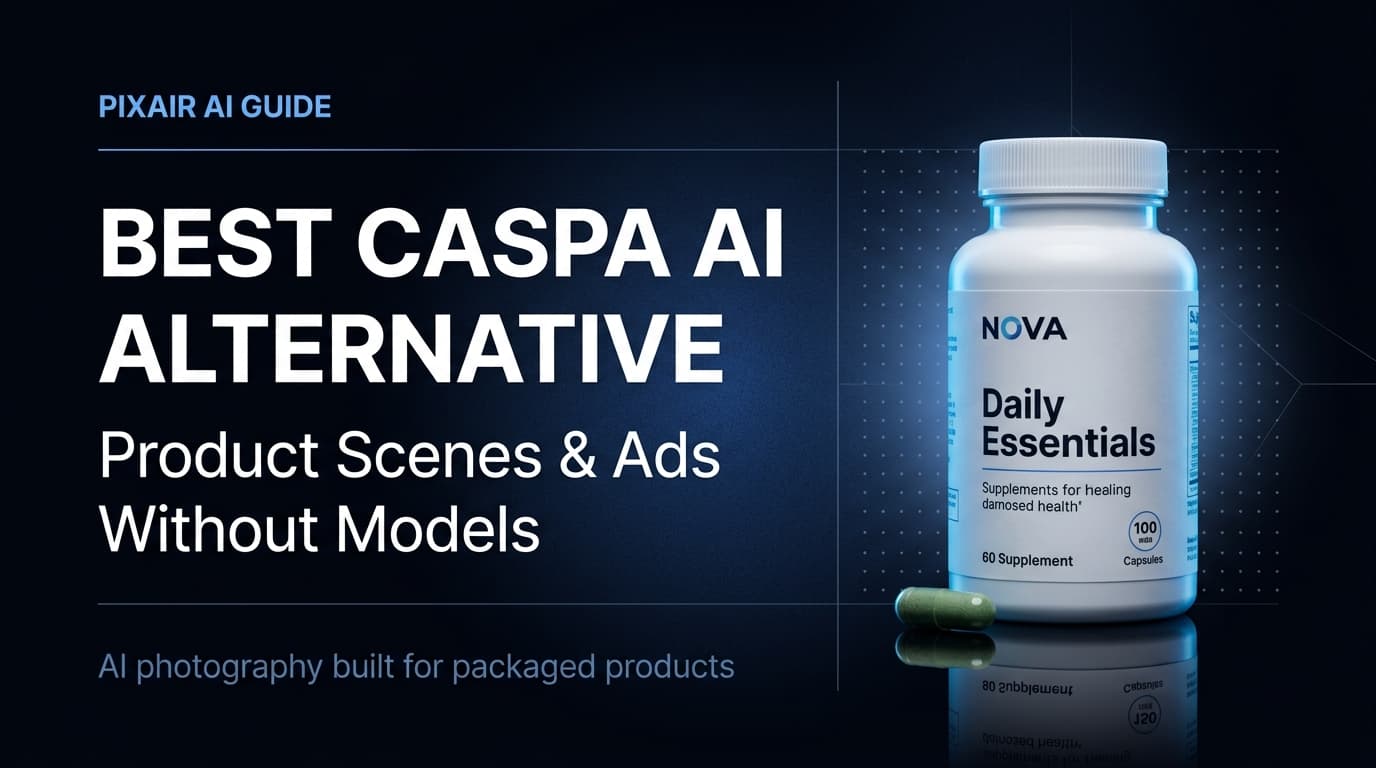
Best Caspa AI Alternative - Product Photos + Ad Generation
Caspa AI focuses on AI human models. If you sell packaged products and need clean product scenes, ad creatives from your label, and no $33/month paywall to start - Pixair AI is built for that.