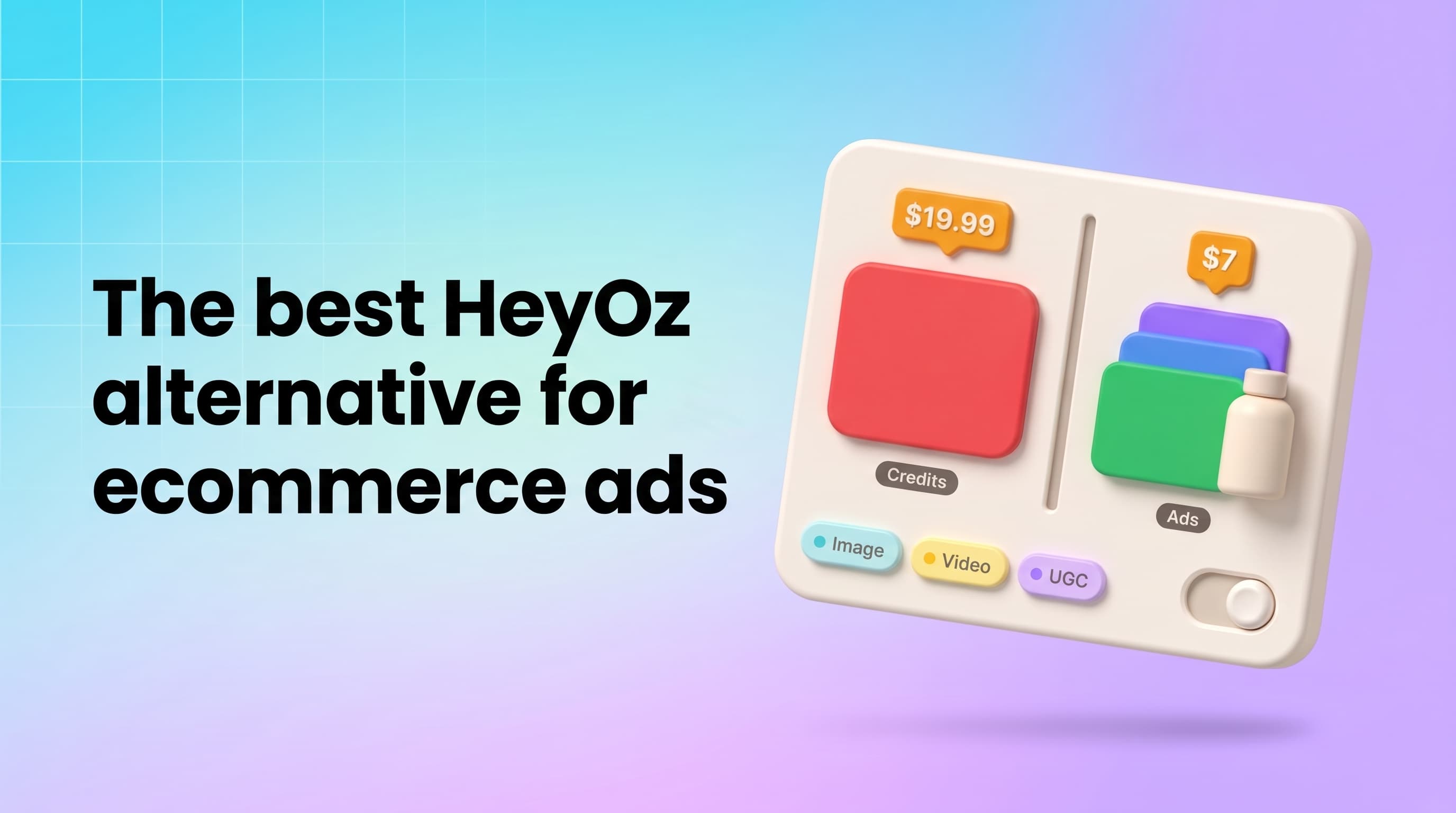
The best HeyOz alternative for most ecommerce sellers is Pixair AI if you want image ads and UGC-style video ads in one tool, a permanent free plan to start, and a lower monthly entry price. HeyOz is a strong pick if you want social posting and scheduling built in or longer ads up to 60 seconds. Below is a fair side-by-side so you can choose based on how you actually make and test ads.
What is HeyOz and what does it do well?
HeyOz describes itself as an ad engine that knows your brand. You drop in your website URL and it builds a brand profile, maps your product catalogue, and identifies your customer profiles and competitors. From there it generates static ads, lifestyle shoots, product reshoots, product shot videos, UGC ads, carousels and story videos.
A few things HeyOz does that are worth calling out:
- URL to brand profile. It scrapes your site for products, imagery, pricing and claims, then uses that in every ad.
- Ad remixing. You can upload an ad that inspired you and HeyOz rebuilds it around your product.
- Avatars. It lists 40+ ready-to-use avatars, and you can generate your own from a text prompt.
- Social posting. Its plans let you connect Instagram, TikTok and Facebook, and its FAQ says you can schedule creatives through connected accounts.
- Longer ads. Its pricing page says you can generate ads up to 60 seconds.
- Multiple workspaces. Each brand or client can live in its own workspace.
If you run organic social and paid ads from the same place, that posting layer is a real reason to use HeyOz.
Why do sellers look for a HeyOz alternative?
Most people searching for a HeyOz alternative fall into one of three groups.
The first group wants to try before paying. HeyOz lets you sign up free and see what it creates, but its paid plans start at $19.99 a month (with a 30% discount on the first month). Pixair has a free plan with 30 credits that never expire and need no credit card.
The second group cares about cost per test. Media buyers fighting creative fatigue need volume. When you test ten hooks a week, the price of the entry plan matters.
The third group wants more control over the workflow. Templates are fast, but sometimes you want to wire your own process: your product photo plus a competitor ad plus a brief, turned into new variations. That is what Pixair's AI Canvas is built for.
How does Pixair compare to HeyOz?
Here is how the two line up on the things sellers ask about most. HeyOz details come from its public homepage and pricing page as of October 2026. Check both sites for the latest.
| Pixair AI | HeyOz | |
|---|---|---|
| Starting input | One product photo or a product link | Website or product URL |
| Static image ads | Yes, 60 image templates | Yes |
| UGC-style video ads | Yes, up to 30 seconds | Yes, ads up to 60 seconds |
| Ready-made AI avatars | 109+ across 15 niches, or generate your own | 40+, or generate your own |
| Recreate an ad you saw | Ad Cloner | Upload an inspiring ad to rebuild it |
| Turn a static ad into video | Ad Animator (6-second video) | Not listed on its site |
| Brand kit from your website | Yes | Yes, plus customer profiles and competitor research |
| Custom node-based workflows | AI Canvas | Not listed on its site |
| Use from Claude, ChatGPT, Cursor or Codex | Pixair MCP | Not listed on its site |
| Social account posting | Pixair creates the creatives only | Connect Instagram, TikTok and Facebook |
| Free plan | 30 credits, no card, credits never expire | Free signup to preview output |
| Entry paid plan | $7/month ($5/month billed yearly), 100 credits | $19.99/month, 100 credits |
| Mid plan | Pro: $24/month ($18 yearly), 400 credits | Basic: $44.99/month, 250 credits |
| Top self-serve plan | Business: $59/month ($45 yearly), 1,000 credits | Professional: $99.99/month, 550 credits |
Credits do not buy the same thing on both platforms, so compare what each plan actually produces for you. On HeyOz, its pricing page says a standard image costs 1 credit, a professional image 2 credits, and videos 5 to 15 credits. On Pixair, images start at 3 credits and videos start at 8 credits. With Pixair's customer prices of about $0.045 to $0.07 per credit, one image ad lands at roughly $0.14 to $0.21.
What does a video ad cost on Pixair?
Video cost depends on length and resolution. A few reference points:
- 5 seconds at 360p: 10 credits
- 10 seconds at 720p: 70 credits
- 10 seconds at 1080p: 105 credits
A quick 360p draft is cheap enough to test several hooks before you render the winner in full HD. Video tools need a paid plan, starting with Starter at $7 a month. If you want a broader view of what video creative costs across options, read our breakdown of product video ad costs in 2026.
What do Pixair UGC video ads look like?
Here are four UGC-style video ad examples made with Pixair, so you can judge the realism and pacing for yourself before you sign up.
What caption styles can you add to UGC ads?
Captions let your ad land even when the sound is off. Pixair adds live captions to UGC video ads in four styles, shown here in order: Backdrop, Glass, Handwritten and Whisper.
Who should pick HeyOz and who should pick Pixair?
Pick HeyOz if:
- You want to connect Instagram, TikTok and Facebook accounts and schedule posts from the same tool.
- You regularly need ads longer than 30 seconds, up to 60.
- You like having customer profiles and competitor research generated from your URL before you start.
- You would rather hand the work off entirely. Third-party pricing sites also report an Enterprise tier from $599 a month where the HeyOz team makes the ads.
Pick Pixair if:
- You want to start on a free plan and keep your credits until you need them.
- You test a lot of variations and want a lower monthly entry price.
- You need images and videos for the same campaign, with matched angles through Campaign mode (pain point, benefit, social proof).
- You want to turn existing static winners into motion with Ad Animator.
- You want to build your own workflows in AI Canvas instead of only using templates.
- You already work in Claude, ChatGPT, Cursor or Codex and want to generate ads from that chat through Pixair MCP.
Both tools can take a product link and produce ads for Meta and TikTok. The choice usually comes down to posting and longer videos on one side, and price, free access and workflow control on the other.
Which is better for Shopify, Amazon and TikTok Shop sellers?
Shopify sellers can paste a product link into Pixair's Product Link to Ads, and the agent pulls the photos and details to build the ads. Brand Kit imports your logo, colors, fonts and tone from your store so every creative looks like you. We cover the full process in our guide to Shopify ad creatives with AI.
Amazon sellers usually need two things: clean listing images and ads that drive traffic. Pixair's templates include product listing images and product photoshoots alongside static ads, so you can cover both from one product photo.
TikTok Shop sellers live on UGC-style video. Pixair's UGC Video Ads put the product in a creator's hand or on their body from a single photo, with captions, pre-built hooks and 10 scroll-stopping openers. If you want ideas for the first two seconds, see our list of video ad hooks.
The same applies to WooCommerce stores and brands on any other platform. If you can share a product photo or link, you can make the ads.
How do I get started with Pixair?
Here is the shortest path from one product photo to a set of ad creatives for Meta, TikTok, Instagram and Google Display.
- Sign up free at pixair.ai. You get 30 credits with no card required, and they never expire.
- Add your brand. Paste your website URL so Brand Kit can pull your logo, colors, fonts and tone.
- Upload one product photo or paste a product link. Product Link to Ads works with Shopify, WooCommerce or any store link.
- Generate static ads first. Pick from 60 templates, or use Campaign mode to get a matched set from different angles. Sizes come out correct for each placement.
- Add video when you are ready. On a paid plan, turn the same photo into a UGC video ad with an AI avatar, a product showcase video, or animate your best static ad into a 6-second clip.
- Test and iterate. Upload your ads to Meta, TikTok or Google yourself, keep the winners, and make new variations of them. Our guide to Facebook ad creative iteration walks through a simple weekly loop.
If you prefer to talk instead of click, the Agent (beta) can plan and render a whole campaign from a chat.
What do other HeyOz alternatives look like?
If you are comparing more broadly, a few other tools come up often. Arcads, Creatify and MakeUGC focus mainly on avatar video. AdCreative.ai focuses on static ads. We have written fair comparisons for each, starting with our Arcads alternative guide.
The bottom line
HeyOz is a capable all-in-one ad tool, and its social posting and 60-second ads are real strengths. If those matter most to you, it deserves a trial. If you want to start free, test more variations for less per month, and keep image ads, video ads and custom workflows under one roof, Pixair is the HeyOz alternative to try first.
Upload one product photo at pixair.ai and see what a week of ads looks like.
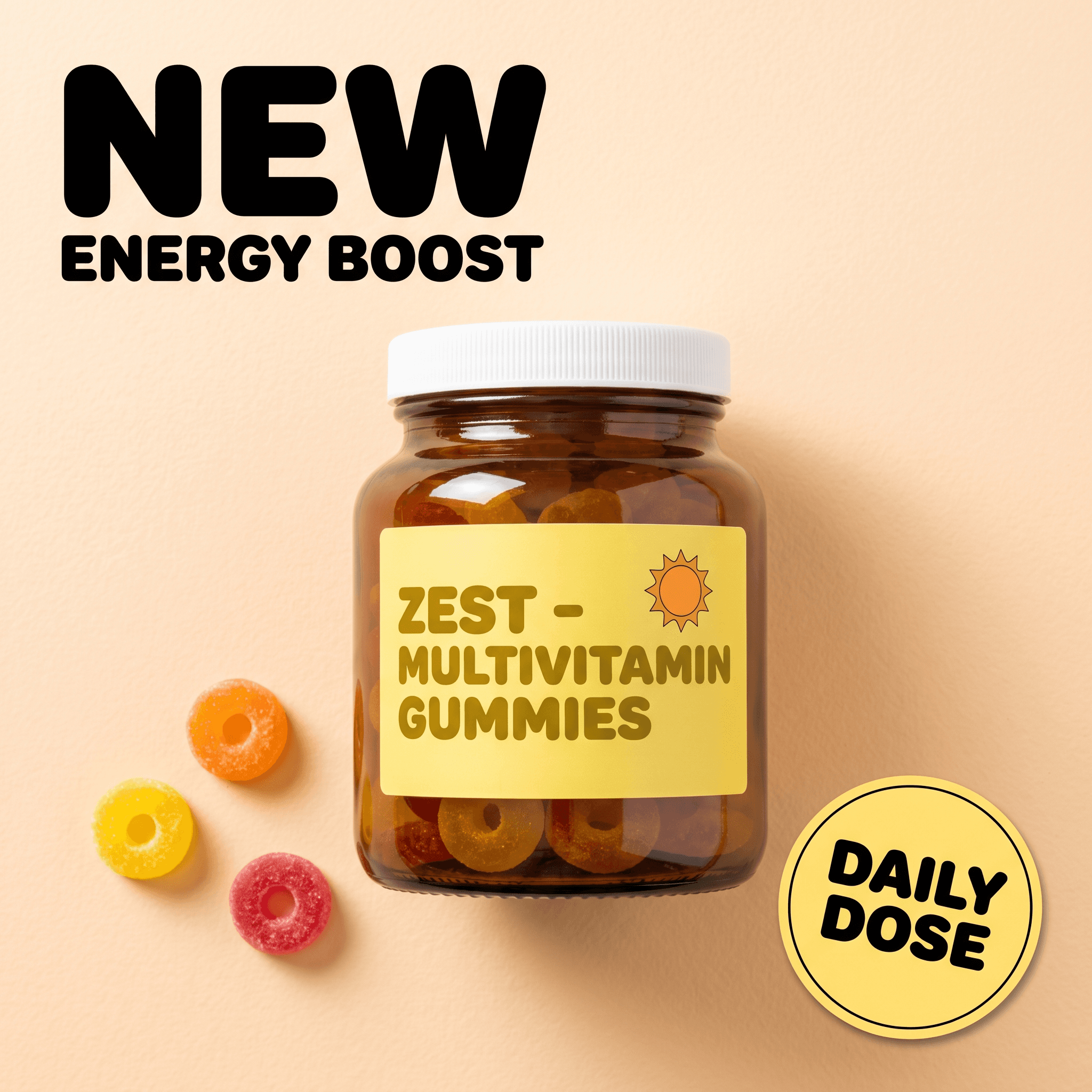
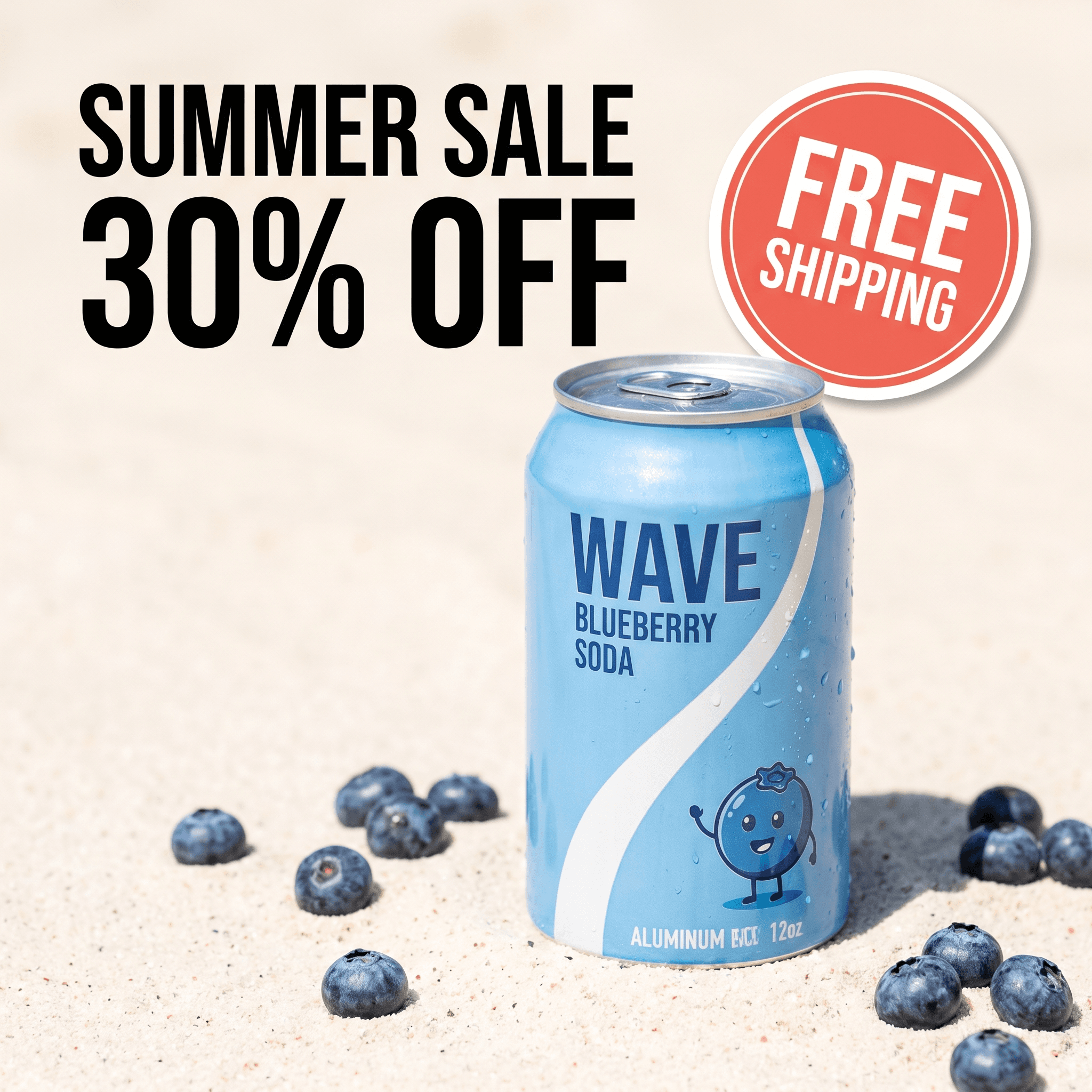
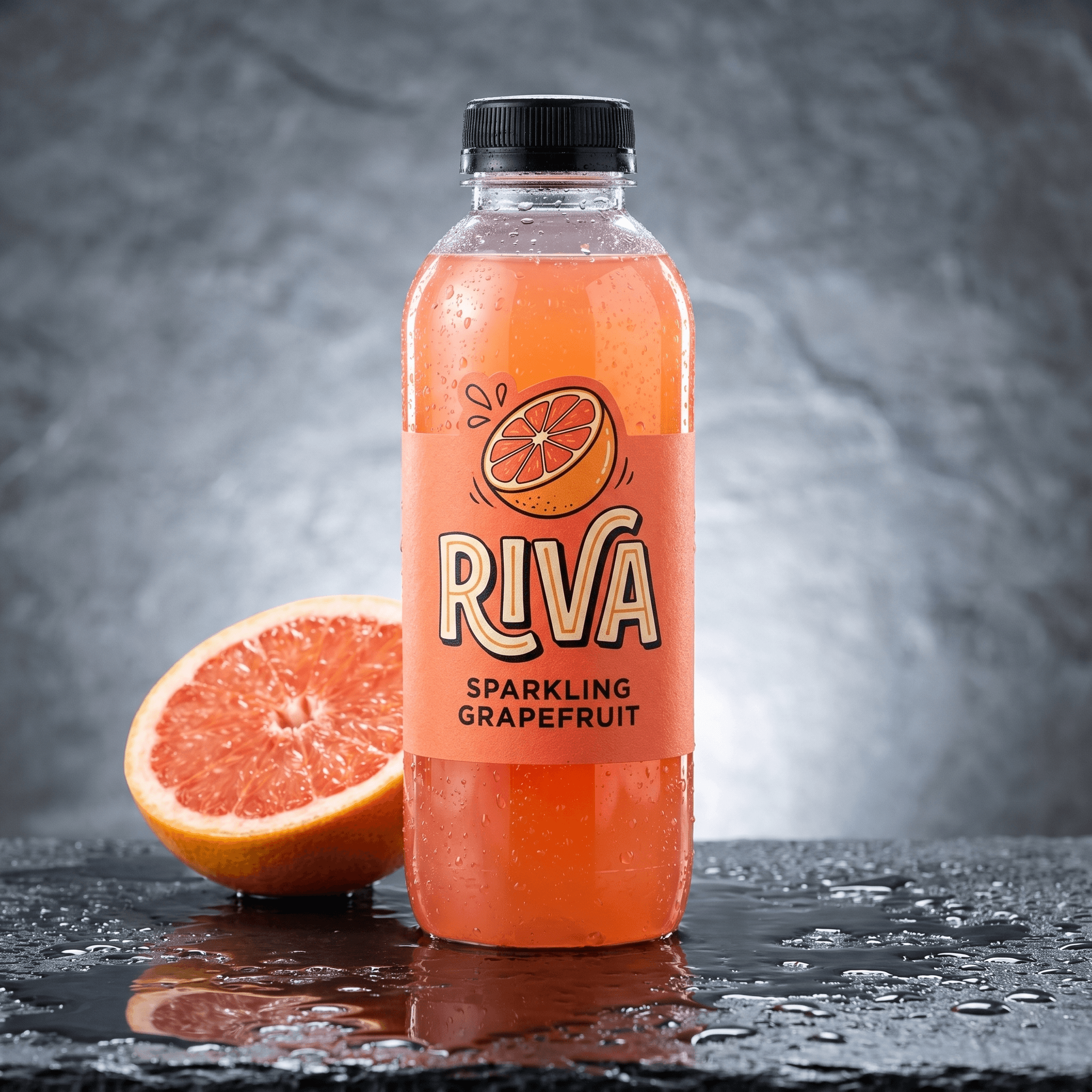

For most ecommerce sellers, Pixair AI is the best HeyOz alternative. It makes static image ads and UGC-style video ads from one product photo or link, has a free plan with 30 credits that never expire, and paid plans start at $7 a month.
Pixair's paid plans start at $7 a month ($5 billed yearly) for 100 credits, while HeyOz starts at $19.99 a month for 100 credits. Credits buy different things on each platform, so compare the number of images and videos you need rather than raw credits.
Yes. Pixair's free plan gives you 30 credits with no credit card, and they never expire. It covers all image tools, the agent, Brand Kit, AI Canvas and MCP. Video tools need a paid plan.
Pixair creates the ad creatives and you upload them to Meta, TikTok, Instagram or Google yourself. If built-in social posting is a must for you, HeyOz lets you connect Instagram, TikTok and Facebook accounts.
Yes. Pixair's UGC Video Ads create AI creator videos up to 30 seconds from a single product photo, with the product in hand or worn. You can pick from 109+ ready-made avatars or generate your own.
Keep reading
Related articles
How to see competitor Facebook and Instagram ads in 2026
See which ads a brand keeps running on Facebook and Instagram, spot the long-running winners, then recreate them for your own product with Pixair.
Best OpenArt alternative for ad creatives in 2026
OpenArt needs the $34/mo Plus plan before you can run its images as ads. This OpenArt alternative makes ready-to-run ads from $7/mo, with 30 free credits.
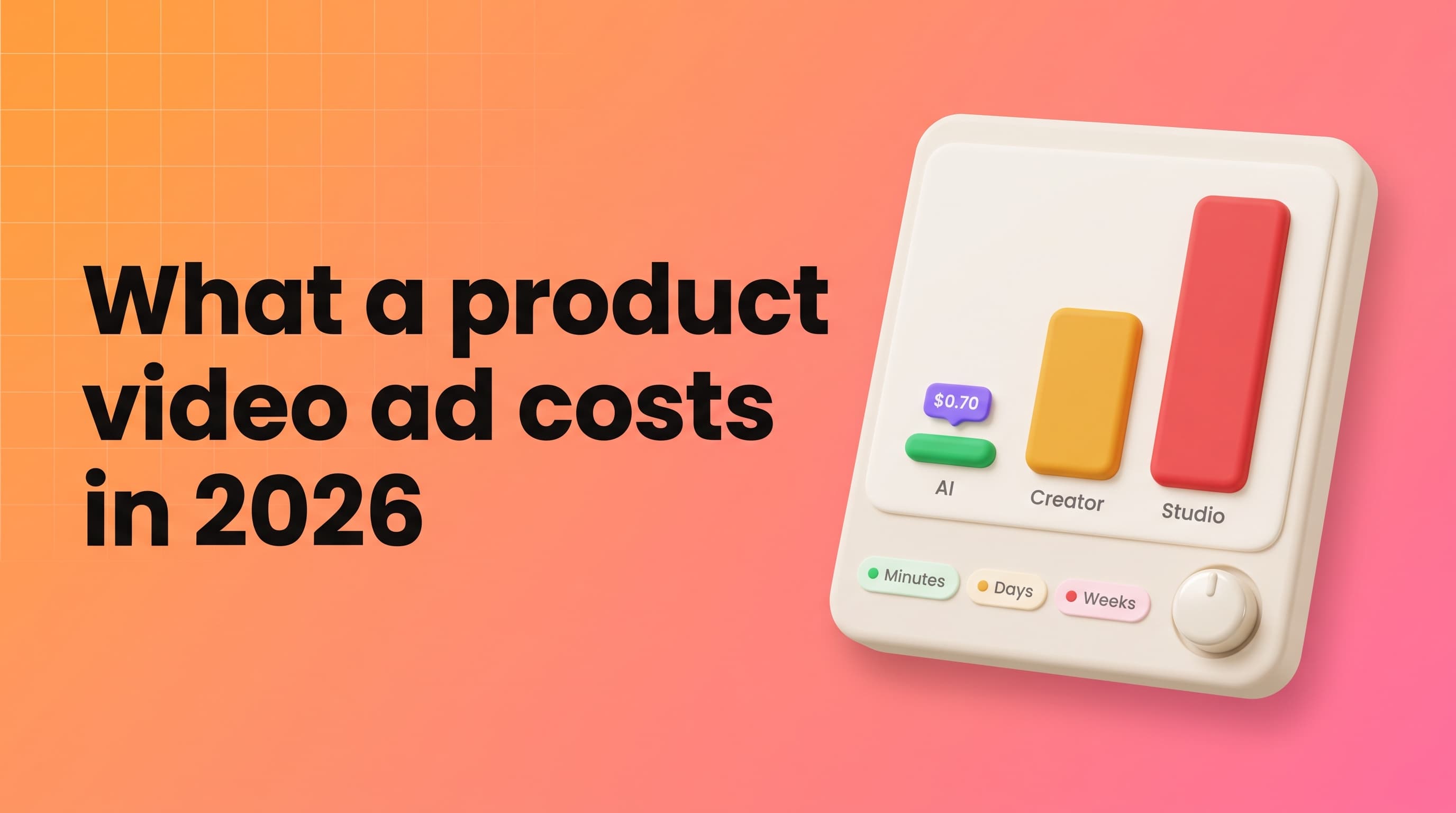
How Much Does a Product Video Ad Cost? 2026 Guide
A product video ad costs $0.70-$7.35 with AI, $175 median from a UGC creator before rights, and $1,000-$10,000 from a studio. Compare the real 2026 totals.